


Way2wayfabric Mod (1.20.4, 1.19.4) – Waystones nie wieder manuell markieren

 0
0 

🌐 Du liest diesen Artikel auf Deutsch. Möchtest du wechseln?
📖 Auf Englisch lesen (Original)Oder wähle die gewünschte Sprache:
Der Way2wayfabric Mod verbindet die Waystones-Mod mit Xaero’s Minimap, indem er automatisch Wegpunkte erstellt. Er fungiert als Brücke und lässt die beiden Mods ohne zusätzliche Konfiguration zusammenarbeiten. Wenn du einen neuen Waystone in deiner Welt entdeckst, erscheint sofort eine Markierung auf deiner Minimap. So behältst du spielend leicht den Überblick über all deine Reisepunkte.
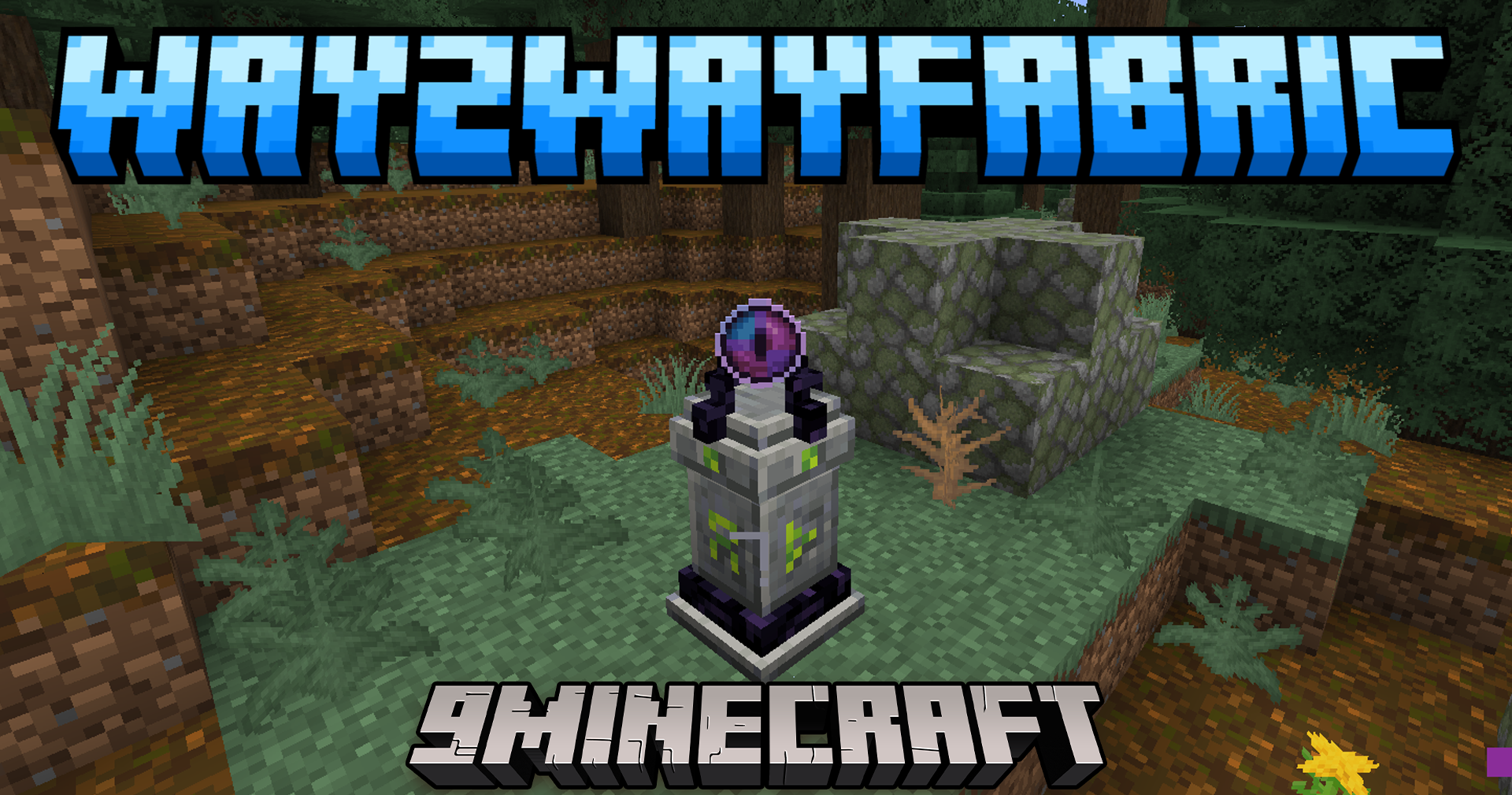
Features:
- Erstellt automatisch einen Wegpunkt auf Xaero’s Minimap, sobald du einen Waystone findest.
- Funktioniert sofort nach der Installation, kein Setup erforderlich.
- Falls du einen Wegpunkt versehentlich löschst, erscheint er beim nächsten Joinen wieder.
- Fügt neue Waystone-Markierungen der aktuell verwendeten Wegpunkt-Liste hinzu.
- Du kannst die Wegpunkte weiterhin über das normale Xaero’s-Menü verschieben oder bearbeiten.
Anleitung:
- Diese Mod funktioniert von selbst. Wenn du einen Waystone findest und aktivierst, wird automatisch ein Wegpunkt erstellt.
- Falls du einen Wegpunkt versehentlich gelöscht hast, trenne einfach die Verbindung und betrete die Welt erneut, um ihn wiederherzustellen.
- Wenn du mehrere Wegpunkt-Sets nutzt, stelle sicher, dass das richtige aktiv ist, bevor du einen neuen Waystone berührst.
- Du kannst Wegpunkte später jederzeit über Xaero’s Bearbeitungsbildschirm in andere Sets verschieben.
Installationsanleitung:
Voraussetzungen:
 Xaero’s Minimap Mod Erforderlich
 Fabric Language Kotlin Mod Erforderlich
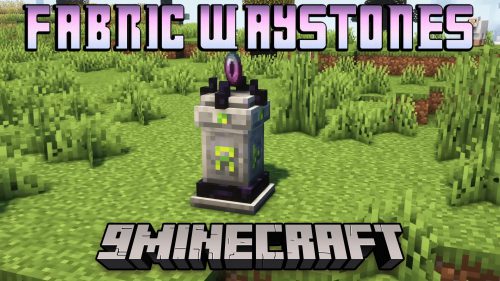 Fabric Waystones Mod Erforderlich
 Xaero’s Minimap Fair-Play Edition Mod Optional
Waystones Optional
Wraith Waystones Optional
Way2wayfabric Mod Download Links
Für alle Versionen von Minecraft 1.19 bis Minecraft 1.20.4
Fabric Version: Download von Server 1 – Download von Server 2
Klicke, um diesen Beitrag zu bewerten!
[Total: 3 Average: 4.7]
Das könnte dir auch gefallen


Dieser Beitrag hat noch keine Kommentare. Sei der Erste – dein Kommentar erscheint hier.