


Diamond SMP Essentials Model – Transforms Utility Blocks with 3D Shapes

 0
0 

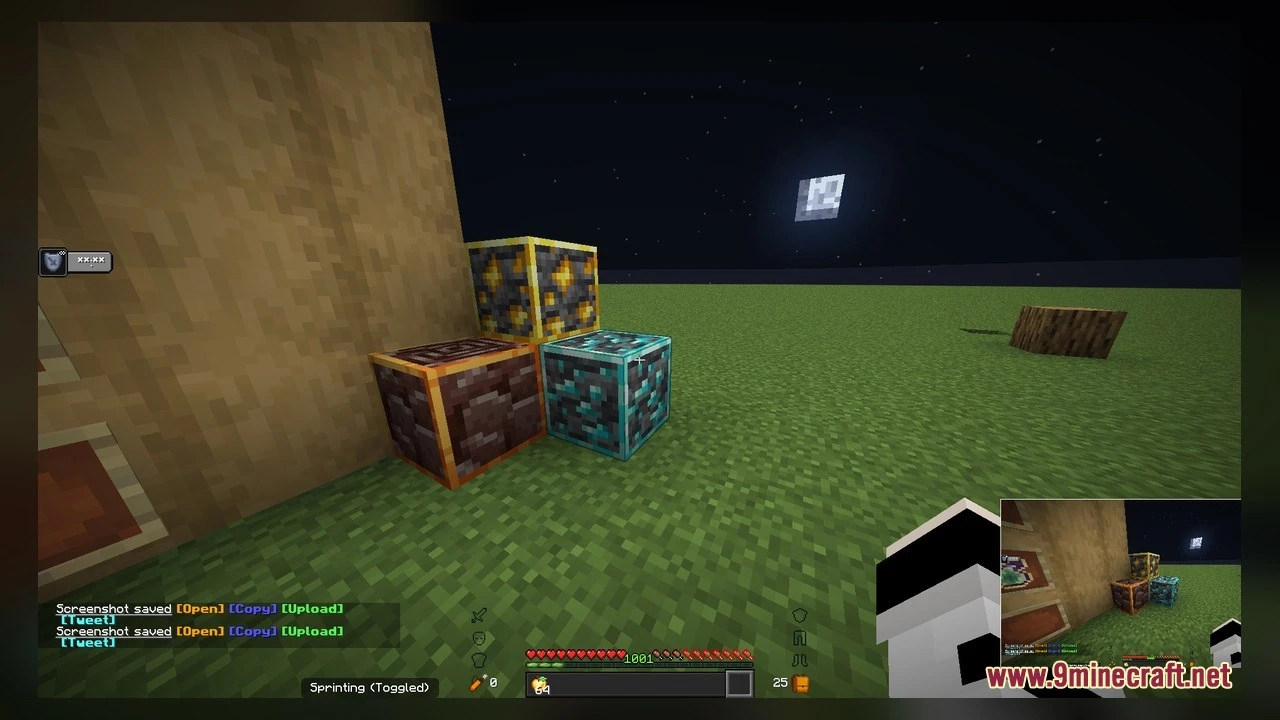
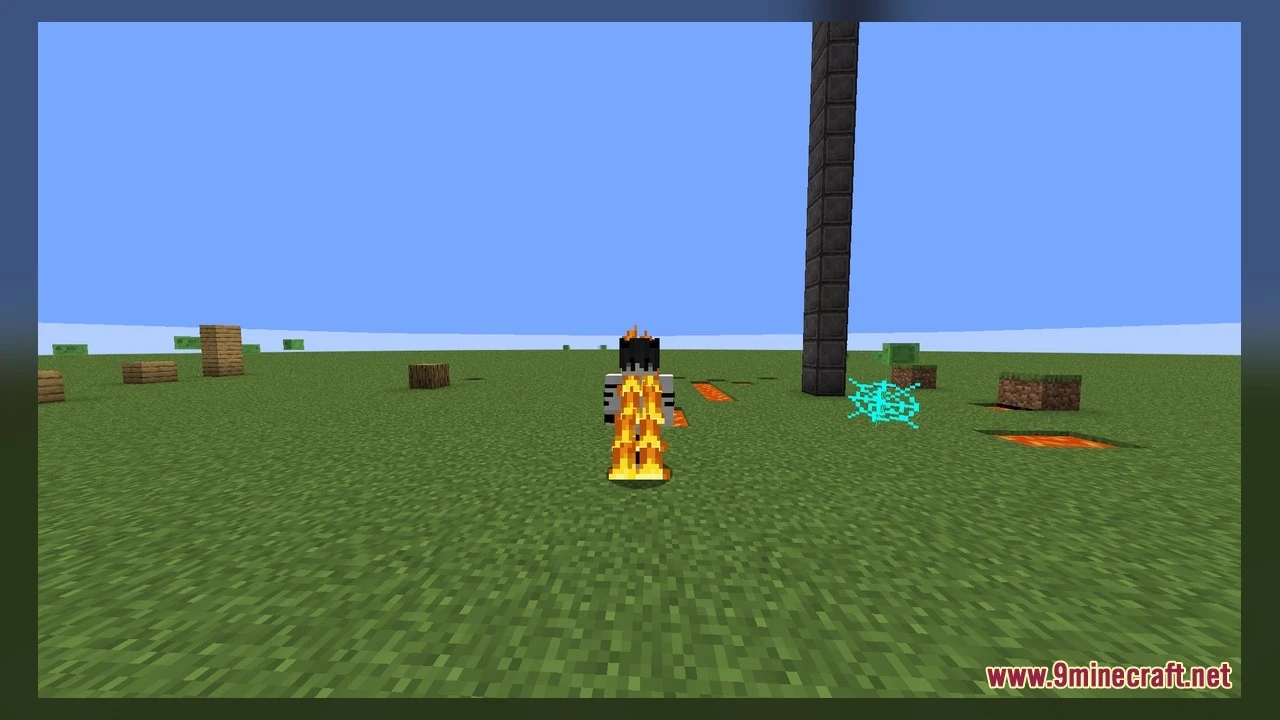
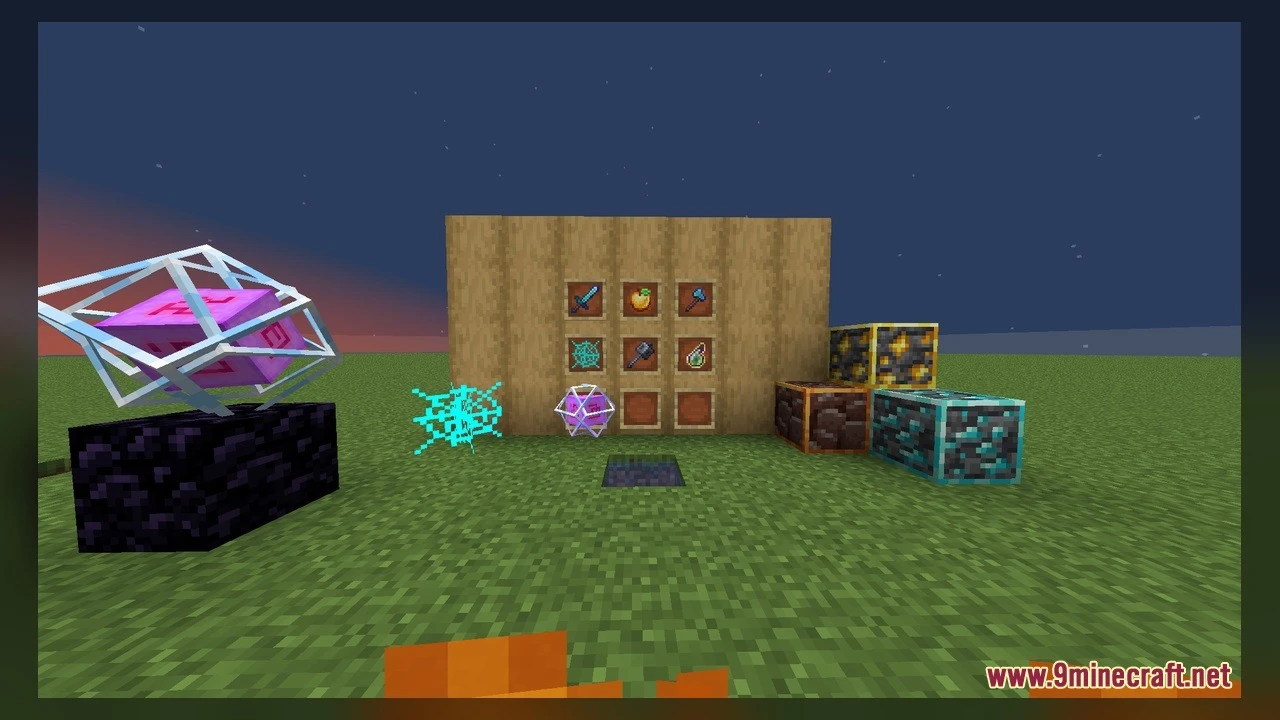
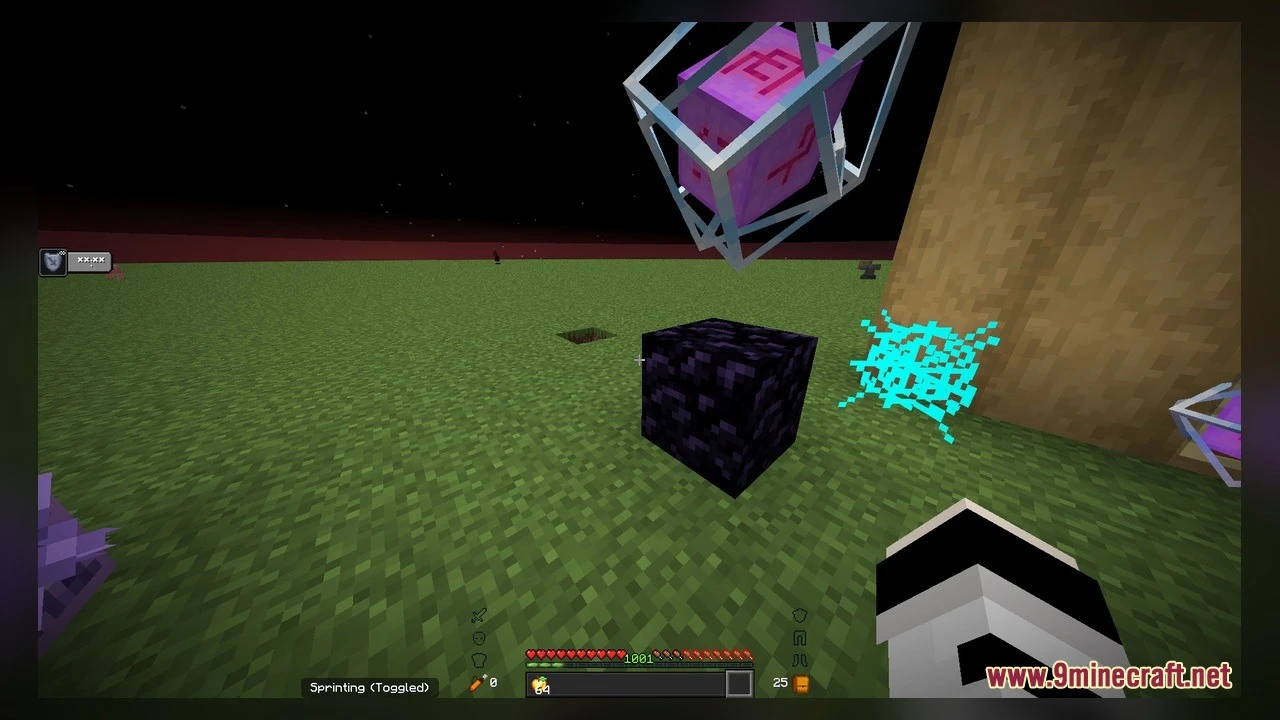
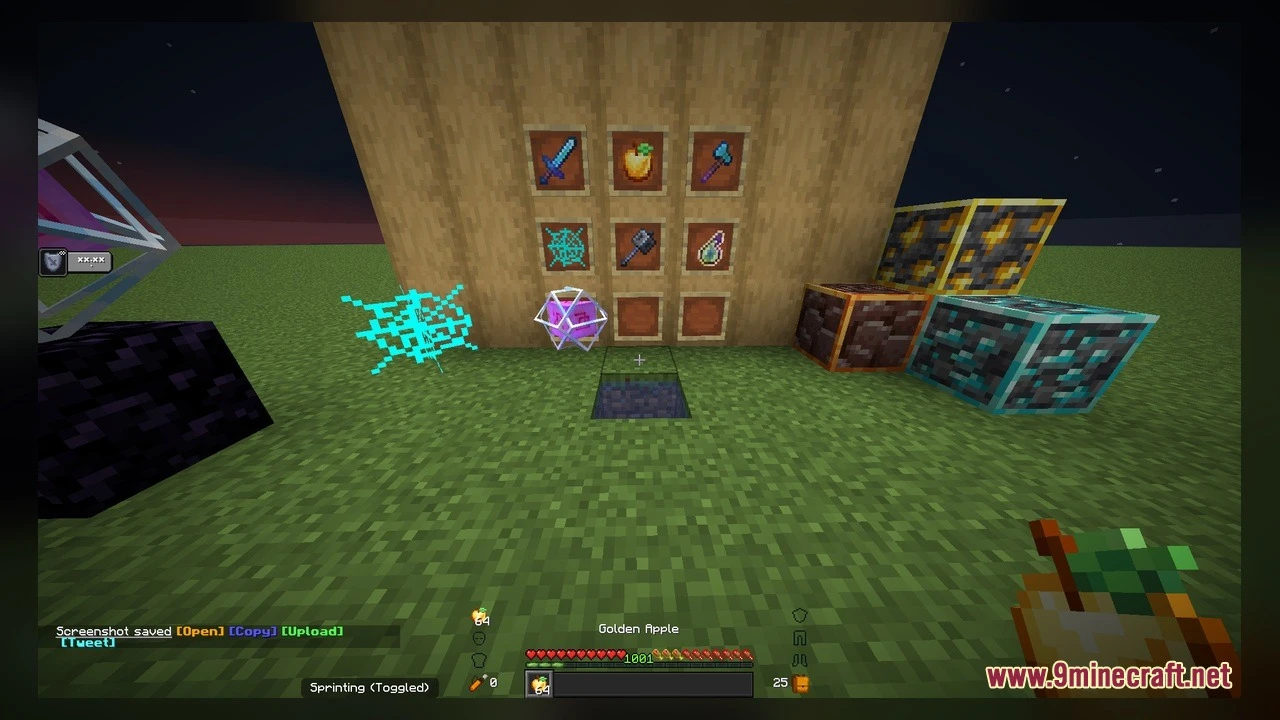
Diamond SMP Essentials Model upgrades your everyday multiplayer survival world with 3D models and animated textures. It revamps standard utility blocks so you can spot changes at a single glance. The pack includes 90 custom block shapes and over 500 refreshed textures. It works great on private survival servers and public multiplayer worlds alike.
Features:
- Adds 90 custom 3D models for everyday workstation and redstone blocks.
- Includes 504 updated textures with built-in texture animations.
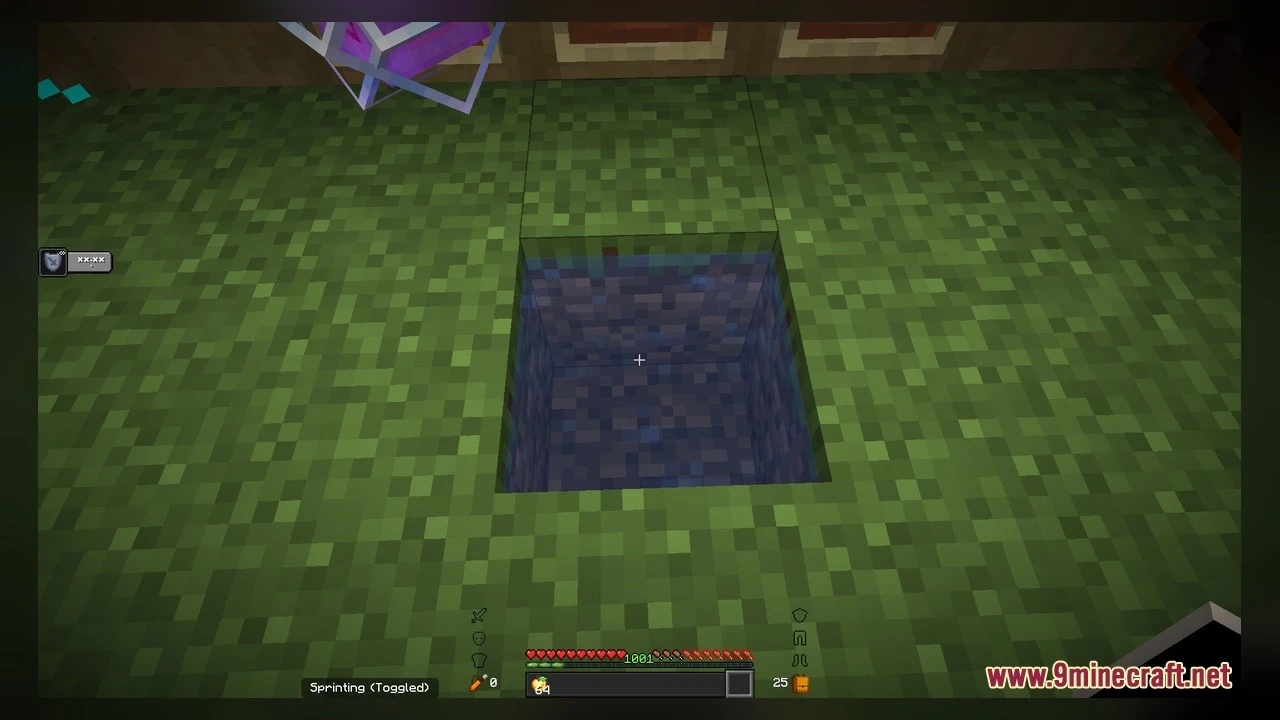
- Changes the look of composters across every fill level from empty to ready.
- Displays clear active states for comparators, lightning rods, and beacons.
- Reworks iron bars, cauldrons, heavy cores, and dragon eggs into detailed 3D shapes.
How to Use:
- Open your Minecraft settings, go to Resource Packs, and move the pack to the active list on the right side.
- Place down a Composter and drop in organic items to watch the 3D compost layer rise through all seven visual stages.
- Set up a Redstone Comparator next to a container to see the model switch visually between regular output and subtraction mode.
- Craft a Brewing Stand or Cauldron filled with lava to check out the refreshed three-dimensional fluid and bottle holders.
- Build a Beacon pyramid or place a Lightning Rod on your roof to view the glowing and powered state animations during a storm.
- Explore a mangrove swamp or place hanging mangrove propagules and iron bars to see their new connector models.
Requirements:
- A Minecraft version that supports animated textures
Screenshots:
Diamond SMP Essentials Model Download Links
Click to rate this post!
[Total: 0 Average: 0]
You May Also Like


This post has no comments yet. Be the first — your comment will appear here.