
Modern Minecraft Textures Back-ported Model – Brings Updated Block Shapes

 0
0 

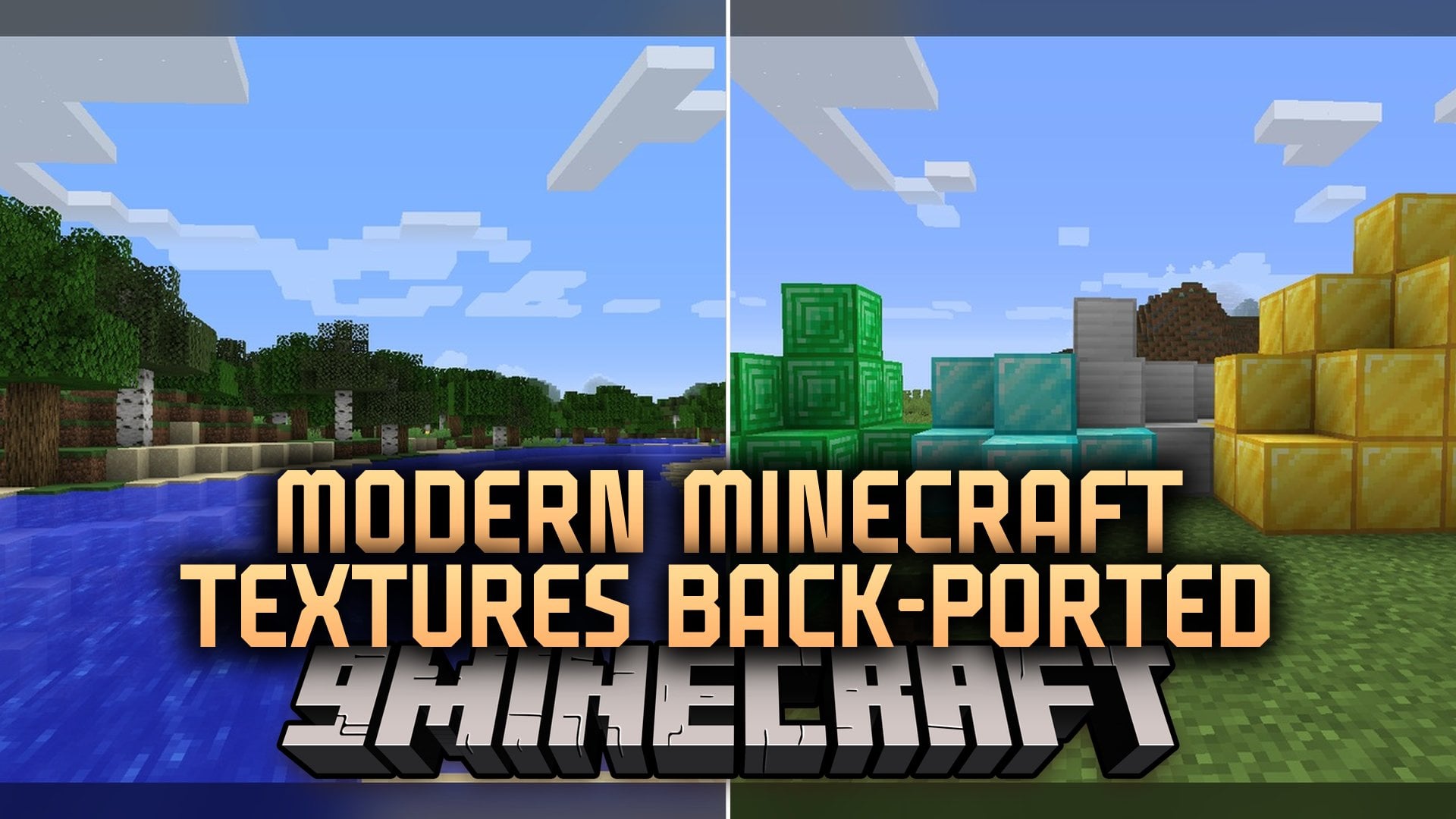
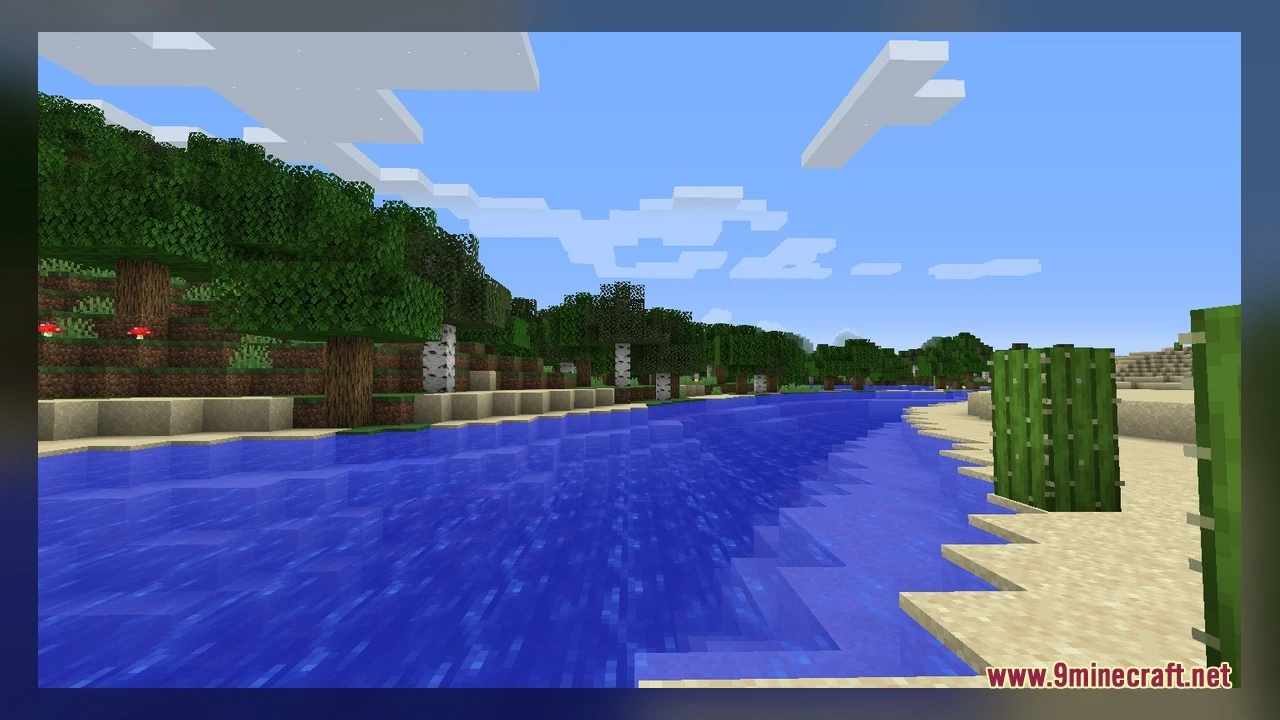
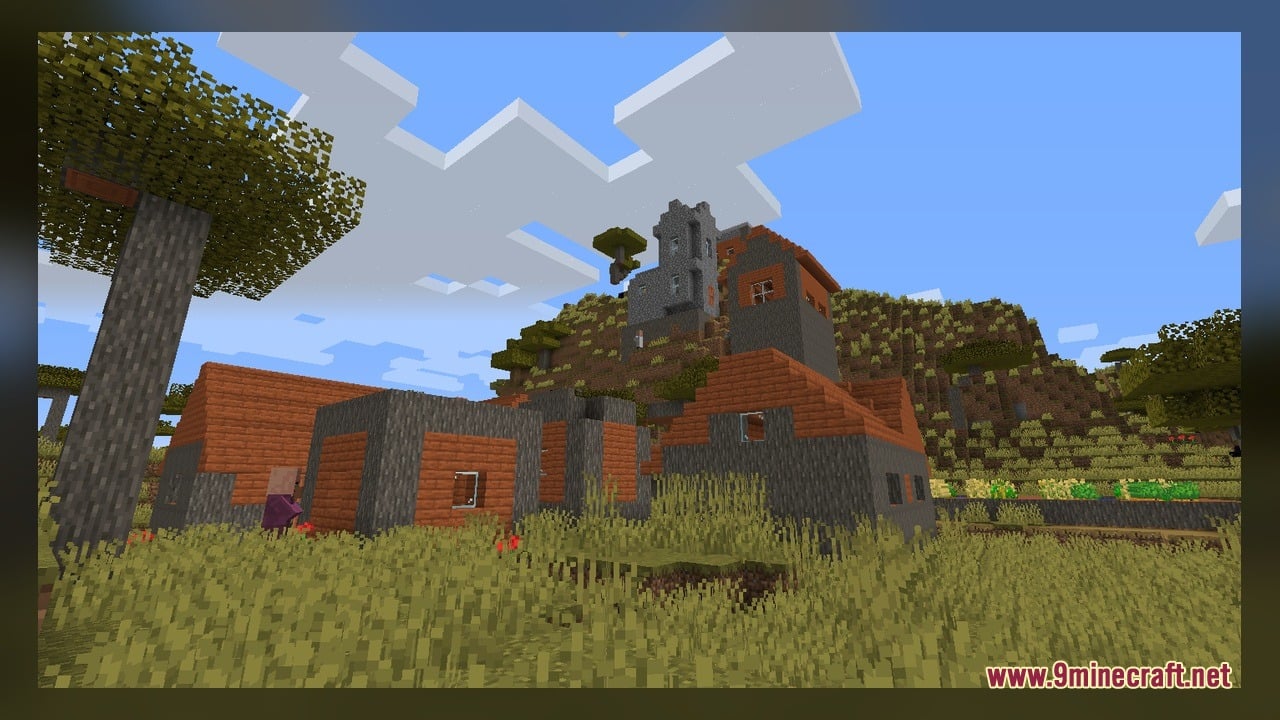
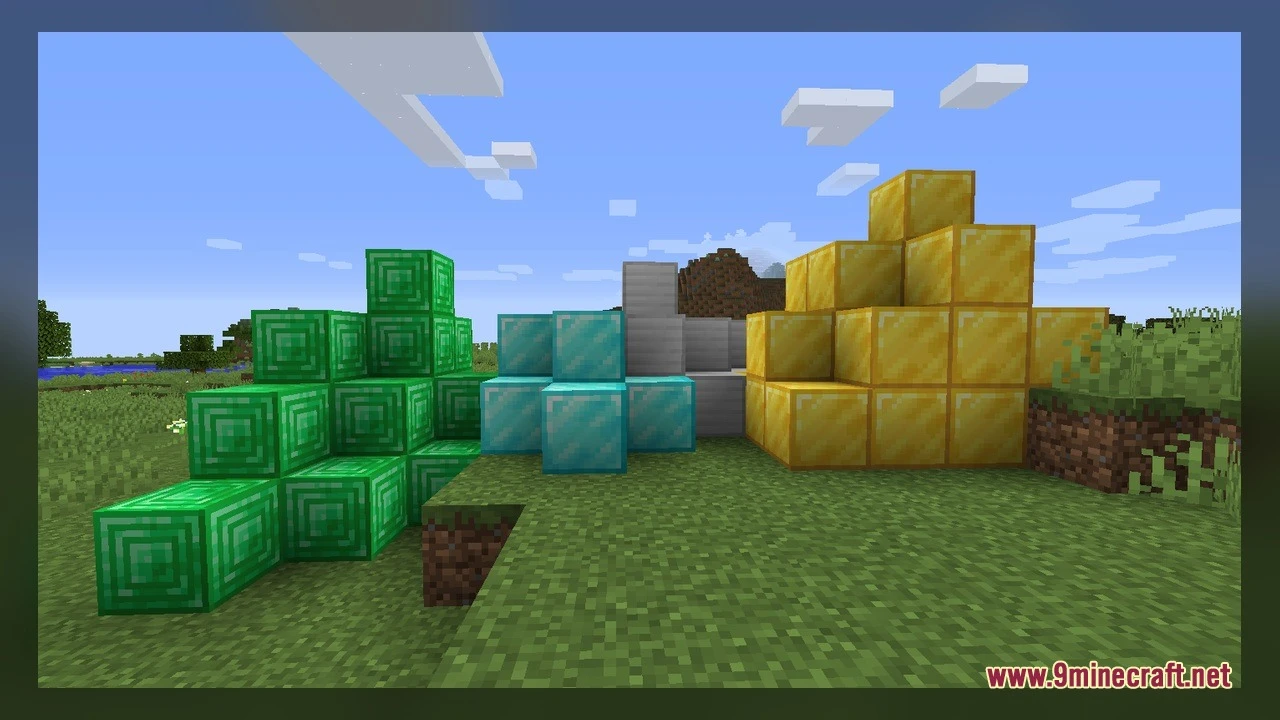
Modern Minecraft Textures Back-ported Model backports the updated look of newer Minecraft releases to version 1.12. It replaces older block art and shapes with fresh visuals from modern editions. The pack includes updated textures alongside reworked 3D models for redstone components, plants, and building blocks. You can enjoy the newer art style while keeping your 1.12 world intact.
Features:
- New Visuals: Replaces older textures with 2958 updated texture files from newer game versions.
- Custom 3D Shapes: Adds 186 custom 3D models for common blocks and items.
- Living Textures: Features animated textures across blocks for lively motion.
- Redstone repeaters change visual details across two-tick, three-tick, and locked states.
- Redstone comparators show clear visual states when unlit or set to subtract mode.
- Pistons show shorter head shapes during activation.
- Cauldrons display updated water levels and fill steps.
- Brewing stands show individual potion bottles sitting in the stands.
- Chorus plants and stems use updated shapes without awkward side connections.
- Fences, fence gates, and iron bars connect with clean posts and caps.
- Snow layers show distinct block heights from thin dust to deep drifts.
- Vines and tall grass blend naturally into walls and terrain.
How to Use:
- Put the pack into your resource packs folder and turn it on in the in-game options menu.
- Place an observer or a redstone repeater on the ground to inspect the updated top faces and tick delay markers.
- Set down a brewing stand, add glass bottles, and watch how each bottle model appears in the base slots.
- Place a cauldron and fill it with a water bucket to see the updated water level surfaces.
- Travel to the End dimension to gather chorus fruit and place chorus plant blocks to view their updated branch models.
- Craft a cake, place it down, and take four bites to check how the four-slice model looks on a table.
Requirements:
- A Minecraft version that supports animated textures
Screenshots:
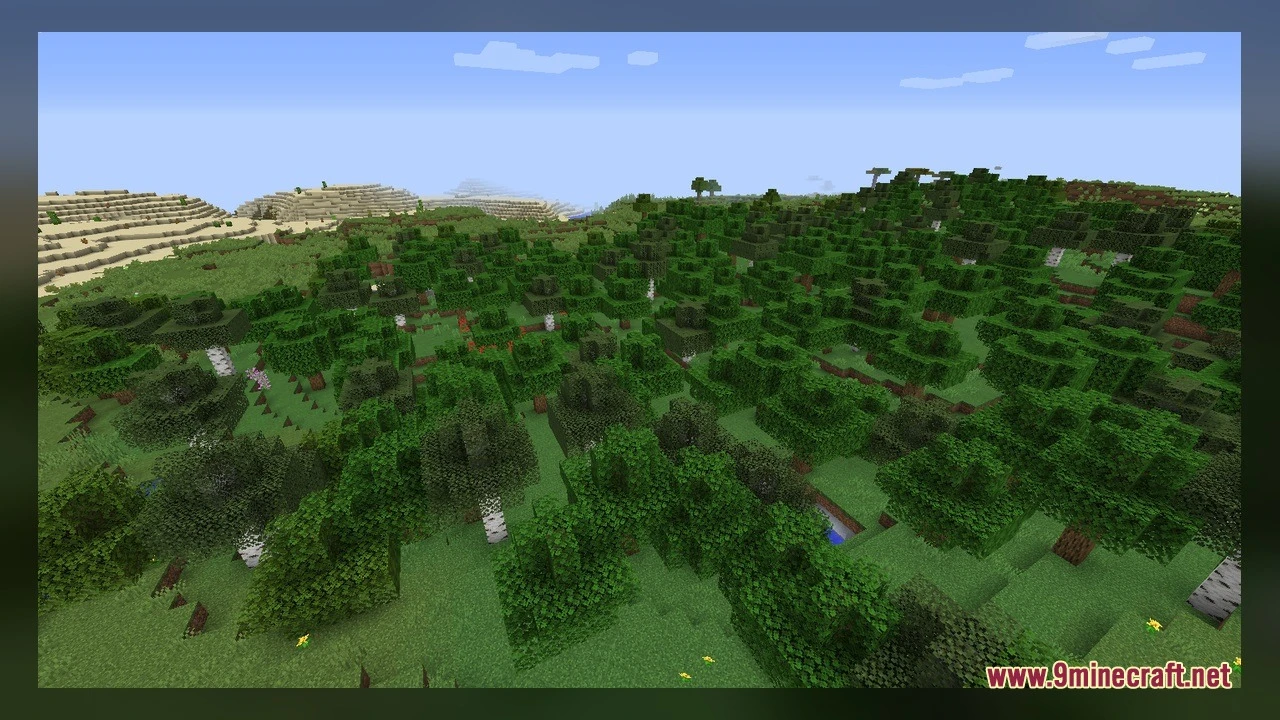
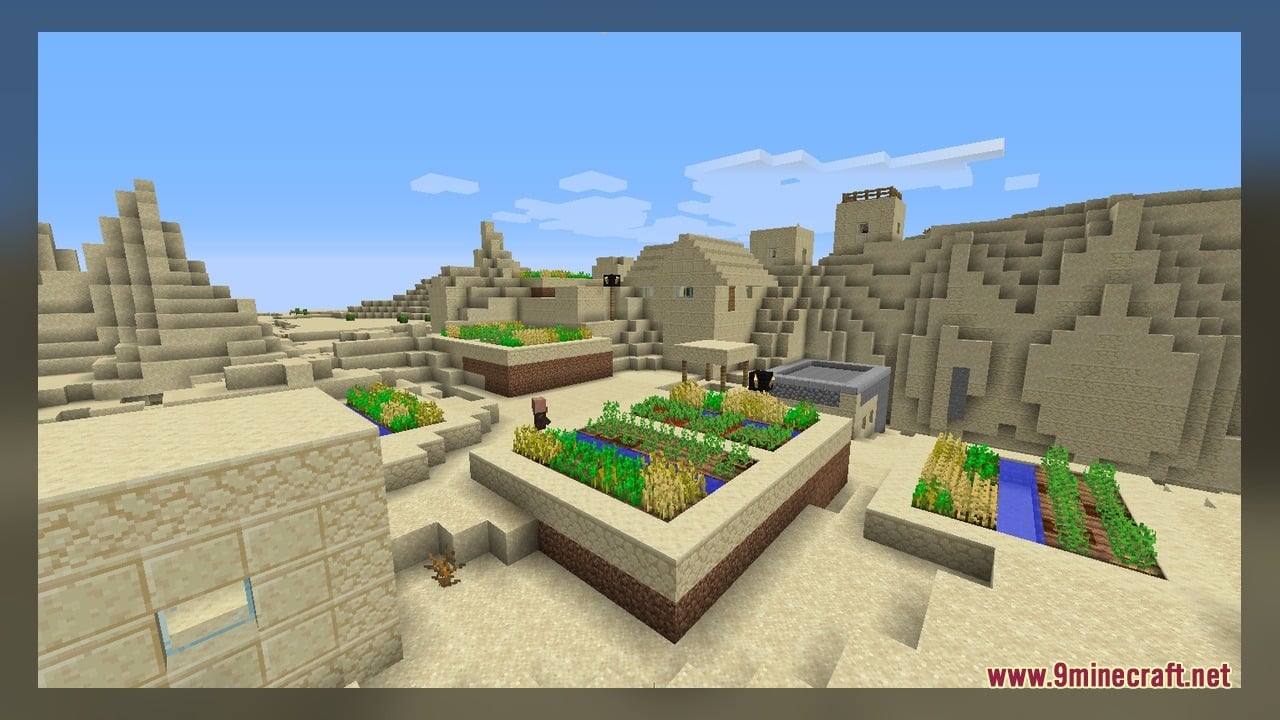
Modern Minecraft Textures Back-ported Model Download Links
Click to rate this post!
[Total: 0 Average: 0]
You May Also Like
Picked for this page
 Police Furniture Pack Model
 PixelEmojis Model
 Old Horse Model – Restores Classic Retro Horse Models and Animations
 CMG PP Model – Transforms Create Machinery Into Tactical Military Equipment
 Vervada’s Enhanced Plants Model – Adds Volumetric 3D Vanilla Plants
 F1 2025 Boat 16x Model – Transforms Vanilla Boats Into Formula Racing Cars
 Nogs Beaver Model – Adds Destructive Wood-Eating Beaver
 ComputerCraft Greg Flavored Model – Adds Industrial 3D Computer Models
 Create New Age – Transforms Energy Machines with Custom Animated 3D Models
 Redstone Tweaks Overlaid Model – Adds Clear 3D Redstone Indicators
 Bare Bones X Immersive Weathering Model – Brings Clean Vibrant Block Models
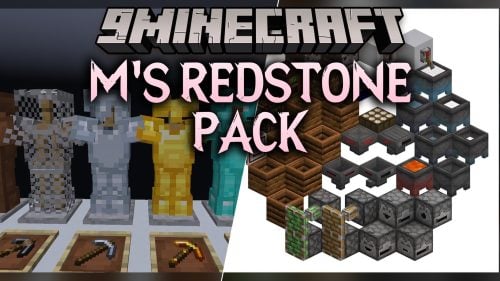 M’s Redstone Model – Brings Animated 3D Indicators to Redstone Components
Most viewed in Models over the last 7 days
 Jenny Mod Skin Pack Mega Collection – 310+ Characters
 The Most Complete Collection of Jenny Mod Resources – Models, Animations, Structures,…
 Albedo Rework Jenny Mod Model
 Power Model – Custom Girl for PleasureCraft Mod
 Ram Model – Custom Girl for PleasureCraft Mod
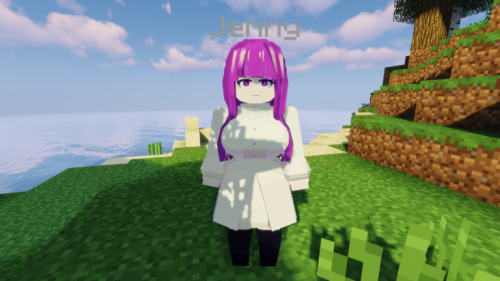 Fern Jenny Mod Model
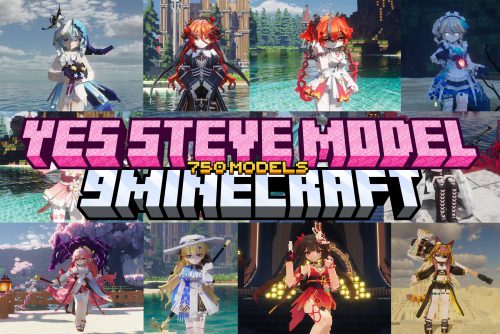 750 Models Addon for Yes Steve Model Mod
 Ellie Rework Jenny Mod Model
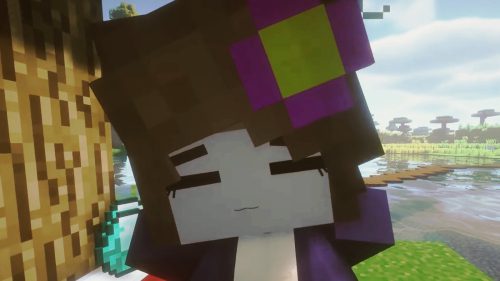 Jenny Model – Custom Girl for PleasureCraft Mod
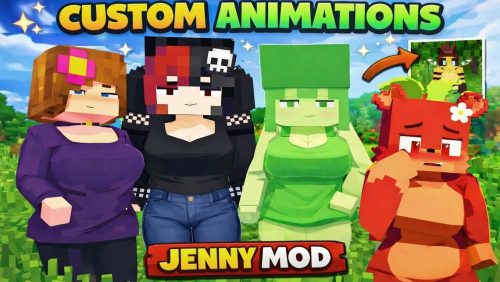 100+ Custom Animations For Jenny Mod
 Galath Rework Model – Custom Girl for PleasureCraft Mod
 Mitsuri Kanroji Model – Custom Girl for PleasureCraft Mod
More from Models
 Mafiya’s 10k Model – Brings Animated 3D Models to Interactive Blocks
 ComputerCreate Model – Transforms CC Tweaked Into Steampunk Machinery
 Arkhalis Model – Brings Clean 3D Models for Competitive PvP Duels
 Mace PVP Essence Model – Adds Animated 3D Weapons for Vanilla Battles
 Block-Accurate 3D Item Model – Transforms Flat Sprites Into 3D Models
 Dysfunctional’s PvP Model – Transforms PvP with Clean 3D Blocks
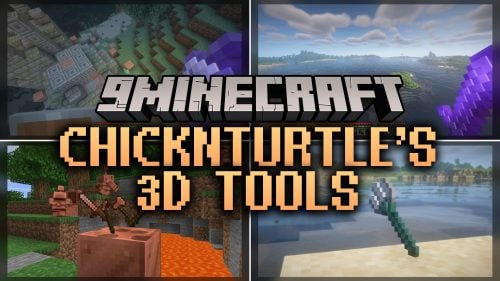 ChicknTurtle’s 3D Tools Model – Transforms Flat Sprites Into Blocky 3D Gear
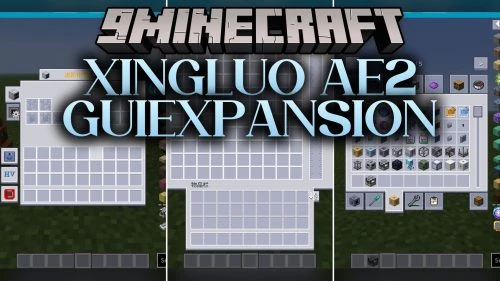 XingLuo AE2 GUIExpansion Model – Transforms AE2 with Futuristic Models
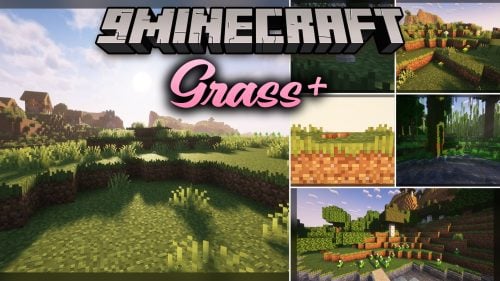 Grass Model – Transforms Plain Ground with 3D Flowers, Pebbles, and Sticks
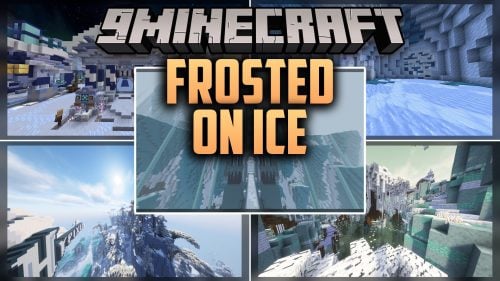 Frosted On Ice Model – Transforms Survival Blocks with Chilly Animated Designs
 Enhanced 3D Food Model – Transforms Vanilla Food Into Animated 3D Snacks
 Simple Beautiful Model – Brings Clean Custom Backdrops to Title Screens

This post has no comments yet. Be the first — your comment will appear here.