
Dustbound Schematic (1.21.x) – Massive Moving Train Base for Desert Survival

 0


Dustbound Schematic provides a massive, moving train that travels across endless desert wastelands. This world-building tool offers a roaming settlement for survivors carrying food, water, fuel, and salvaged machinery. You can use it to travel between isolated outposts while maintaining surviving rail lines. The design features a heavy industrial look perfect for post-apocalyptic worlds. It gives you a mobile base that survives the collapse of civilization by staying in motion.
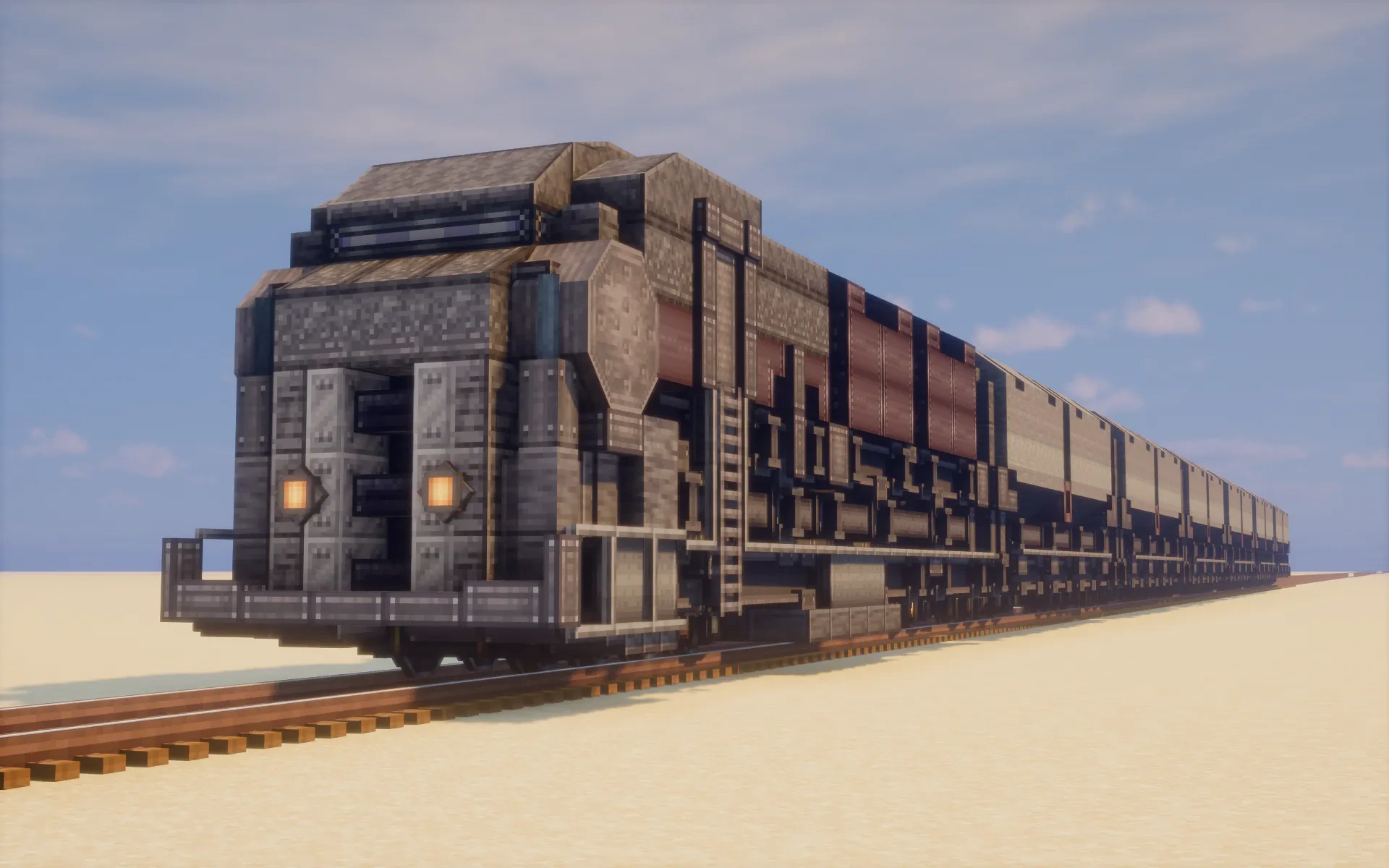
3D Preview & Editor:
Materials
48 types · 3,802 blocks
| Vanilla 5 | ||||||||
| Stone | 288 | Polished Deepslate Slab | 18 | Sand | 9 | |||
| Polished Deepslate | 3 | Polished Deepslate Wall | 2 | |||||
| Copycats 16 | ||||||||
| Copycat Slope Layer | 599 | Copycat Slice | 284 | Copycat Layer | 114 | |||
| Copycat Stairs | 90 | Copycat Slab | 71 | Copycat Vertical Slice | 12 | |||
| Copycat Vertical Half Layer | 12 | Copycat Slope | 12 | Copycat Trapdoor | 12 | |||
| Copycat Half Layer | 9 | Copycat Sliding Door | 8 | Copycat Byte Panel | 6 | |||
| Copycat Iron Trapdoor | 4 | Copycat Beam | 3 | Copycat Half Panel | 2 | |||
| Copycat Stacked Half Layer | 2 | |||||||
| Create 11 | ||||||||
| Industrial Iron Block | 832 | Metal Girder | 241 | Polished Cut Deepslate Slab | 216 | |||
| Polished Cut Deepslate | 133 | Polished Cut Deepslate Wall | 114 | Metal Girder Encased Shaft | 57 | |||
| Cut Deepslate | 4 | Controls | 2 | Gray Seat | 2 | |||
| Shaft | 2 | Blaze Burner | 1 | |||||
| Railways 6 | ||||||||
| Track Spruce | 132 | Locometal Smokebox | 127 | Medium Quadruple Wheel | 14 | |||
| Black Plated Locometal | 3 | Small Buffer | 2 | Copycat Headstock | 1 | |||
| Chipped 3 | ||||||||
| Blank Andesite Carving | 168 | Blank Deepslate Carving | 15 | Polished Deepslate | 12 | |||
| Createbigcannons 2 | ||||||||
| Built Up Nethersteel Cannon Chamber | 12 | Steel Cannon Chamber | 10 | |||||
| Createdeco 2 | ||||||||
| Industrial Iron Ladder | 6 | Industrial Iron Hull | 2 | |||||
| Tfmg 1 | ||||||||
| Cast Iron Pipe | 130 | |||||||
| Bellsandwhistles 1 | ||||||||
| Headlight | 2 | |||||||
| Mynethersdelight 1 | ||||||||
| Powdery Wall Sign | 2 | |||||||
How to place this schematic
.nbt This is a Create mod schematic. The Schematicannon builds it for you, block by block, from the materials you load into it.
| 1 | Put the .nbt file in .minecraft/schematics. |
| 2 | Open a Schematic Table, drop in an Empty Schematic, pick the file and write it. |
| 3 | Hold the written schematic and position the outline in the world, then confirm. |
| 4 | Place a Schematicannon, load it with the building blocks and gunpowder for fuel, then hit play. |
| 1 | Download the schematic file and place it in your Minecraft schematics folder. |
| 2 | Open the Create Mod’s Schematicannon or use the Schematic Table to load the file. |
| 3 | Position the blue outline in your world where you want the train to appear. |
| 4 | Provide the necessary blocks and materials to the Schematicannon to start building. |
| 5 | Once finished, use the Create Mod’s train mechanics to turn the build into a moving vehicle. |
Features:
- Empty Interiors: Most train cars come with empty space so you can decide what each room does.
- Includes a fully built locomotive and cabin ready for immediate use.
- Uses symmetrical modular construction to help you easily modify or repurpose individual cars.
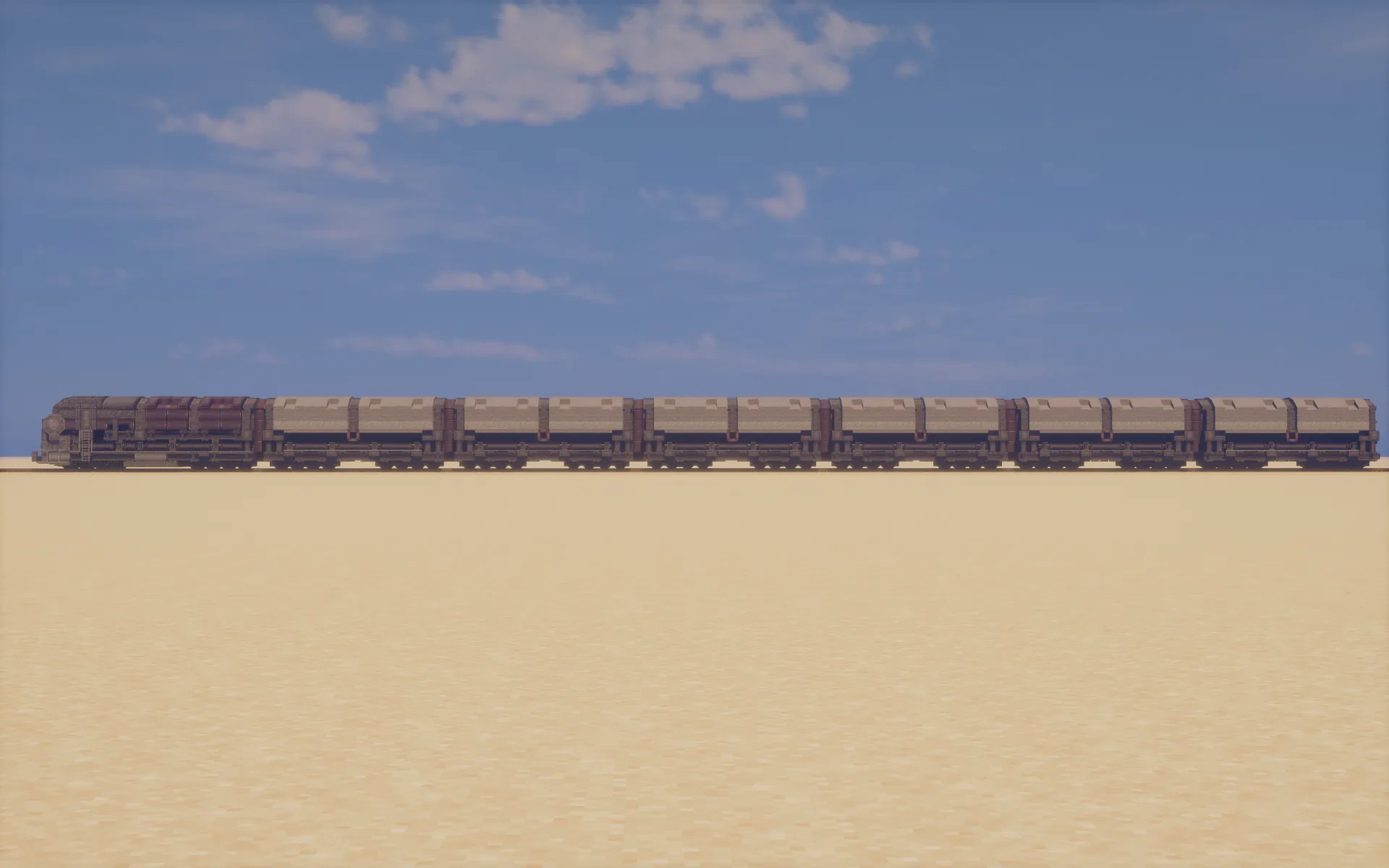
- Measures 132 blocks in length to fit all your essential machinery and resources.
- Provides a sturdy mobile home that can withstand harsh desert environments.
- Features a design inspired by heavy industrial machinery and survival outposts.
- Offers a large build made of over 3,800 blocks for a detailed and realistic look.
Schematic Specs:
 Minecraft1.21.x
 Create Mod6.0.10
 Dimensions132×8×7
 Total Blocks3,802
 Top Blocks Used
Screenshots:
Requirements:
 Create Mod Required
 Quark Mod Required
 Create Railways Navigator Mod Required
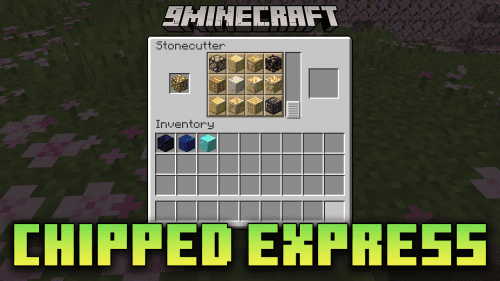 Chipped Express Mod Required
Dustbound Schematic Download Links
For Minecraft 1.21.x
You May Also Like
Picked for this page
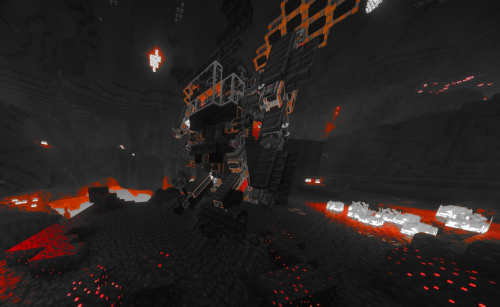 HELL MECHA Schematic (1.21.x) – Pilot a Giant Walking and Flying Robot
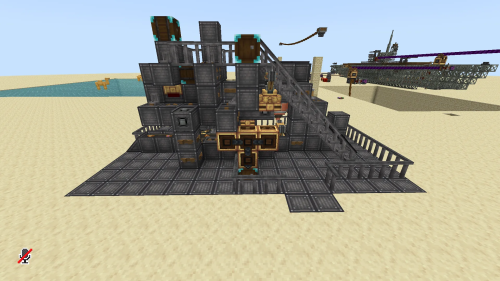 Usine a Totem Schematic (1.21.x) – Automated Totem of Undying Factory
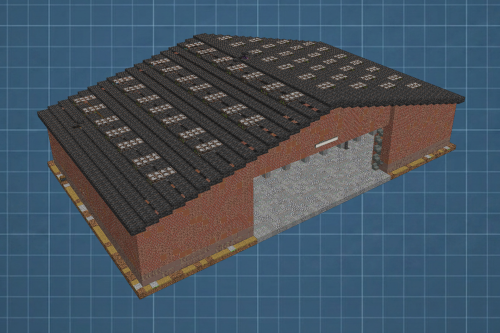 Simple Brick Hangar with Sliding Door Schematic (1.21.x) – Large Brick Hangar with Sliding Doors
 Artileriya Dora Vtoroy Mirovoy Voyny Dora Artillery World War Ii Schematic (1.21.x)
 Modern Drill Compact Survival Friendly Schematic (1.21.x) – Compact Mining Machine for Survival
 The Railway Airship Schematic (1.21.x) – Flying Machine with a Mini Base
 Scarab a Mobile Home Schematic (1.21.x) – Realistic Mobile Home Truck
 A Cute Working Boat Schematic (1.21.x) – Compact Functional Vessel for Create Mod
 Mustang Shelby Schematic (1.21.x) – Iconic Muscle Car Build for Create Mod
 The Light Offroad Speed Jeep Schematic (1.21.x) – Fast Offroad Vehicle for Steep Mountains
 Train Intersection Y Pattern Schematic (1.21.x) – Build Y-Shaped Train Tracks with Ease
 Monorail Roundabout Schematic (1.21.x) – Working Roundabout for Monorail Networks
Most viewed in Create Mod Schematics over the last 7 days
 Arasaka Tower Schematic (1.21.x) – Massive Black Industrial Skyscraper Build
 Copper Flying Ship That Can Also Act as a Normal Boat Schematic (1.21.x) – Dual Purpose Copper
 Rail Gun Schematic (1.21.x)
 Fast Small Airship Steam Schematic (1.21.x) – Small and Fast Steam Powered Airship
 Basic Aeronautics Airship Schematic (1.21.x) – Small Flying Machine For Create
 Starter Iron Farm Schematic (1.21.x) – Simple Early Game Iron Production Build
 Project StarGaze Schematic (1.21.x) – Build and Drive Your Own Military Vehicle
 House That Has a Flower Area Schematic (1.20.x) – Cozy Home with Garden Spaces
 Agrimotor Schematic (1.21.x) – Build a Functional Create Mod Tractor
 A Simple Mob Trap Schematic (1.21.x) – Build a Massive Automatic Mob Farm Structure
 Create Aeronautics Drill Schematic (1.21.x) – Giant Digging Vehicle for Create Mod
 Highly Efficient Iron Farm Schematic (1.21.x) – Massive Iron and Flint Production System
More from Create Mod Schematics
 Small Red Convertible Survival Friendly Schematic (1.21.x) – Compact Red Car for Survival Worlds
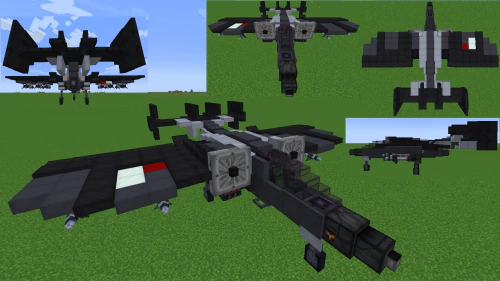 Ats Hussar V1 Schematic (1.20.x) – Build a Combat Jet with Create Mod
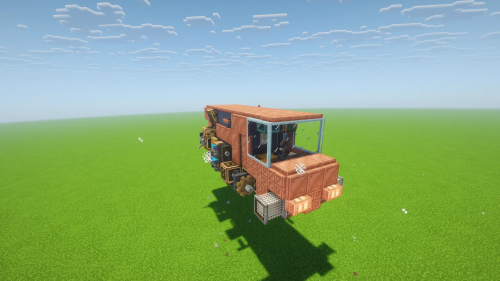 Hovercraft Cargo Mk1 Schematic (1.21.x) – Compact Cargo Vehicle Blueprint for Create
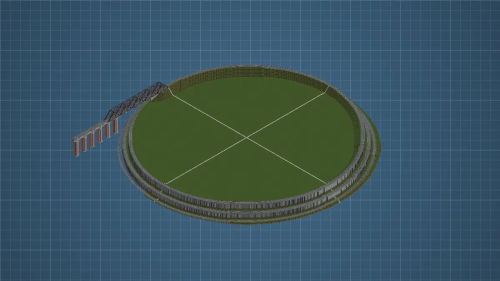 Montaña Con Marcas DE Recorrido Para Trenes Schematic (1.21.x) – Large Mountain Train Track
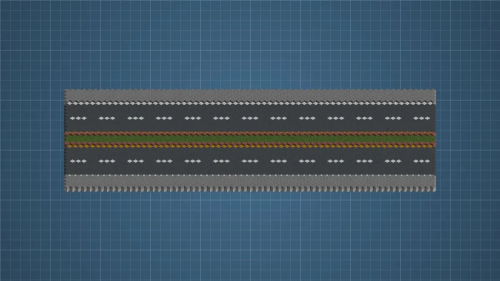 Carretera Inclinada DE Cesped Schematic (1.21.x) – Sloped Road Design for Create Mod
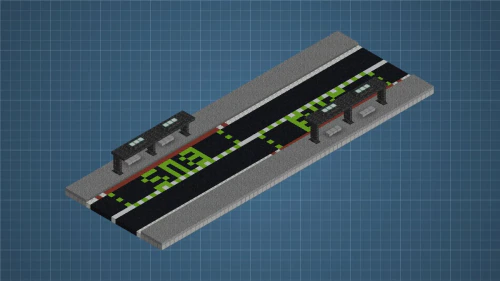 Parada DE Bus Schematic (1.21.x) – Simple Bus Stop Build for Create Mod
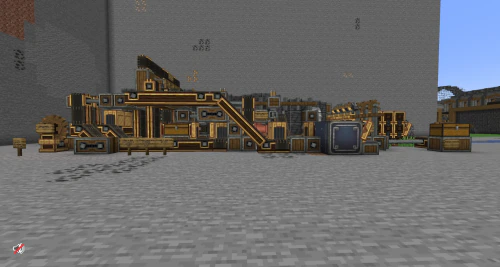 C G Z E I Farm Improved Schematic (1.21.x) – Automatic Resource Farm for Five Metals
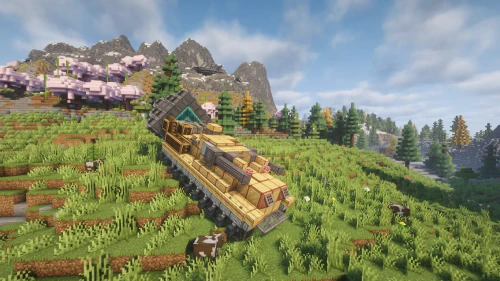 Doretta Drg Schematic (1.21.x) – Compact Mining Machine for Create Mod
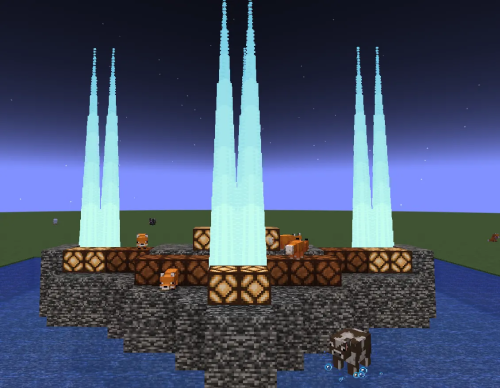 Fire in Water Stage Schematic (1.21.x) – Stunning Fire Performance Stage
 Huⅲ Inedia Main Turret Prototype Schematic (1.21.x) – Powerful Triple Cannon Turret for Create Mod
 Maus Schematic (1.21.x) – Powerful German Super Heavy Tank Build
 A Car That Uses Jet Engine Schematic (1.21.x) – Car That Uses Jet Engine Guide

This post has no comments yet. Be the first — your comment will appear here.