
Enchantment Glows Resource Pack (26.3, 1.20.1) – Radiant Outlines



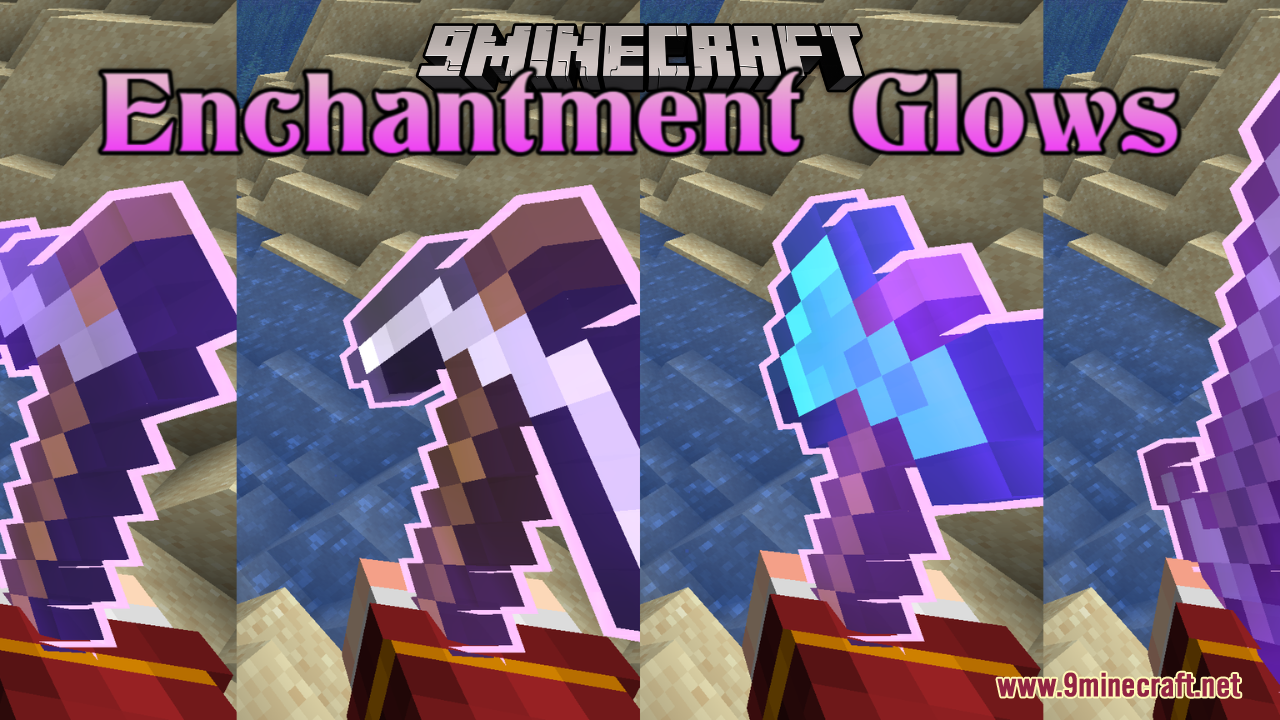
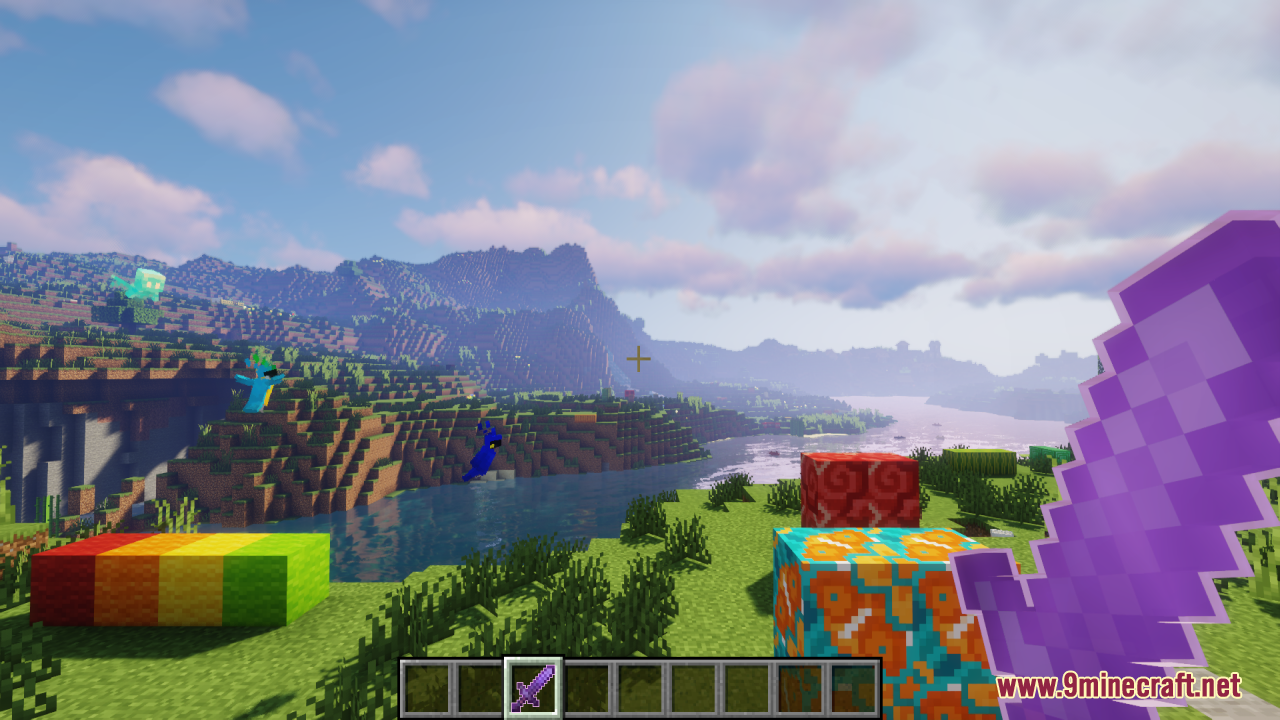
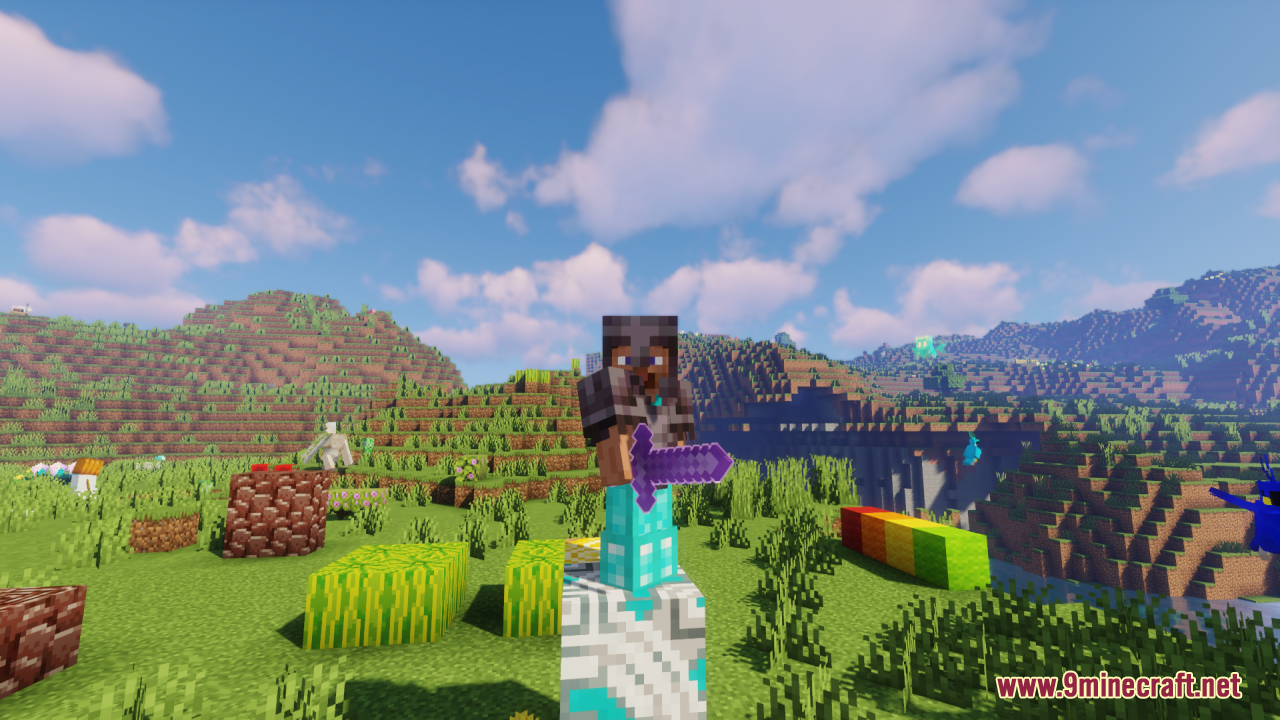
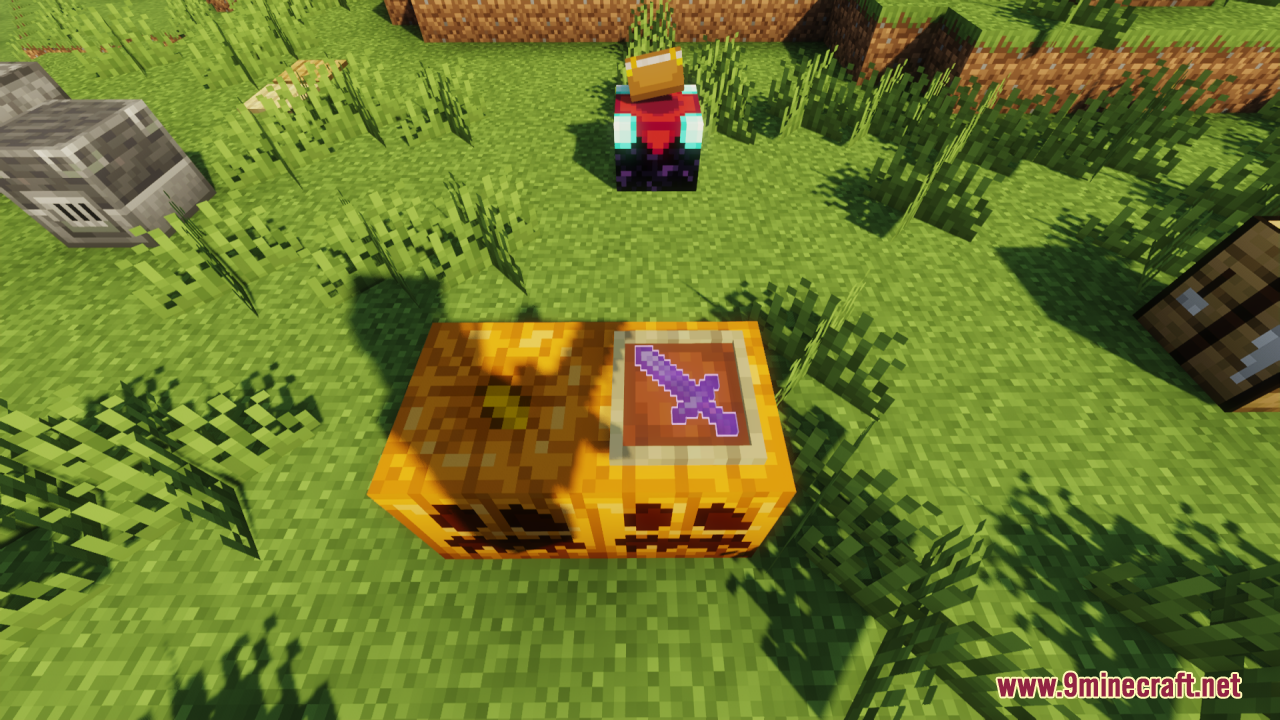
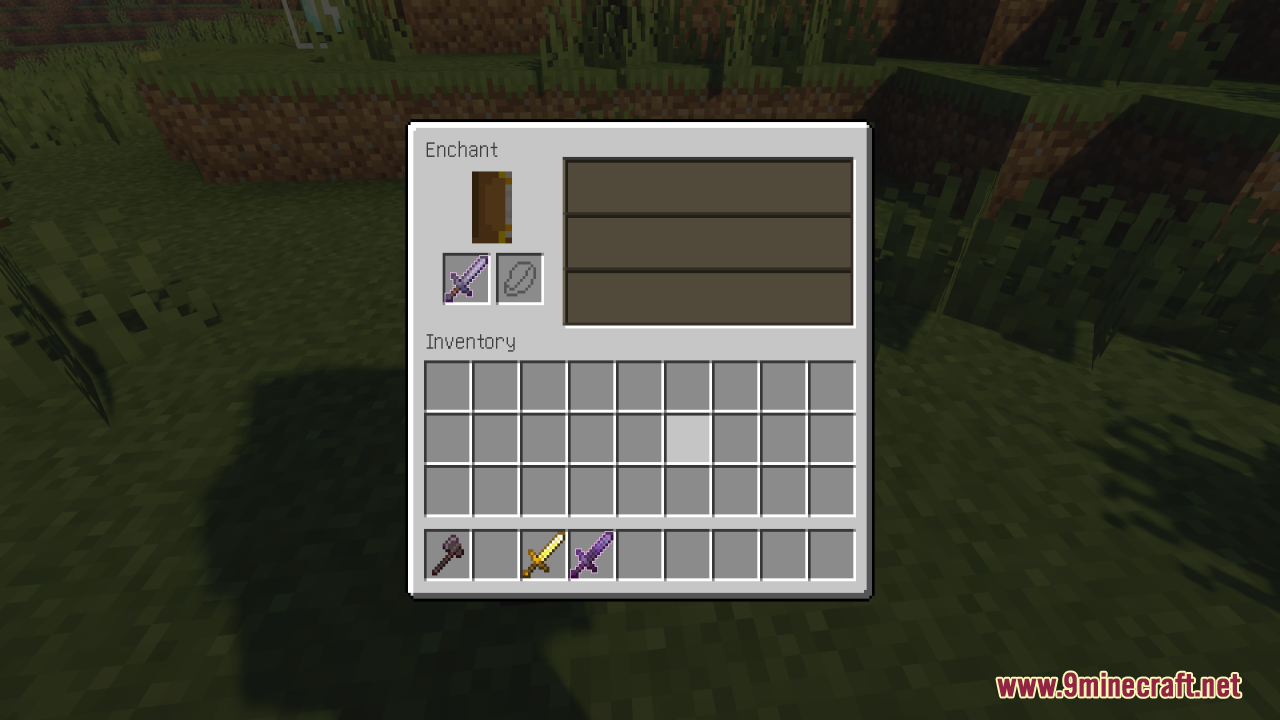
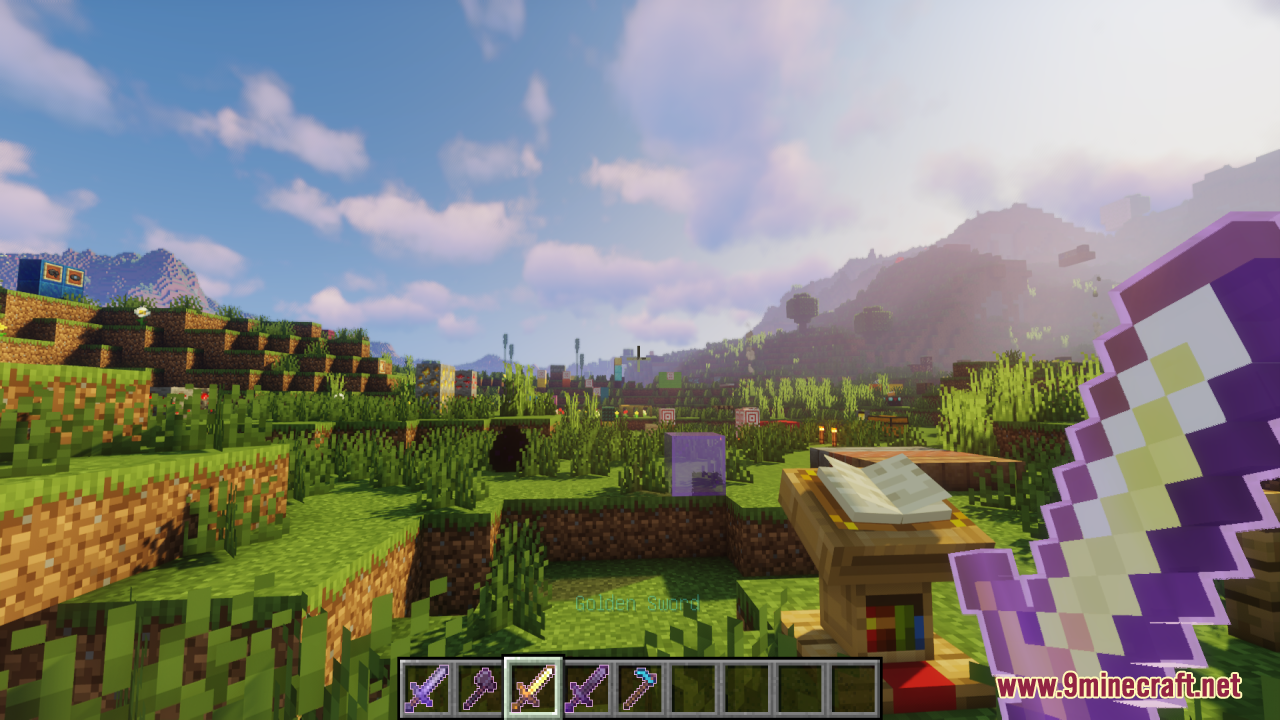
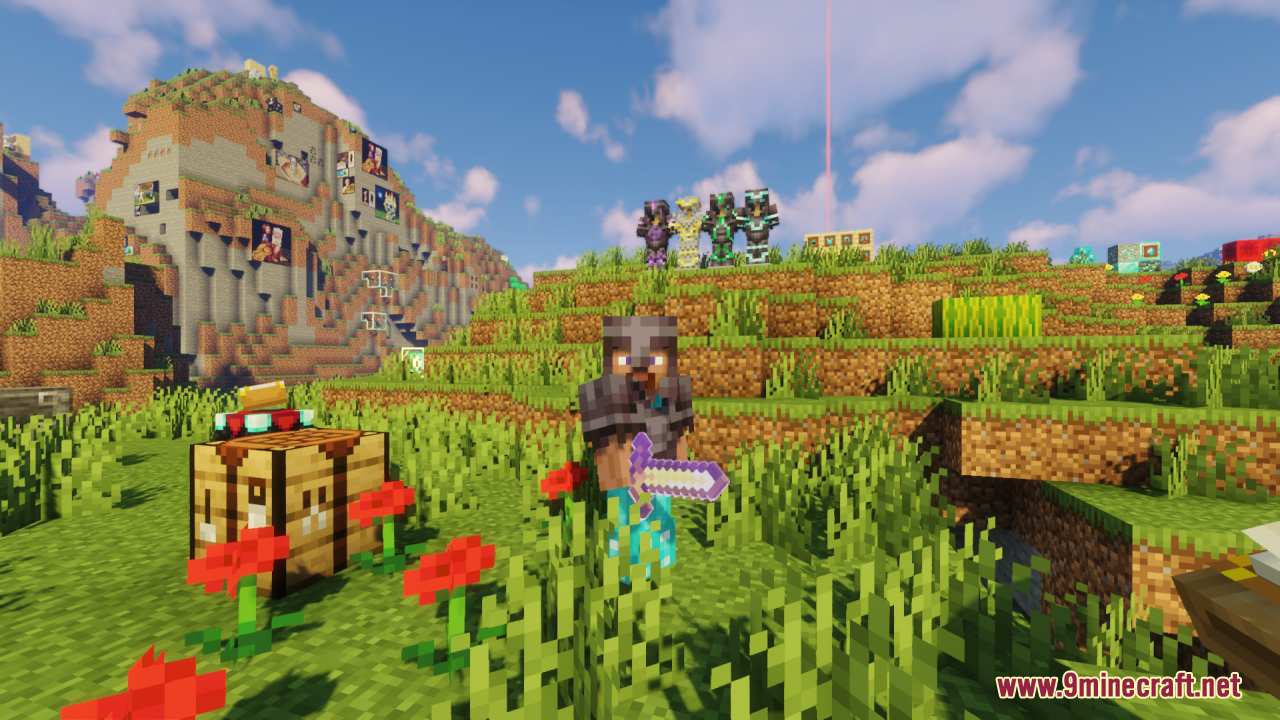
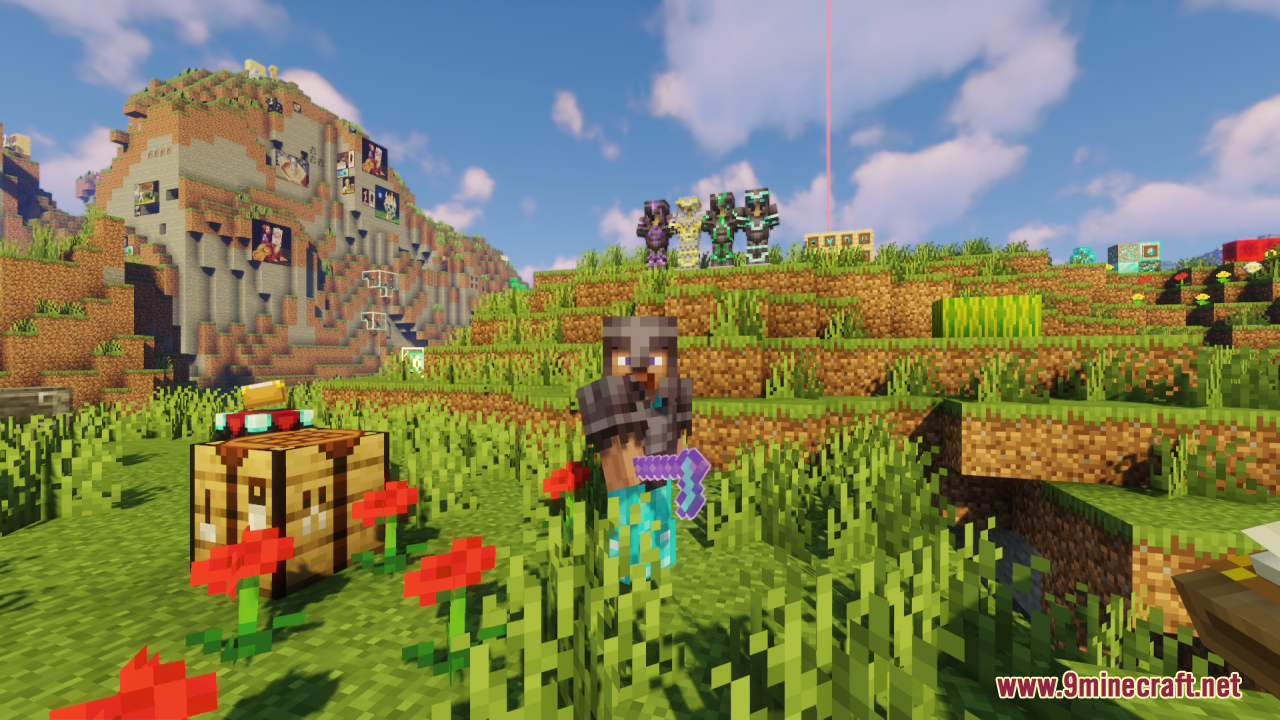
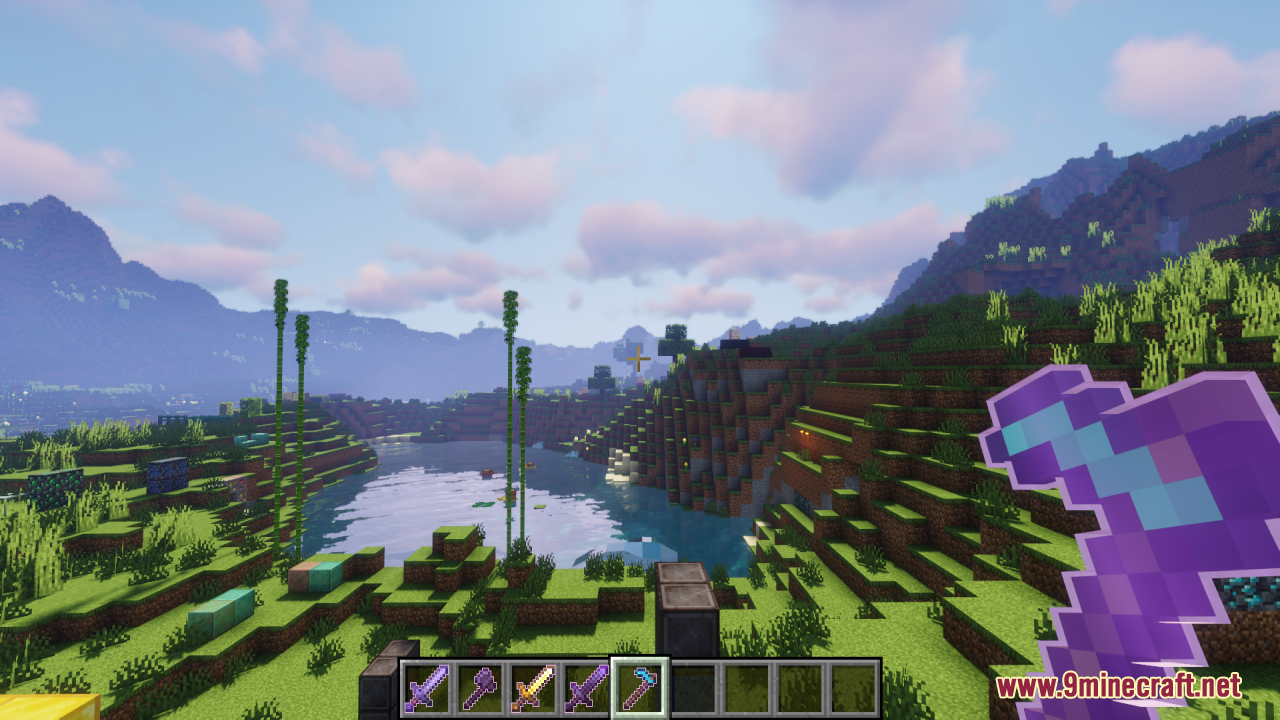
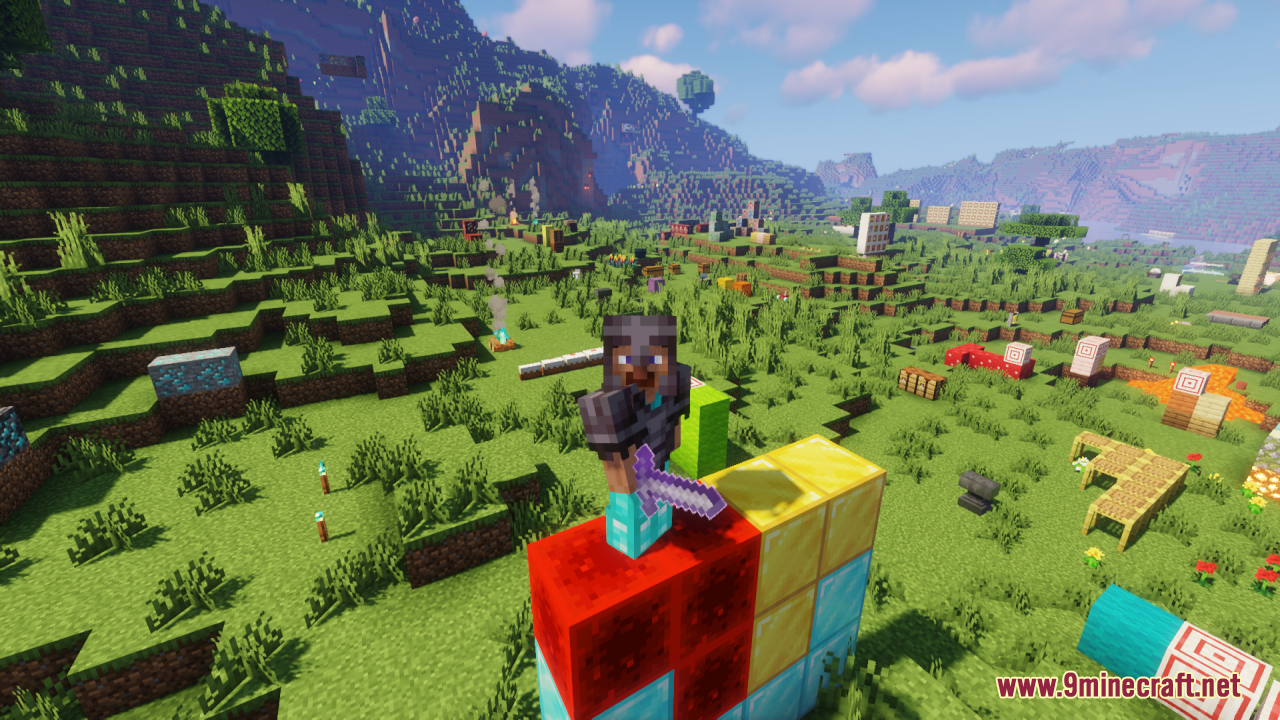
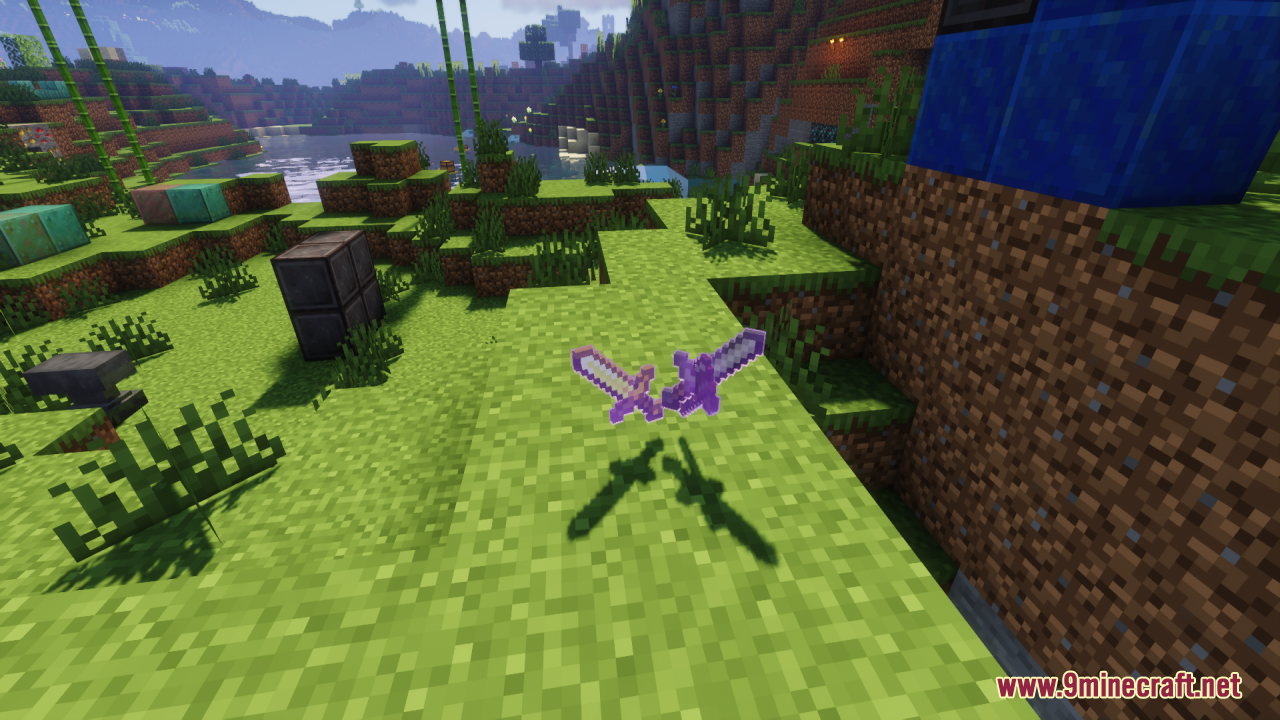
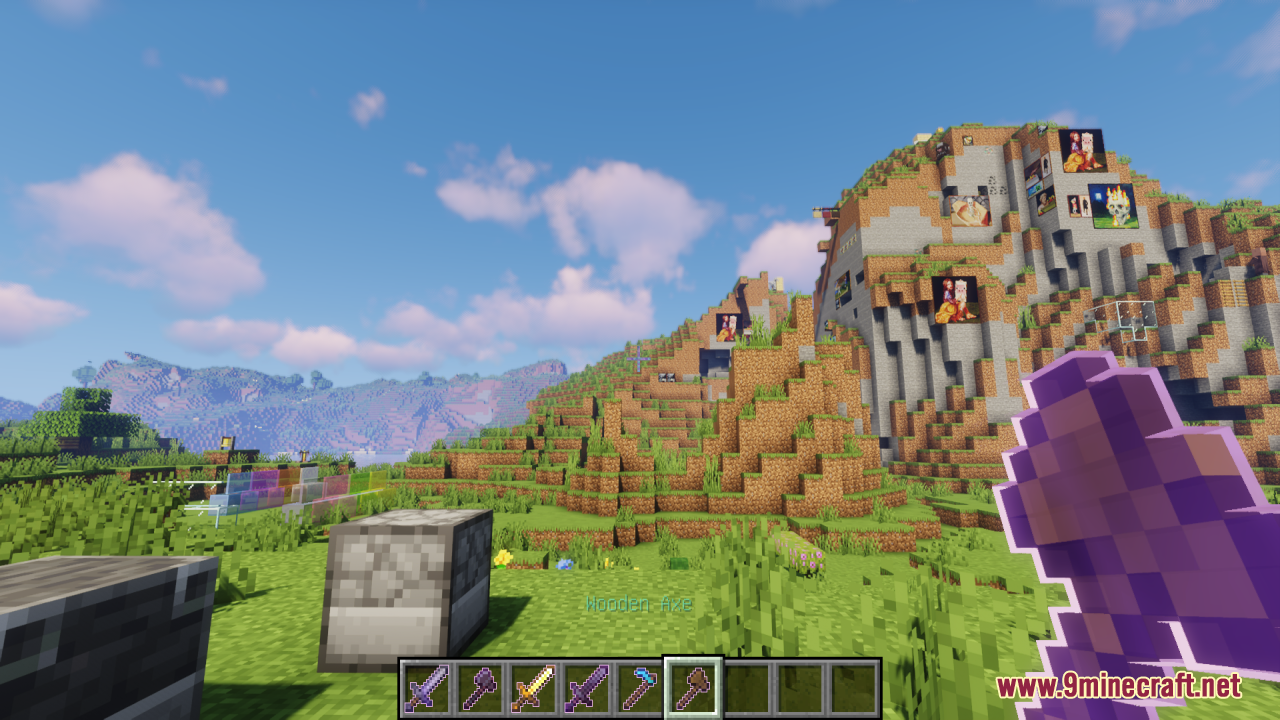
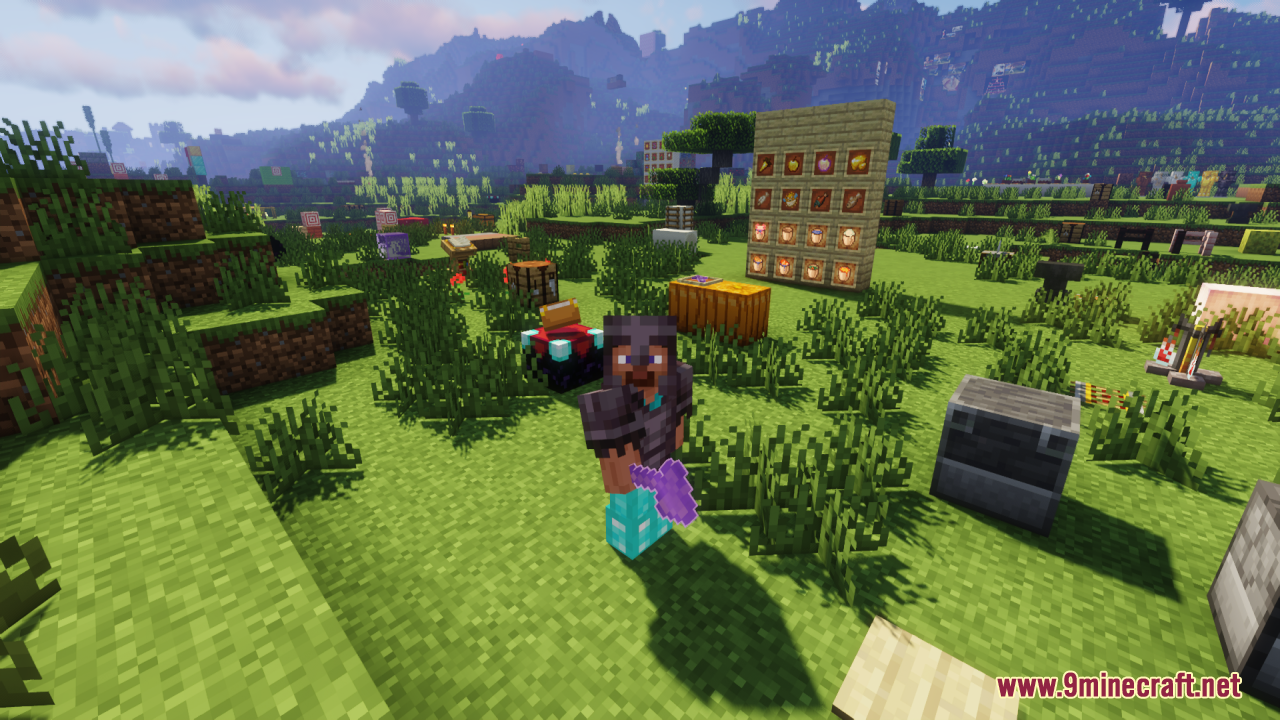
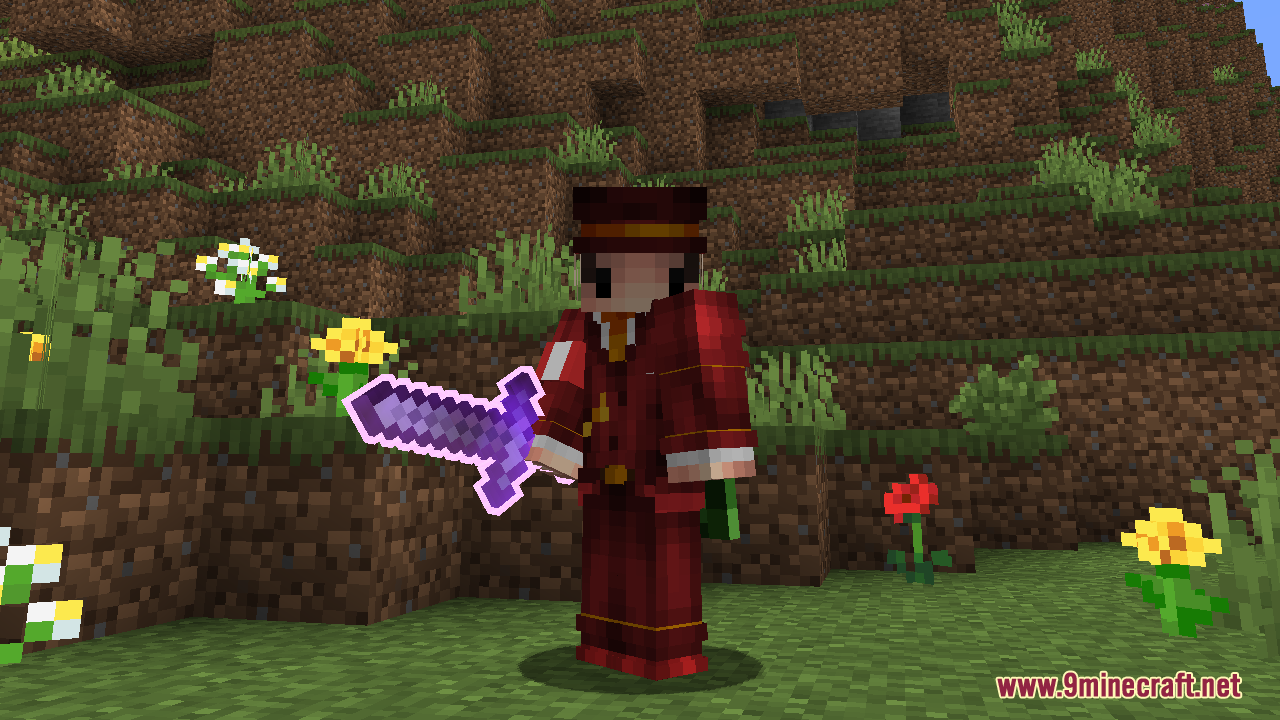
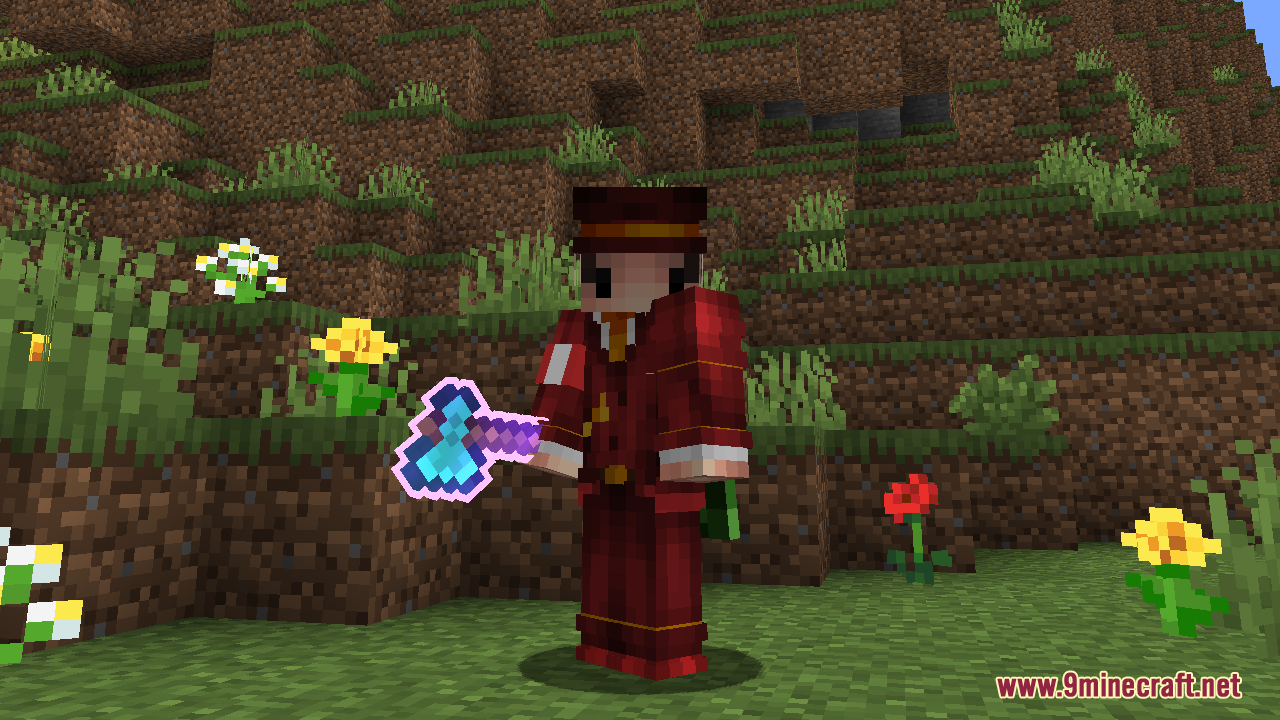
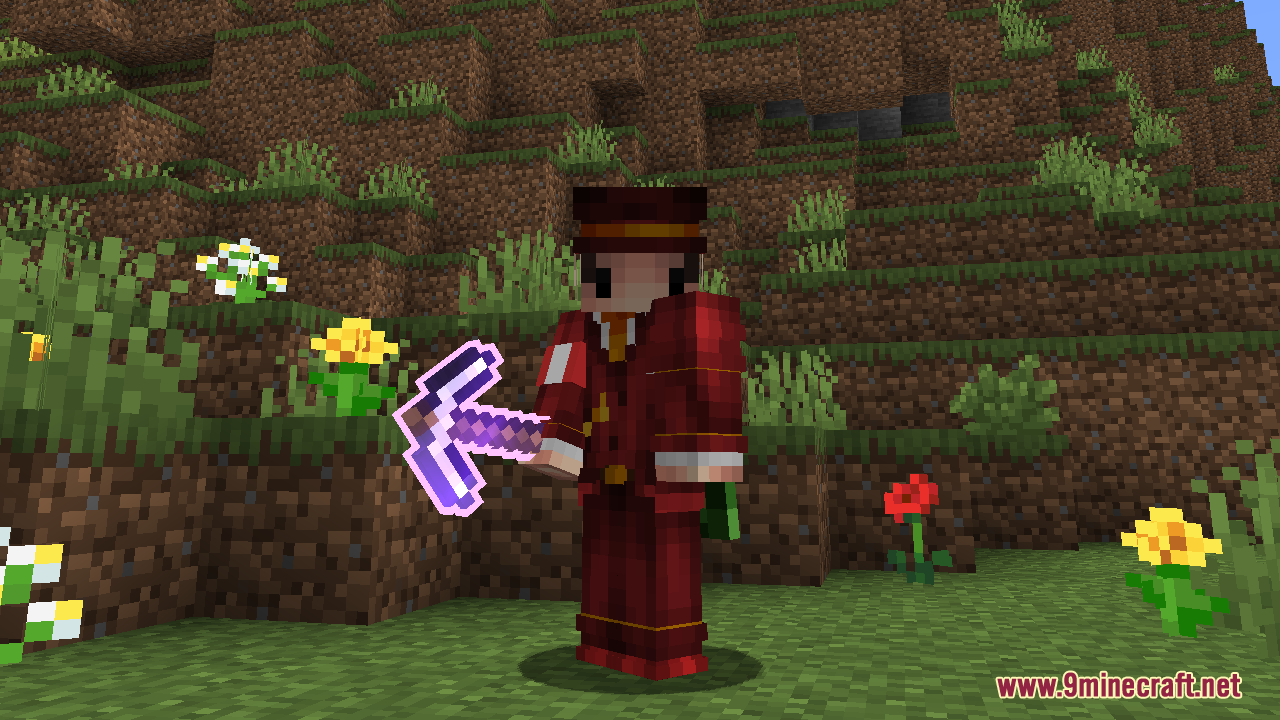
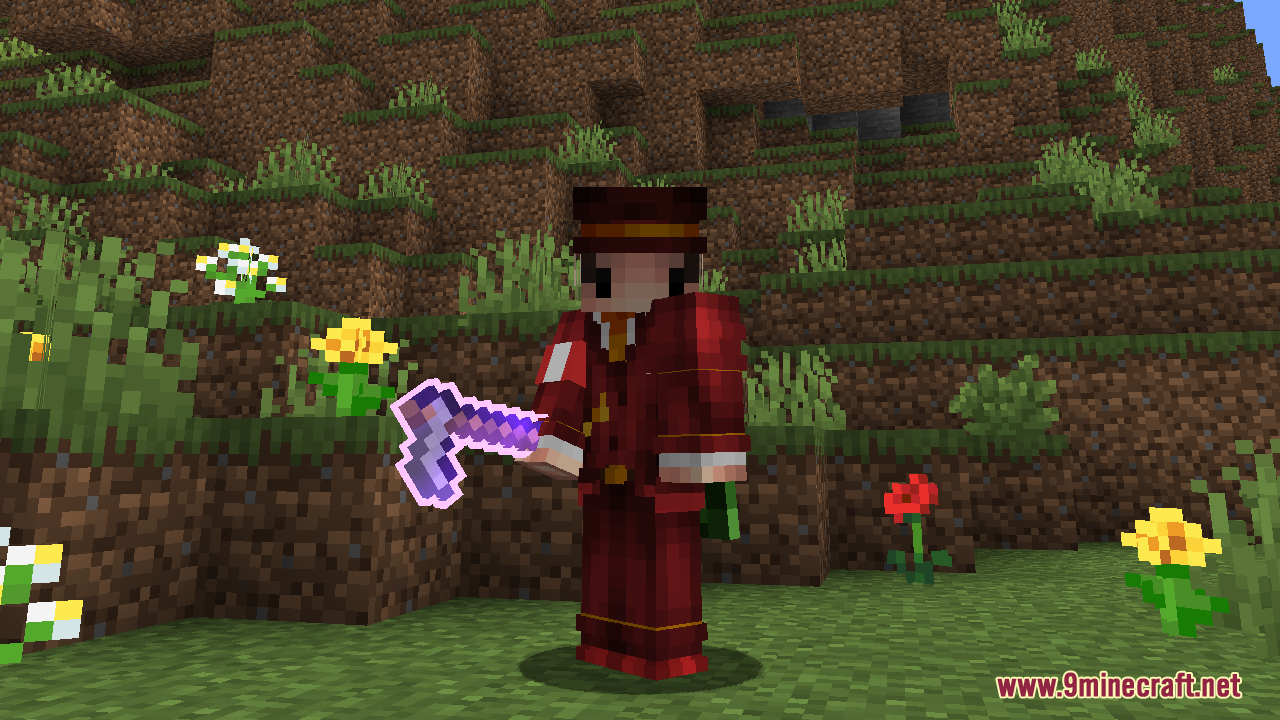
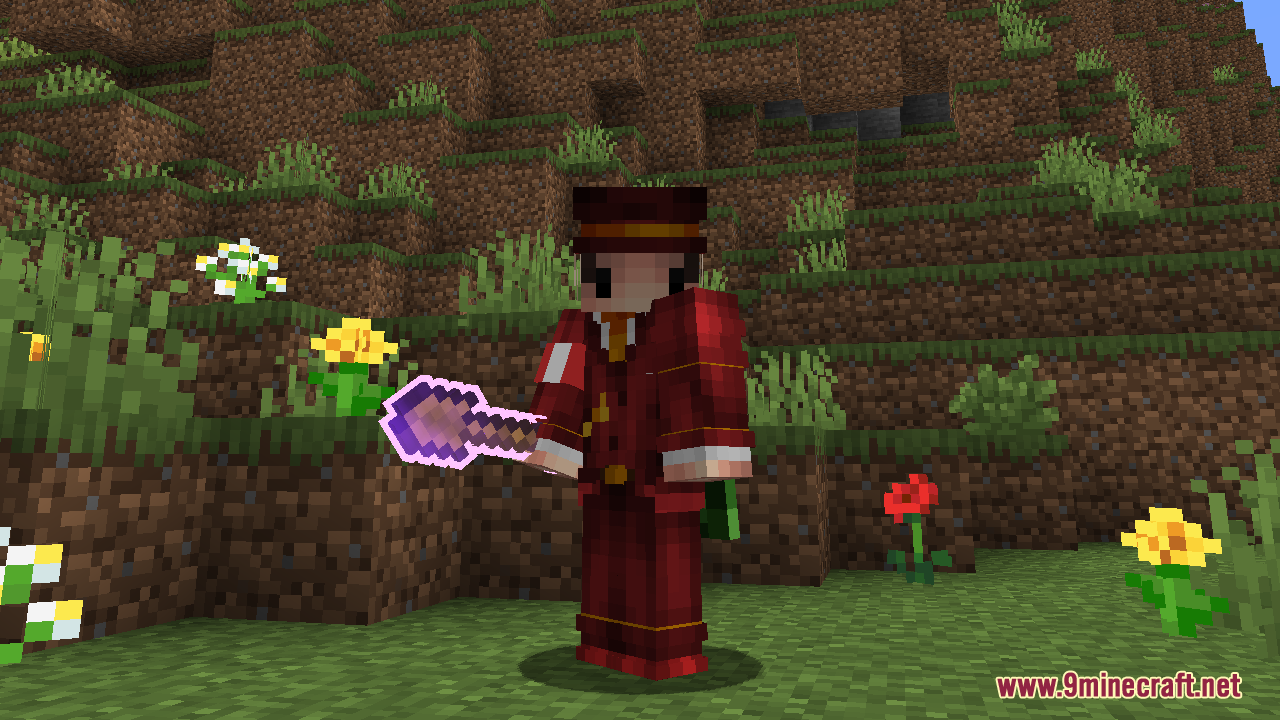
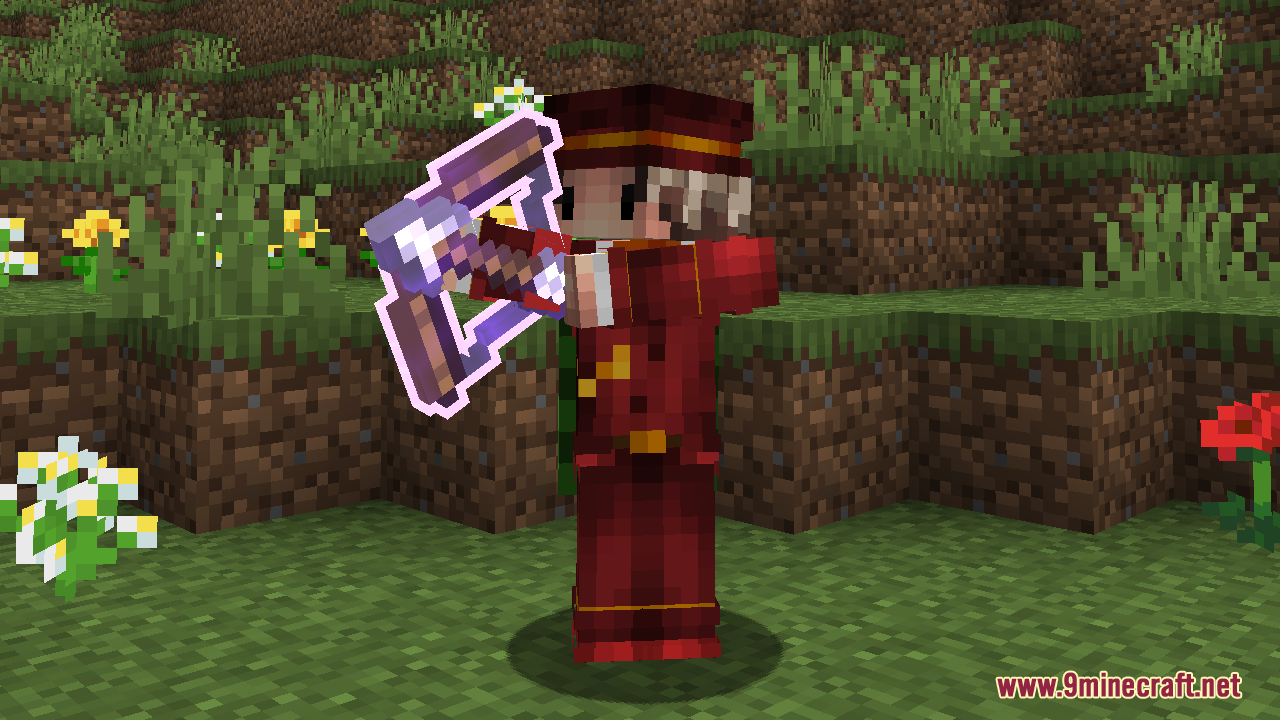
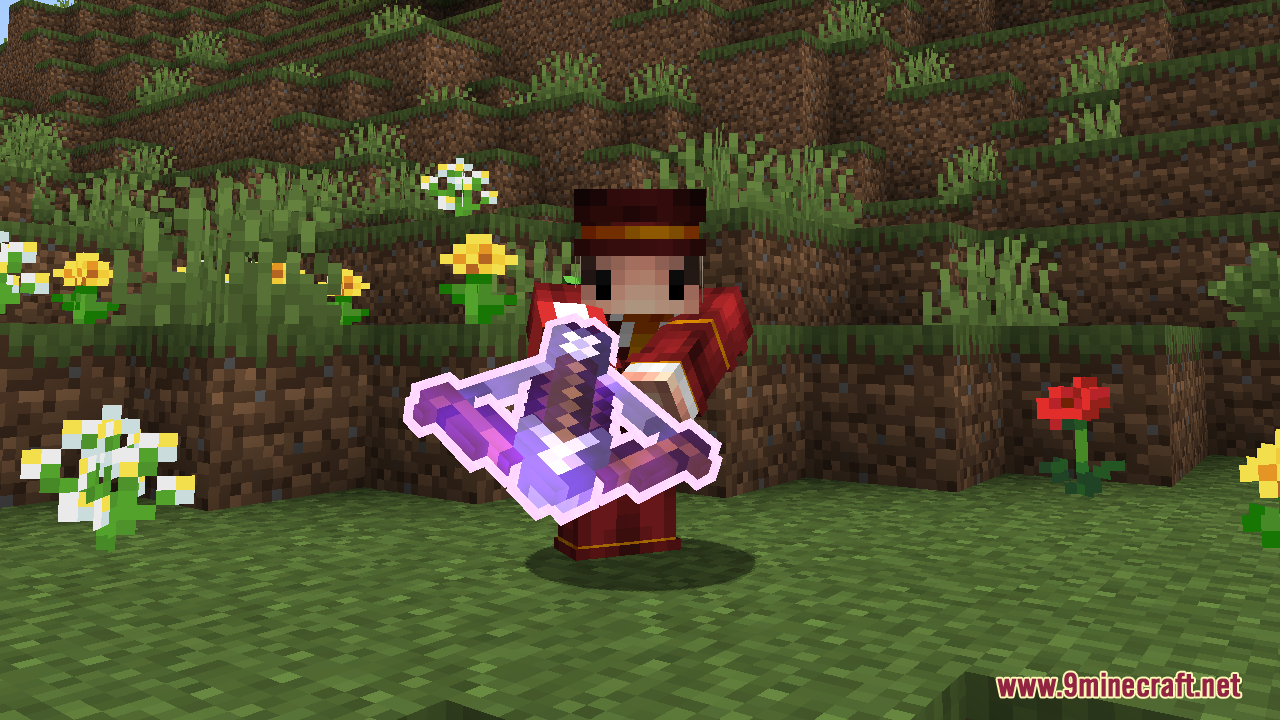
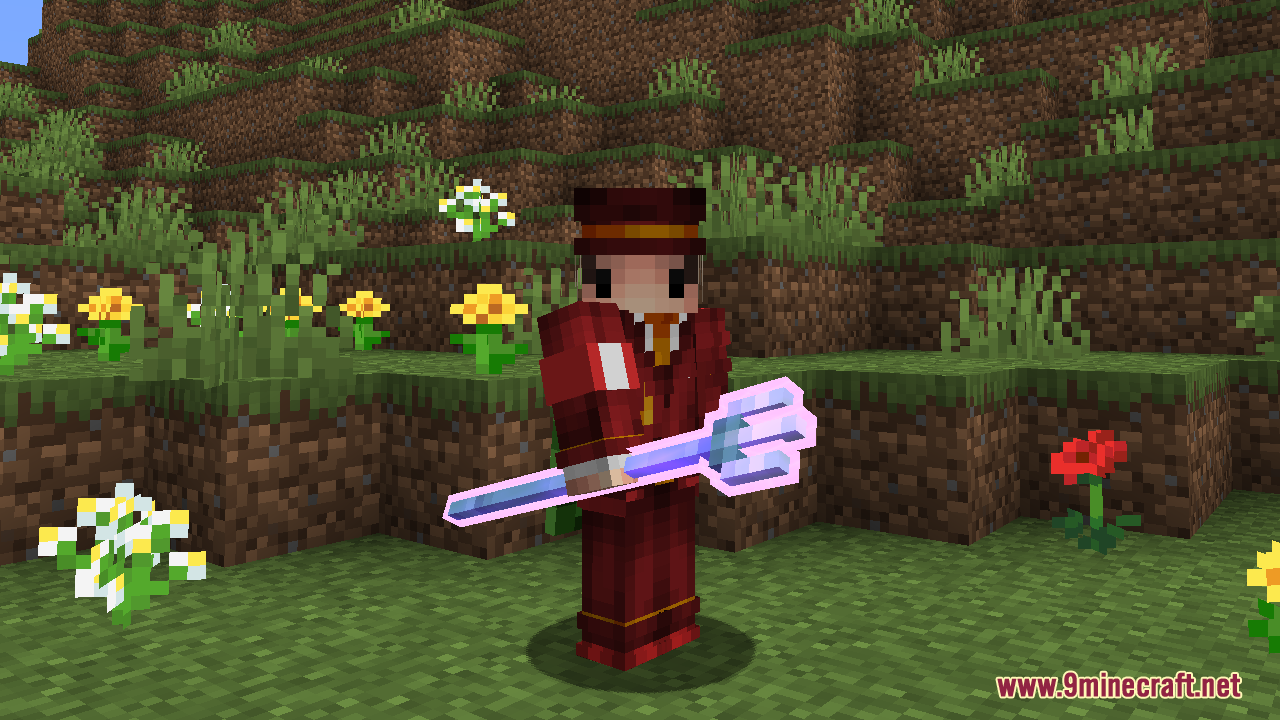
Enchantment Glows Resource Pack replaces the normal enchantment glint on tools and weapons with a bright glowing outline. It works on vanilla pickaxes, axes, shovels, and hoes, along with swords, spears, bows, crossbows, tridents, and a 3D mace. This pack also adds a glow to arrows, firework rockets, fishing rods, shields, compasses, and totems of undying. With the Respackopts mod, you can change the glow color, adjust the outline thickness, and switch select 3D models to 2D. It works best with LabPBR shader packs such as Complementary Reimagined, Complementary Unbound, BSL, Photon, Bliss, and Solas. This resource pack changes vanilla items in Minecraft Java Edition and runs in plain vanilla on 1.21.4 and newer, while older versions need a Custom Item Textures mod like CIT Resewn.
Features:
- Glowing Enchanted Gear: Replaces the standard enchantment glint on vanilla tools and weapons with a bright, stylish glowing outline.
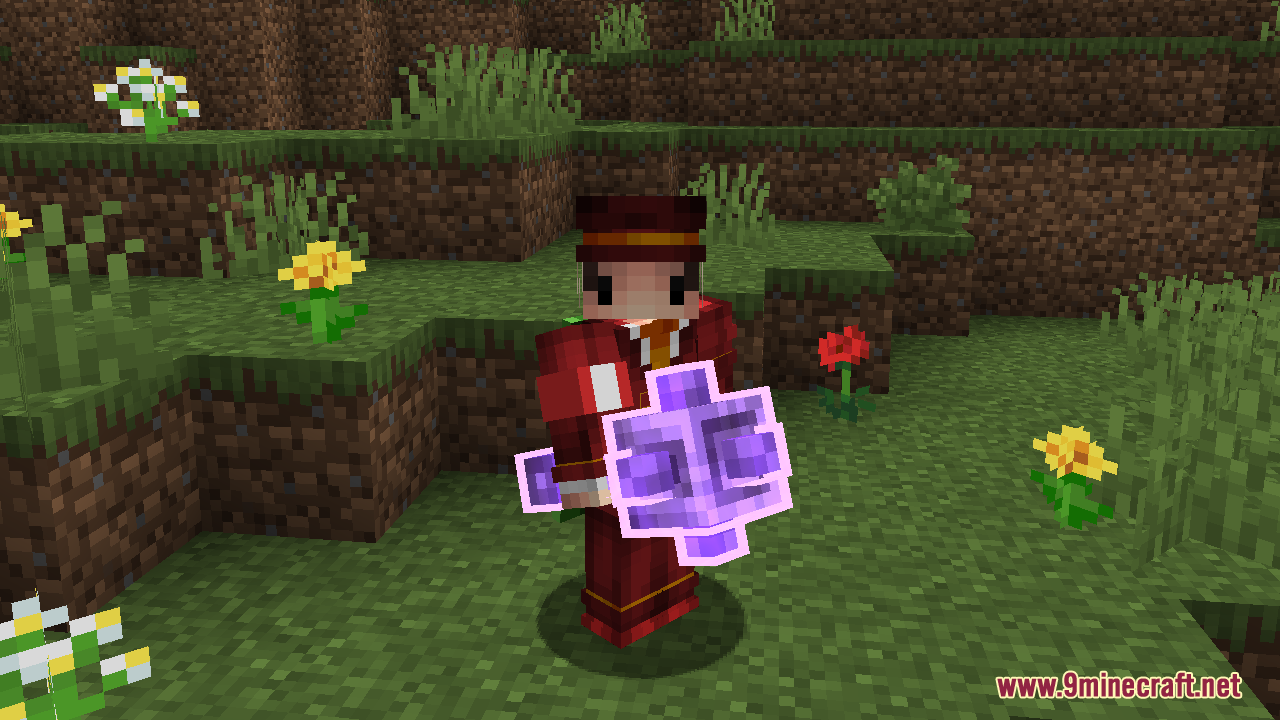
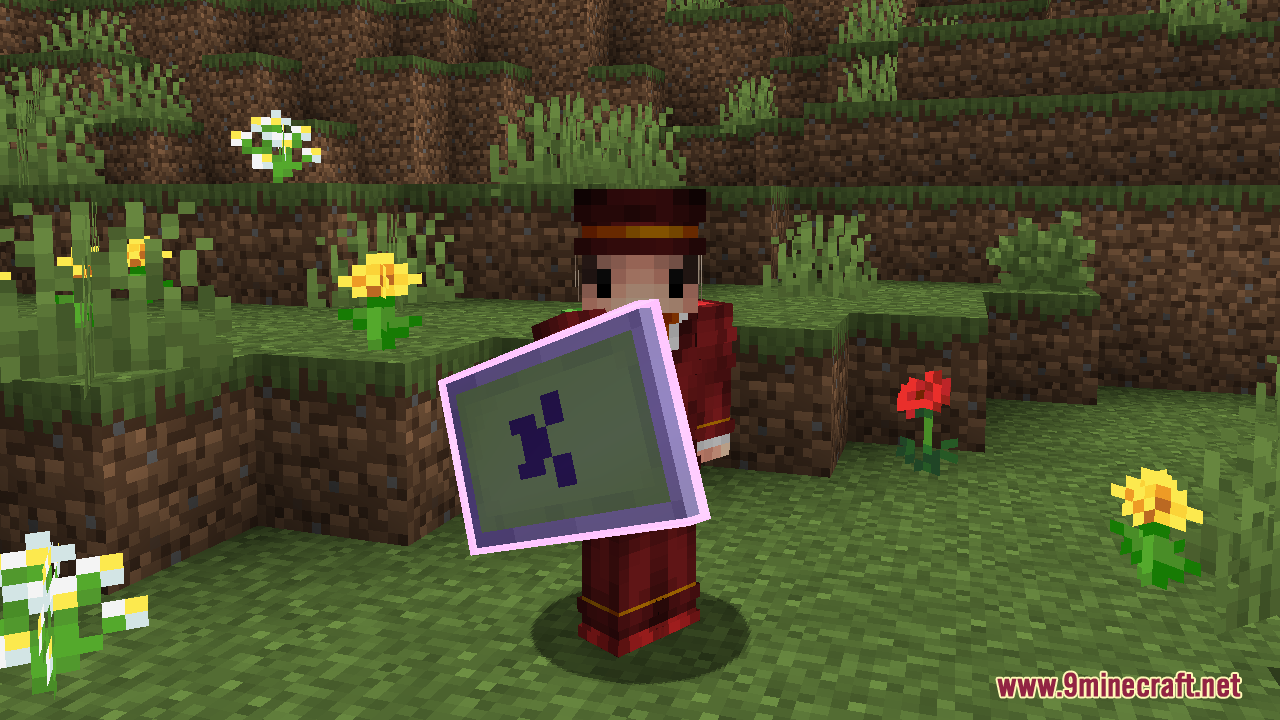
- Built-in 3D Models: Comes with 3D models turned on by default for the mace, shield, and totem of undying.
- In-Game Customization: Works with the Respackopts mod so you can change the glow color, pick the outline thickness, turn shader glow support on or off, and switch the mace, shield, and totem between 2D and 3D (the totem can also go back to its vanilla look).
- LabPBR Shader Support: Works best with shader packs that have LabPBR turned on in their settings.
- Vanilla and Mod Loader Ready: Runs in plain vanilla Minecraft Java Edition on version 1.21.4 and newer, and works the same on Fabric, NeoForge, Forge, and Quilt.
- Gives bow and crossbow projectiles their own separate textures.
- Leaves armor without a 3D outline because the outline effect is built for tools and weapons only, while still changing the armor enchantment glint to match the Glow Color setting in Respackopts.
- Needs a Custom Item Textures mod on Minecraft versions below 1.21.4, such as CIT Resewn on Fabric, Forge CIT on Forge, or Modefite.
- Covers vanilla items only, so modded tools keep their own look and any resource pack placed above this pack overrides shared items.
- Works on Minecraft Java Edition only.
- Pairs nicely with optional item animation mods like Hold My Items or Punchy, though neither mod is needed.
- Incompatible shader packs or setups without LabPBR may cause the glowing outline to cast a shadow, and glow results without LabPBR are not guaranteed.
Enchanted Tools:
- Pickaxes
- Axes
- Shovels
- Hoes
Enchanted Weapons:
- Swords
- Spears
- Mace (3D model turned on by default)
- Bow
- Crossbow
- Trident (Minecraft 1.21.4 and newer)
Projectiles:
- Spectral Arrows
- Arrows and Tipped Arrows
- Firework Rockets
Other Items:
- Shield (Minecraft 1.21.4 and newer; 3D model turned on by default)
- Compass (Minecraft 1.21.4 and newer; the Lodestone Compass glows without needing an enchantment)
- Totem of Undying (glows without needing an enchantment; 3D model turned on by default)
- Fishing Rods
Tested LabPBR Shader Packs:
- Complementary Reimagined and Unbound
- BSL (looks better with Advanced Materials turned on)
- Photon
- Bliss
- Solas (looks better with Advanced Materials turned on)
Configuration:
Glow Color: Changes the glow color on items and recolors the enchantment glint on armor to match (needs Respackopts).Outline Thickness: Adjusts how thick the glowing outline looks around items, from Extra Thin to Extra Thick (needs Respackopts).Shader Glow: Turns LabPBR shader support on or off inside the Respackopts settings.
How to Use:
- Move this pack above any other resource packs that change the same items in your Resource Packs menu so its glowing textures stay visible.
- Turn on LabPBR in your shader pack settings so the glowing outline shows up properly with compatible shaders.
- Turn on Advanced Materials in your shader settings when using BSL or Solas shaders so the glow looks better.
- Open the Respackopts settings in game (when the mod is active) to change
Glow Color, adjustOutline Thicknessfrom Extra Thin to Extra Thick, turnShader Glowon or off, or switch the mace, shield, and totem between 2D and 3D models (the totem can also return to its vanilla look).
Screenshots:
How to Install:
New to Minecraft? Follow our step-by-step guide to install Resource Packs on your PC.View Guide
Requirements:

Enchantment Glows Resource Pack Download Links
For Minecraft
26.3.x
All Versions Covered
26.3
26.2
26.1.2
26.1.1
26.1
1.21.11
1.21.10
1.21.9
1.21.8
1.21.7
1.21.6
1.21.5
1.21.4
1.21.3
1.21.2
1.21.1
1.21
For Minecraft
26.2.x
All Versions Covered
26.2
26.1.2
26.1.1
26.1
1.21.11
1.21.10
1.21.9
1.21.8
1.21.7
1.21.6
1.21.5
1.21.4
1.21.3
1.21.2
1.21.1
1.21
For Minecraft
26.1.x
All Versions Covered
26.1.2
26.1.1
26.1
1.21.11
1.21.10
1.21.9
1.21.8
1.21.7
1.21.6
1.21.5
1.21.4
1.21.3
1.21.2
1.21.1
1.21
For Minecraft
1.21.x
All Versions Covered
1.21.11
1.21.10
1.21.9
1.21.8
1.21.7
1.21.6
1.21.5
1.21.4
1.21.3
1.21.2
1.21.1
1.21
For Minecraft
1.20.x
All Versions Covered
1.20.6
1.20.5
1.20.4
1.20.3
1.20.2
1.20.1
1.20
1.19.4
1.19.3
1.19.2
1.19.1
1.19
1.18.2
For Minecraft 1.21.

1 Comment
 What do you think?
Your opinion means a lot - we'd love to hear from you.
You May Also Like
Picked for this page
 New Glowing Ores Resource Pack (26.3, 1.20.1) – Texture Pack
 Motschen’s Better Leaves Resource Pack (26.3, 1.20.1) – Texture Pack
 Default Dark Mode Resource Pack (26.3, 1.20.1) – Texture Pack
 Simple Hotbar Resource Pack (26.3, 1.20.1) – Texture Pack
 Slightly Improved Font Resource Pack (26.3, 1.20.1) – Texture Pack
 Stellar 3D Resource Pack (26.1.2, 1.20.1) – Texture Pack
 Small X Crosshair Resource Pack (26.1.2, 1.20.1) – Texture Pack
 Low Fire Texture Resource Pack (26.1.2, 1.20.1) – Texture Pack
 Wool Simple Resource Pack (26.1.2, 1.20.1) – Texture Pack
 Rainbow Diamond Ores & Ancient Debris Resource Pack (26.3, 1.20.1) – Texture Pack
 Cubic Stars Resource Pack (26.1.2, 1.20.1) – Texture Pack
 Cute Pumpkin Resource Pack (1.21.1, 1.20.1) – Friendly Smiles for Cozy Vanilla Farms
Most viewed in Resource Packs over the last 7 days
 Jenny Mod Skins Resource Pack (1.12.2) – Uzaki, Klee, Mita, and More
 Jenny Mod Skin Pack Mega Collection – 310+ Characters
 Jennycraft Resource Pack (1.20.1) – Skins for Jennycraft Mod
 Dewier’s 20k Resource Pack (1.8.9) – Texture Pack
 750 Models Addon for Yes Steve Model Mod
 Animation Collection for Jenny Mod – 60+ Animations, Updated Regularly
 Vanilla+ 3D Crystal Resource Pack (1.21.1, 1.20.1) – Texture Pack
 Mandala’s GUI Dark Mode 9minecraft Resource Pack (26.3) – Eye-Soothing Dark Mode Menus
 Bare Bones 9minecraft Resource Pack (26.3) – Official Cinematic Trailer Look
 Mizuno’s Craft 9minecraft Resource Pack (26.3) – A Cozy Handpainted Storybook World
 Patrix Resource Pack (26.3, 1.20.1) – The Peak of Photorealism
 Stay True 9minecraft Resource Pack (26.3) – Crisper Vanilla Without the Noise
More from Resource Packs
 Generation 5 Generations X Cobblemon Resource Pack (1.21.11, 1.20.1)
 Better Prodigy Tech Embers Style Resource Pack (1.12.2)
 CoD Zombies Sound Pack Resource Pack (1.21.11, 1.20.1)
 Ukia’s Spears & Lances Resource Pack (26.3, 1.21.11) – Medieval Polearms
 Clangor Custom Soundpack Resource Pack (26.3, 1.21.11)
 Invisible Item Frame Resource Pack (26.3, 1.20.1) – Texture Pack
 Brassworks Rise of the Sniffer Resource Pack (26.3, 1.21.1)
 rE-oCd Resource Pack (26.3, 1.20.1) – Texture Pack
 Shulker Box Guis Resource Pack (1.18.2) – Colorful Storage Menus
 Visual Paintings Resource Pack (26.1.2, 1.21.11) – Instant Inventory Art Icons
 Armored Elytra Resource Pack (1.20.1) – Matching Armor Textures for Wings
 Pop-out Clocks 9minecraft Resource Pack (26.3) – True 3D Wall Clocks

very great thanks