


Re Skin Mod (1.20.1, 1.19.2) – تغییر اسکین در لحظه

 0
0 

🌐 شما این مقاله را به فارسی میخوانید. میخواهید تغییر دهید؟
📖 خواندن به انگلیسی (اصلی)یا زبان مورد نظر خود را انتخاب کنید:
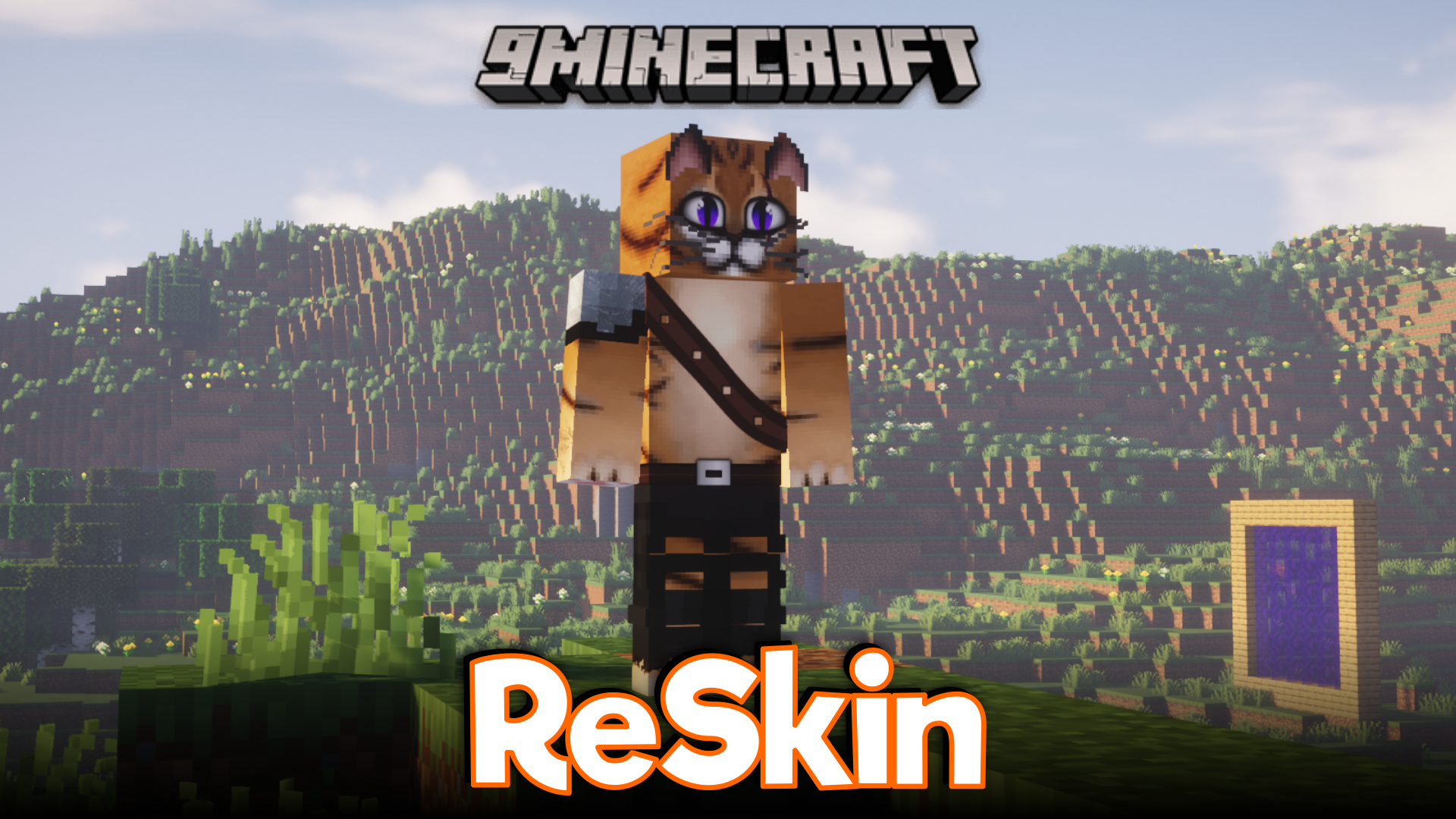
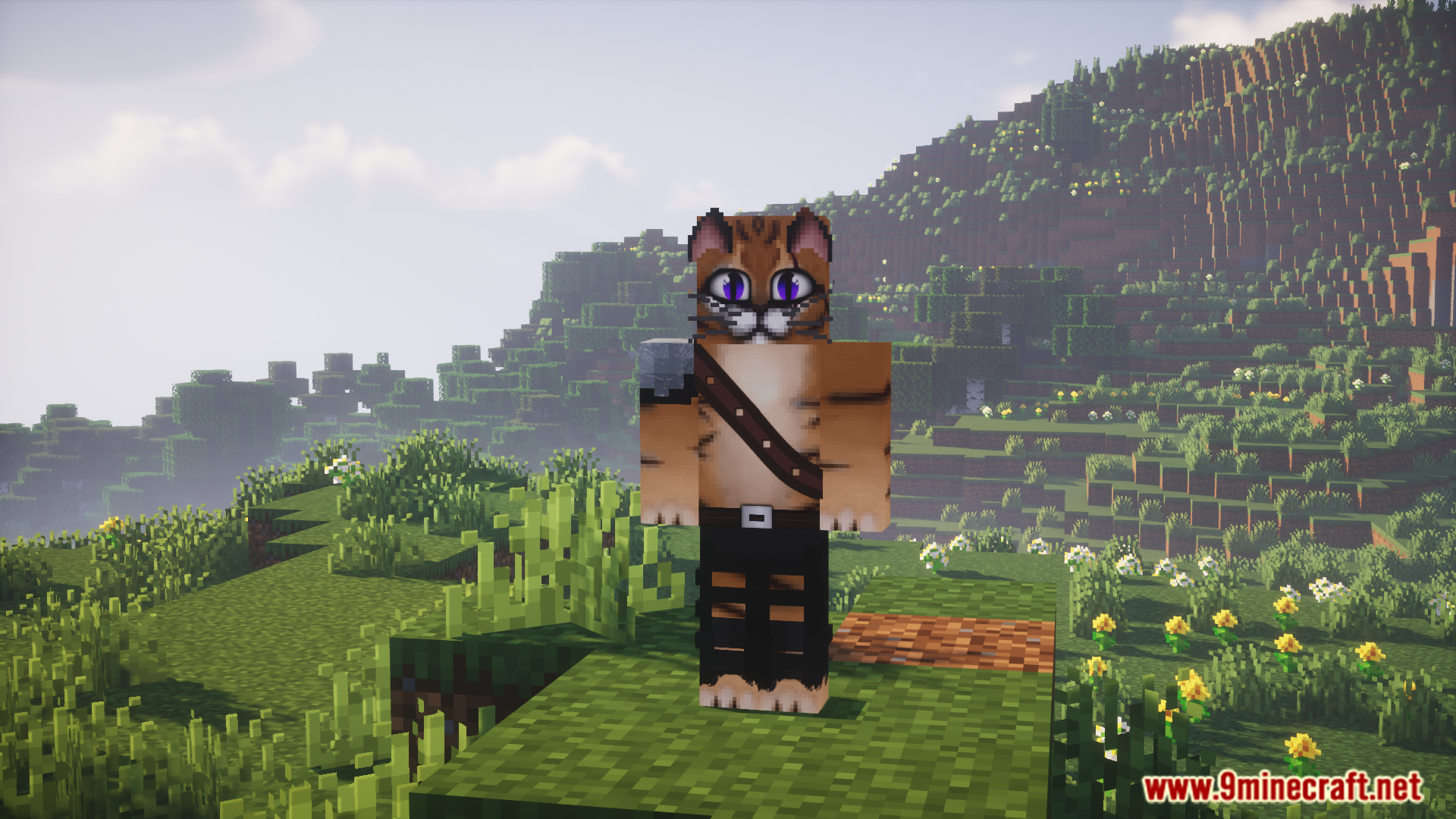
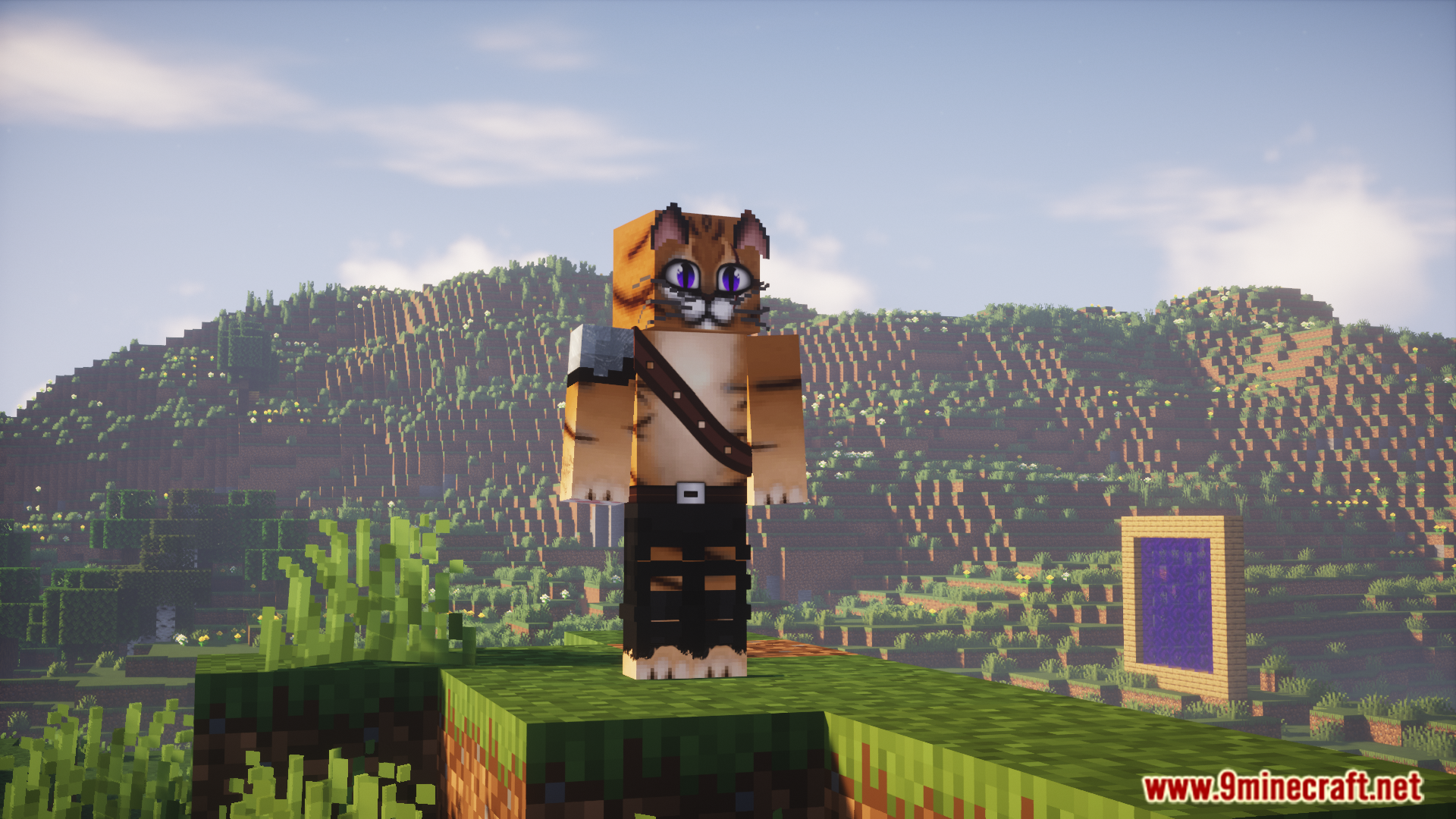
ماد Re Skin Mod به شما اجازه میدهد اسکین کاراکتر خود را مستقیماً در بازی و با استفاده از دستورات تغییر دهید. این ماد از اسکینهای HD پشتیبانی میکند، بنابراین میتوانید اسکینهای بسیار دقیق و با رزولوشن بالا را روی پلیر خود اعمال کنید. تمام چیزی که نیاز دارید، یک لینک مستقیم به تصویر اسکین است. همچنین این ماد با سایر مادهایی که مدل پلیر را تغییر میدهند، مانند Mo’ Bends، به خوبی کار میکند.
ویژگیها:
- تغییر اسکین داخل بازی در هر زمان با دستورات ساده.
- استفاده از اسکینهای با کیفیت بالا (HD) برای ظاهری جزئیتر.
- پشتیبانی از طیف گستردهای از ابعاد اسکین که از نسبت استاندارد Minecraft پیروی میکنند.
- سازگاری کامل با سایر مادهایی که مدل بازیکن را تغییر میدهند.
دستورات (Commands):
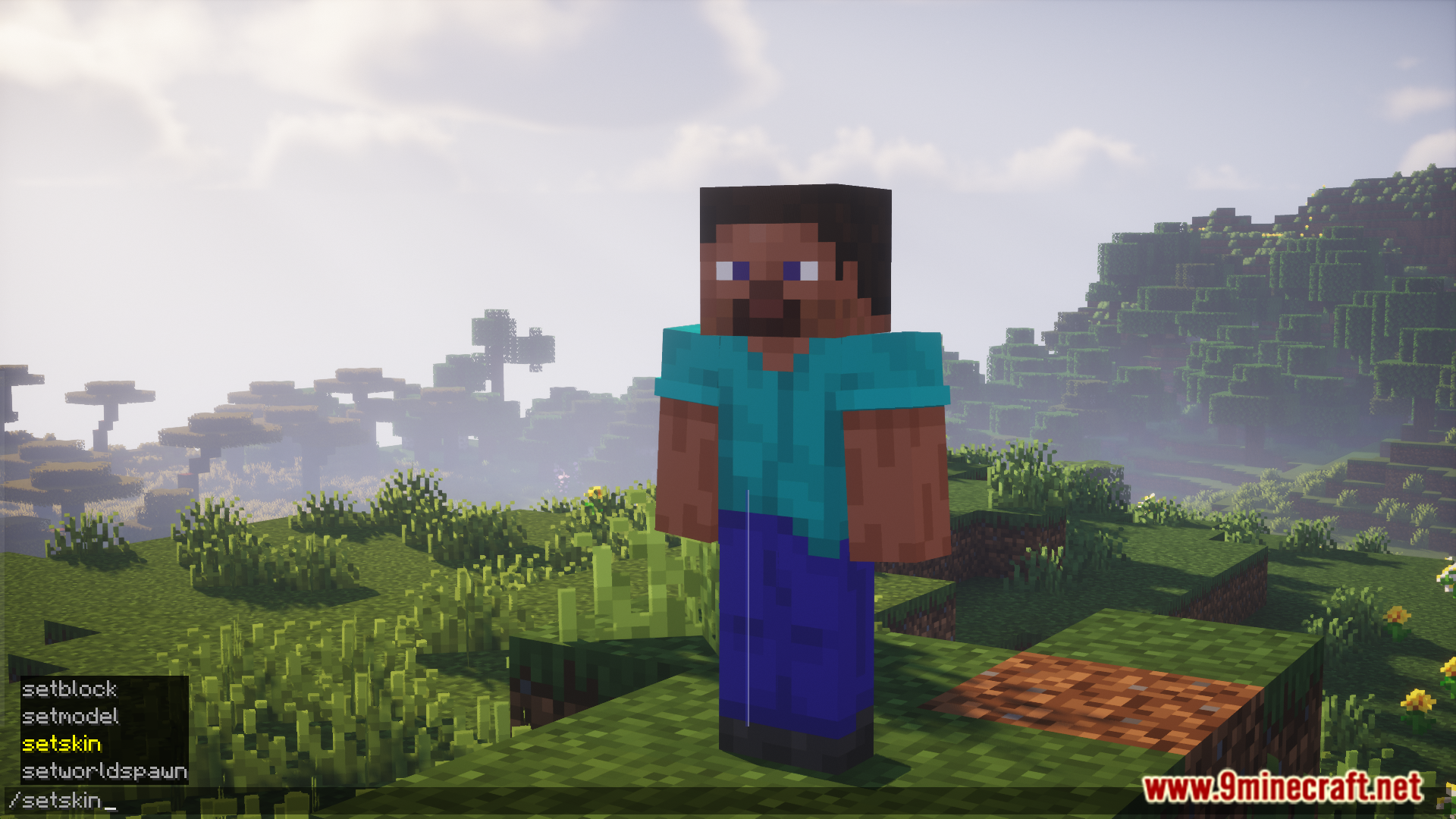
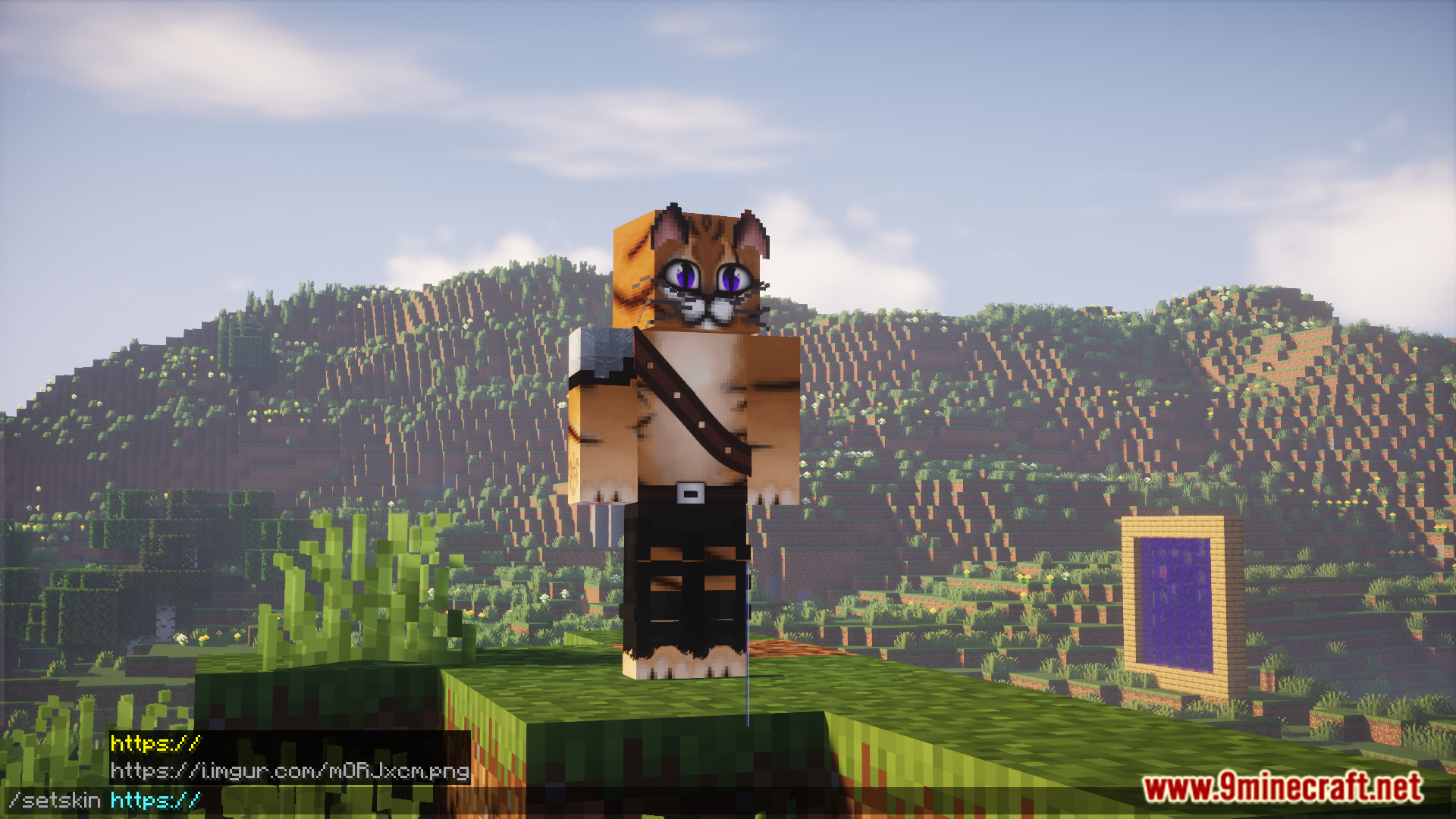
/setskin (url): اسکین خودتان را تغییر میدهد./setskin (url) (player): اسکین یک بازیکن دیگر را تغییر میدهد./clearskin: اسکین شما را به حالت پیشفرض برمیگرداند./clearskincache: اسکینها را مجدداً بارگذاری کرده و حافظه پنهان (Cache) تصاویر را پاک میکند.
نحوه استفاده:
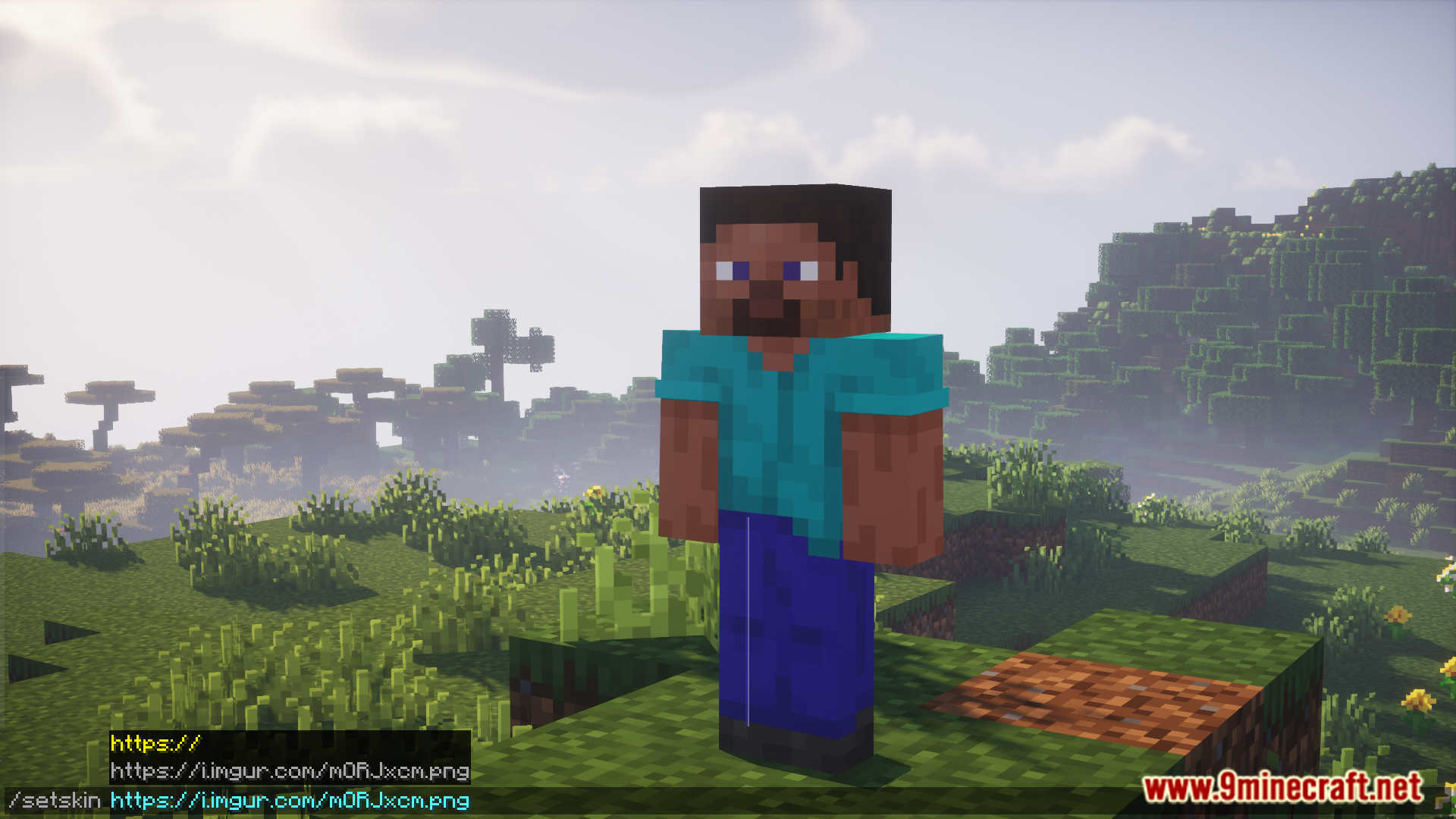
- یک اسکین که میخواهید استفاده کنید را آنلاین پیدا کرده و لینک مستقیم تصویر آن را کپی کنید. URL باید مستقیماً به فایل تصویر ختم شود (مثلاً با پسوند .png).
- اگر از سایتی مثل Imgur استفاده میکنید، روی تصویر راستکلیک کرده و “Copy Image Address” را انتخاب کنید.
- در ماینکرفت، چت را باز کرده و دستور
/setskinرا تایپ کرده و سپس آدرس URL کپی شده را وارد کنید.
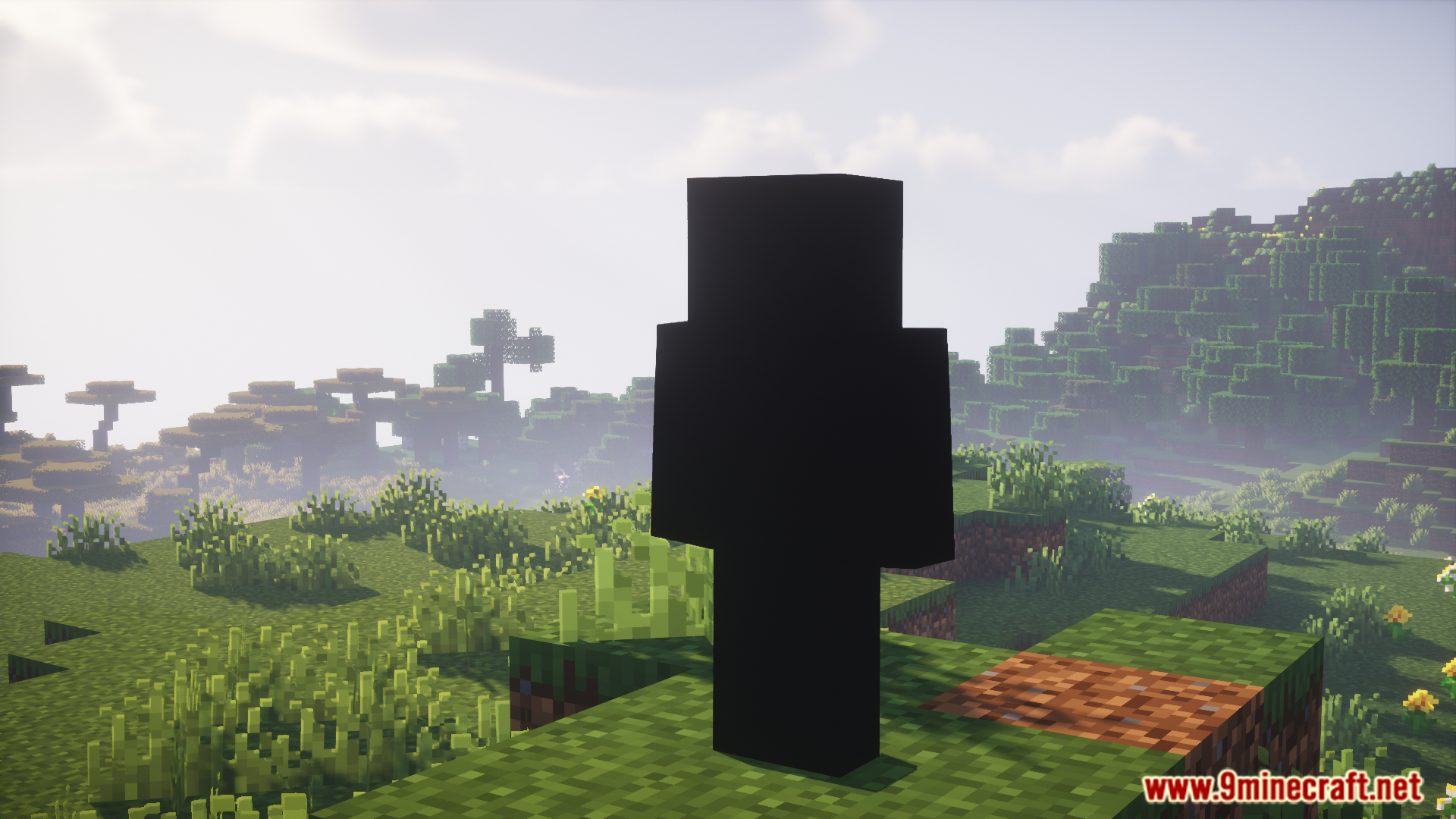
اسکرینشاتها:
پیشنیازها:
لینکهای دانلود Re Skin Mod
برای Minecraft 1.20.1, 1.20
نسخه Forge/NeoForge: دانلود از سرور 1 – دانلود از سرور 2
برای Minecraft 1.19.3, 1.19.2
نسخه Forge: دانلود از سرور 1 – دانلود از سرور 2
برای Minecraft 1.18.2
نسخه Forge: دانلود از سرور 1 – دانلود از سرور 2
برای Minecraft 1.17.1
نسخه Forge: دانلود از سرور 1 – دانلود از سرور 2
نسخه Fabric: دانلود از سرور 1 – دانلود از سرور 2
برای Minecraft 1.16.5
نسخه Forge: دانلود از سرور 1 – دانلود از سرور 2
برای Minecraft 1.12.2
نسخه Forge: دانلود از سرور 1 – دانلود از سرور 2
برای امتیاز دادن به این پست کلیک کنید!
[Total: 0 Average: 0]
شاید اینها را هم بپسندید



این پست هنوز نظری ندارد. اولین نفر باشید — نظر شما اینجا نمایش داده میشود.