Ang App Flux Mod ay nagdaragdag ng Forge Energy storage para sa Applied Energistics 2. Ang addon na ito ay nagdadala ng mga bagong cell na kayang maglaman ng FE mismo sa loob ng iyong ME network. Pinagsasama nito ang iyong power management at item storage sa iisang system.
Features:
Nagdaragdag ng mga bagong storage cell na sadyang ginawa para mag-imbak ng Forge Energy sa iyong network.
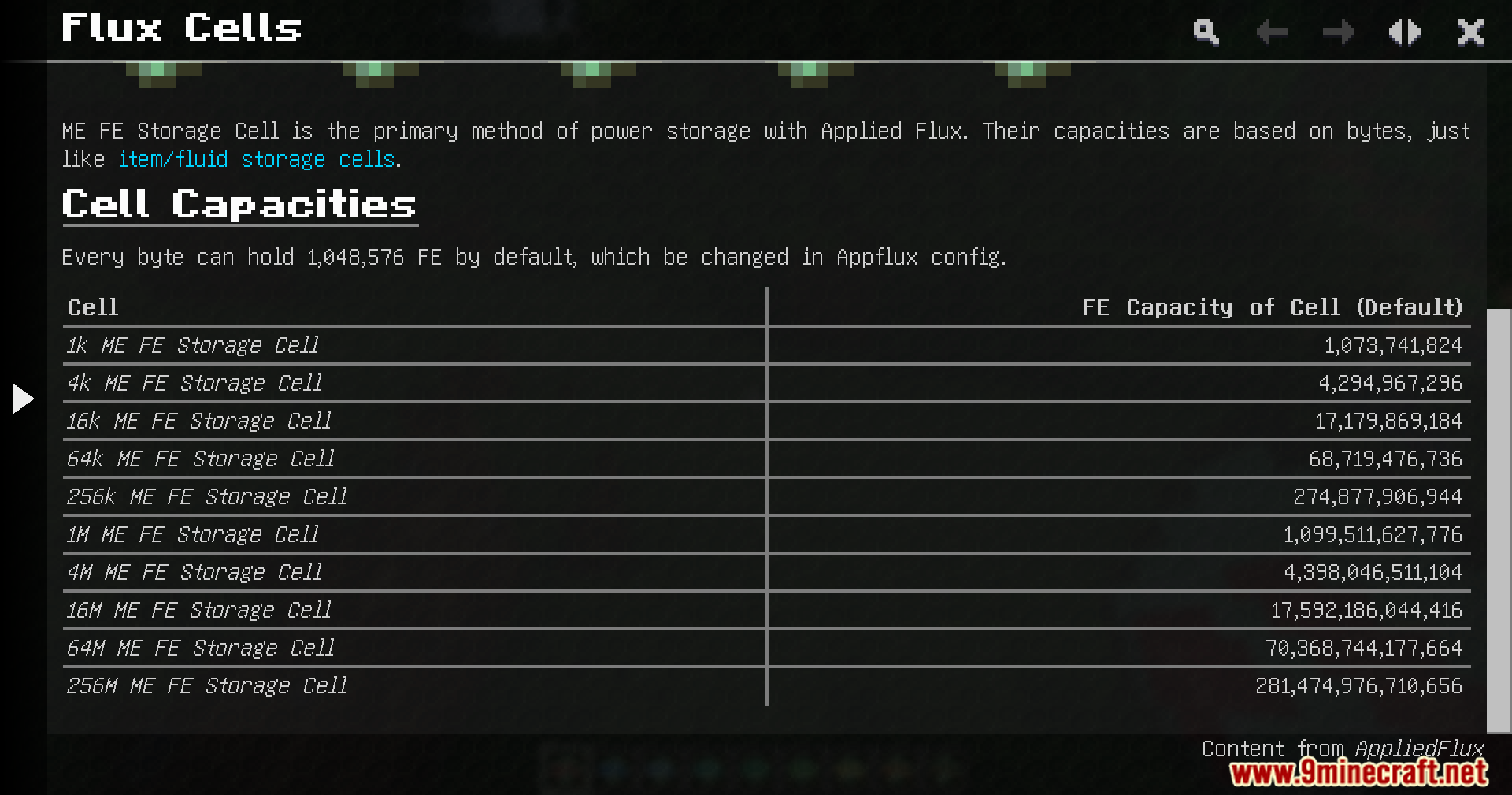
Nag-aalok ng dambuhalang storage options, kung saan ang pinakamalaking cell ay kayang maglaman ng mahigit 200 trillion FE.
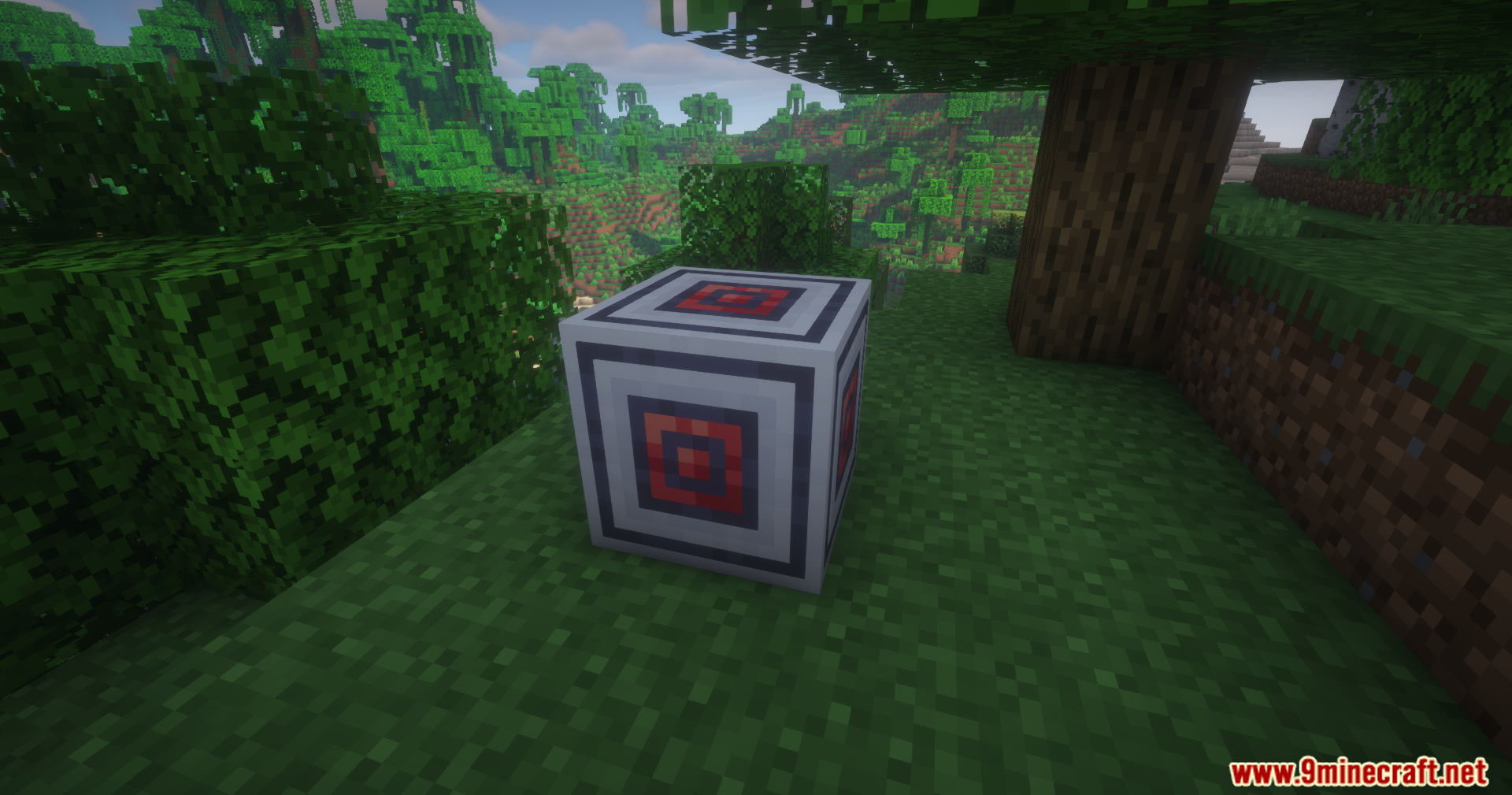
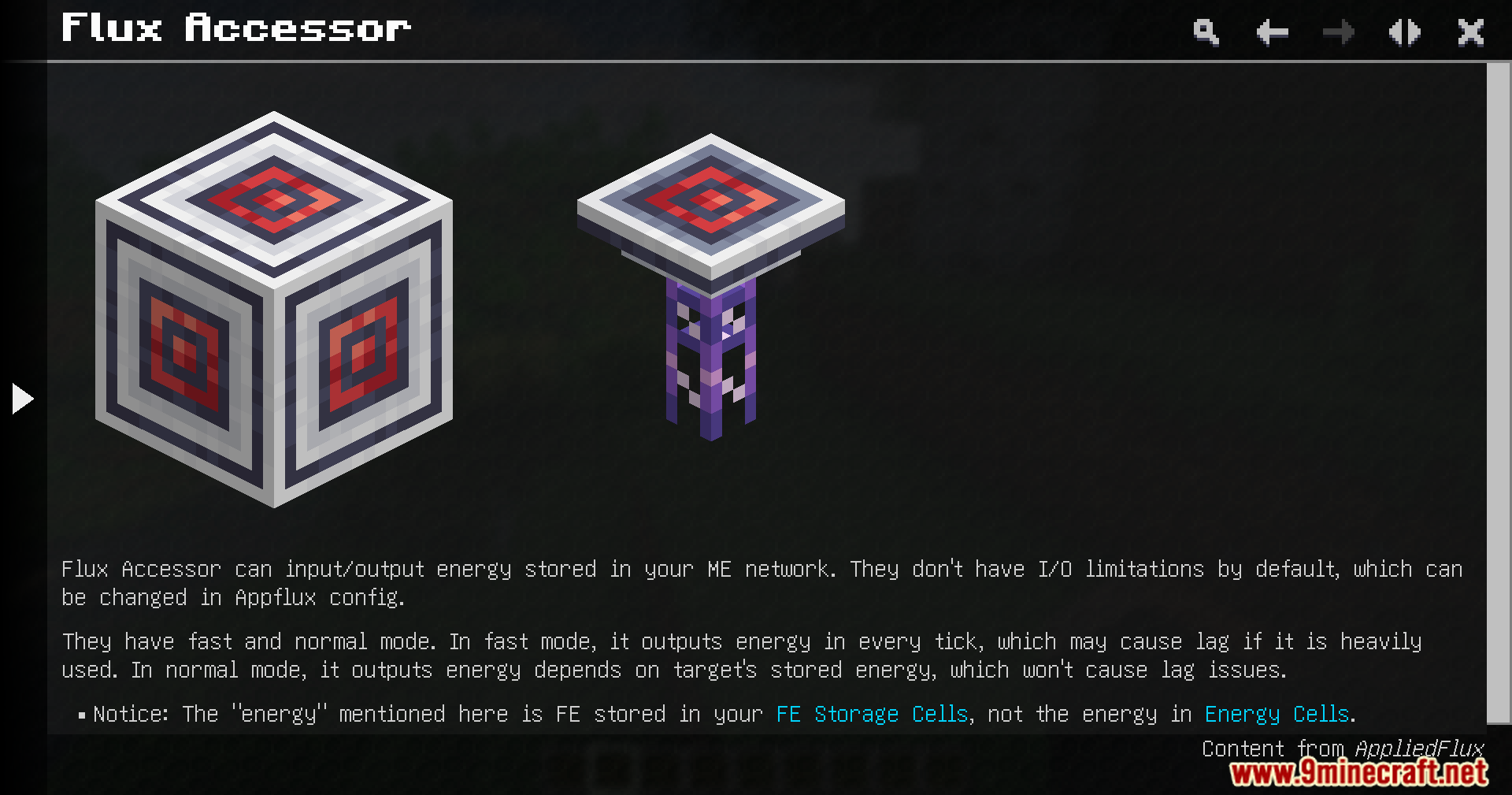
May kasamang Flux Accessor block na nagpapahintulot sa iyo na magpasok at maglabas ng kuryente sa system.
Hinahayaan kang i-check ang iyong kabuuang stored energy nang direkta mula sa terminal screen.
Binibigyan ka ng paraan para mag-charge at mag-discharge ng iyong mga items mismo sa loob ng terminal.
Paano Gamitin:
Ilagay ang mga bagong energy cell sa iyong mga ME drive para magsimulang mag-imbak ng kuryente.
Mag-set up ng Flux Accessor para ikonekta ang iyong network sa mga external power sources o machines.
Buksan ang iyong terminal para makita ang iyong total energy count.
Ipasok ang mga items na kailangan ng kuryente sa mga terminal slots para ma-charge ang mga ito.
Screenshots:
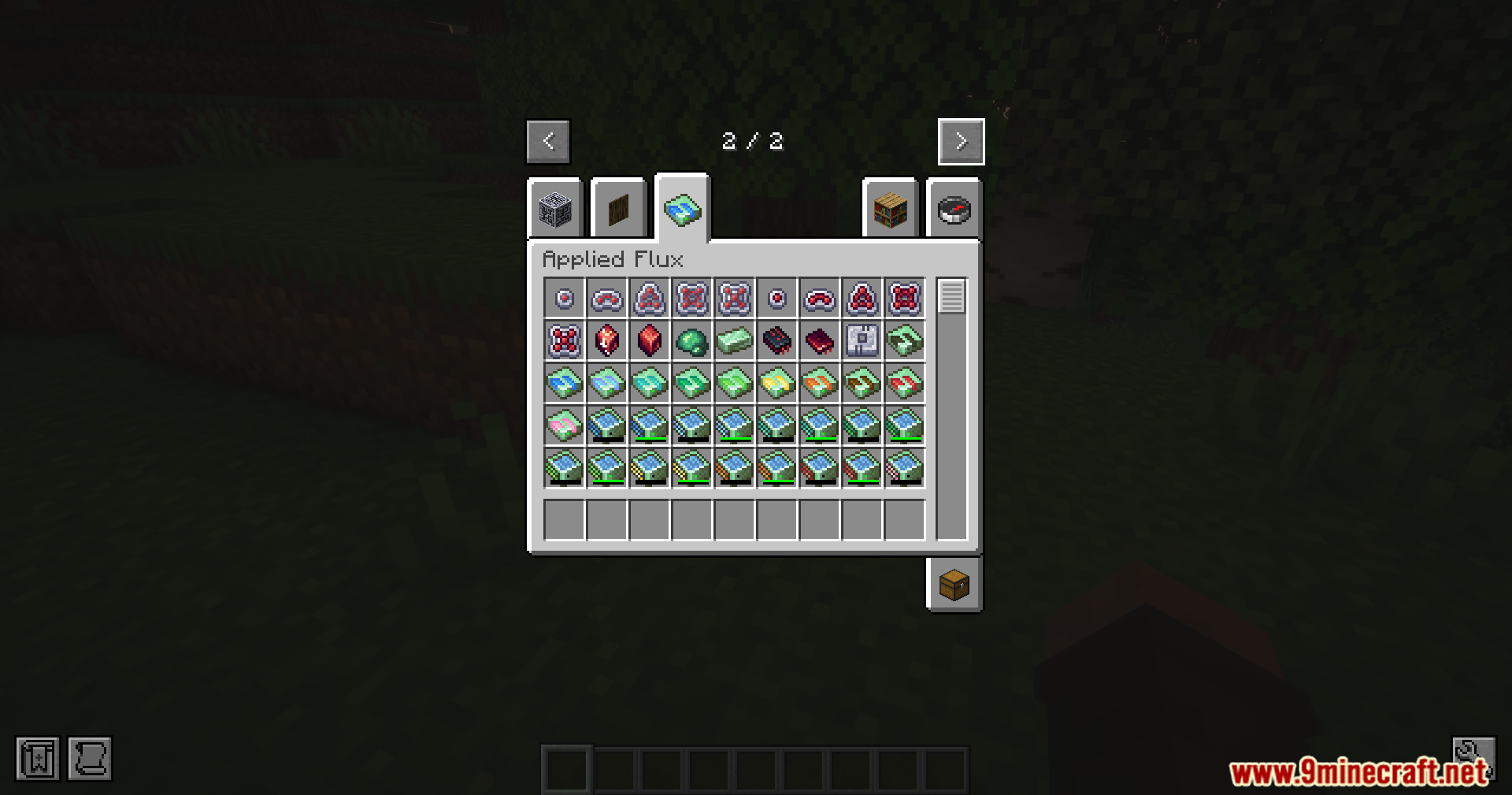
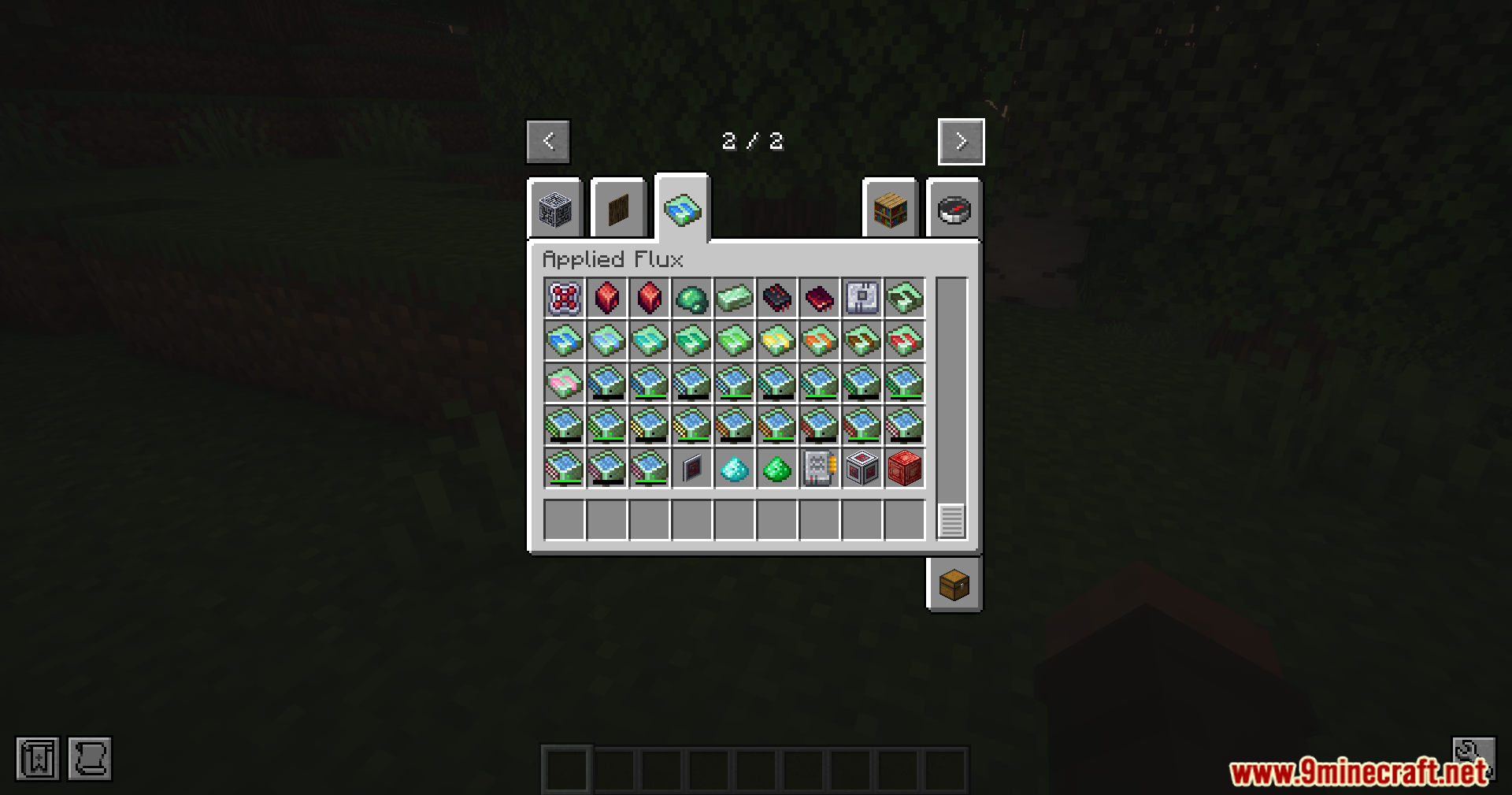
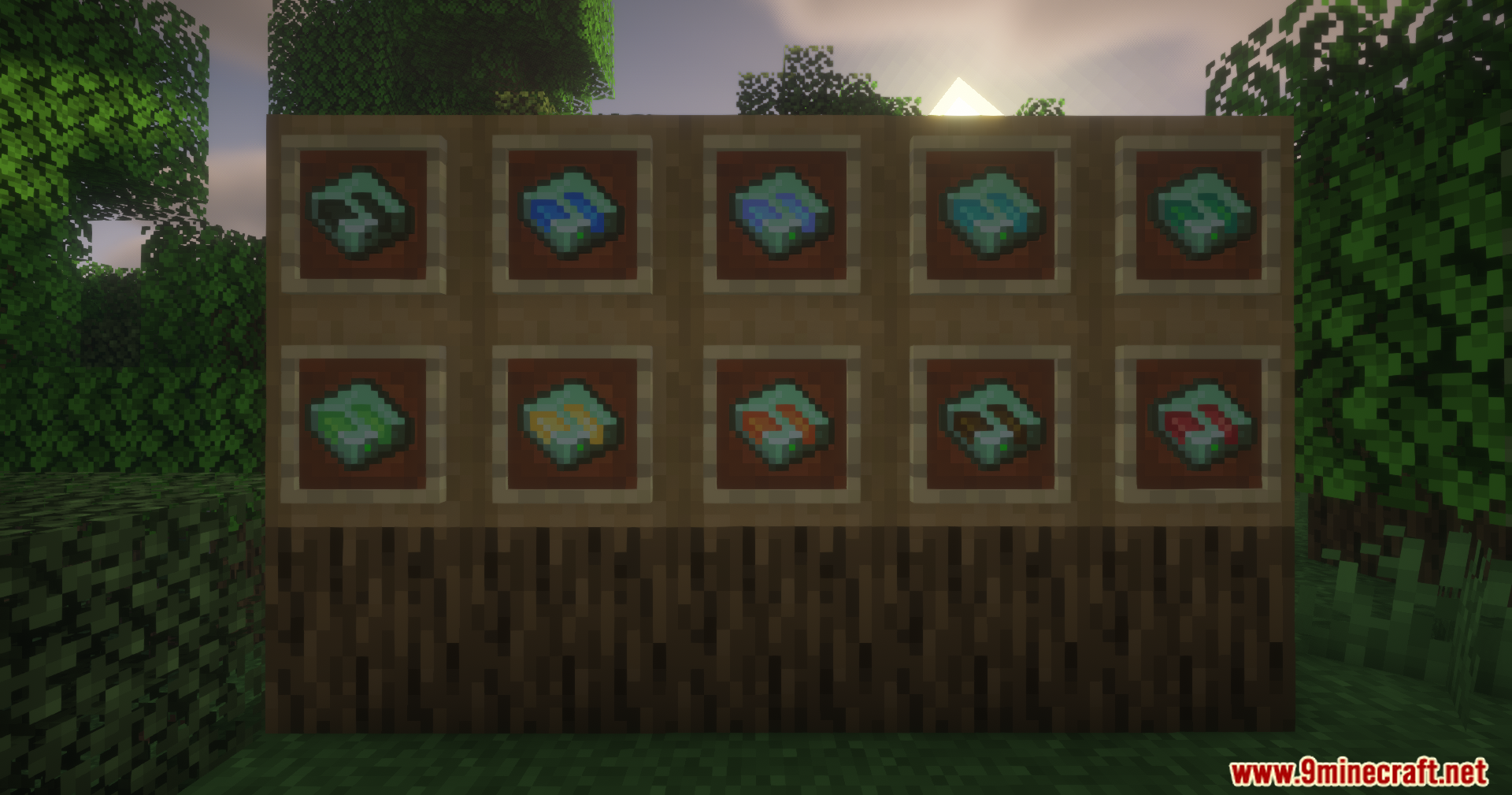
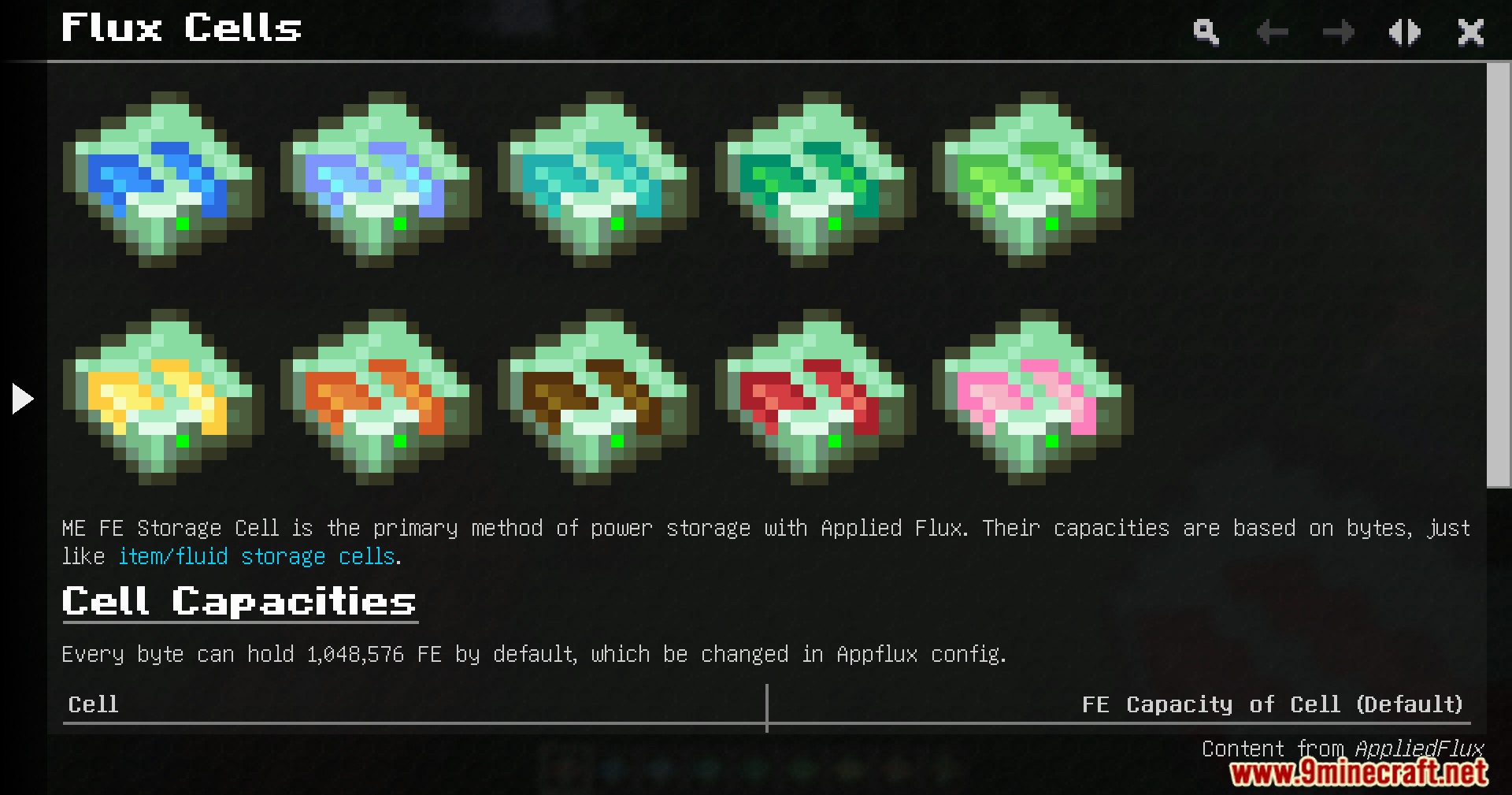
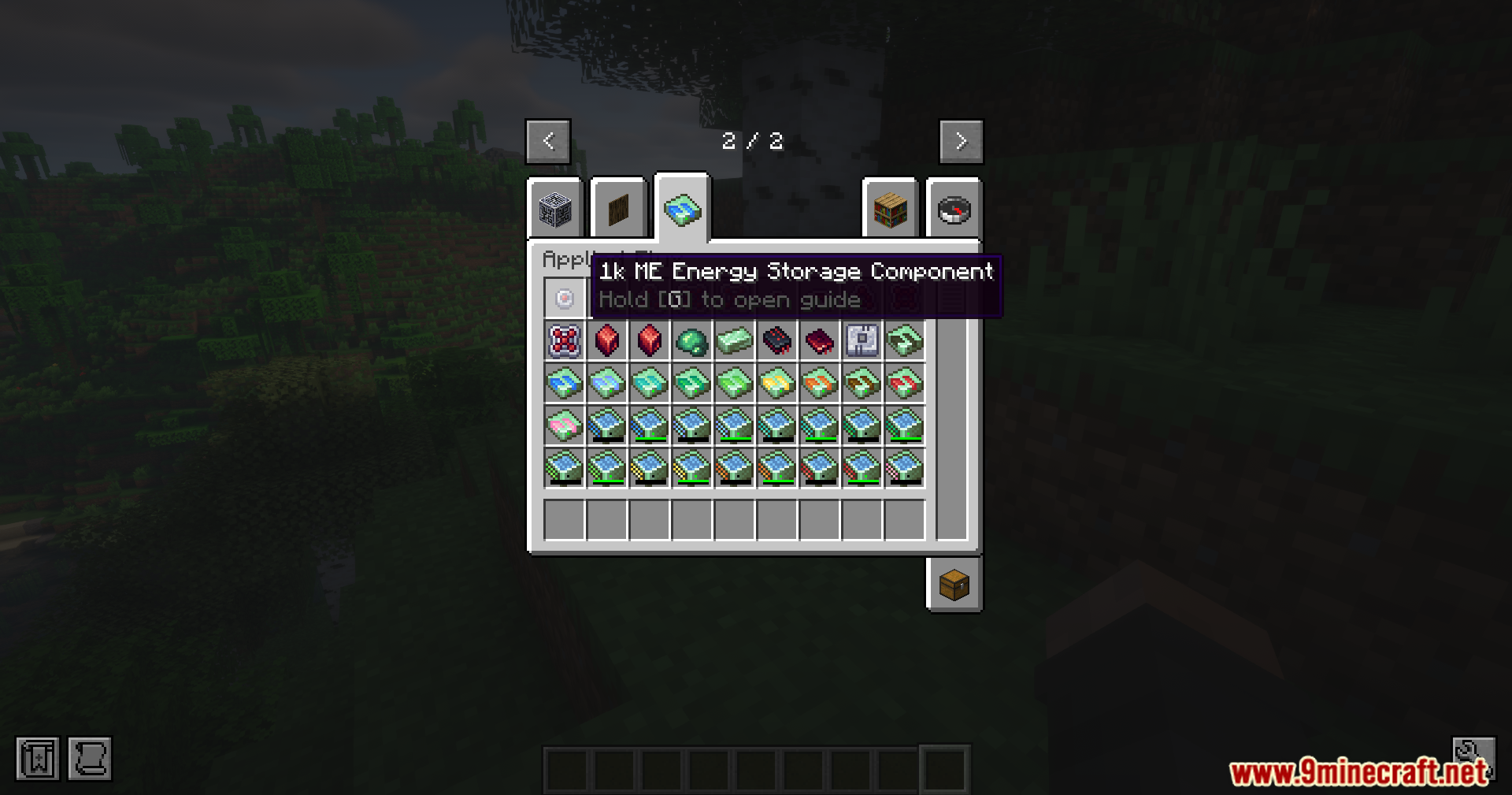
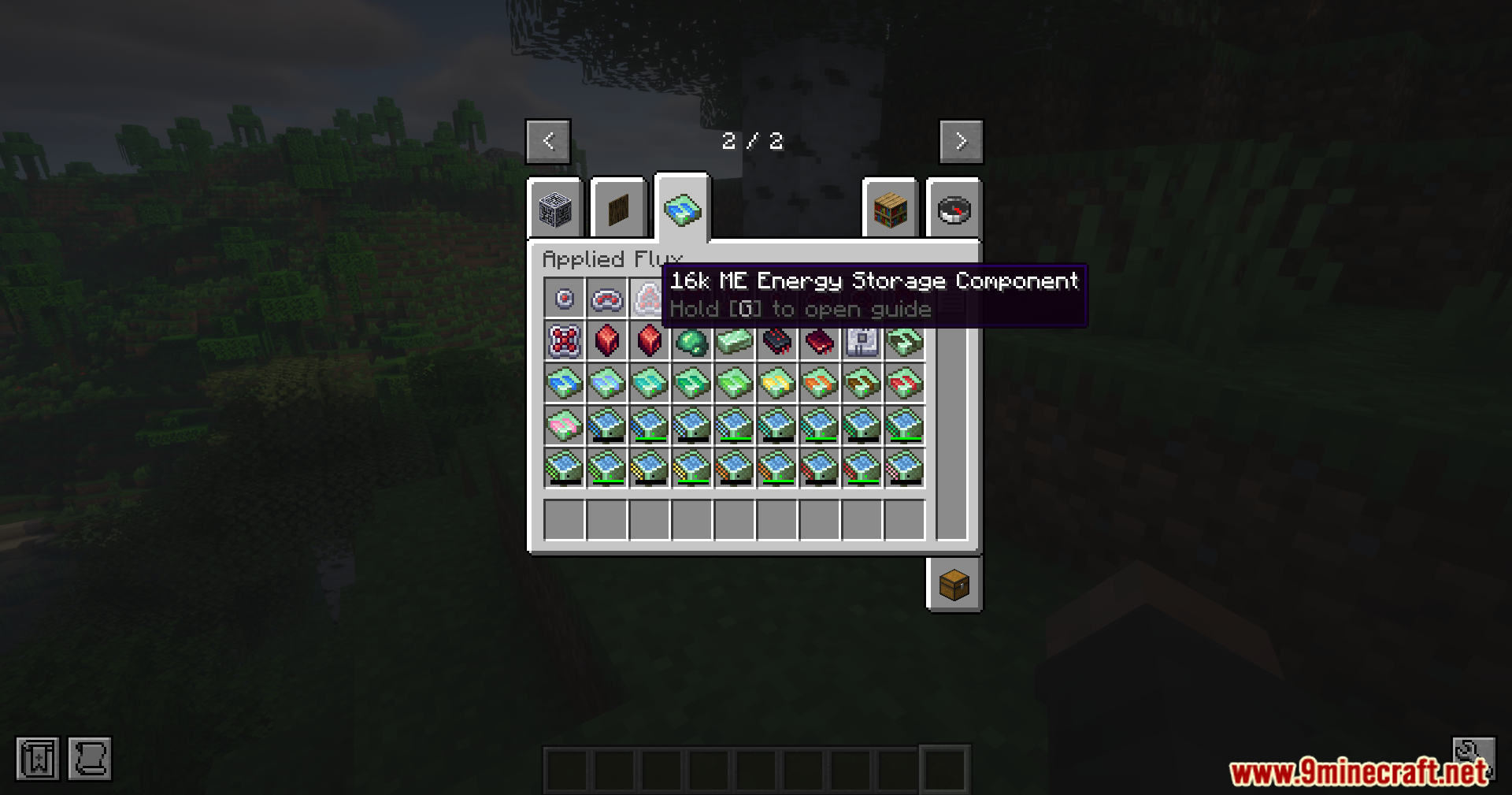
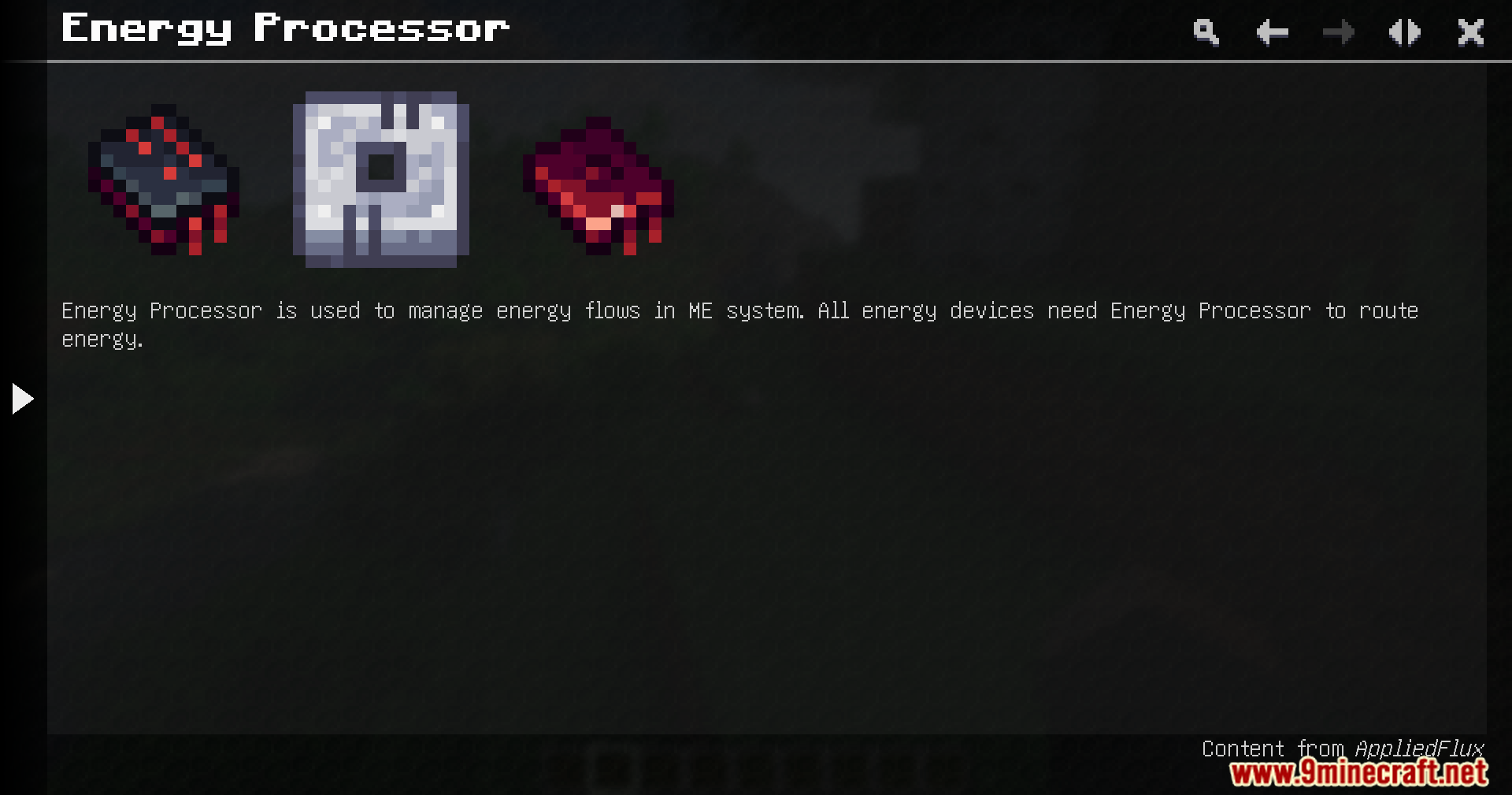
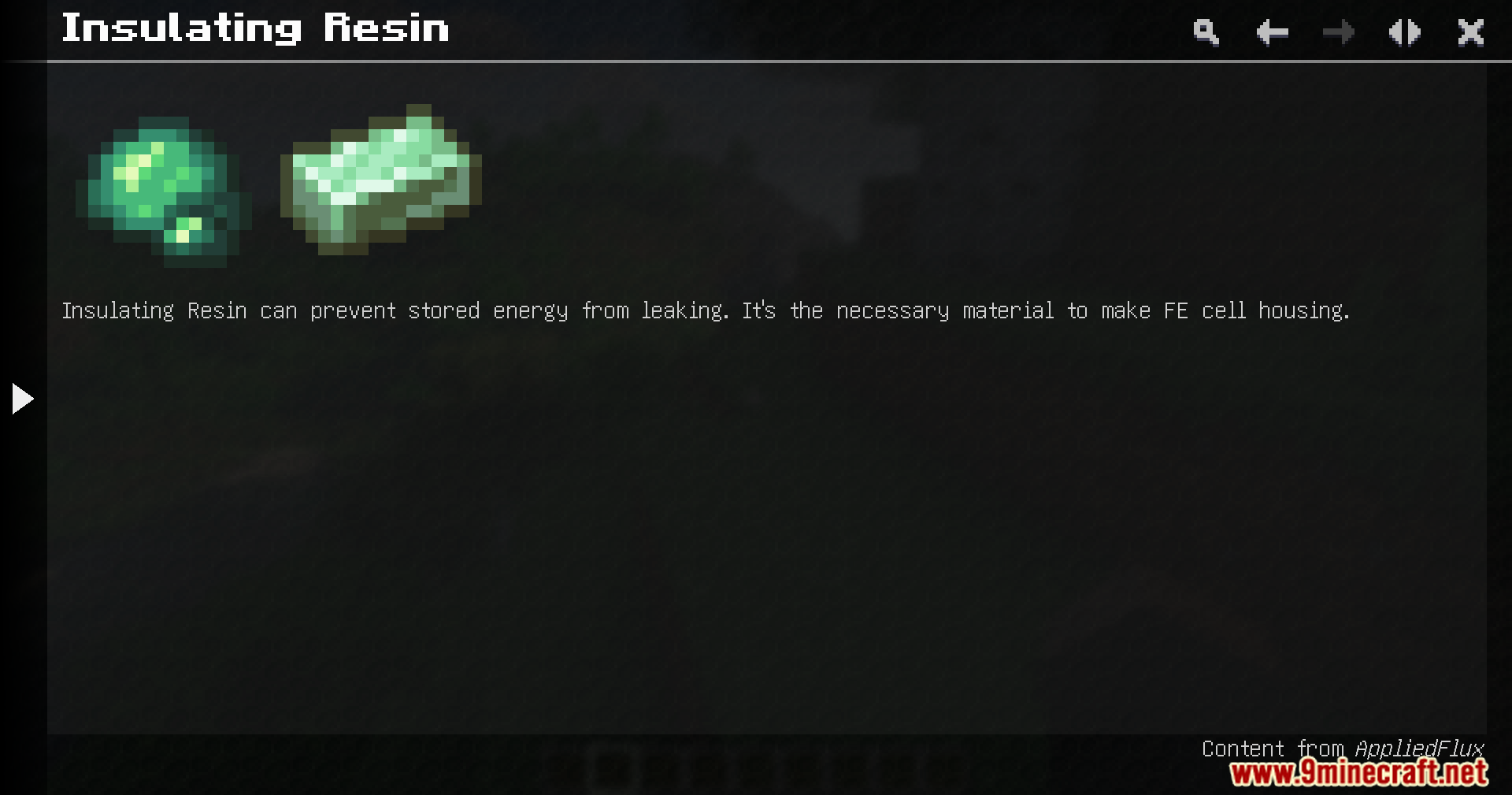
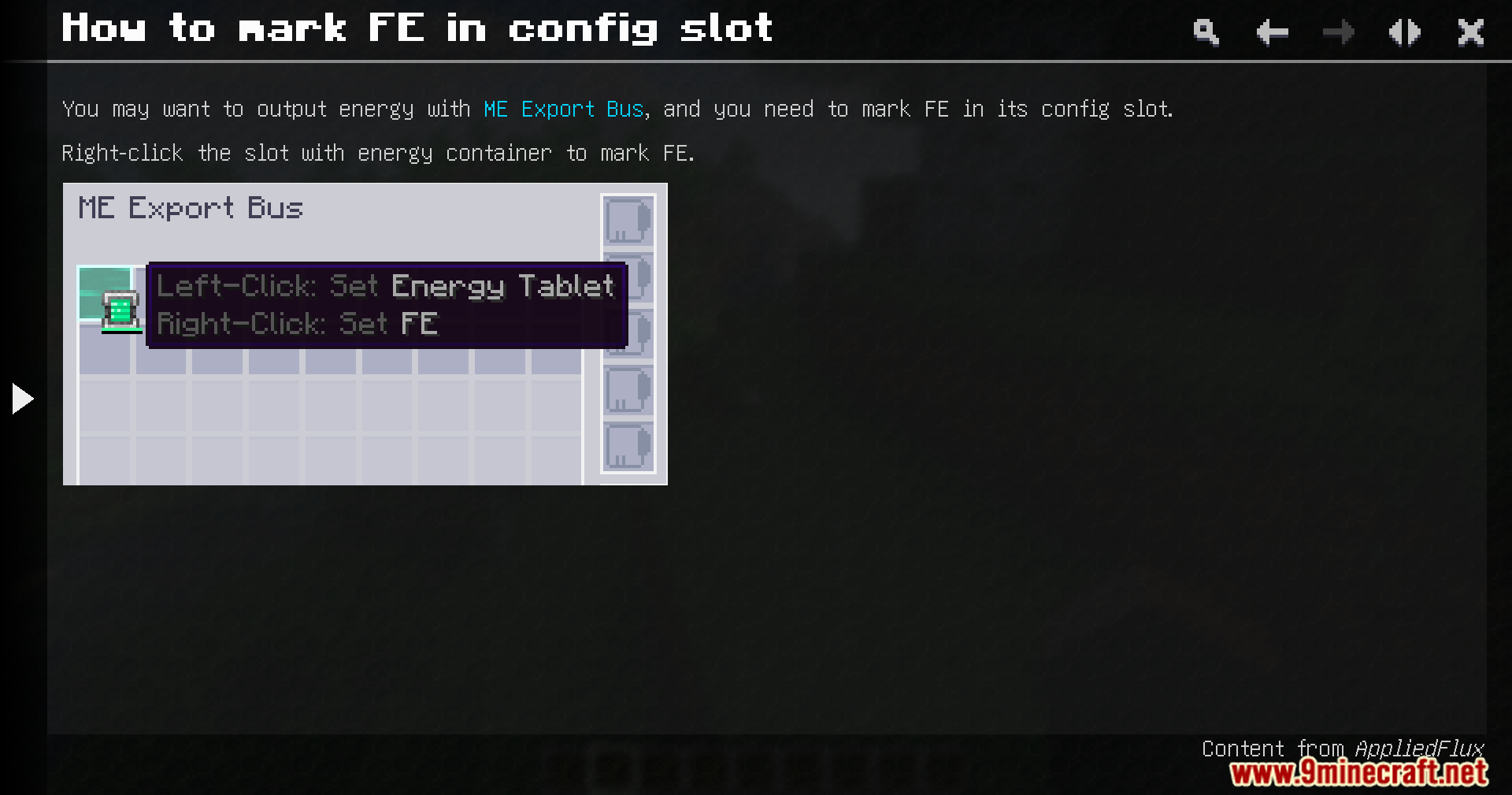
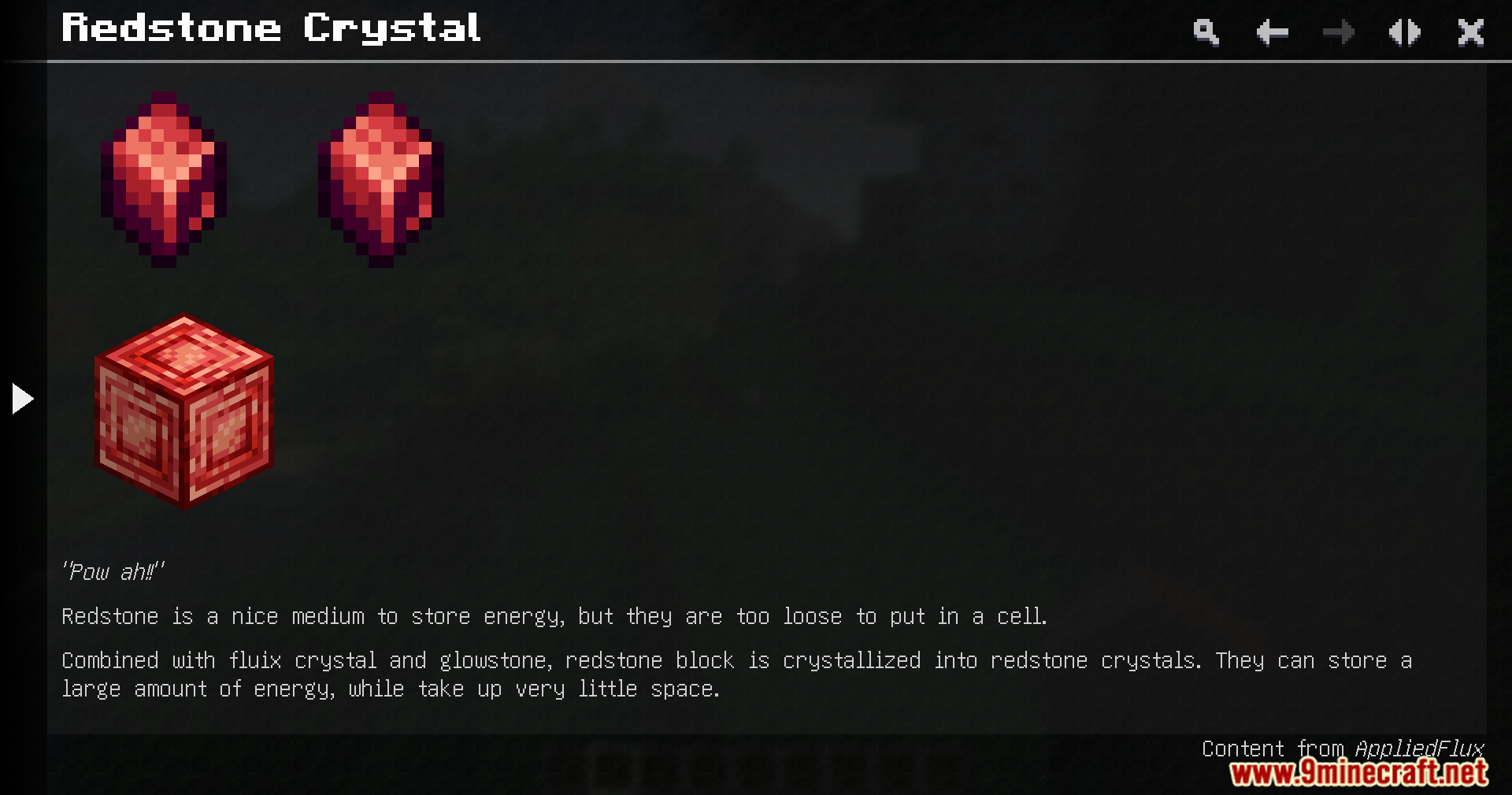
Minecraft mod menu interface na nagpapakita ng mga detalye at deskripsyon para sa Applied Flux modCreative inventory screen na nagpapakita ng iba’t ibang energy storage cells at technical componentsApplied Flux creative inventory tab na nagpapakita ng iba’t ibang energy storage cells at itemsSampung iba’t ibang energy storage cells na nakadispley sa item frames sa ibabaw ng wooden blocksSampung iba’t ibang kulay ng flux cells na nakadispley sa isang grid sa loob ng interfaceIsang table na naglilista ng energy capacities para sa iba’t ibang tiers ng flux cellsAng user interface para sa Flux Accessor block mula sa App Flux modIsang Flux Accessor block na nakalagay sa damuhan sa isang Minecraft jungle biomeIsang player na pumipili ng 1k ME Energy Storage Component mula sa creative inventoryAng creative inventory na nagpapakita ng 16k ME Energy Storage Component mula sa Applied FluxFlux Accessor block mula sa App Flux mod para sa pag-manage ng network energy flowEnergy Processor item at mga components na ginagamit para sa pag-route ng energy sa ME systemGuide page na nagpapakita ng Insulating Resin at ang papel nito sa paggawa ng cell housingMga instruksyon kung paano i-mark ang Forge Energy sa ME Export Bus slotGuidebook entry na naglalarawan ng crafting at energy storage ng Redstone Crystals




 0
0 

















Wala pang komento ang post na ito. Maging una — lalabas dito ang iyong komento.