


Dawn Client Launcher (26.2, 1.20.1) – Maglaro ng Java at Bedrock nang Sabay
 19
19
 0
0

🌐 Binabasa mo ang artikulong ito sa Filipino. Gusto mong magpalit?
📖 Basahin sa Ingles (orihinal)O pumili ng gusto mo:
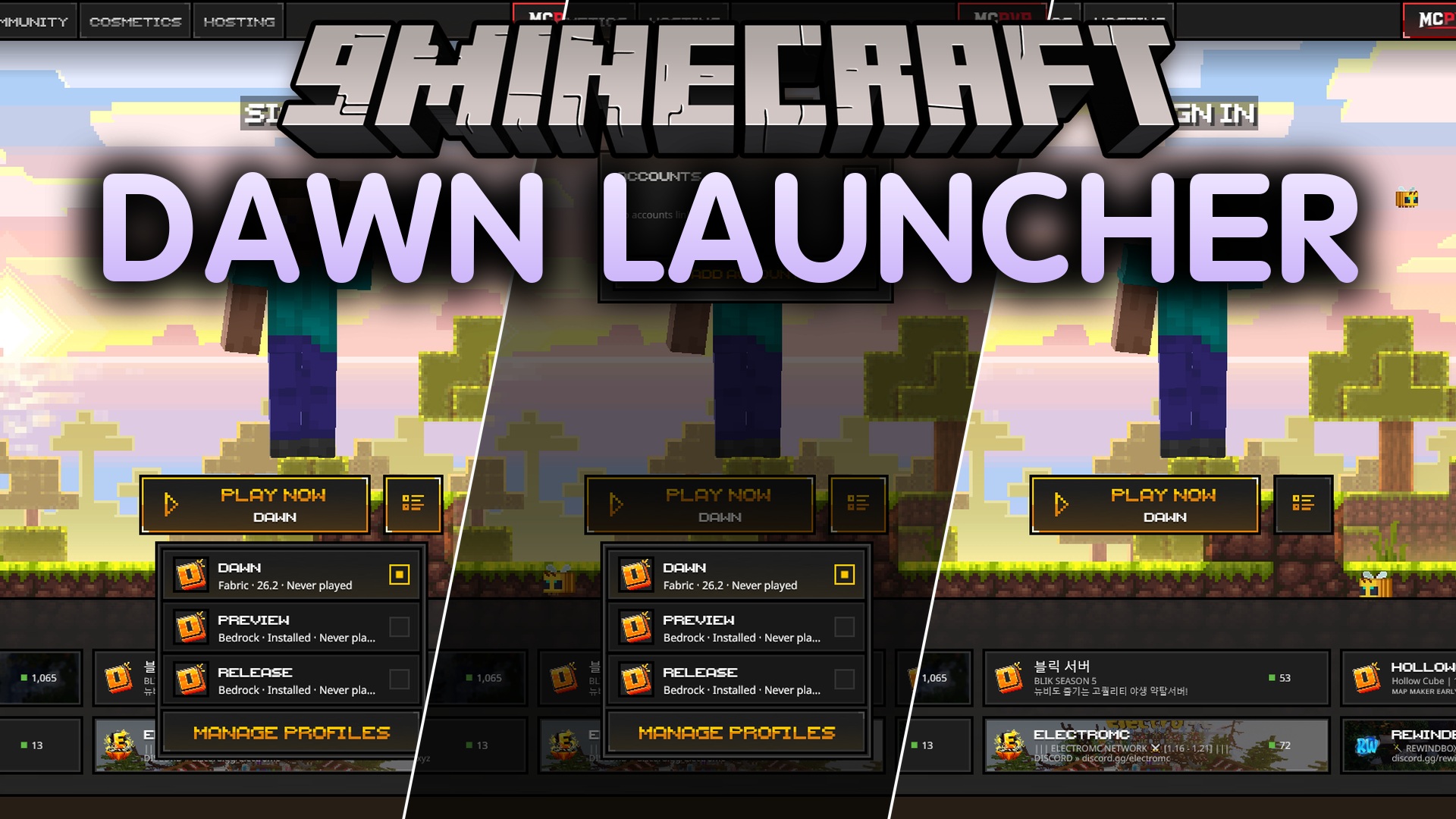
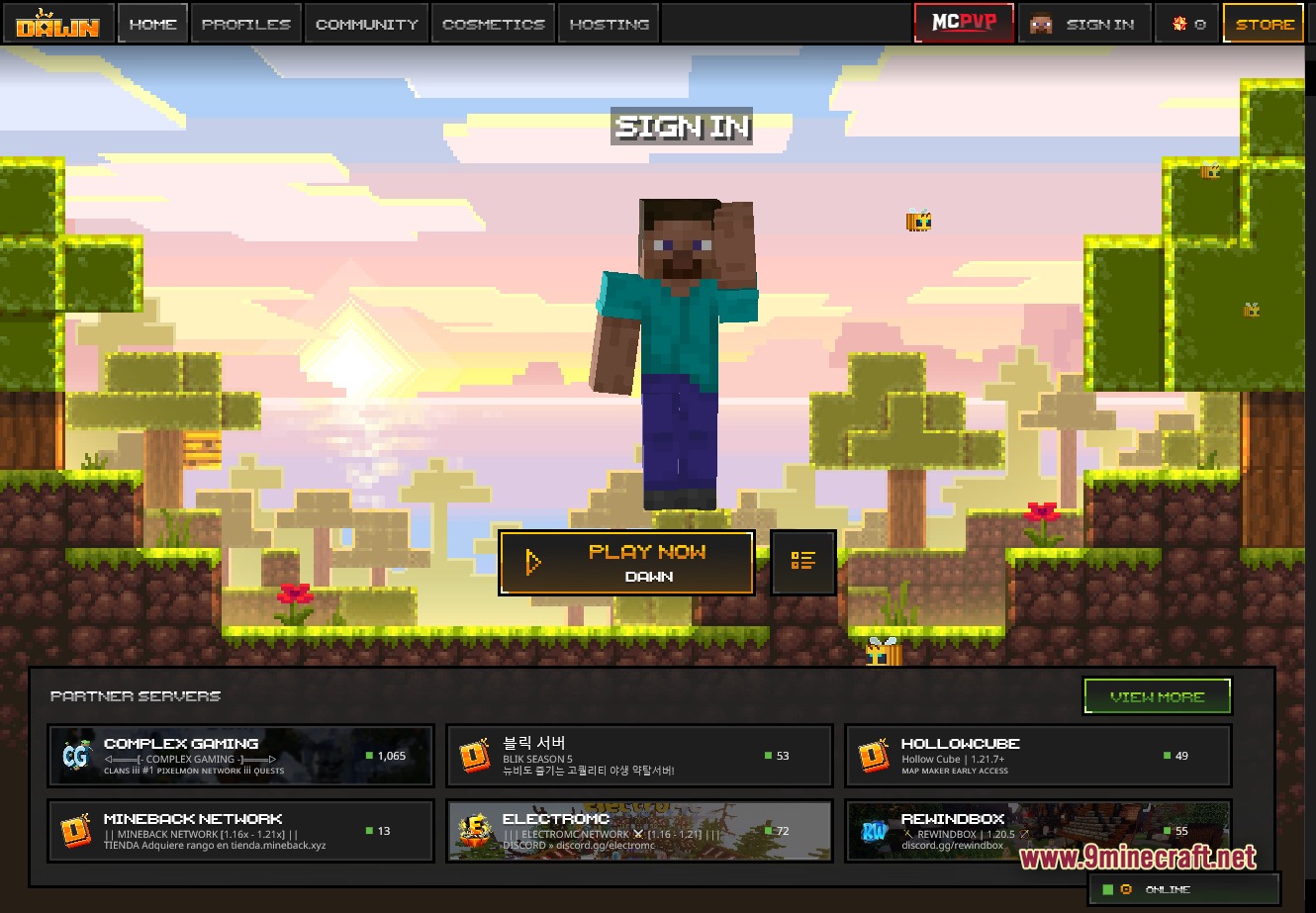
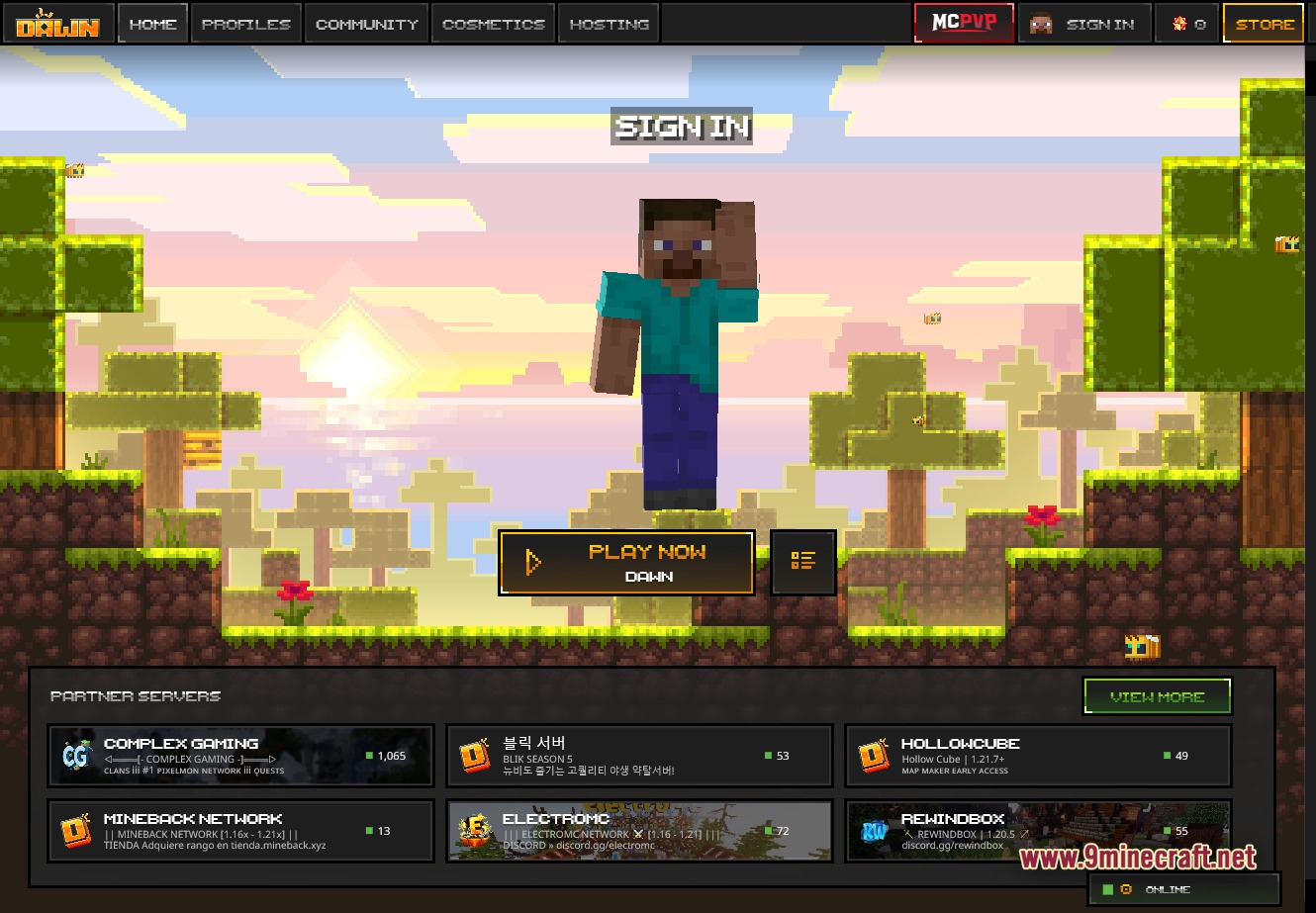
Ang Dawn Client Launcher ay nagbibigay sa iyo ng simpleng paraan para malaro ang parehong Java at Bedrock editions sa iisang lugar lang. Pinapalitan nito ang standard menu ng isang pixel-art interface na ginagawang mabilis at madali ang paglipat sa pagitan ng mga game version. Makakakuha ka ng special mod-friendly profile, pati na rin ng mabilis na access sa Bedrock Preview at Release builds. Ang launcher na ito ay may kasama ring extra tools para sa mga PvP players at tinutulungan kang i-manage ang iyong mga paboritong server.
Features:
- Central Hub: Binibigyan ka ng mabilis na access sa parehong Java at Bedrock editions mula sa iisang screen.
- Pixel-Art Theme: Binabago ang main menu para maging isang masayang Minecraft-style pixel art interface.
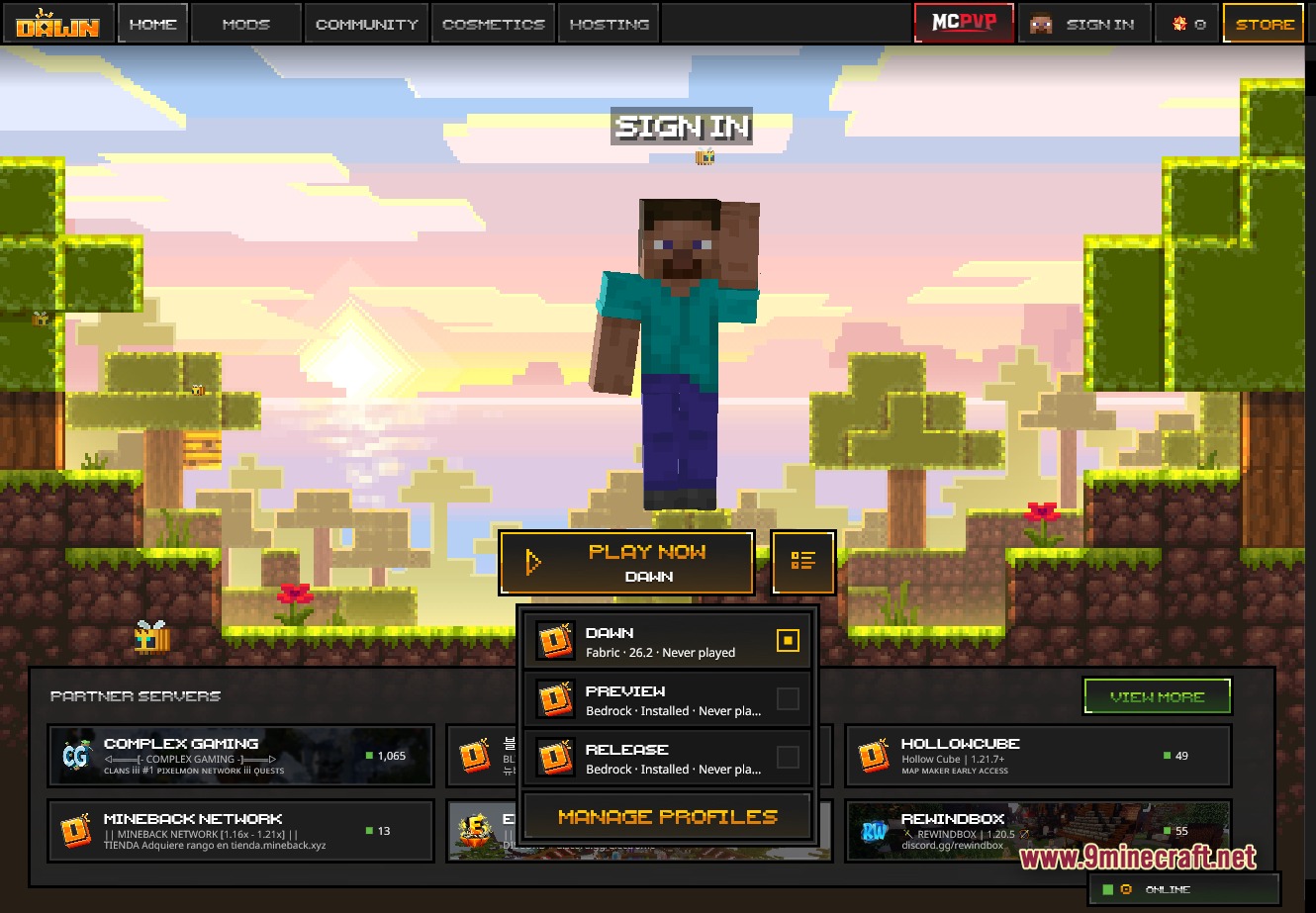
- Fast Switching: Hinahayaan kang magpalit sa pagitan ng tatlong main game profiles sa isang click lang.
- May digital signature kaya kinikilala ng computer mo bilang isang ligtas na program.
- Gumagana sa Windows, macOS para sa Apple Silicon, at Linux.
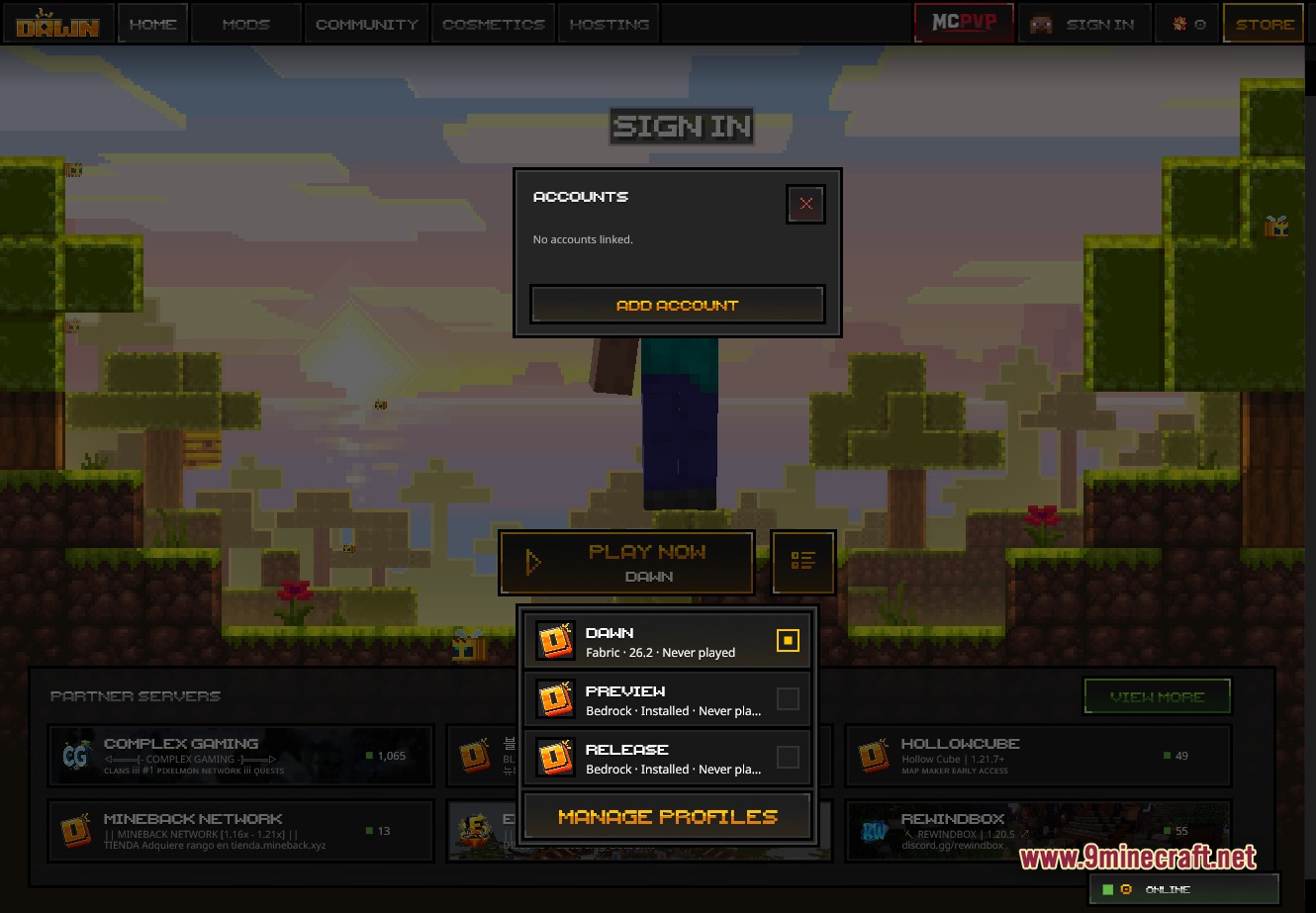
- Gumagana sa parehong offline accounts at official Microsoft Xbox accounts.
- Awtomatikong nag-uupdate para laging nasa pinakabagong bersyon ka.
Launcher Features:
- Nagbibigay ng multi-profile picker para sa special build, Bedrock Preview, at Bedrock Release.
- Hinahayaan kang i-manage ang mga profile at i-set up ang iyong mga mod para sa bawat isa nang hiwalay.
- Agad na sinisimulan ang laro gamit ang malaking PLAY NOW button.
- Inaalagaan ang account logins para sa parehong Microsoft Xbox at offline profiles.
- May built-in auto-updater para laging updated ang software.
- Tumatakbo sa maraming platforms na may Windows installer, macOS file, at Linux options.
Client Features:
- Binabawasan ang delay mo nang hanggang 25 milliseconds para sa mas magandang PvP combat sa mga compatible na server.
- May kasamang verified anti-cheat system para sa patas na tournament play.
- Nagdadagdag ng in-game menu kung saan pwede mong i-on ang mga helpful tools gaya ng CPS counter, damage indicators, at custom crosshairs.
- Hinahayaan kang baguhin ang itsura ng screen mo gamit ang custom fog, brightness controls, at block overlays.
- May wardrobe menu para makapagsuot ng skins, capes, at iba pang fun cosmetics.
- Hinahayaan kang i-on o i-off ang bawat mod nang direkta mula sa launcher.
Multiplayer & Community:
- Nagdadagdag ng quick-join button para dumiretso agad sa mga MCPVP matches.
- Nagpapakita ng listahan ng partner servers na may live status updates para alam mo kung sino ang online.
- Nakalista ang mga sikat na network gaya ng Complex Gaming Pixelmon, MineBack Network, at ElectroMC mismo sa menu.
- May kasamang store tab kung saan pwede kang kumuha ng mga bagong cosmetics para sa character mo.
- Ikinokonekta ka sa ibang players sa pamamagitan ng special community tab.
- Nagbibigay ng hosting section kung gusto mong mag-rent ng server para sa mga kaibigan mo.
Screenshots:
I-click para i-rate ang post na ito!
[Total: 0 Average: 0]
Baka Magustuhan Mo Rin


Wala pang komento ang post na ito. Maging una — lalabas dito ang iyong komento.