


Load Support Mod (1.21.8, 1.21.1) – I-launch ang Iyong Modpack Nang Hindi Nagka-crash

 0
0 

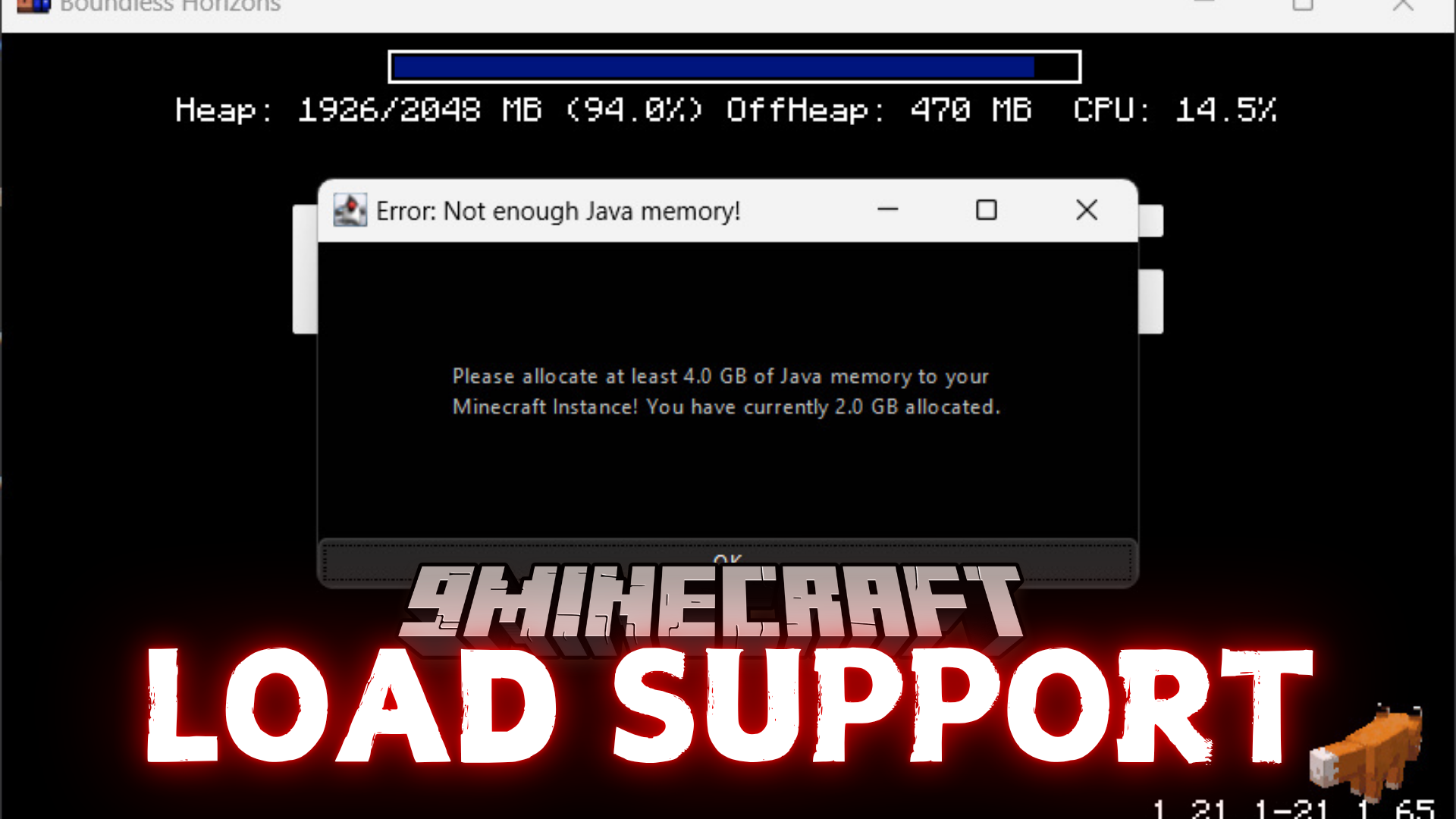
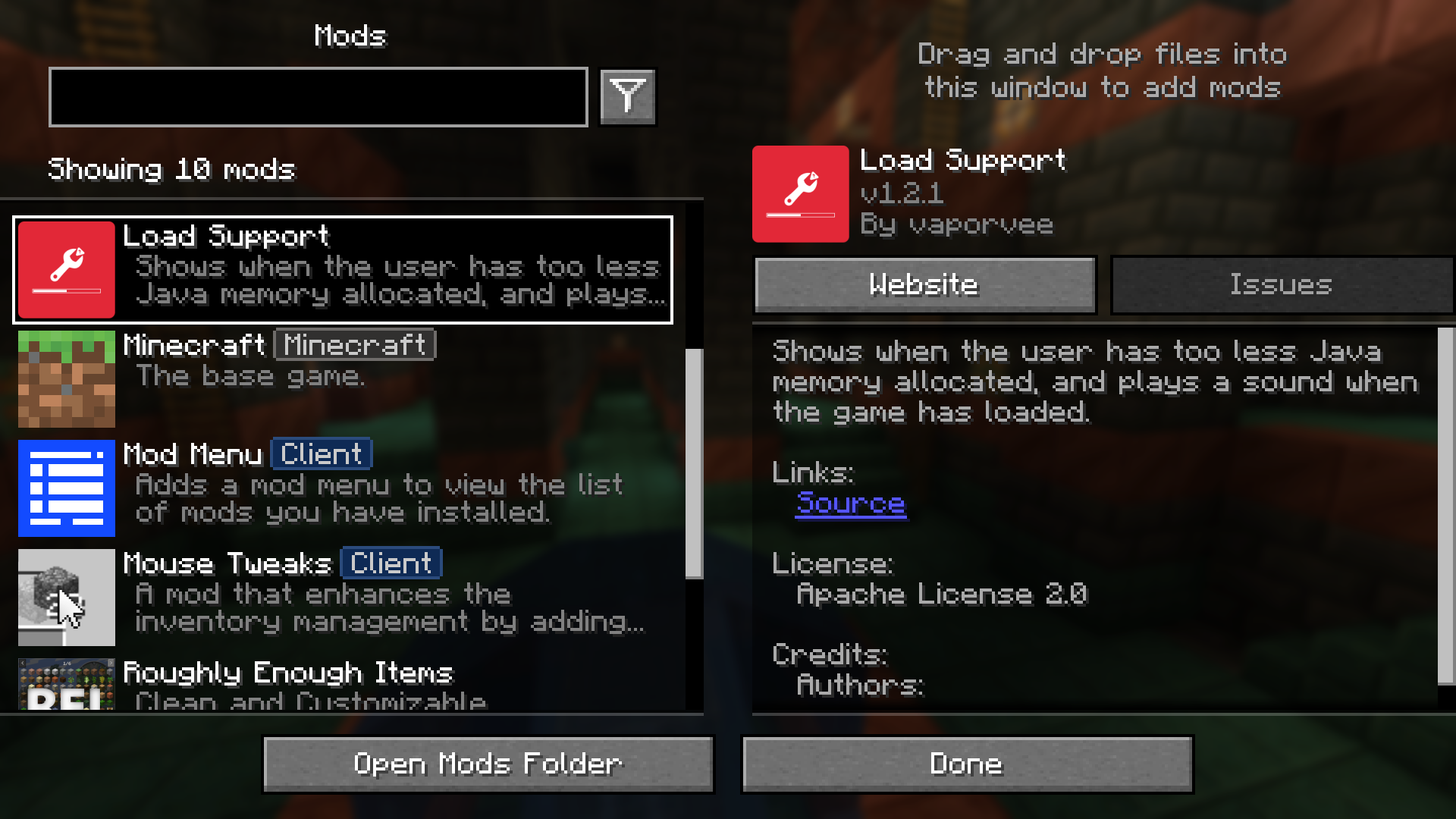
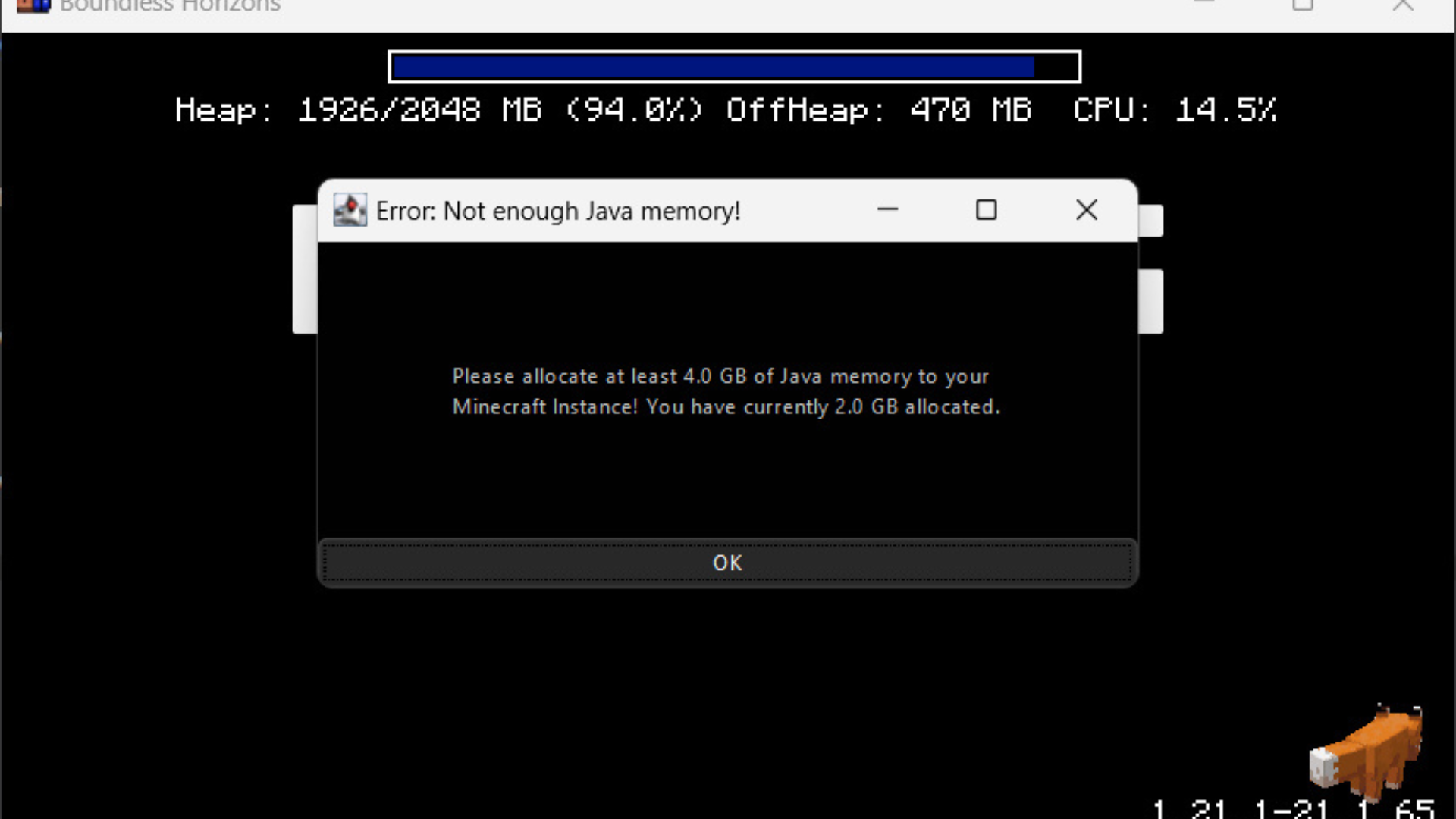
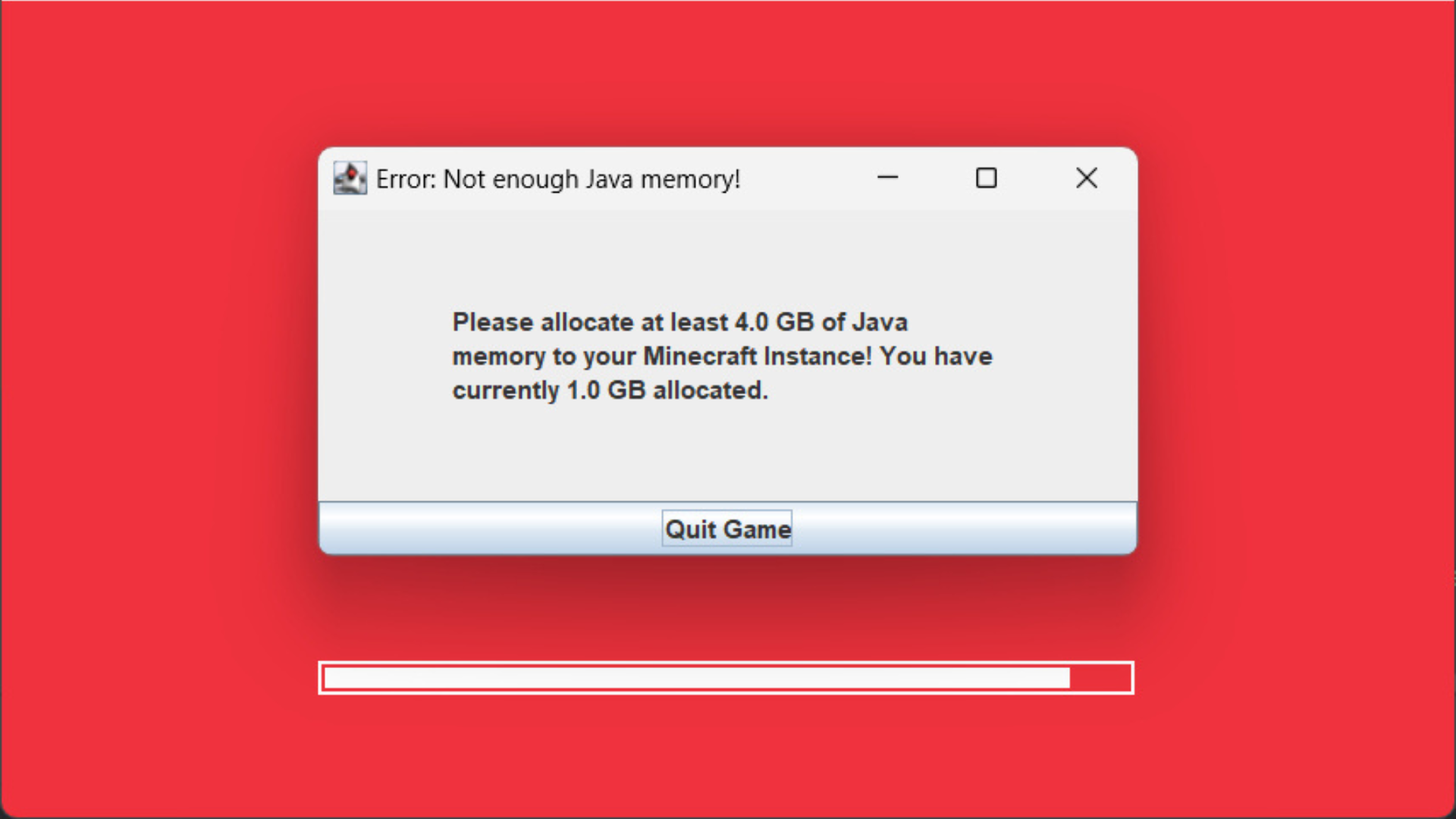
Binabalaan ka ng Load Support Mod kung hindi sapat ang ibinigay mong Java memory sa Minecraft. Nagpapakita ang mod na ito ng error message agad-agad para hindi mo na kailangang maghintay na mag-crash ang laro. Tumutugtog din ito ng sound para ipaalam sa iyo kapag tapos na ang loading ng game, na sobrang useful kapag naka-background ang laro.
Features:
- Nagpapakita agad ng warning kung masyadong mababa ang napiling Java memory.
- Bina-block ang game window para siguradong makikita mo ang memory warning.
- Tumutugtog ng sound kapag tapos na ang loading ng Minecraft.
Configuration:
Maaari mong baguhin ang settings sa config/loadsupport.toml file. Ang mga options ay ipinapaliwanag sa ibaba:
loadFinishSound = "minecraft:ui.toast.challenge_complete"
minMemory = 4.0
errorTitle = "Error: Not enough Java memory!"
errorMinMemory = "Please allocate at least {minMemory} GB of Java memory to your Minecraft instance!"
errorCurrentMemory = "You have currently {currentMemory} GB allocated."
memoryInfoLink = "https://github.com/vaporvee/LoadSupport/wiki/How-to-allocate-more-memory-to-your-Minecraft-instance"
Sa mga messages, ang {minMemory} at {currentMemory} ay mapapalitan ng kanilang mga actual values.
Screenshots:

Paano I-install:
Mga Kailangan:

Load Support Mod Download Links
Para sa Minecraft 1.21.8, 1.21.7, 1.21.6
Fabric Version: Download mula sa Server 1 – Download mula sa Server 2
NeoForge Version: Download mula sa Server 1 – Download mula sa Server 2
Para sa Minecraft 1.21.5, 1.21.4, 1.21.3, 1.21.1, 1.21
Fabric Version: Download mula sa Server 1 – Download mula sa Server 2
NeoForge Version: Download mula sa Server 1 – Download mula sa Server 2
Baka Magustuhan Mo Rin







Wala pang komento ang post na ito. Maging una — lalabas dito ang iyong komento.