


Marlow Client Mod (26.1.2, 1.21.11) – Manalo sa Sword Fight at Silipin ang Kalaban sa Pader
 2,207
2,207
 0
0
 4 weeks ago
 Marlow Client
🌐 You are reading the Filipino translation of this article
Available languages for this article:
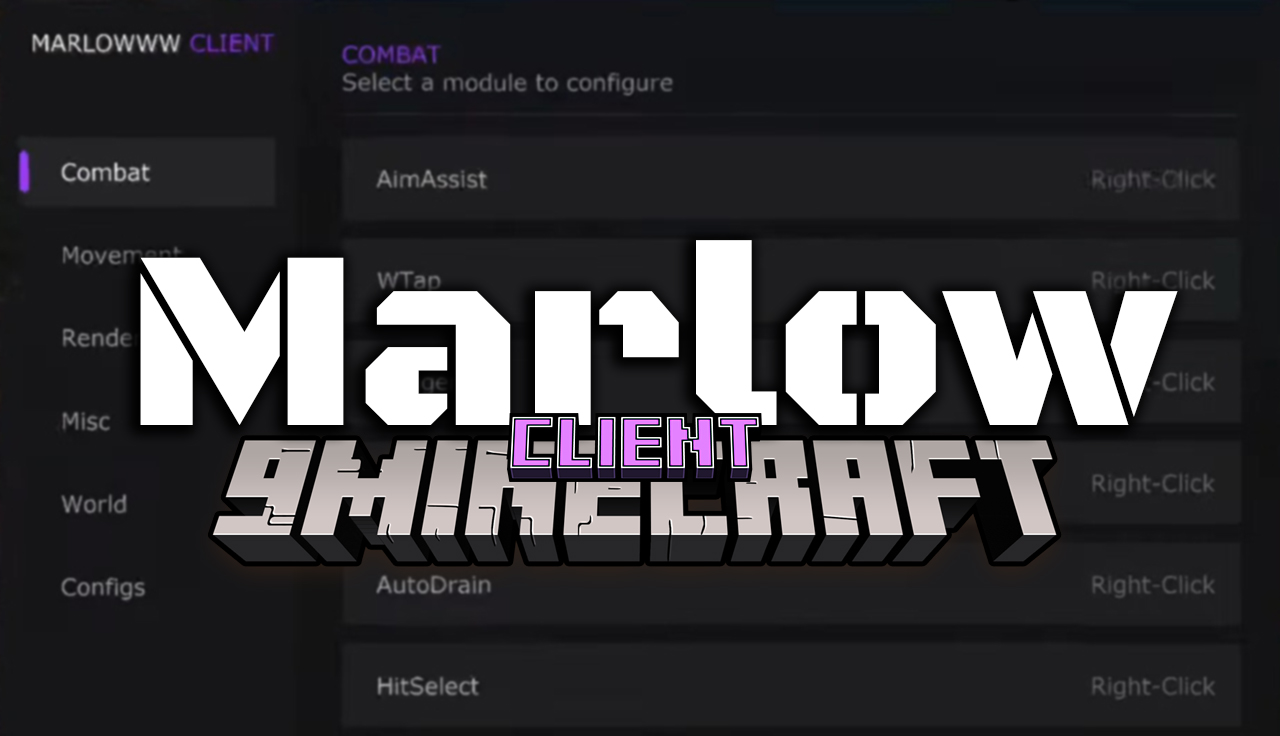
Ang Marlow Client Mod ay nagbibigay sa iyo ng malaking advantage sa mga player battle at bridge games. Ang client na ito ay punong-puno ng tools para matulungan kang manalo sa bakbakan at kumilos nang mas mabilis. Pwede mo itong i-setup para magmukhang normal lang sa iba o i-todo lahat para sa maximum power. Mayroon itong mga system para sa automatic hitting, madaling pag-place ng blocks, at pagtingin sa loob ng mga pader. Swak na swak ito para sa mga survival server at mabilisang mini-games.
Features:
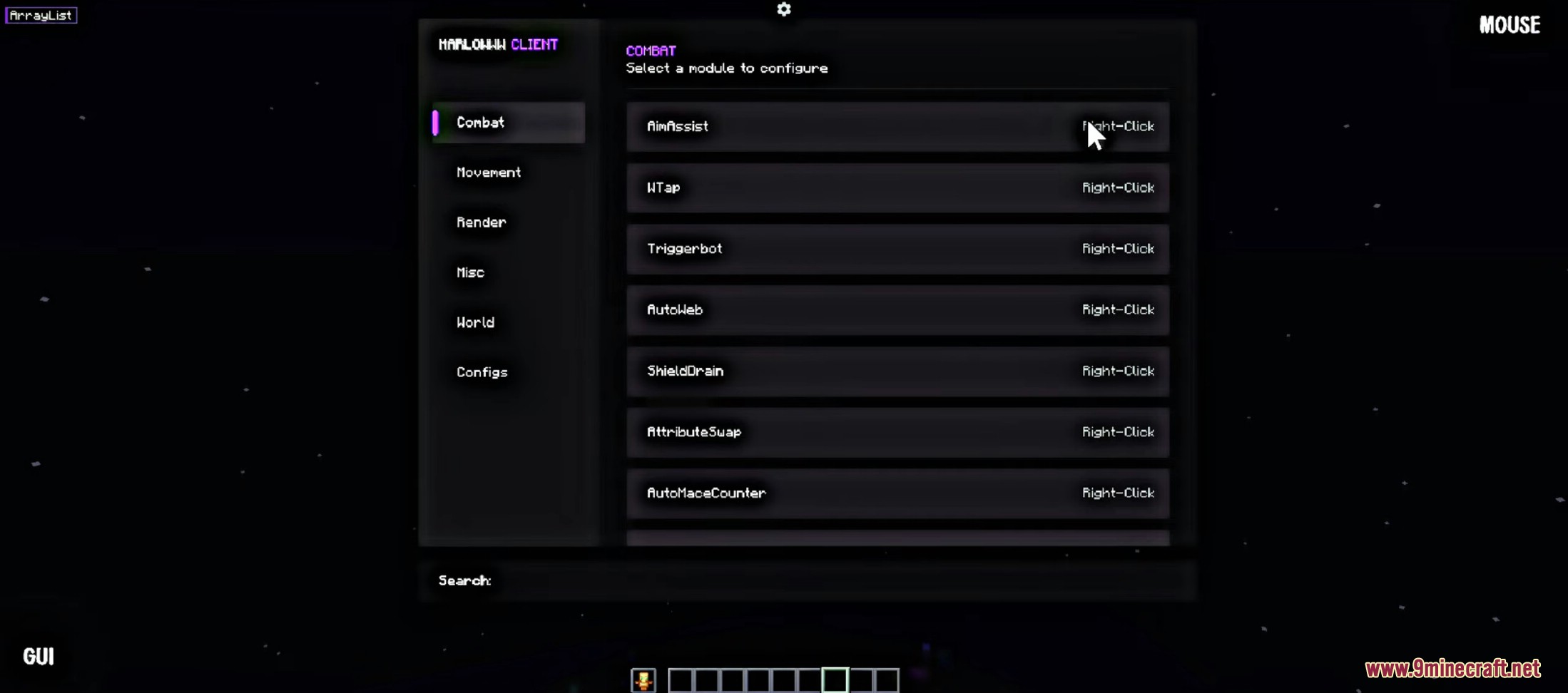
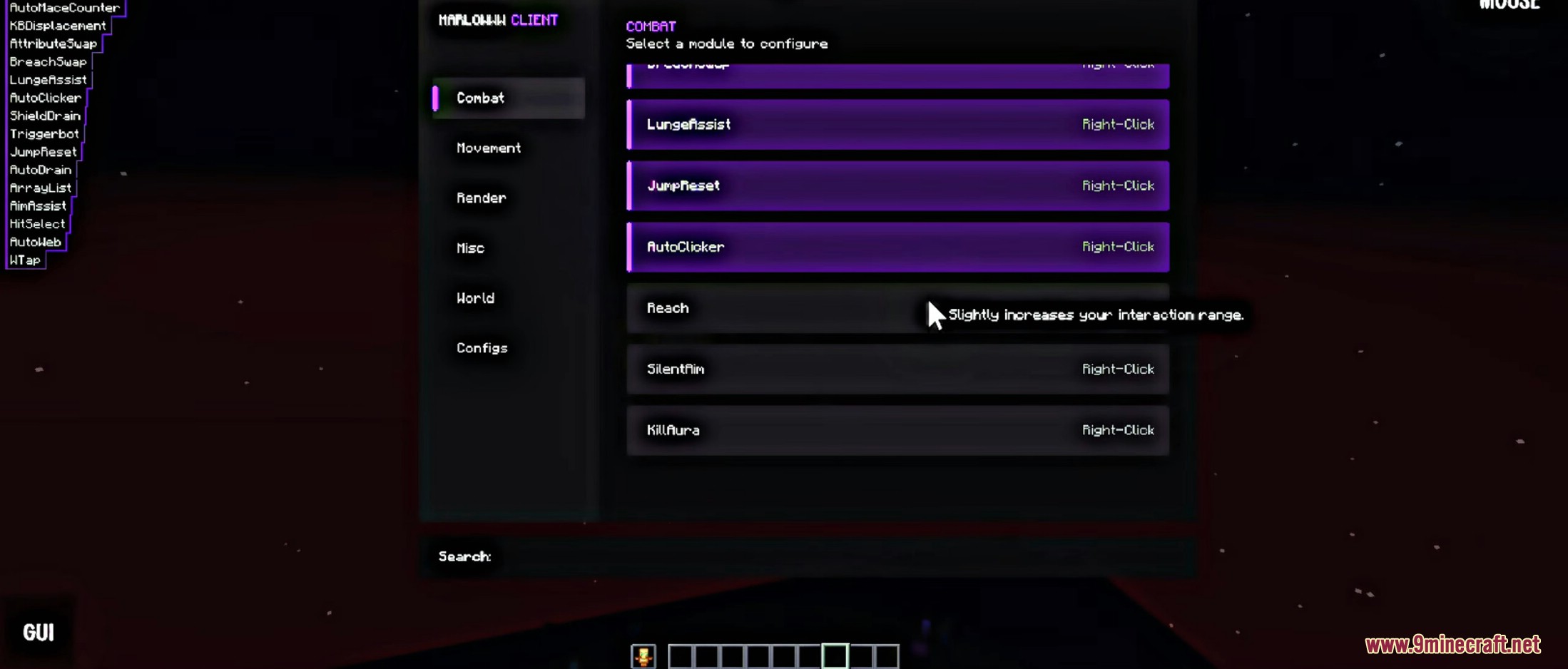
- Combat Tools: May kasamang auto-clicking, aim help, at shield draining para madaling manalo sa sword fights.
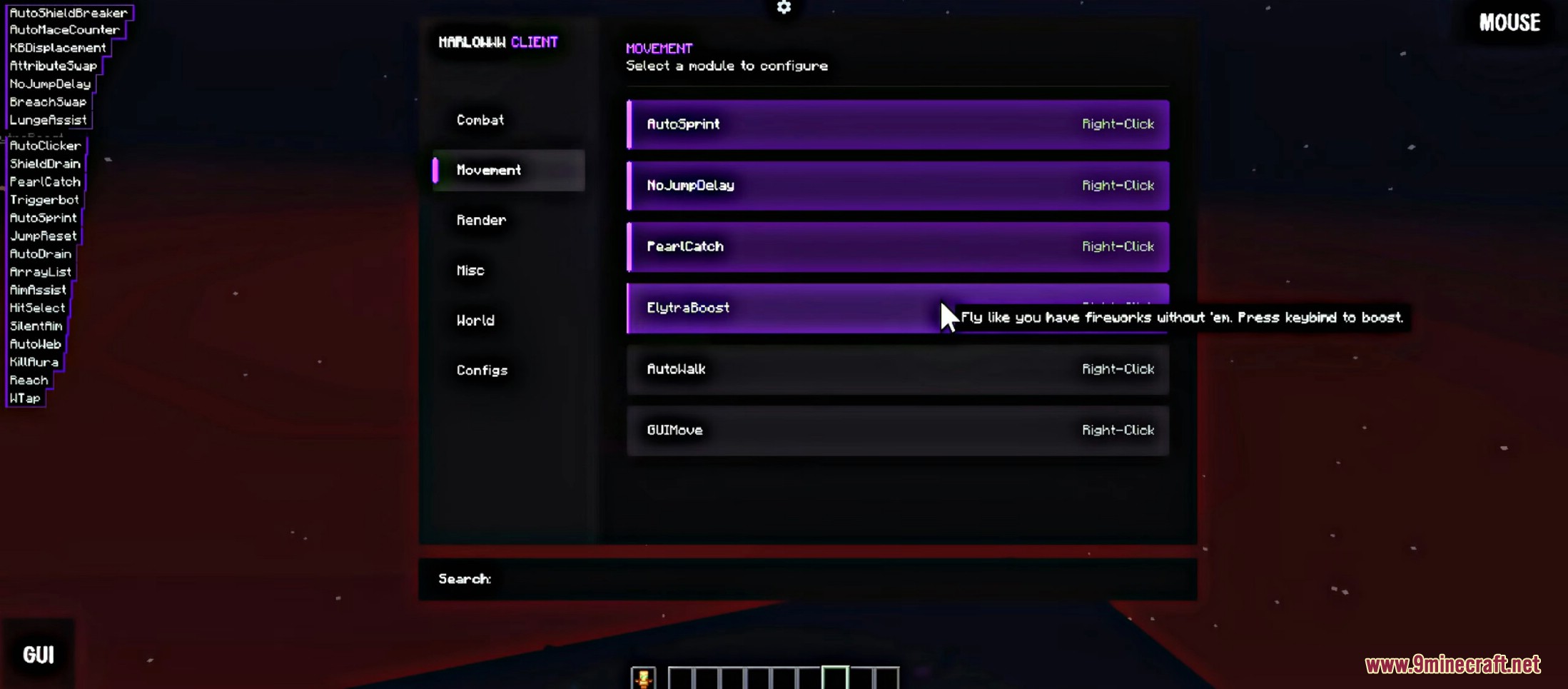
- Elytra Boost: Lumipad gamit ang iyong wings nang hindi na kailangan ng kahit anong fireworks.
- Smart Building: Awtomatikong mag-place ng blocks at gumawa ng bridges nang ligtas at hindi nahuhulog.
- Player Vision (ESP): Makita ang ibang players, chests, at mga nakatagong blocks kahit may pader.
- Movement Upgrades: Auto-run, madaling pag-catch ng pearls, at pagtanggal ng jump delays.
- Name Protection: Itago ang iyong tunay na username habang naglalaro para manatiling safe.
- Direct Mode: Direktang pinapadala ang actions sa server para sa mas mabilis na hits, pero baka mapansin ito ng servers.
- Virtual Mode: Kumikilos na parang totoong player na nagki-click para iwas-detect sa server checks.
- Freecam: Igalaw ang camera mo palabas ng iyong body para makasilip sa paligid ng map nang ligtas.
- Auto Web & Counters: Awtomatikong naglalagay ng cobwebs o nagka-counter ng attacks sa dikitang labanan.
Configuration:
- Buksan ang client menu para makita ang lahat ng tabs.
- Maghanap ng tool na gusto mong gamitin, gaya ng Combat o Movement.
- I-right-click ang kahit anong module name para mabuksan ang specific settings nito.
- I-adjust ang sliders o buttons para baguhin kung gaano kalakas ang tool.
Screenshots:
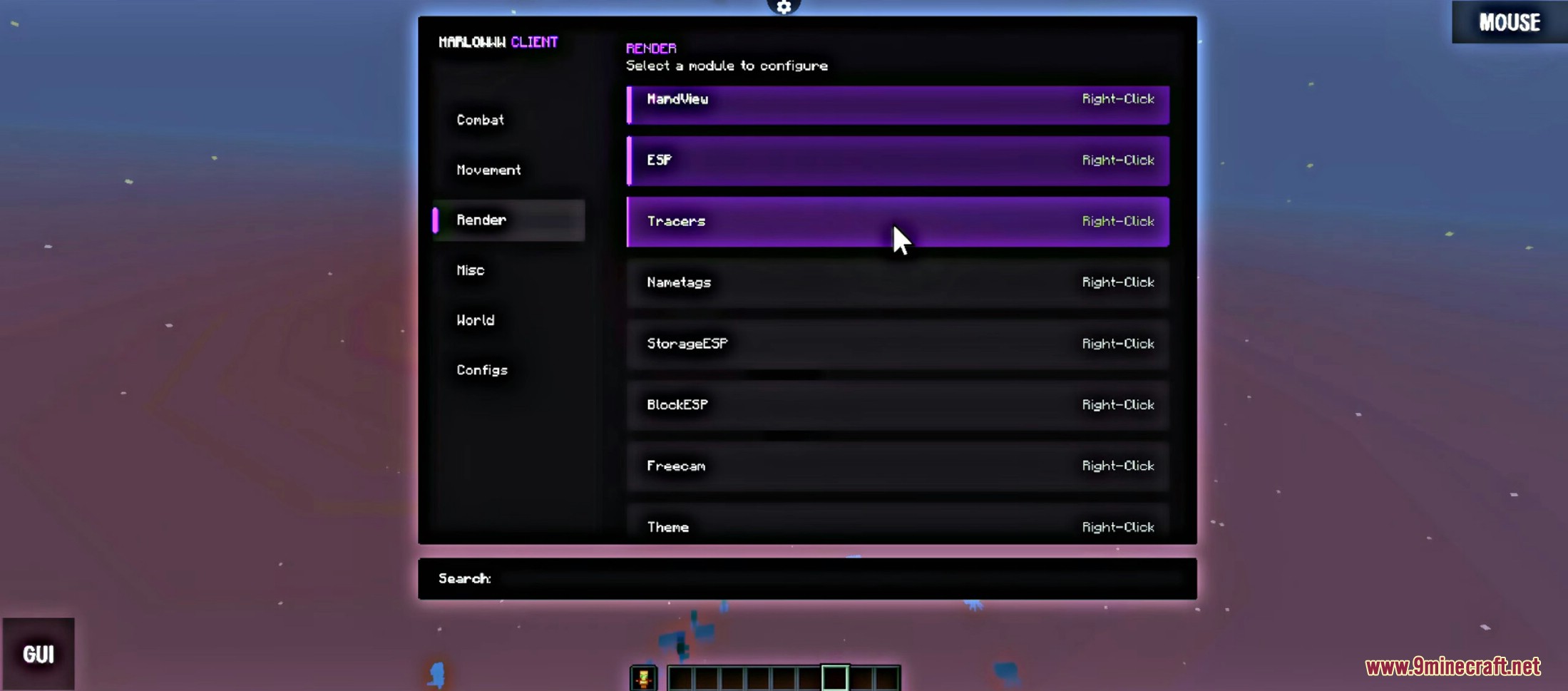
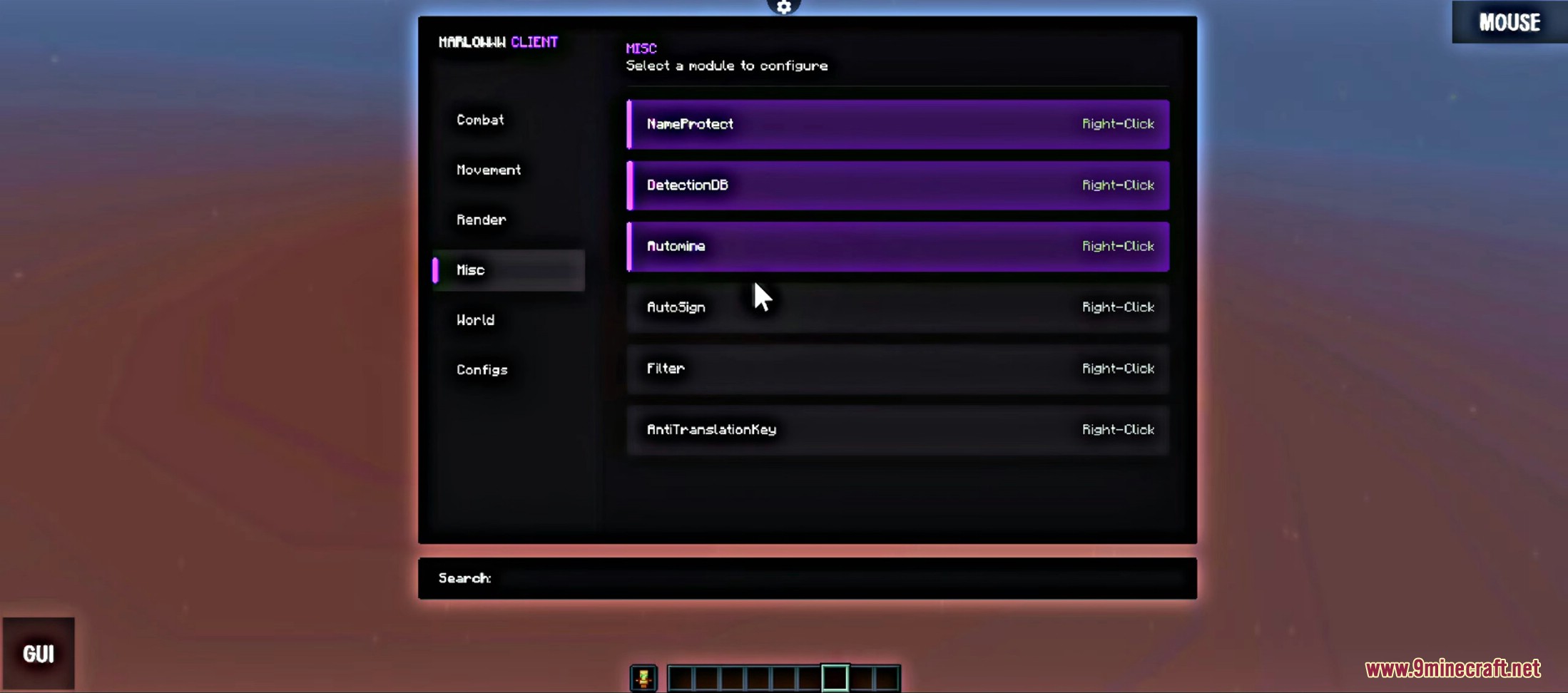
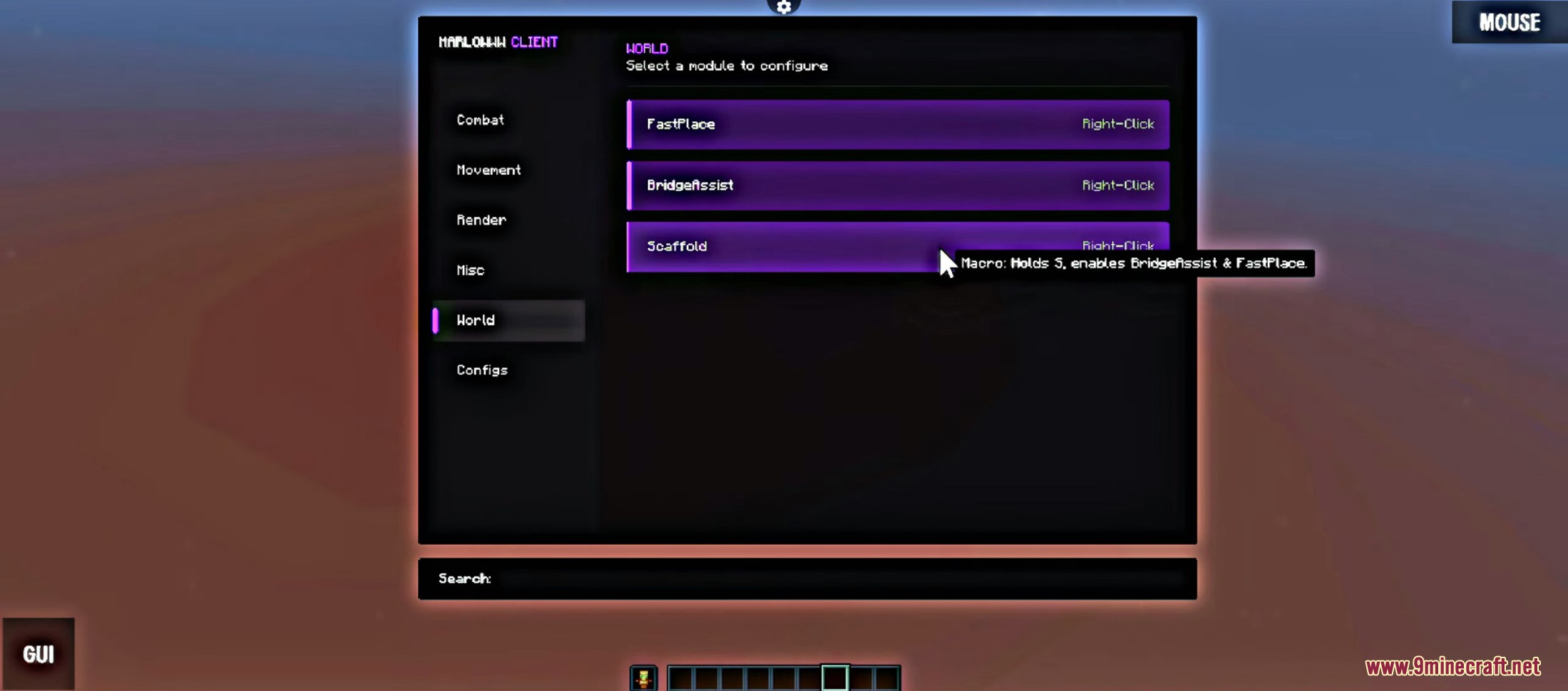
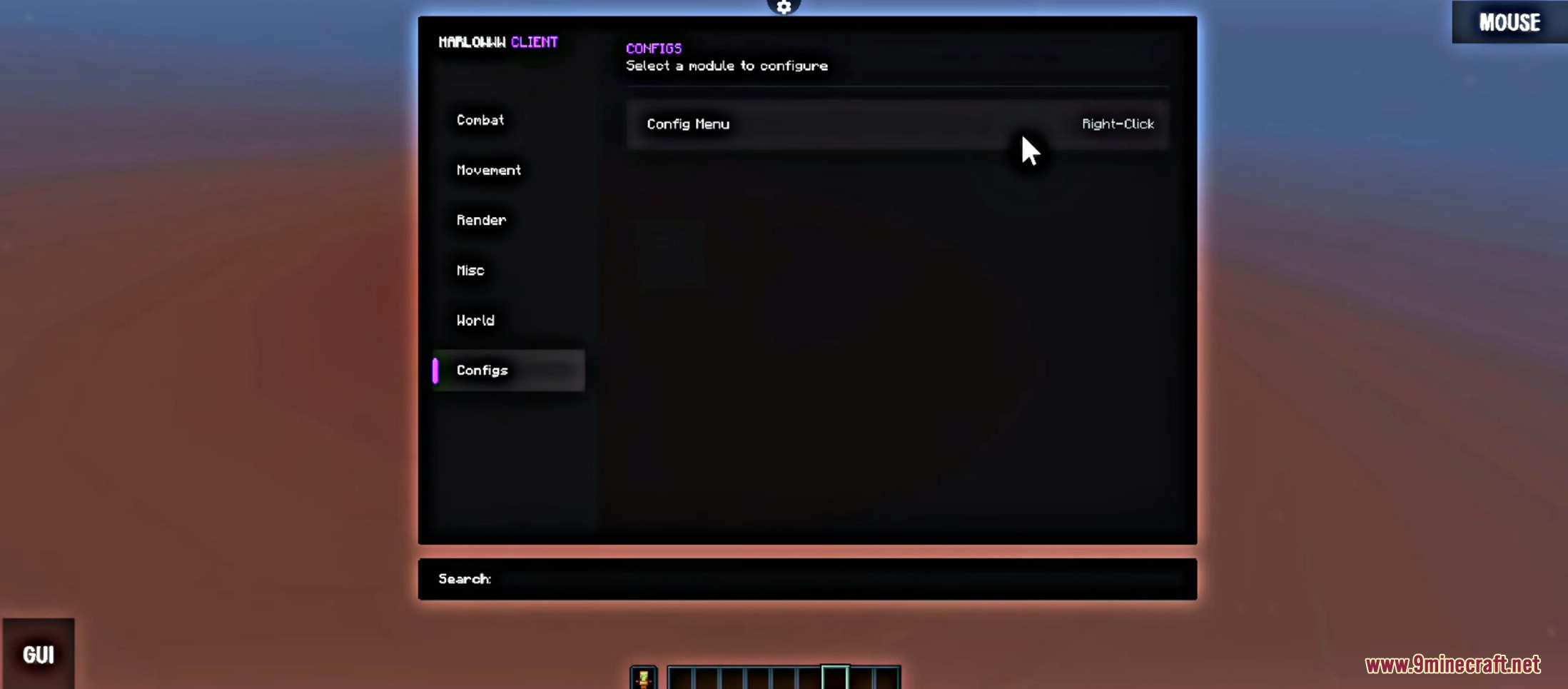




Paano gamitin:
- Pindutin ang Right Shift para buksan o isara ang client menu at ma-access ang lahat ng features.
Paano I-install:
Requirements:


Marlow Client Mod Download Links
For Minecraft 26.1.2, 26.1.1, 26.1
For Minecraft 1.21.11
Click to rate this post!
[Total: 2 Average: 3.5]
You May Also Like

















This post has no comments yet. Be the first — your comment will appear here.