


WynnIris Mod (1.21.11) – Mag-laro ng Wynncraft gamit ang Shaders Nang Hindi Nasisira ang Custom Effects
 76
76
 0
0


🌐 Binabasa mo ang artikulong ito sa Filipino. Gusto mong magpalit?
📖 Basahin sa Ingles (orihinal)O pumili ng gusto mo:
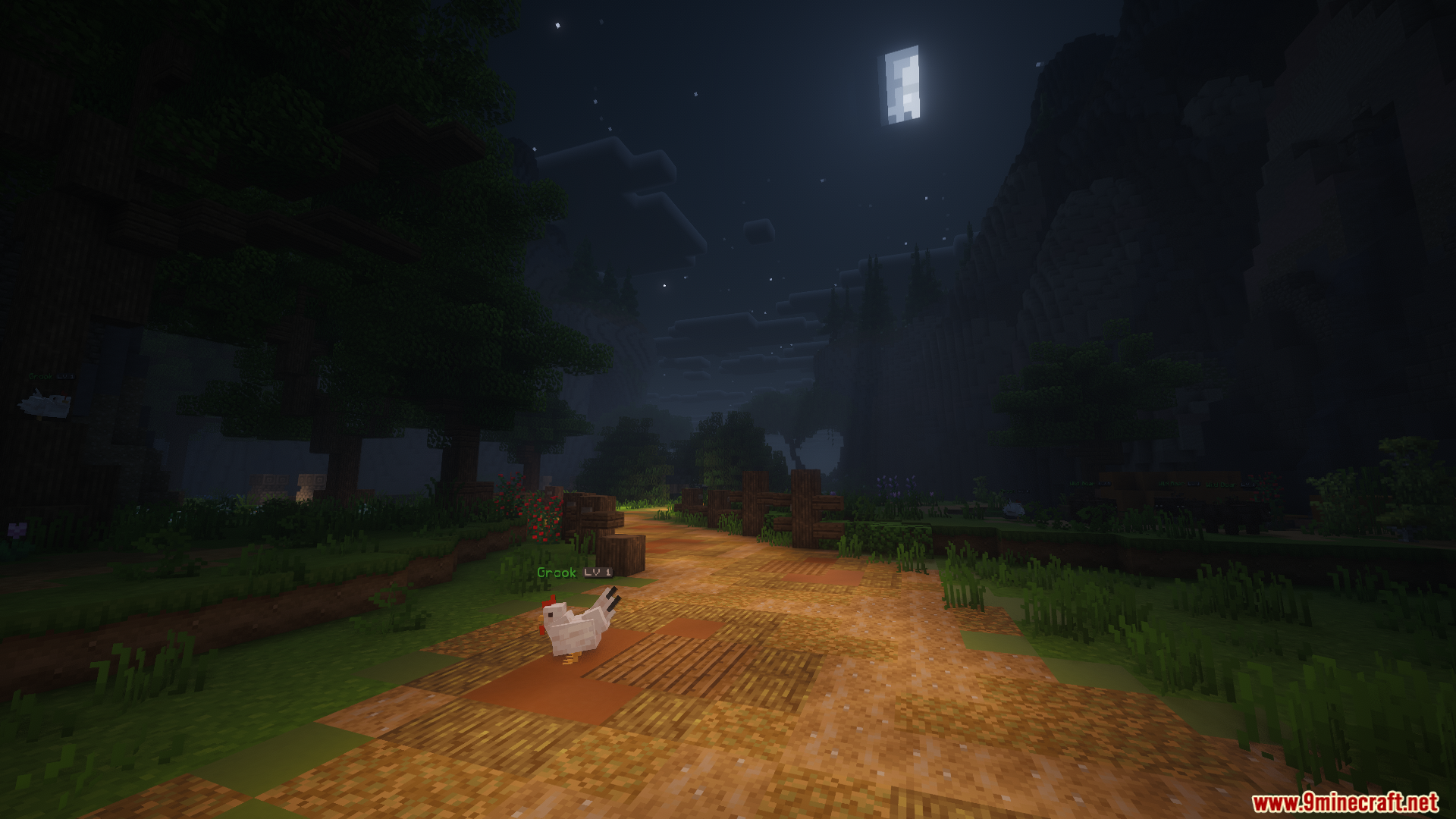
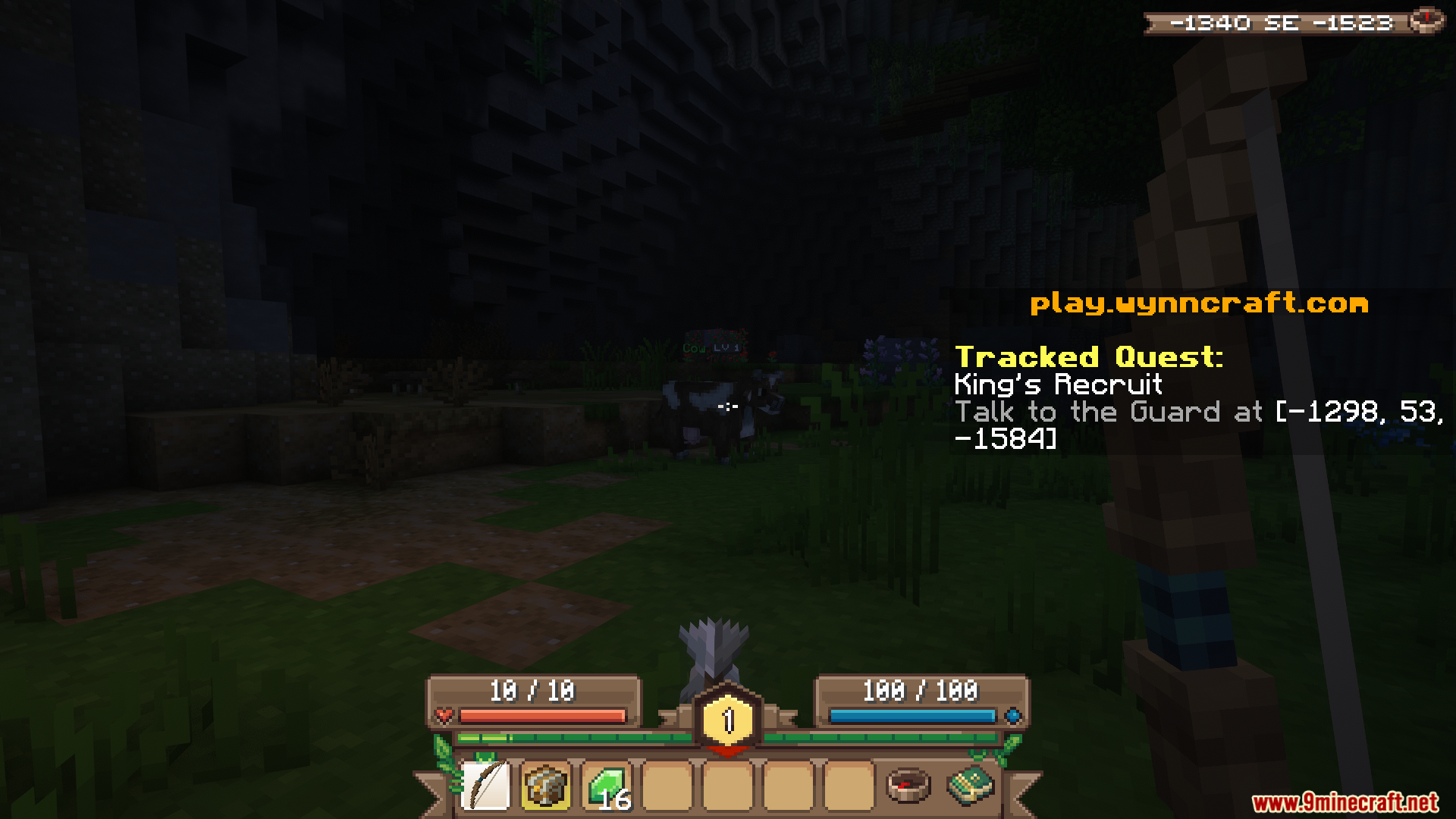
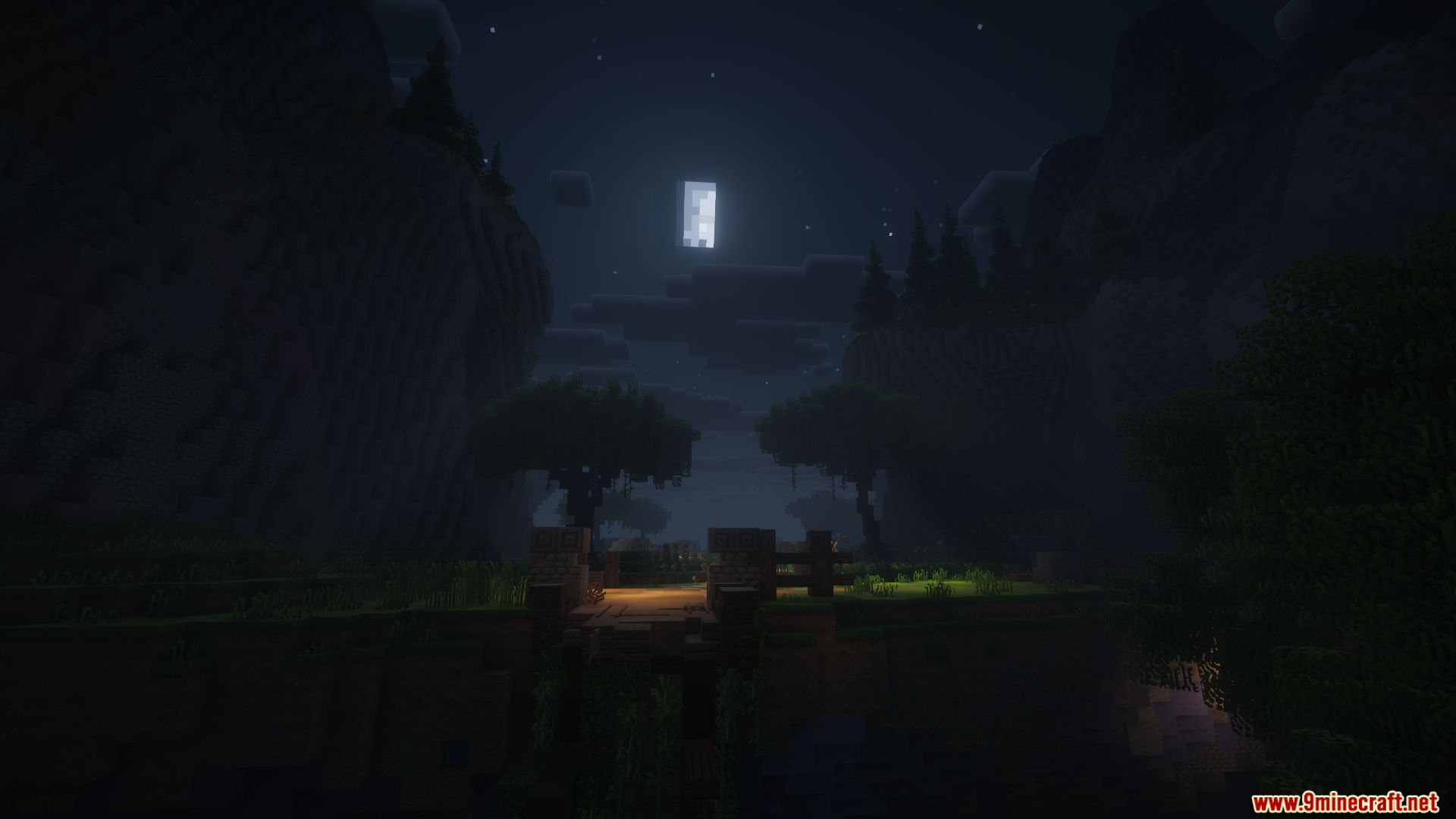
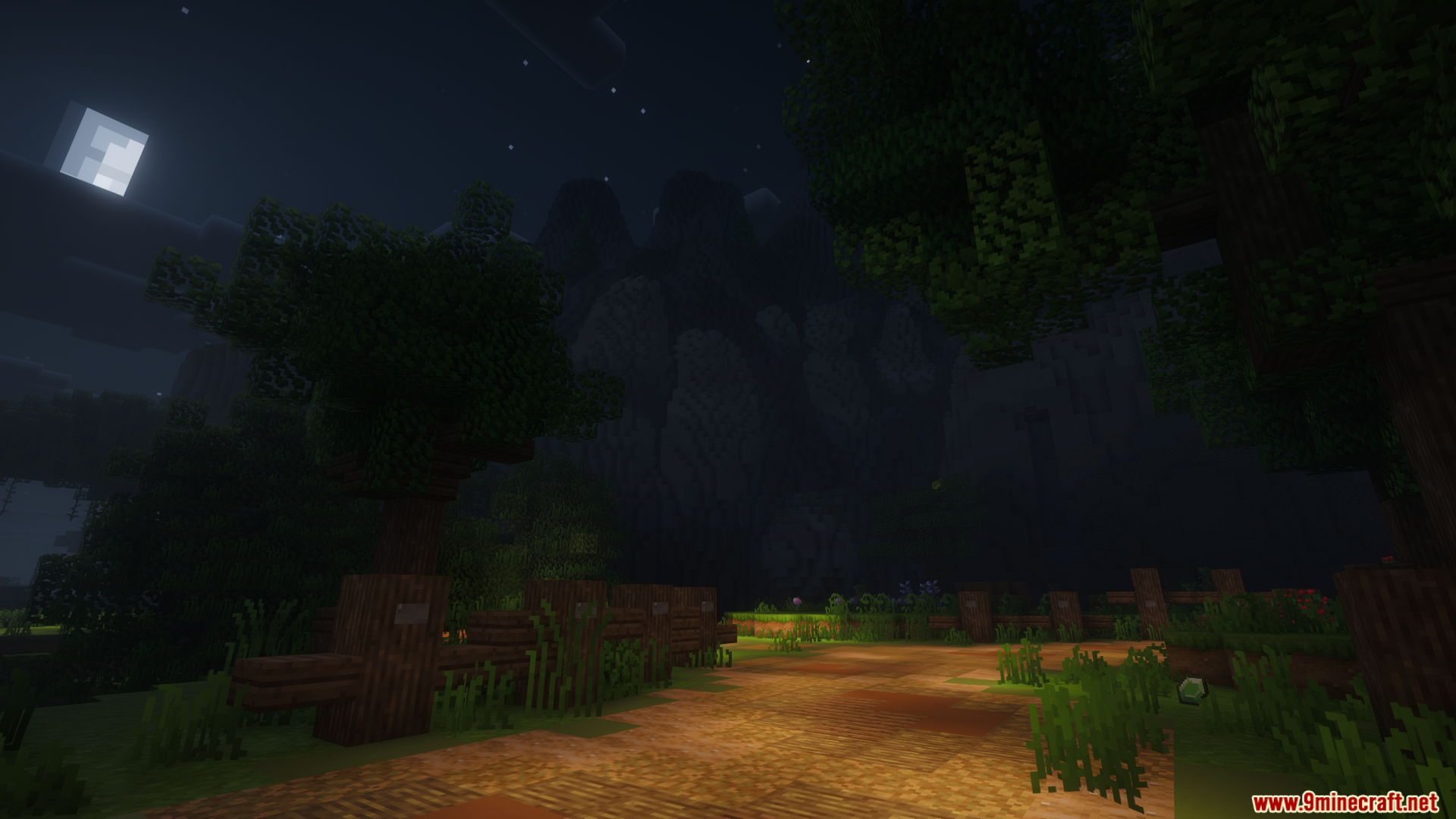
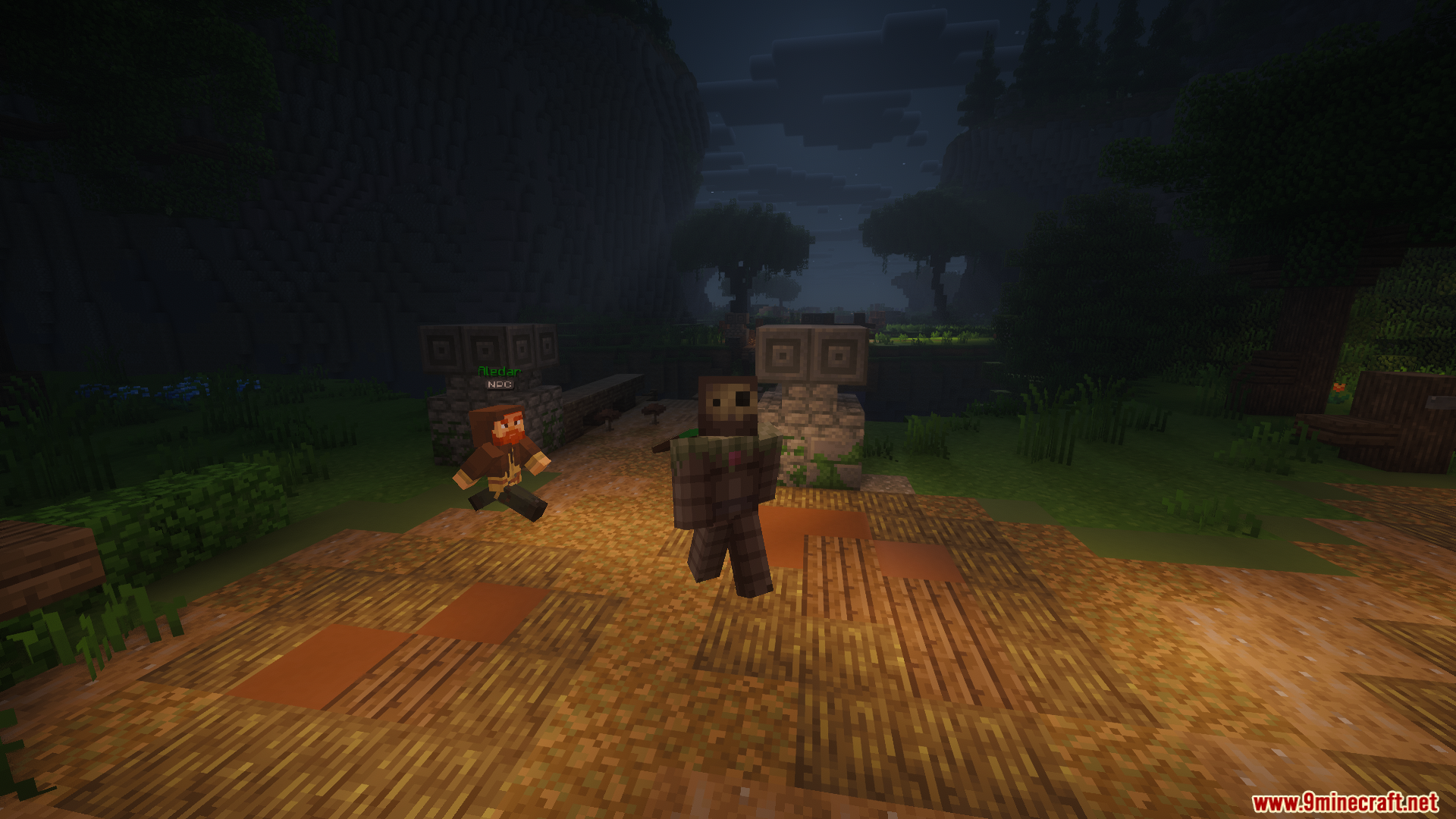
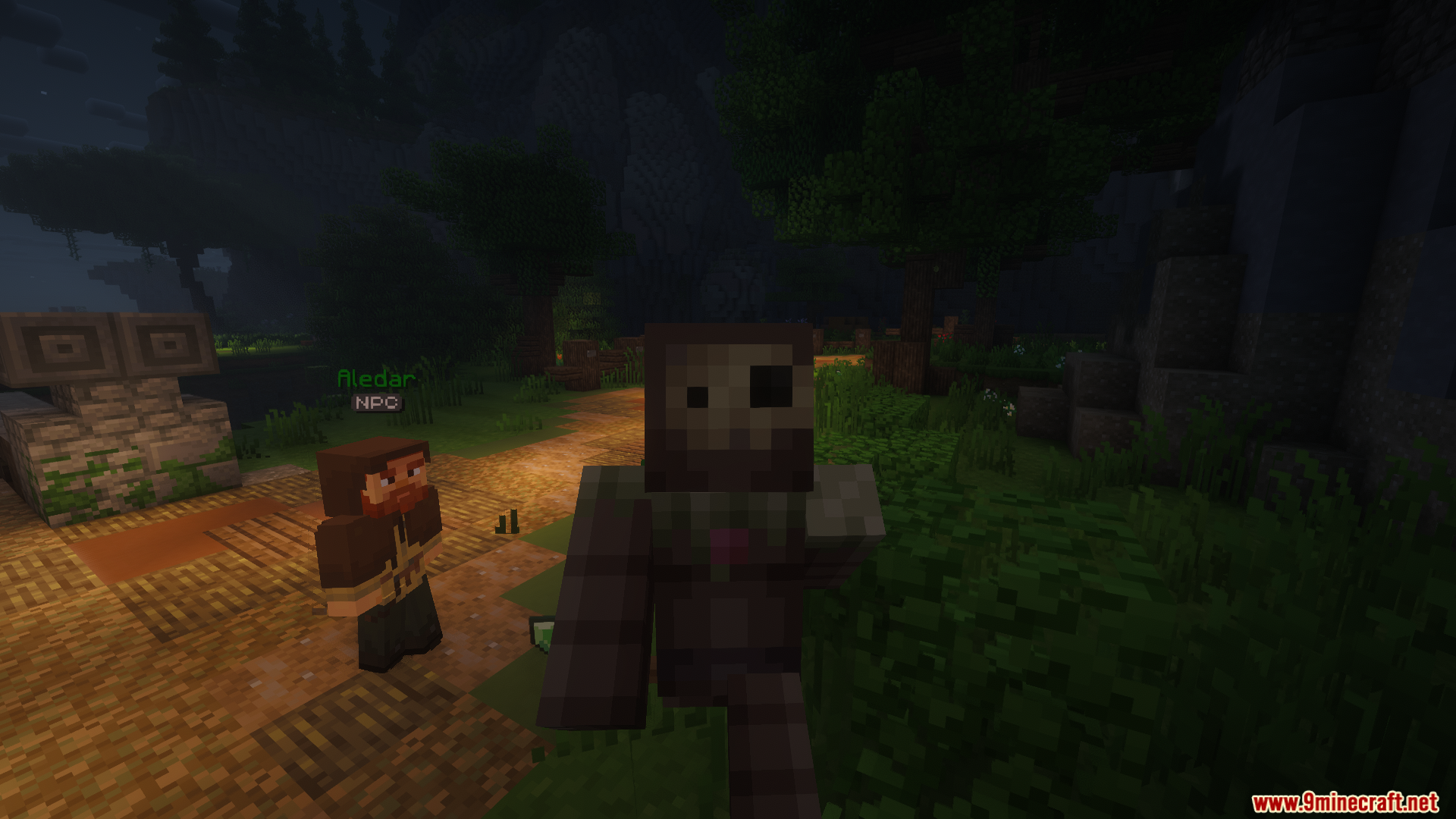
Ang WynnIris Mod ay pinalalawak ang kakayahan ng Iris Shaders para magkaroon ng native support sa mga visual effects ng Wynncraft. Nire-render nito ang mga custom skybox, weapon glints, at player emotes nang direkta sa iyong gamit na shader pack. Ang mod na ito ay nagsisilbing direktang kapalit para sa standard shader loader, kaya mapapanatili mo ang lahat ng kakaibang visuals ng server habang gumagamit ng advanced graphics.
Features:
- Wynncraft Skyboxes: Nire-render ang mga region-specific skies gaya ng Memory Mist, Stormy, at Red Lightning na may tamang fog at ambient lighting.
- Weapon Glints: Ipinapakita ang mga special item effects kabilang ang Rainbow, Glitch, Shadow, at Aurora nang direkta sa iyong gear.
- Emote Support: Inaayos ang mga player animations at emotes para lumabas sila nang tama kapag naka-on ang shaders.
- Gumagana sa mga sikat na forward-rendering shader packs gaya ng Complementary at BSL.
- Inaayos ang visual effects translucency para sa Fruma region.
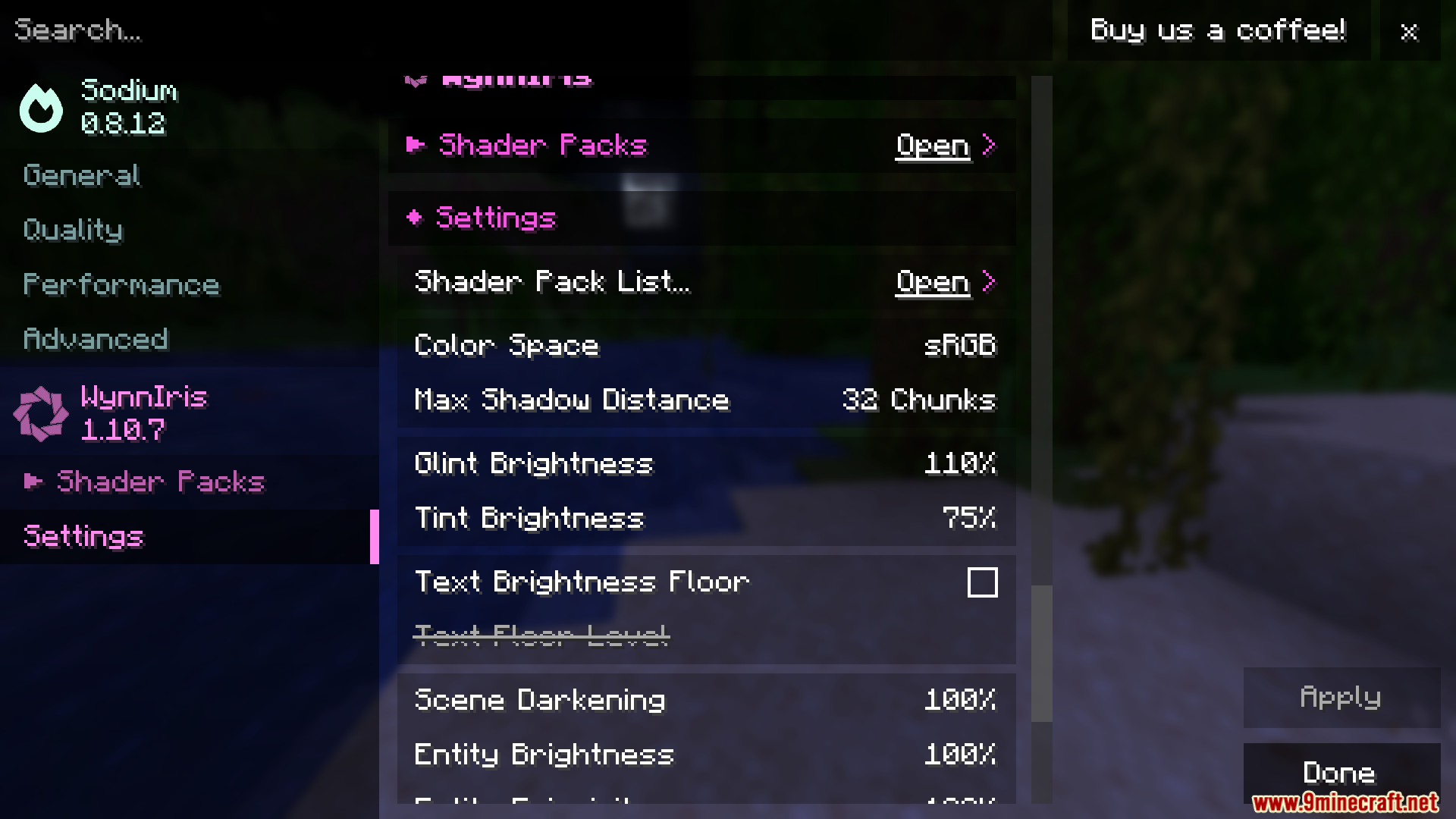
- May mga adjustment sliders para sa glint brightness, tint strength, at scene darkening.
- Pinapalitan ang standard shader loader gamit ang parehong configuration files at folders.
Commands:
- I-type ang
/toggle vfxkasama ang iyong gustong level (low, medium, high, o unlimited) para i-adjust ang visual effects translucency.
Paano Gamitin:
- Alisin ang standard Iris mod sa iyong mods folder dahil magbabanggaan ang mga ito.
- Ilagay ang mod na ito sa iyong folder bilang kapalit.
- I-load ang laro at mag-join sa Wynncraft server.
- Buksan ang iyong video settings para piliin at i-apply ang iyong napiling shader pack.
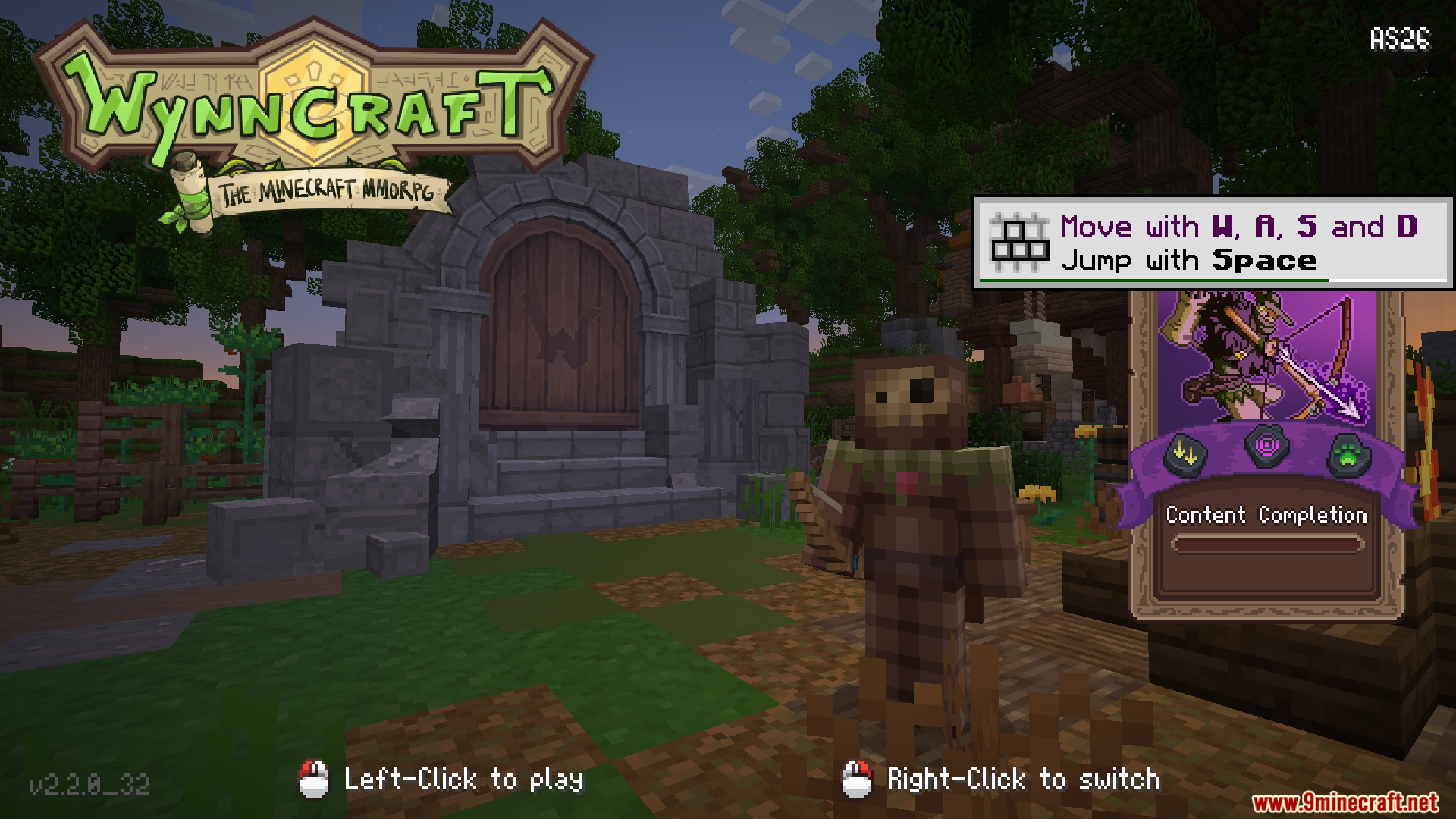
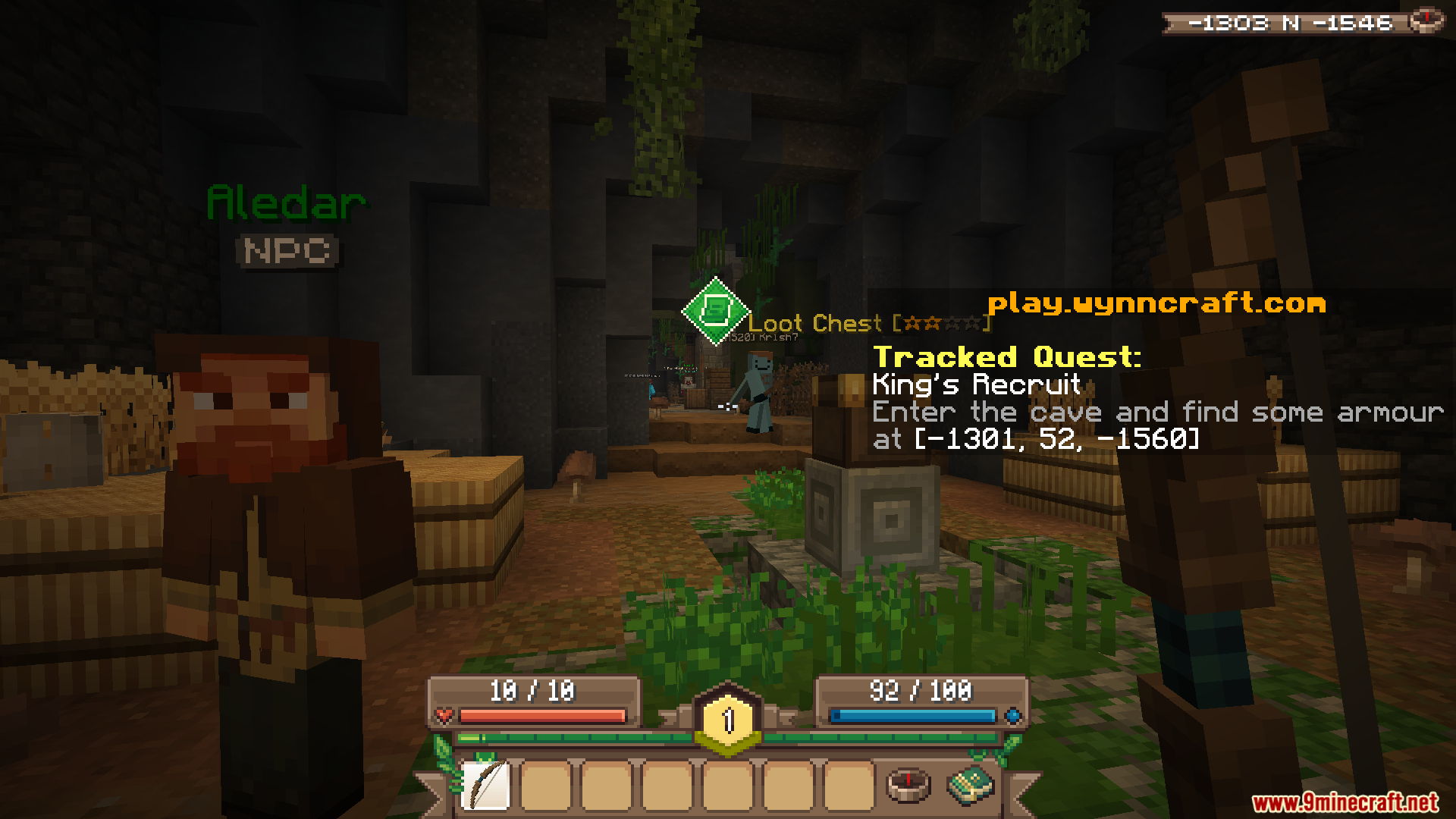
Screenshots:
Paano I-install:


WynnIris Mod Download Links
Para sa Minecraft 1.21.11
I-click para i-rate ang post na ito!
[Total: 0 Average: 0]
Baka Magustuhan Mo Rin

Wala pang komento ang post na ito. Maging una — lalabas dito ang iyong komento.