
Footbridge Schematic (1.20.x) – Small Pedestrian Bridge for Create Train Tracks

 0


Footbridge Schematic adds a compact pedestrian bridge for Create mod worlds. This small structure fits over railway tracks and pairs well with train engine builds. It measures 5 by 8 by 15 blocks and uses 122 blocks in total. To place the build properly, you need Create along with the Rechiseled, Copycats, Bells and Whistles, and Steam ‘n’ Rails mods.

3D Preview & Editor:
How to place this schematic
.nbt This is a vanilla structure file. It loads through structure blocks with no mod at all, within the 48×48×48 size limit.
| 1 | Put the .nbt file in <your world>/generated/minecraft/structures. |
| 2 | Give yourself a structure block: /give @s structure_block. |
| 3 | Place it, open it and switch the mode to LOAD. |
| 4 | Type the file name without .nbt, press LOAD, then PLACE. |
Features:
- Compact Bridge Design: Measures 5 blocks wide, 8 blocks tall, and 15 blocks long, making it easy to fit into tight spaces.
- Low Block Count: Uses a total of 122 blocks, so you can gather the materials quickly in survival mode.
- Fits neatly alongside train engine builds and railway lines to give players a safe way to cross tracks.
- Uses decorative blocks from Rechiseled, Copycats, Bells and Whistles, and Railways (Steam ‘n’ Rails) for extra detail.
Schematic Specs:
 Minecraft1.20.x
 Create Mod6.0.8
 Dimensions5×8×15
 Total Blocks122
 Top Blocks Used
Iron Block Chiseled 85Copycat Stairs 45Andesite Bogie Steps 18Copycat Layer 15Ornate Iron Trapdoor 12
Requirements:

Footbridge Schematic Download Links
For Minecraft 1.20.x
Click to rate this post!
[Total: 0 Average: 0]
QUICK MINECRAFT SURVEY · ONE TAP
Mods & Modpacks
How do you usually learn how a complex mod works?
13 responses · See the full results →
You May Also Like
Picked for this page
 Cobbelstone Farm Schematic (1.21.x) – Simple Automatic Stone Farm for Create Mod
 Usine a Totem Schematic (1.21.x) – Automated Totem of Undying Factory
 Big Boy Union Pacific 4104 Schematic (1.21.x) – Massive Steam Locomotive for Create Mod
 Artileriya Dora Vtoroy Mirovoy Voyny Dora Artillery World War Ii Schematic (1.21.x)
 Voyager Train Schematic (1.20.x) – Realistic British Diesel Train for Create Mod
 Goofy Missile Schematic (1.21.x) – Simple Flying Missile for Create Aeronautics
 Diamond and Netherite Fragment Farm Schematic (1.21.x) – Automated Diamond and Netherite Resource
 A Cute Working Boat Schematic (1.21.x) – Compact Functional Vessel for Create Mod
 Garlic Drone Disel Schematic (1.21.x) – Flying Flower Drone with Diesel Power
 C00lkidd_form_roblox’s Car Schematic (1.21.x) – Compact Create Mod Vehicle Build
 Hms Collingwood Admiral Class Ironclad Battleship Schematic (1.21.x) – Historic Warship
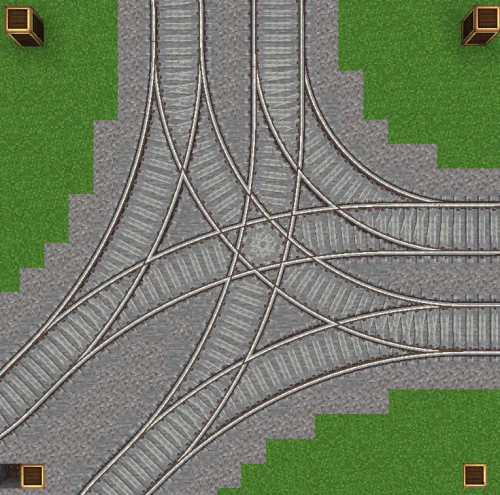 Train Intersection Y Pattern Schematic (1.21.x) – Build Y-Shaped Train Tracks with Ease
Most viewed in Create Mod Schematics over the last 7 days
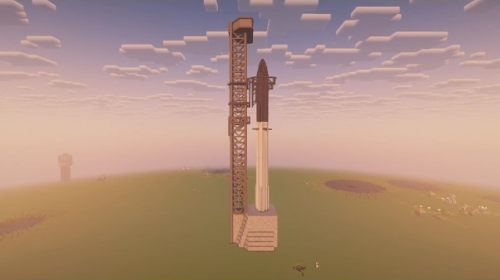 Working SpaceX Starship and Mechazilla Tower with Chopsticks Based off the 13th Flight Test (1.21.x)
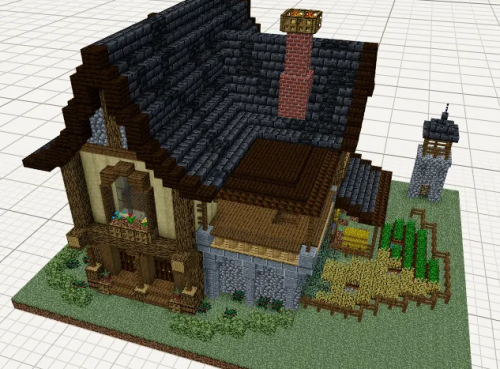 Hnelon’s Medieval House Schematic (1.21.x) – Medieval House Build for Your World
 Rail Gun Schematic (1.21.x)
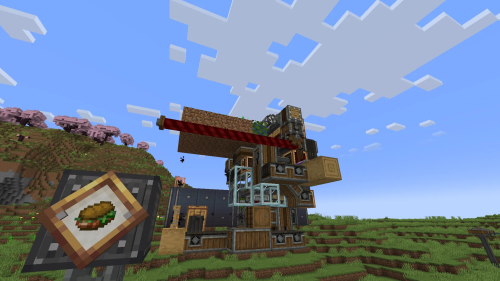 ChickenSandwich Farm Schematic (1.21.x) – Automatic Farm Build Using Create Packages
 Project StarGaze Schematic (1.21.x) – Build and Drive Your Own Military Vehicle
 Il 2 Schematic (1.21.x) – Vintage Flying Machine for Create Mod
 Arasaka Tower Schematic (1.21.x) – Massive Black Industrial Skyscraper Build
 A Simple Mob Trap Schematic (1.21.x) – Build a Massive Automatic Mob Farm Structure
 Farm Quarts and Golden Nuggets Schematic (1.21.x) – Compact Early Game Quartz and Gold Farm
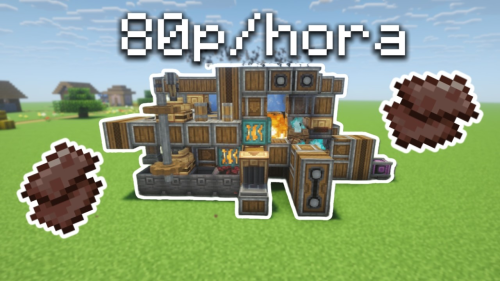 Mega Netherite Farm 80 P Hor Schematic (1.21.x) – Automated Netherite Gathering Factory
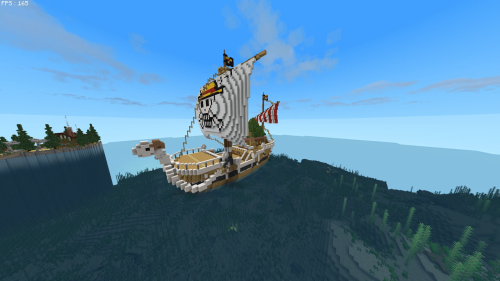 One Piece the Going Merry Schematic (1.21.x) – Detailed Replica of the Straw Hat Pirates Ship
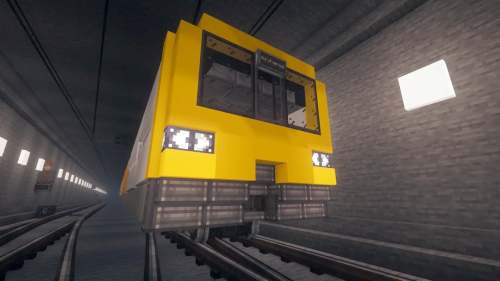 British Rail’s Class 143 Efmf Version Schematic (1.20.x) – Small Diesel Pacer Train for Create Mod
More from Create Mod Schematics
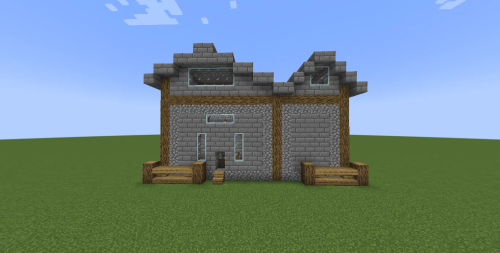 Iron Nugget Farm V1 Schematic (1.21.x) – Compact Early-Game Iron Nugget Farm Using Water Wheels
 Iron Nugget Farm V2 Schematic (1.21.x) – Compact Early-Game Iron Nugget Generator
 Factory Iron Ingots Schematic (1.21.x) – Mid-Game Boiler Powered Iron Ingot Factory
 Corporation Iron Blocks Schematic (1.21.x) – Massive Late-Game Automated Iron Factory for Create Mod
 Fluid Train Schematic (1.21.x) – Simple Two-Car Liquid Transport Train Build
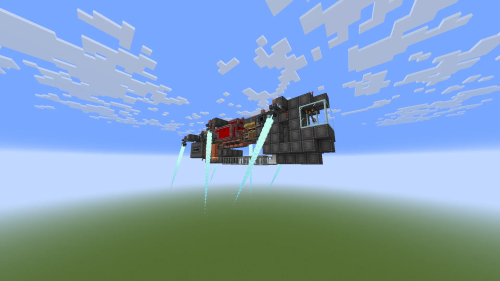 Vector Thrust Flying Vehicle Schematic (1.21.x) – Survival Friendly Dropship Airship
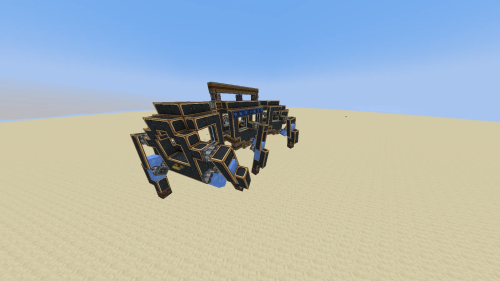 Ger Kin Schematic (1.21.x) – Compact Isopod Walker Vehicle for Create Mod
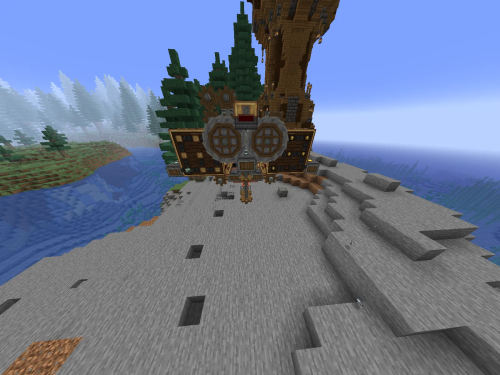 Compact Symmetric Farm Schematic (1.21.x) – Small Five-Item Resource Generator for Create
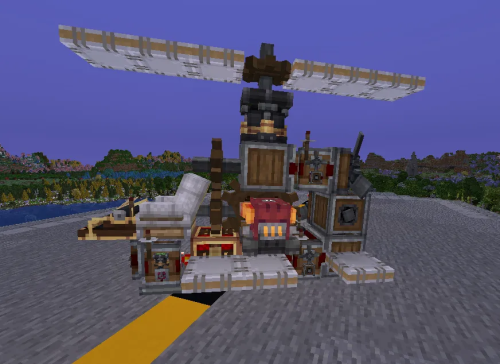 Niko Beniko’s Simple Helicopter Schematic (1.21.x) – Compact Flying Machine Build for Create Mod
 Ch 53e Super Stallion Survival Friendly Schematic (1.21.x) – Heavy Military Helicopter
 Classic Soviet Apartment Building for Create Schematic (1.21.x)
 Sms Oldenburg 1884 Schematic (1.21.x) – Historic German Ironclad Warship Build for Create

This post has no comments yet. Be the first — your comment will appear here.