


Advanced Team Mod (1.20.1, 1.20) – Jouez et progressez ensemble

 0
0 

🌐 Vous lisez cet article en Français. Voulez-vous changer ?
📖 Lire en anglais (original)Ou choisissez celle que vous préférez:
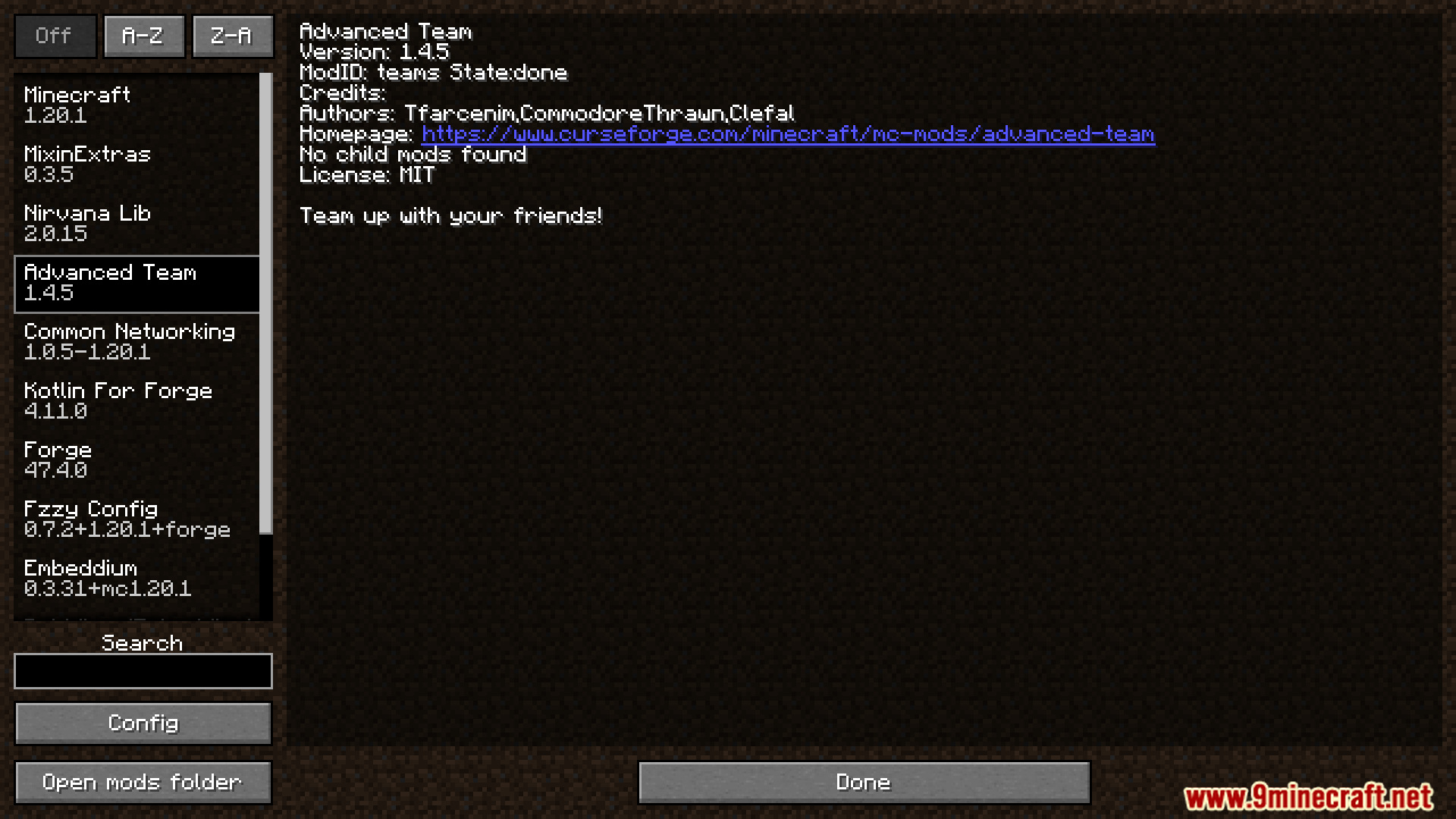
Advanced Team Mod facilite le jeu entre amis en ajoutant un système d’équipe unique pour tous les joueurs. Il permet de résoudre les problèmes lorsque les modpacks incluent de nombreux mods d’équipe différents qui entrent en conflit. Ce mod propose un menu simple pour gérer votre équipe, des overlays pour voir la position et le statut de vos coéquipiers, et synchronise même les progrès pour que tout le monde avance ensemble.
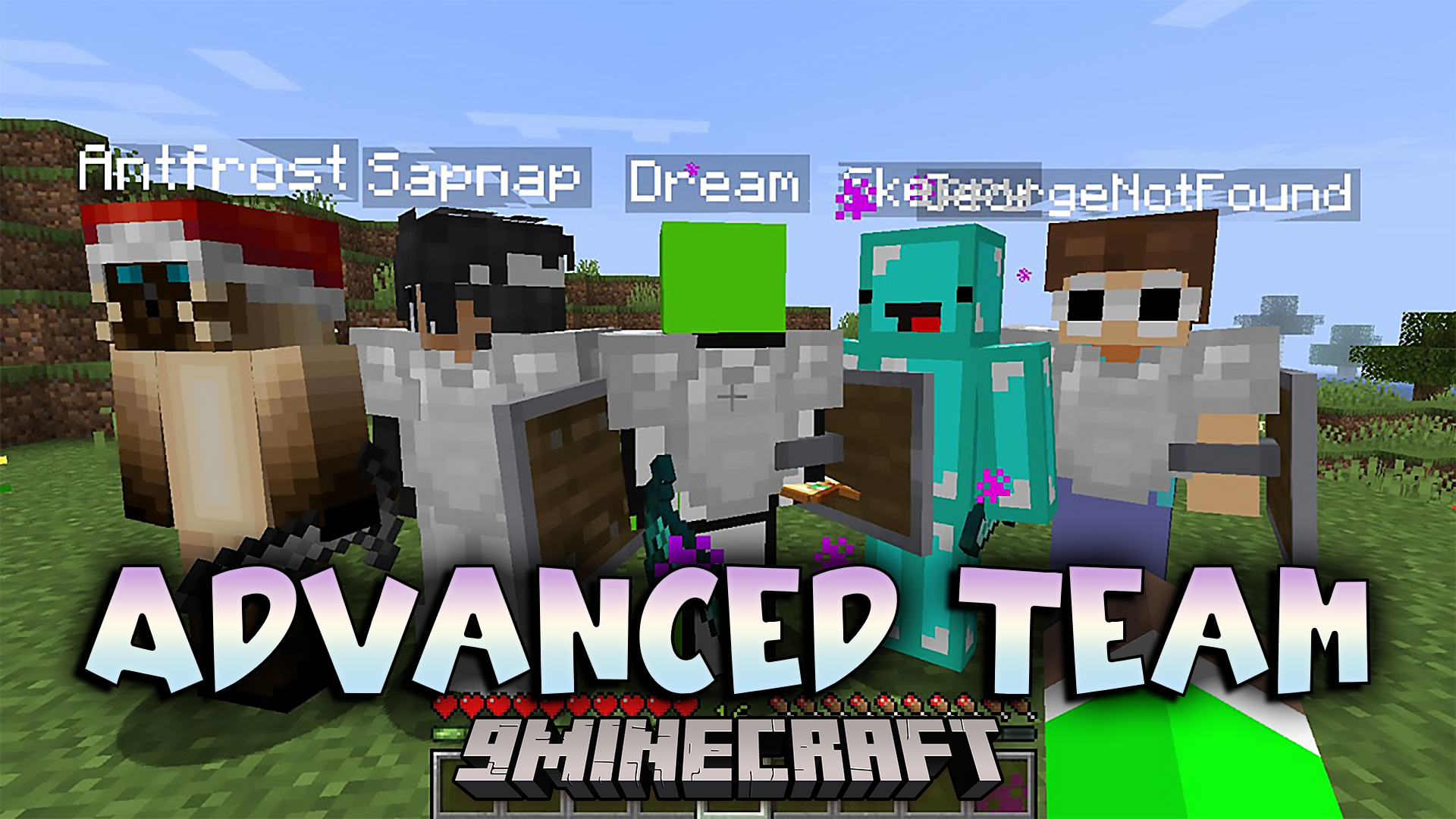
Caractéristiques :
- Ajoute un overlay de boussole pour localiser vos coéquipiers.
- Inclut un overlay de statut pour voir la santé, la faim et les effets de potion actifs de vos amis.
- Permet de tout gérer via une interface graphique simple (GUI).
- Offre une personnalisation poussée via son fichier de configuration.
- Partage automatiquement les progrès (advancements) avec tous les membres de l’équipe.
- Compatible avec FTB Teams, synchronisant les actions comme la création, l’adhésion, le départ et l’expulsion de joueurs.
- S’intègre à Mine and Slash pour afficher des stats comme le mana, l’énergie et les chiffres de dégâts.
Commandes :
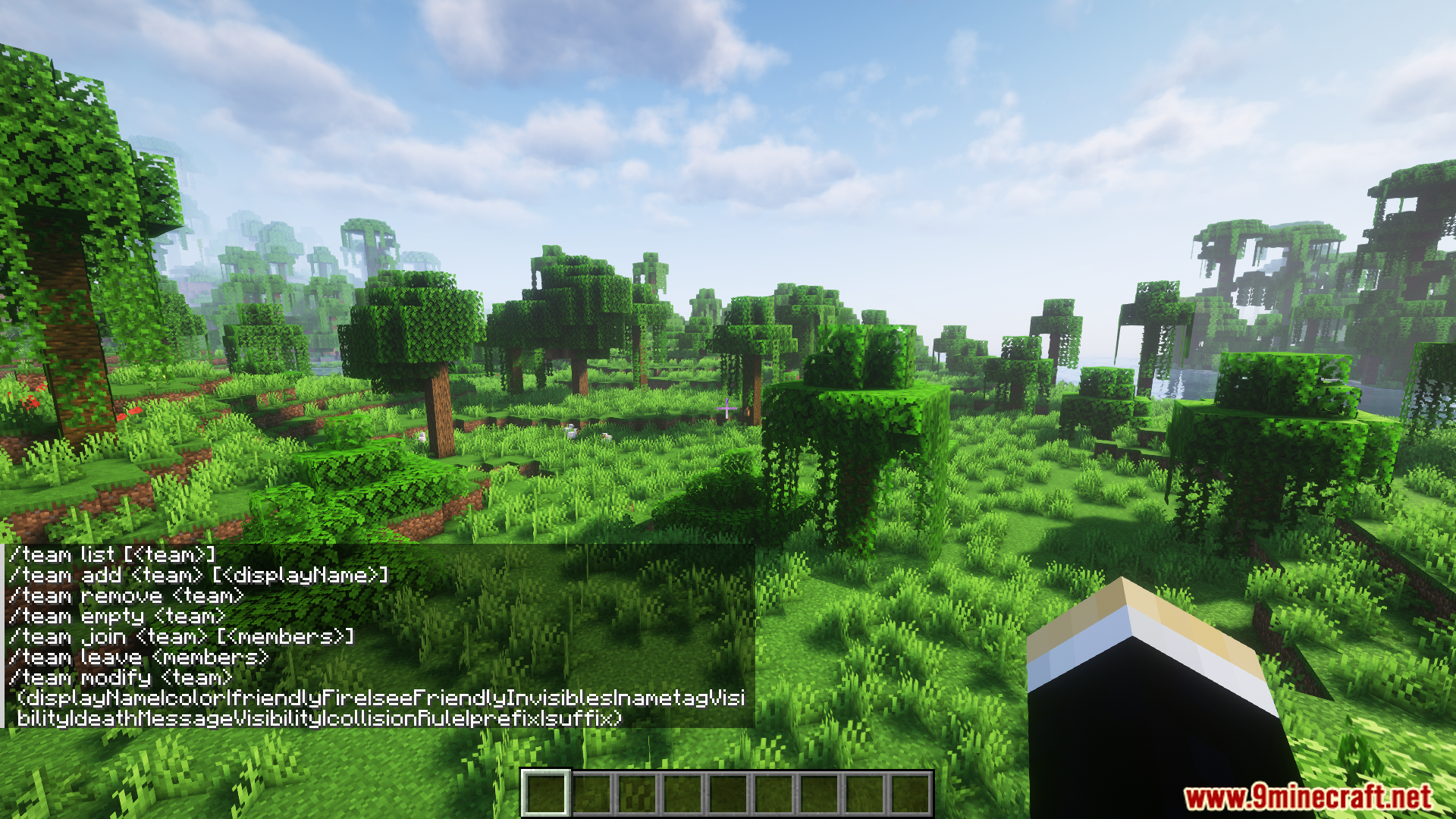
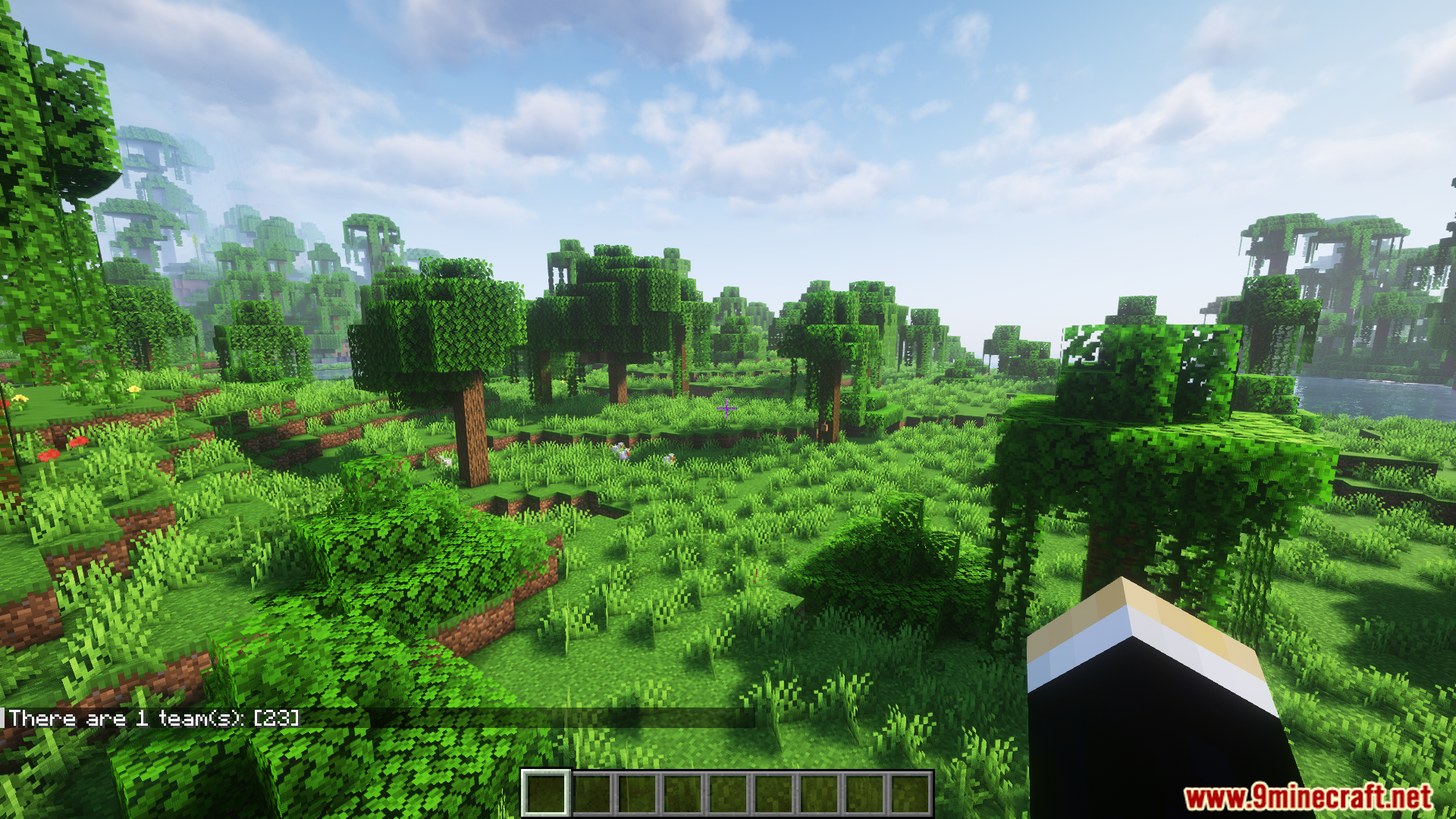
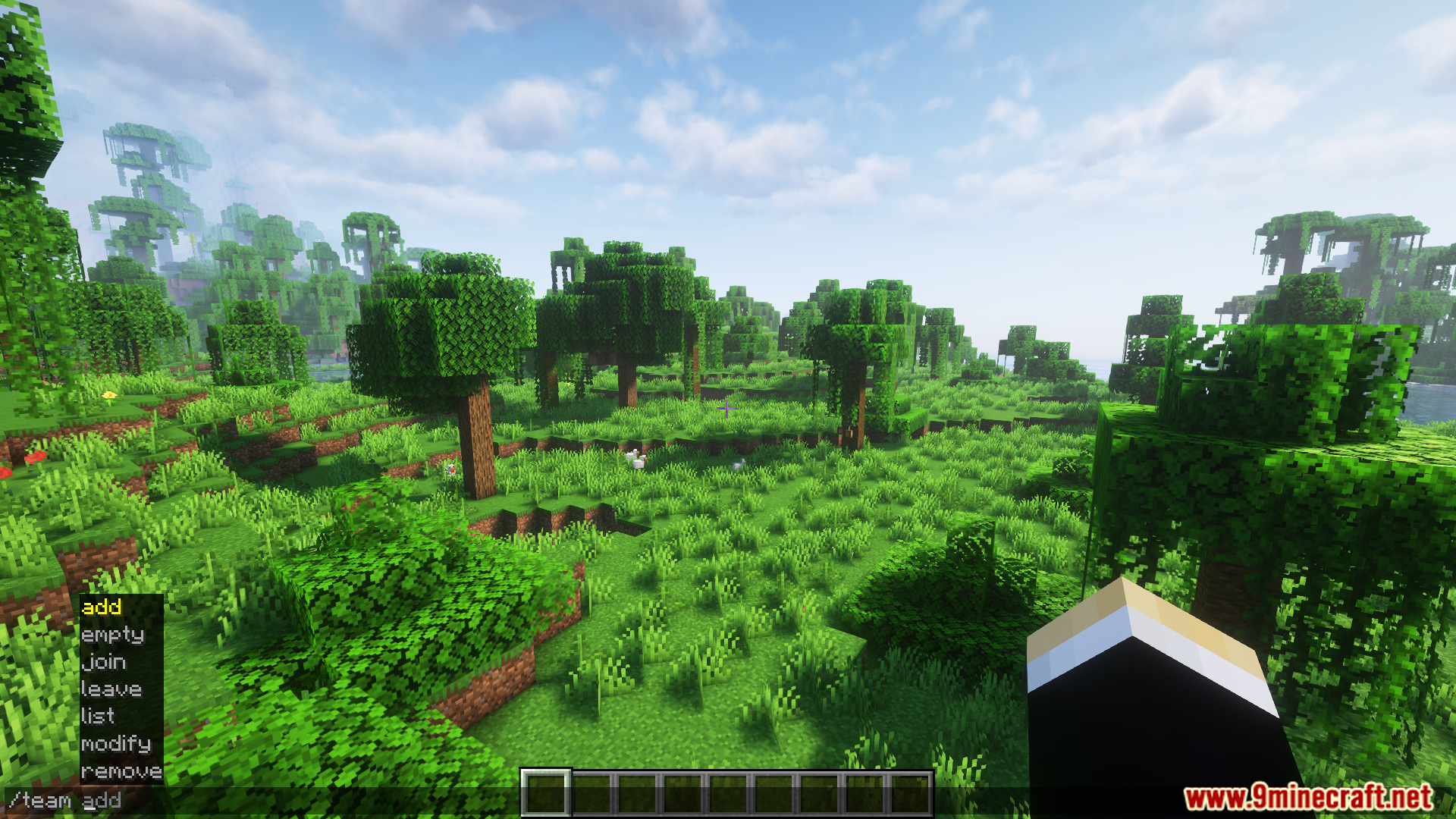
Vous pouvez gérer votre équipe directement depuis le chat en utilisant plusieurs commandes. Voici quelques exemples :
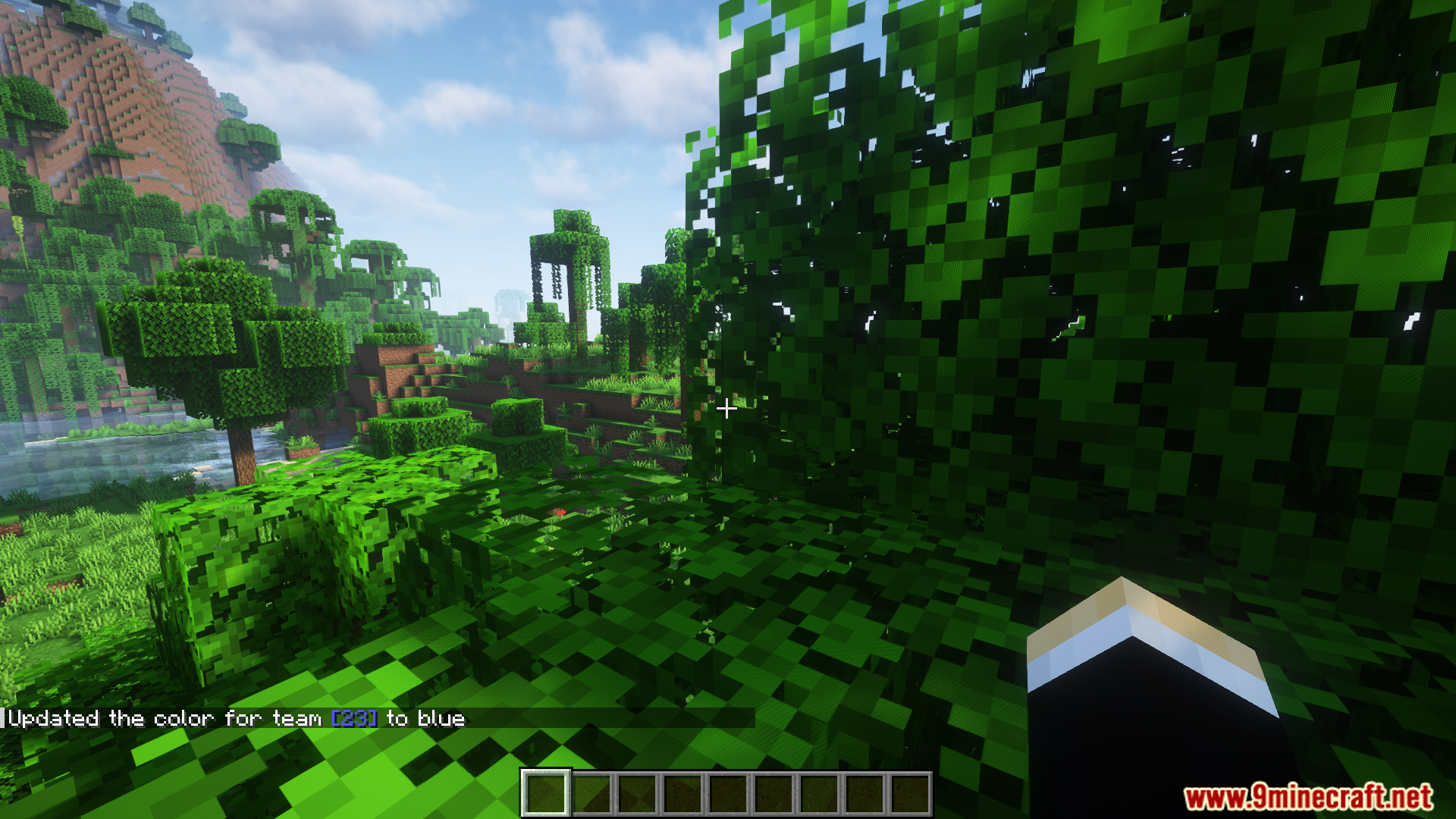
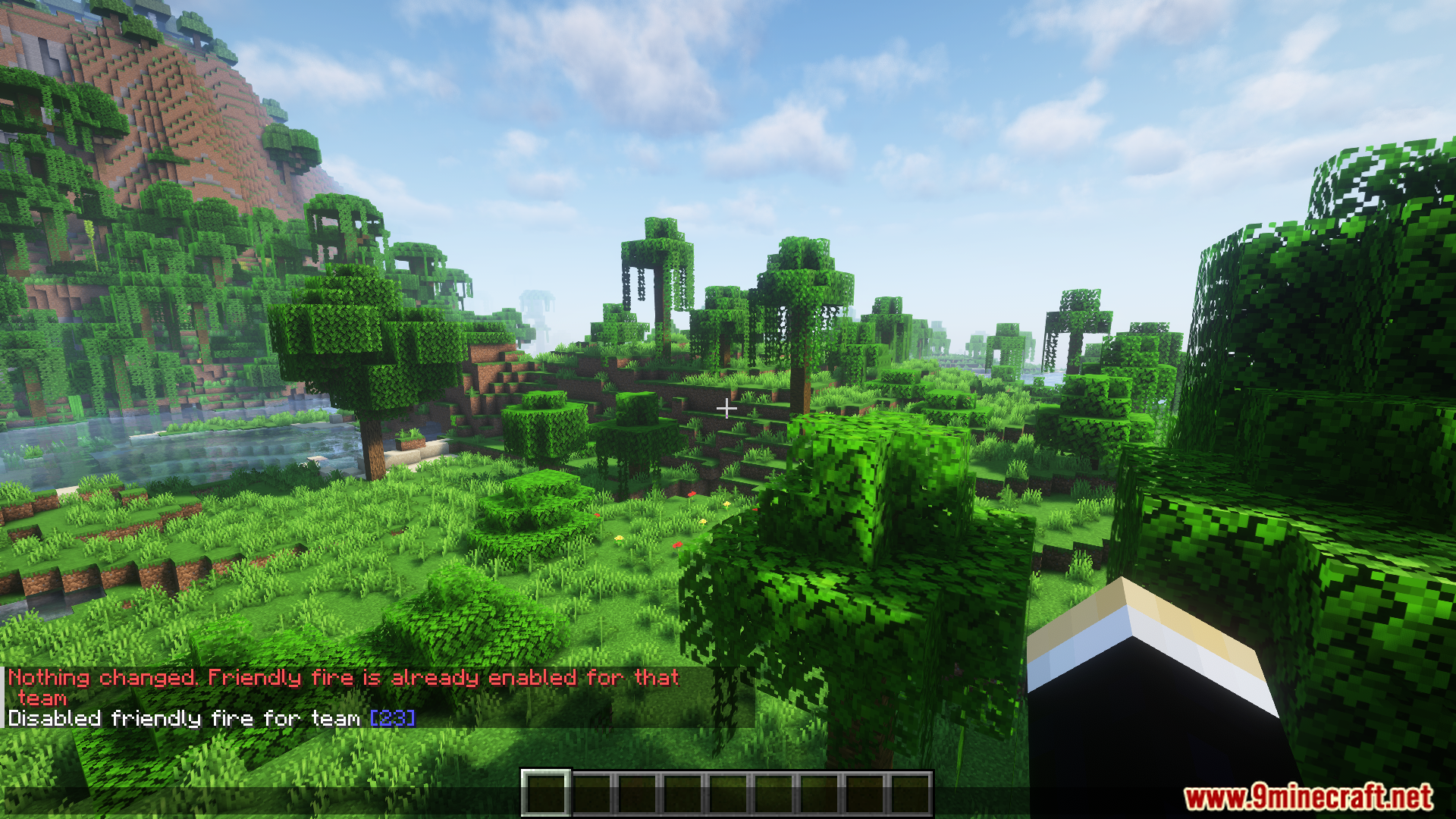
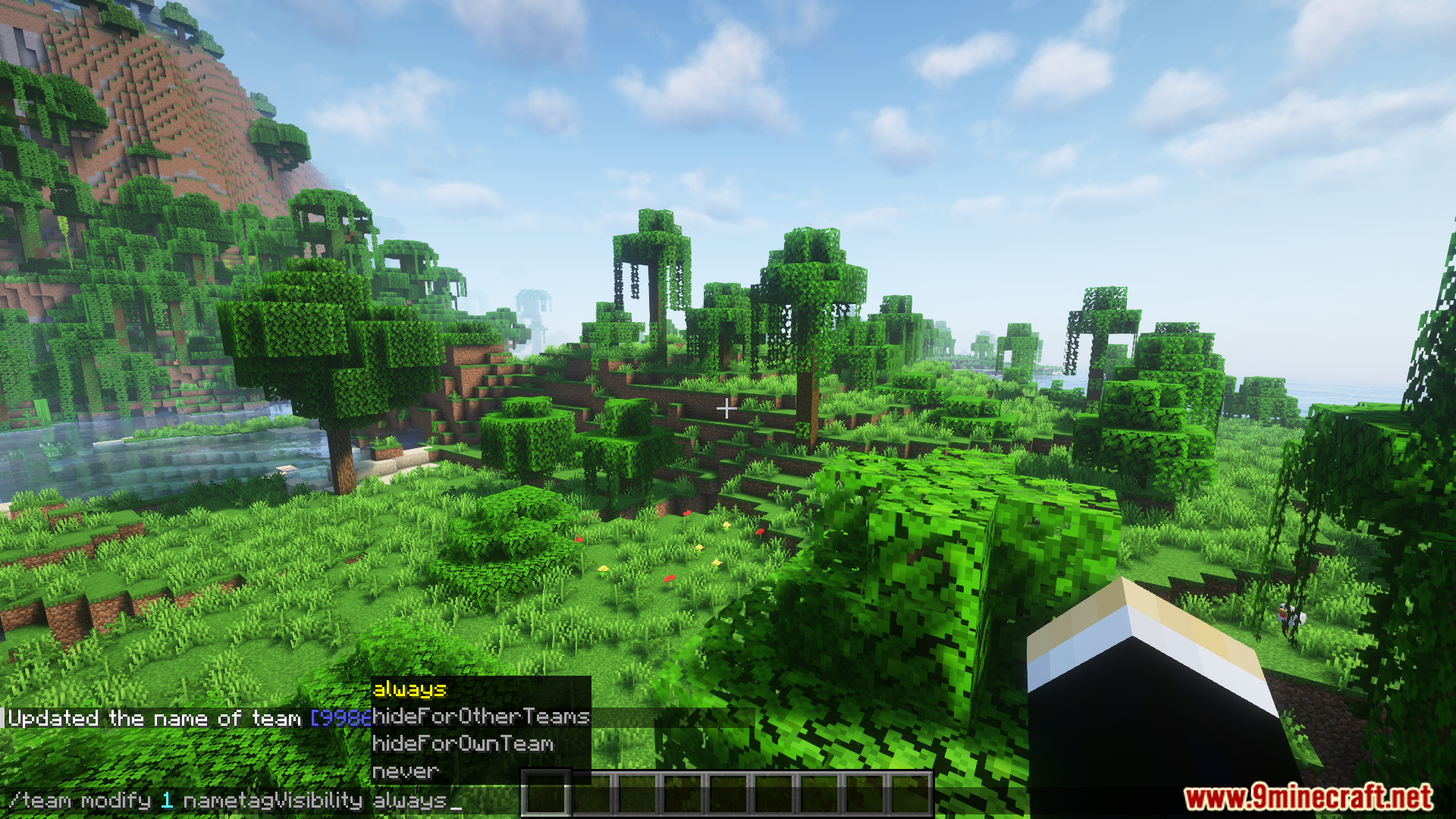
/team info: Affiche les détails de votre équipe actuelle./team color [color]: Définit une nouvelle couleur pour votre équipe./team friendlyfire [true/false]: Active ou désactive le tir allié./team nametag [true/false]: Modifie la visibilité des pseudos de l’équipe.
Captures d’écran :
Comment installer :
Prérequis :

Advanced Team Mod Liens de téléchargement
Pour Minecraft 1.20.1, 1.20
Version Forge : Télécharger depuis le Serveur 1 – Télécharger depuis le Serveur 2
Version Fabric : Télécharger depuis le Serveur 1 – Télécharger depuis le Serveur 2
Cliquez pour noter cet article !
[Total: 2 Average: 5]
Vous aimerez aussi





Cet article n’a pas encore de commentaires. Soyez le premier — votre commentaire apparaîtra ici.