


Colorwheel Mod (1.21.1, 1.20.1) – Des Shaders pour les machines Create

 0
0 

🌐 Vous lisez cet article en Français. Voulez-vous changer ?
📖 Lire en anglais (original)Ou choisissez celle que vous préférez:
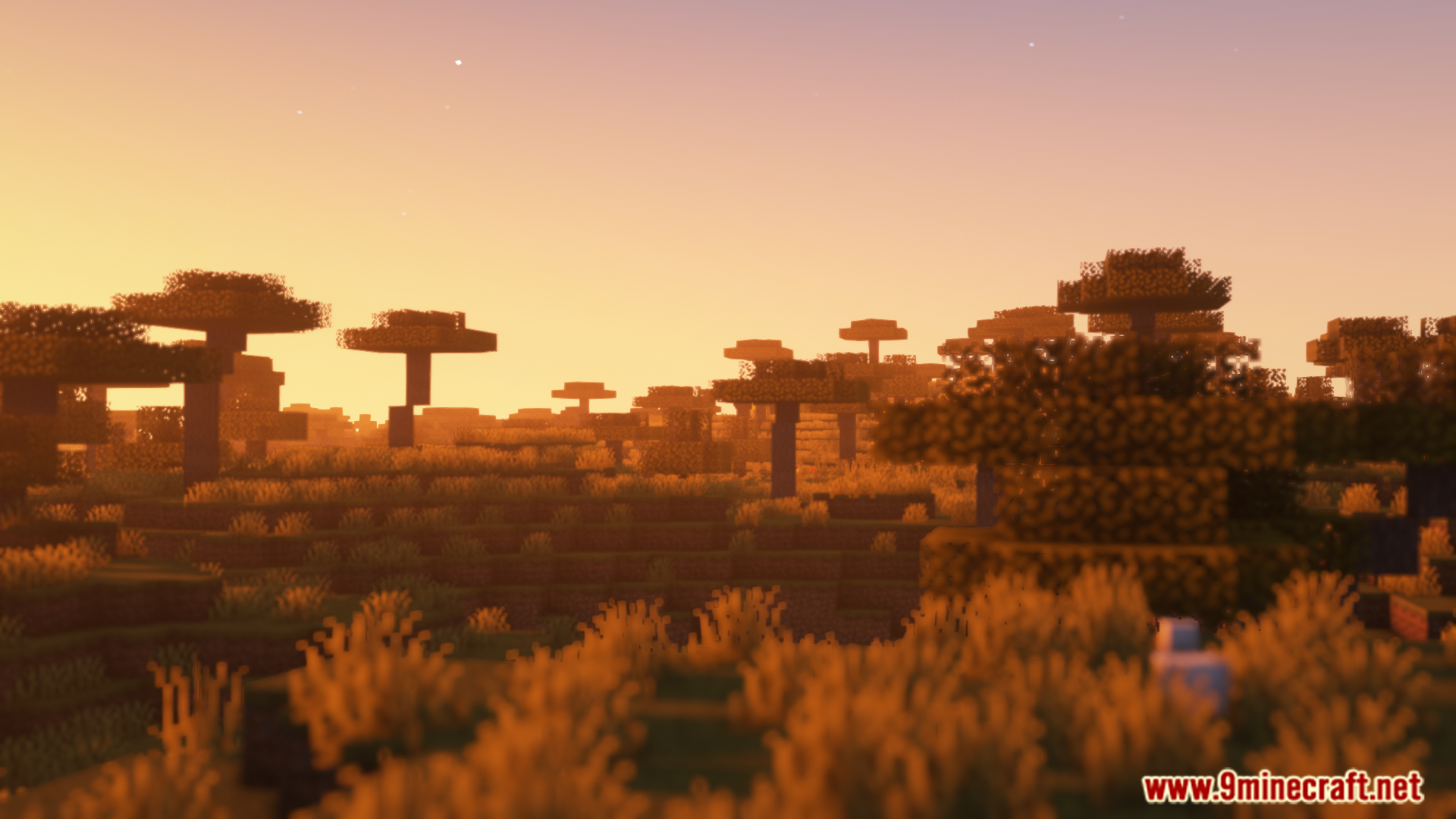
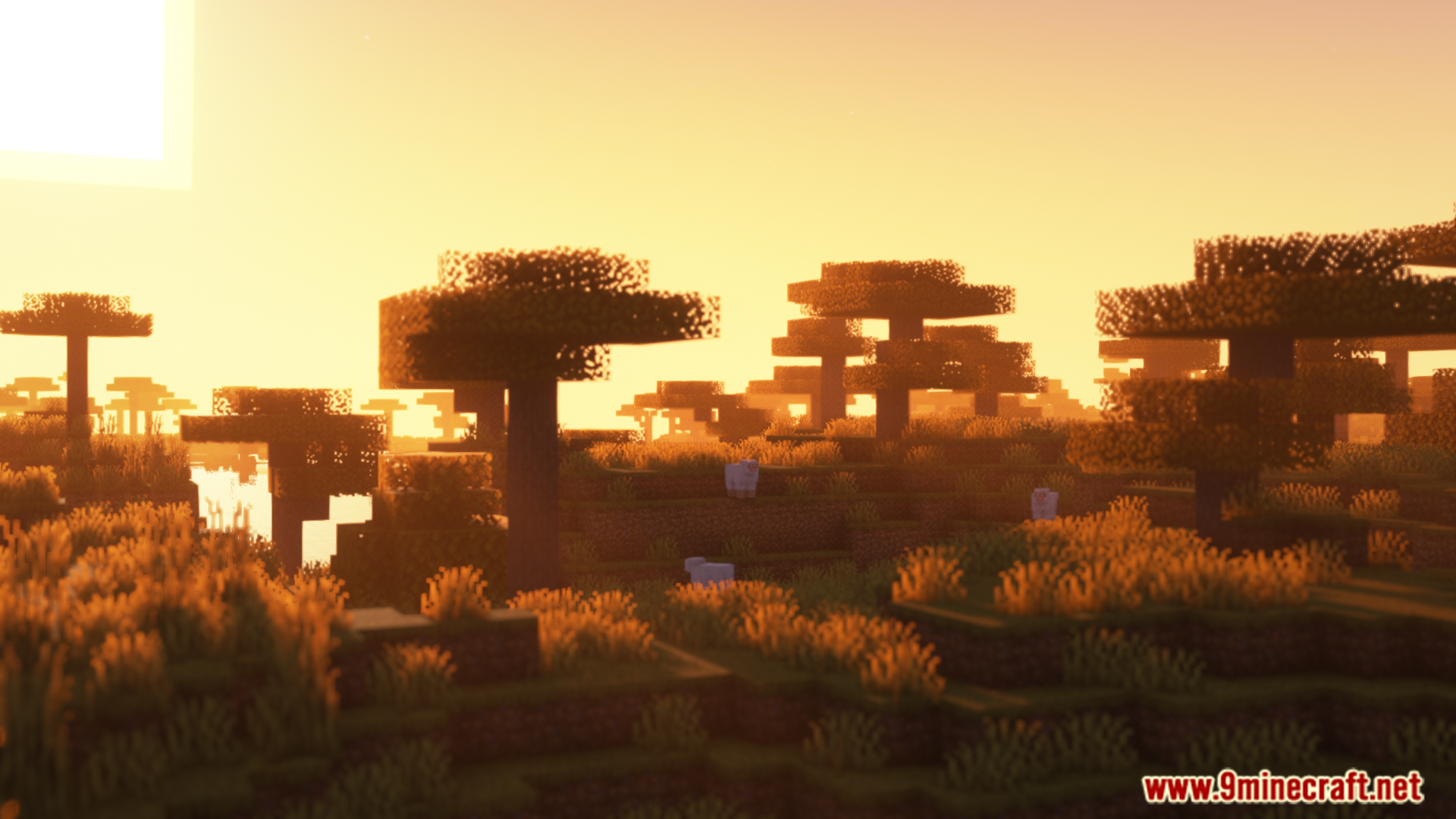
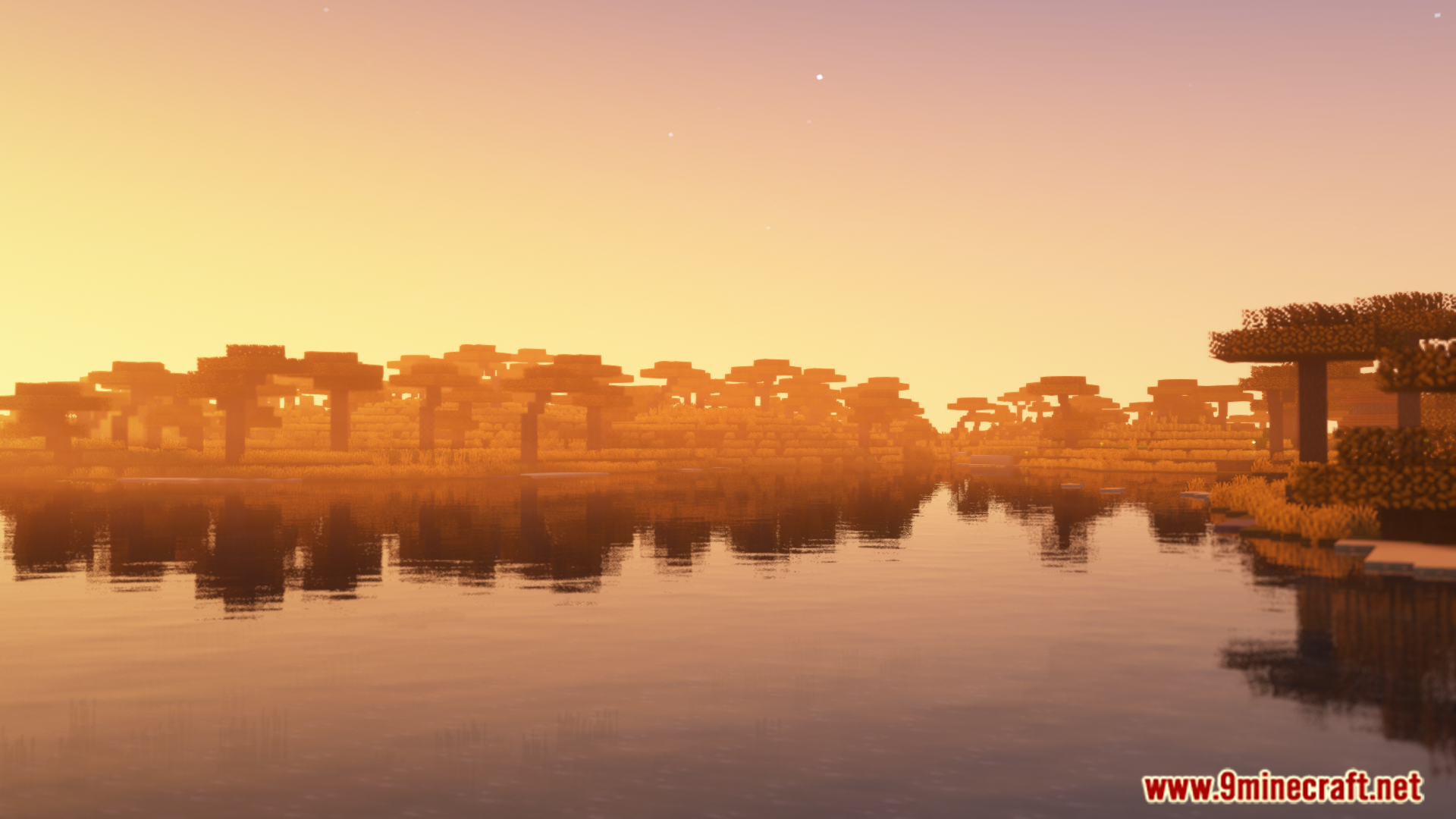
Le Colorwheel Mod rend les mods Flywheel et Iris compatibles entre eux. Cela vous permet d’utiliser des shaders tout en jouant avec le mod Create, qui utilise Flywheel pour le rendu. Désormais, vous pouvez admirer toutes les machines incroyables de Create avec les magnifiques éclairages et effets de vos shaderpacks préférés sans sacrifier les performances.
Caractéristiques :
- Permet d’utiliser Flywheel et les shaders Iris ensemble dans Minecraft.
- Jouez avec les mécanismes du mod Create tout en profitant de superbes graphismes via shaders.
- Améliore les performances, permettant un gameplay fluide même avec de nombreuses machines et des shaders actifs.
- Propose un mode “fallback” pour tenter de faire fonctionner les shaderpacks non supportés.
- Fonctionne immédiatement avec de nombreux shaderpacks populaires, notamment Complementary, Solas et Bliss.
- Fournit des patchs pour d’autres shaders comme BSL et Photon via le mod séparé Colorwheel-Patcher.
Comment l’utiliser :
- Après avoir installé le mod, allez dans les paramètres de votre shaderpack.
- Cherchez les options pour “Entity Shadows” ou “Block Entity Shadows”.
- Assurez-vous que ces paramètres sont activés.
- Cela permettra aux machines (contraptions) du mod Create de projeter correctement la lumière et les ombres.
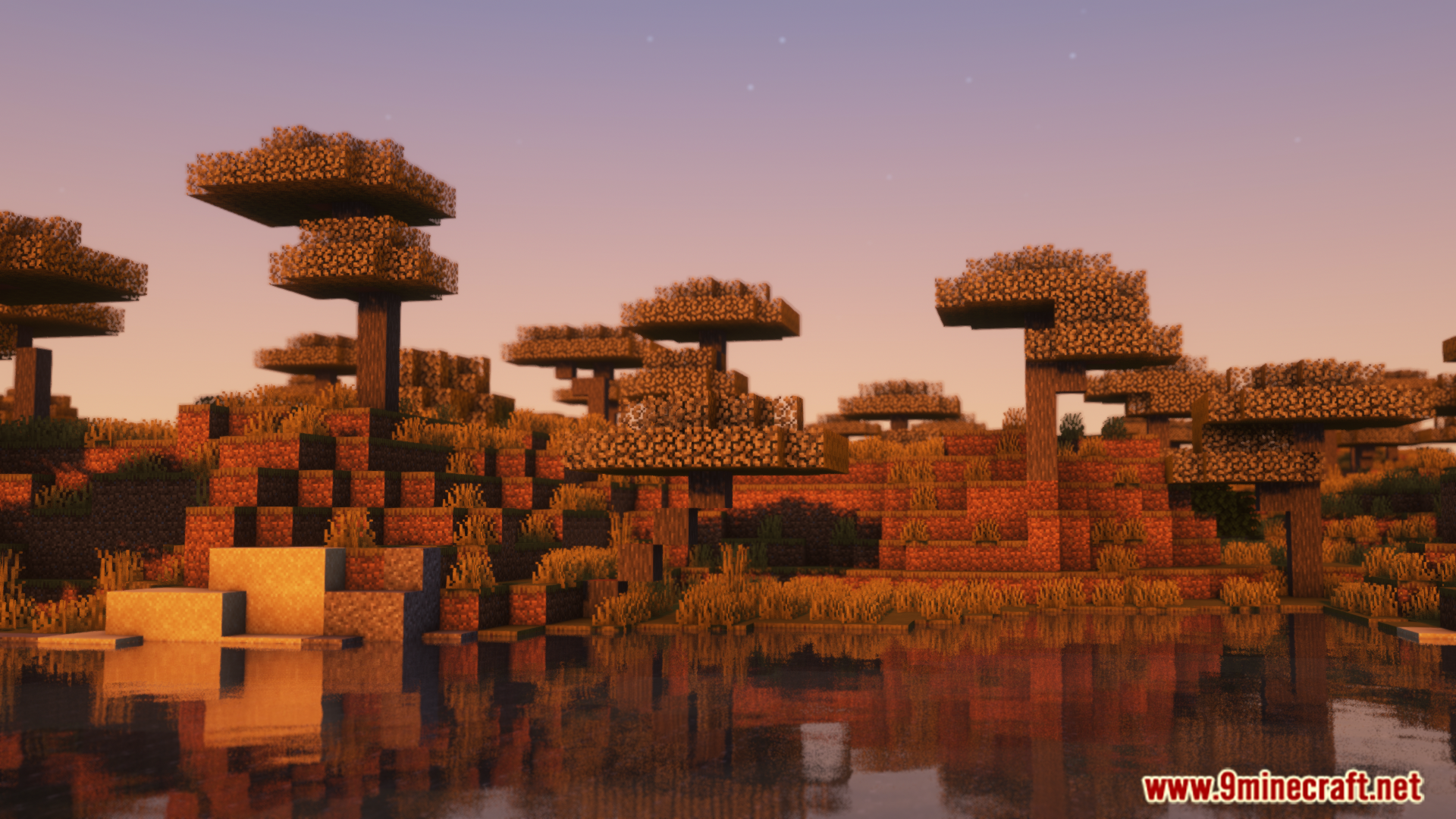
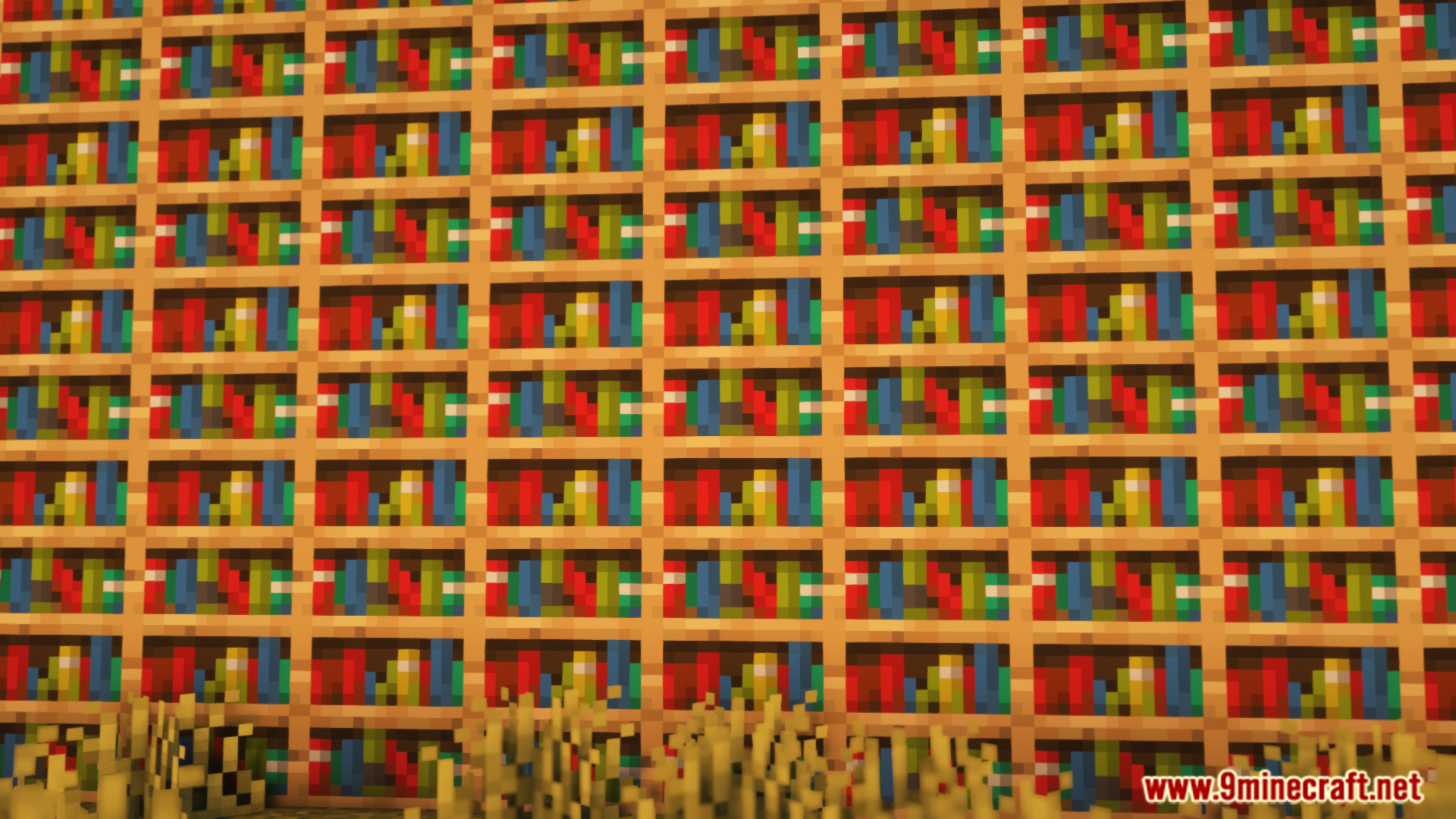
Captures d’écran :
Comment installer :

Liens de téléchargement de Colorwheel Mod
Pour Minecraft 1.21.1, 1.21
Version NeoForge : Télécharger depuis le Serveur 1 – Télécharger depuis le Serveur 2
Version Fabric : Télécharger depuis le Serveur 1 – Télécharger depuis le Serveur 2
Pour Minecraft 1.20.1, 1.20
Version Forge : Télécharger depuis le Serveur 1 – Télécharger depuis le Serveur 2
Version Fabric : Télécharger depuis le Serveur 1 – Télécharger depuis le Serveur 2
Cliquez pour noter cet article !
[Total: 0 Average: 0]
Vous aimerez aussi




Cet article n’a pas encore de commentaires. Soyez le premier — votre commentaire apparaîtra ici.