


Furniture Expanded Mod (1.21.1, 1.20.1) – Crafting Cozy Spaces

 0
0 

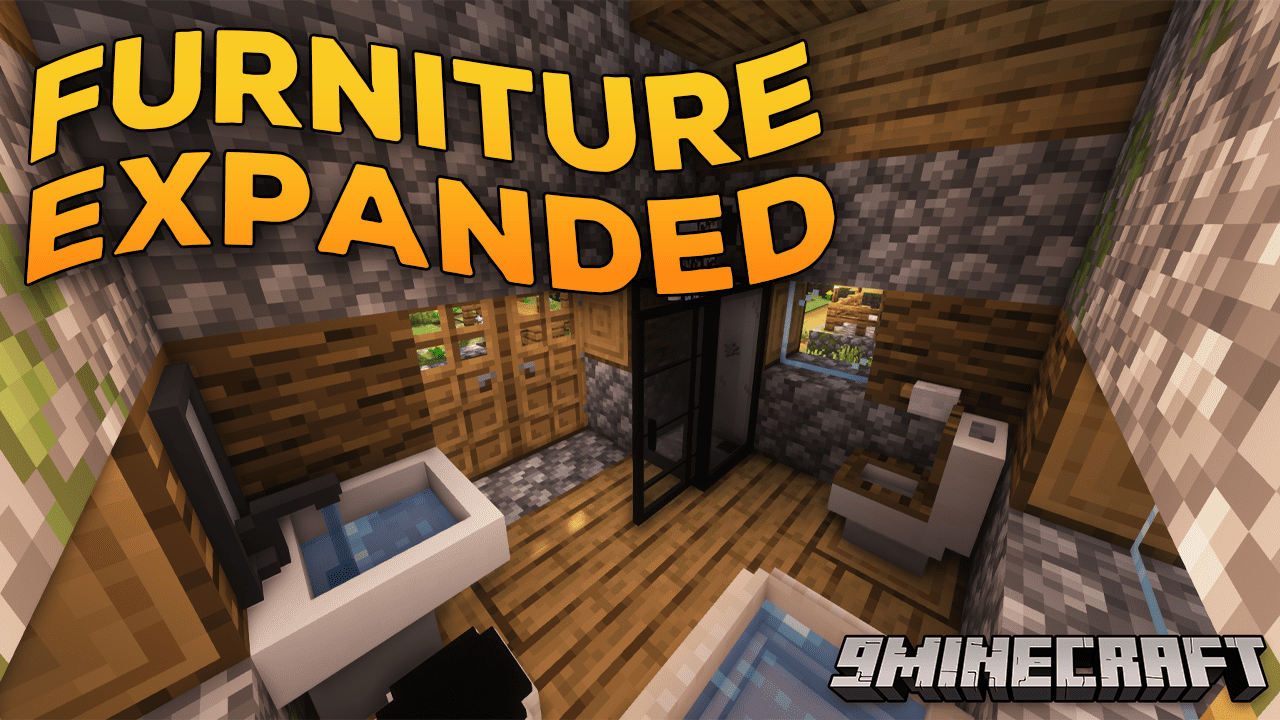
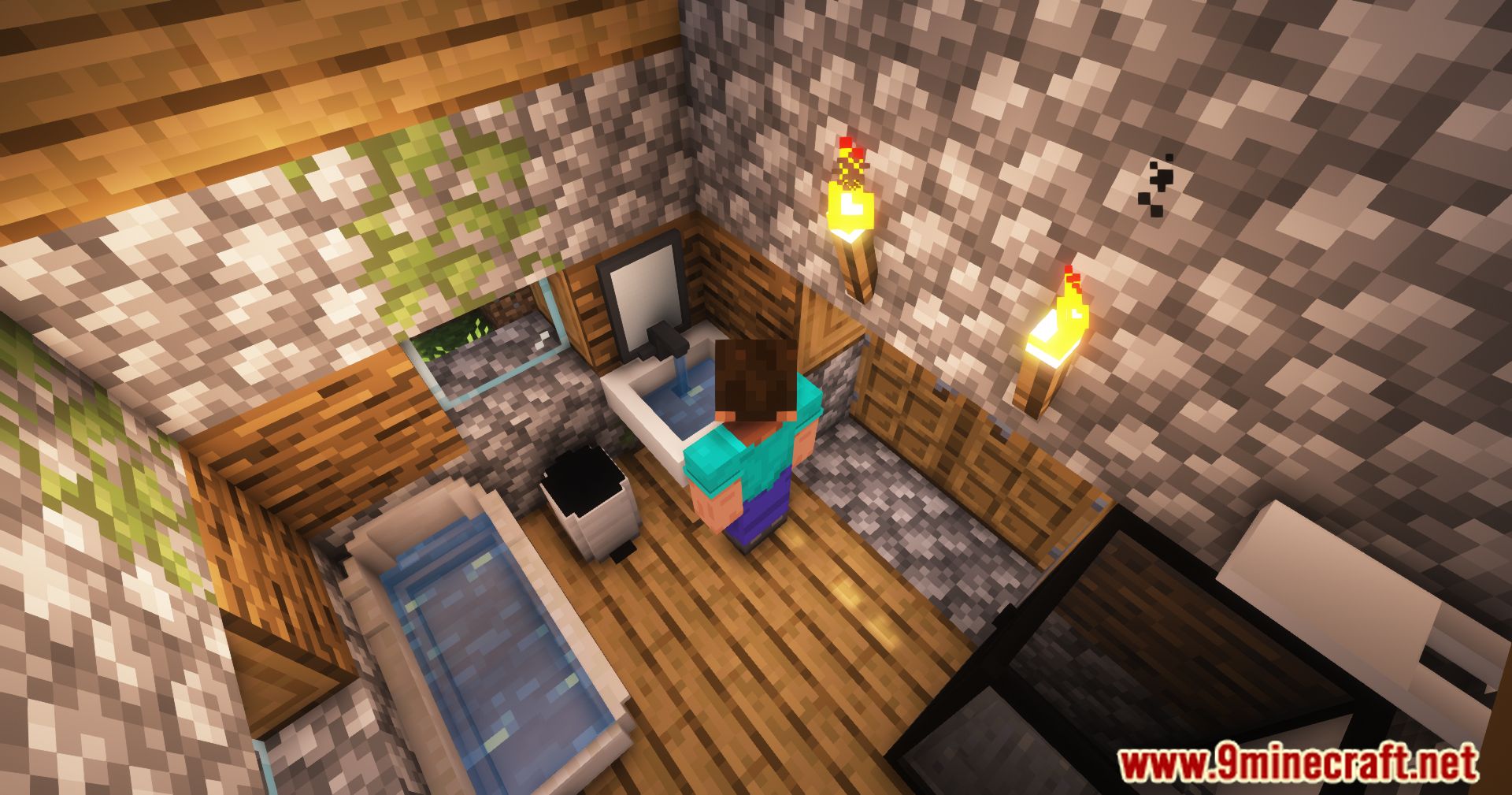
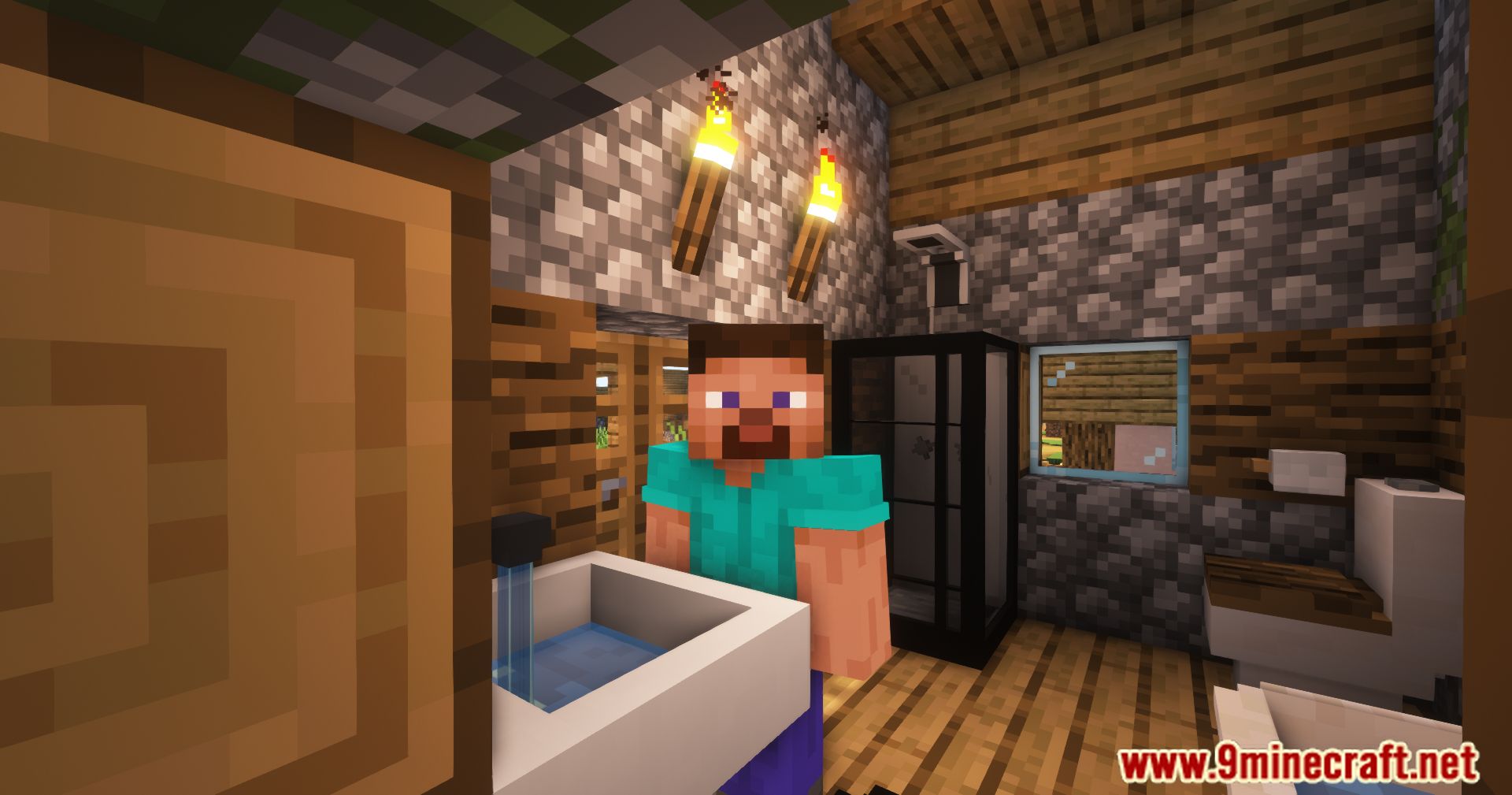
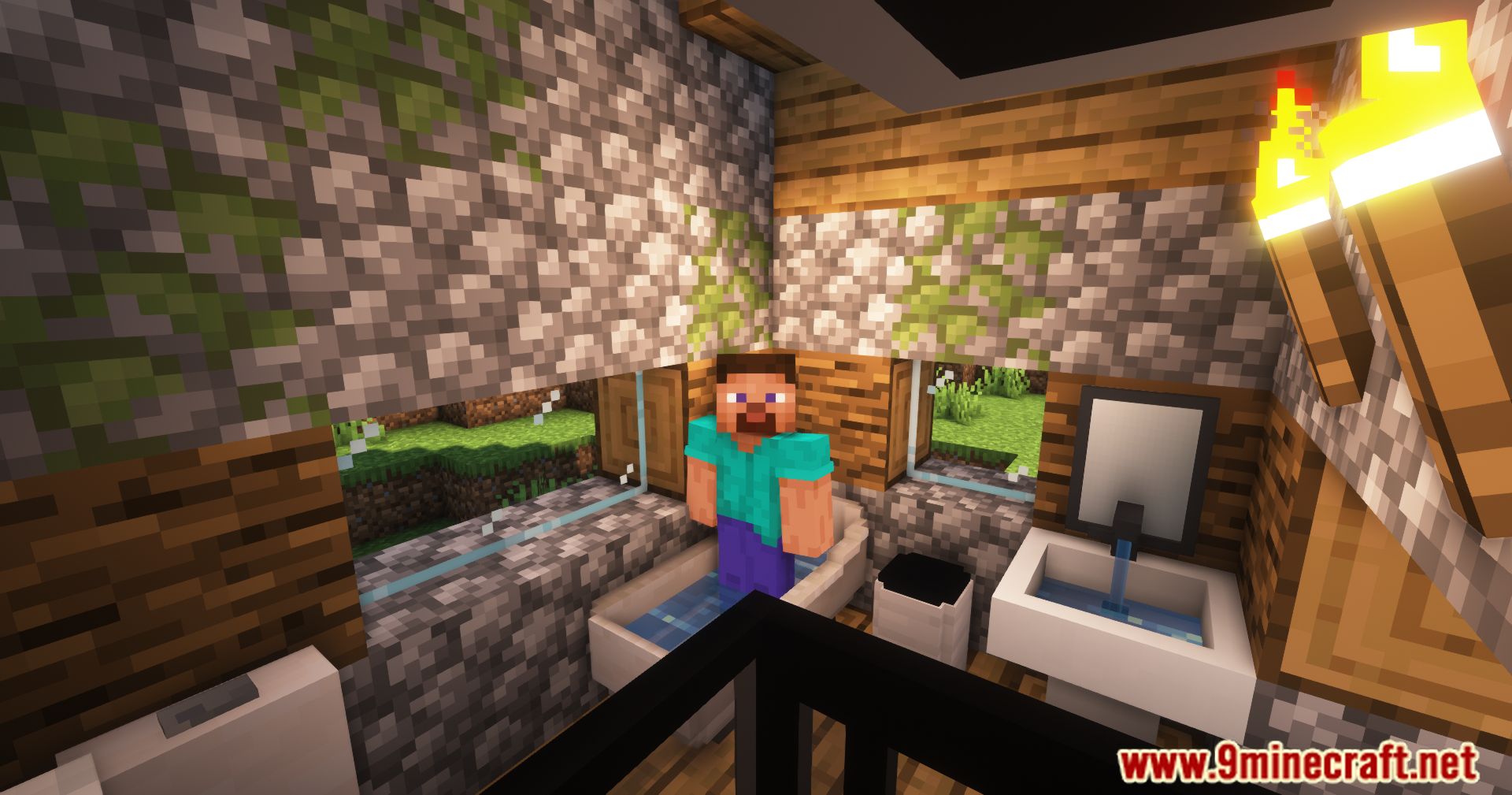
Furniture Expanded Mod is a small collection of furniture for decorating your buildings. At the moment, various cabinets, clocks, bathroom items such as a toilet or sink, and several baskets for conveniently carrying resources will appear in the game.
Features:
- Small collection of diverse furniture pieces.
- User-friendly crafting recipes for accessibility.
- Attention to detail in the design of each furniture item.
- Enhances interior decoration options for creative builders.
Blocks:
Bathroom blocks – concise reference
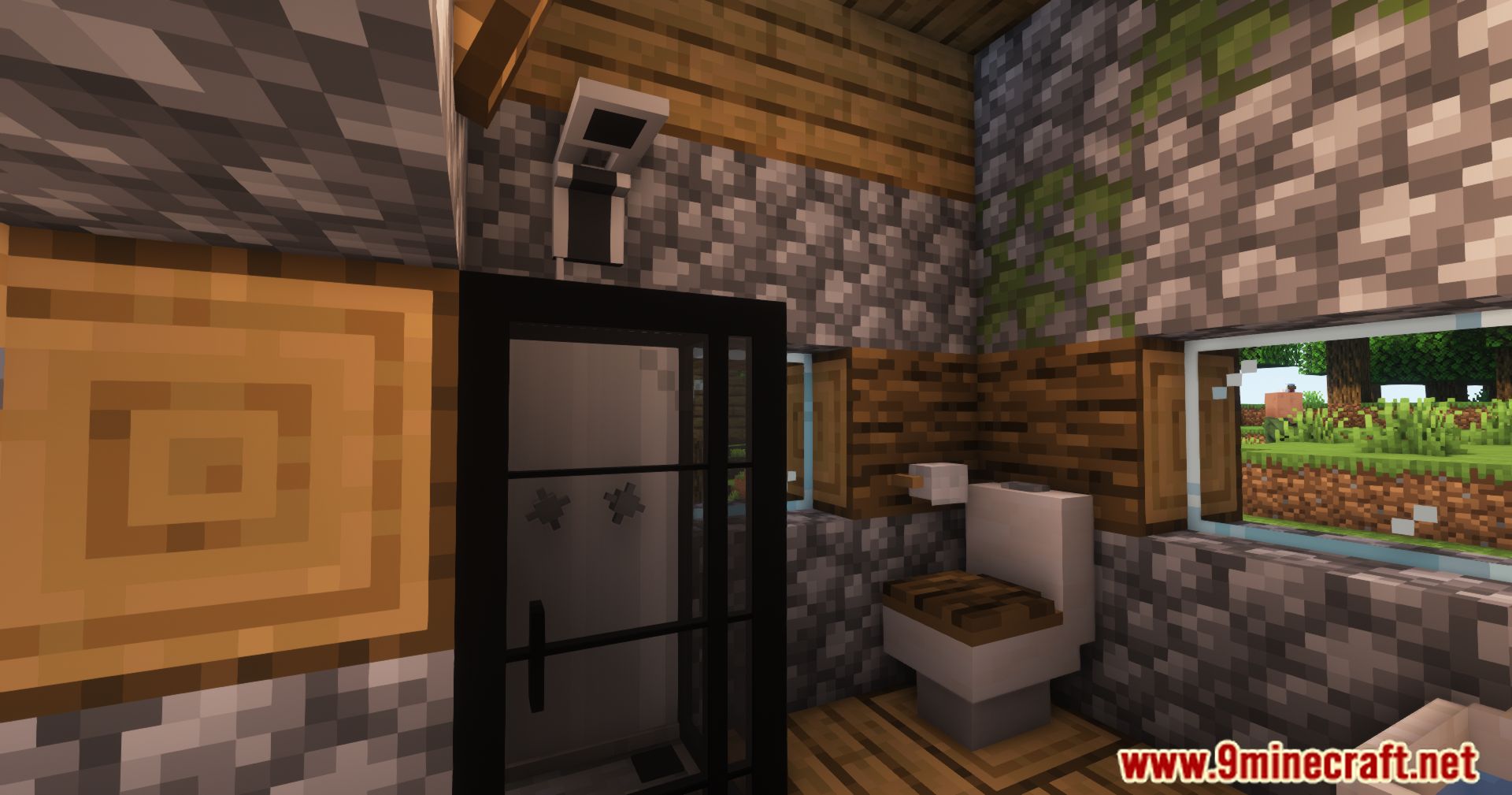
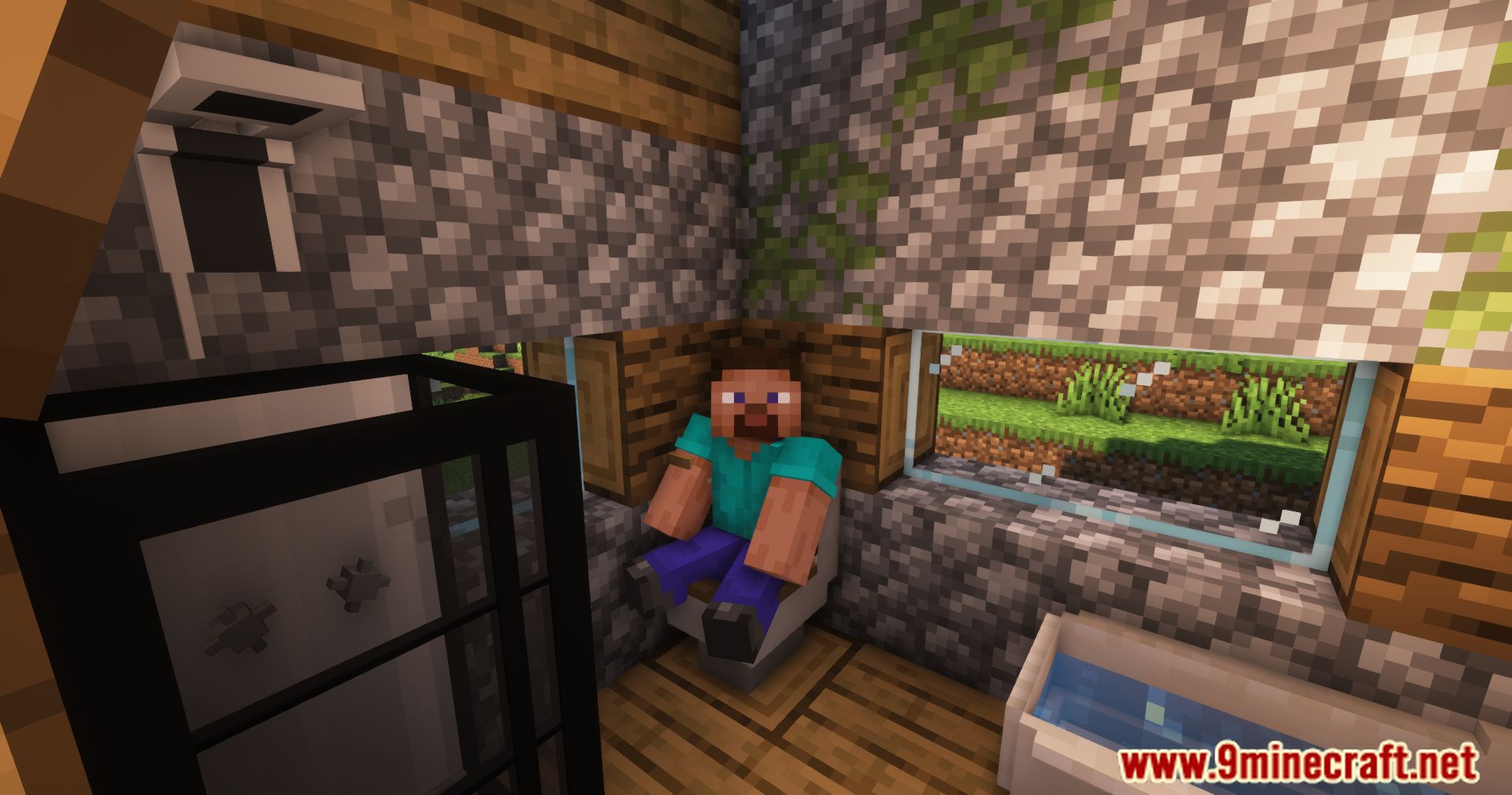
- Toilet
- Color: Right-click with a carpet to change the seat colour; hit the carpet to remove it.
- Sit interaction: Click the oak top to sit; Shift to stand up.
- Safety: You cannot edit the toilet while someone is sitting on it.
- Toilet Paper
- Placement: Decorative bathroom block, usually placed near the toilet.
- Usage: Mainly for visual detail in bathroom builds.
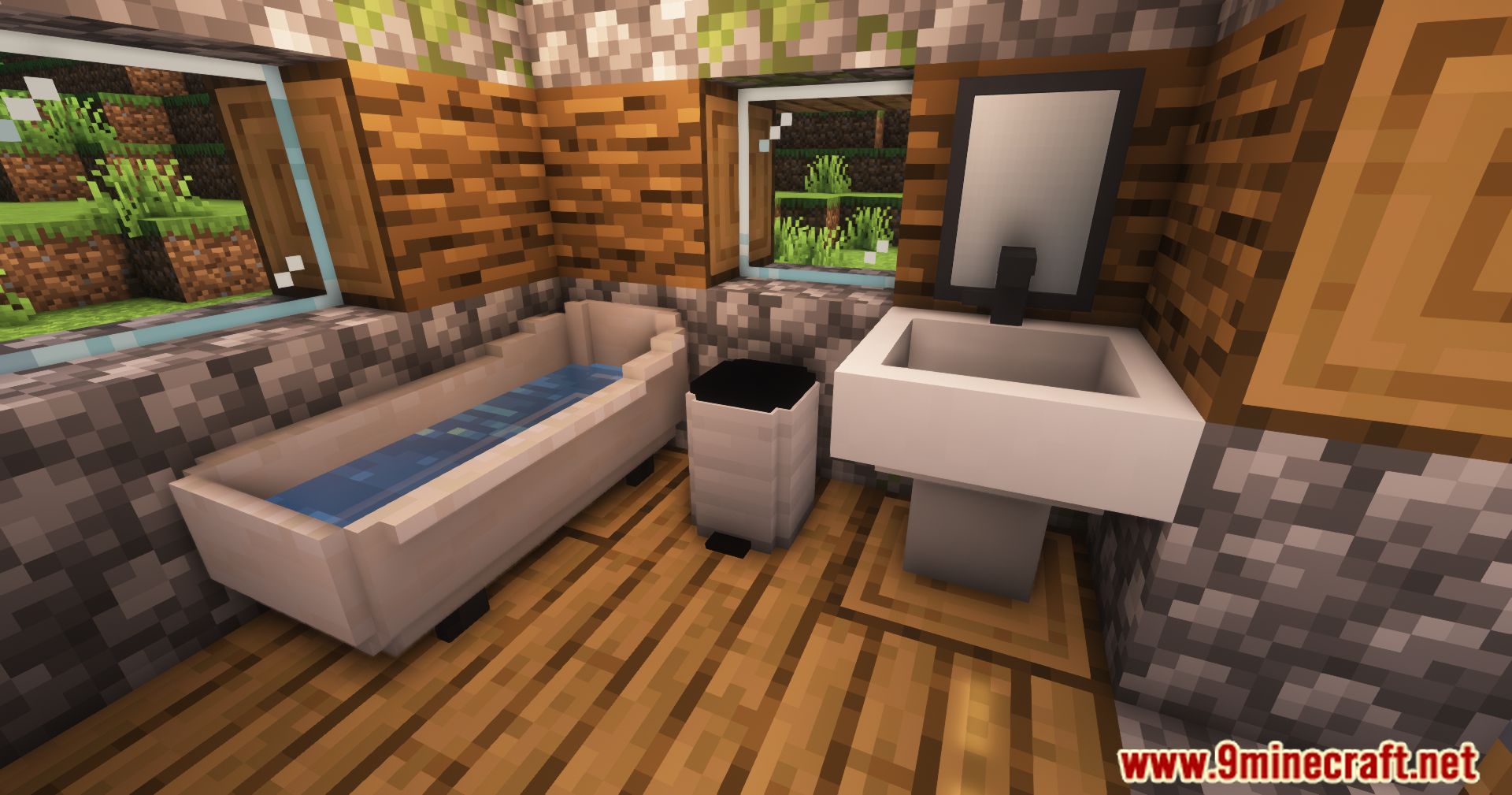
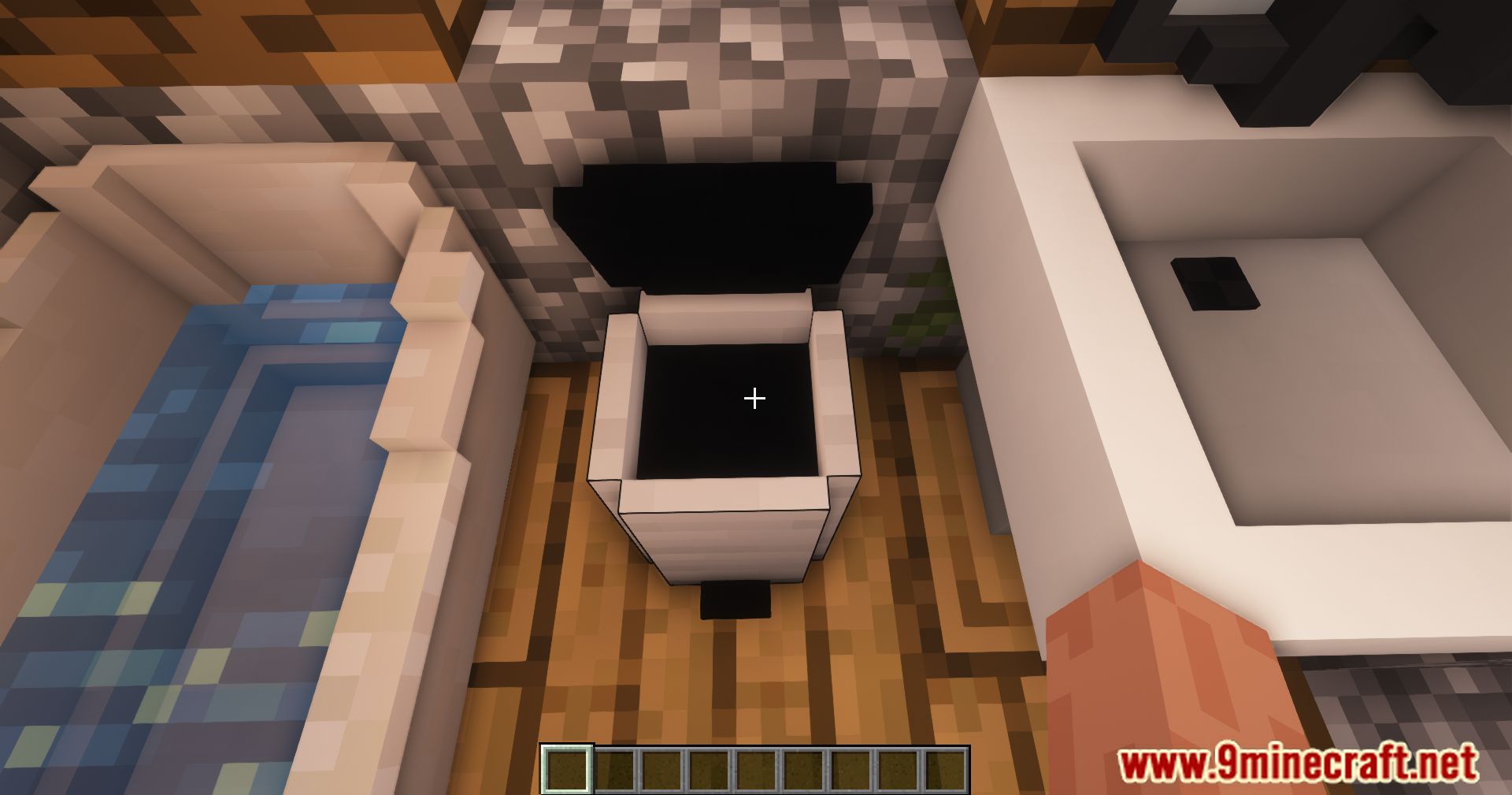
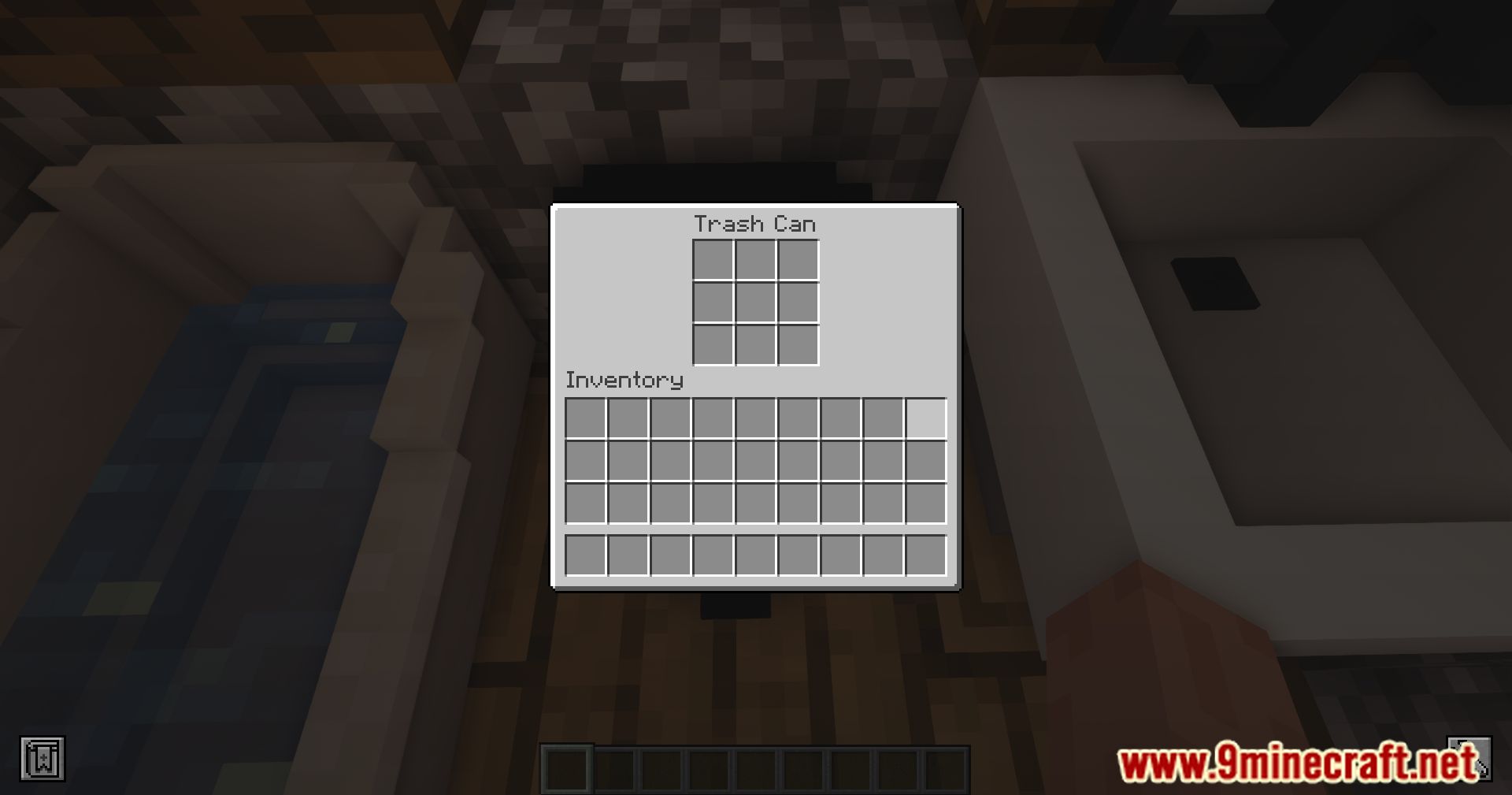
- Trash Can
- Role: Decorative waste bin for bathrooms and other rooms.
- Usage: Used to add realism to interior designs.
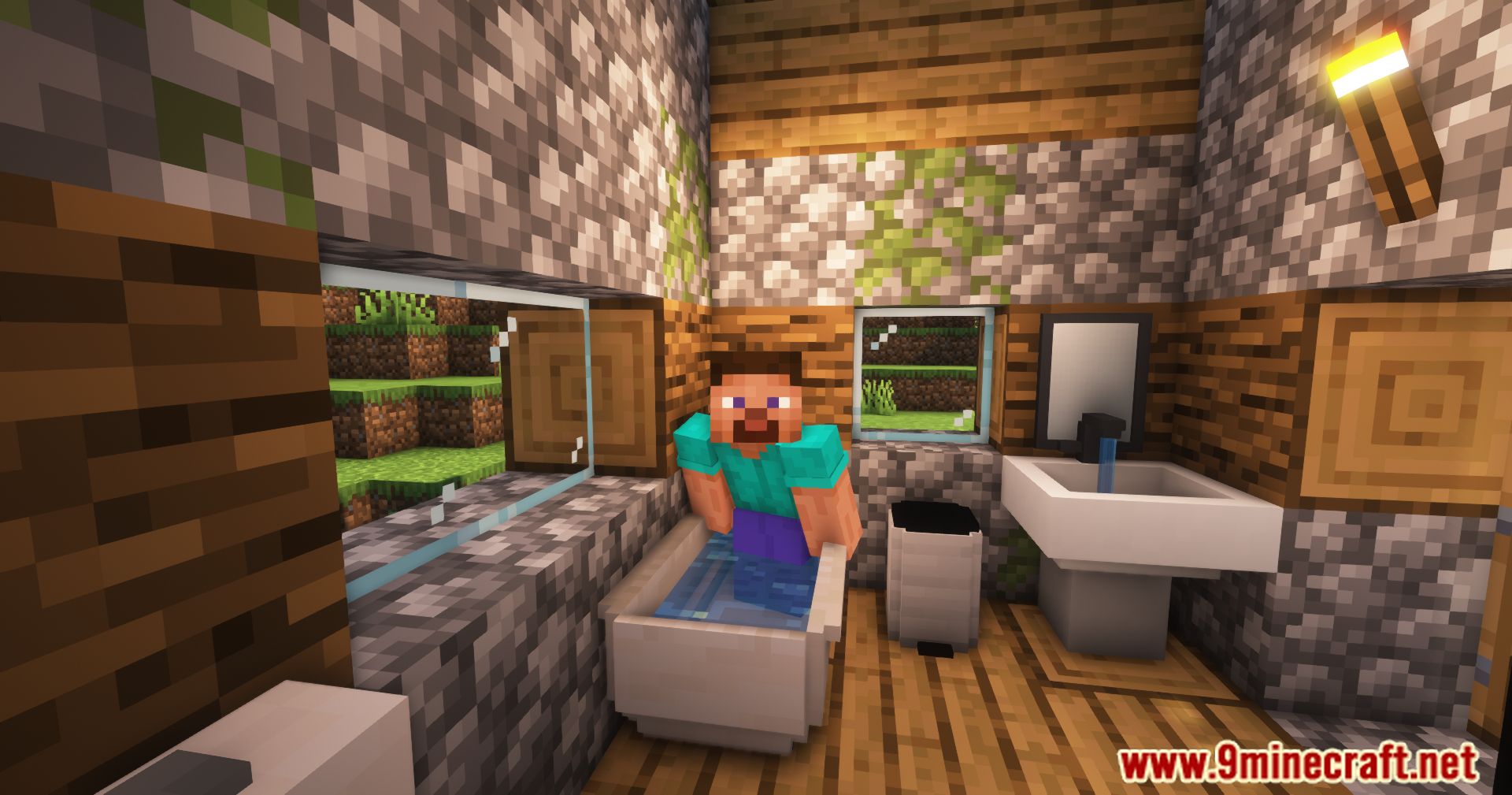
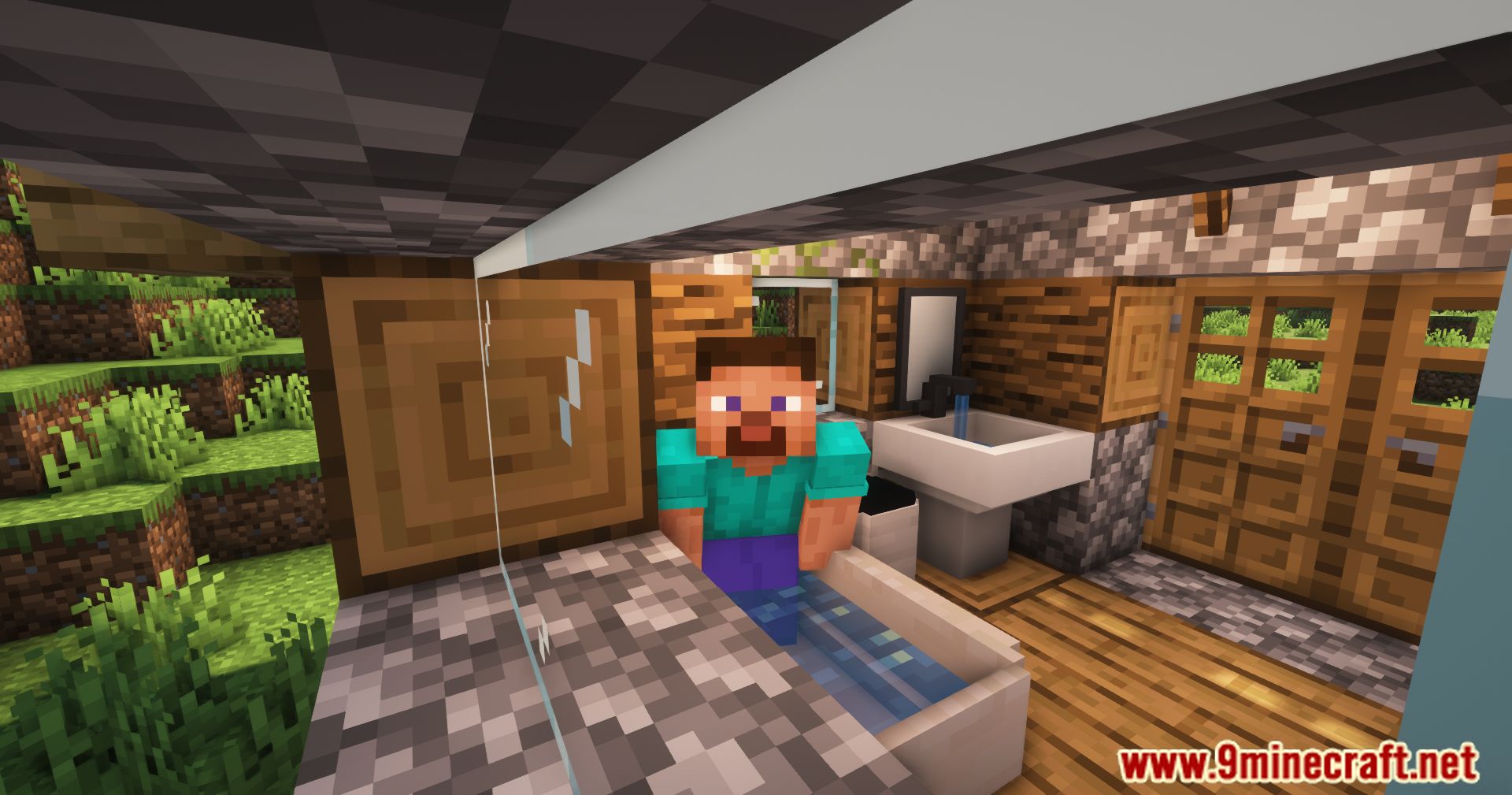
- Bath Tub
- Decoration: Placeable tub block for bathroom and spa builds.
- Design: Works as a large visual centerpiece for the bathroom.
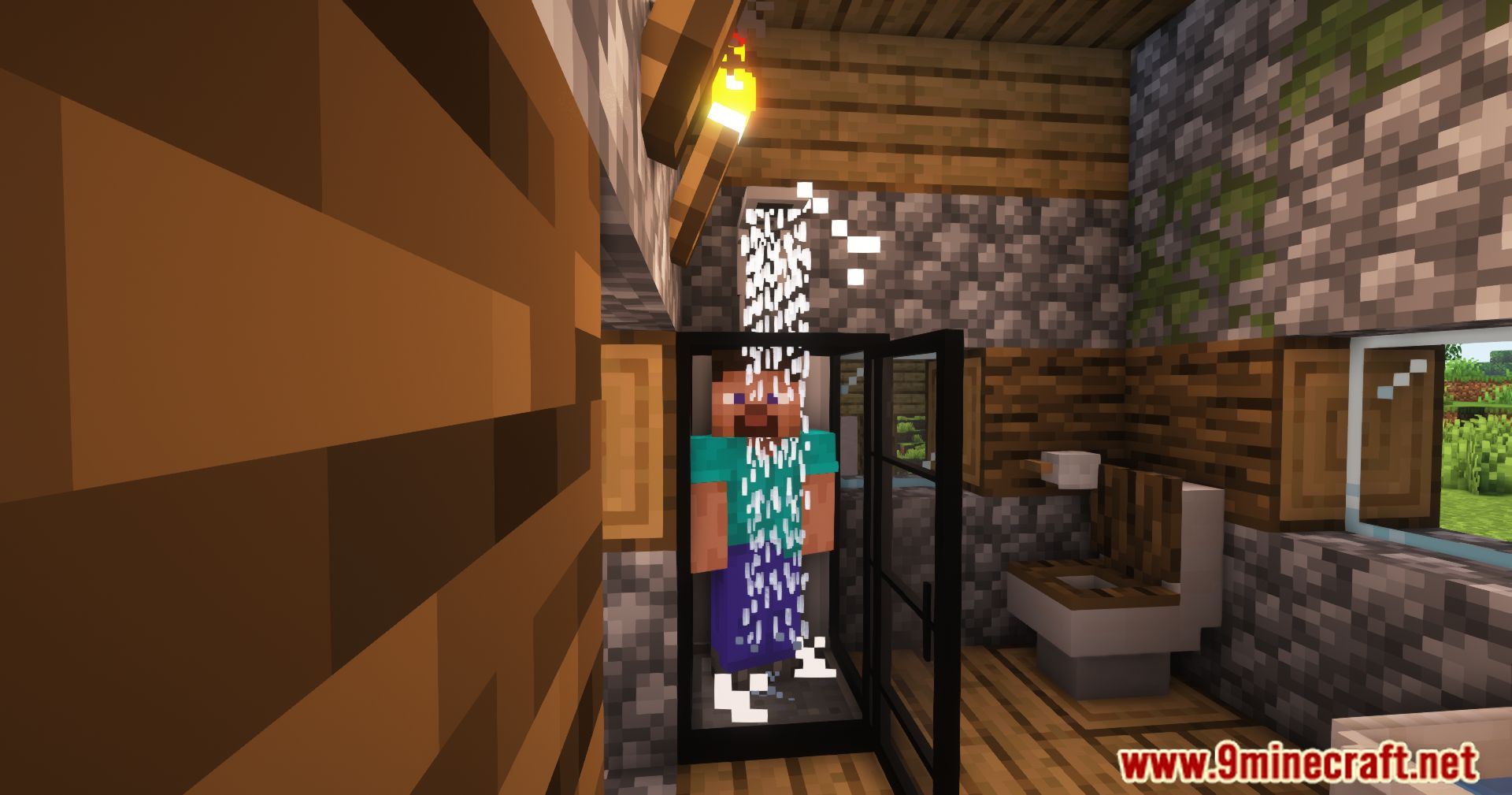
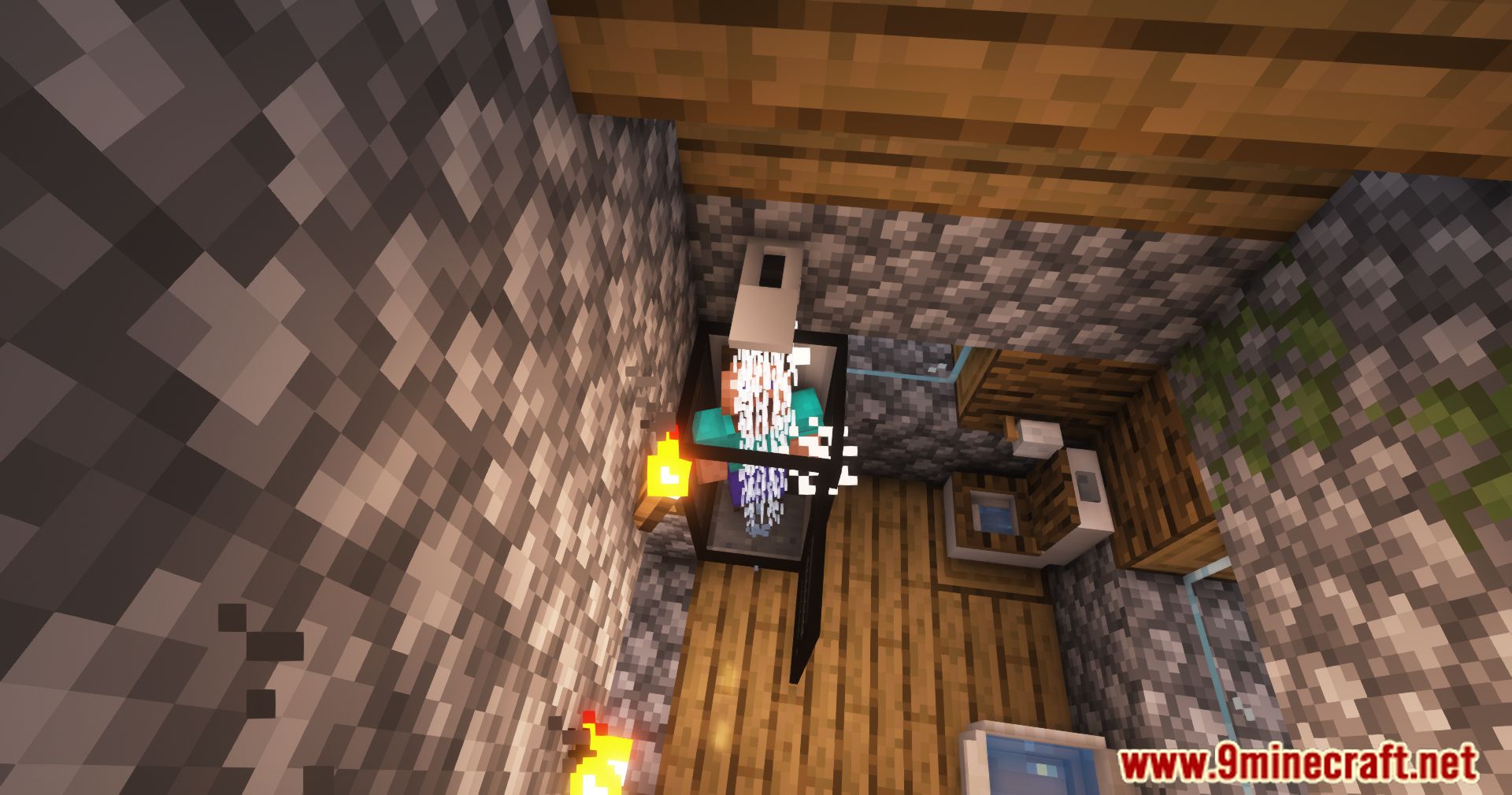
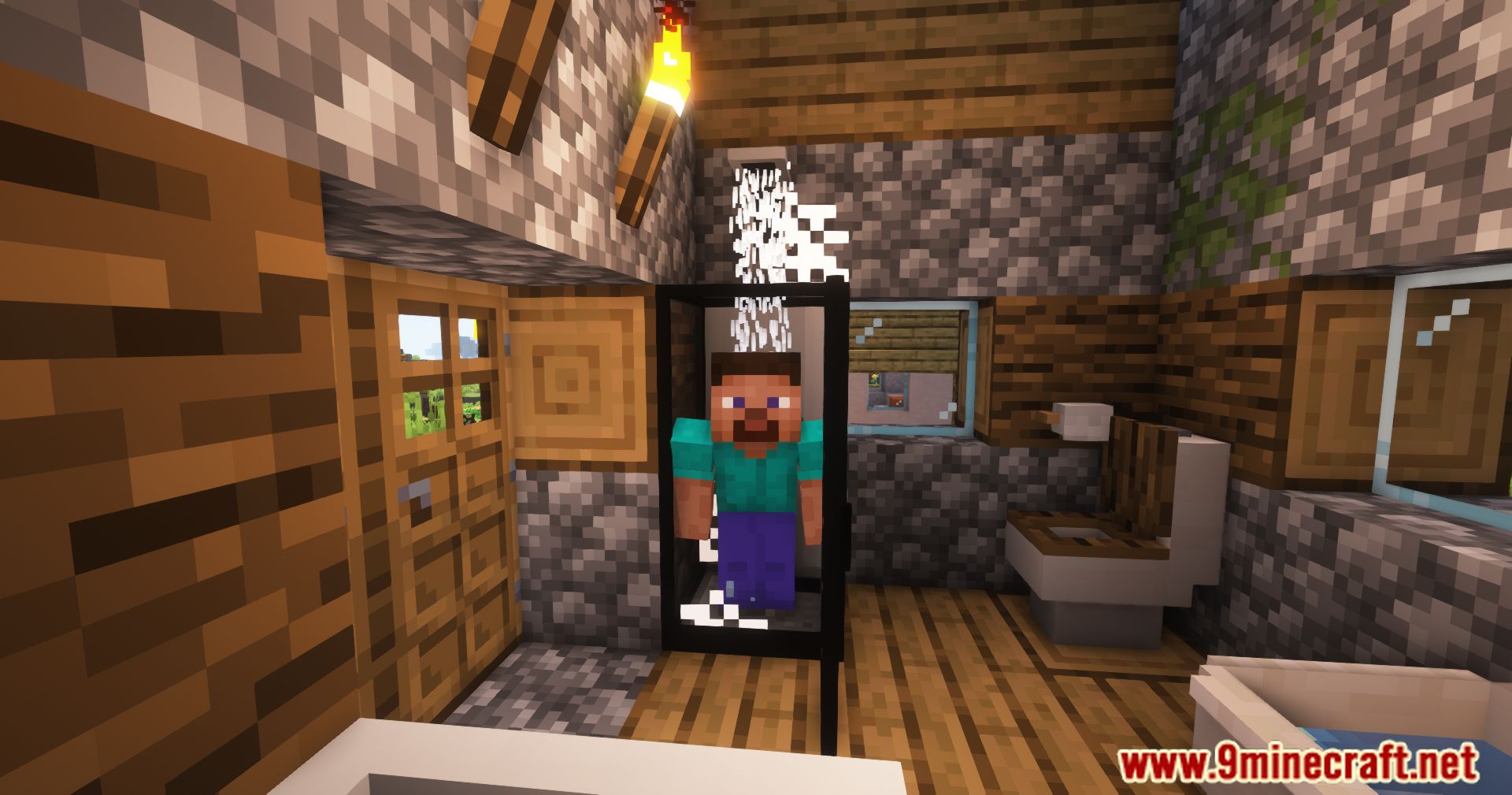
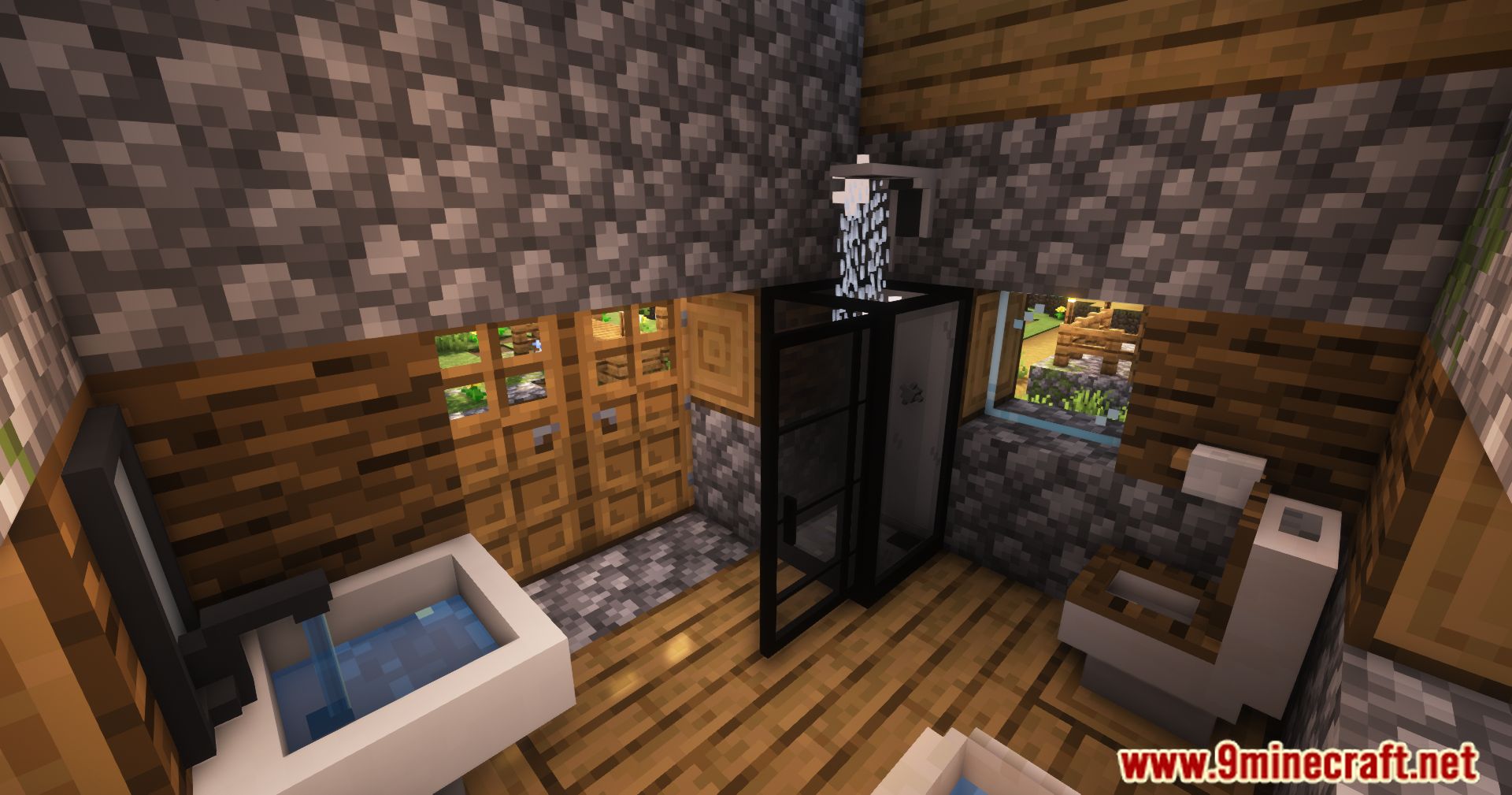
- Shower Enclosure
- Open/Close: Right-click the enclosure to open or close it.
- Valve control: When paired with a Shower Head above, right-click the valves inside to turn water on or off.
- Shower Head
- Pairing: Place above a Shower Enclosure to create a working shower setup.
- Function: Provides the shower water effect when toggled by the enclosure valves.
- Towel Bar
- Use: Decorative bar to represent hanging towels.
- Placement: Commonly placed near showers, bathtubs, or sinks.
- Mirror
- Decoration: Wall-mounted mirror block for bathrooms and bedrooms.
- Visual effect: Adds a finished, realistic look to interior walls.
Items:
Bedroom & workshop blocks – concise reference
- Modern Bed
- Sheets: Left-click to remove bedsheets; right-click with a bedsheet item to change the bed’s style.
- Usage: Standard bed placement and breaking; appearance customized via bedsheets.
- Bedsheets
- Function: Item used to change the appearance of Modern Beds.
- Interaction: Apply by right-clicking the bed; remove with left-click.
- Alarm Clock
- Use: Decorative clock prop for bedside or desks.
- Placement: Commonly placed on nightstands or bedside tables.
- Nightstand
- Function: Small bedside furniture piece.
- Usage: Surface for placing small decorative items such as lamps or clocks.
- Bedside Table
- Role: Larger bedside furniture with more surface space.
- Design: Matches bedroom furniture sets for cohesive styling.
- File Cabinet
- Use: Decorative cabinet for office or study corners.
- Placement: Fits next to desks, beds, or walls to add storage detail.
- Cardbox
- Role: Cardboard box decoration for moving or storage scenes.
- Usage: Stack multiple boxes to create cluttered or warehouse-like areas.
- Clock Sign
- Function: Wall-mounted decorative clock.
- Placement: Hang on walls above tables, desks, or doors.
- Basket
- Use: Decorative container for laundry, toys, or miscellaneous items.
- Placement: Commonly placed near beds, in corners, or beside cabinets.
- Adhesive Tape
- Role: Small decorative prop for packing or workshop scenes.
- Usage: Often paired with Cardbox to suggest sealed or packed boxes.
- Saw
- Use: Hand tool decoration for workshops or garages.
- Visual: Works well with Sawdust to imply recent woodworking.
- Sawdust
- Role: Decorative floor detail indicating cutting or carpentry work.
- Placement: Scatter near saws, workbenches, or around workshop areas.
Screenshots:
How to Install:
New to Minecraft? Follow our step-by-step guide to install Mods on your PC.View Guide
Requirements:

Furniture Expanded Mod Download Links
For Minecraft 1.16.5
Forge Version: Download from Server 1 – Download from Server 2
For Minecraft 1.18.2, 1.18.1
Forge Version: Download from Server 1 – Download from Server 2
Fabric Version: Download from Server 1 – Download from Server 2
For Minecraft 1.19.2
Forge Version: Download from Server 1 – Download from Server 2
Fabric Version: Download from Server 1 – Download from Server 2
For Minecraft 1.19.4
Forge Version: Download from Server 1 – Download from Server 2
Fabric Version: Download from Server 1 – Download from Server 2
For Minecraft 1.20.1
Forge Version: Download from Server 1 – Download from Server 2
Fabric Version: Download from Server 1 – Download from Server 2
For Minecraft 1.20.4
Forge Version: Download from Server 1 – Download from Server 2
Fabric Version: Download from Server 1 – Download from Server 2
For Minecraft 1.21.1, 1.21
NeoForge Version: Download from Server 1 – Download from Server 2
Fabric Version: Download from Server 1 – Download from Server 2
You May Also Like



This post has no comments yet. Be the first — your comment will appear here.