
Gft Ta16 Aeronautics Train Schematic (1.21.x) – Mix and Match Train Carriages Freely

 0


Gft Ta16 Aeronautics Train Schematic gives you a train built with Aeronautics. You open it with a Sable blueprint. It comes with seven different carriages that you can combine however you like. The build is 22×6×5 blocks and uses 488 blocks in total.
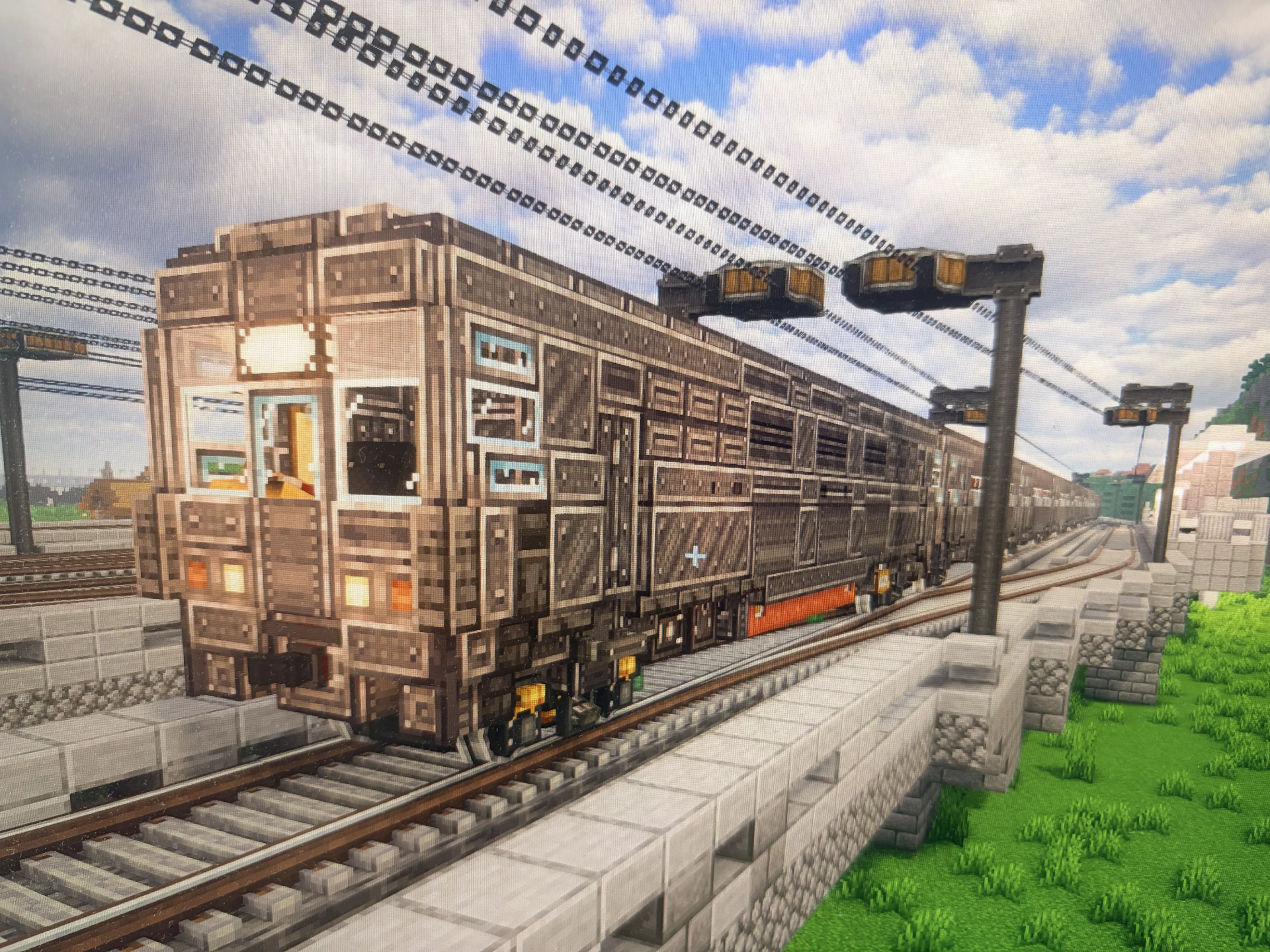
3D Preview & Editor:
How to place this schematic
.nbt This is a vanilla structure file. It loads through structure blocks with no mod at all, within the 48×48×48 size limit.
| 1 | Put the .nbt file in <your world>/generated/minecraft/structures. |
| 2 | Give yourself a structure block: /give @s structure_block. |
| 3 | Place it, open it and switch the mode to LOAD. |
| 4 | Type the file name without .nbt, press LOAD, then PLACE. |
About this build
| 1 | Open the schematic with a Sable blueprint. |
| 2 | Pick the carriages you want and combine them into one train. |
Features:
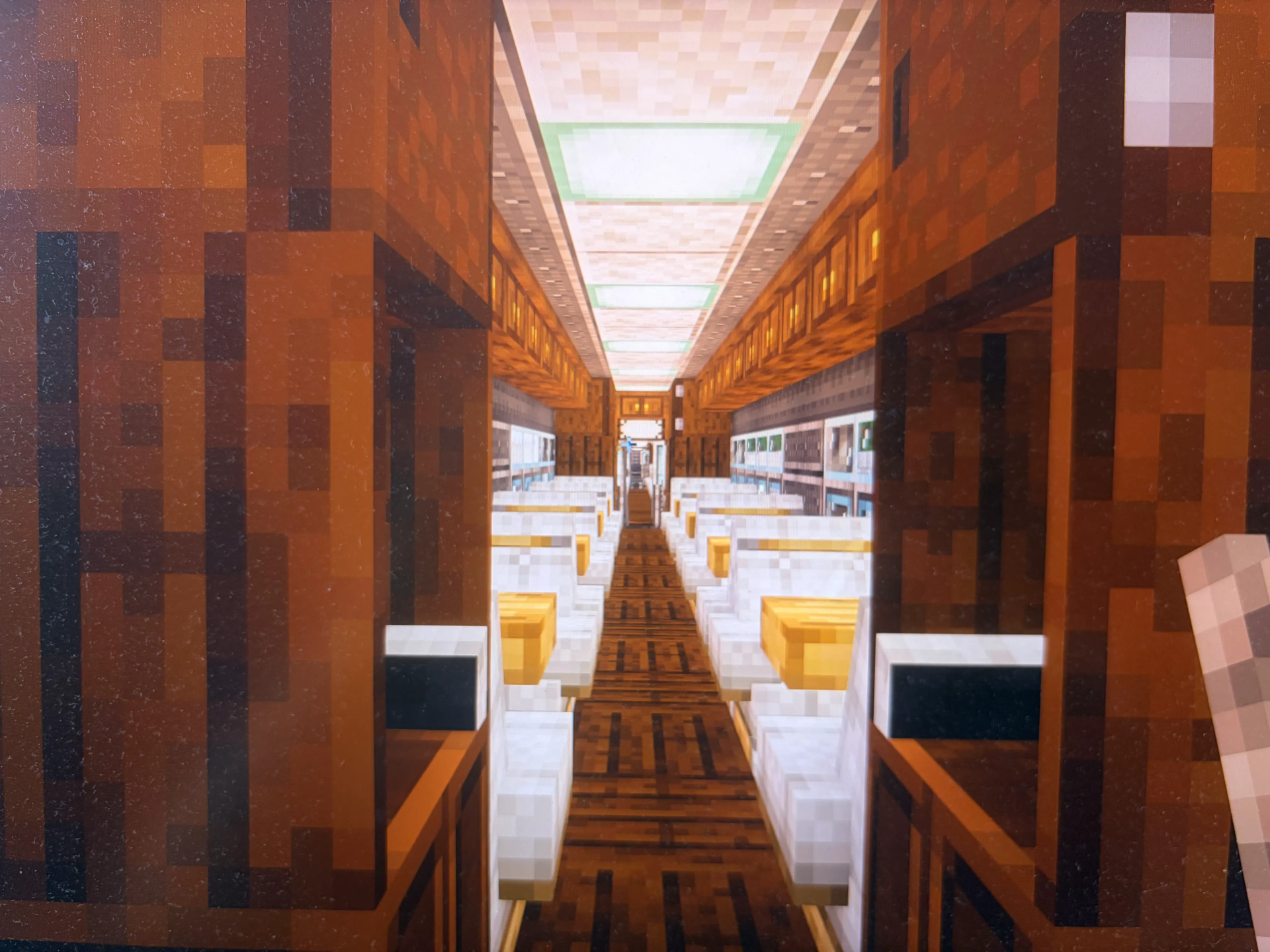
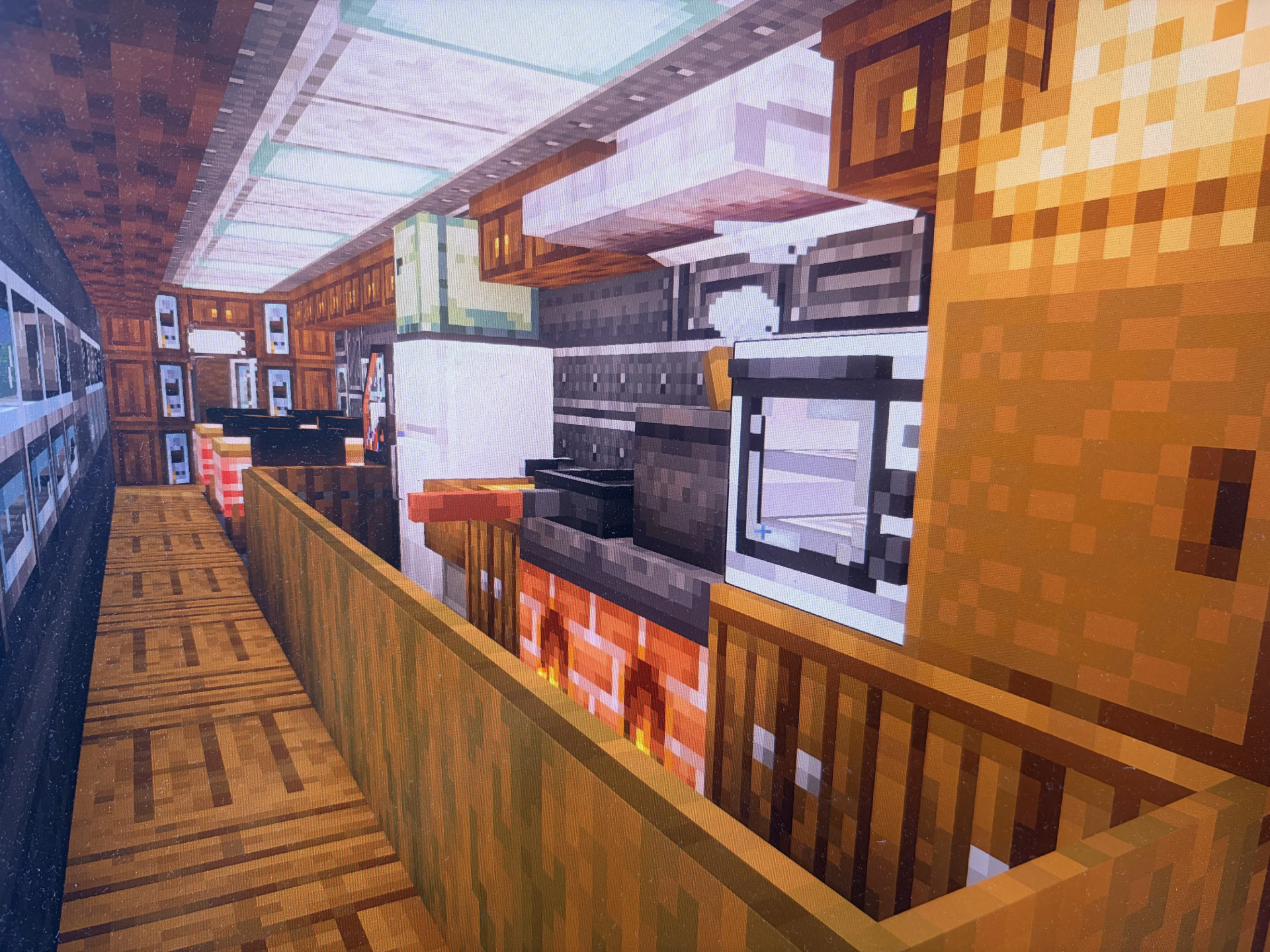
- Seven carriage types: This schematic includes a power train, a normal train, a VIP train, a dining train, a berth train, a rolling log train, and a scenic train.
- Free combining: You can mix the carriages in any order to make your own train.
- Sable blueprint: Opens with a Sable blueprint, so you can place the train in your world.
- Adds a power carriage that pulls the rest of the train.
- Gives you a normal carriage for everyday passengers.
- Brings a VIP carriage for a fancier ride.
- Includes a dining carriage so passengers can eat on the trip.
- Adds a berth carriage with beds for sleeping on long trips.
- Includes a scenic carriage for enjoying the view.
Schematic Specs:


 Top Blocks Used
Copycat Stacked Half Layer 98Copycat Board 76Copycat Half Layer 58Gray Locometal Smokebox 54Copycat Layer 54
Screenshots:
Requirements:
 Create Mod Required
copycats Required
copyfoxies Required
drivebywire Required
 Cluttered Mod Required
 Create Railways Navigator Mod Required
bakeries Required
dndecor Required
createdeco Required
simulated Required
interiors Required
simurail Required
createdieselgenerators Required
Gft Ta16 Aeronautics Train Schematic Download Links
For Minecraft 1.21.x
Click to rate this post!
[Total: 0 Average: 0]
You May Also Like
Picked for this page
 Usine a Totem Schematic (1.21.x) – Automated Totem of Undying Factory
 Back Propelled Thruster Plane Schematic (1.21.x) – Large Flying Vehicle Build for Create
 Military Fight Heli Schematic (1.21.x) – Compact War Helicopter Build for Create
 Cobbelstone Farm Schematic (1.21.x) – Simple Automatic Stone Farm for Create Mod
 Artileriya Dora Vtoroy Mirovoy Voyny Dora Artillery World War Ii Schematic (1.21.x)
 Garlic Drone Disel Schematic (1.21.x) – Flying Flower Drone with Diesel Power
 Goofy Missile Schematic (1.21.x) – Simple Flying Missile for Create Aeronautics
 Voyager Train Schematic (1.20.x) – Realistic British Diesel Train for Create Mod
 DDT Dark Dirigible Titan BloonsTD Schematic (1.21.x) – Fly A Famous Blimp From Bloons Tower
 The Juicebox a Refuelling Vehicle Schematic (1.21.x) – Compact Tracked Tanker for Create Mod
 A Cute Working Boat Schematic (1.21.x) – Compact Functional Vessel for Create Mod
 Train Intersection Y Pattern Schematic (1.21.x) – Build Y-Shaped Train Tracks with Ease
Most viewed in Create Mod Schematics over the last 7 days
 Fast Small Airship Steam Schematic (1.21.x) – Small and Fast Steam Powered Airship
 Arasaka Tower Schematic (1.21.x) – Massive Black Industrial Skyscraper Build
 Camioneta Schematic (1.21.x) – Driveable Pickup Truck with Gear System
 Il 2 Schematic (1.21.x) – Vintage Flying Machine for Create Mod
 Project StarGaze Schematic (1.21.x) – Build and Drive Your Own Military Vehicle
 A Simple Mob Trap Schematic (1.21.x) – Build a Massive Automatic Mob Farm Structure
 Avrora Schematic (1.21.x) – Massive Flying Base for Sky Travel
 Rail Gun Schematic (1.21.x)
 8×8 Offroad Climber Schematic (1.21.x)
 XP Farm Schematic (1.21.x) – Automated Mob Farm Tower Design
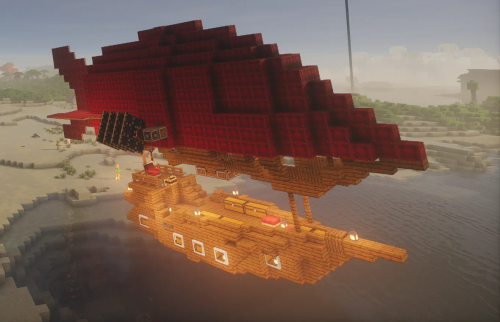 Small Airship Portative Engine Schematic (1.21.x) – Simple Flying Machine for Fast Exploration
 Petushara Simple Water Powered High Speed Schematic (1.21.x)
More from Create Mod Schematics
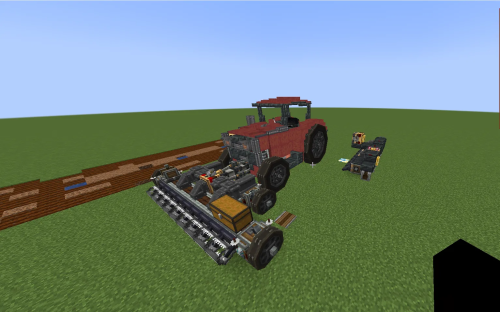 Agrimotor Schematic (1.21.x) – Build a Functional Create Mod Tractor
 Areis 65 Aries Heavy RV Build Schematic (1.21.x)
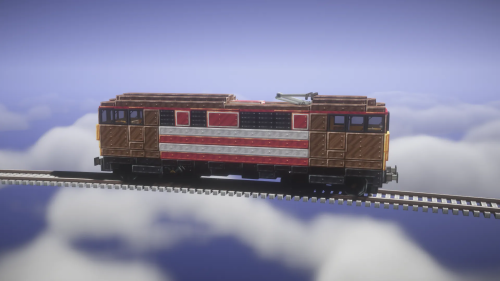 Class 86 Schematic (1.21.x) – Classic 1960s Electric Train
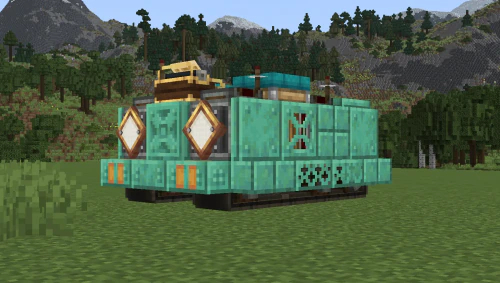 Mini Copper Robot Schematic (1.21.x) – Compact Industrial Robot Build for Create Mod
 American Missile Cruiser Schematic (1.21.x) – Powerful Naval Destroyer for Create Mod
 Coch Helicopter Survival Friendly Schematic (1.21.x) – Compact Flying Vehicle for Survival Travel
 F16 Falcon Schematic (1.21.x)
 Ctiv 1 Close Tornado Interceptor Vehicle Schematic (1.21.x) – Heavy Duty Storm Chasing Vehicle Build
 Walmart Schematic (1.21.x) – Build a Large Half Empty Retail Store
 Ss Ray Schematic (1.21.x) – Fast Hydroplane Boat for Create Mod
 Flying Mobile Base by IvanYaAl Schematic (1.21.x) – Build and Fly Your Mobile Base
 Cy 88 Tayphoon Schematic (1.21.x) – Powerful Camouflage Tank Artillery for Create Mod

This post has no comments yet. Be the first — your comment will appear here.