


Gothic Copper Tower Schematic (1.21.x) – Detailed Tall Tower for Medieval Worlds

 0
0 

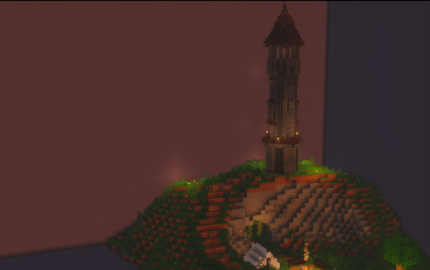
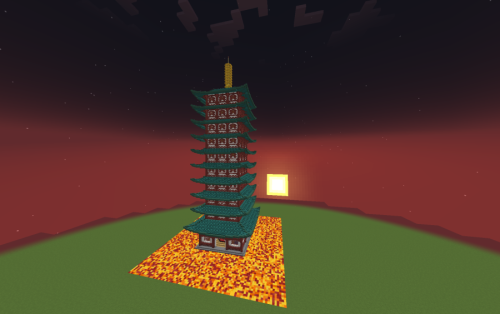
Gothic Copper Tower Schematic adds a tall, cylindrical building to your world. It features a mix of dark deepslate and copper blocks for a classic look. This build includes bright teal highlights made from oxidized copper on the roof and base. You can use it as a base or a lookout point. This schematic provides a quick way to place a detailed tower into your game. It fits perfectly in any medieval or gothic setting.
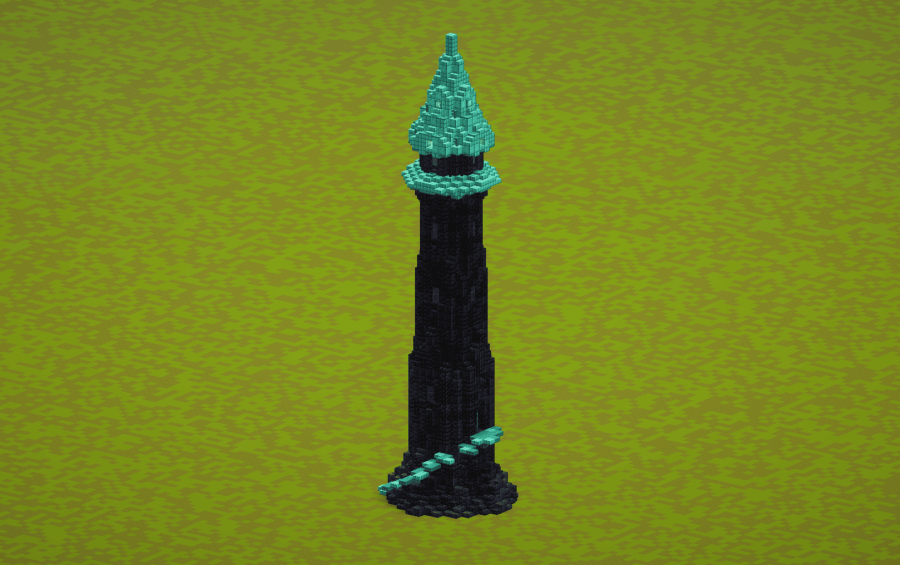
3D Preview:
Features:
- Features a tall, thin design that reaches high into the sky.
- Uses deepslate and blackstone blocks to create a dark, textured body.
- Includes oxidized copper blocks for a bright teal roof and trim.
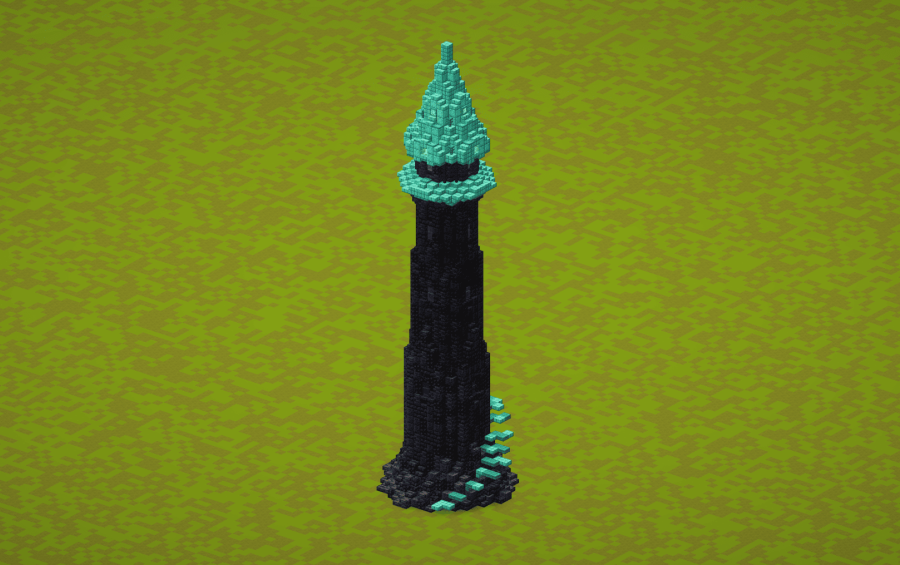
- Packs in spiral stairs at the base for easy access.
- Covers a small area of 17×17 blocks while standing 58 blocks tall.
- Contains over 2,100 blocks in a complete vanilla design.
Schematic Specs:
 Minecraft1.21.x
 Dimensions17×58×17
 Total Blocks2,164
 Top Blocks Used
Deepslate Tiles 310Polished Blackstone 293Polished Blackstone Bricks 281Blackstone 274Dark Oak Slab 166
How to Use:
- Download the .schematic file to your computer.
- Place the file into your schematics folder within your Minecraft world or server.
- Use a tool like WorldEdit or Litematica to load the build.
- Position the tower where you want it and paste it into the world.
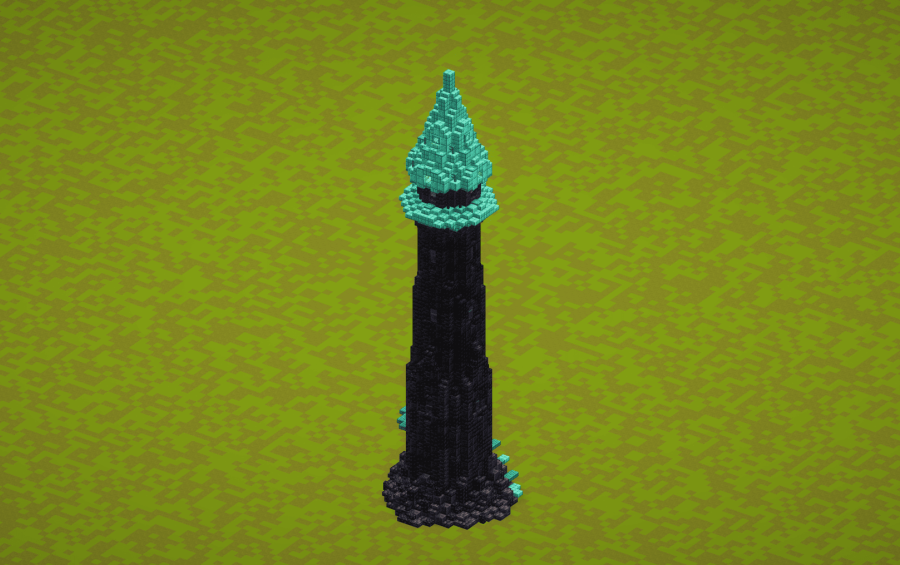
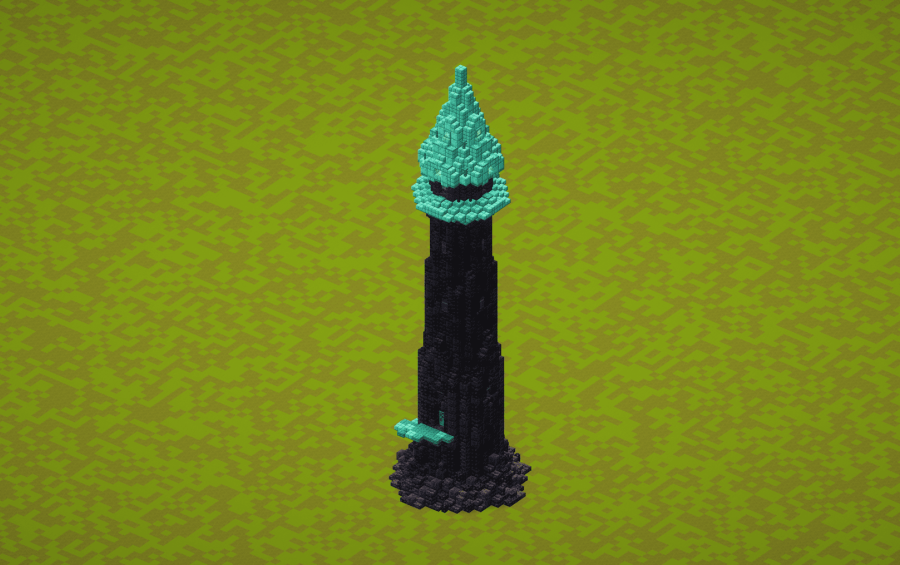
Screenshots:
Gothic Copper Tower Schematic Download Links
For Minecraft 1.21.x
Click to rate this post!
[Total: 0 Average: 0]
You May Also Like


This post has no comments yet. Be the first — your comment will appear here.