


Grappling Hook Mod (1.20.1, 1.19.4) – Scale Cliffs and Buildings

 0
0 

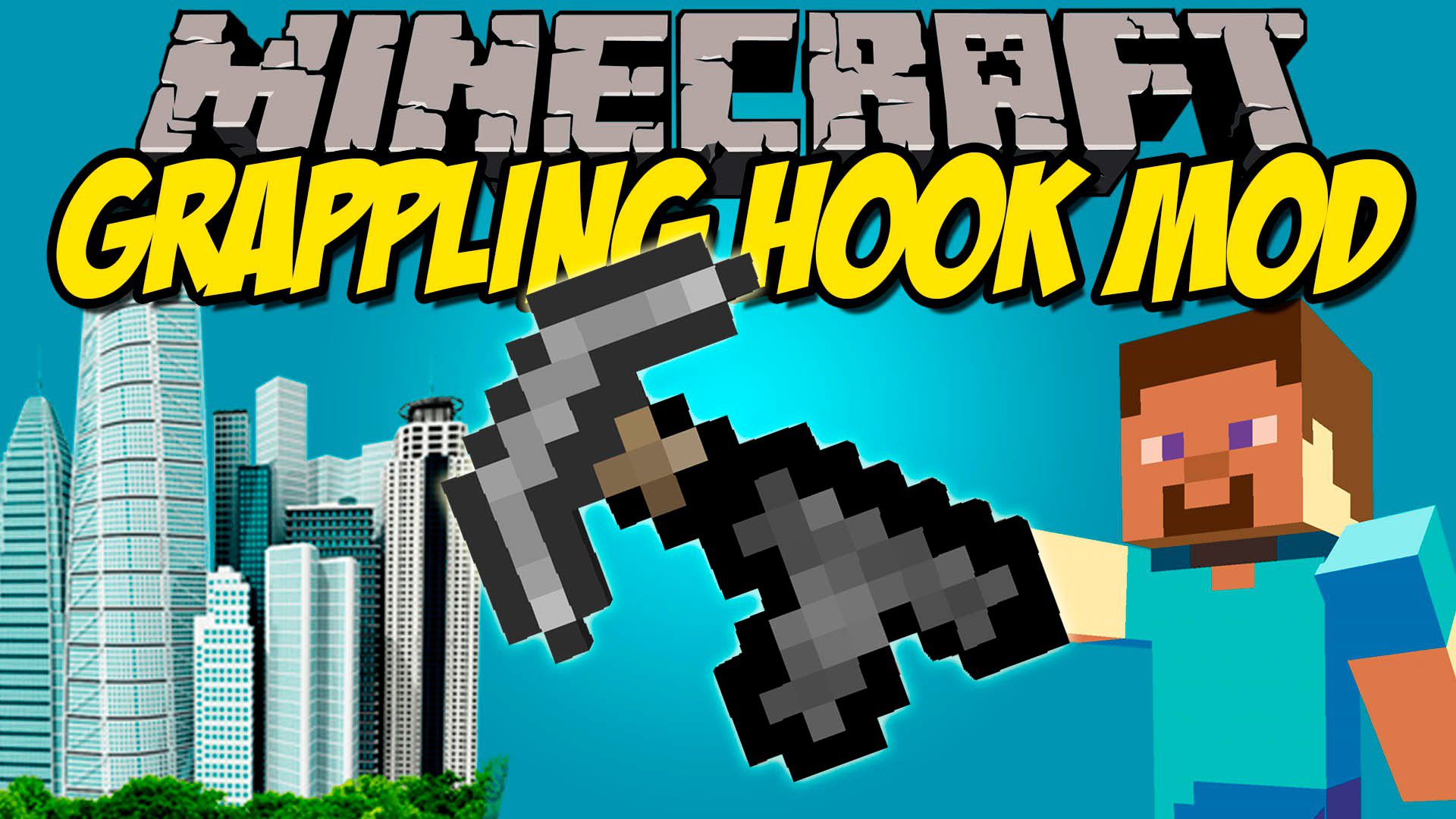
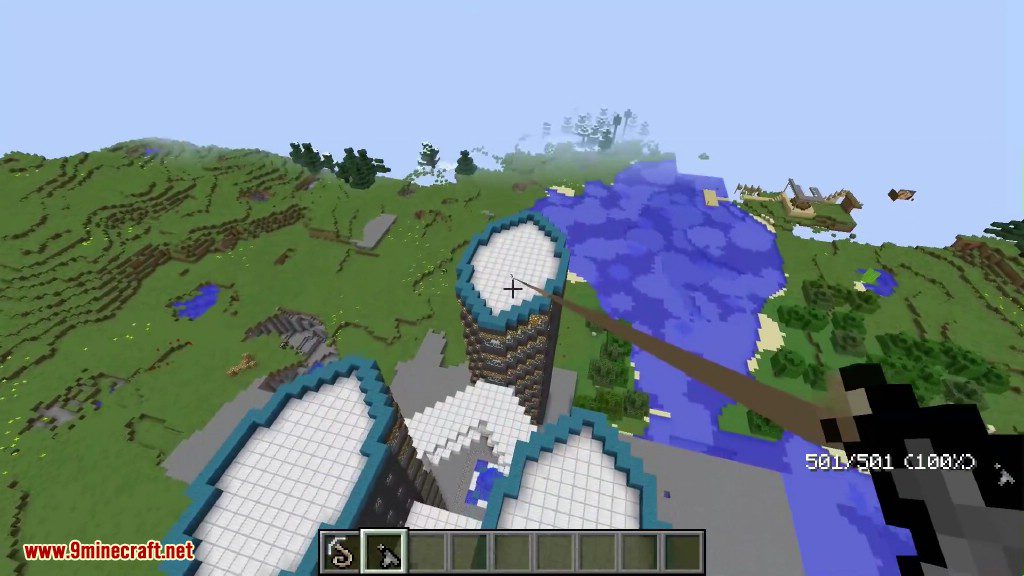
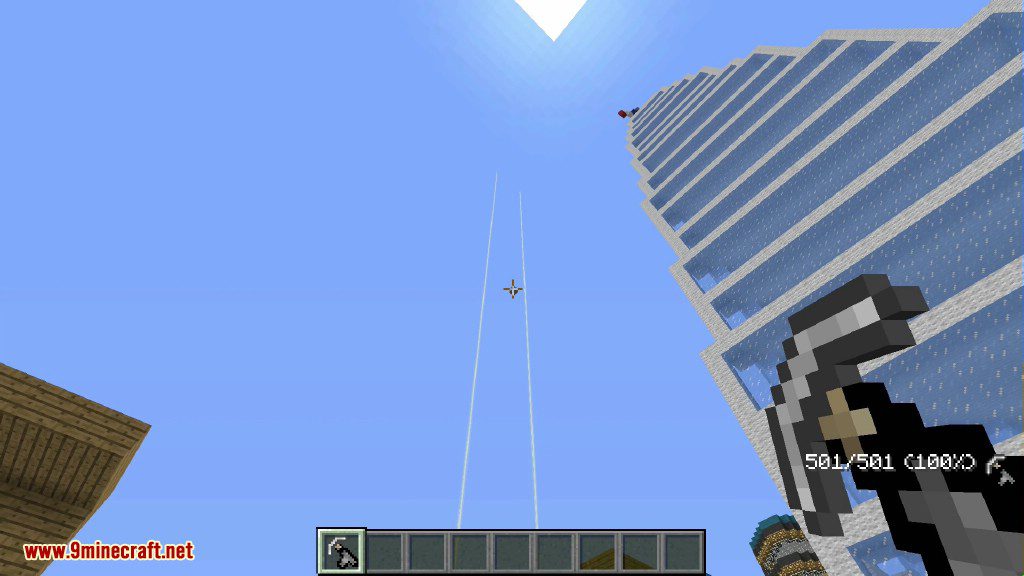
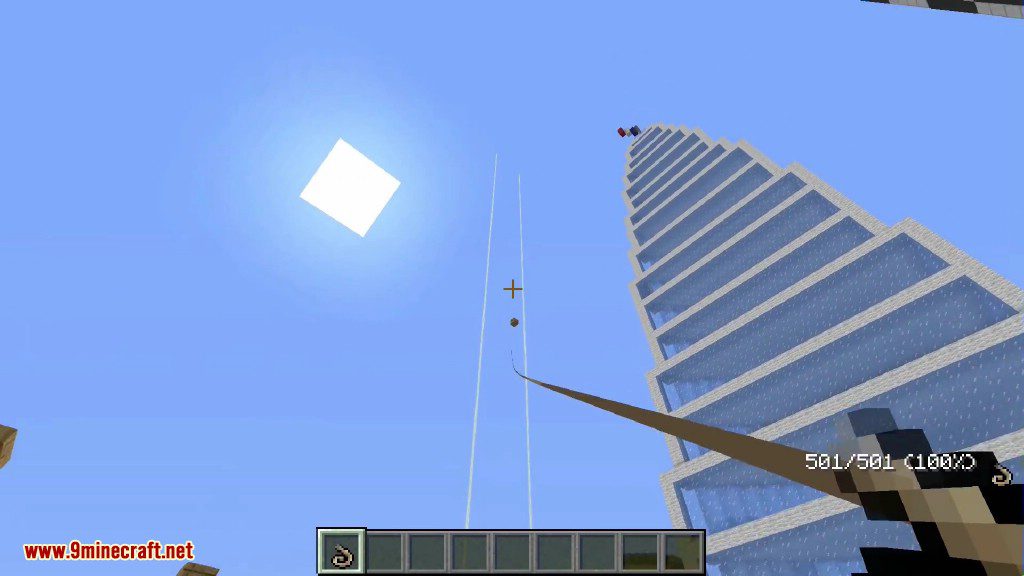
Grappling Hook Mod adds a fun new way to get around in Minecraft. Use different grappling hooks to swing through large cities or across tall buildings, just like a superhero.
Features:
- Adds several types of grappling hooks, each with unique abilities.
- Swing around your world with realistic rope physics.
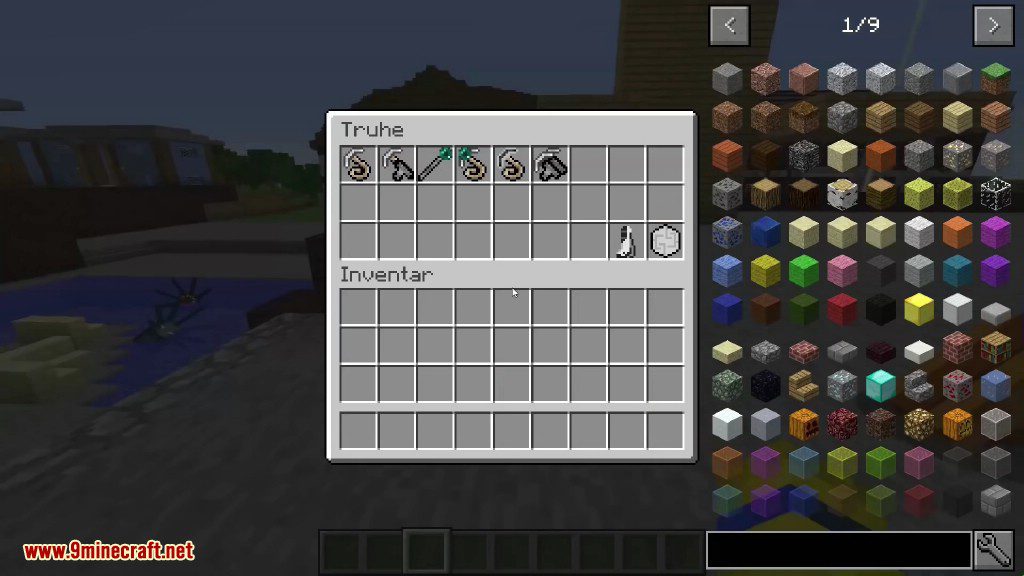
- Customize your grappling hooks using a special in-game menu.
- Unlock new movement options with special boot enchantments.
- Gain new abilities like wall-running, sliding, and double jumping.
- Upgrade your hook with a rocket that pushes you forward.
- Use dual hooks to swing between two points at once.
- Includes sound effects for a more immersive experience.
How to Use:
Simple Grappling Hook
- Right-click: Throw the grappling hook.
- Right-click again: Let go of the rope.
- WASD: Swing while hanging.
- Space: Release and jump.
- Shift: Stop swinging.
- Shift + W: Climb up the rope.
- Shift + S: Climb down the rope.
Motorized Grappling Hook
- Right-click: Launch the hook.
- Right-click again or Space: Release the hook.
Magnetic Grappling Hook
- Right-click: Throw the hook. It will be attracted to nearby blocks.
- Right-click again: Release the hook.
- Space: Release and jump while in the air.
- Shift + Left-click: Change the repel force.
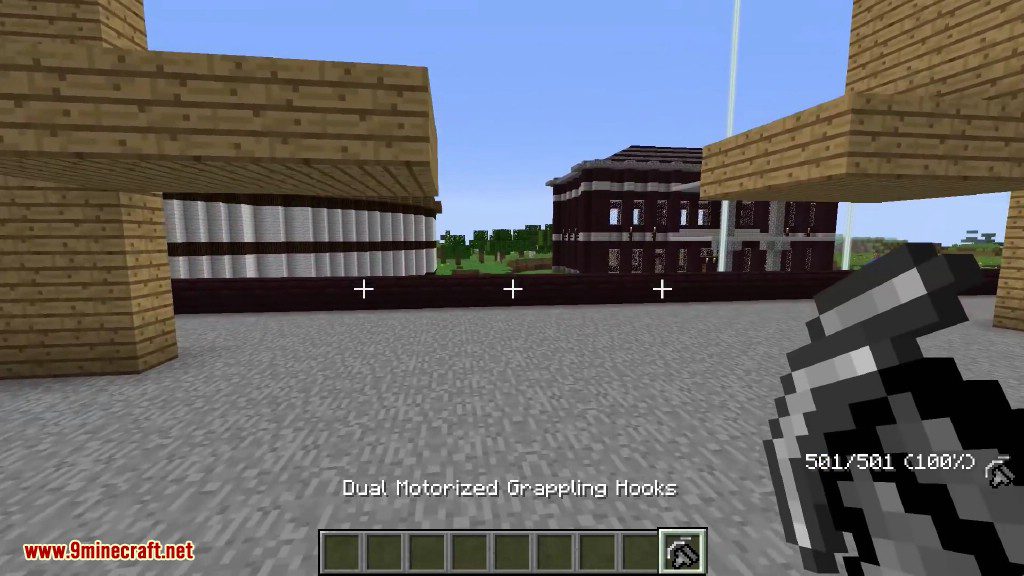
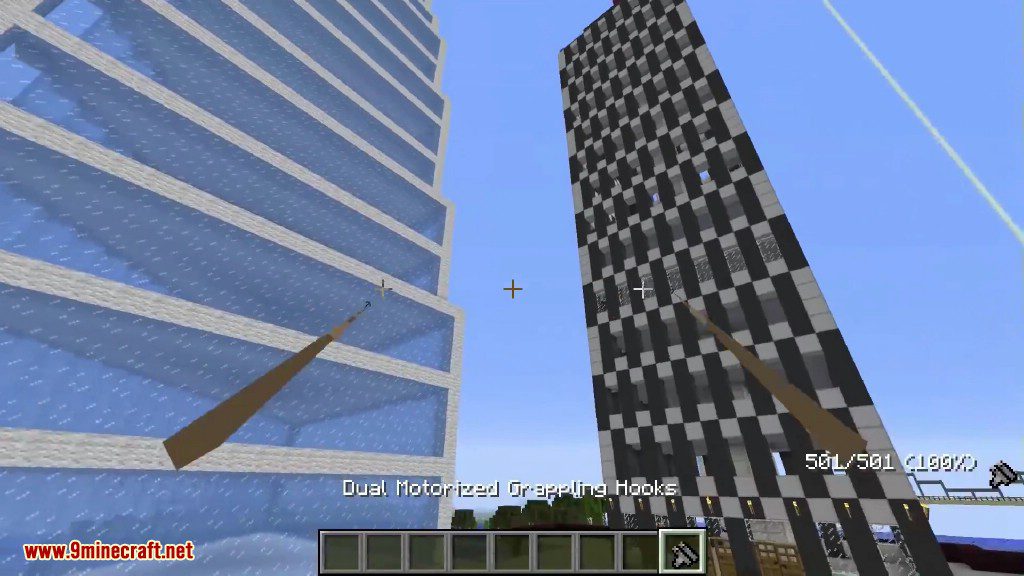
Dual Motorized Grappling Hooks
- Right-click: Throw both grappling hooks.
- Right-click again: Release the hooks.
- Shift + Right-click: Throw hooks at a smaller angle.
- Shift + Left-click: Adjust your speed.
Configuration:
If you think the mod is unbalanced, you can change its settings with these game rule commands.
Set the maximum length of the grappling hook rope:
/gamerule grapplingLength <number>Set which blocks the hook can attach to (list them separated by commas):
/gamerule grapplingBlocks minecraft:cobblestone,minecraft:stoneSet which blocks the hook cannot attach to:
/gamerule grapplingNonBlocks minecraft:cobblestone,minecraft:stoneTo reset all settings to their default values:
/gamerule grapplingLength 0
/gamerule grapplingBlocks any
/gamerule grapplingNonBlocks none
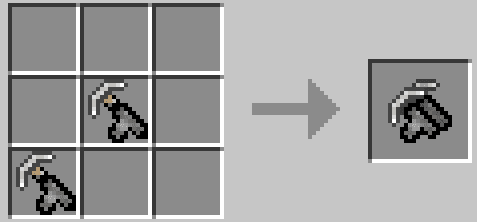
Crafting Recipes:
Simple grappling hook
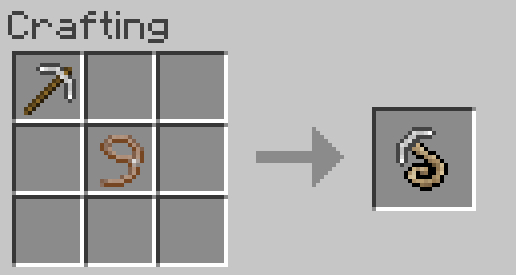
Controls:
- Right click to throw grappling hook
- Right click again to release
- WASD to swing
- Space to release and jump
- Shift to stop swinging
- Shift+W to climb up
- Shift+S to climb down
Motorized Grappling Hook
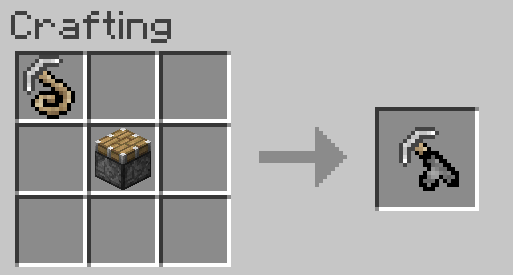
Controls:
- Right click to launch
- Right click again or space to release
- (Double right click to launch again)
Ender Staff
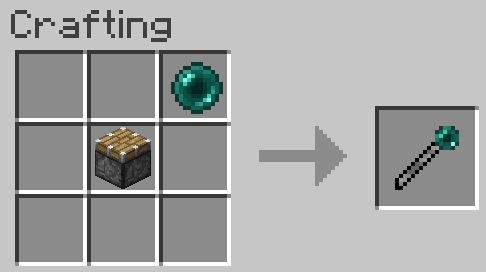
Controls:
- Right-click to launch player in direction facing
Ender Grappling Hook
Combines normal grappling hook and ender staff
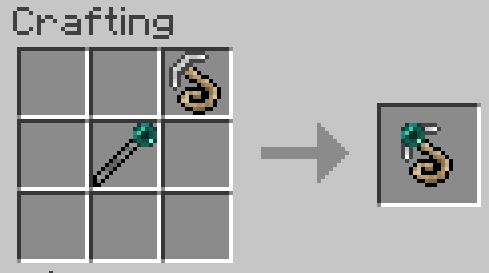
Controls:
- Left click to propel player in direction facing
- Right click to throw grappling hook
- Right click again to release
- WASD to swing
- Space to release and jump
- Shift to stop swinging
- Shift+W to climb up
- Shift+S to climb down
Long Fall Boots
Cancels fall damage when worn
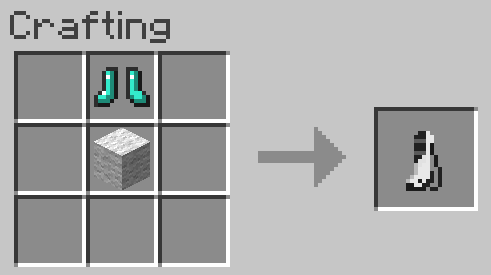
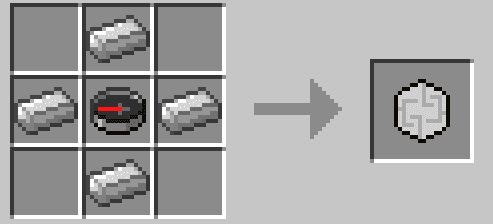
Magnetic Forcefield
Player is repelled by nearby surfaces.
Can be used with ender staff.
Controls:
- Right click – turn on
- Right click again – turn off
- Shift – slow down
- WASD – move
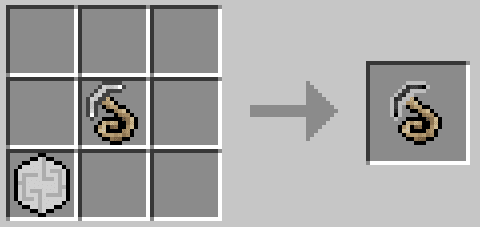
Magnetic Grappling Hook
Hook is attracted to nearby blocks.
Player is repelled by nearby blocks
Controls:
- Right click – throw grappling hook
- Right click again – release
- Double-right click – release and throw again
- WASD – swing
- Space – release and jump (while in midair)
- Shift – stop swinging
- shift+w – climb up
- shift+s – climb down
- shift+left click – change repel force
Dual Motorized Grappling Hooks
Shoots two hooks at a time and pulls player towards hooks
Controls:
- Side crosshairs – aim hooks
- Center crosshairs – direction of movement
- Right click – throw grappling hooks
- Right click again – release
- Double-right click – release and throw again
- Shift+right click – throw grappling hooks at narrower angle
- shift+left click – adjust speed
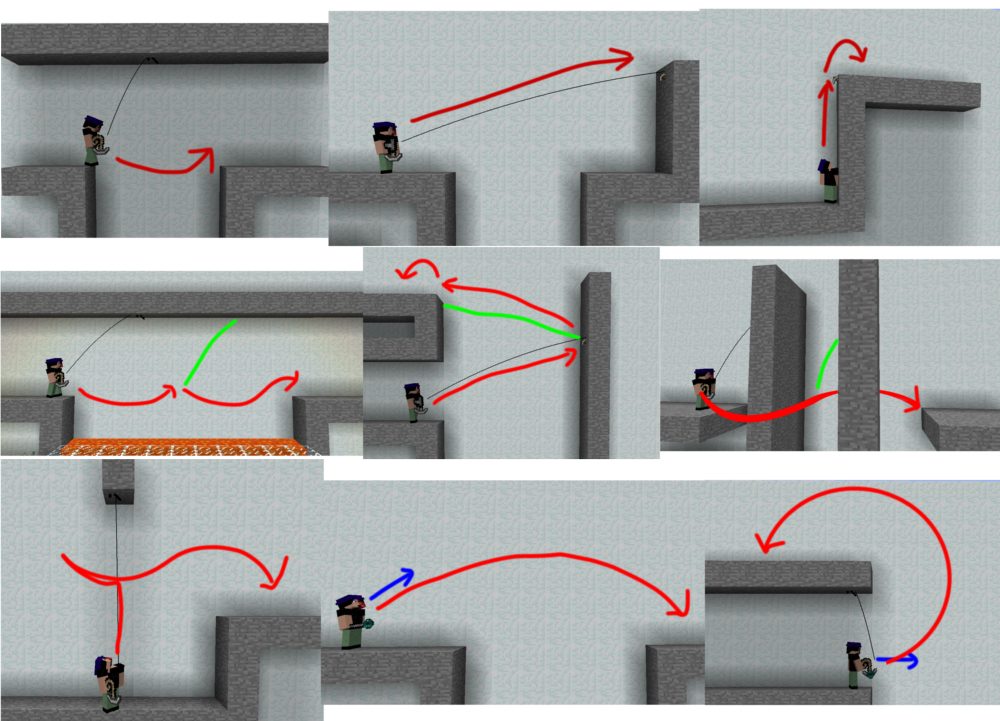
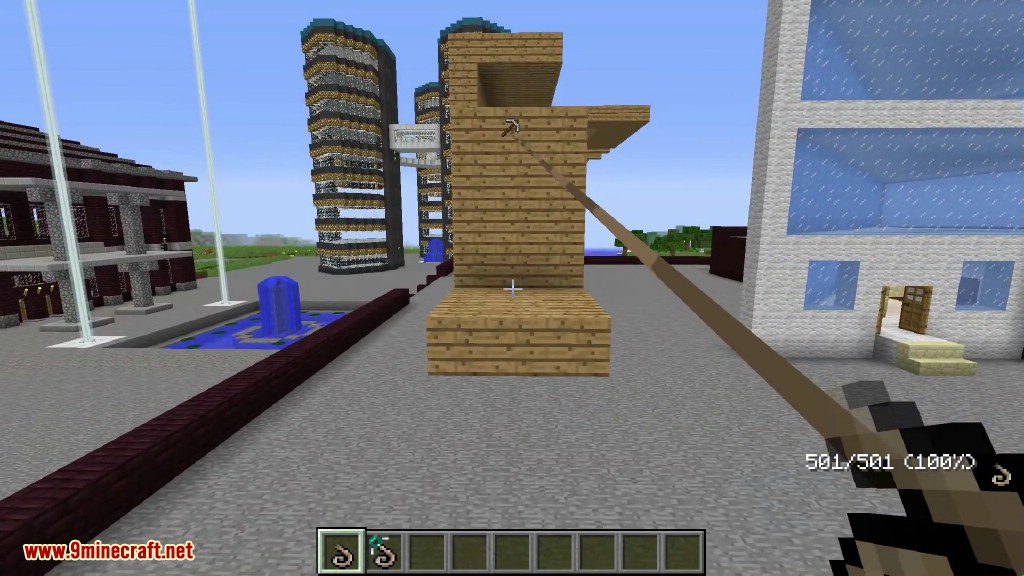
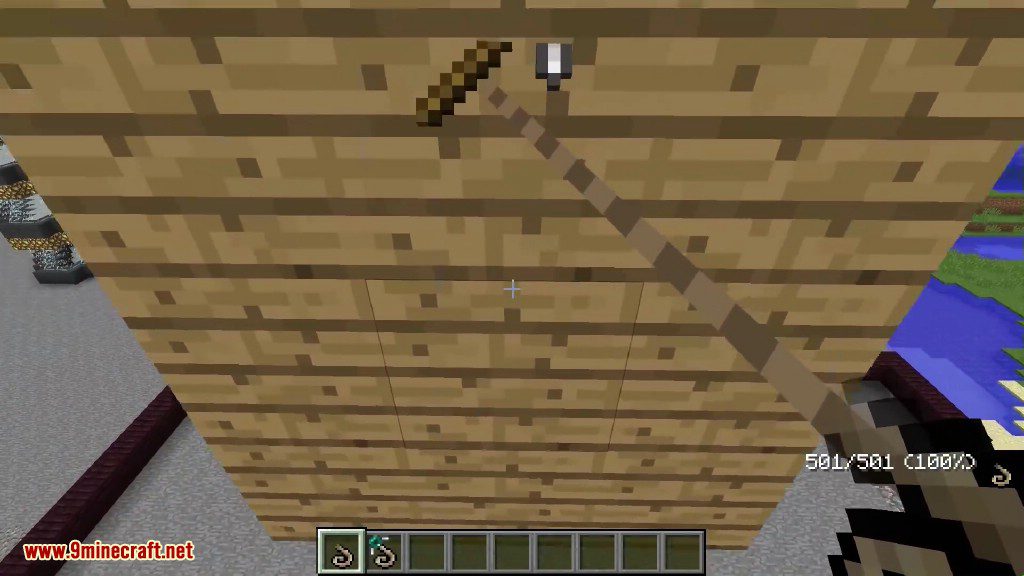
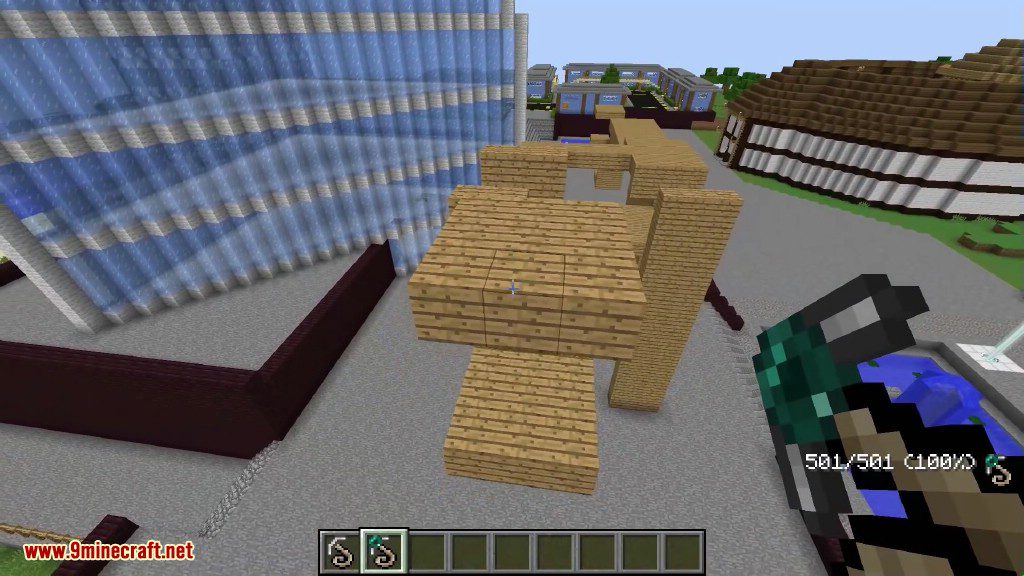
Screenshots:
Red: motion
Green: throw new hook
Blue: launch ender staff / ender grappling hook (look in the direction of the blue arrow)
How to Install:
New to Minecraft? Follow our step-by-step guide to install Mods on your PC.View Guide
Grappling Hook Mod Download Links
For Minecraft 1.7.10
Forge version: Download from Server 1
For Minecraft 1.12.2
Forge version: Download from Server 1
For Minecraft 1.16.5
Forge version: Download from Server 1
For Minecraft 1.18.2
Forge version: Download from Server 1
For Minecraft 1.19.2
Forge version: Download from Server 1
For Minecraft 1.19.3
Forge version: Download from Server 1 – Download from Server 2
For Minecraft 1.19.4
Forge version: Download from Server 1 – Download from Server 2
For Minecraft 1.20.1
Forge version: Download from Server 1 – Download from Server 2
You May Also Like










This post has no comments yet. Be the first — your comment will appear here.