
Grass Model – Transforms Plain Ground with 3D Flowers, Pebbles, and Sticks
 12
 0


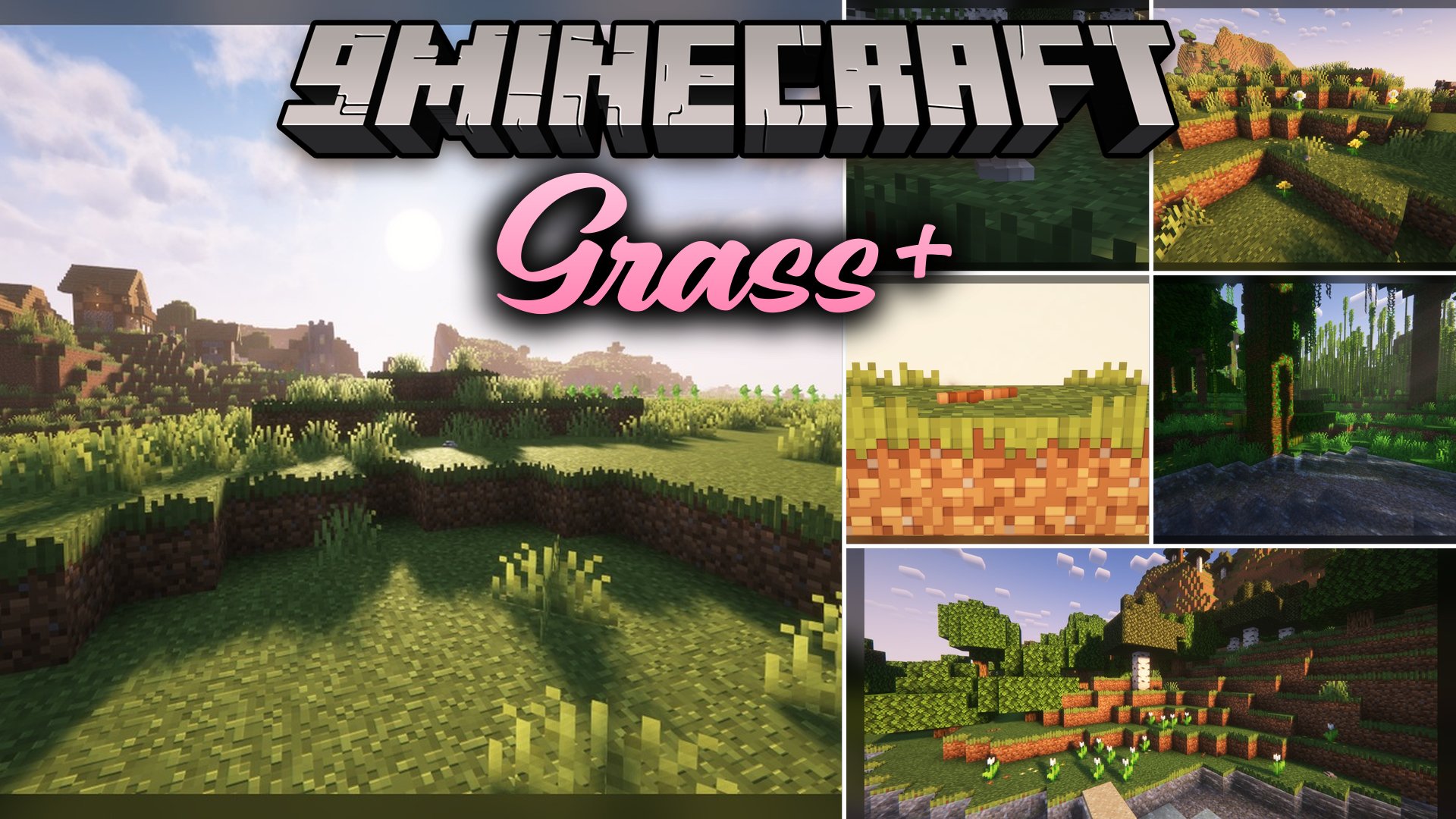
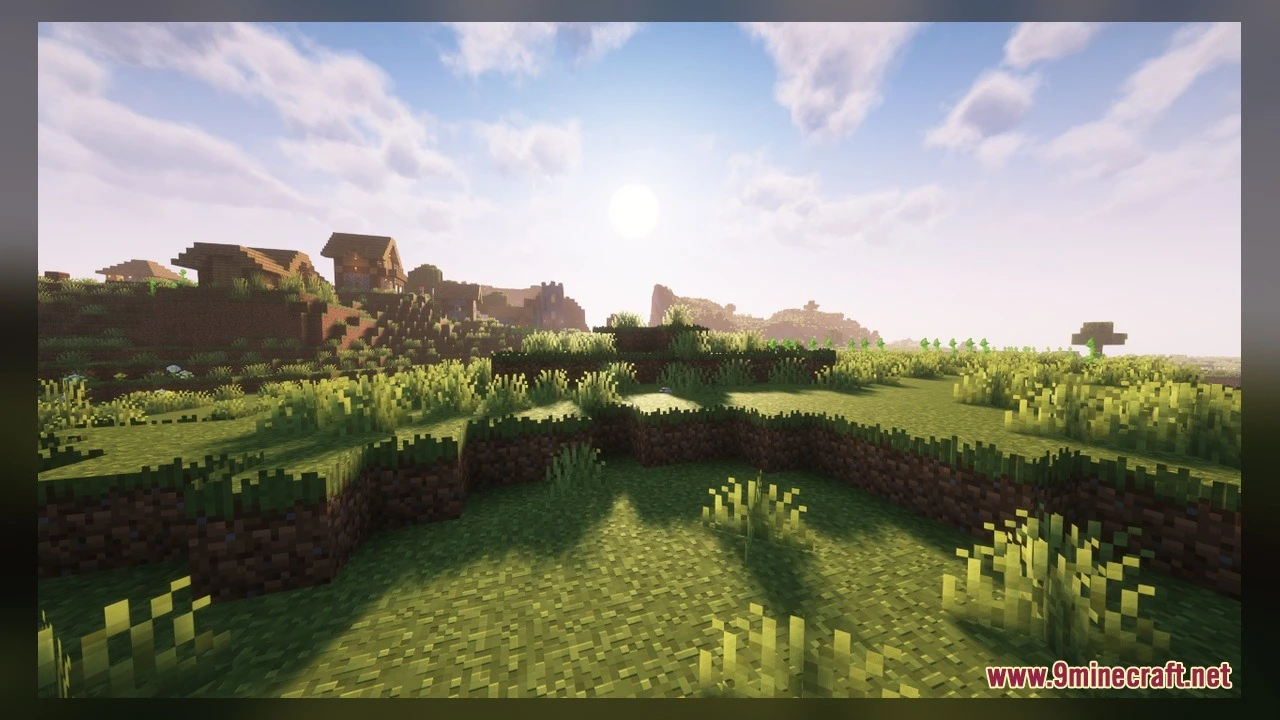
Grass Model transforms standard terrain by adding detailed 3D elements to grass blocks across your world. This pack replaces flat green surfaces with natural variations like tiny stones, scattered sticks, and colorful flowers. You get a much livelier landscape while wandering through grassy plains and forest floors. Every step outside feels fresh without changing the core visual style of the game.
Features:
- Adds 26 custom 3D models directly onto grass surfaces.
- Scatters red, yellow, and white flower variants across natural fields.
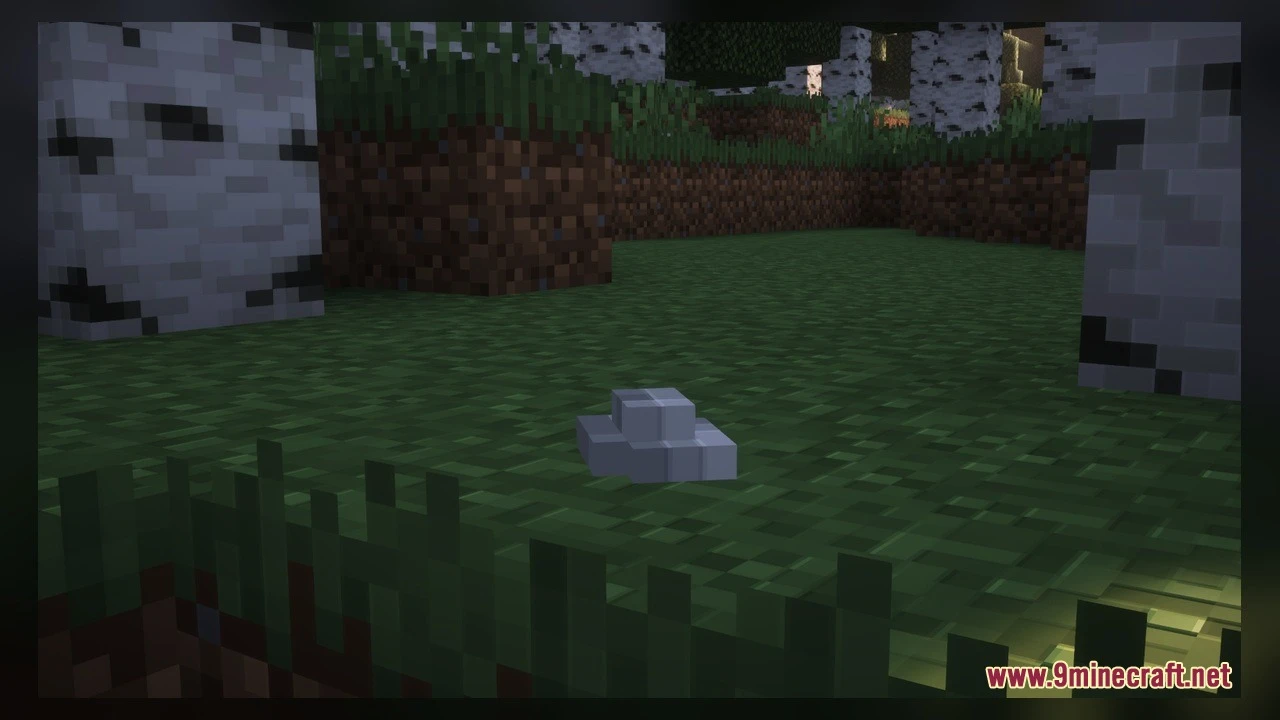
- Places small 3D pebbles and sticks on top of the ground for extra detail.
- Applies mossy top variations that blend terrain into lush environments.
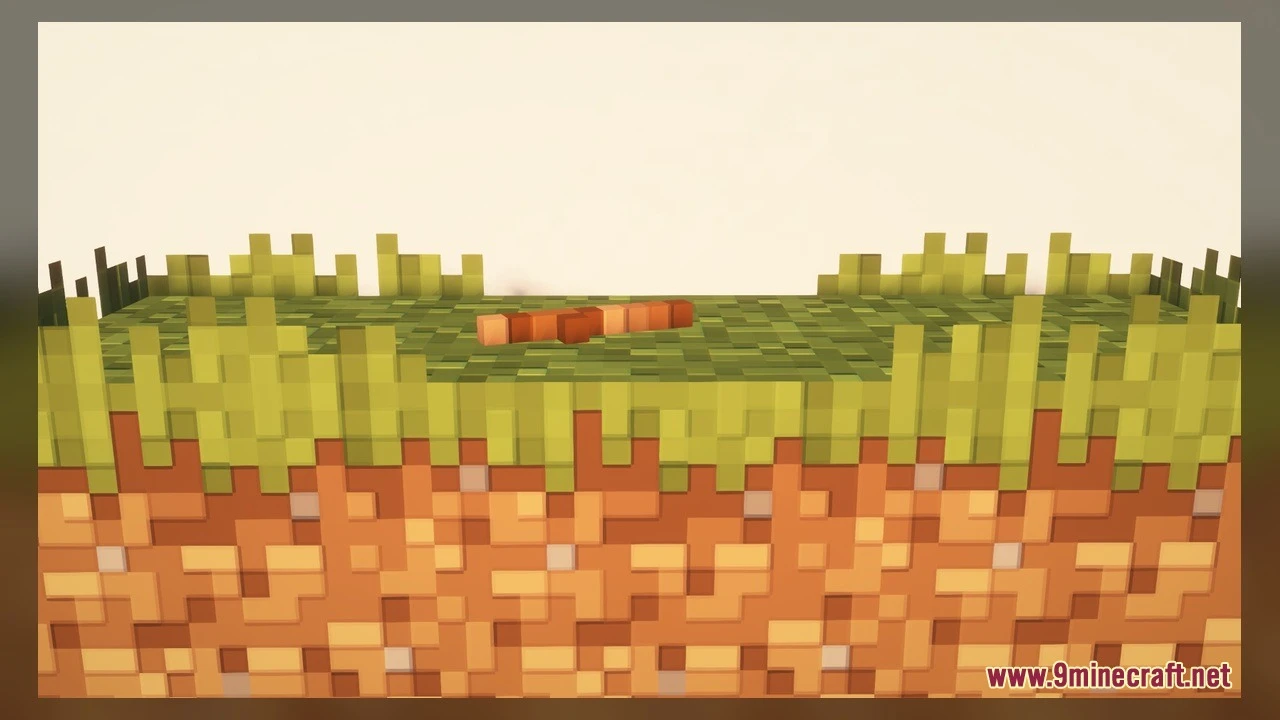
- Adds distinct 3D edge details to soften sharp block borders.
- Uses 25 textures to keep each natural ground element distinct and crisp.
How to Use:
- Open the Minecraft options menu, go to Resource Packs, and move the pack to the active list on the right.
- Load into any world and walk into a grassy biome like a Plains or Forest to find standard grass blocks.
- Look closely at the top of the ground to spot small 3D sticks and tiny pebble models.
- Search open fields to find random red, white, and yellow flower variations emerging from the grass.
- Check cliff sides and path borders to see unique 3D edge pieces along the block borders.
- Inspect shaded or damp patches of ground to find grass blocks decorated with moss layers.
Screenshots:
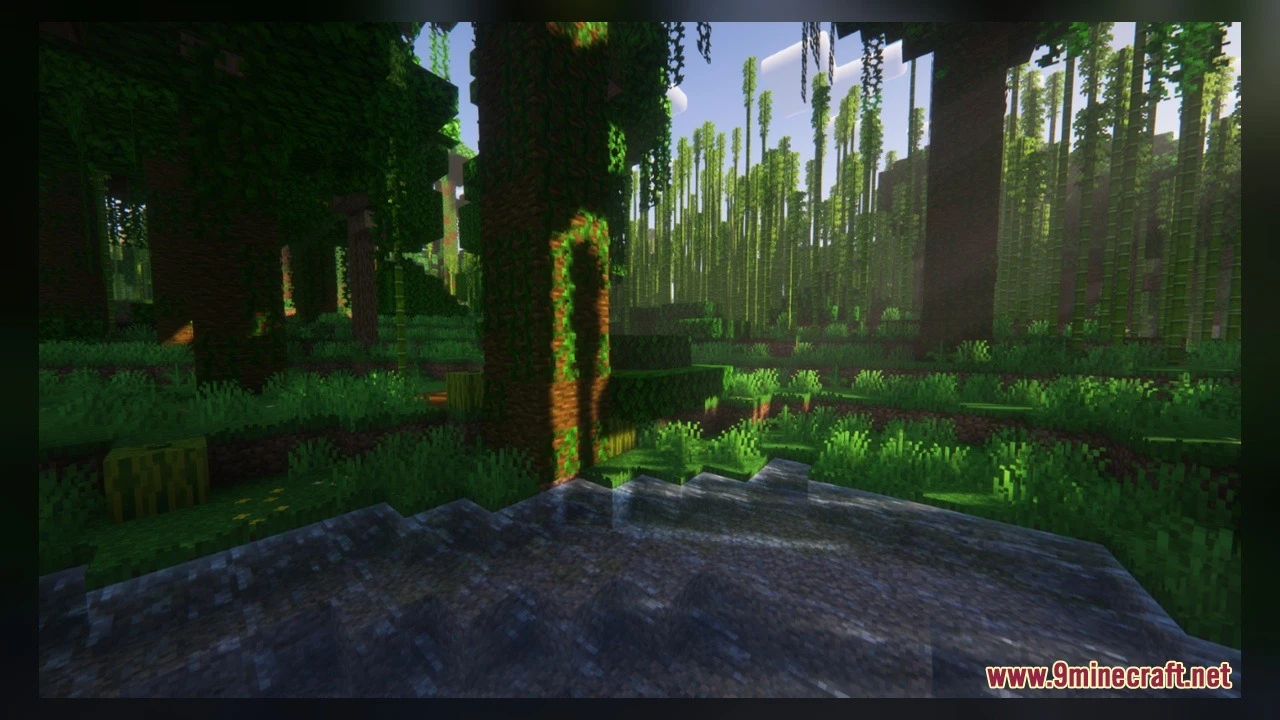
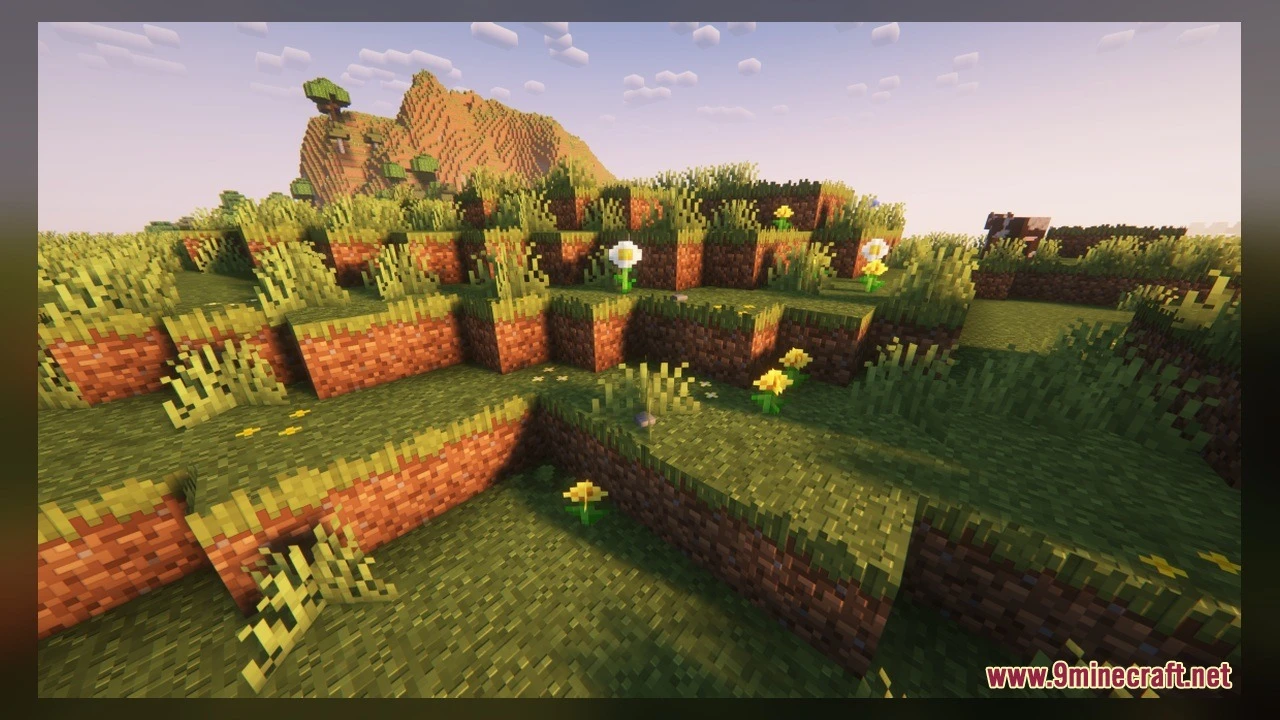
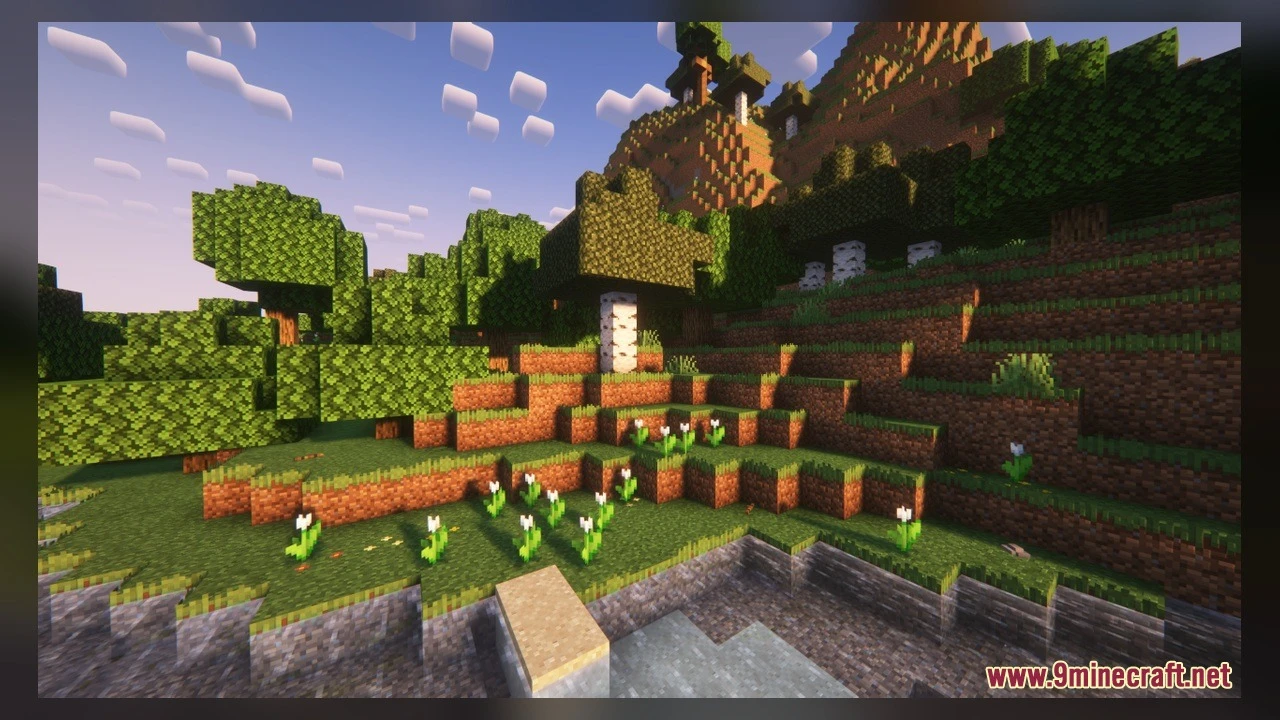
Grass Model Download Links
Click to rate this post!
[Total: 0 Average: 0]
You May Also Like
Picked for this page
 Arty Reindeer Jenny Mod Model
 The Forgotten Terrors V1 Model
 Season Icons Model
 Capra The Goat Demon Model
 Old Horse Model – Restores Classic Retro Horse Models and Animations
 JR East E233 Series Model – Brings Japanese Commuter Trains to Railways
 WU_SHUANGCB’s Zombie Skin Model – Transforms Zombies with Heavy Viral Weapons
 Create Energistics Model – Transforms Digital Storage Into Clockwork Machinery
 Diamond SMP Essentials Model – Transforms Utility Blocks with 3D Shapes
 Vanilla PVP Essentials Model – Brings Clean 3D Overlays for Combat
 Simplistic 3D Doors Model – Adds Clean Depth to Vanilla Entryways
 Optimized Bushy Leaves Model – Adds Volumetric 3D Foliage Without Lag
Most viewed in Models over the last 7 days
 Jenny Mod Skin Pack Mega Collection – 310+ Characters
 The Most Complete Collection of Jenny Mod Resources – Models, Animations, Structures,…
 Albedo Rework Jenny Mod Model
 Power Model – Custom Girl for PleasureCraft Mod
 Ram Model – Custom Girl for PleasureCraft Mod
 100+ Custom Animations For Jenny Mod
 Galath Rework Model – Custom Girl for PleasureCraft Mod
 750 Models Addon for Yes Steve Model Mod
 Fern Jenny Mod Model
 Femboy Ellie Rework Jenny Mod Model
 Steve (Jenny & Zoey) Pack Jenny Mod Model
 Alex Model – Custom Girl for PleasureCraft Mod
More from Models
 BB22200 Model – Adds Classic French Electric Locomotives to Rail Networks
 Spider Queen Boss Model – Unleashes Terrifying Boss Encounter
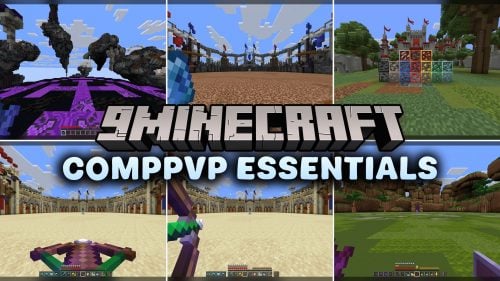 CompPvP Essentials Model – Adds Sharp Animated 3D Utility Blocks
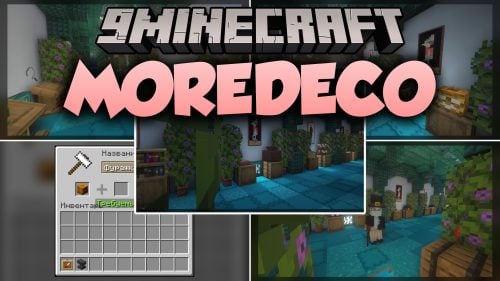 MoreDeco Model – Adds Animated Clutter and Cozy Decorations to Rooms
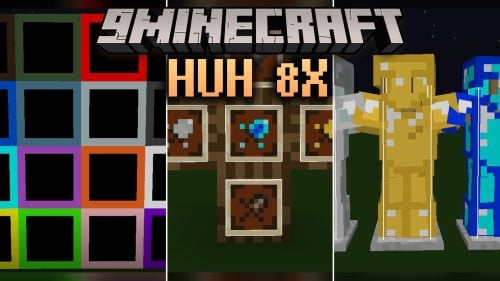 Huh 8x Model – Brings Clean Low-Res Shapes to Competitive Bedwars Matches
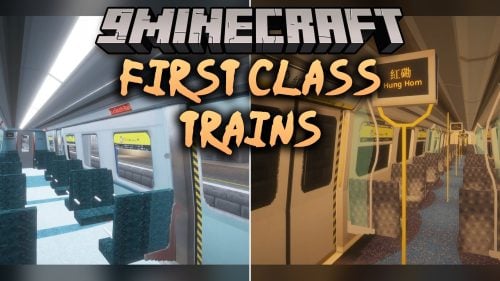 First Class Trains Model – Brings Authentic Hong Kong Commuter Rail
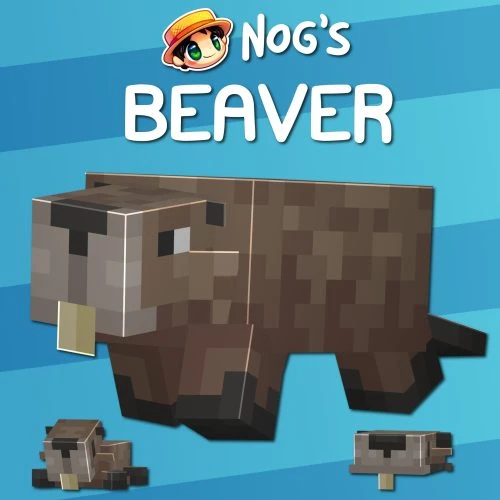 Nogs Beaver Model – Adds Destructive Wood-Eating Beaver
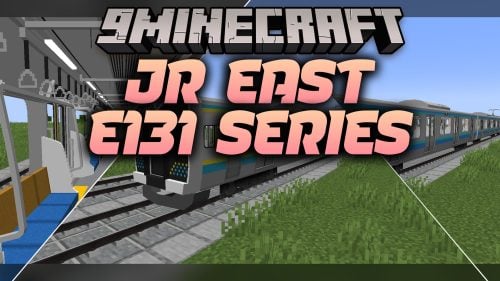 JR East E131 Series Model – Brings Japanese Commuter Trains to Railways
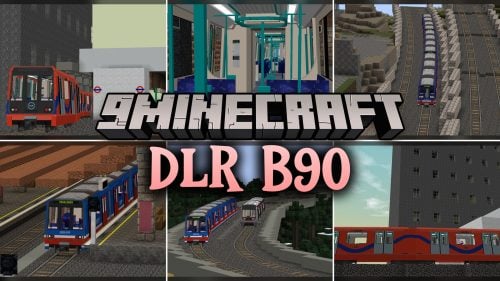 DLR B90 Model – Brings Modern Light Rail Trains to City Networks
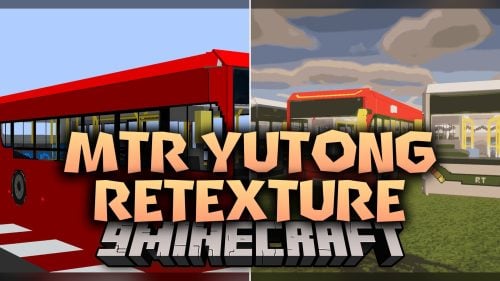 MTR Yutong Retexture Model – Brings Modern Transit Buses to City Streets
 Kur And Rot Model – Unleashes Two-Tier Boss Battle
 Actually 3D Enchantment Mace Model – Brings Animated Stacking Weapon Layers

This post has no comments yet. Be the first — your comment will appear here.