


Void Strike Client Mod (1.21.4) – Competitive Crystal PvP Battles में मचाएं तबाही
 53
53
 0
0

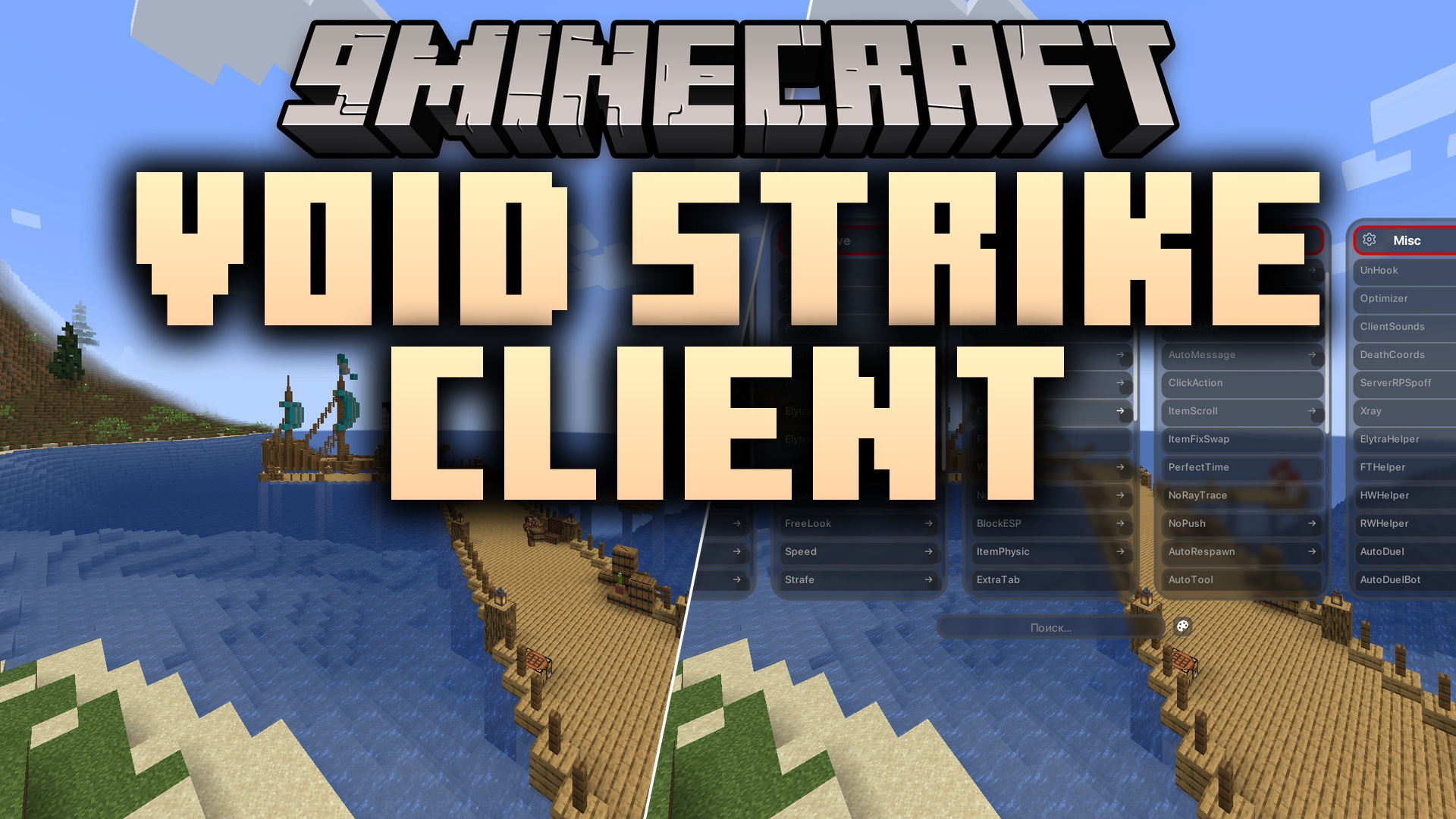
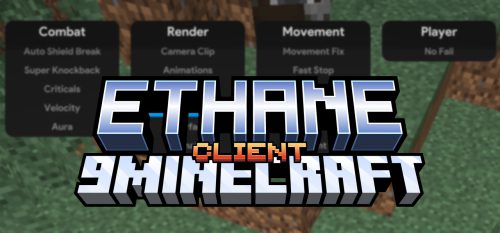
Void Strike Client Mod एनार्की वर्ल्ड्स और कॉम्पिटिटिव ड्यूल एरेनास के लिए कॉम्बैट, मूवमेंट और विजुअल टूल्स का एक पूरा सुइट लाता है। इस मॉड में एक कस्टम ड्रॉपडाउन इंटरफ़ेस है जो आपको फाइट्स के दौरान कस्टम शॉर्टकट्स और स्क्रीन ओवरले को मैनेज करने में मदद करता है। इसमें तेज़ गति वाली मल्टीप्लेयर लड़ाइयों के लिए इन-बिल्ट प्रॉक्सी कंट्रोल्स, अकाउंट मैनेजमेंट और स्टेटस डिस्प्ले शामिल हैं।
Features:
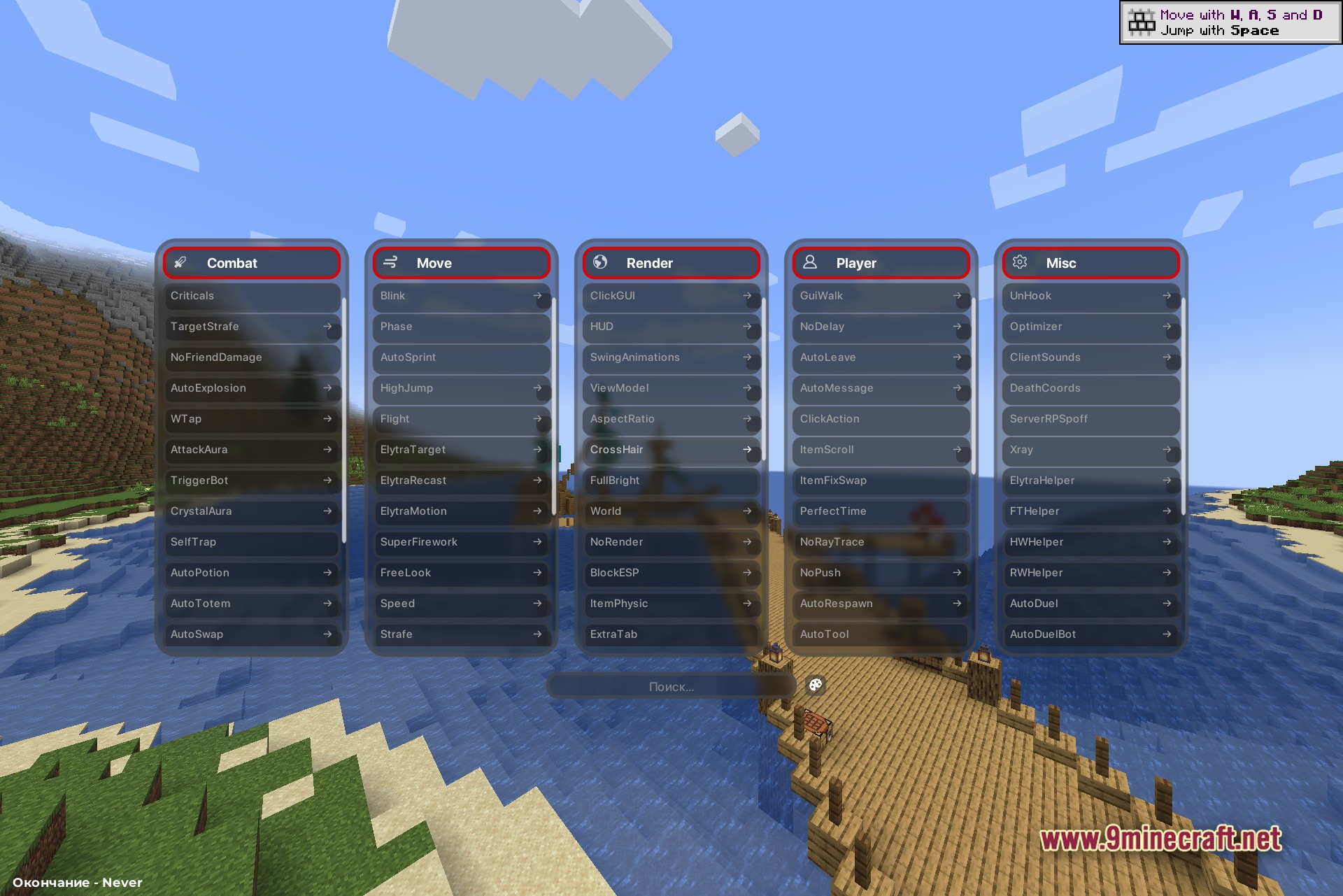
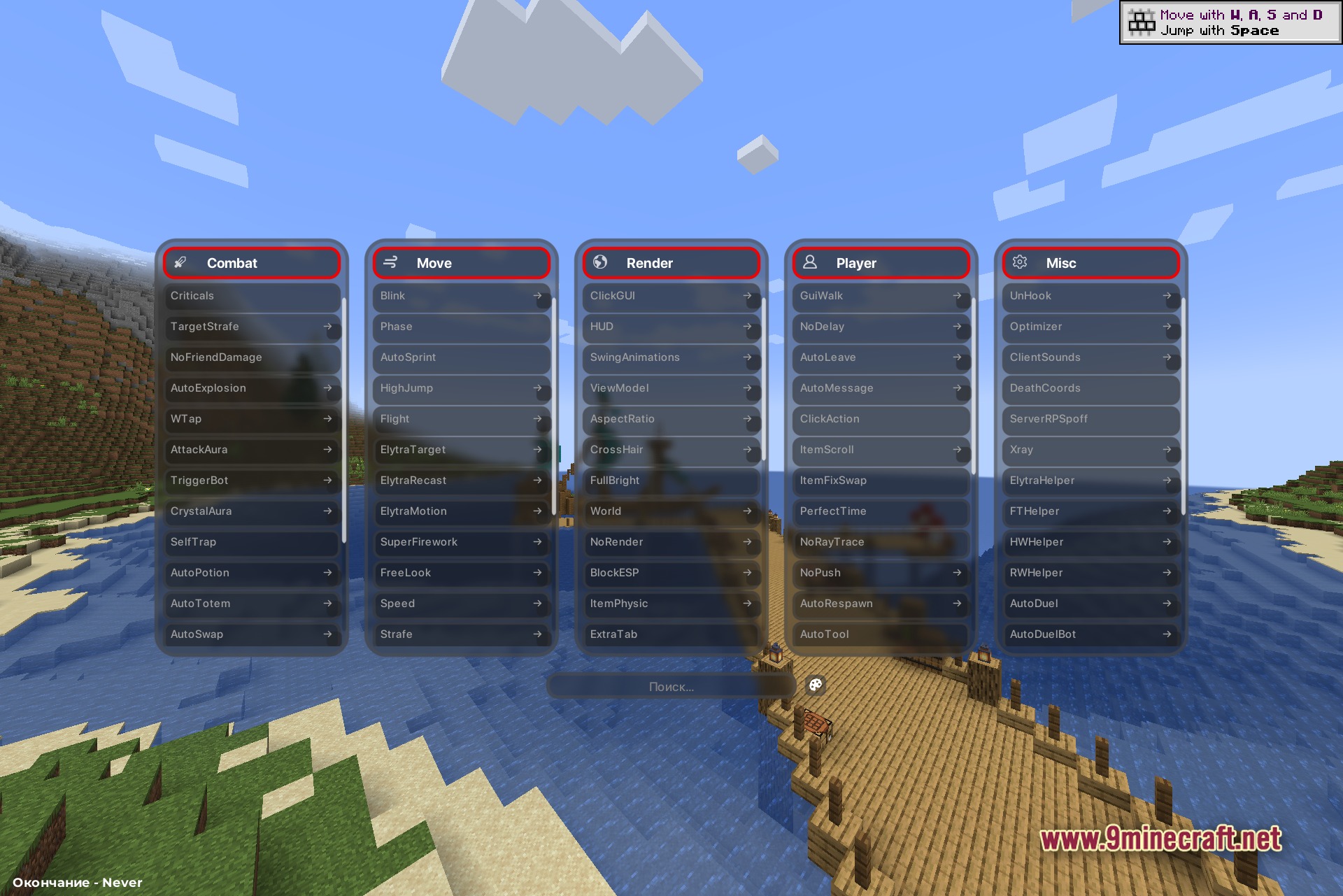
- Dropdown ClickGUI: स्क्रीन पर एक इंटरैक्टिव मेनू खोलता है जिससे मॉड्यूल्स को तुरंत ऑन या ऑफ किया जा सकता है।
- On-Screen HUD: फाइटिंग के दौरान एक्टिव ArrayList, TargetHUD और कस्टम स्टेटस इंडिकेटर्स दिखाता है।
- Account and Proxy Management: आपको गेम के अंदर ही यूजर प्रोफाइल बदलने और नेटवर्क प्रॉक्सी सेट करने की सुविधा देता है।
- इसमें एक ही कीस्ट्रोक के साथ एक्शन ट्रिगर करने के लिए कस्टम चैट मैक्रोज़ शामिल हैं।
- Discord Rich Presence इंटीग्रेशन के जरिए दोस्तों को आपका लाइव गेम स्टेटस दिखाता है।
- Crystal PvP लड़ाइयों में विरोधियों को ट्रैक करने और कॉम्बैट टाइमिंग को ऑप्टिमाइज़ करने में मदद करता है।
Combat Modules:
- तेज़ आक्रामक एक्शन के लिए Crystal Aura और Attack Aura।
- लड़ाई के दौरान हेल्थ हाई रखने के लिए Auto Totem और Auto Potion।
- सटीक हिट्स के लिए Trigger Bot और Criticals।
- दुश्मनों के चारों ओर पोजीशन बनाए रखने के लिए Velocity और Target Strafe।
- सटीक टारगेटिंग के लिए Anti Bot, HitBox और Attack Extend।
- एरेना टैक्टिक्स के लिए Super Bow, Self Trap, Auto Explosion और No Friend Damage।
Movement Modules:
- ट्रेवल स्पीड बदलने के लिए Flight, Speed और Timer।
- ग्लाइडर कंट्रोल के लिए Elytra Motion, Elytra Target और Elytra Recast।
- चिपचिपी स्थितियों में स्पीड पेनल्टी से बचने के लिए No Slow और No Web।
- पानी पार करने और बाधाओं से निकलने के लिए Jesus और Phase।
- फुर्तीली पोजीशनिंग के लिए Auto Sprint, Blink, Strafe और Free Look।
- हवाई पैंतरेबाज़ी के लिए Spider, Air Stuck और Super Firework।
Player Modules:
- तेजी से इन्वेंट्री सॉर्टिंग के लिए Auto Tool और Chest Stealer।
- मेनू में चलते हुए एरिया चेक करने के लिए Free Camera और GUI Walk।
- क्विक हॉटकी एक्शन्स के लिए Middle Click Pearl और Middle Click Friend।
- ऑटोमेटेड टास्क के लिए Auto Respawn, Auto Accept, Auto Leave और Auto Message।
- सर्वर यूटिलिटीज के लिए EnderChest Exploit, Invsee Exploit, Region Exploit और Item Fix Swap।
- कैरेक्टर एडजस्टमेंट के लिए God Mode, High Jump, No Delay, No Push, No Interact और No RayTrace।
Render Modules:
- स्क्रीन डिस्प्ले एडजस्ट करने के लिए ClickGUI, HUD, FullBright और CrossHair।
- की-एंटिटीज को हाईलाइट करने के लिए ESP, Block ESP, Target ESP और NameTags।
- वर्ल्ड इन्फॉर्मेशन के लिए Shulker Preview, Block HighLight और Breadcrumbs।
- विजुअल इफेक्ट्स के लिए Trails, JumpCircles, ChinaHat और Particles।
- कस्टम विजुअल्स के लिए ViewModel, Aspect Ratio, Extra Tab, Item Physic और Swing Animations।
- सीन एलिमेंट्स कस्टमाइज़ करने के लिए Arrows, Prediction, World, Little Snickers और No Render।
Miscellaneous Modules:
- एक्सटर्नल स्टेटस और ऑडियो क्यूज़ के लिए Discord RCP और Client Sounds।
- एरेना मैचमेकिंग ऑटोमेशन के लिए Auto Duel और Auto Duel Bot।
- पब्लिक सर्वर्स पर प्राइवेसी के लिए Name Protect और Server RP Spoff।
- फ्रेमरेट सुधारने और अंडरग्राउंड ब्लॉक्स खोजने के लिए Optimizer और Xray।
- एक्स्ट्रा प्लेयर असिस्टेंस के लिए ElytraHelper, TP Loot, IRC, KTLeave और No Commands।
- स्पेशल सर्वर सपोर्ट के लिए Globals, HW Helper, RW Helper, FT Helper, DeathCoords और UnHook।
How to Use:
- Dropdown ClickGUI मेनू खोलने के लिए Right Shift दबाएं।
- किसी भी मॉड्यूल बॉक्स को ऑन या ऑफ करने के लिए उस पर लेफ्ट-क्लिक करें।
- कॉन्फ़िगरेशन सेटिंग्स खोलने के लिए मॉड्यूल बॉक्स पर राइट-क्लिक करें।
- तेज़ एक्सेस के लिए मेनू में कस्टम कीबाइंड्स या चैट मैक्रोज़ सेट करें।
Screenshots:
इंस्टॉल कैसे करें:
आवश्यकताएँ:


Void Strike Client Mod Download Links
Minecraft के लिए 1.21.4
इस पोस्ट को रेट करने के लिए क्लिक करें!
[Total: 0 Average: 0]
ये भी पसंद आ सकते हैं

इस पोस्ट पर अभी कोई टिप्पणी नहीं है। सबसे पहले बनें — आपकी टिप्पणी यहाँ दिखाई देगी।