


Void Strike Client Mod (1.21.4) – Dominate Competitive Crystal PvP Battles
 0
0
 0
0

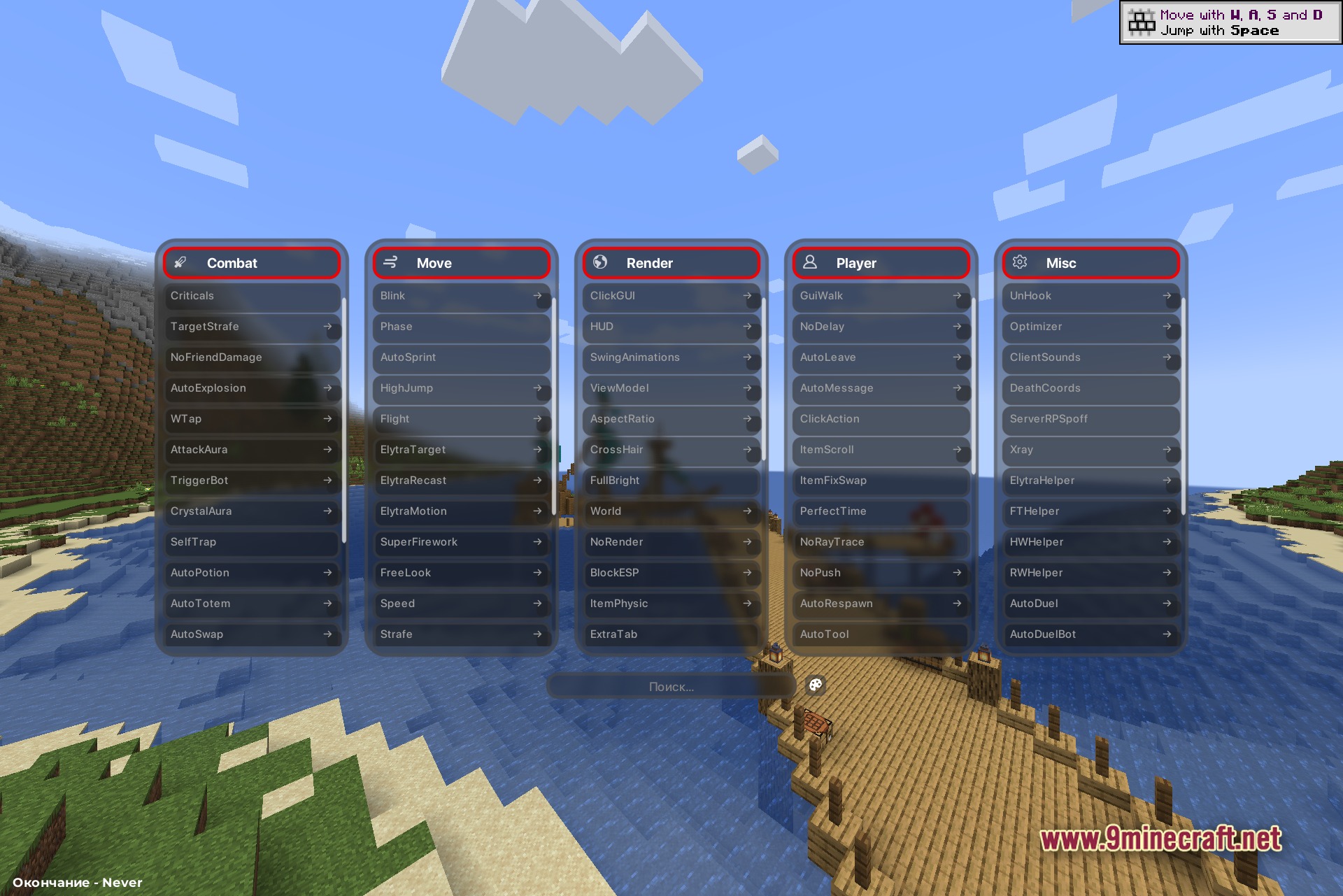
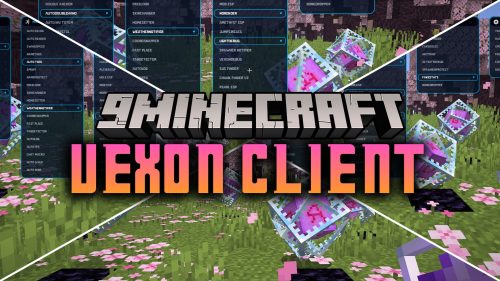
Void Strike Client Mod brings a full suite of combat, movement, and visual tools for anarchy worlds and competitive duel arenas. This mod features a custom dropdown interface that helps you manage custom shortcuts and screen overlays during fights. It includes built-in proxy controls, account management, and status displays for fast-paced multiplayer battles.
Features:
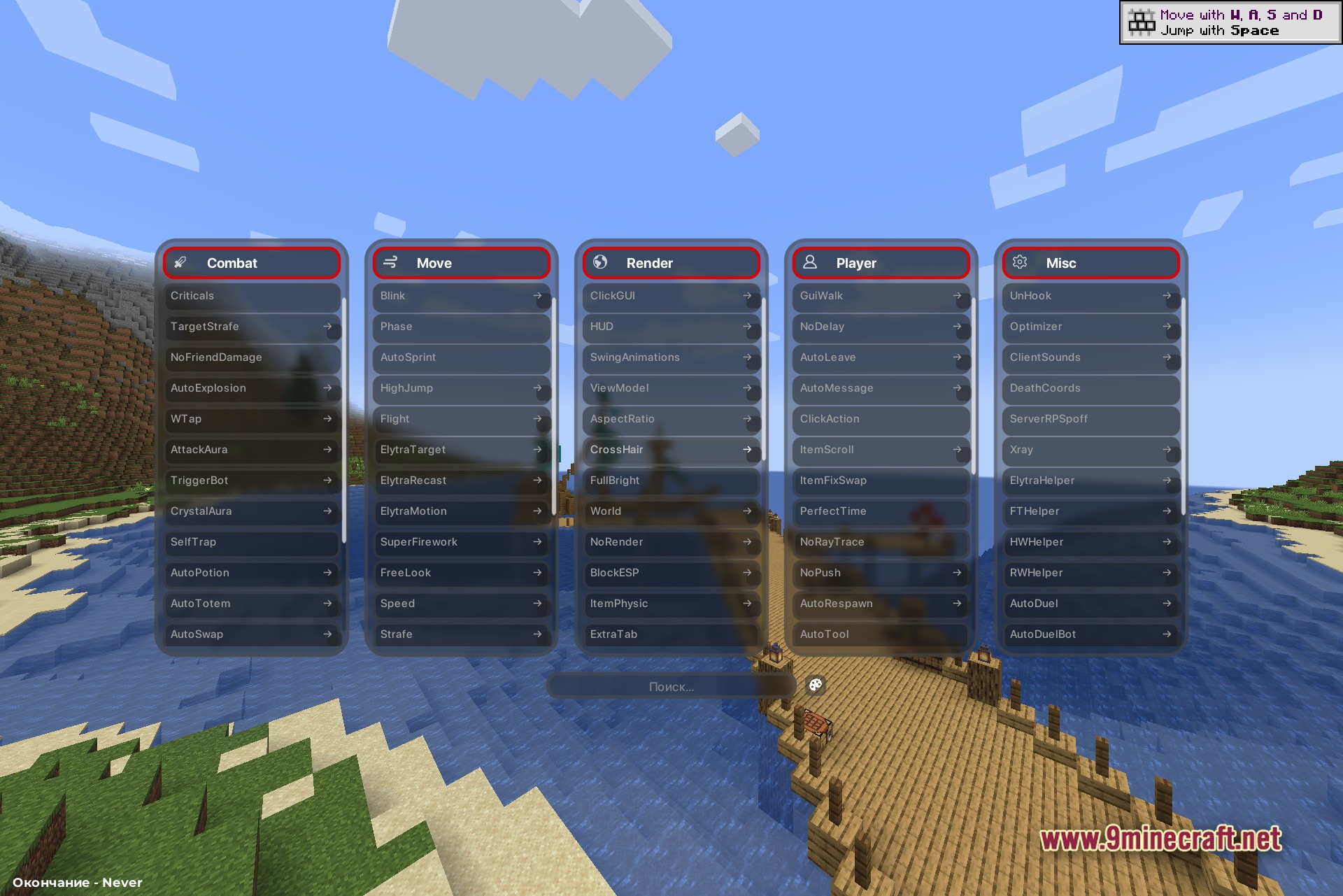
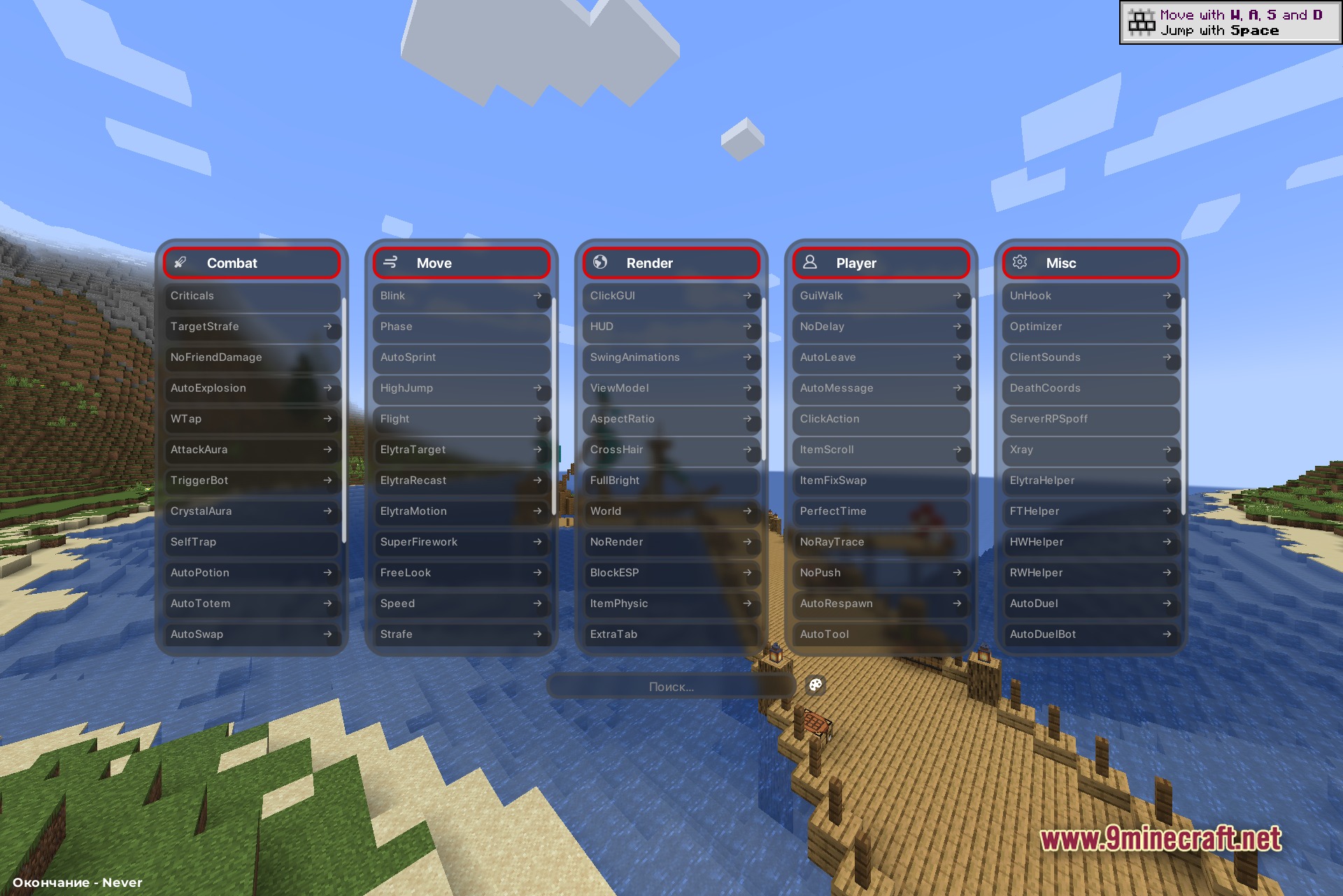
- Dropdown ClickGUI: Opens an interactive menu on screen to quickly switch modules on or off.
- On-Screen HUD: Displays an active ArrayList, TargetHUD, and custom status indicators while fighting.
- Account and Proxy Management: Lets you switch user profiles and set up network proxies directly in the game.
- Includes custom chat macros to trigger actions with a single keystroke.
- Shows your live game status to friends through Discord Rich Presence integration.
- Helps players track opponents and optimize combat timing in Crystal PvP battles.
Combat Modules:
- Crystal Aura and Attack Aura for fast offensive actions.
- Auto Totem and Auto Potion to keep health high during battles.
- Trigger Bot and Criticals to land precise hits on targets.
- Velocity and Target Strafe to maintain position around foes.
- Anti Bot, HitBox, and Attack Extend for accurate targeting.
- Super Bow, Self Trap, Auto Explosion, and No Friend Damage for arena tactics.
Movement Modules:
- Flight, Speed, and Timer to modify travel pace.
- Elytra Motion, Elytra Target, and Elytra Recast for glider control.
- No Slow and No Web to prevent speed penalties in sticky situations.
- Jesus and Phase to cross water and pass through obstacles.
- Auto Sprint, Blink, Strafe, and Free Look for nimble positioning.
- Spider, Air Stuck, and Super Firework for aerial maneuvering.
Player Modules:
- Auto Tool and Chest Stealer for rapid inventory sorting.
- Free Camera and GUI Walk to inspect areas while moving through menus.
- Middle Click Pearl and Middle Click Friend for quick hotkey actions.
- Auto Respawn, Auto Accept, Auto Leave, and Auto Message for automated player tasks.
- EnderChest Exploit, Invsee Exploit, Region Exploit, and Item Fix Swap for server utilities.
- God Mode, High Jump, No Delay, No Push, No Interact, and No RayTrace for character adjustments.
Render Modules:
- ClickGUI, HUD, FullBright, and CrossHair to adjust screen displays.
- ESP, Block ESP, Target ESP, and NameTags to highlight key entities.
- Shulker Preview, Block HighLight, and Breadcrumbs for world information.
- Trails, JumpCircles, ChinaHat, and Particles for visual effects.
- ViewModel, Aspect Ratio, Extra Tab, Item Physic, and Swing Animations for custom visuals.
- Arrows, Prediction, World, Little Snickers, and No Render to customize scene elements.
Miscellaneous Modules:
- Discord RCP and Client Sounds for external status and audio cues.
- Auto Duel and Auto Duel Bot for arena matchmaking automation.
- Name Protect and Server RP Spoff for privacy on public servers.
- Optimizer and Xray to improve framerates and locate underground blocks.
- ElytraHelper, TP Loot, IRC, KTLeave, and No Commands for extra player assistance.
- Globals, HW Helper, RW Helper, FT Helper, DeathCoords, and UnHook for special server support.
How to Use:
- Press Right Shift to open the Dropdown ClickGUI menu.
- Left-click any module box to toggle it on or off.
- Right-click a module box to open its configuration settings.
- Set up custom keybinds or chat macros in the menu for faster access.
Screenshots:
How to Install:
New to Minecraft? Follow our step-by-step guide to install Mods on your PC.View Guide
Requirements:


Void Strike Client Mod Download Links
For Minecraft 1.21.4
Click to rate this post!
[Total: 0 Average: 0]
You May Also Like



This post has no comments yet. Be the first — your comment will appear here.