


Interaction Wheel Mod (1.21.1, 1.20.1) – Gak Perlu Ribet Buka Inventori

 0
0 

🌐 Anda membaca artikel ini dalam Bahasa Indonesia. Ingin beralih?
📖 Baca dalam bahasa Inggris (asli)Atau pilih yang Anda suka:
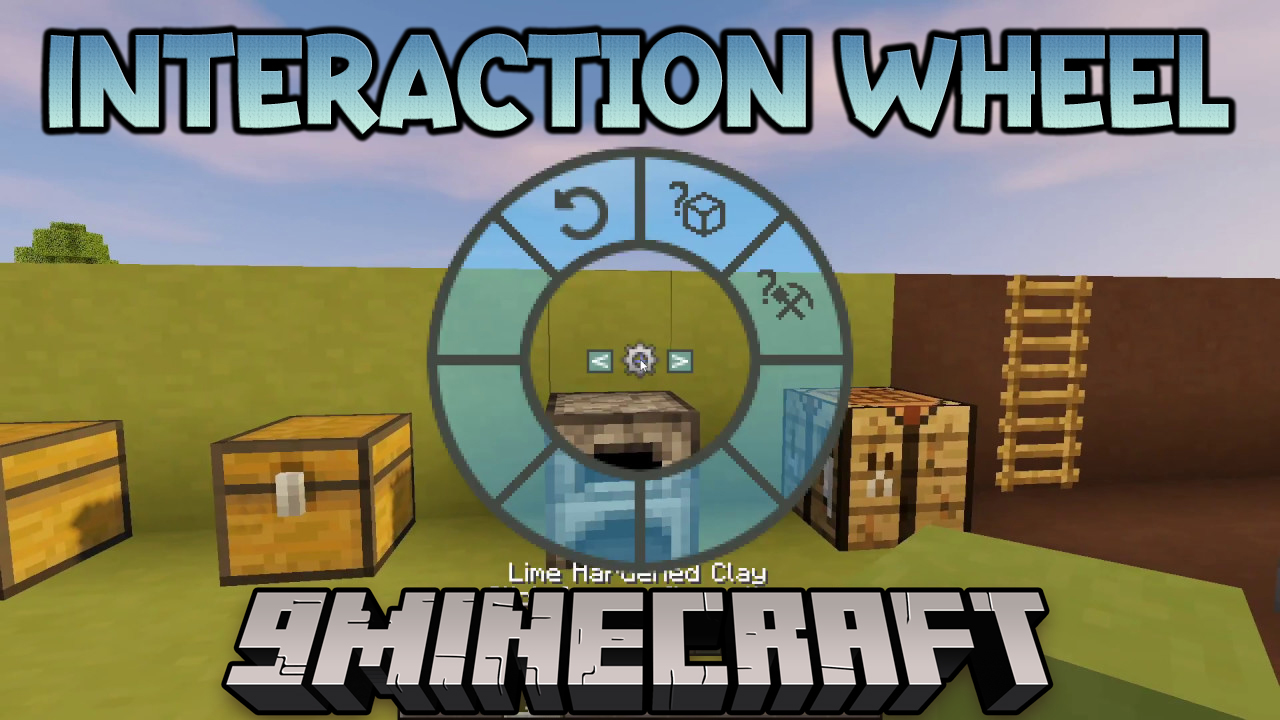
Interaction Wheel Mod nambahin menu lingkaran yang berguna banget buat bikin main Minecraft jadi lebih gampang. Kamu bisa buka menu ini dengan mencet tombol ‘h’ di keyboard. Lewat wheel ini, kamu bisa ngelakuin banyak aksi umum dengan cepet tanpa perlu ribet buka inventori atau nyari tool yang pas satu-satu.
Fitur:
- Cari item apa pun di dalam chest terdekat dan blok penyimpanan lainnya.
- Putar (rotate) blok yang lagi kamu lihat.
- Pindahin semua item dari inventori kamu ke container terdekat cuma dengan satu klik.
- Ambil semua item dari container dan pindahin ke inventori kamu.
- Deposit stack item yang sejenis, kayak semua dirt atau cobblestone kamu, sekaligus.
- Otomatis milih tool yang bener, kayak pickaxe atau axe, buat blok yang lagi kamu hadapi.
- Bisa buat mod lain nambahin aksi unik mereka sendiri ke dalam wheel ini.
Cara Pakai:
- Pencet tombol ‘h’ buat buka interaction wheel.
- Gerakin mouse kamu buat milih aksi dari menu.
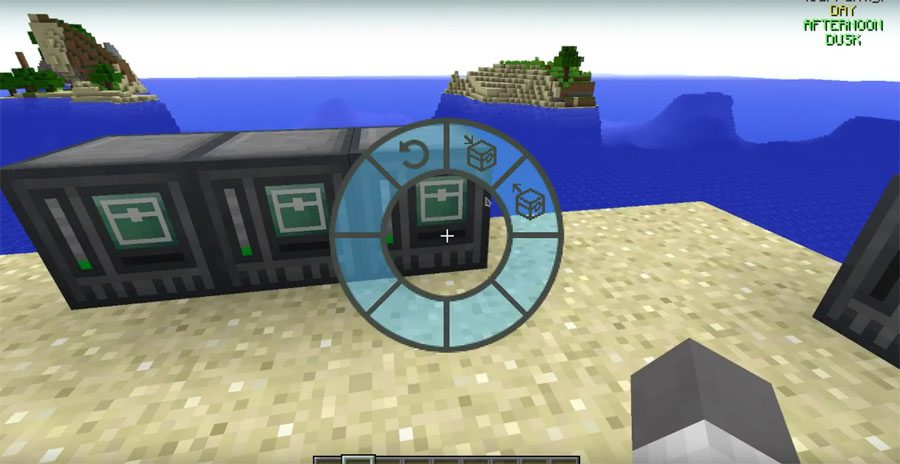
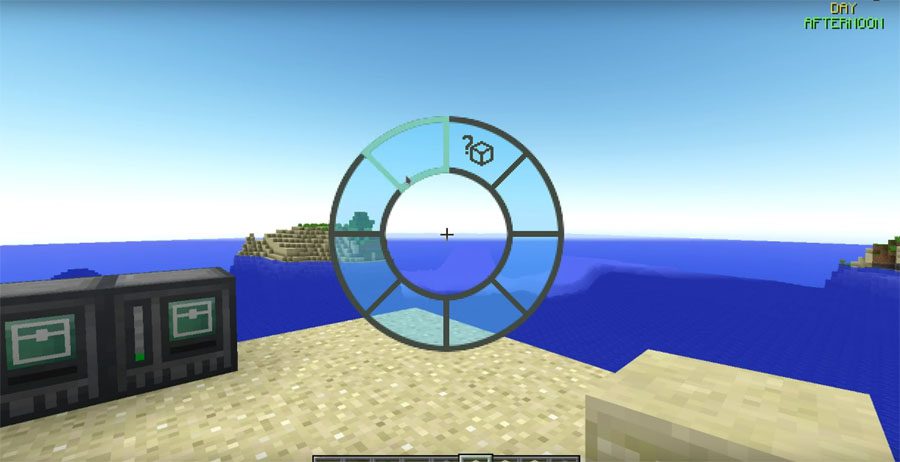
Screenshots:
Cara Instal:
Interaction Wheel Mod Download Links
For Minecraft 1.21.1
NeoForge version: Download from Server 1 – Download from Server 2
For Minecraft 1.20.1
Forge version: Download from Server 1 – Download from Server 2
For Minecraft 1.19.3
Forge version: Download from Server 1 – Download from Server 2
For Minecraft 1.19.2
Forge version: Download from Server 1 – Download from Server 2
For Minecraft 1.12.2, 1.12.1, 1.12
Forge version: Download from Server 1
For Minecraft 1.11.2, 1.11 and 1.10.2
Forge version: Download from Server 1
Klik untuk menilai postingan ini!
[Total: 0 Average: 0]
Anda Mungkin Juga Suka






Postingan ini belum memiliki komentar. Jadilah yang pertama — komentar Anda akan muncul di sini.