


Interaction Wheel Mod (1.21.1, 1.20.1) – Stop Opening Inventories

 0
0  September 15, 2024
🌐 Good news — we've translated this article into other languages!
Or pick the one you like:
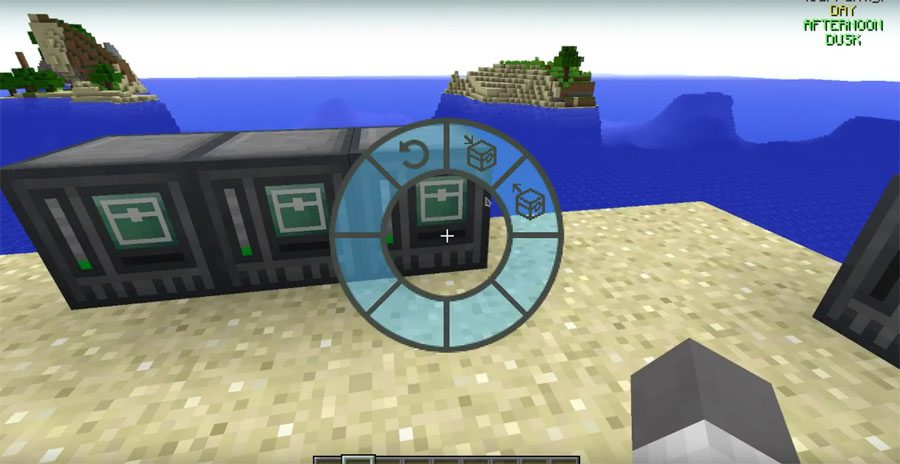
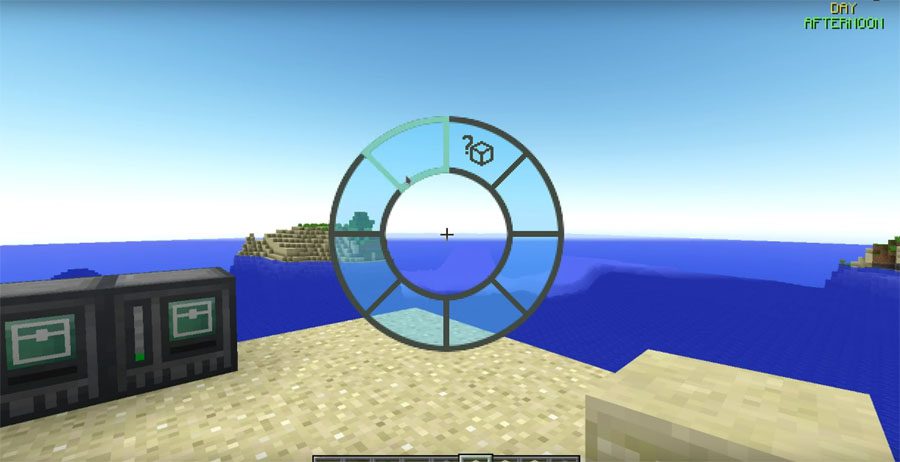
Interaction Wheel Mod adds a helpful circular menu to make playing Minecraft easier. You can open this menu by pressing the ‘h’ key on your keyboard. From this wheel, you can quickly perform many common actions without needing to open your inventory or search for the right tool.
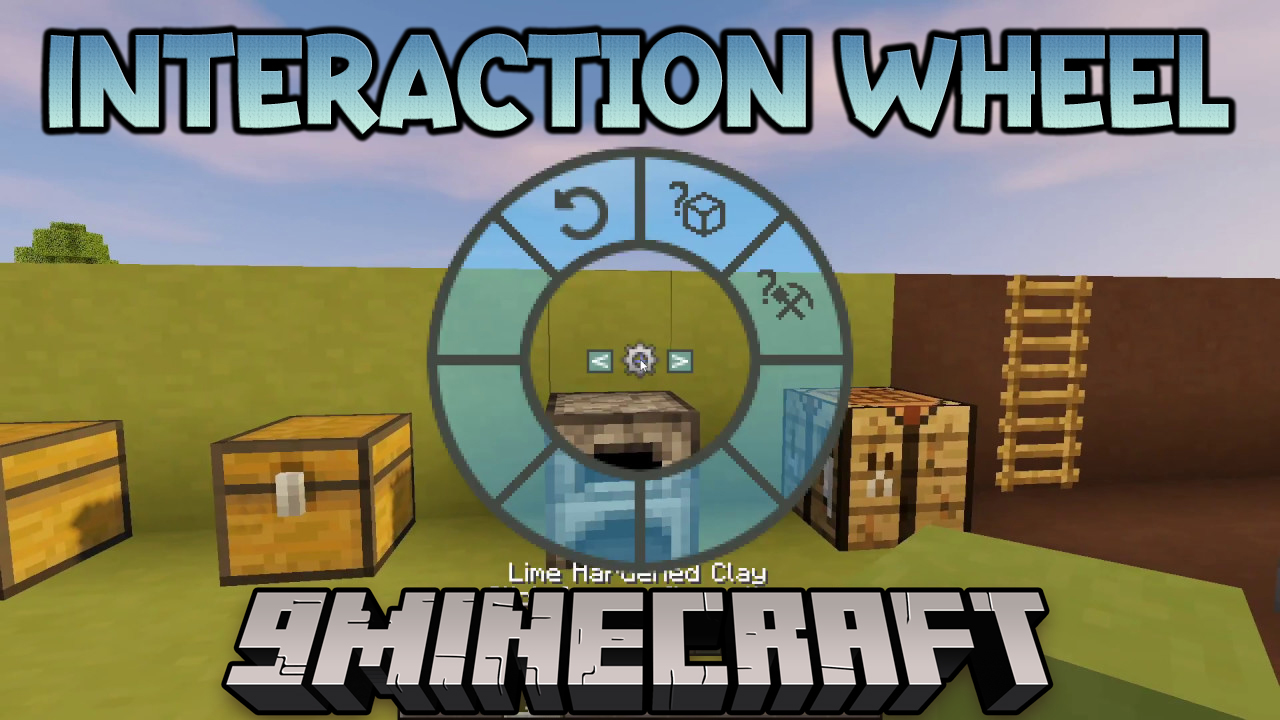
Features:
- Search for any item inside nearby chests and other storage blocks.
- Rotate the block you are currently looking at.
- Move all items from your inventory into a nearby container with one click.
- Take all items from a container and move them to your inventory.
- Deposit stacks of similar items, like all your dirt or cobblestone, at once.
- Automatically selects the right tool, like a pickaxe or an axe, for the block you are facing.
- Allows other mods to add their own unique actions to the wheel.
How to Use:
- Press the ‘h’ key to open the interaction wheel.
- Move your mouse to choose an action from the menu.
Screenshots:
How to Install:
New to Minecraft? Follow our step-by-step guide to install Mods on your PC.View Guide
Interaction Wheel Mod Download Links
For Minecraft 1.21.1
NeoForge version: Download from Server 1 – Download from Server 2
For Minecraft 1.20.1
Forge version: Download from Server 1 – Download from Server 2
For Minecraft 1.19.3
Forge version: Download from Server 1 – Download from Server 2
For Minecraft 1.19.2
Forge version: Download from Server 1 – Download from Server 2
For Minecraft 1.12.2, 1.12.1, 1.12
Forge version: Download from Server 1
For Minecraft 1.11.2, 1.11 and 1.10.2
Forge version: Download from Server 1
Click to rate this post!
[Total: 0 Average: 0]
You May Also Like










This post has no comments yet. Be the first — your comment will appear here.