Cyberware Mod lets you upgrade your body with powerful technology. Using a special surgery chamber, you can install advanced parts called “cyberware” to get new abilities and become a cyborg.

Cyberware Mod Logo

How to Use:

  1. First, find a Robosurgeon in a Nether Fortress chest and craft a Surgery Chamber. Place the Robosurgeon on top of the chamber to set it up.
  2. Hunt down Cyberzombies to collect pieces of Salvaged Cyberware. Press Shift while hovering over an item to see what it does.
  3. To begin the surgery, Right-click the Robosurgeon to open the menu.
  4. Select a body part like your head, arms, or legs. Place the cyberware you want to install into the available slots on the menu.
  5. Keep an eye on the Tolerance bar. If it gets too low, the surgery will be dangerous.
  6. Once you have placed your new parts, close the menu, step inside the Surgery Chamber, and shut the door to complete the augmentation.

Getting Organized:

Show More

Bogged down with Blueprints? Confused with Components? You’ve come to the right place. Cyberware has two built in blocks to help you stay organized!

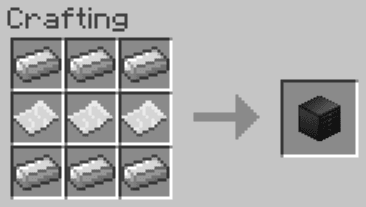
In order to manage your Blueprints, it’s a smart idea to craft some Blueprint Archives. They’re crafted like so:

Cyberware Mod Getting Started 11

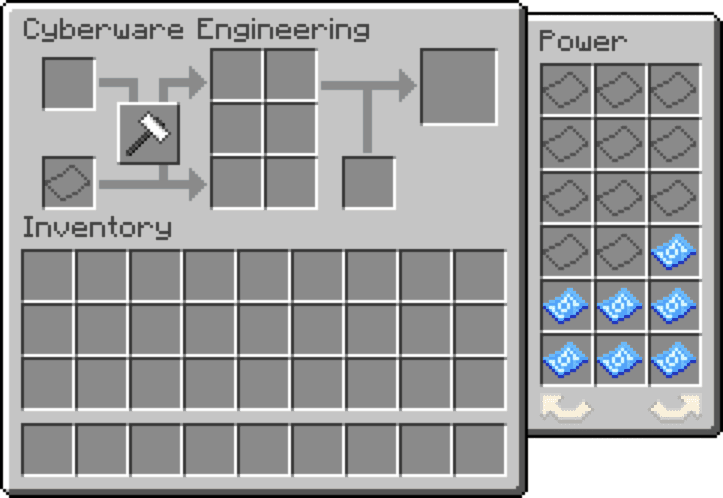
On its own, the Archive functions much like a mundane chest that can only contain Blueprints and Paper. To use the Archive to its fullest potential, it needs to be placed nearby an Engineering Table. Each Archive near an Engineering Table can be accessed through the Engineering Table’s GUI, and you can toggle between all nearby Archives! You can try organizing your Archives by slot, part type, or any other system.

Cyberware Mod Getting Started 12

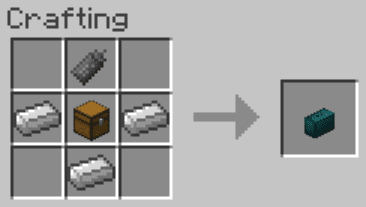
To keep track of your Components, you should try making a Component Box. They’re crafted like this:

Cyberware Mod Getting Started 13

The Actuator in this recipe can be replaced by any Cyberware Component. The Component Box can be accessed by right clicking with it in your hand, and is a handy place to store Components. You can Shift + Right Click to place it on the ground, and Shift + Right Click to pick it back up. When accessing an Engineering Table, all Component Boxes in your inventory and all Component Boxes placed nearby are accessible, allowing you to keep different Components in their own boxes if you so choose.

Hoarding Cyberware:

Show More

Interested in obtaining more Salvaged Cyberware? You’ve come to the right place!

The easiest way to obtain more Salvaged Cyberware is to use the Looting enchantment on your weapons, this will give Cyberzombies a higher chance of dropping Cyberware. Sometimes, though, the number of Cyberzombies is the problem. Thankfully, Cyberware provides a way to increase Cyberzombie spawns… Radios.

Radios come in three tiers, the Cranial Broadcaster, Radio Kit, and Radio Beacon. If you are equipped with a Hudjack, you will be notified when entering or leaving the functional radius of one of these radios.

Cranial Broadcaster

The Cranial Broadcaster is an augment that can be dropped from Cyberzombies. It’s the weakest tier of radio, but it has the advantage of being mobile. The Cranial Broadcaster will affect all mobs spawned within a 32-block range horizontally, enough to affect all mobs spawned by the player using it. It has a 5% chance to convert a normal Zombie spawn into a Cyberzombie spawn, and 50% of converted spawns will be Cyberzombie Brutes.

Radio Kit

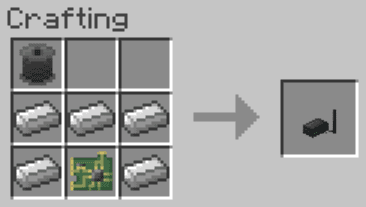
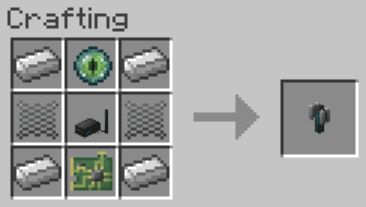
The Radio Kit is an early-game radio that can be placed in the world. It’s crafted like so:

Cyberware Mod Getting Started 14

The Radio Kit affects all mobs spawned in a 64-block radius horizontally, covering an impressive 3217 square blocks. It has a 10% chance to convert normal Zombie spawns inside this radius into Cyberzombie spawns. 50% of converted spawns will be Cyberzombie Brutes. You can turn off the Radio Kit by providing a redstone signal.

Radio Beacon

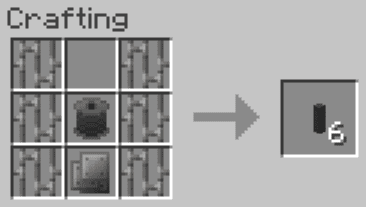
The Radio Beacon is a late-game multiblock radio with an extensive range. To assemble one, you’ll need 42 Radio Tower Components and a Radio Beacon.

Cyberware Mod Getting Started 15

Cyberware Mod Getting Started 16

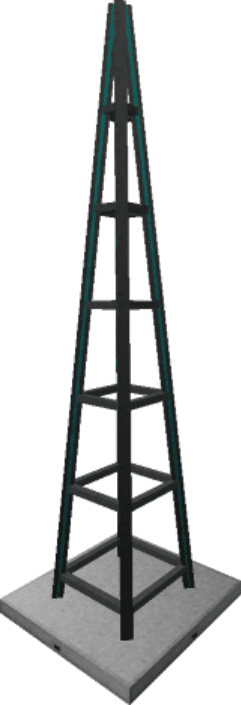
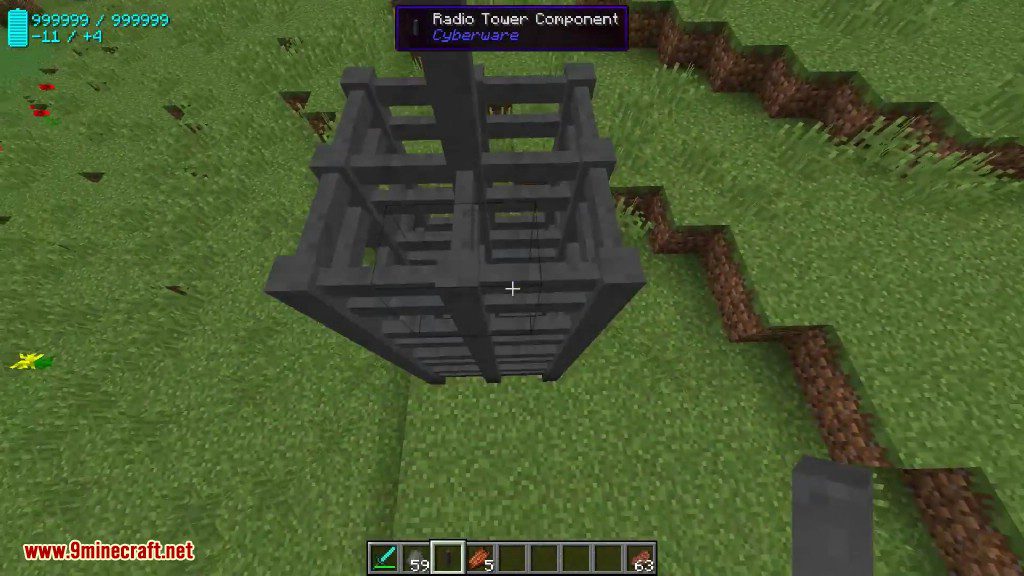
To assemble the beacon, build 4 layers of 3×3 Components, with 6 Components pillared on top, like so:

Cyberware Mod Getting Started 17

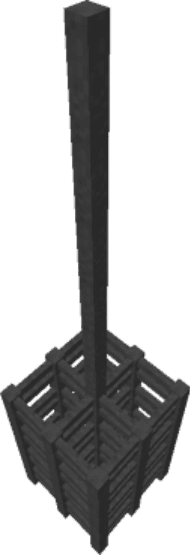
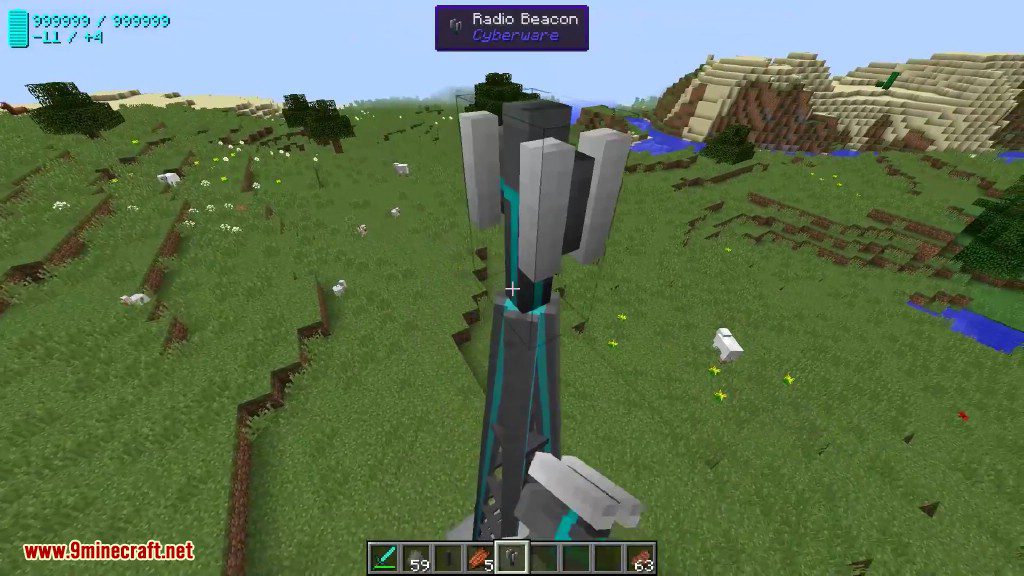
The tower will then take the form of a model, at which point you can place the Radio Beacon on top. If functioning, it will emit particles.

Cyberware Mod Getting Started 18

The Radio Beacon affects all mobs spawned in a 128-block radius horizontally, covering a massive 12868 square blocks. It has a 20% chance to convert normal Zombie spawns inside this radius into Cyberzombie spawns. 50% of converted spawns will be Cyberzombie Brutes. You can turn off the Radio Beacon by powering its base in the designated locations.

Features:

  • Swap your heart for a mechanical pump.
  • Install an experience storage unit in your head.
  • Get more oxygen with built-in canisters.
  • Replace your arms and legs with robotic cyberlimbs.
  • Add upgrades to your new limbs, like deployable claws or jump boosters.
  • Get new eyes that can see in the dark, underwater, or track targets.
  • Strengthen your bones with advanced polymers to take less damage.
  • Put a processor in your brain to dodge attacks with quick reflexes.
  • Find cyberware parts by defeating new cyber-zombie mobs.
  • Balance your new powers with energy costs and your body’s tolerance.

Screenshots:

Cyberware Mod Screenshots 11
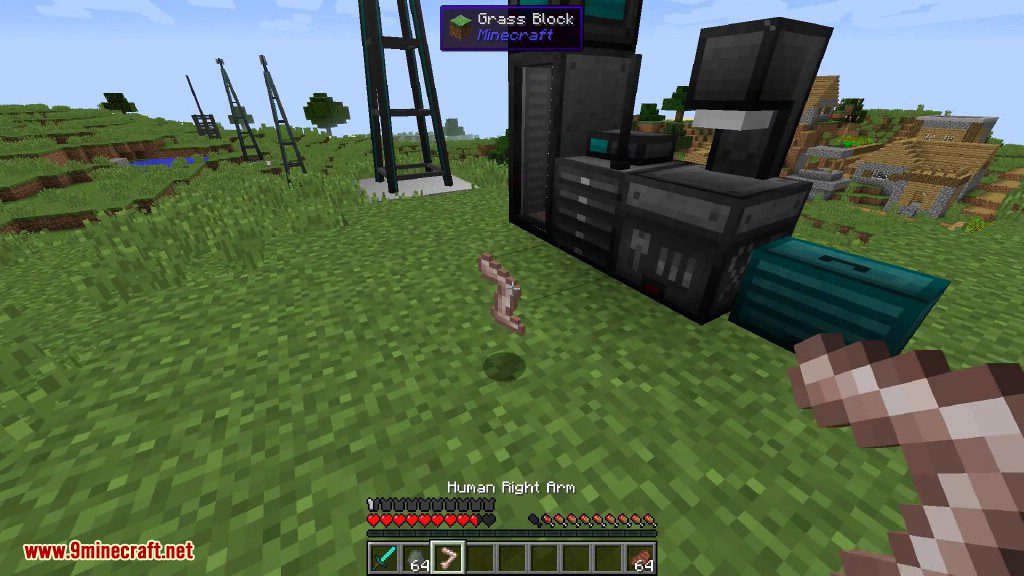
A player holds a human right arm item near a surgery machine
Cyberware Mod Screenshots 12
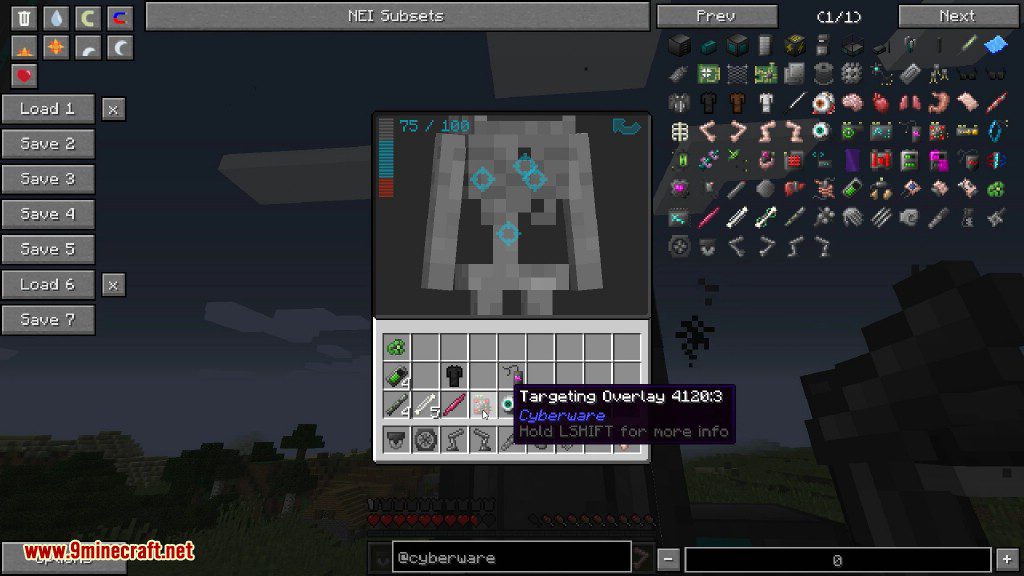
The cyberware interface displays various body augmentations and technological upgrades for players
Cyberware Mod Screenshots 13
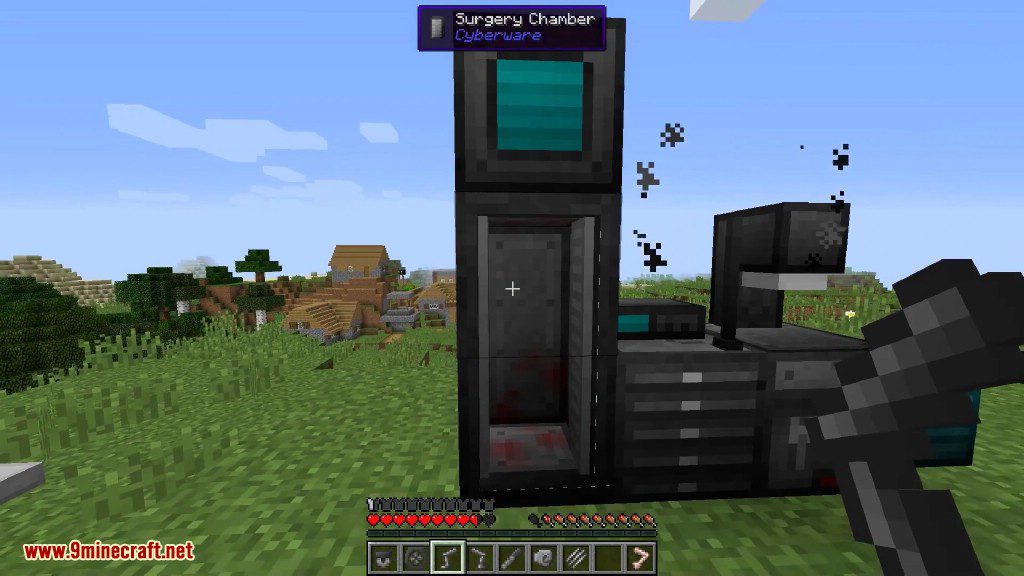
A tall black Surgery Chamber structure stands near a village in Minecraft
Cyberware Mod Screenshots 14
A Cyberzombie with visible mechanical parts walks through a field at night
Cyberware Mod Screenshots 15
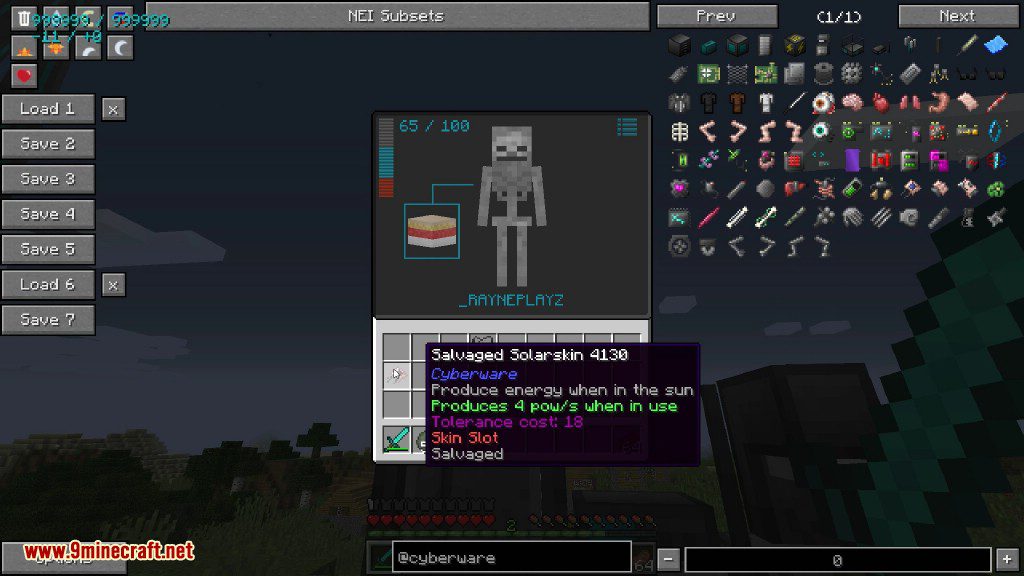
Inventory screen showing a salvaged solarskin item and a skeleton character model
Cyberware Mod Screenshots 16
A player wearing specialized goggles stands near mechanical equipment in a field
Cyberware Mod Screenshots 17
A Minecraft player wearing goggles and holding a cybernetic component from above
Cyberware Mod Screenshots 18
A player looking at a tall Radio Tower Component structure in a field
Cyberware Mod Screenshots 19
A tall Radio Beacon structure standing in a vast green Minecraft landscape
Cyberware Mod Screenshots 20
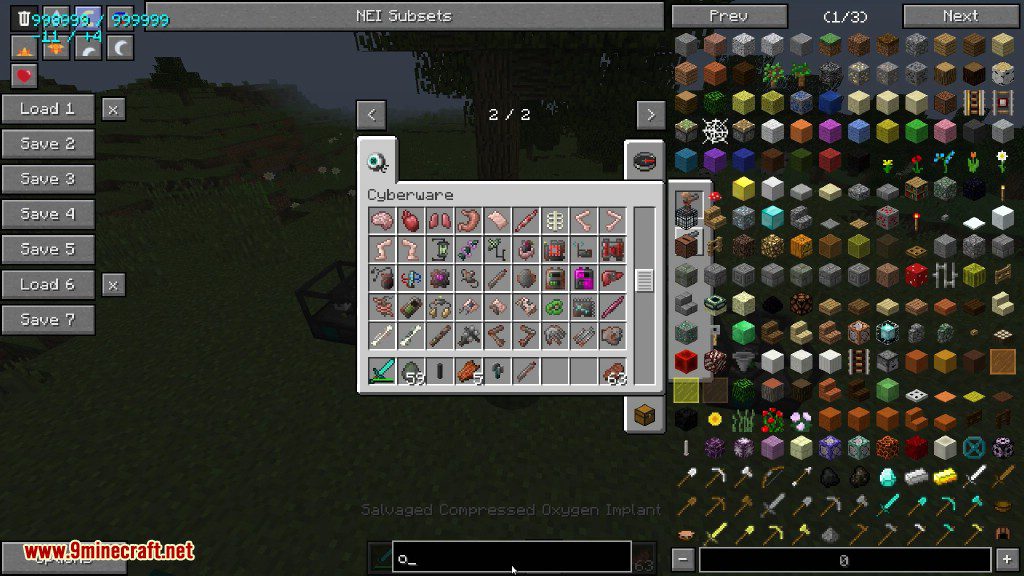
Inventory menu showing various Cyberware implants and body parts for player augmentation
Cyberware Mod Screenshots 21
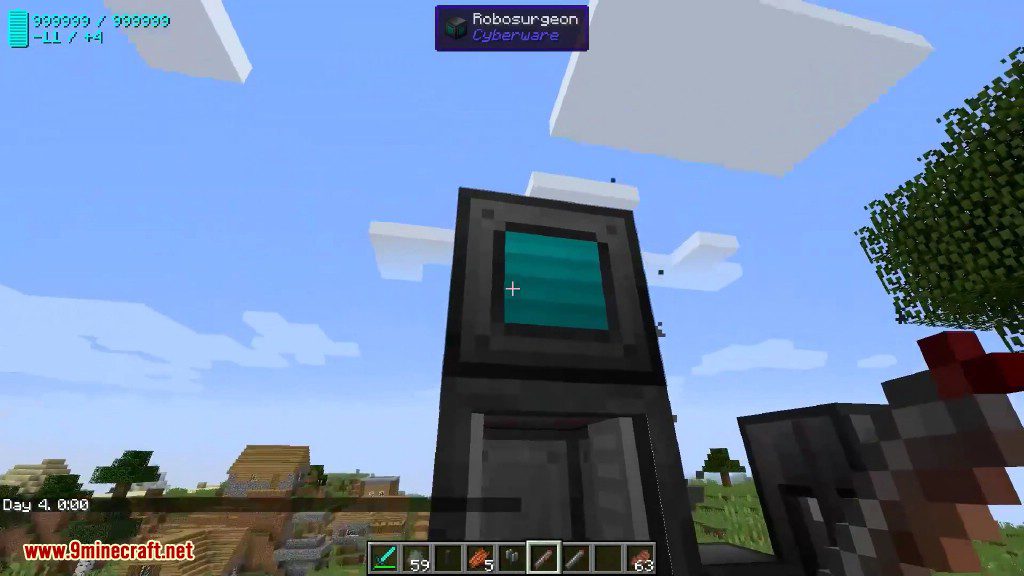
A player looking at a Robosurgeon block placed on a Surgery Chamber
Cyberware Mod Screenshots 22
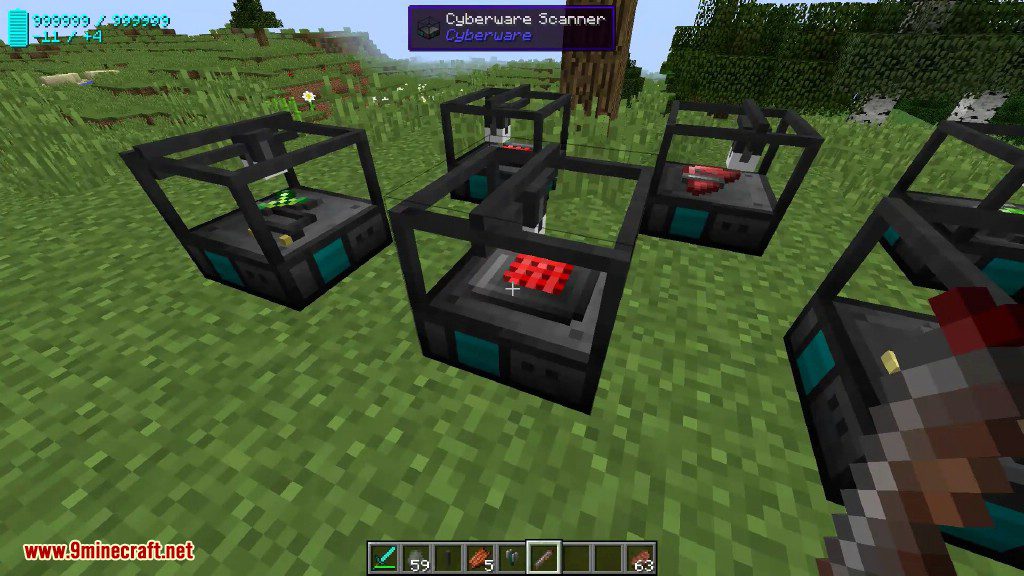
Several Cyberware Scanners placed on the grass containing various technological components
Cyberware Mod Screenshots 23
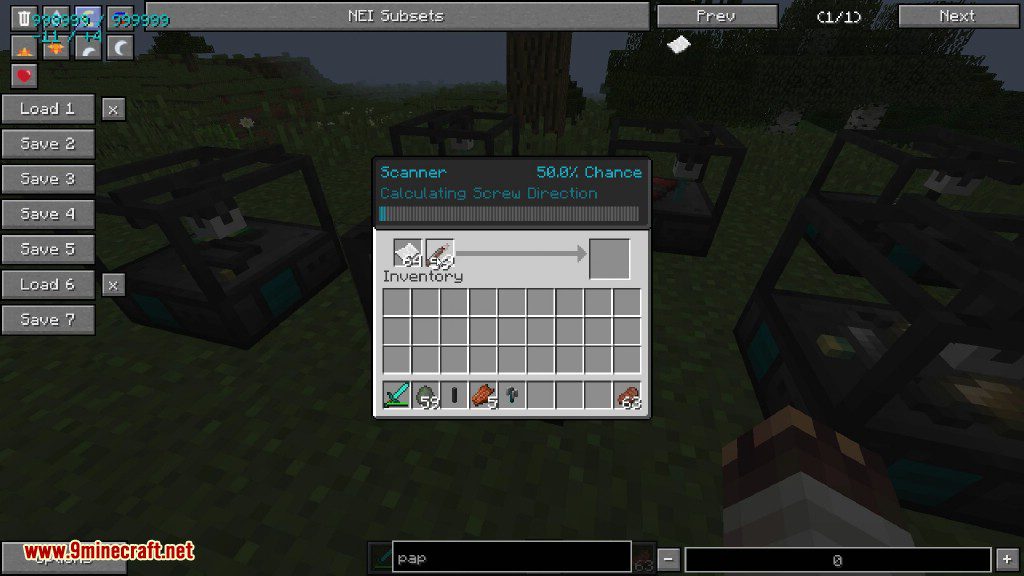
Scanner interface showing the progress of analyzing technological components in Minecraft
Cyberware Mod Screenshots 24
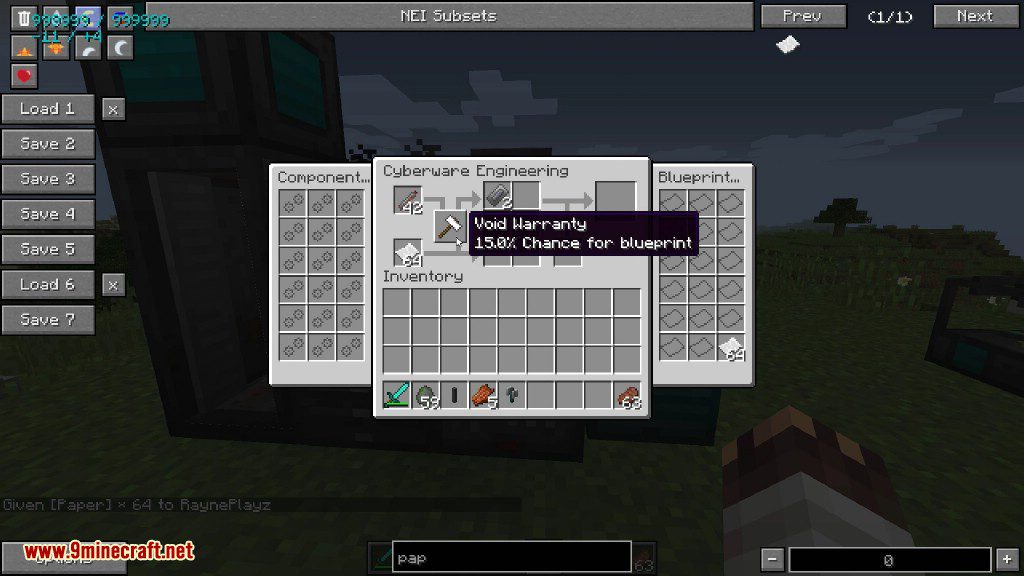
Engineering menu showing blueprint creation process with a void warranty tooltip
Cyberware Mod Screenshots 25
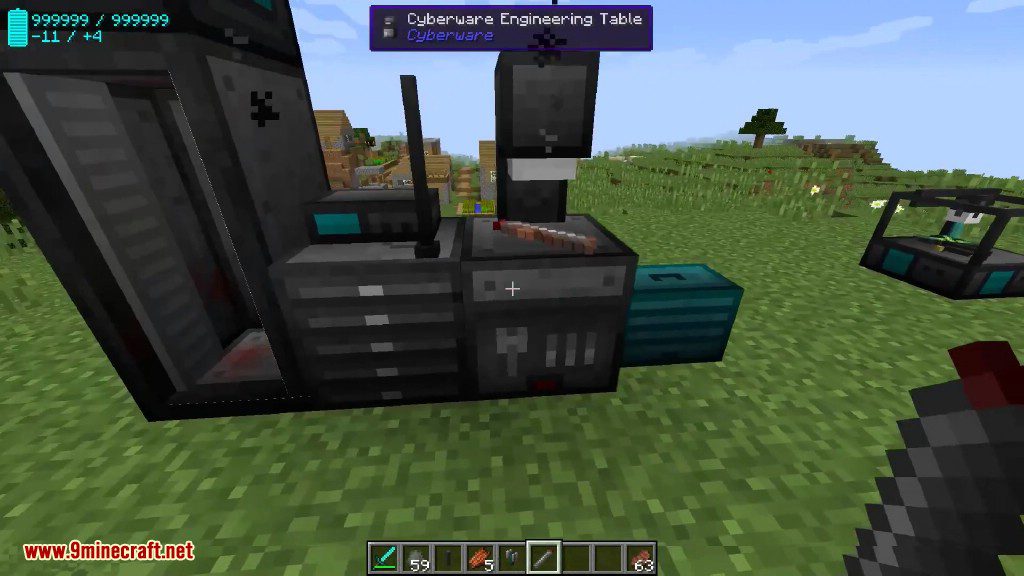
Player standing in front of a Cyberware Engineering Table and other machines
Cyberware Mod Screenshots 26
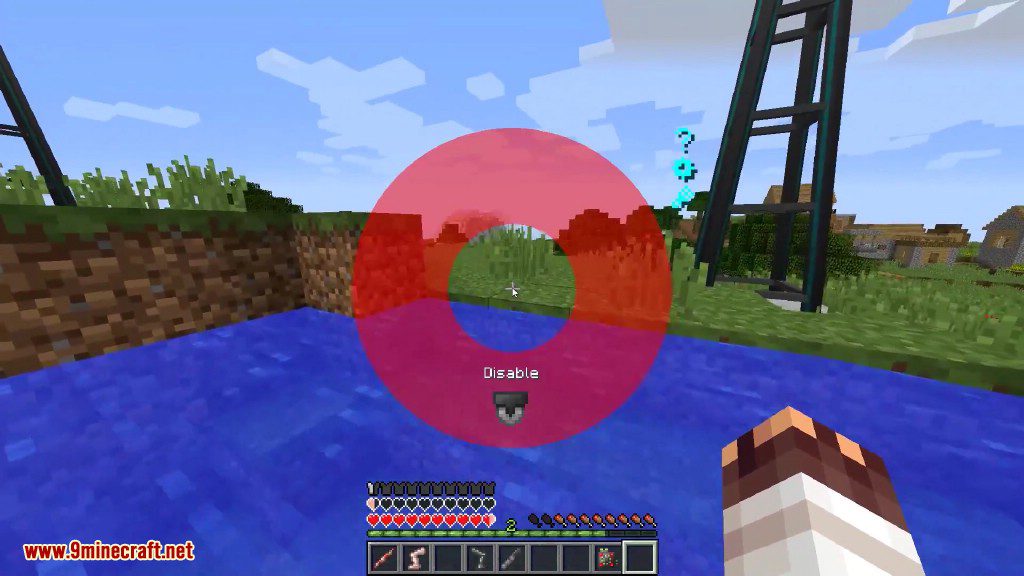
A red radial menu allows the player to disable specific installed body augmentations

Cyberware Mod Download Links

For Minecraft 1.10.2, 1.9.4

Download from Server 1

For Minecraft 1.11.2

Download from Server 1

For Minecraft 1.12.1, 1.12

Download from Server 1

For Minecraft 1.12.2

Download from Server 1

Click to rate this post!
[Total: 4 Average: 4]