


Dashboard Mod (1.20.1, 1.19.4) – コマンド不要でワールドを操作
 116
116
 0
0


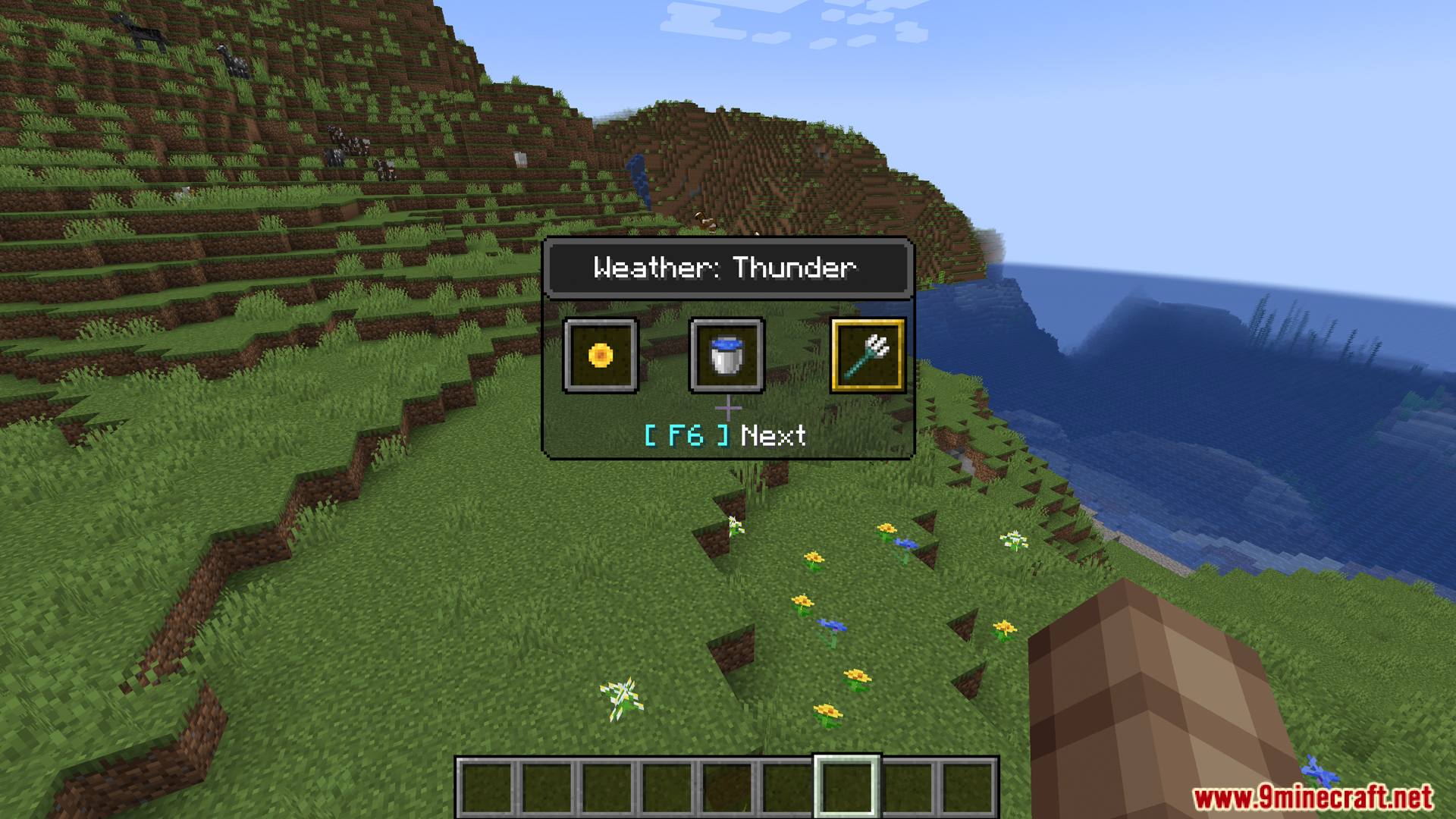
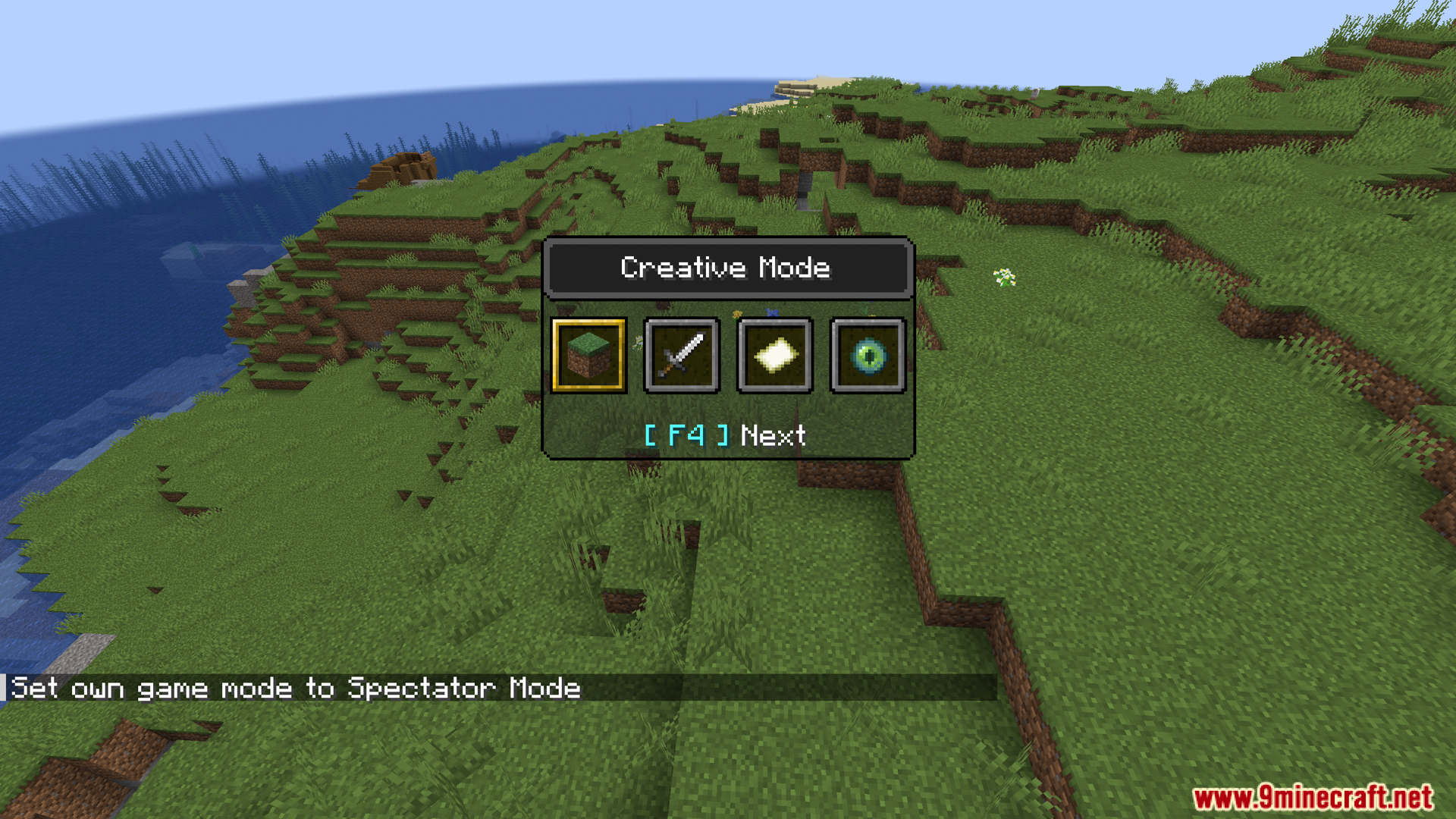
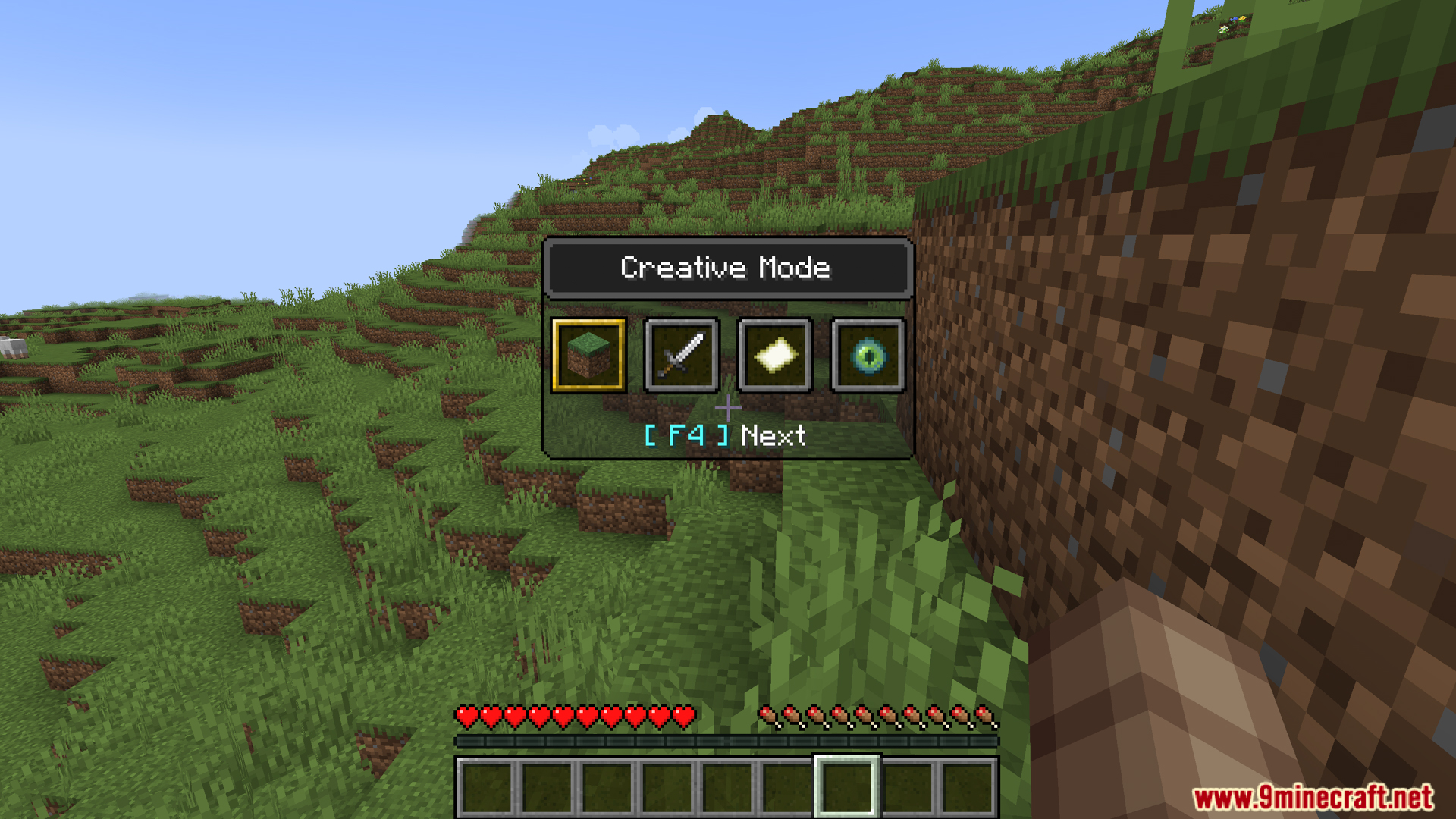
Dashboard Modは、天候、時間、難易度を操作するための新しいクイックメニューを追加します。バニラのゲームモード切り替え機能と同じように動作するため、コマンドを入力することなく、その場ですぐに設定を変更することができます。
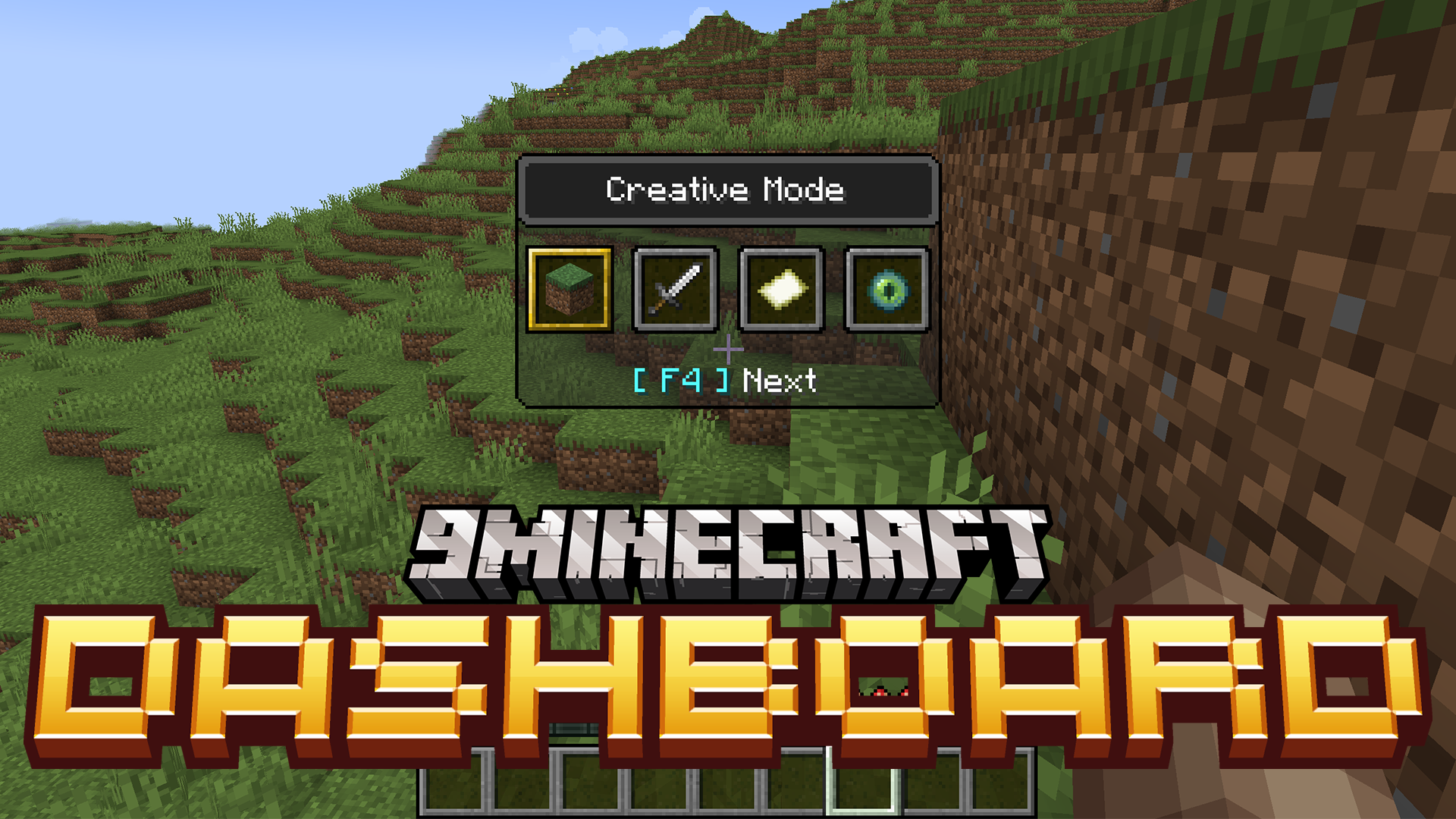
主な機能:
- 天候、時間、難易度用の新しいクイックアクセスメニューを追加します。
- バニラのゲームモード切り替え(F3 + F4)と同様に、画面上にメニューが表示されます。
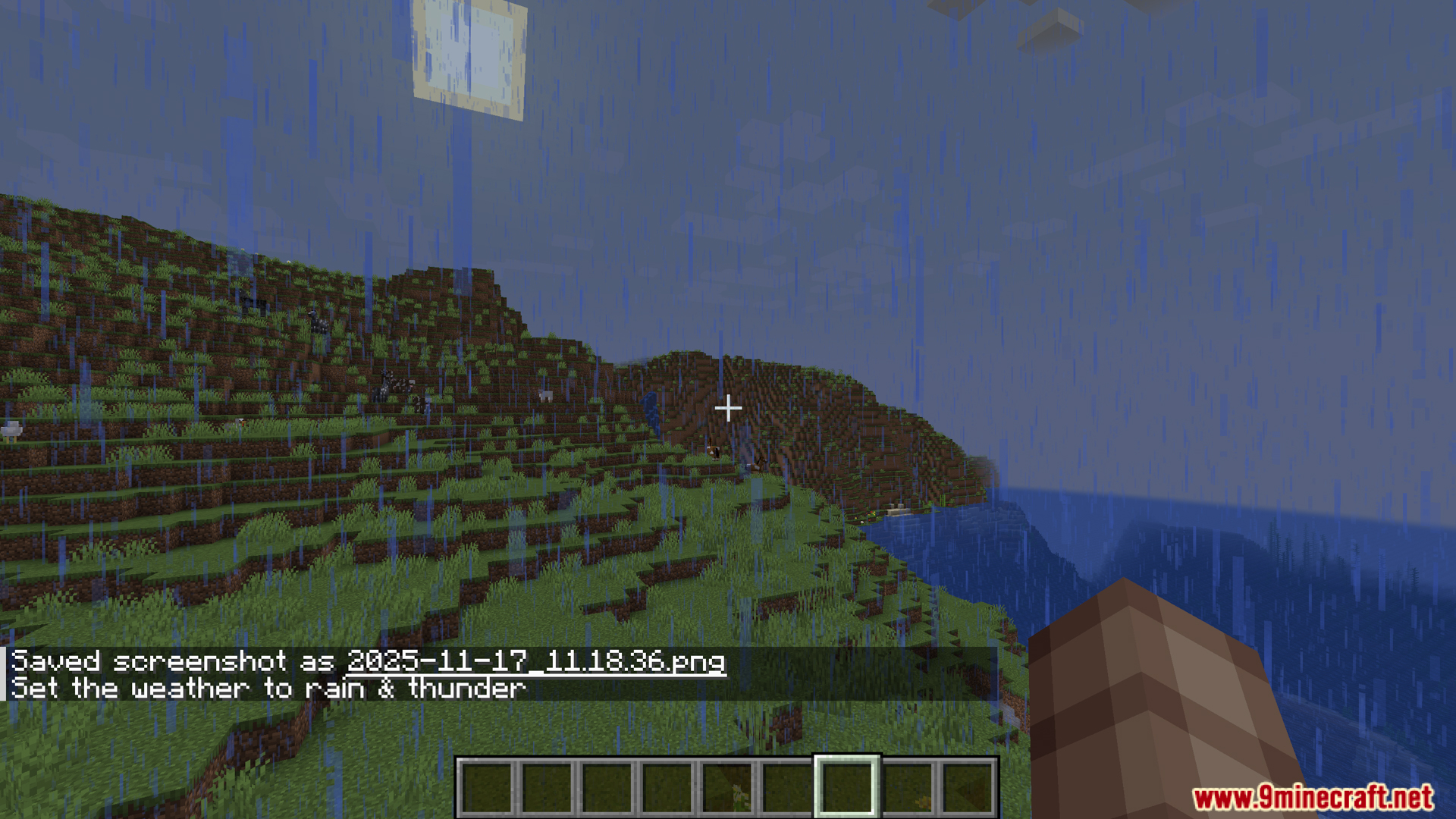
- F3 + F5 を押すと天候メニューが開きます。晴天、雨、雷雨を簡単に切り替えられます。
- F3 + F6 で時間を操作できます。日中、正午、夜、真夜中などのオプションから選択可能です。
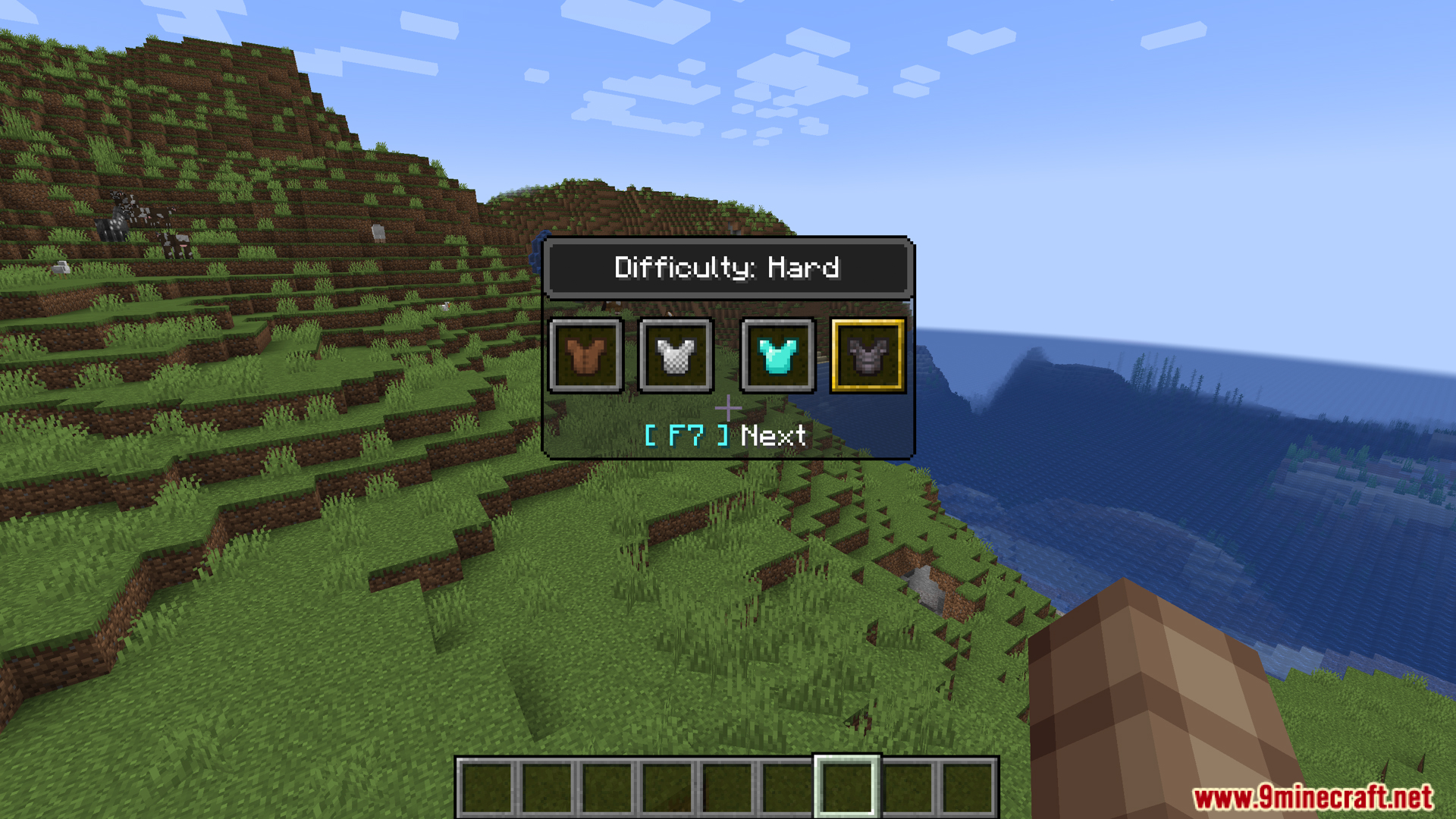
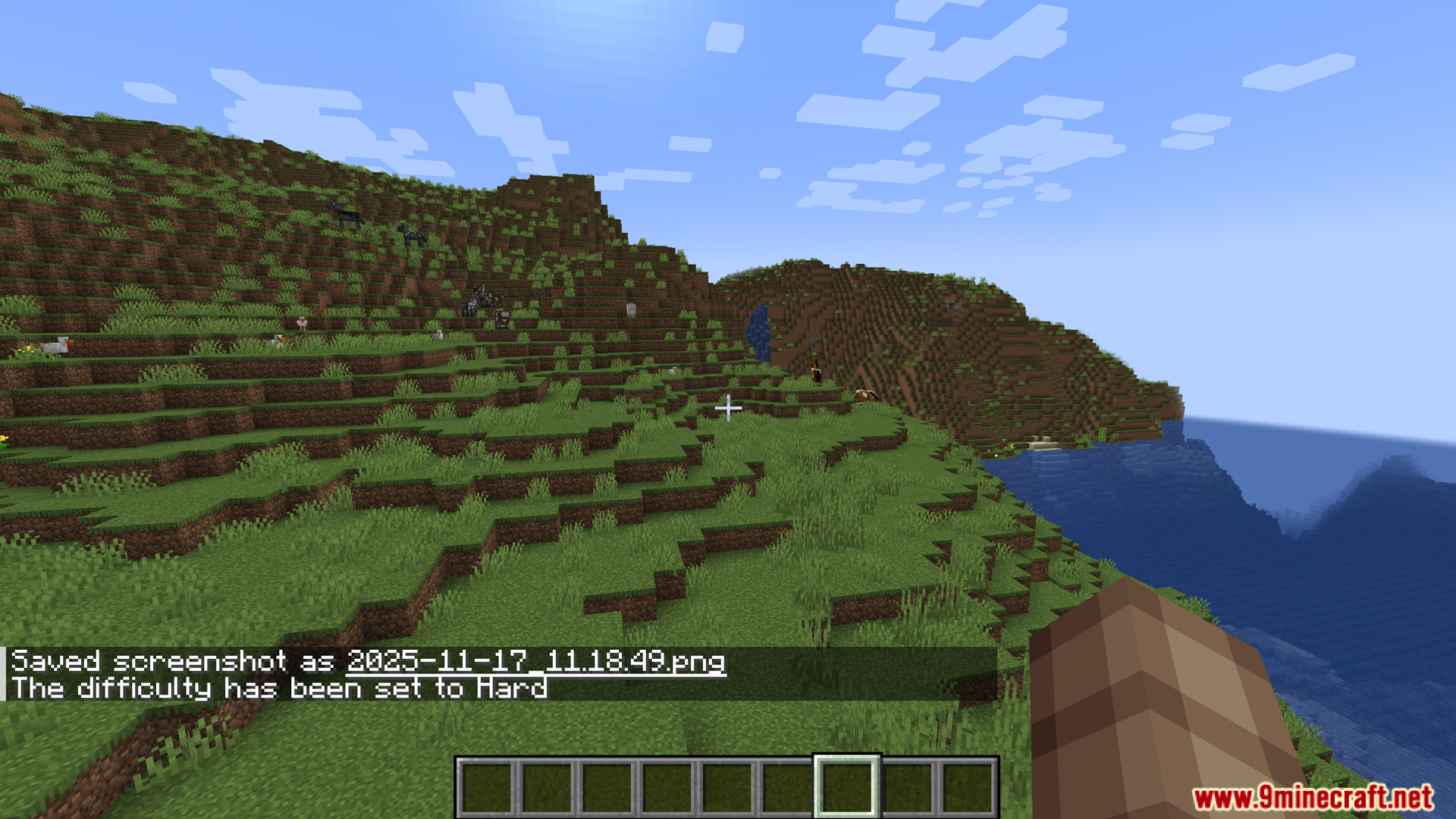
- F3 + F7 を押すことで、いつでも難易度を変更できます。ピースフル、イージー、ノーマル、ハードのメニューが開きます。
使い方:
- F3 + F5 を押して天候(Weather)メニューを開きます。
- F3 + F6 を押して時間(Time)メニューを開きます。
- F3 + F7 を押して難易度(Difficulty)メニューを開きます。
スクリーンショット:
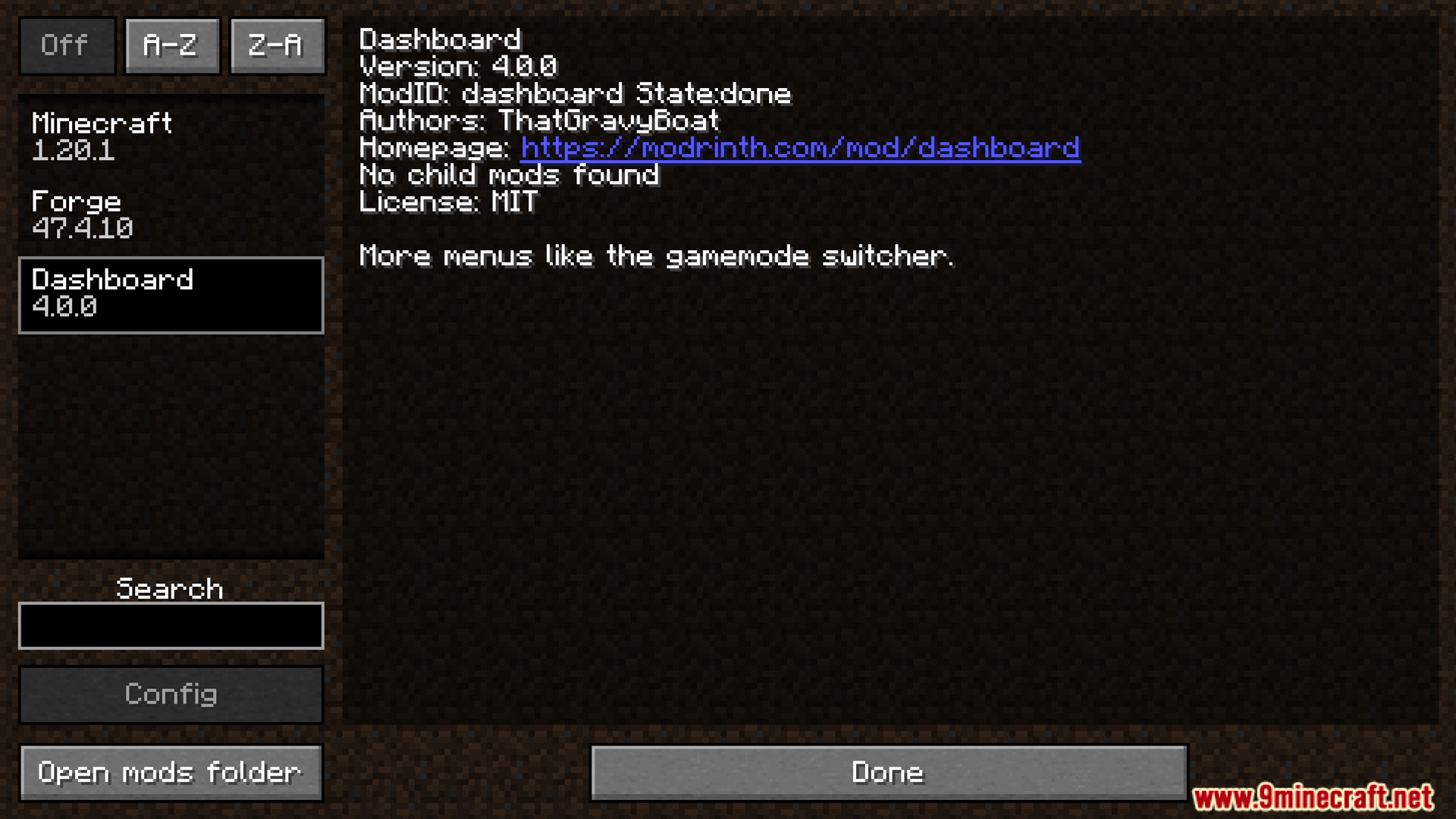
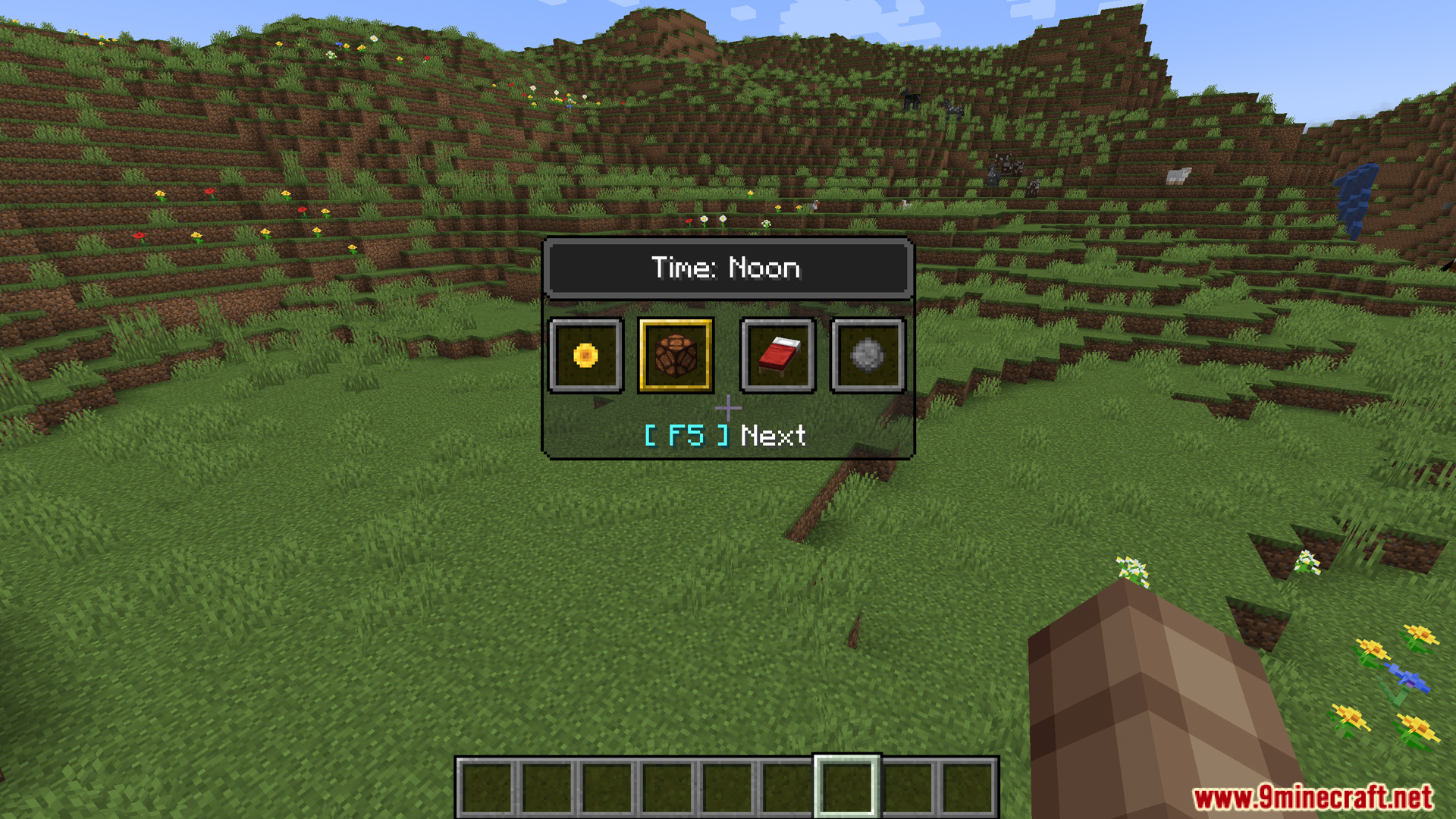
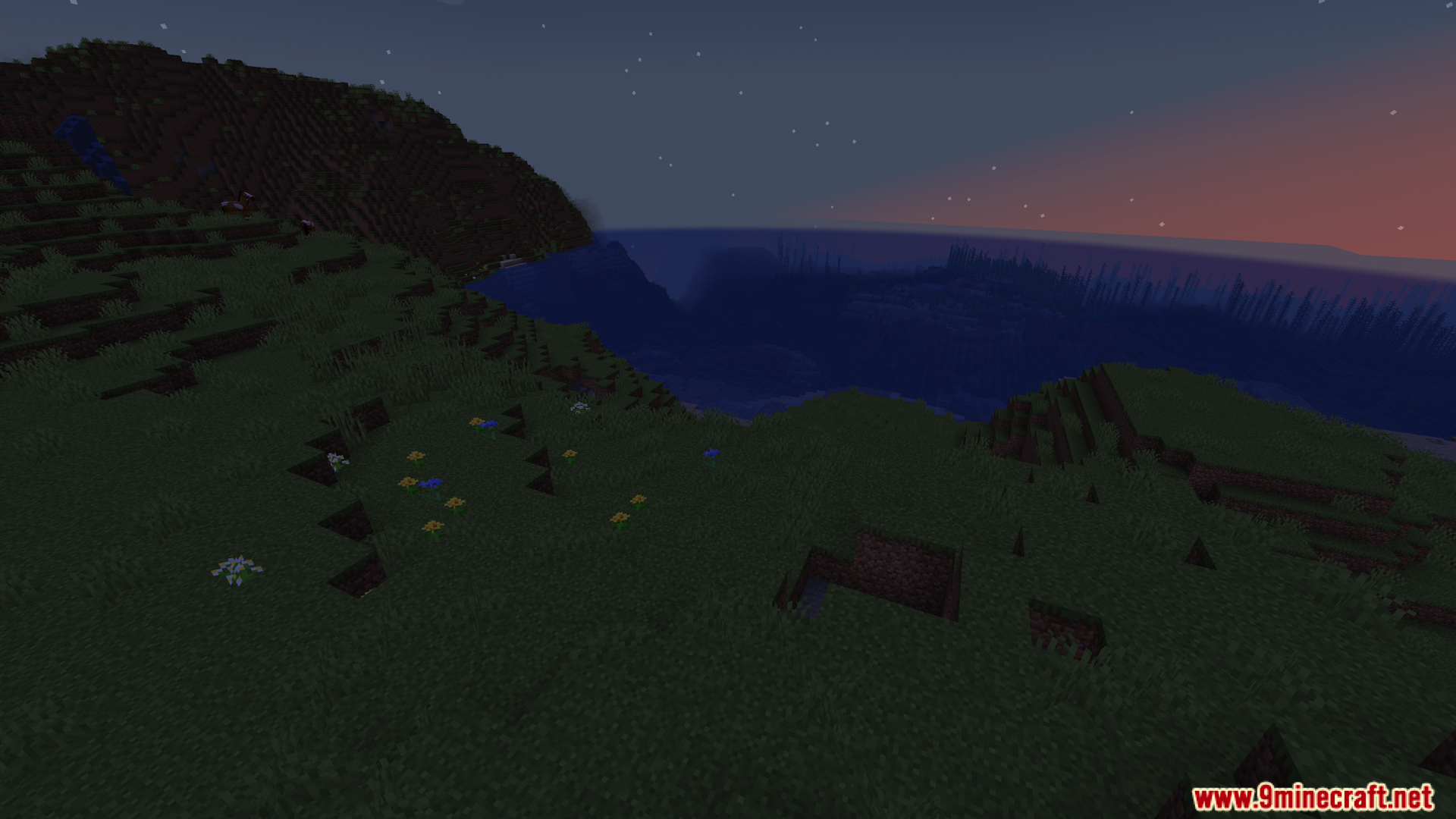
Dashboard Mod ダウンロードリンク
Minecraft 1.20.1, 1.20用
Forge/Fabric/NeoForge版: サーバー1からダウンロード – サーバー2からダウンロード
Minecraft 1.19.4用
Forge版: サーバー1からダウンロード – サーバー2からダウンロード
Fabric版: サーバー1からダウンロード – サーバー2からダウンロード
この投稿を評価するにはクリック!
[Total: 0 Average: 0]
こちらもおすすめ















この投稿にはまだコメントがありません。 最初のコメントを — あなたのコメントがここに表示されます。