


Rescale Aspect Ratio Mod (26.2, 1.20.1) – 画面を引き伸ばしてPvPを有利に

 0
0 

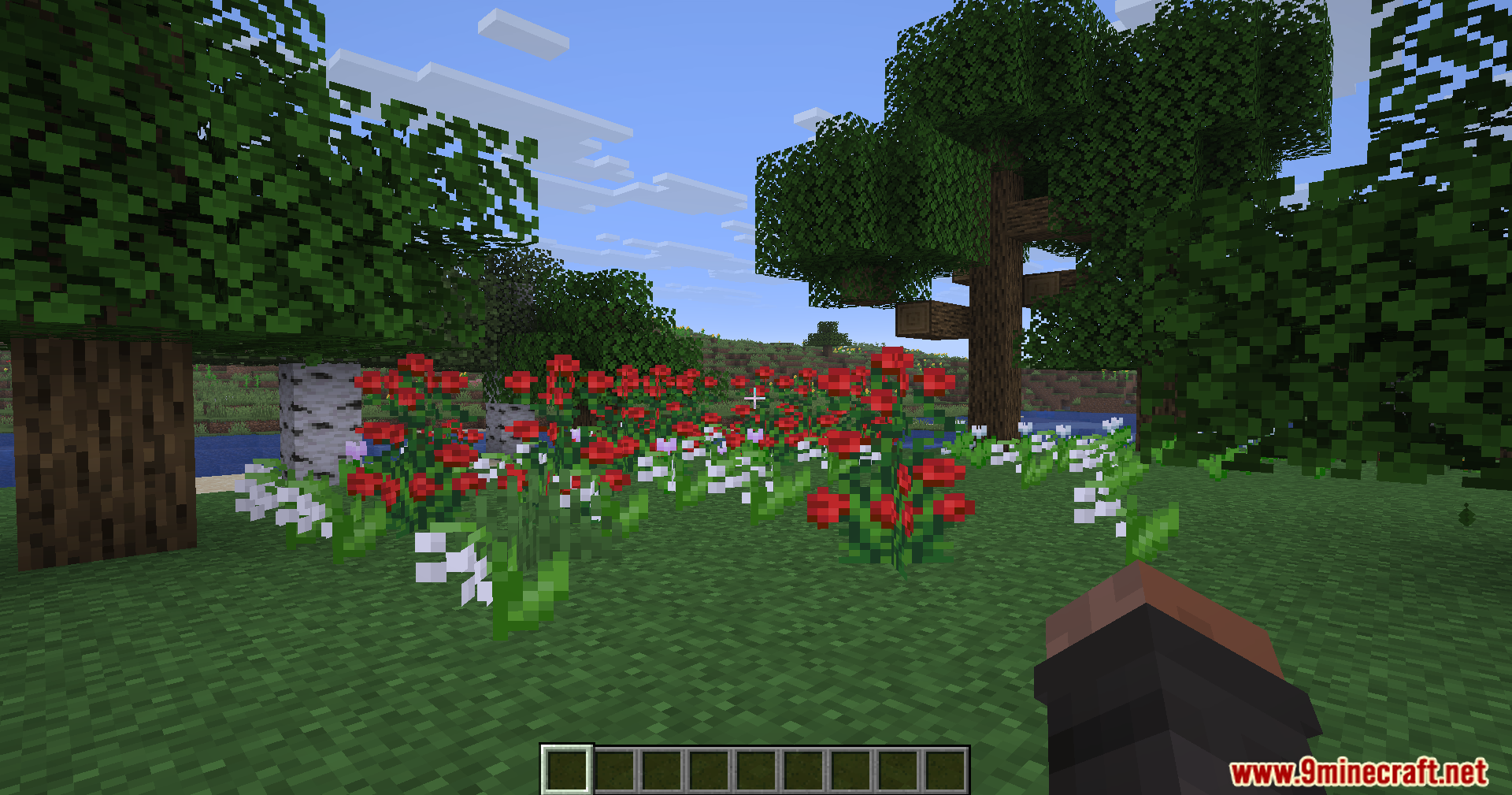
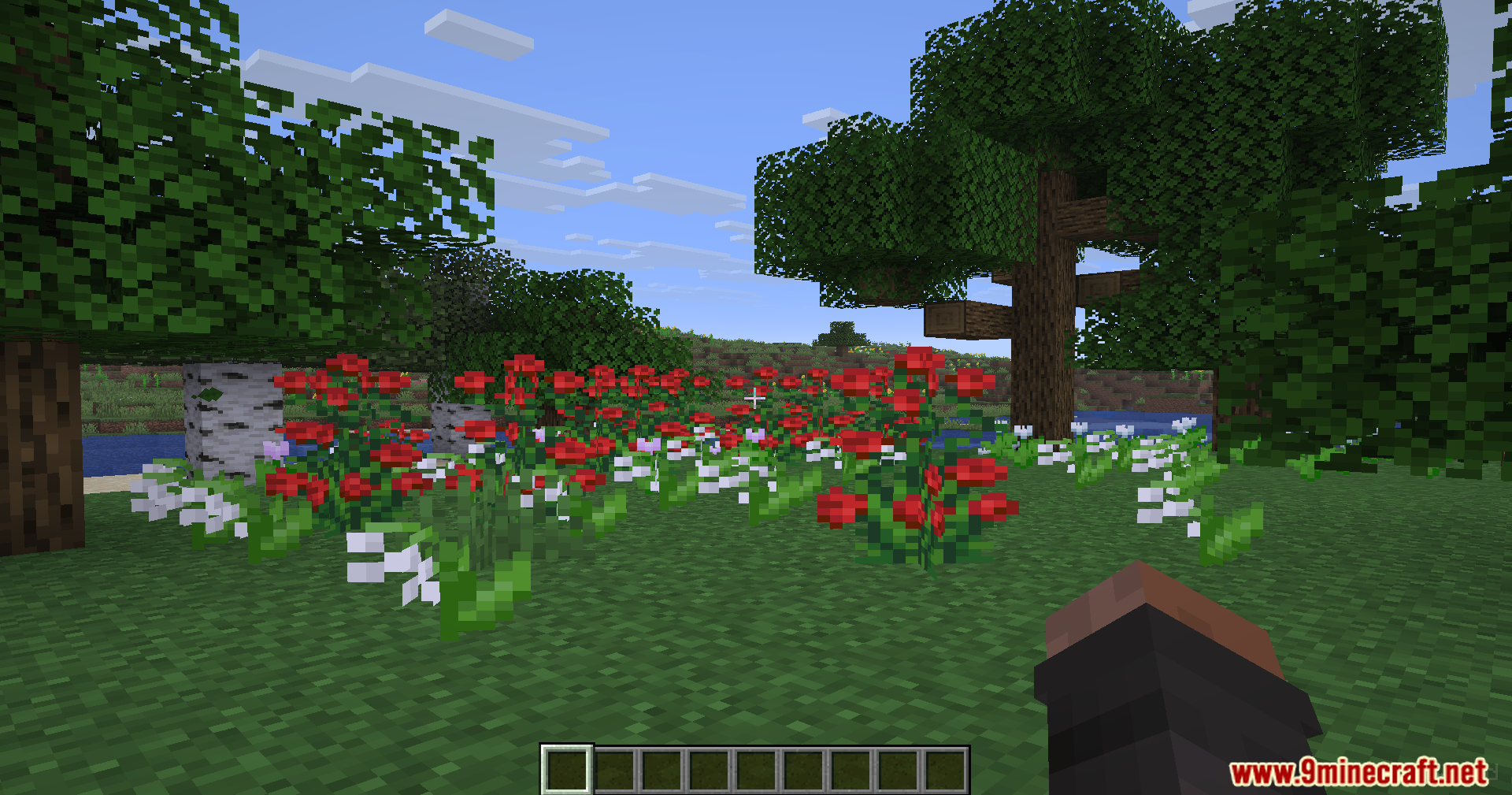
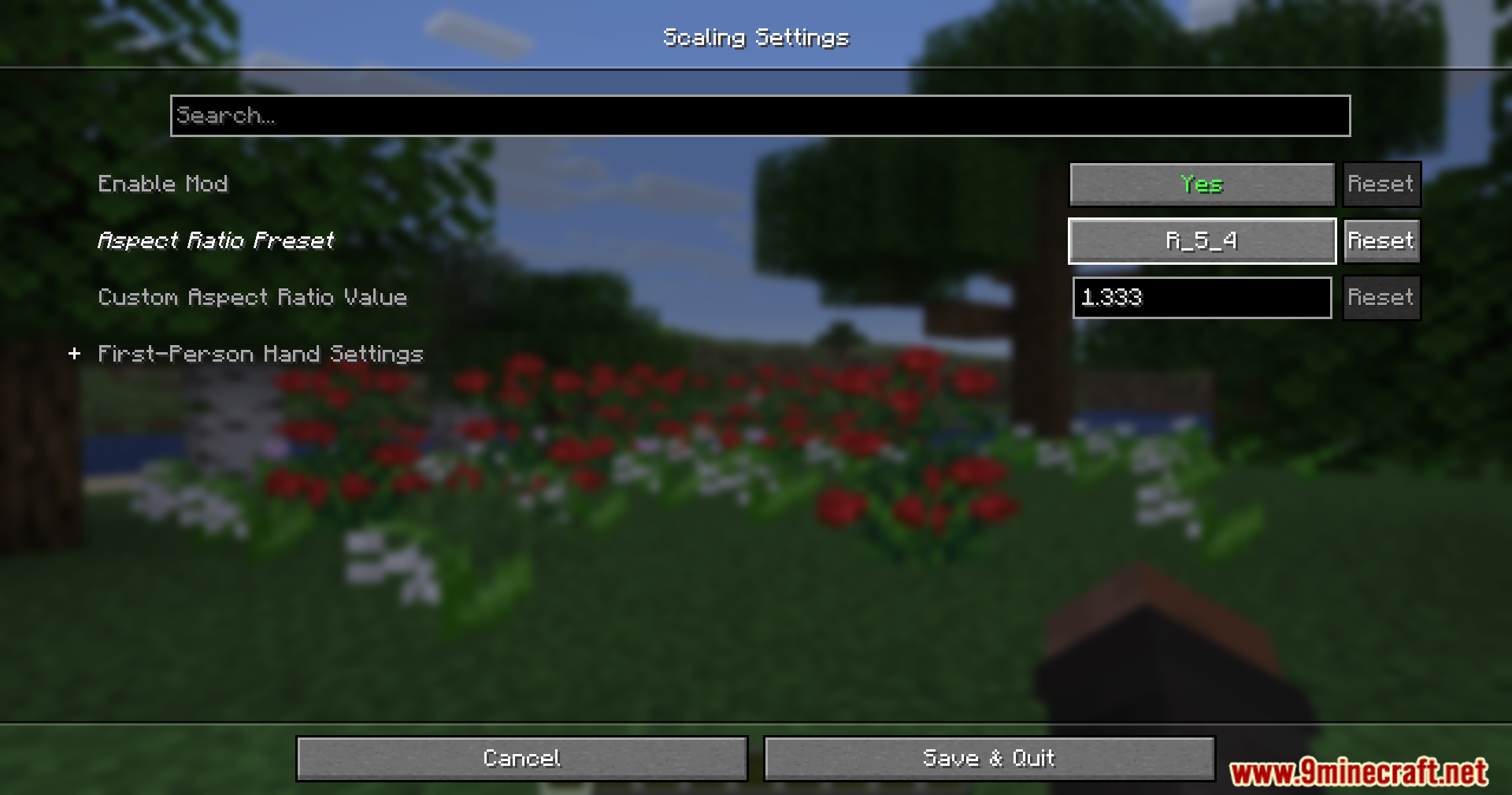
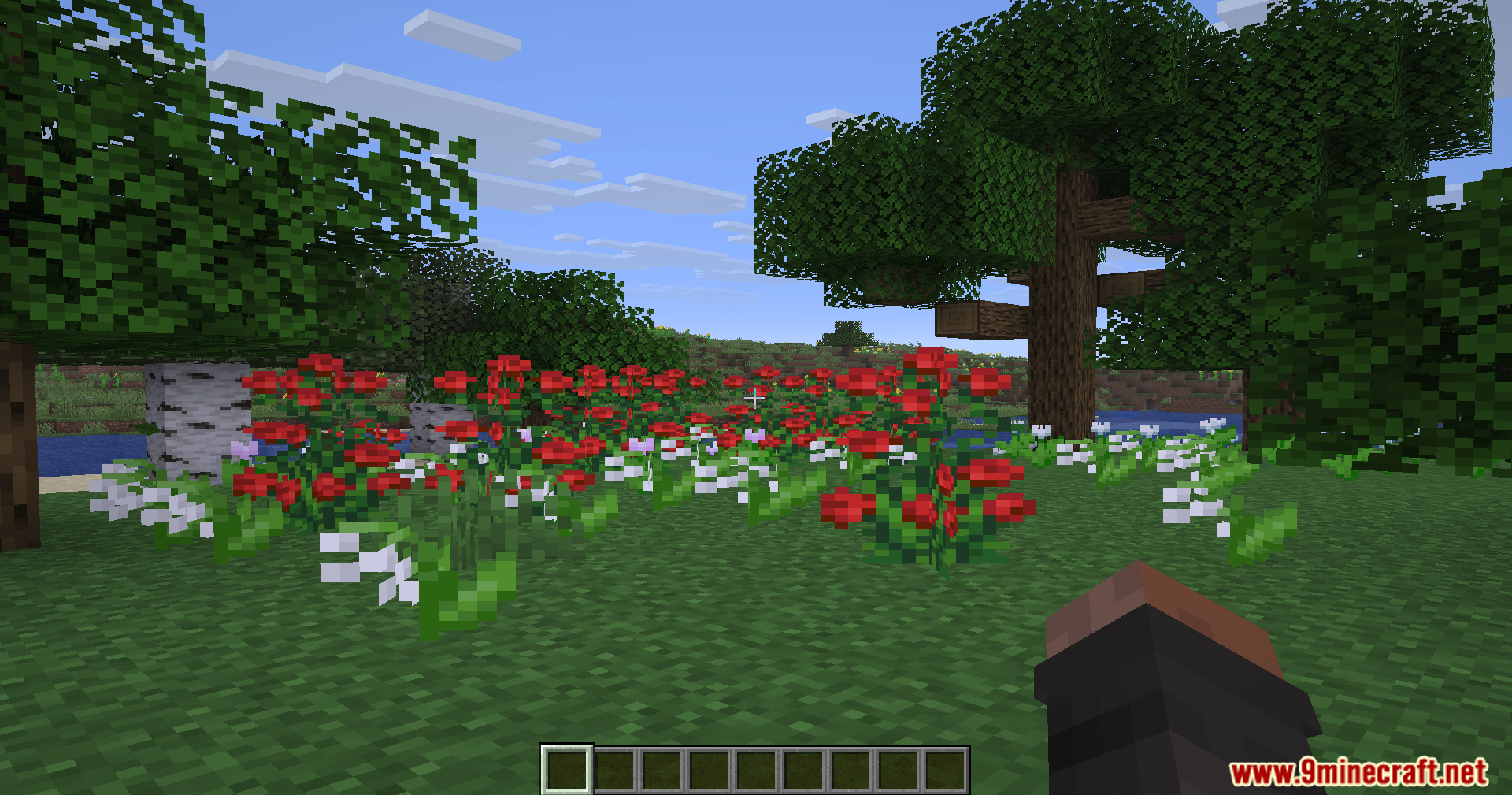
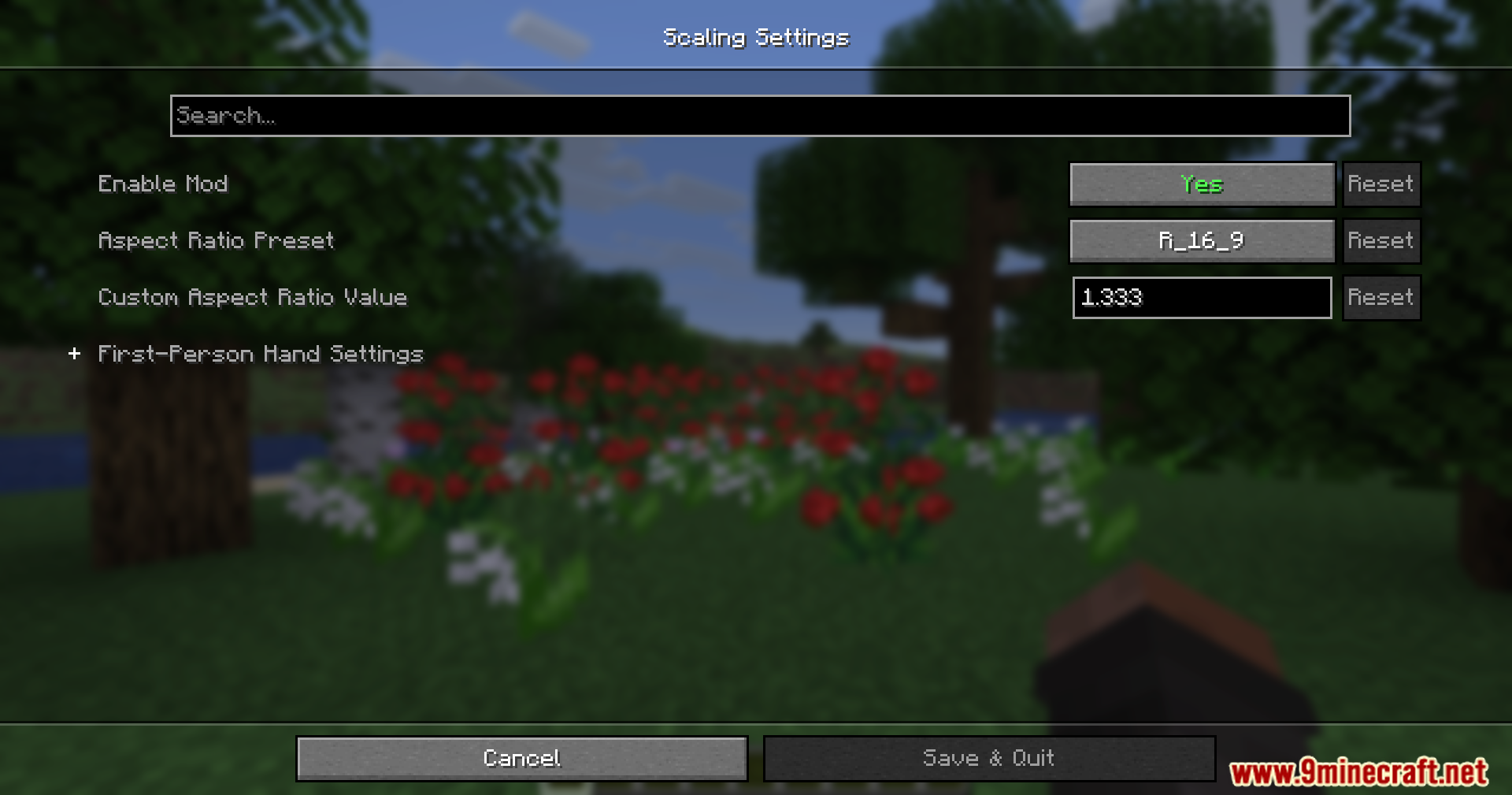
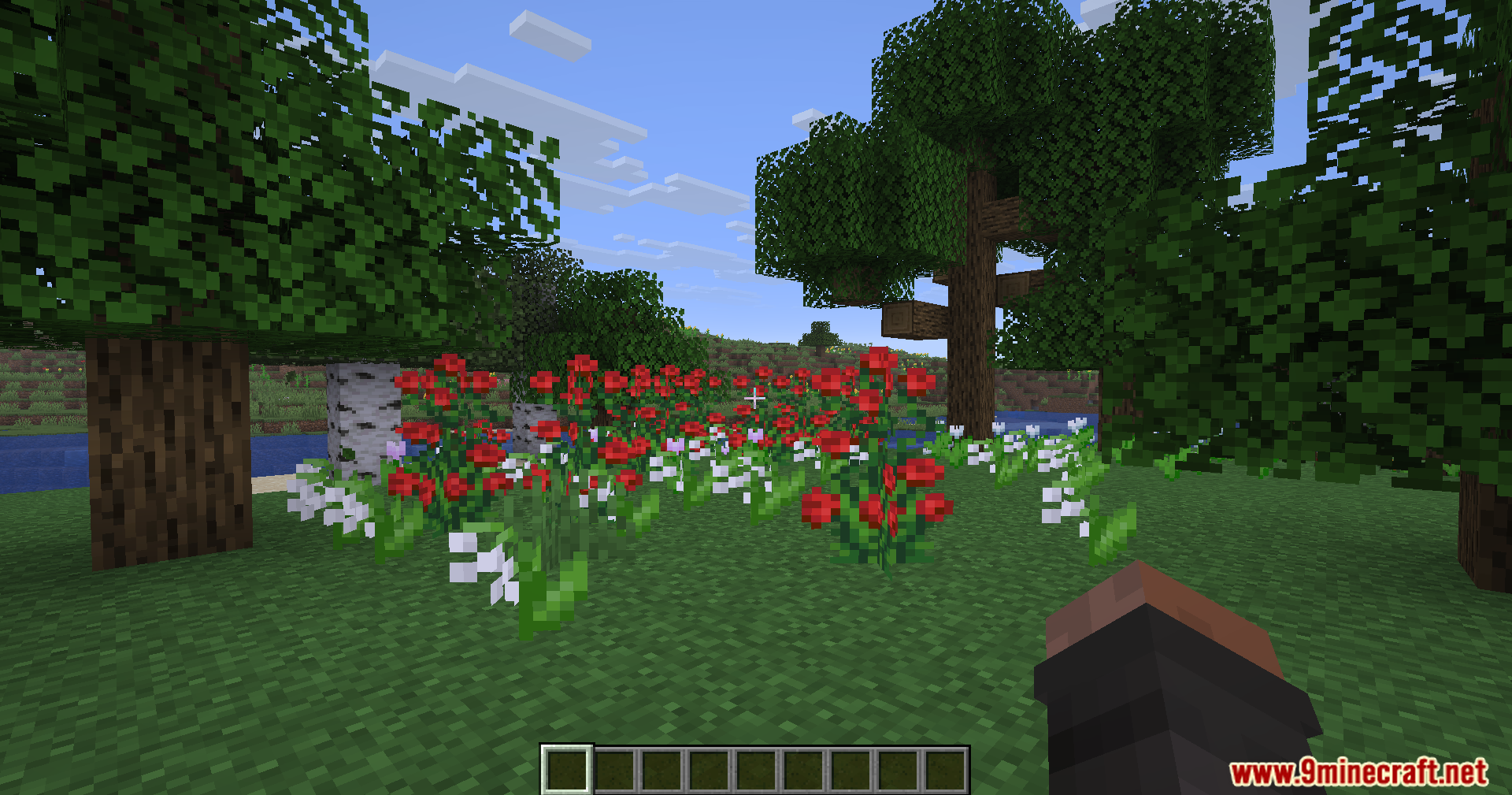
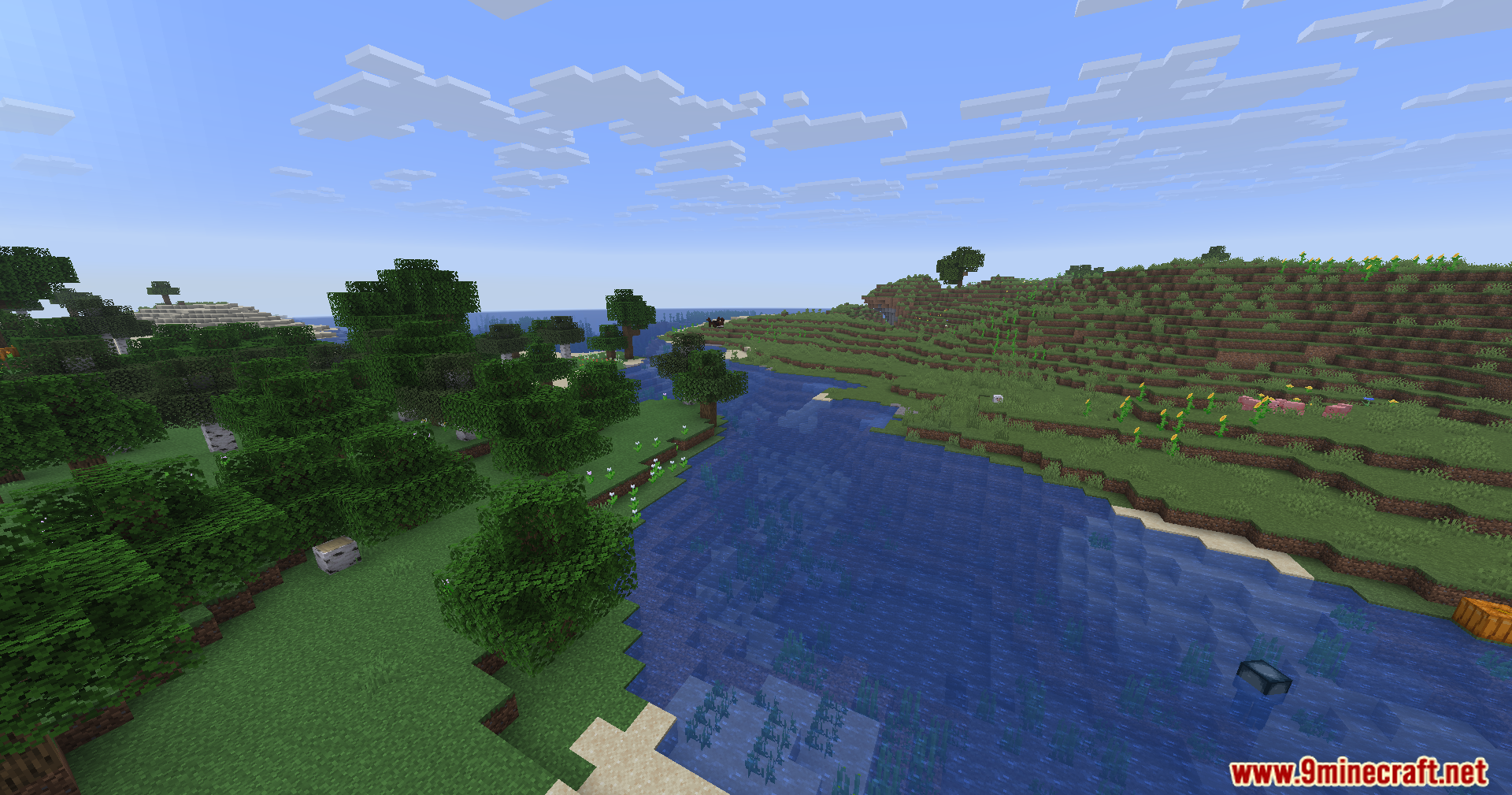
Rescale Aspect Ratio Mod は、モニターの設定を変えずに画面の形を変更できます。ゲーム画面を古い4:3や5:4の画面のように引き伸ばし、他のプレイヤーが横に広く見えるようになります。これにより画面をくっきり保ちながら、ターゲットを見つけやすくなります。
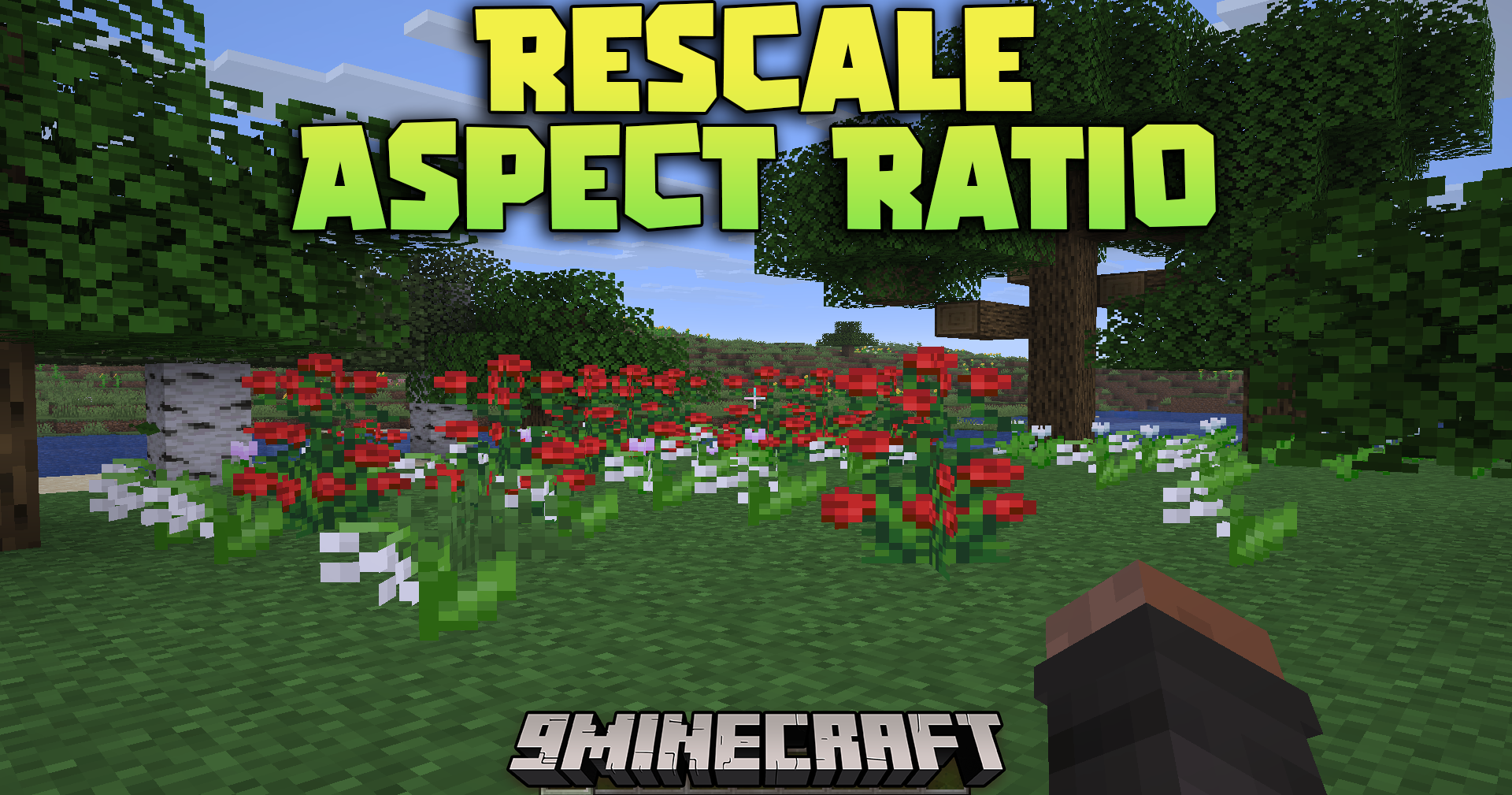
主な機能:
- 通常のモニター解像度を保ちつつ、画面を引き伸ばした4:3または5:4の形に変更します。
- 他のプレイヤーやモブを画面上で横に広く見せ、見つけやすくします。
- 画面を引き伸ばしたときの手やアイテムの見え方を調整する内蔵ツールを備えています。
- 手に持ったアイテムを上下左右に動かして、視界にぴったり収まるように調整できます。
使い方:
- プレイ中にInsertキーを押すと、リアルタイムの手エディターが開きます。
- Ctrlを押しながら矢印キーを押すと、アイテムを移動したりサイズを変更できます。
- 同時にShiftを押し続けると、調整がより速く動きます。
スクリーンショット:
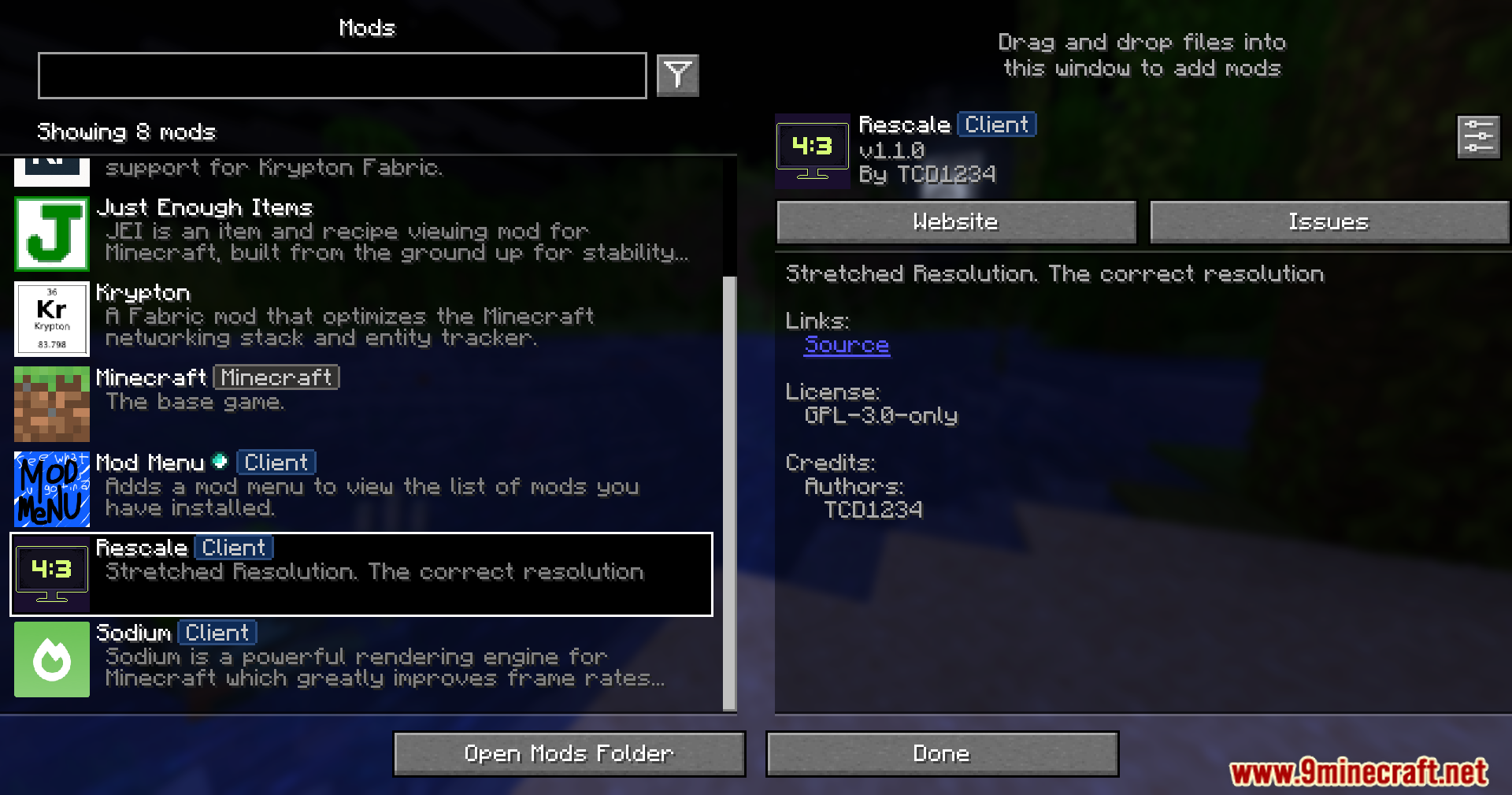
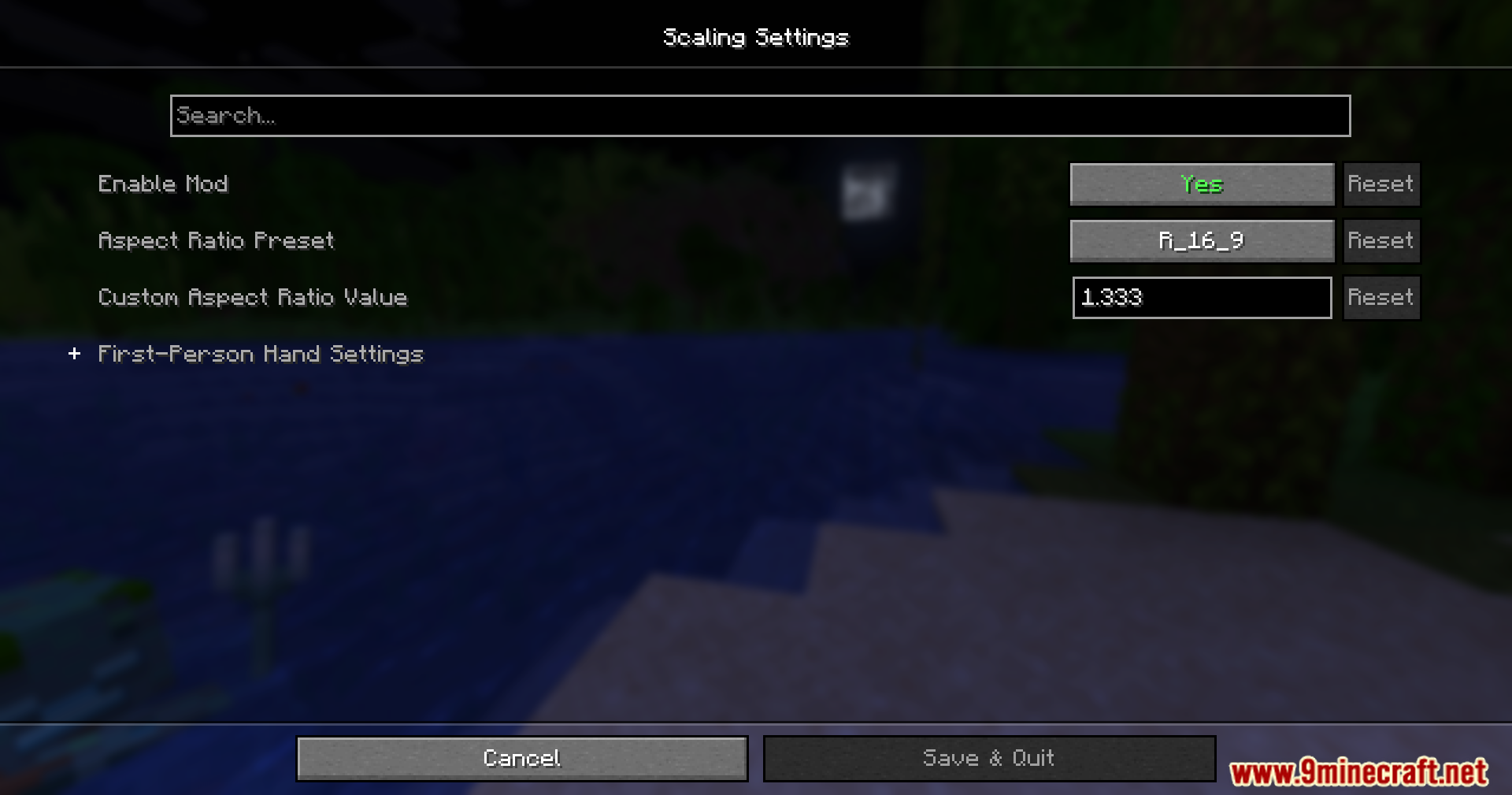
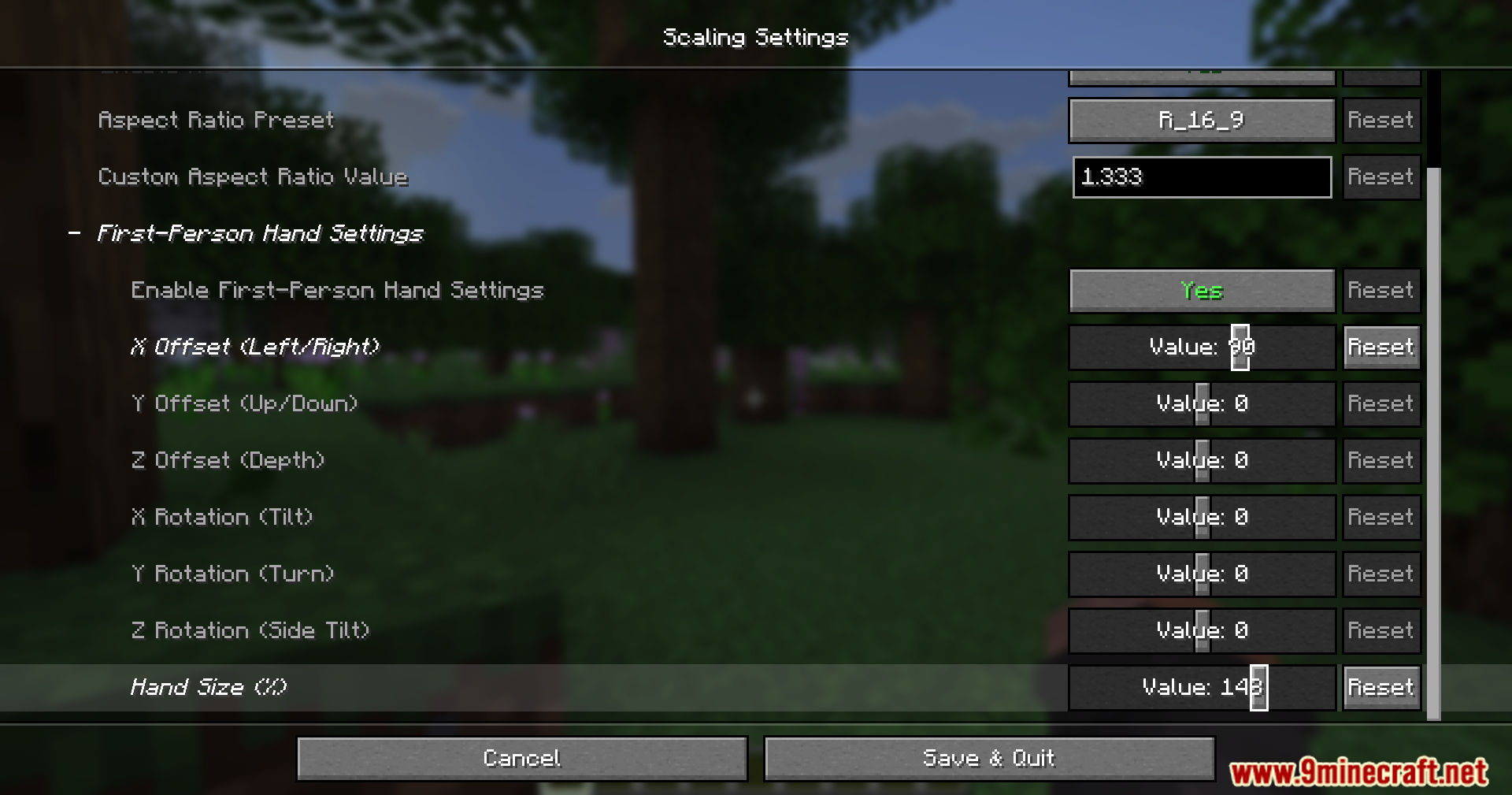
必要な前提:






Rescale Aspect Ratio Mod ダウンロードリンク
Minecraft 用 26.2
Minecraft 用 26.1.2, 26.1.1, 26.1
Minecraft 用
1.21.11,
1.21.10,
1.21.9
All Versions Covered
1.21.11
1.21.10
1.21.9
1.21.8
1.21.7
1.21.6
1.21.5
1.21.4
1.21.1
1.21
All Versions Covered
1.21.11
1.21.10
1.21.9
1.21.8
1.21.7
1.21.6
1.21.5
1.21.4
1.21.1
1.21
Minecraft 用 1.21.4
Minecraft 用 1.21.1, 1.21
Minecraft 用 1.20.1, 1.20
この投稿を評価するにはクリック!
[Total: 2 Average: 3.5]
こちらもおすすめ


この投稿にはまだコメントがありません。 最初のコメントを — あなたのコメントがここに表示されます。