


WITS Mod (26.2, 1.20.1) – あらゆる構造物を瞬時に識別
 1,291
1,291
 0
0


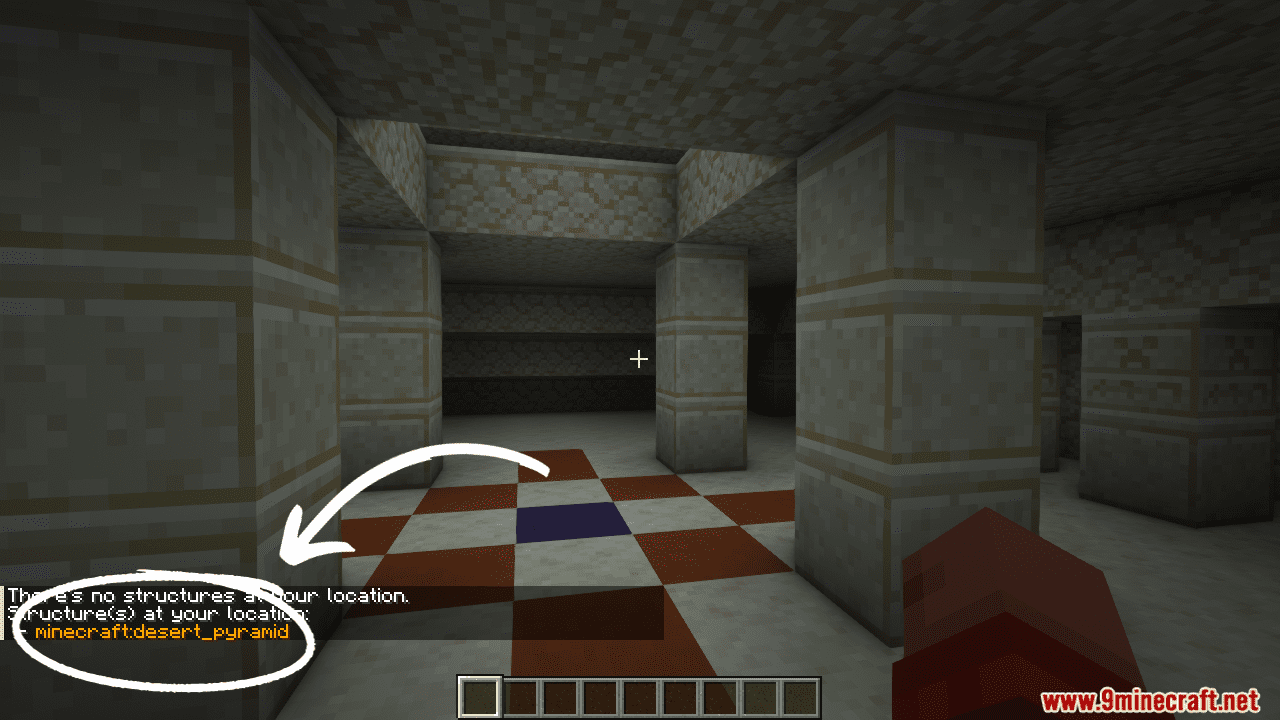
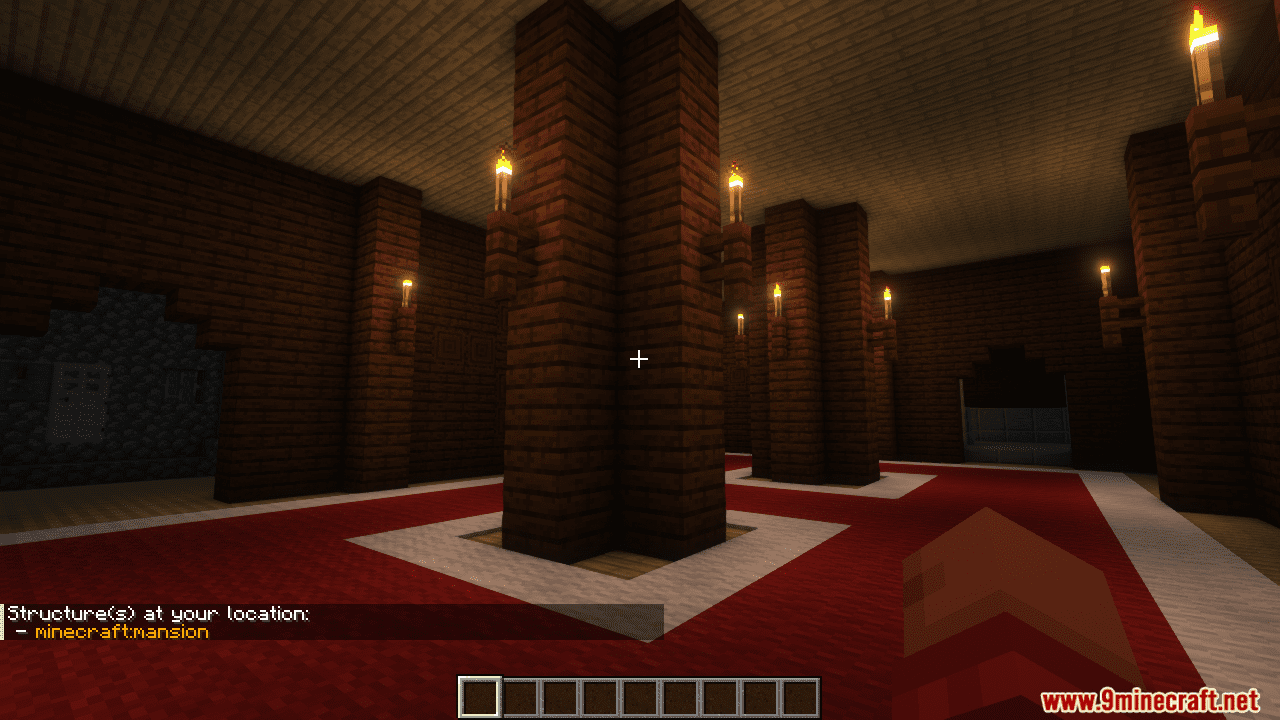
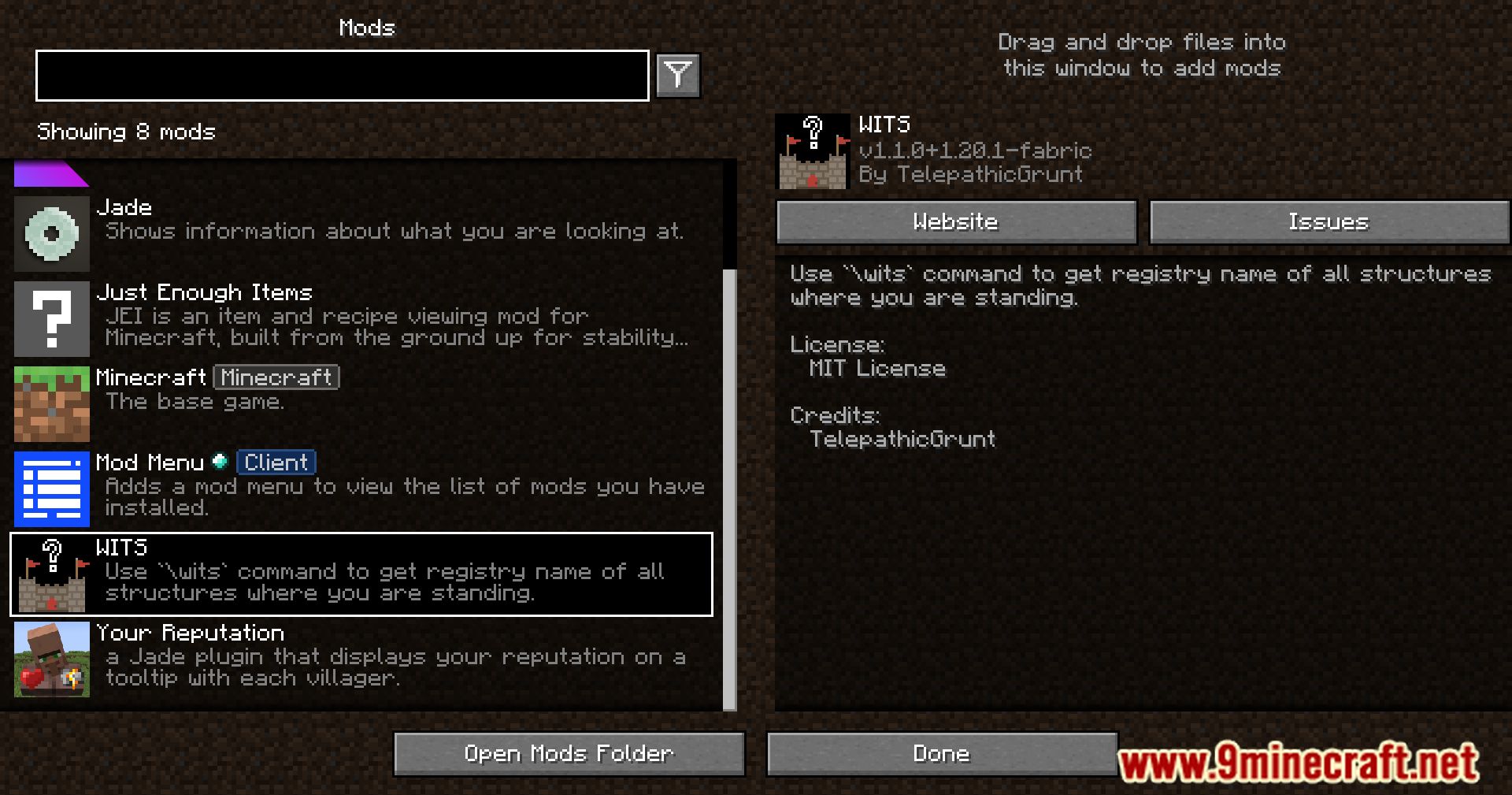
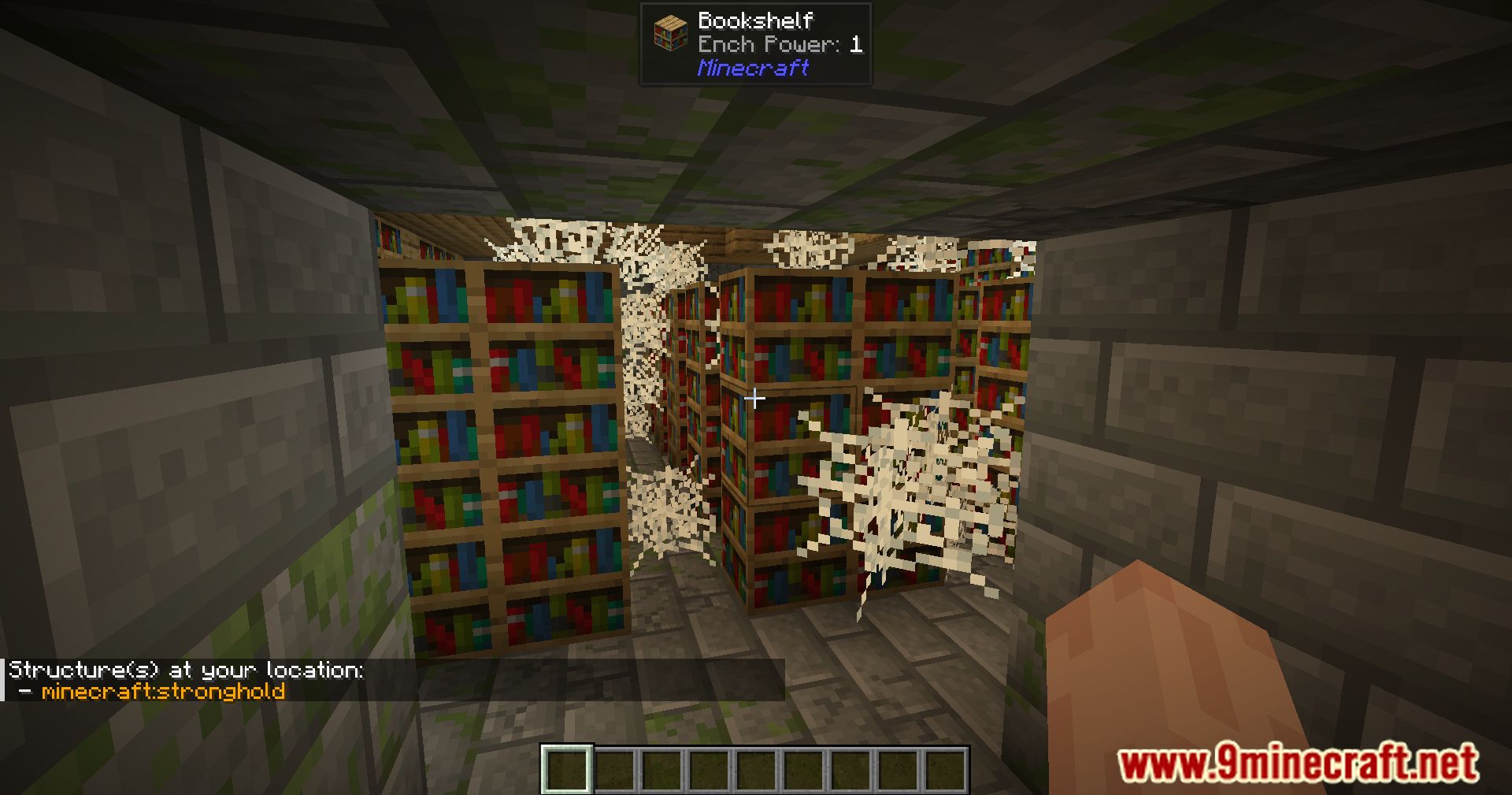
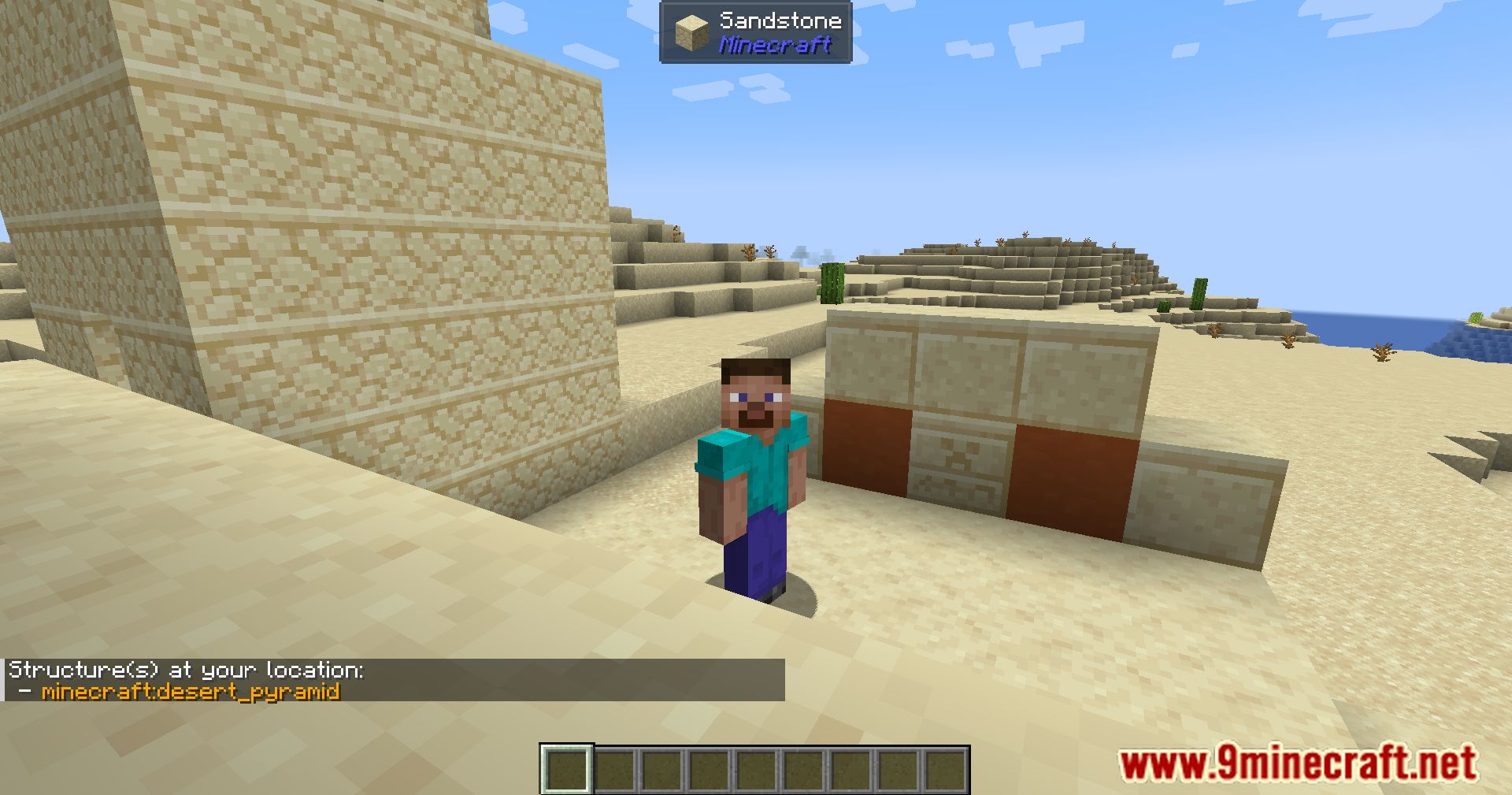
WITS Mod 自分が立っている構造物の名前を教えてくれるシンプルなコマンドを追加します。コマンドを使用すると、その場所にある構造物の公式レジストリ名が表示されます。これはモッドパック作成の際に非常に役立ち、どのMODが特定の建物を追加しているかを簡単に確認できます。シングルプレイヤーゲームでもマルチプレイヤーサーバーでも動作します。

特徴:
- 現在地にある構造物のレジストリ名を識別するコマンドを追加します。
- シングルプレイヤーとサーバーの両方で、すべてのプレイヤーに対応します。
- サーバー運営者は特別なコマンドを使用して、任意のディメンションの任意の座標にある構造物を識別できます。
- バニラの
/locateコマンドで表示されるあらゆる構造物を検出できます。 - ゲームの制限により、バニラのダンジョンや砂漠の井戸などの小さな地物は検出しません。
コマンド:
/wits: 現在の位置にあるすべての構造物のレジストリ名を表示します。/witsop [dimension] [coordinates]: サーバー運営者が任意の特定の場所で構造物を確認できるようにします。
使い方:
- 識別したい構造物に行きます。
- チャットボックスを開きます。
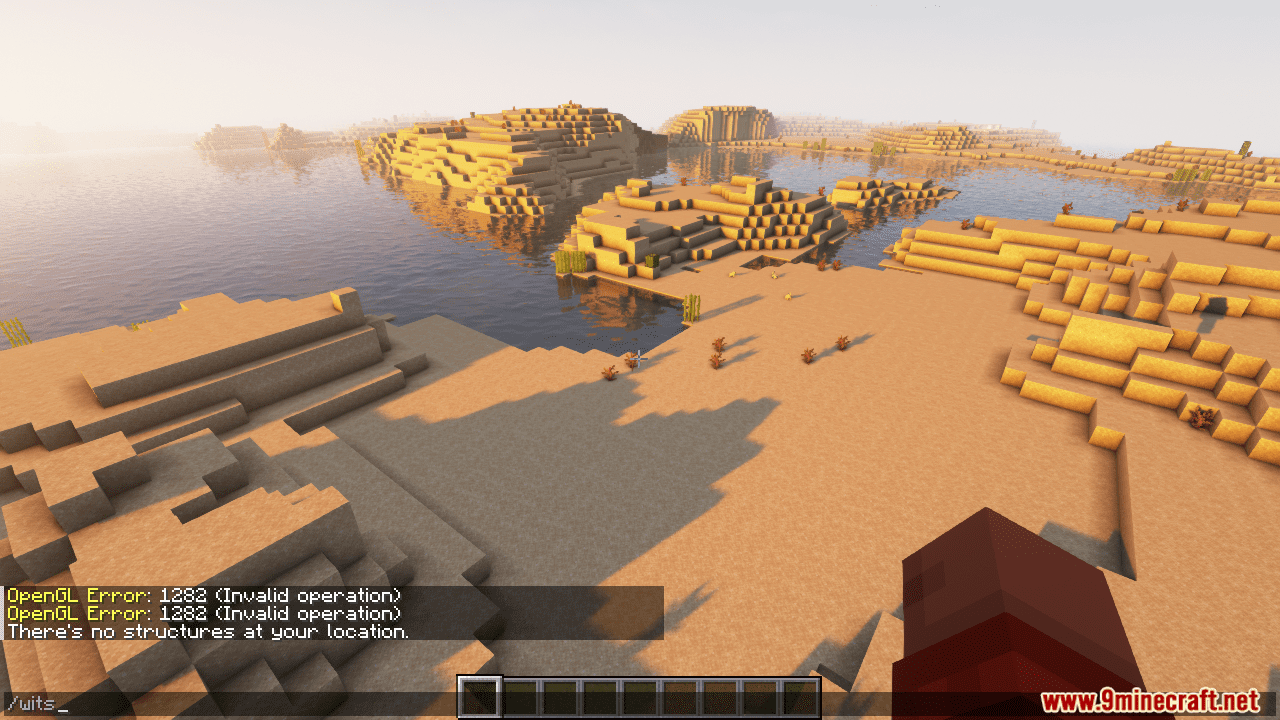
/witsと入力してEnterを押します。- あなたの場所にある構造物の名前がチャットに表示されます。
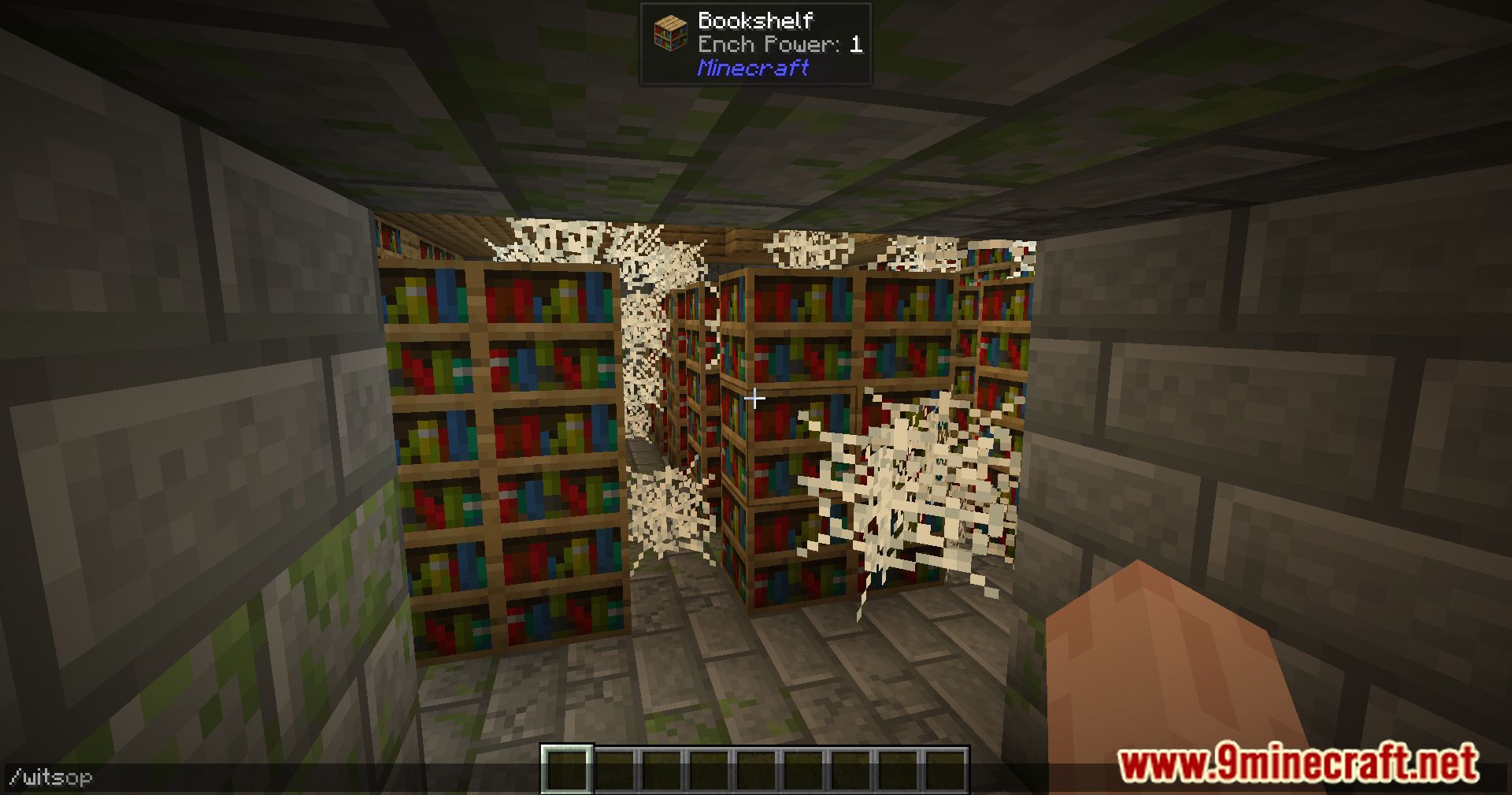
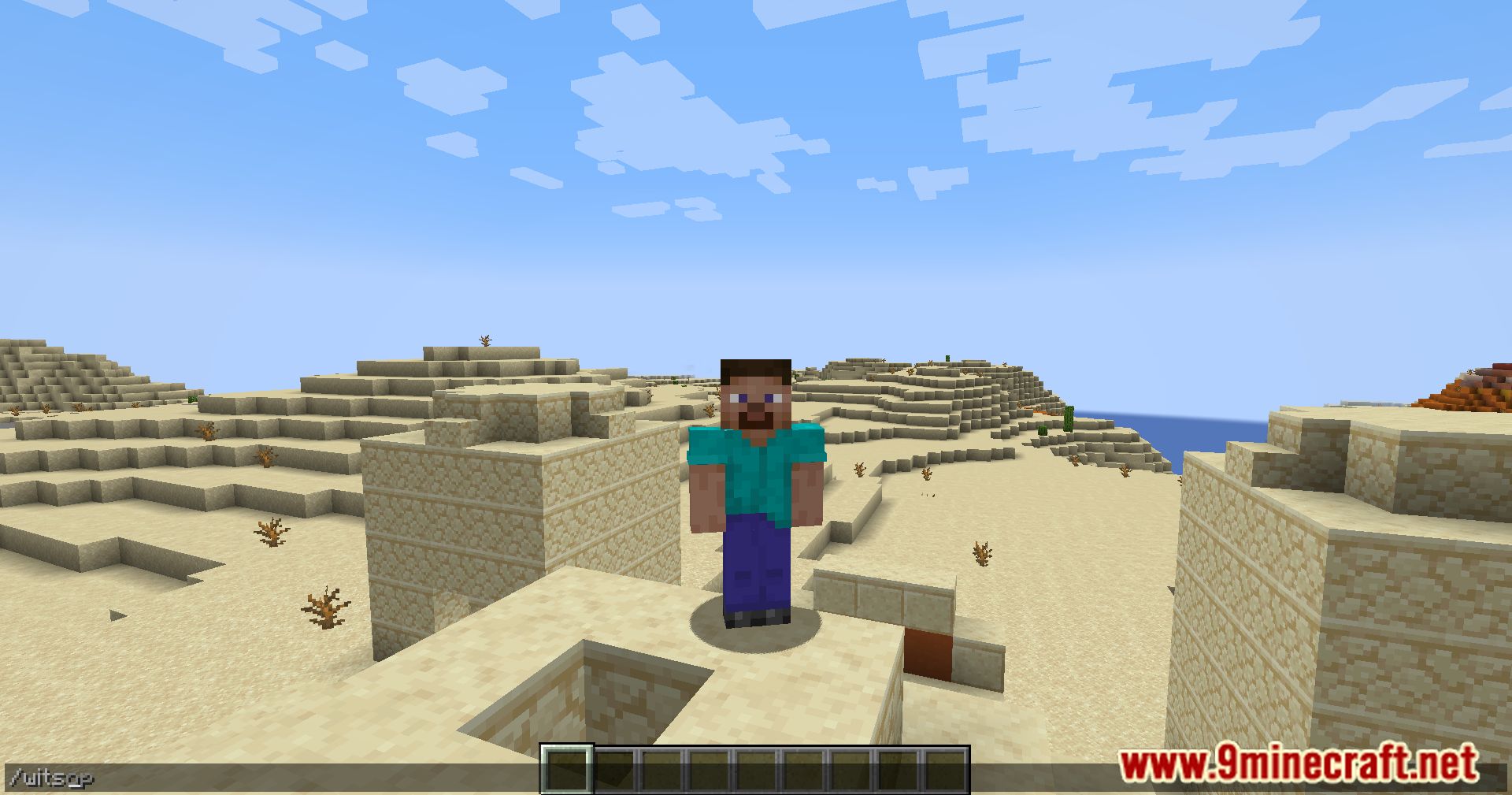
スクリーンショット:
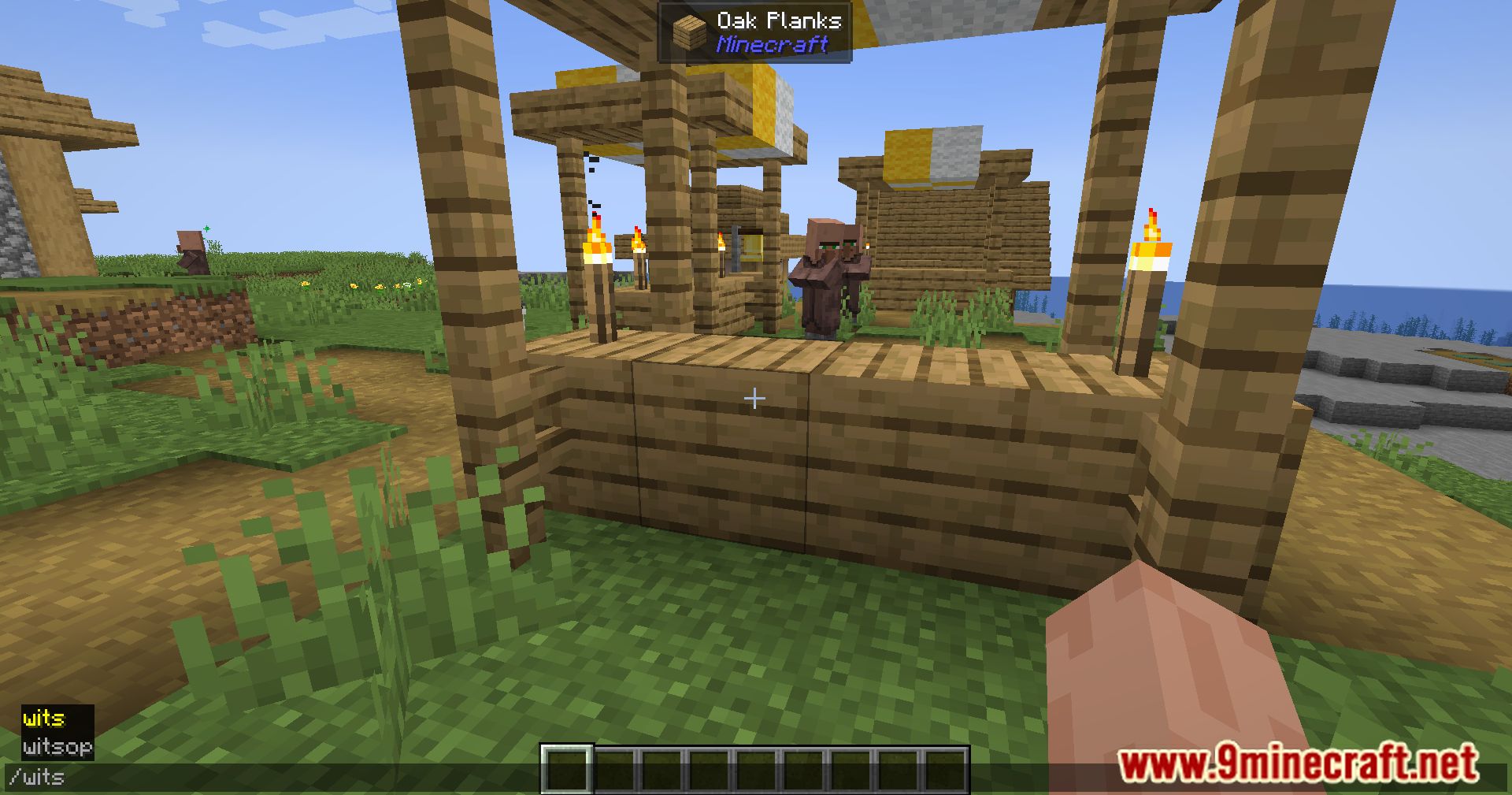
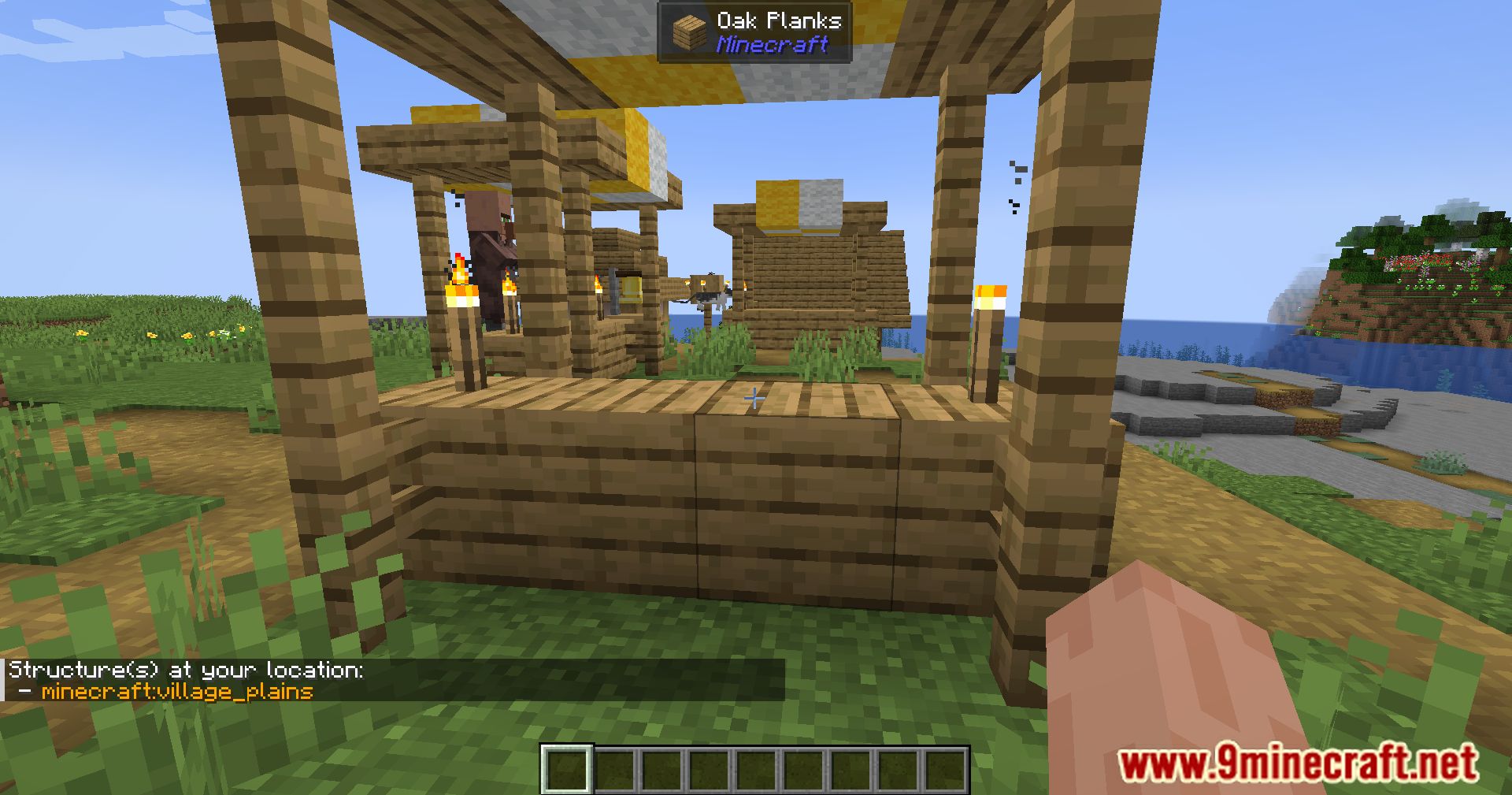
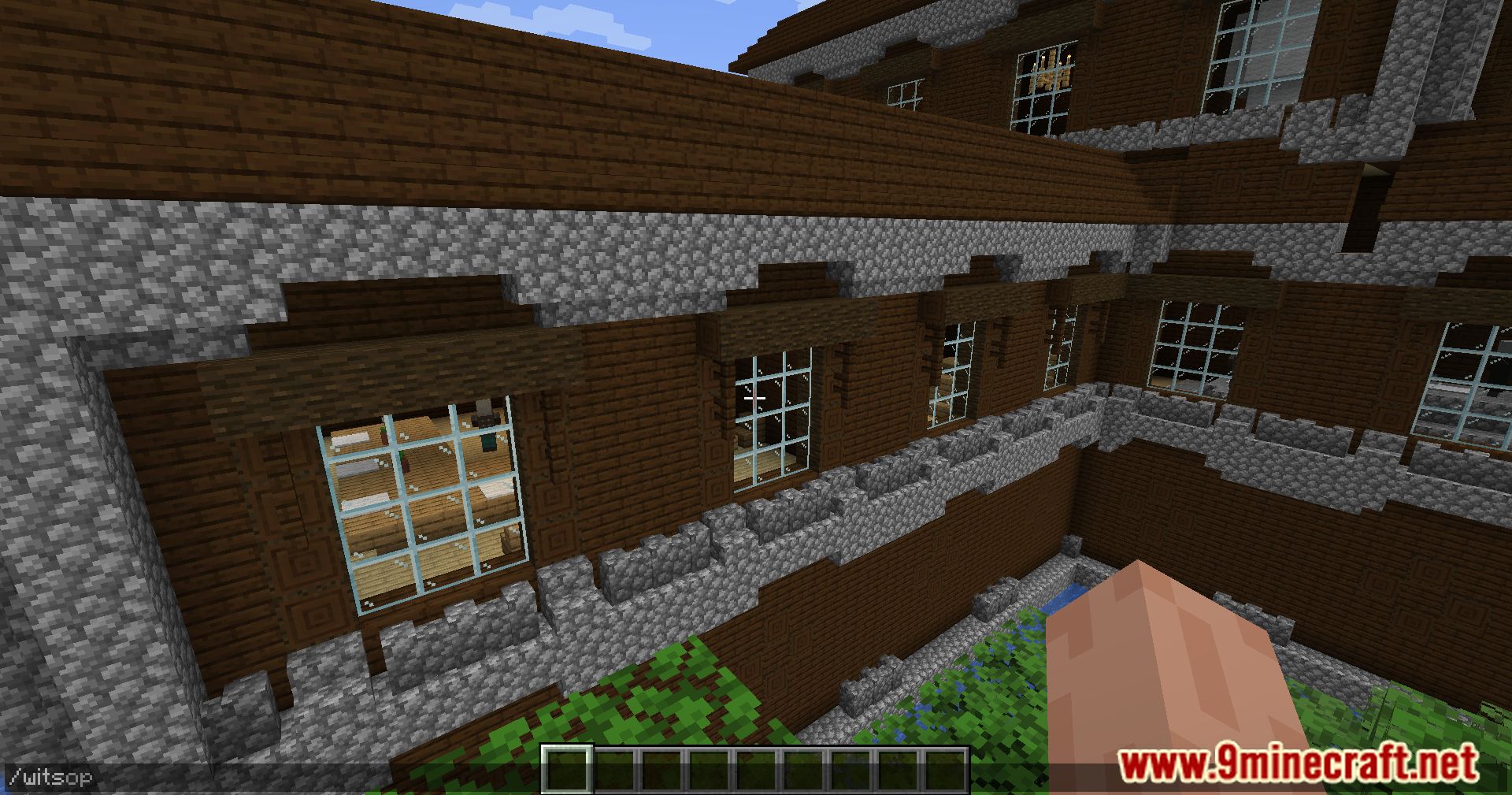
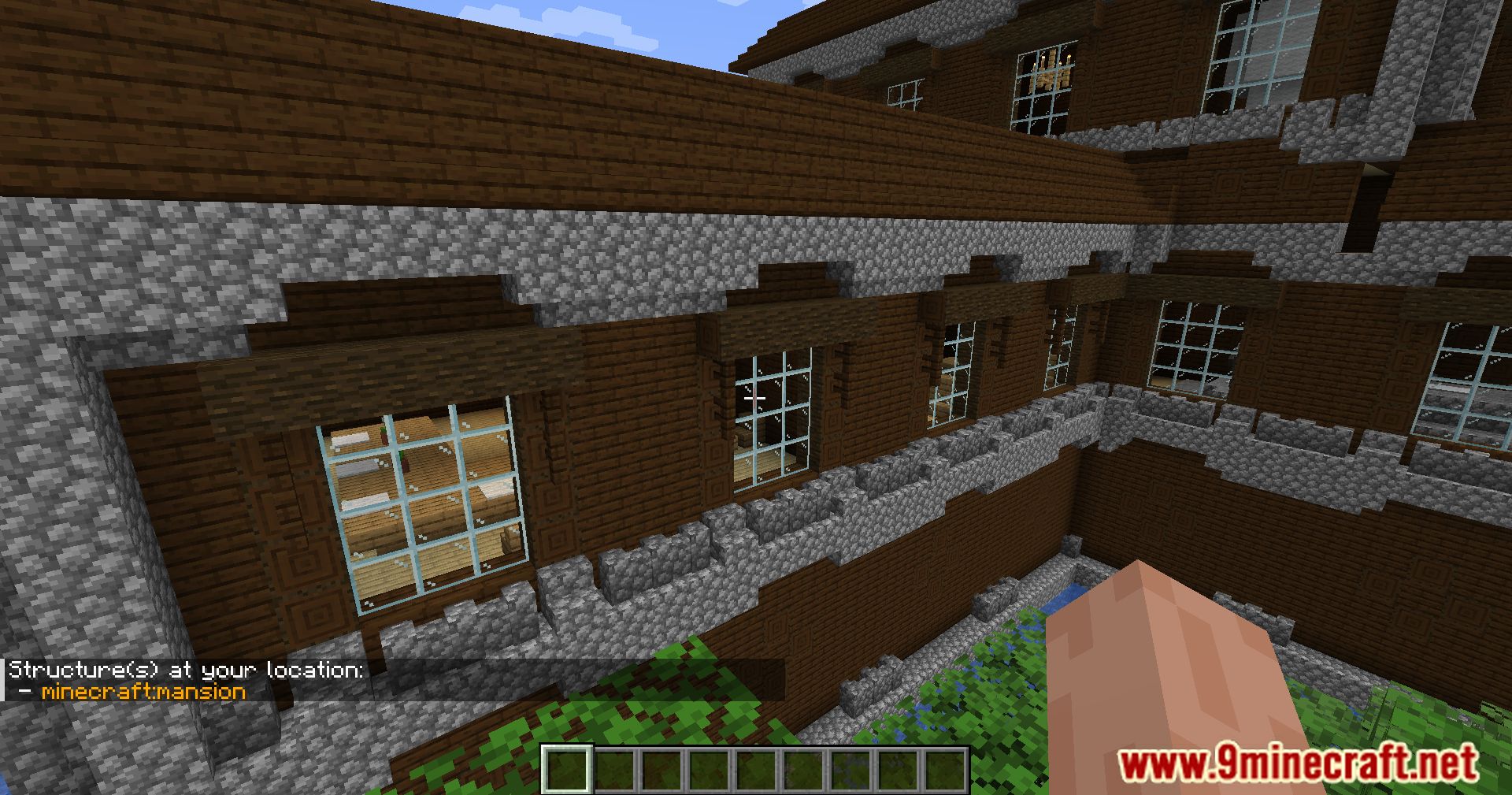




WITS Mod ダウンロードリンク
Minecraft 用
26.2,
26.1.2,
26.1.1
All Versions Covered
26.2
26.1.2
26.1.1
26.1
All Versions Covered
26.2
26.1.2
26.1.1
26.1
Minecraft 用 26.1.2, 26.1.1, 26.1
Minecraft 用 1.21.11
Minecraft 用 1.21.10, 1.21.9
Minecraft 用 1.21.8, 1.21.7, 1.21.6
Minecraft 用 1.21.5
Minecraft 用 1.21.4, 1.21.3
Minecraft 用 1.21.3, 1.21.2
Minecraft 用 1.21.1, 1.21
Minecraft 用 1.20.6
Minecraft 用 1.20.4, 1.20.3
Minecraft 用 1.20.2
Minecraft 用 1.20.1, 1.20
Minecraft 用 1.19.2
Minecraft 用 1.18.2
Minecraft 用 1.17.1
Minecraft 用 1.16.5
この投稿を評価するにはクリック!
[Total: 0 Average: 0]
こちらもおすすめ







この投稿にはまだコメントがありません。 最初のコメントを — あなたのコメントがここに表示されます。