
Jayly’s Cinematic Editor (26+) – MCPE/Bedrock Addon
 14
 0

Jayly’s Cinematic Editor offers comprehensive camera control for creating and staging cinematic sequences within the game. This Bedrock addon functions as an extension within the Minecraft Editor, providing a dedicated interface for scene design. Players using the Windows version of the game can access a suite of tools for camera manipulation, including the ability to manage the editor alongside direct interaction with the world.
The addon allows players to set up and manage individual camera keyframes, adjusting both position and rotation. It includes options for controlling how the camera moves between these keyframes, with settings for easing and interpolation styles like linear and Hermite curves. Players can also add visual effects to keyframes, such as fade-in and fade-out transitions, to further refine their scenes. A debug camera is available, which supports aspect ratio and field of view adjustments, helping creators visualize their shots accurately.
Once a scene is crafted, it can be imported or exported for use in other contexts. This includes exporting scenes for use with the Cinematic Runtime Add-On or for sharing with others who use the Cinematic Editor Extension. The addon has received significant updates, bringing new features and overall improvements to the editing workflow for Windows players, especially when paired with the ‘Prizma Visuals’ Vibrant Visuals Pack.
Requirements:
- MCPE/Bedrock 26.0 – 26.0.02
all 2 versions
26.0.02, 26.0
- Turn on Experimental Features — this addon uses scripting APIs
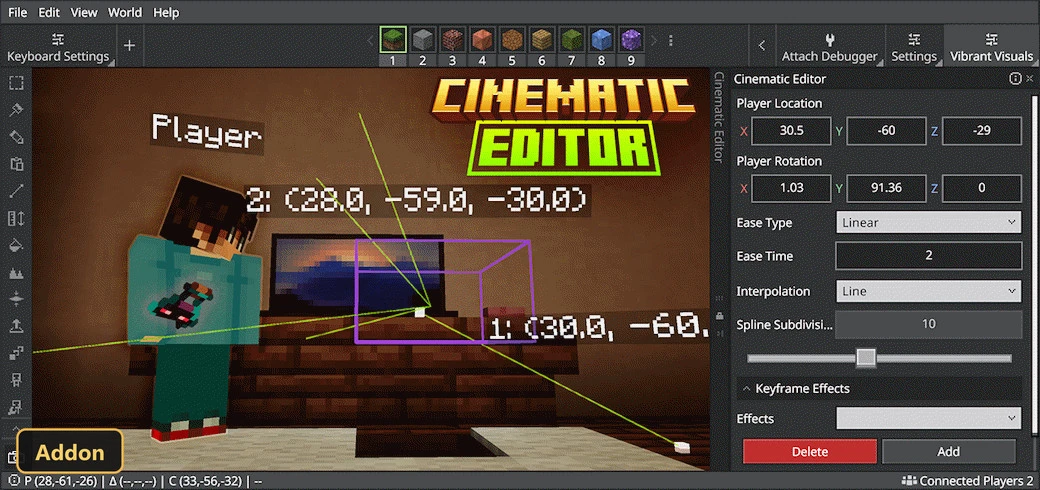
Screenshots:
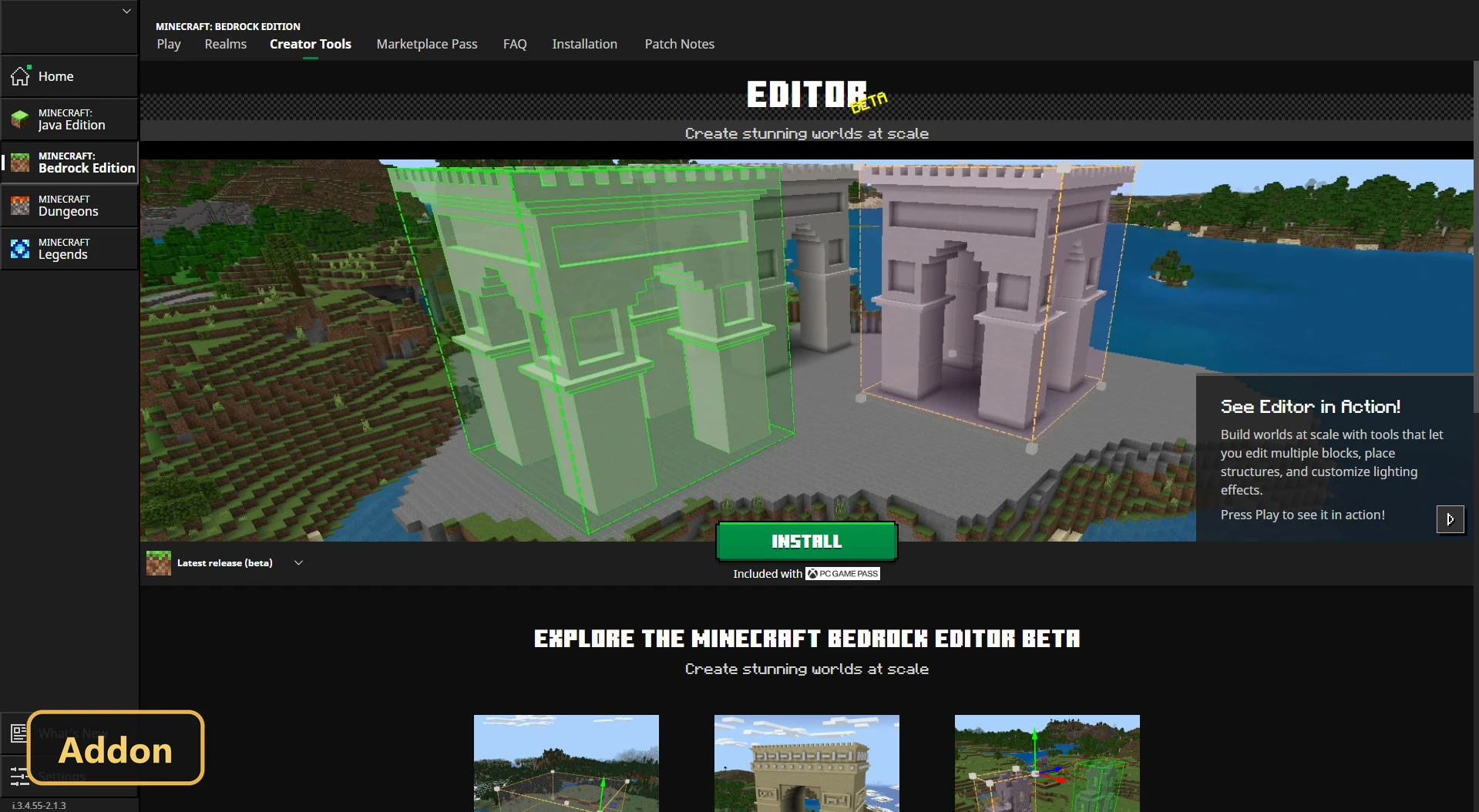
How to Install:
New to Minecraft PE? Follow our step-by-step guide to install Mods/Addons on your Mobile.View Guide
For MCPE/Bedrock 26+
You May Also Like
Picked for this page
 Aoffy Vibrant Plus Shader (1.21+) – MCPE/Bedrock
 Refined Deferred Shader (1.26+) – MCPE/Bedrock
 Synthwave Vibe Graphic Shader (1.26+) – MCPE/Bedrock
 Hold to Enchant Script (26.x) – Instant Max Enchants
 Pitch Black Vision Shader (1.26+) – Dark Nights and Real PBR Lighting
 Better Boats (26+, 1.21) – Sail Custom Ships and Haul Cargo
 Lunastra Visual Shader (1.26+) – Fiery Dragon Skies and Soft Glows
 The Silent Library Map (26.x, 1.21) – MCPE/Bedrock
 Nightmare Overload Addon (26.x) – Terrifying Monsters and Fog
 Clear Vision – Updated Addon (26.x, 1.21) – Toggle Infinite Night Sight
 Faithful HD (26+, 1.18) – Crisp 512x Classic Vanilla Look
 Easy Mine Addon (26+, 1.21) – Break Whole Ore Veins and Trees Instantly
Most viewed in Mods & Addons over the last 7 days
 Mob Girls Addon (1.26+, 1.21) – MCPE/Bedrock Mod
 Asa’s One Piece Addon (1.26+, 26.32) – MCPE/Bedrock Mod
 Better on Bedrock Addon/Map (1.26+) – Fight Seven Bosses in New Biomes
 Jenny Colette Version Addon (26.x, 1.21) – MCPE/Bedrock Mod
 Fapcraft Addon (1.26, 1.21) – MCPE/Bedrock Jenny Mod
 Jujutsu Awakening Addon (1.26+, 1.21+) – Unleash Limitless Sorcery
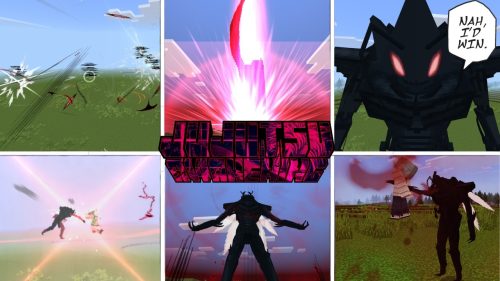 New Jujutsu Awakening Addon (1.26+) – MCPE/Bedrock
 Titan Craft Addon (1.26+, 1.21) – MCPE/Bedrock Attack on Titan Mod
 Secrets of Berk Addon (26.33+) – How To Train Your Dragon Mod MCPE/Bedrock
 Shadow Company Addon (26.x, 1.21) – MCPE/Bedrock Mod
 Jujutsu Kaisen Addon (26.x, 1.21) – MCPE/Bedrock Mod
 Jenny Add-on (Fapcraft) APK MCPE Full Guide – How to use, Tutorial
More from Mods & Addons
 Abandoned Vehicles (26+) – MCPE/Bedrock Addon
 LuckyMap (26+) – MCPE/Bedrock Addon
 VeinMiner & TreeCapitator Add-On (26+, 1.21) – MCPE/Bedrock Addon
 Understudy – Fake Players (26+) – MCPE/Bedrock Addon
 Russian Waifu (26+) – MCPE/Bedrock Addon
 Thermonuclear Expansion (26+) – MCPE/Bedrock Addon
 Cobblestone Generators (26+) – MCPE/Bedrock Addon
 Vitality (26+) – MCPE/Bedrock Addon
 Family Life – Now with AI! (26+, 1.21) – MCPE/Bedrock Addon
 Hot Wheels Minecraft Character Cars (26+, 1.21) – MCPE/Bedrock Addon
 NatureCraft (26+, 1.21) – MCPE/Bedrock Addon
 CRAFTPUNK (26+) – MCPE/Bedrock Addon

This post has no comments yet. Be the first — your comment will appear here.