🌐 You're reading this article in 한국어. Want to switch?
Or pick the one you like:

Ponder For Kaleidoscope Cookery Mod는 Kaleidoscope Cookery 모드를 위한 시각적 학습 장면을 추가해 줍니다. 긴 텍스트 가이드를 읽을 필요 없이 다양한 요리 블록이 어떻게 작동하는지 직관적으로 이해할 수 있도록 도와줍니다. 이 애드온은 냄비(pot), 육수 냄비(stockpot), 찜기(steamer)와 같은 아이템의 3D 애니메이션을 재생하여 바로 요리를 시작할 수 있게 해줍니다.
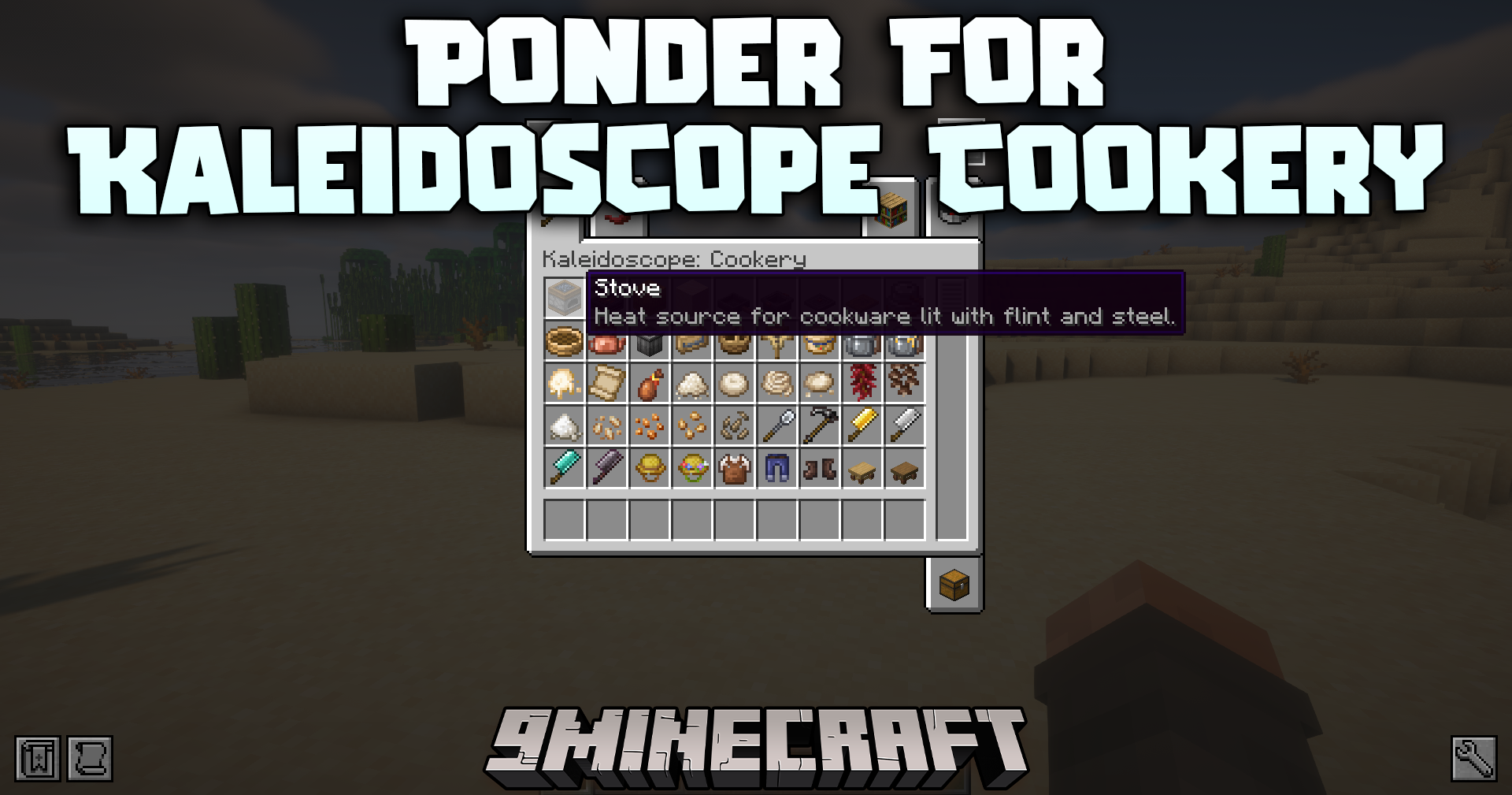
Ponder for Kaleidoscope Cookery Mod

주요 기능:

  • 각 기능성 요리 블록의 작동 방식을 설명하는 유용한 3D 애니메이션을 추가합니다.
  • 냄비, 육수 냄비, 찜기 사용법을 명확한 단계별로 정확히 보여줍니다.
  • 신규 플레이어가 메인 요리 모드를 훨씬 쉽게 배울 수 있도록 돕습니다.
  • 모든 지침을 게임 내에서 직접 확인할 수 있어 시간을 절약해 줍니다.

스크린샷:
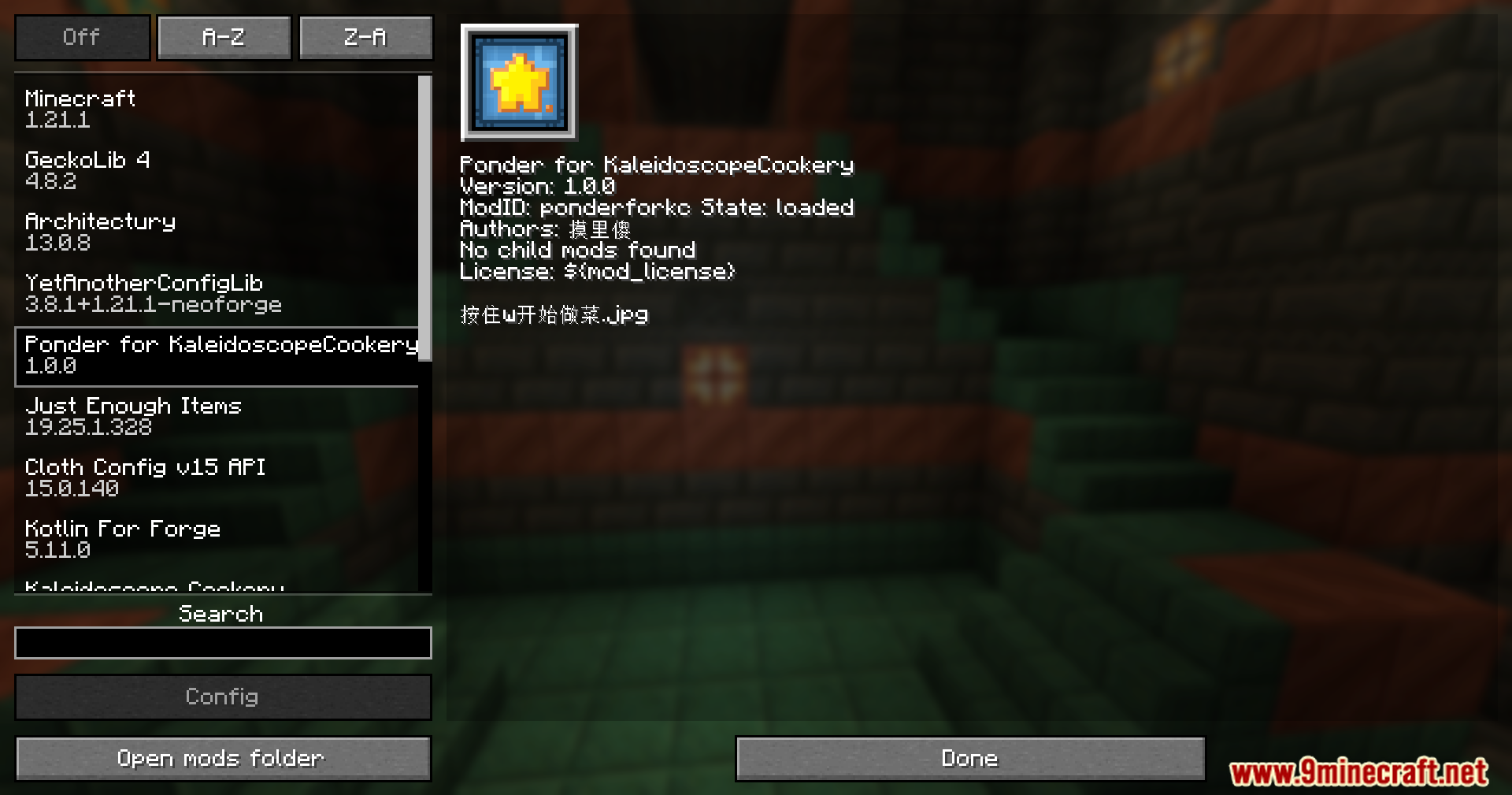
Mod list menu showing Ponder for Kaleidoscope Cookery installed
Ponder for Kaleidoscope Cookery가 설치된 모드 목록 메뉴
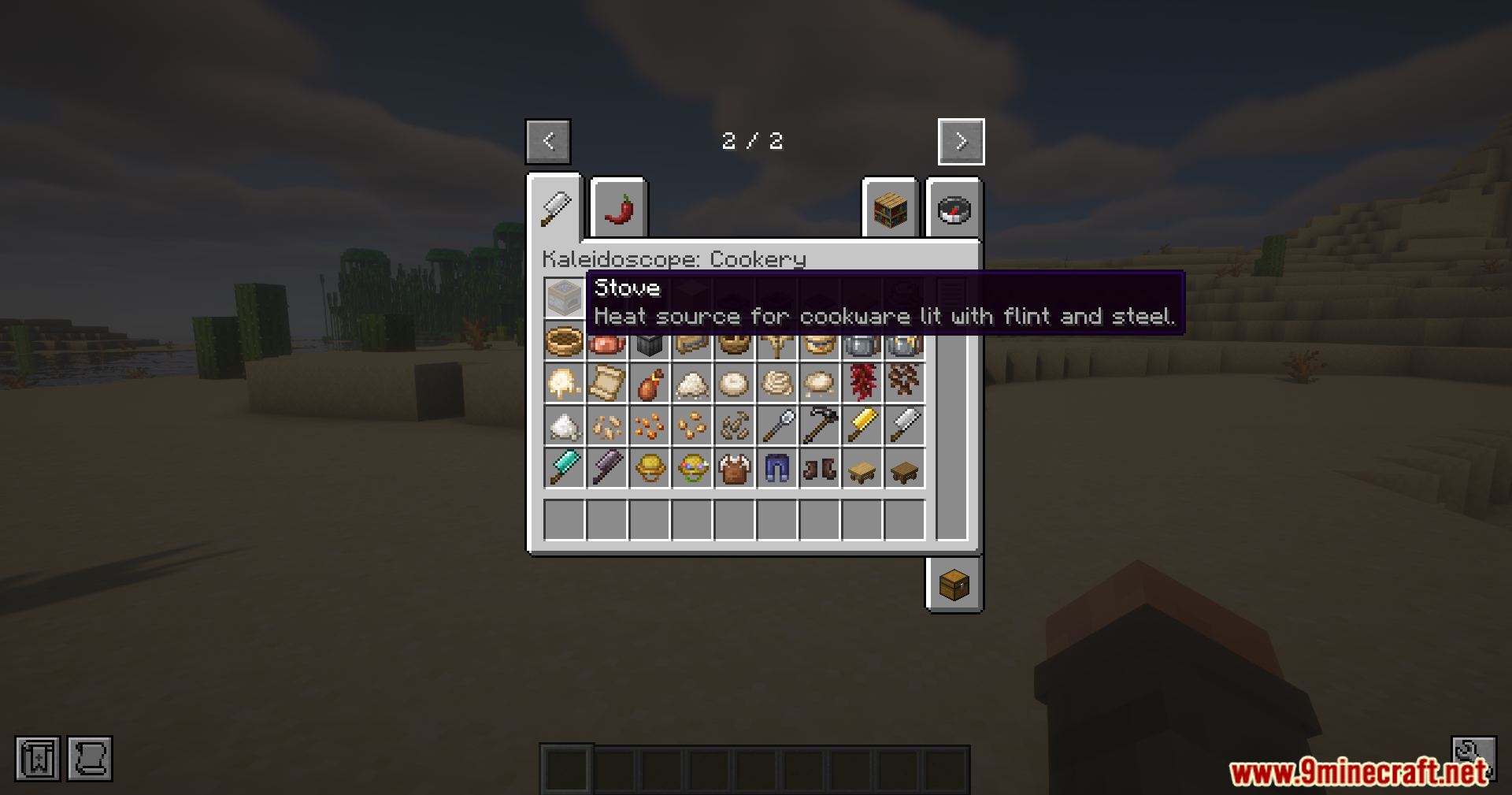
Creative inventory tab for Kaleidoscope Cookery showing various items
다양한 아이템을 보여주는 Kaleidoscope Cookery 크리에이티브 인벤토리 탭
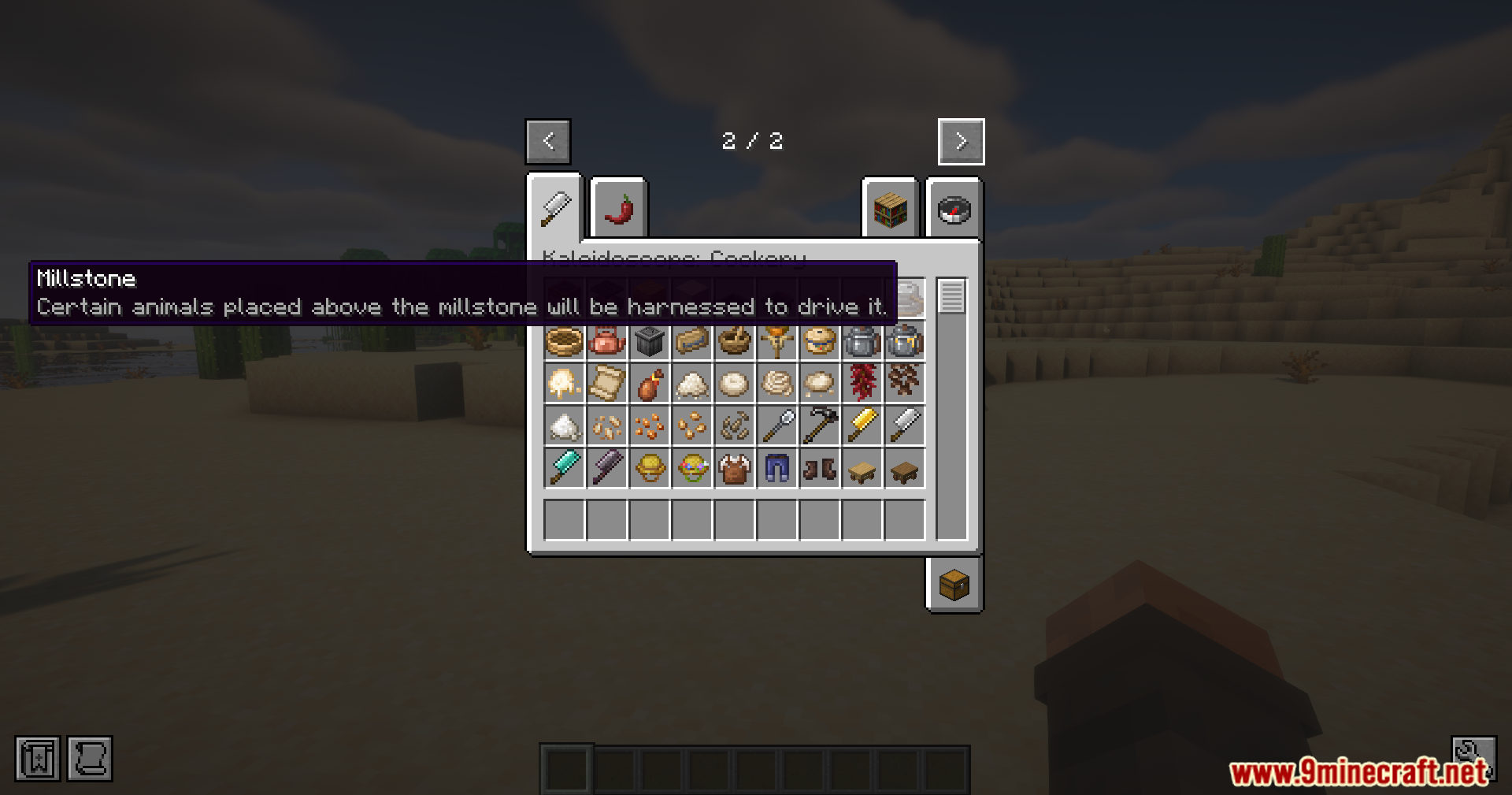
Hovering over the Millstone item in the creative inventory menu
크리에이티브 인벤토리 메뉴에서 맷돌(Millstone) 아이템에 마우스를 올린 모습
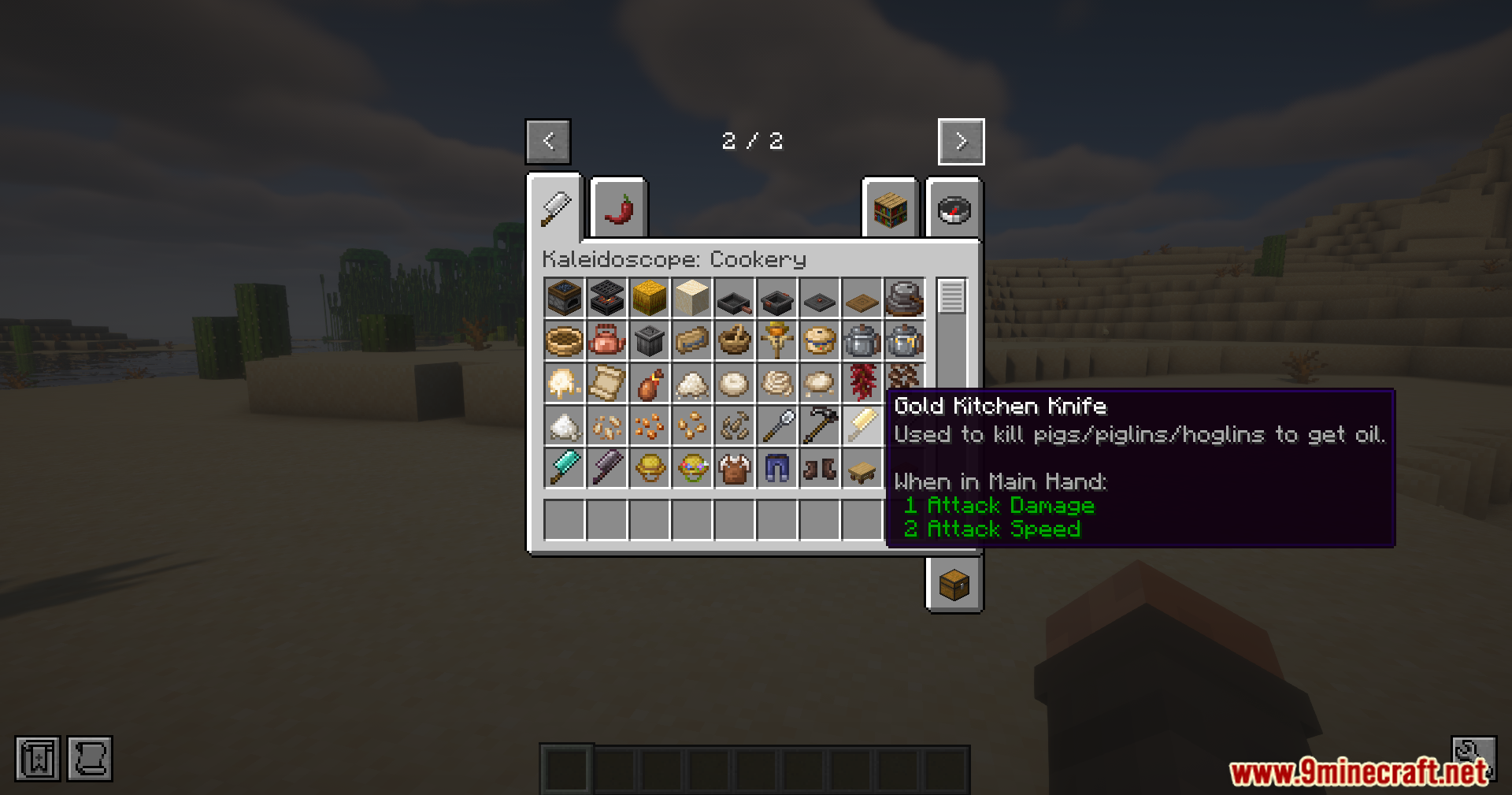
Viewing the tooltip for the Gold Kitchen Knife item
황금 주방용 칼 아이템의 툴팁 확인
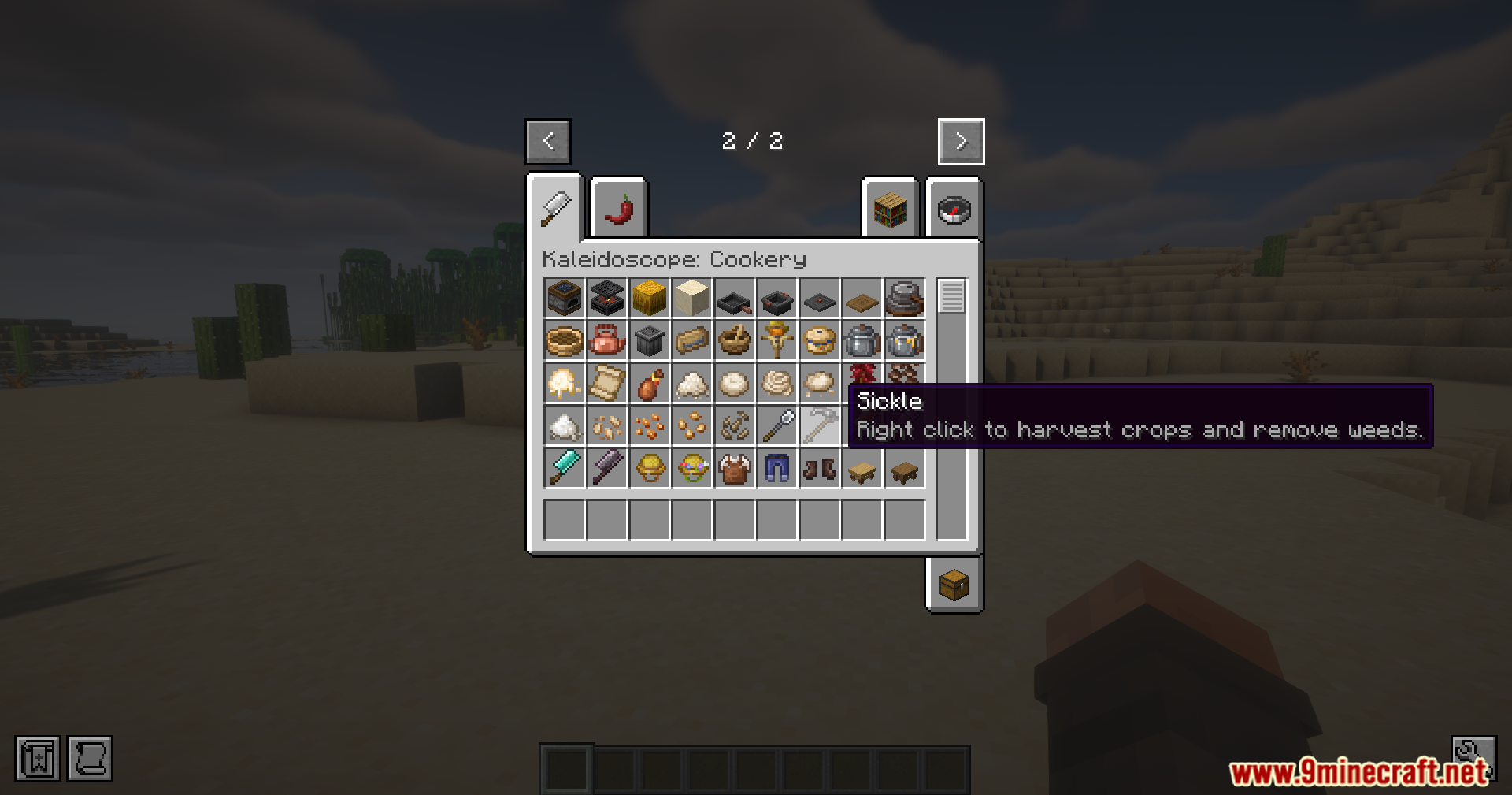
Hovering over the Sickle item in the creative inventory menu
크리에이티브 인벤토리 메뉴에서 낫(Sickle) 아이템에 마우스를 올린 모습
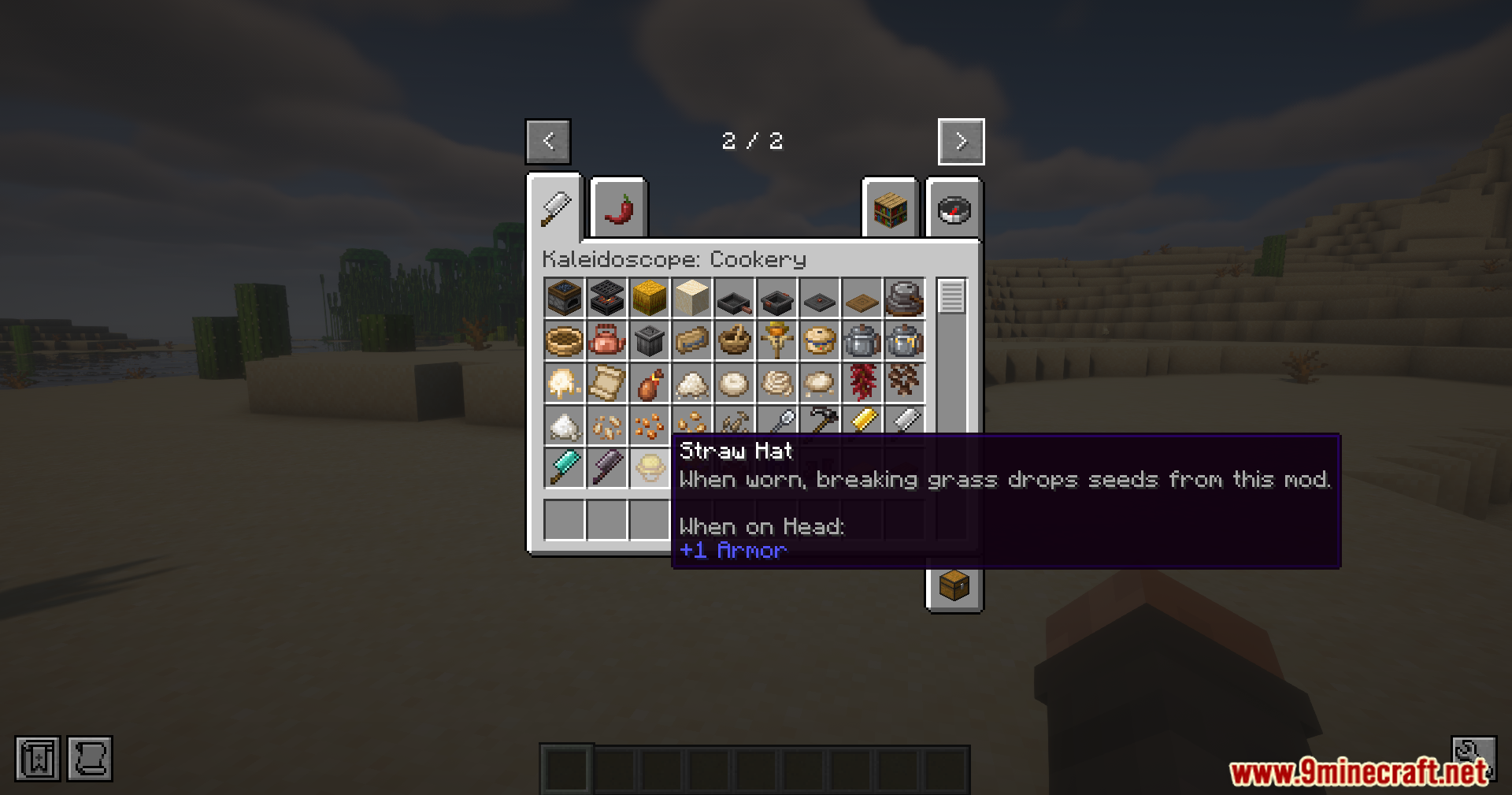
Viewing the Straw Hat item details in the creative inventory
크리에이티브 인벤토리에서 밀짚모자 아이템 상세 정보 확인
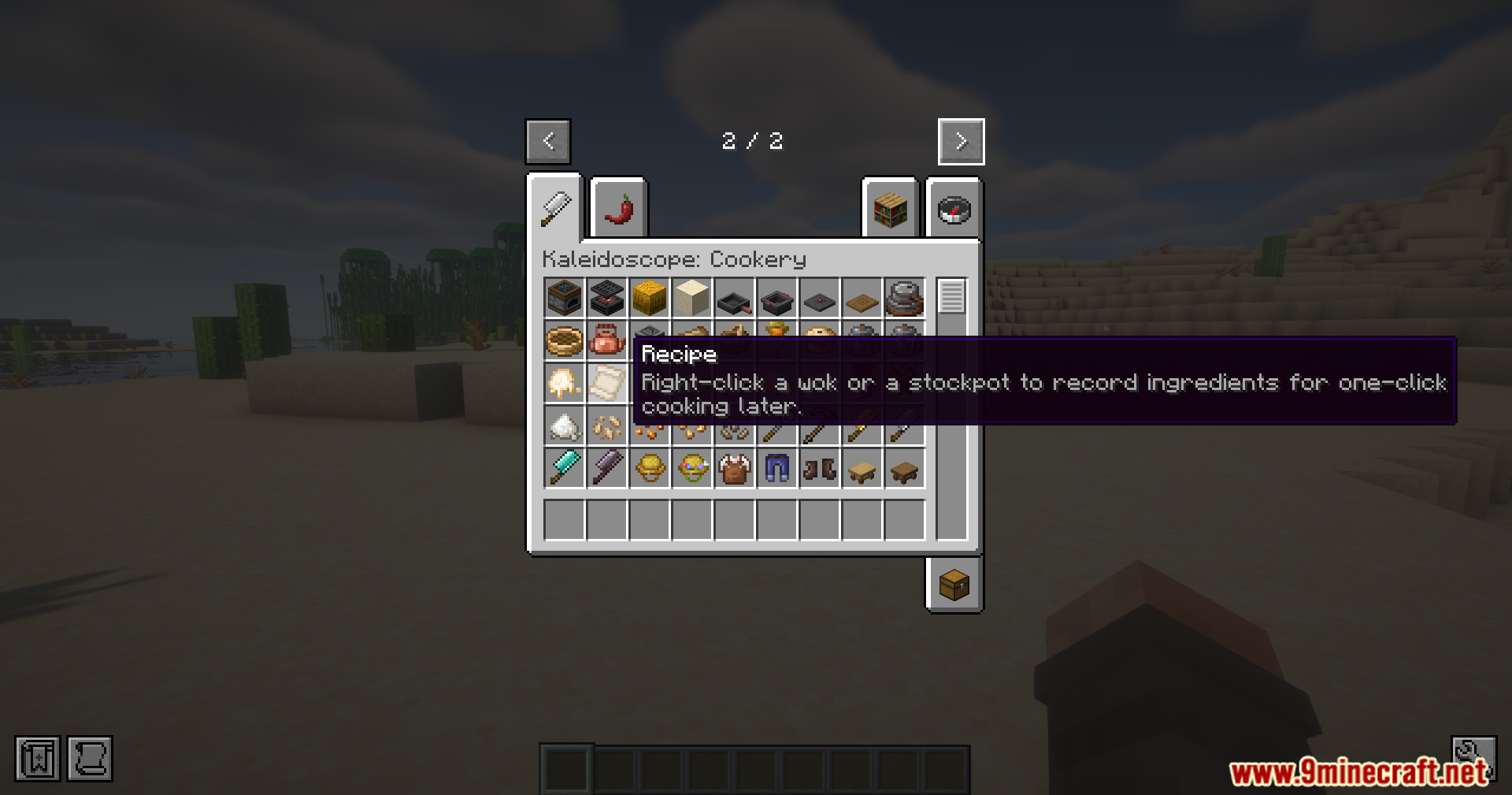
Hovering over the Recipe item in the creative inventory
크리에이티브 인벤토리에서 레시피 아이템에 마우스를 올린 모습
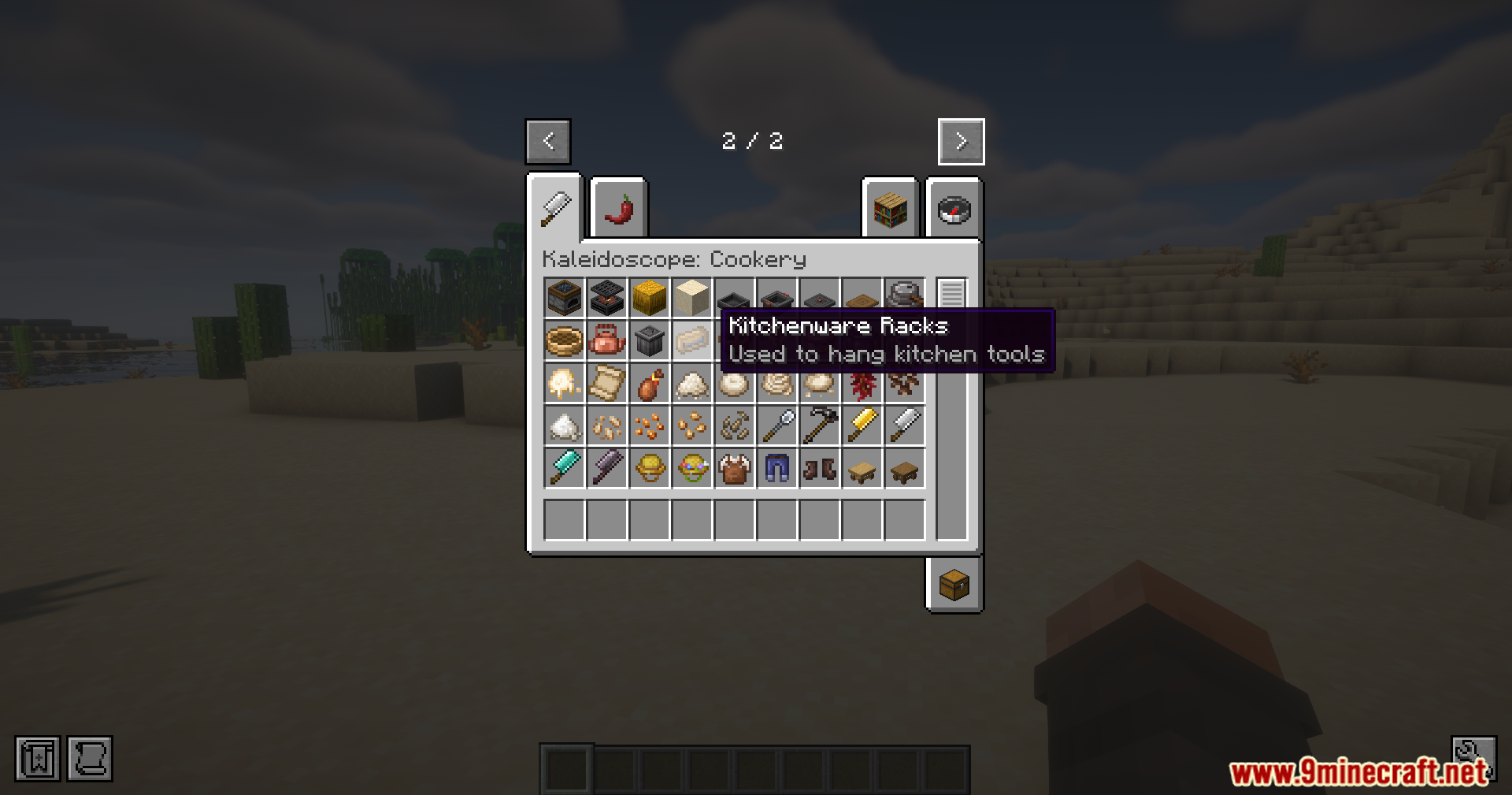
Viewing the Kitchenware Racks item description in the creative menu
크리에이티브 메뉴에서 주방기구 선반 아이템 설명 확인
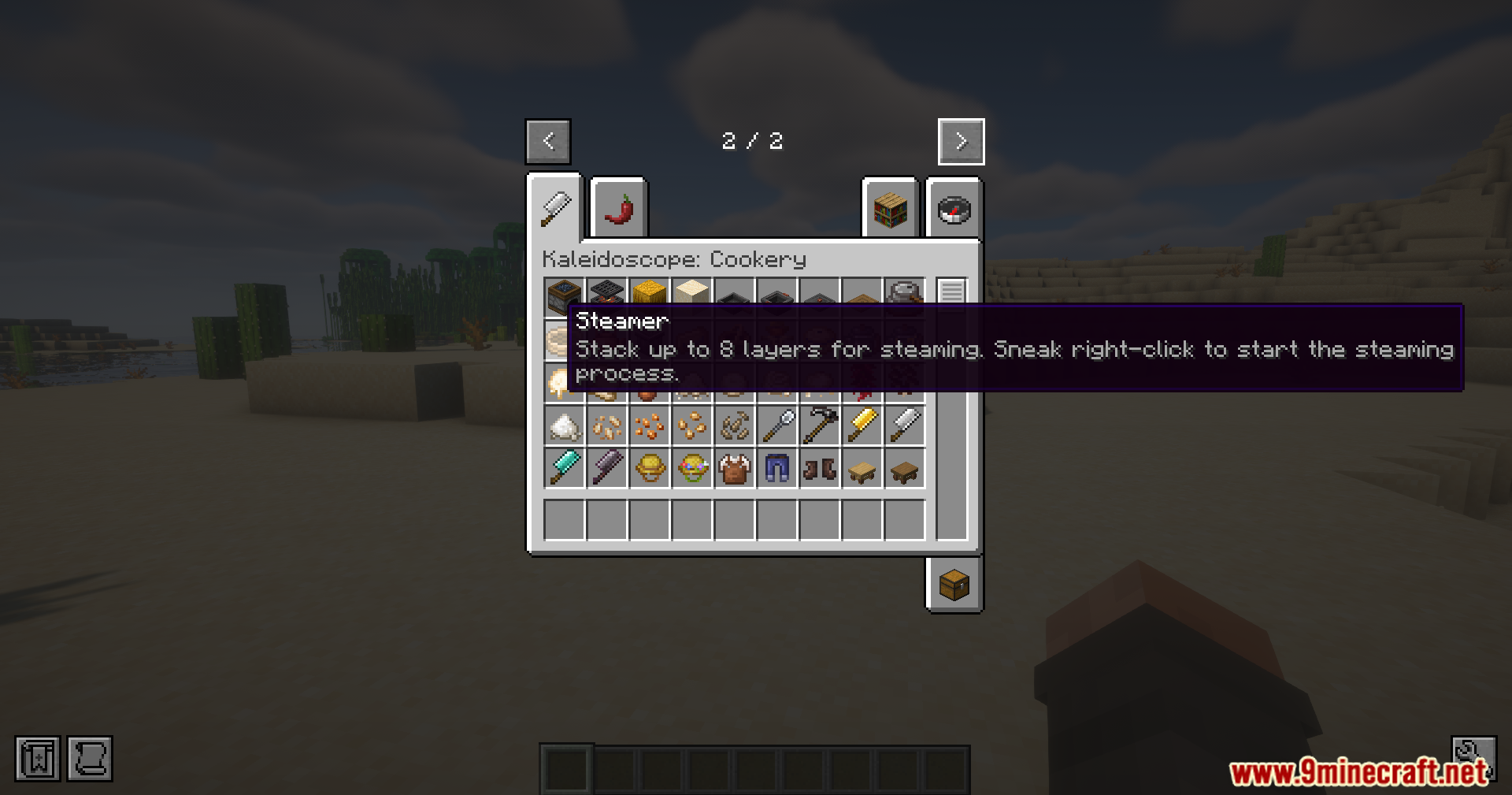
Viewing the Steamer block tooltip inside the creative mode inventory screen
크리에이티브 모드 인벤토리 화면에서 찜기 블록 툴팁 확인
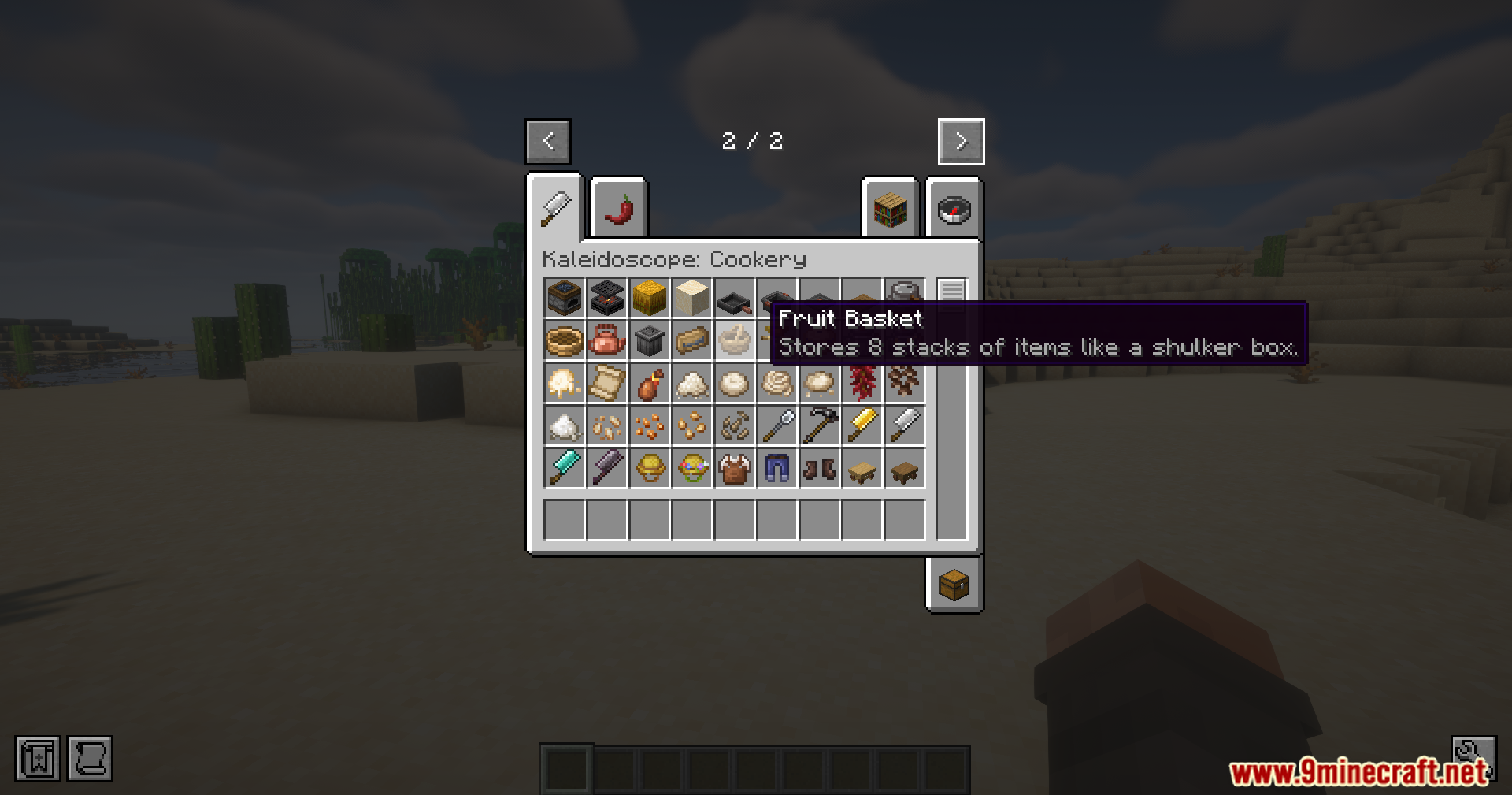
Checking the Fruit Basket item description in the creative inventory menu
크리에이티브 인벤토리 메뉴에서 과일 바구니 아이템 설명 확인

Ponder For Kaleidoscope Cookery Mod 다운로드 링크

For Minecraft 1.21.1, 1.21

NeoForge 51 KB May 23, 2026

Click to rate this post!
[Total: 1 Average: 5]