


Rescale Aspect Ratio Mod (26.2, 1.20.1) – 화면을 늘려 더 나은 PvP

 0
0 

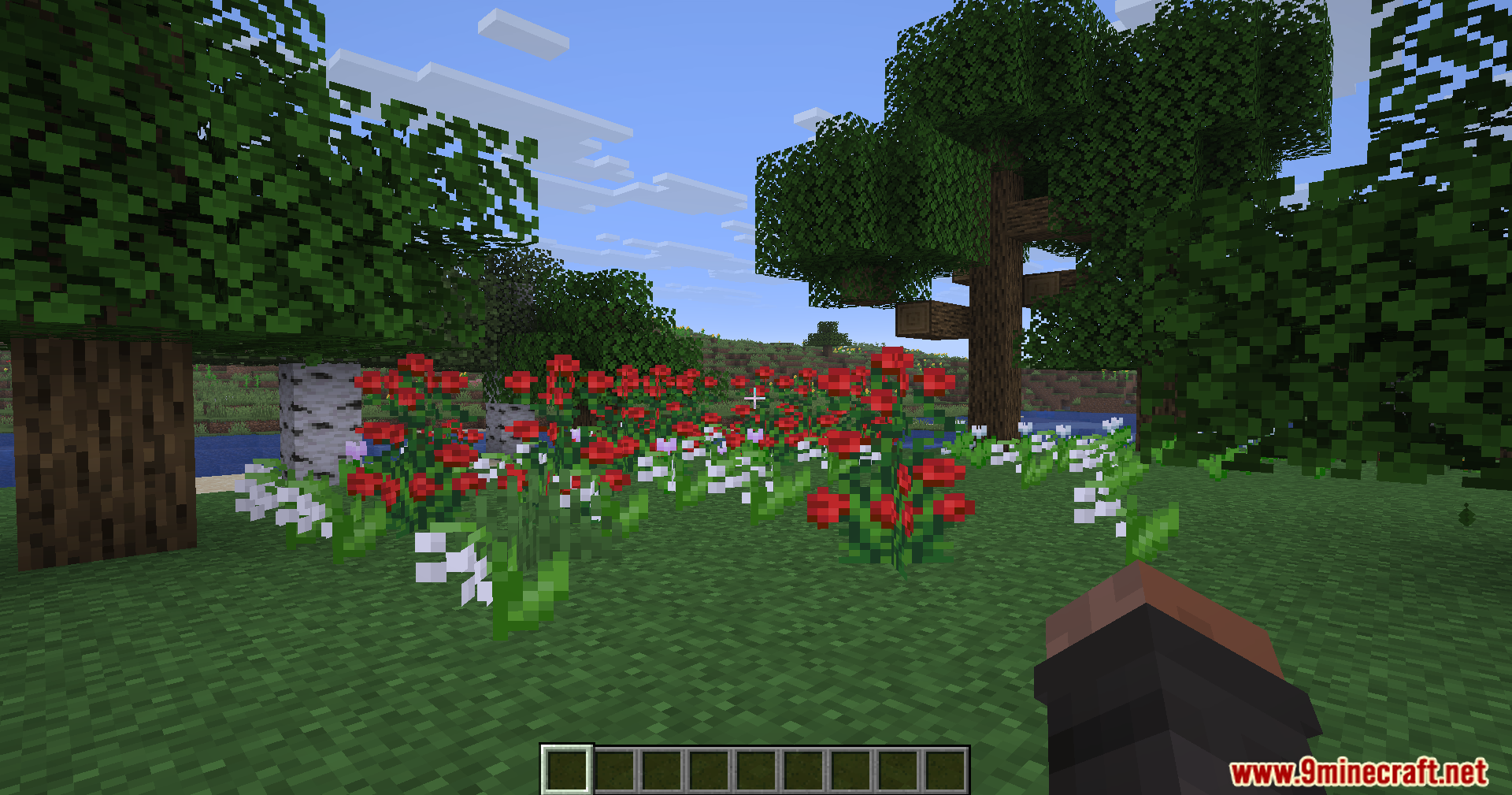
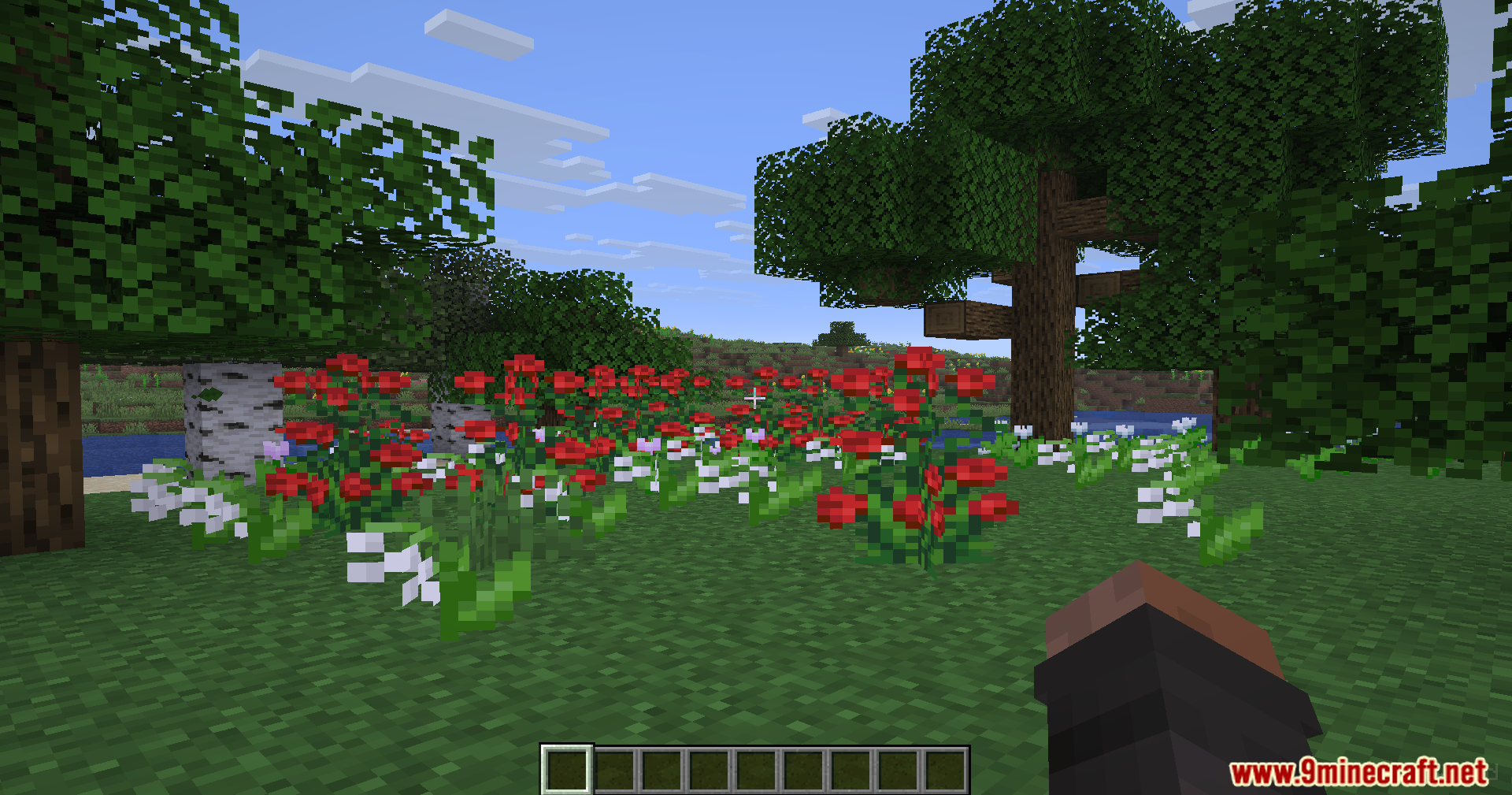
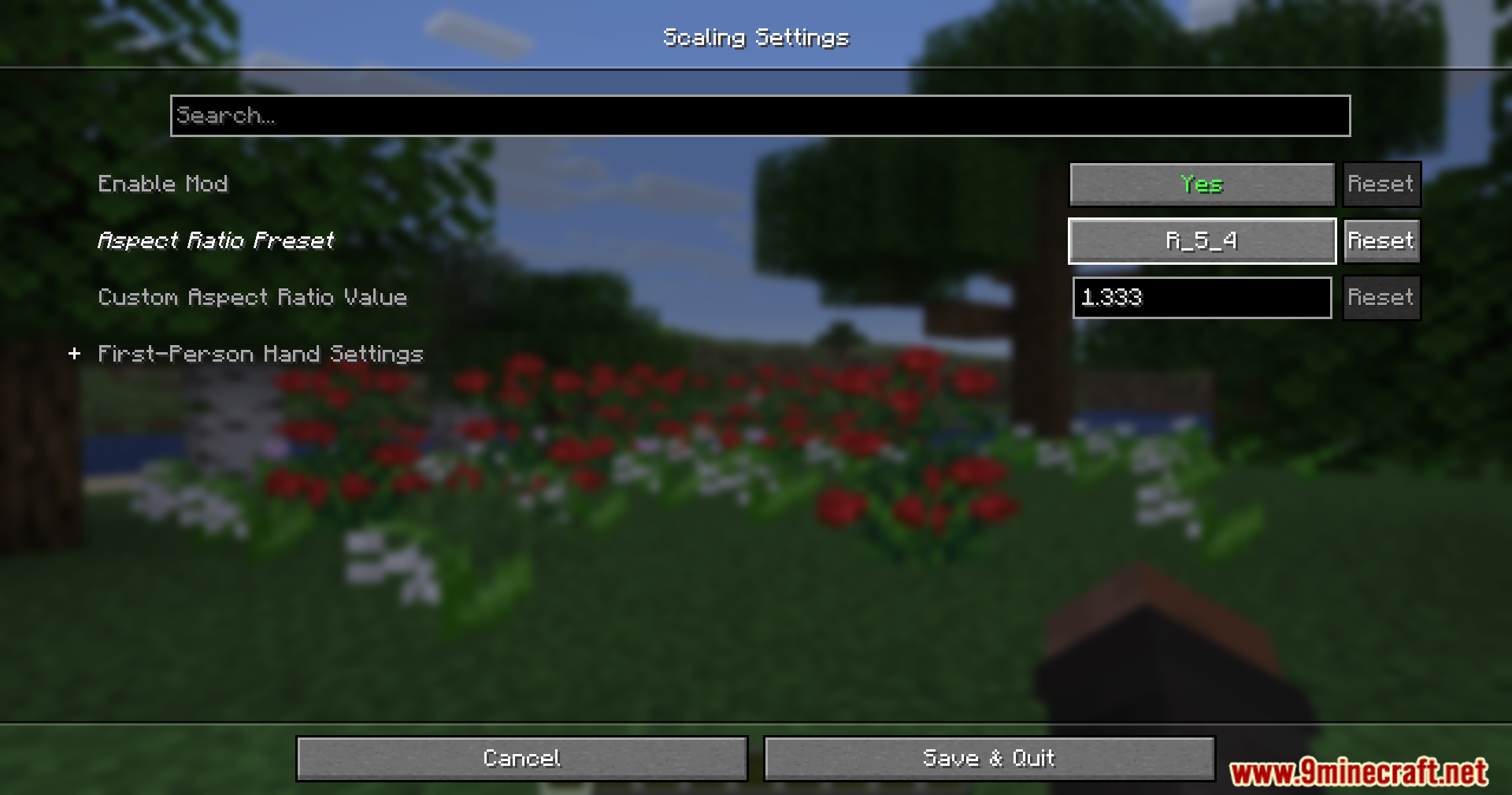
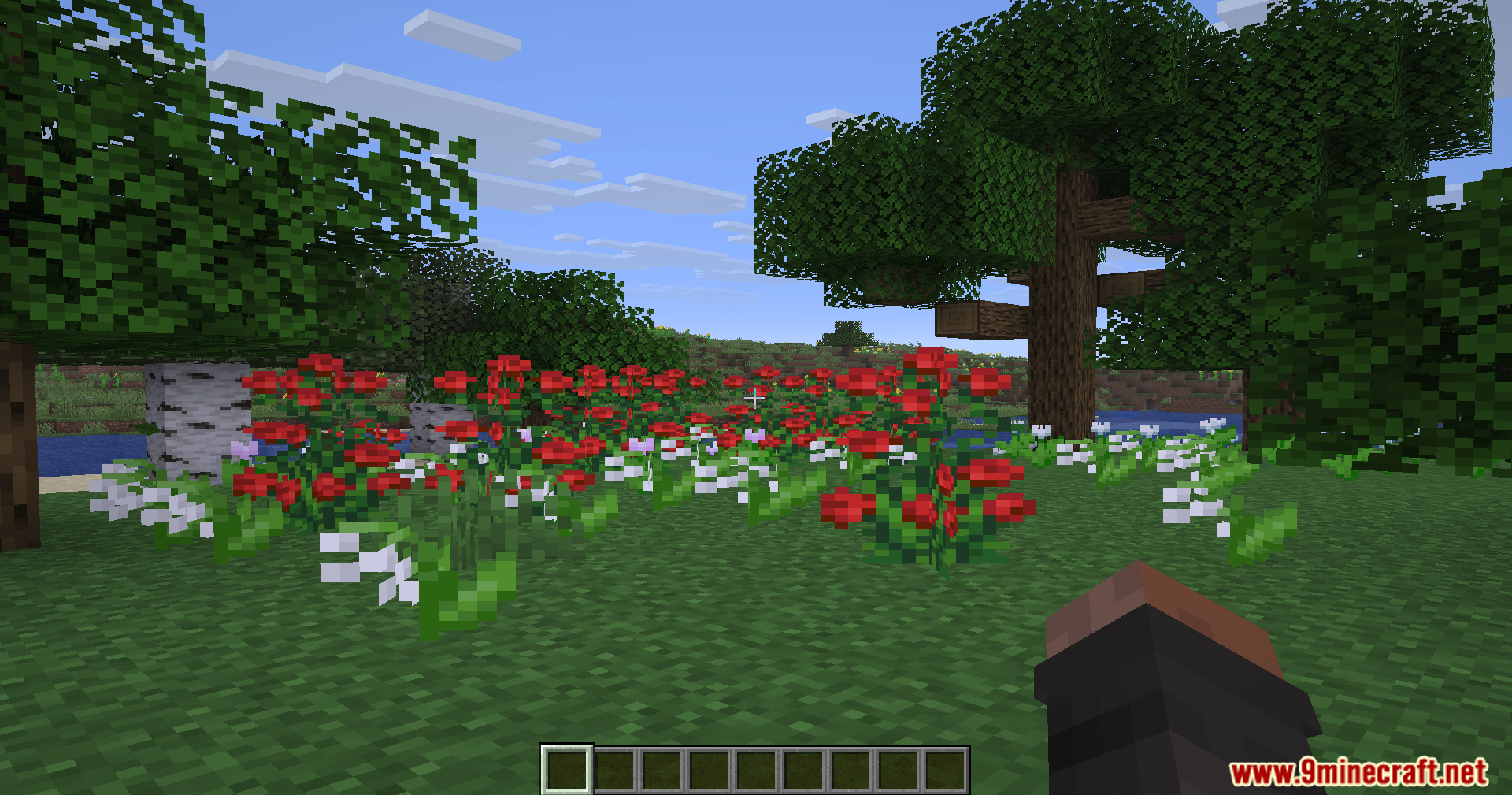
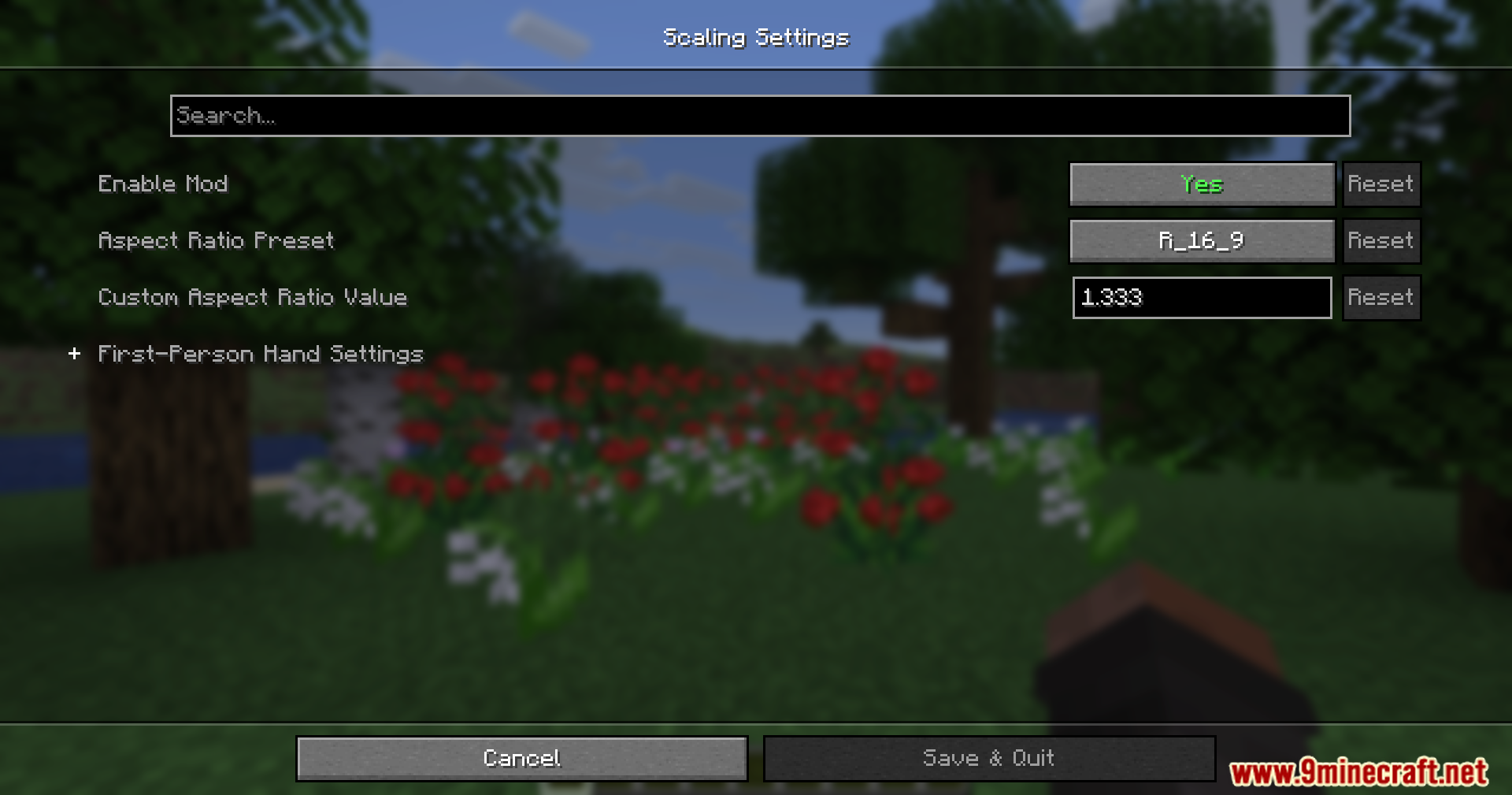
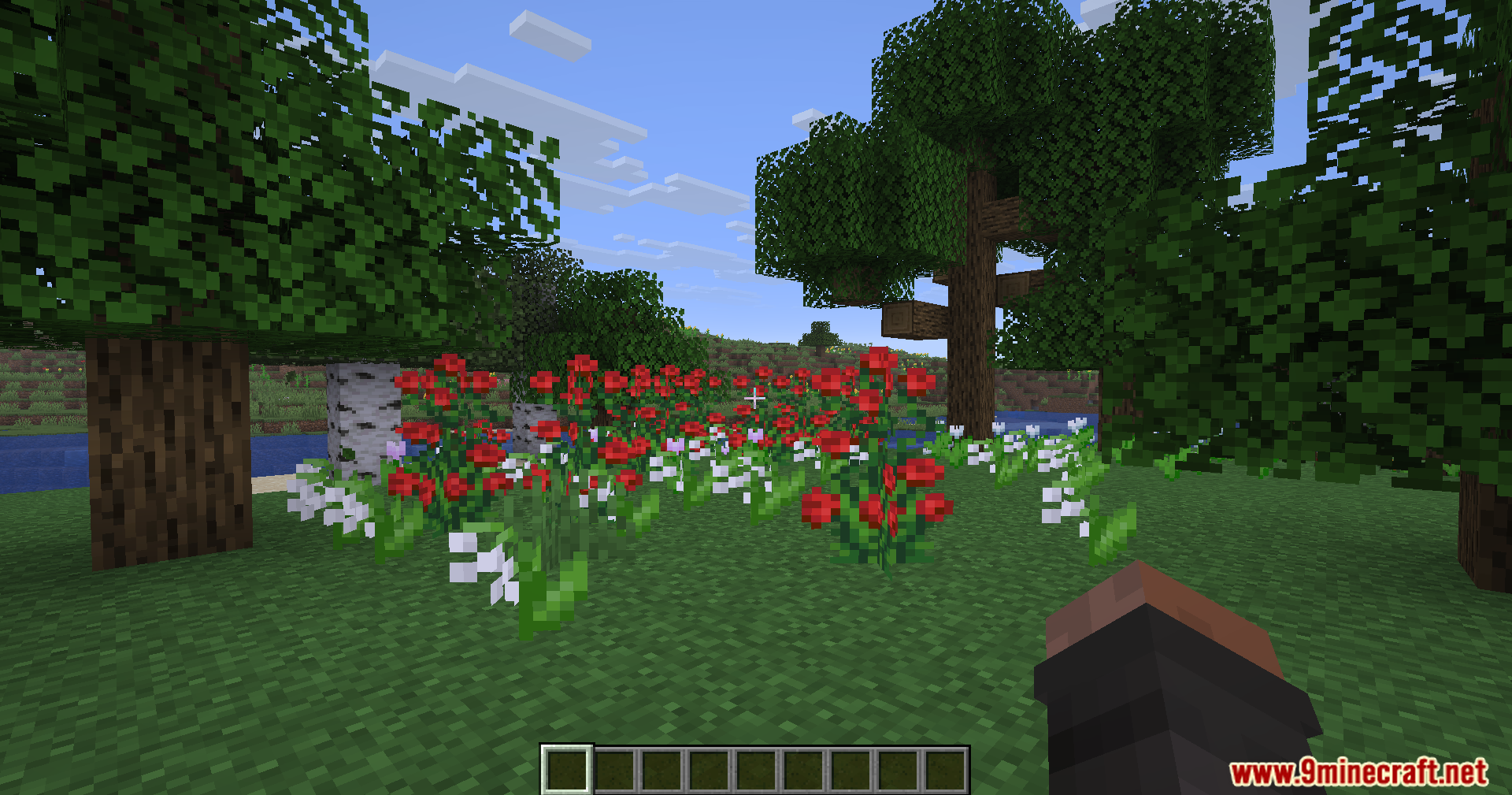
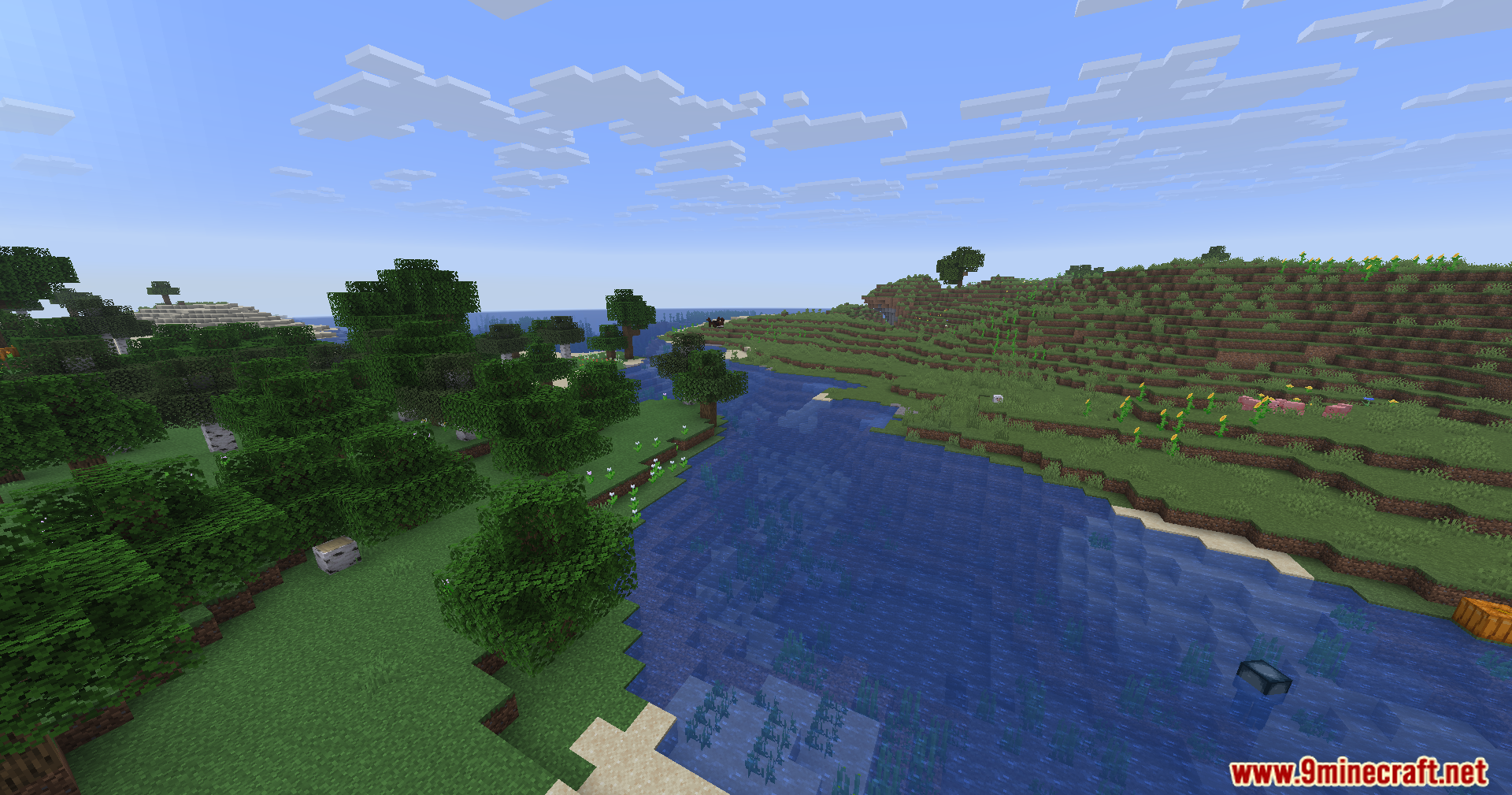
Rescale Aspect Ratio Mod 은 모니터 설정을 바꾸지 않고도 화면 모양을 바꿀 수 있게 해줍니다. 게임 화면을 옛날 4:3 또는 5:4 화면처럼 늘려서 다른 플레이어가 더 넓어 보이게 만듭니다. 덕분에 화면을 선명하게 유지하면서도 목표물을 더 잘 볼 수 있습니다.
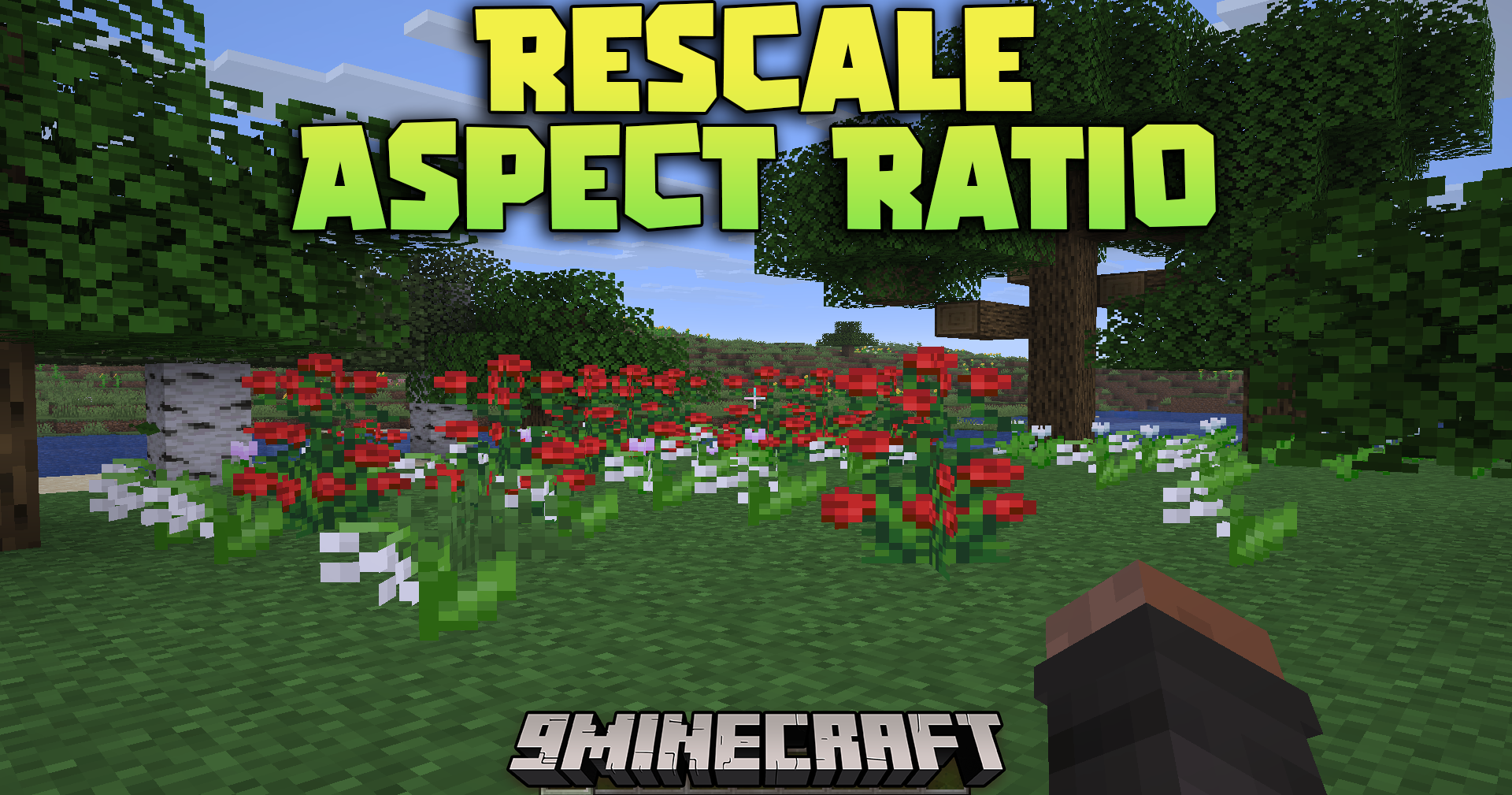
주요 기능:
- 일반 모니터 해상도를 유지하면서 화면을 늘어난 4:3 또는 5:4 모양으로 바꿉니다.
- 다른 플레이어와 몹을 화면에서 더 넓게 보이게 하여 발견하기 쉽게 만듭니다.
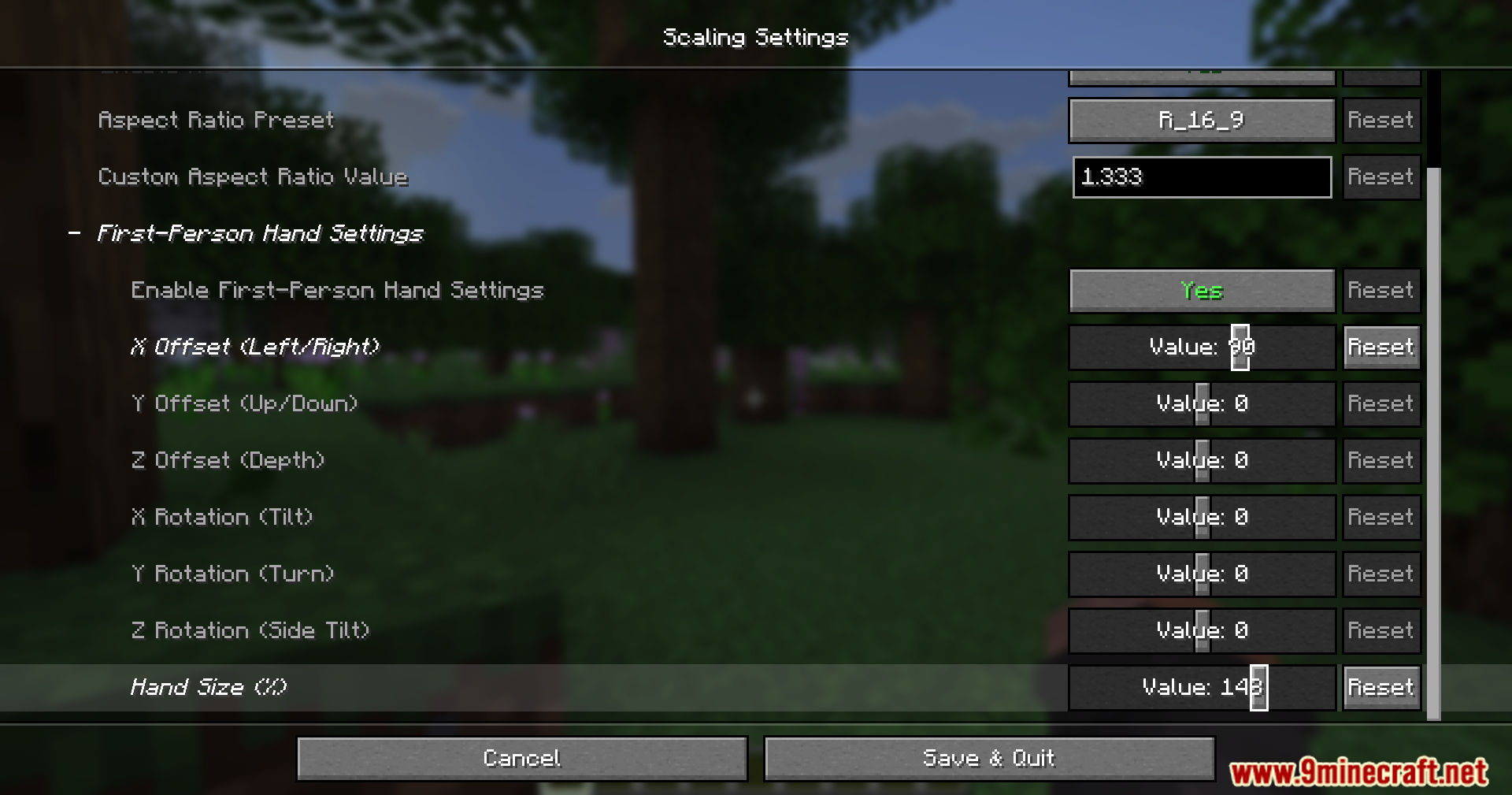
- 화면이 늘어날 때 손과 아이템이 보이는 방식을 조정하는 내장 도구를 포함합니다.
- 손에 든 아이템을 위, 아래, 왼쪽, 오른쪽으로 옮겨 시야에 완벽하게 맞출 수 있습니다.
사용 방법:
- 플레이 중 Insert 키를 눌러 실시간 손 편집기를 엽니다.
- Ctrl을 누른 채 화살표 키를 눌러 아이템을 옮기거나 크기를 바꿉니다.
- 동시에 Shift를 누르고 있으면 조정이 더 빠르게 이동합니다.
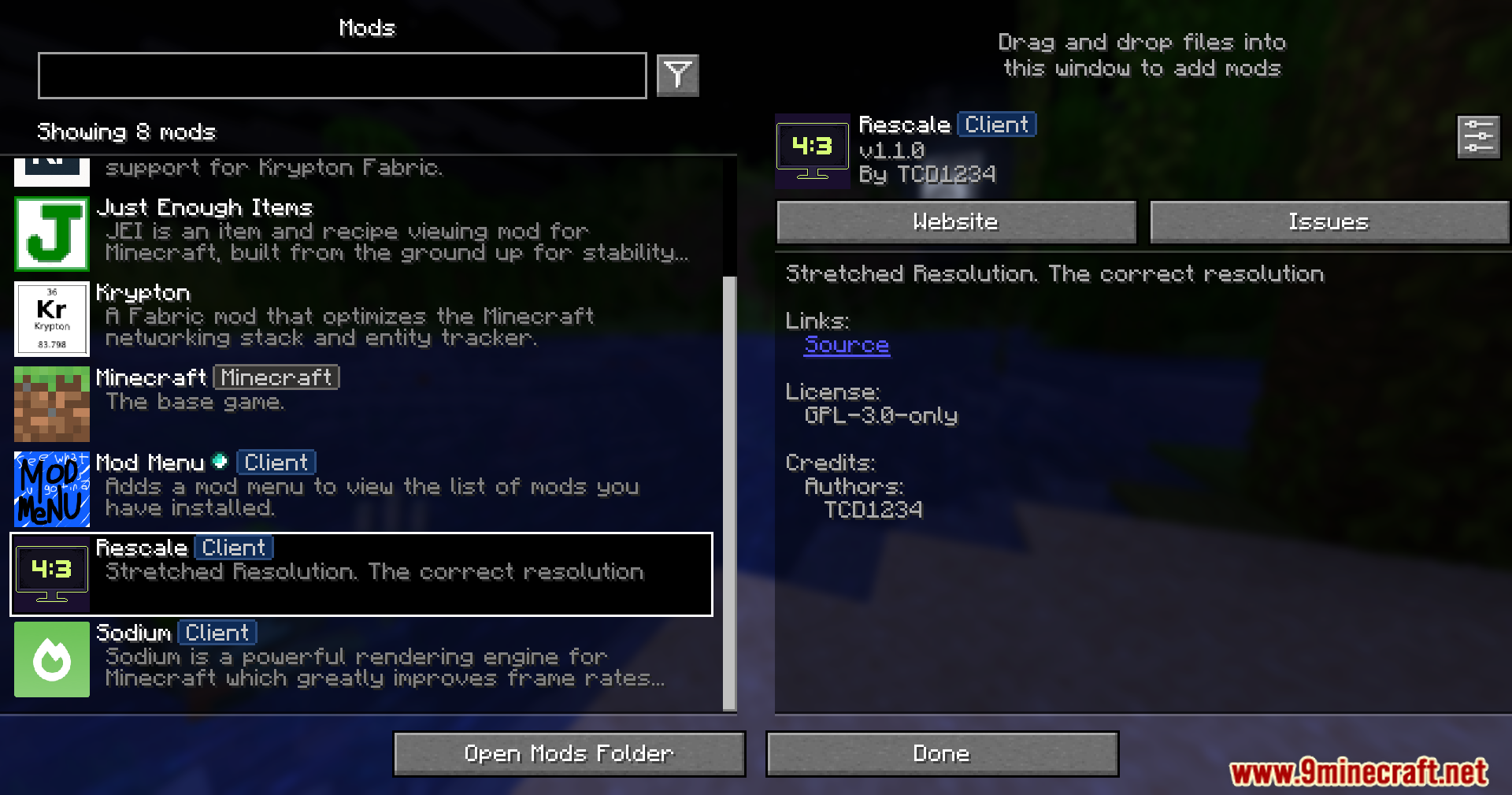
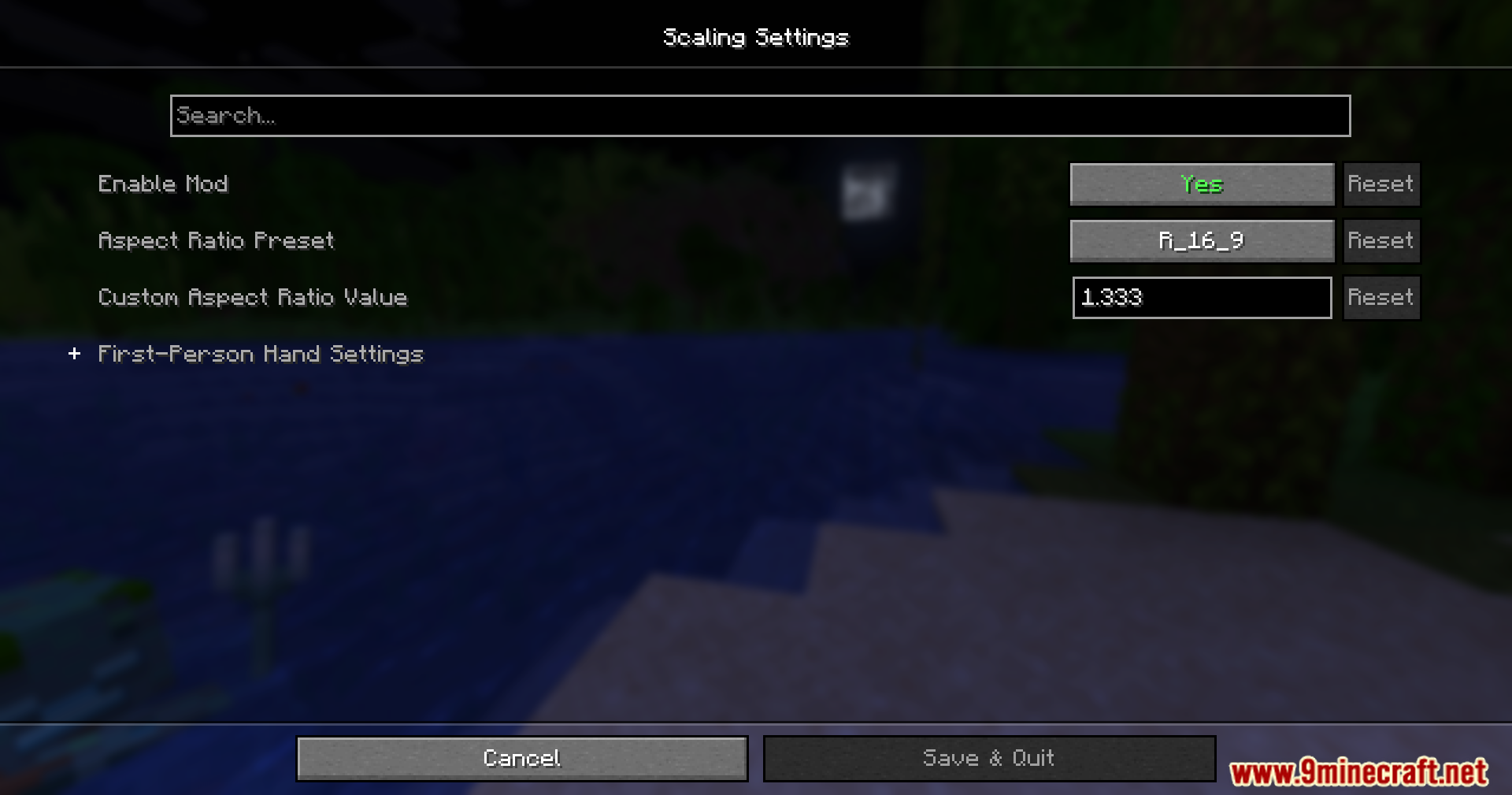
스크린샷:
필수 요소:






Rescale Aspect Ratio Mod 다운로드 링크
Minecraft용 26.2
Minecraft용 26.1.2, 26.1.1, 26.1
Minecraft용
1.21.11,
1.21.10,
1.21.9
All Versions Covered
1.21.11
1.21.10
1.21.9
1.21.8
1.21.7
1.21.6
1.21.5
1.21.4
1.21.1
1.21
All Versions Covered
1.21.11
1.21.10
1.21.9
1.21.8
1.21.7
1.21.6
1.21.5
1.21.4
1.21.1
1.21
Minecraft용 1.21.4
Minecraft용 1.21.1, 1.21
Minecraft용 1.20.1, 1.20
이 글을 평가하려면 클릭하세요!
[Total: 2 Average: 3.5]
이런 것도 좋아할 거예요




이 글에는 아직 댓글이 없습니다. 첫 번째로 남겨보세요 — 댓글이 여기에 표시됩니다.