


Screencopy Mod (26.1.2, 1.20.1) – Copy Screenshots To Clipboard

 0
0  April 9, 2026
Screencopy Mod is a utility mod that makes it possible to automatically copy screenshots taken in the game into your clipboards. Imagine you are playing Minecraft, while simultaneously chatting with your friend on a messaging application on the same device. Your friend asks for a screenshot of what you are currently doing in-game. In the vanilla game, you would have to take a screenshot, then navigate to the screenshots folder and copy-paste the image from there into the chat. But with this mod installed, taking a screenshot automatically copies the image into your clipboard. You can simply paste the image into the chat to send it.
Features:
- Screenshots taken in-game are automatically copied to clipboard.
- Simply paste the image wherever necessary.
- Config option to not save screenshots to the screenshots folder.
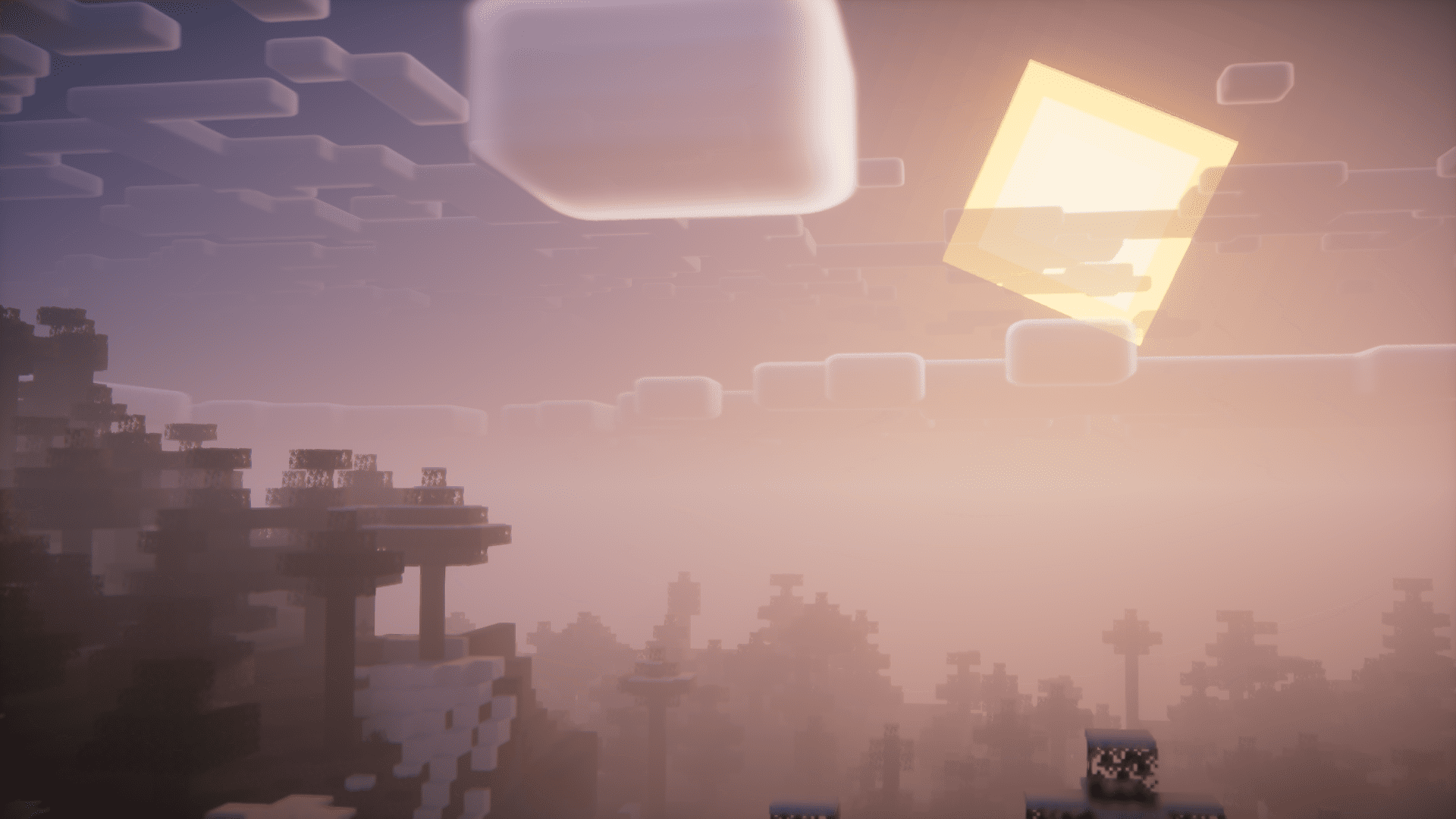
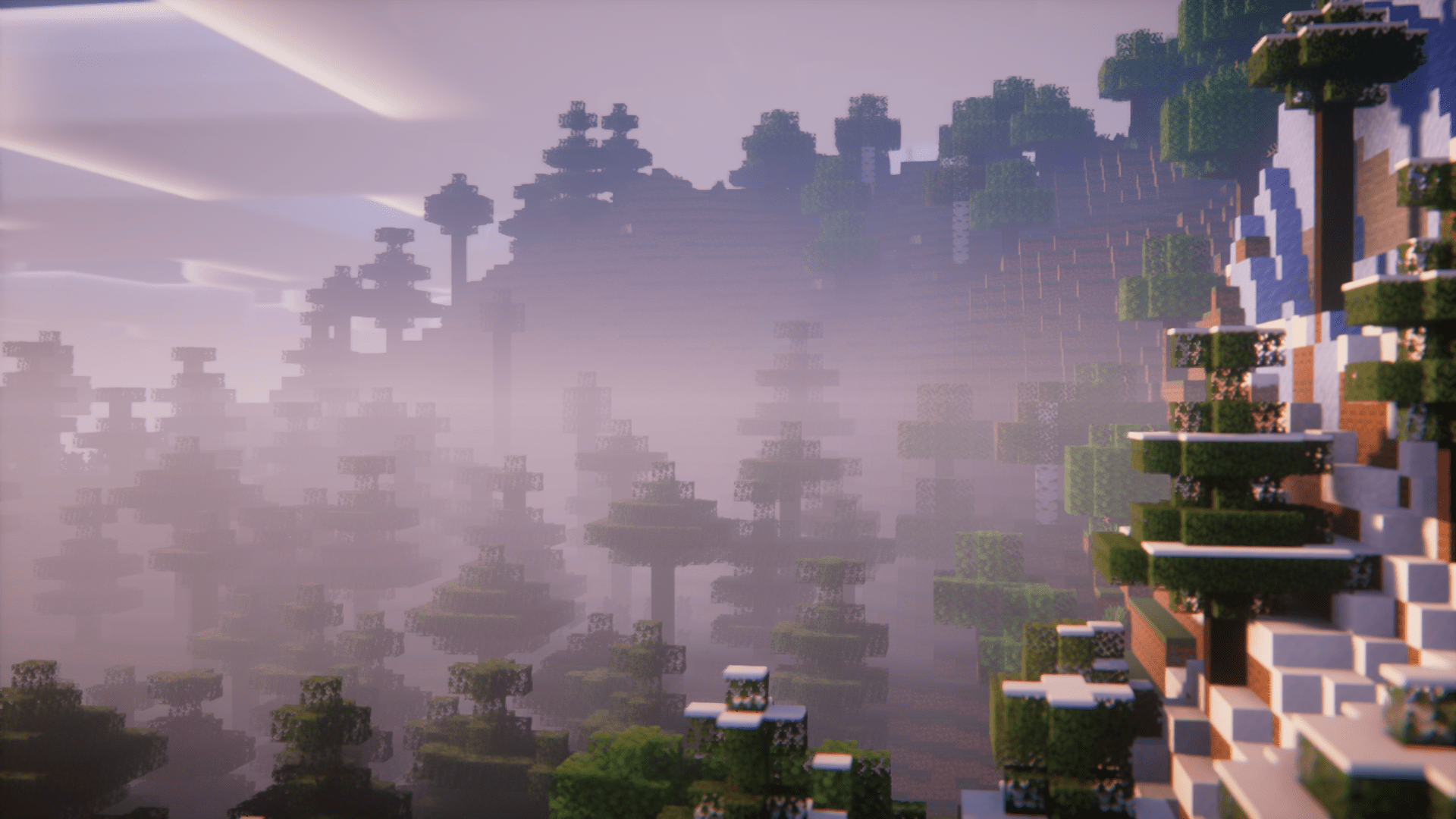
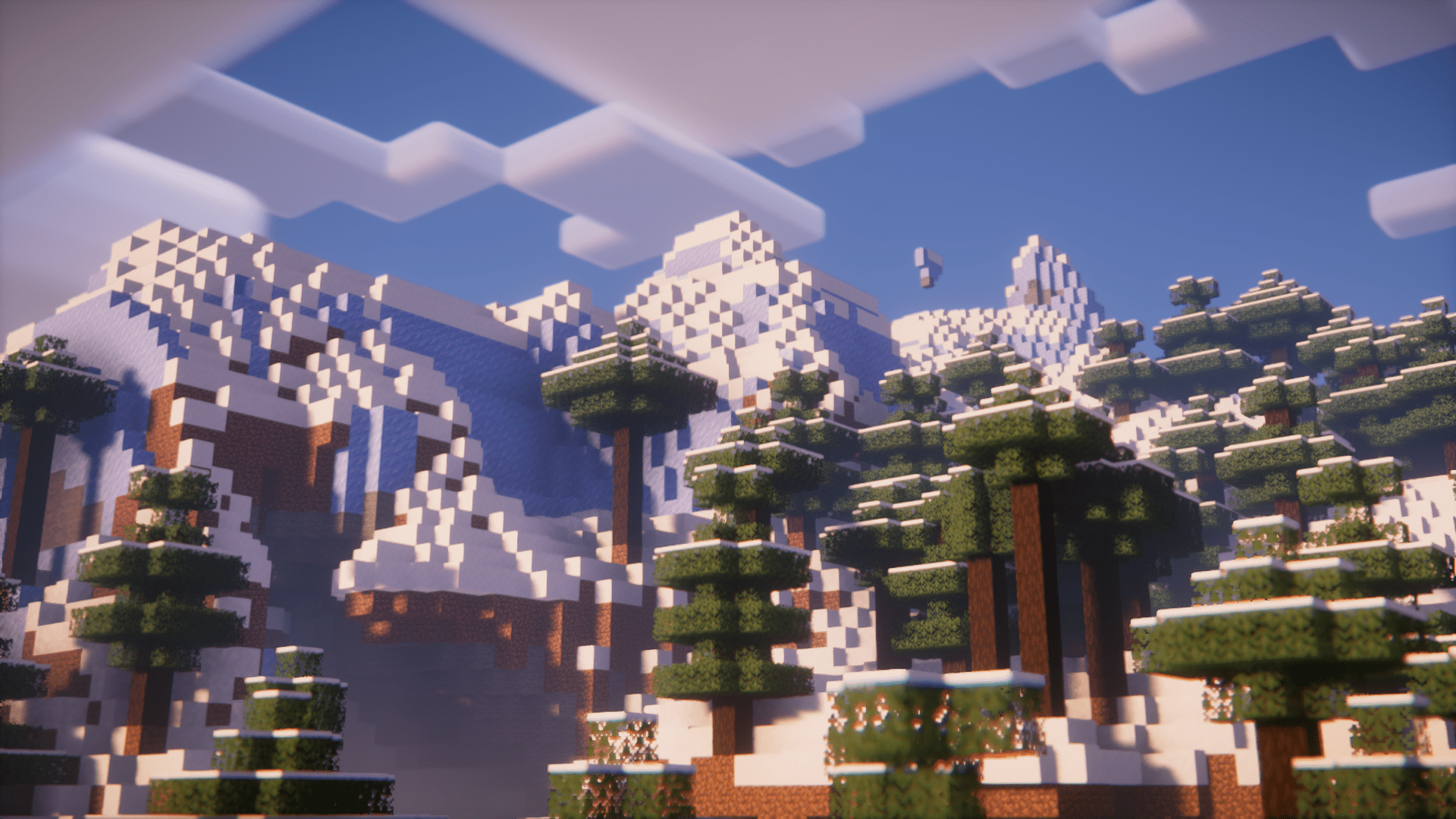
Screenshots:
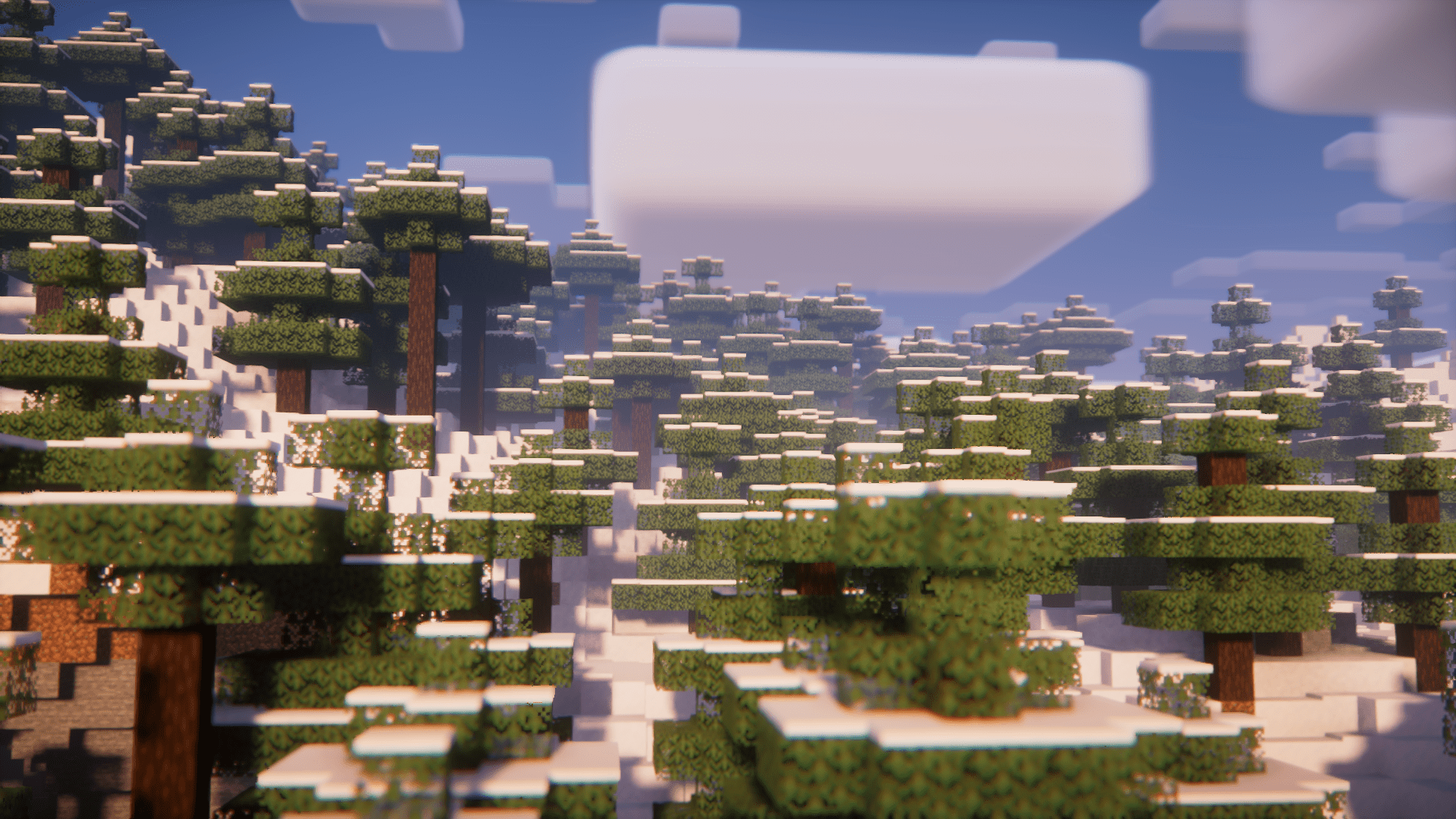
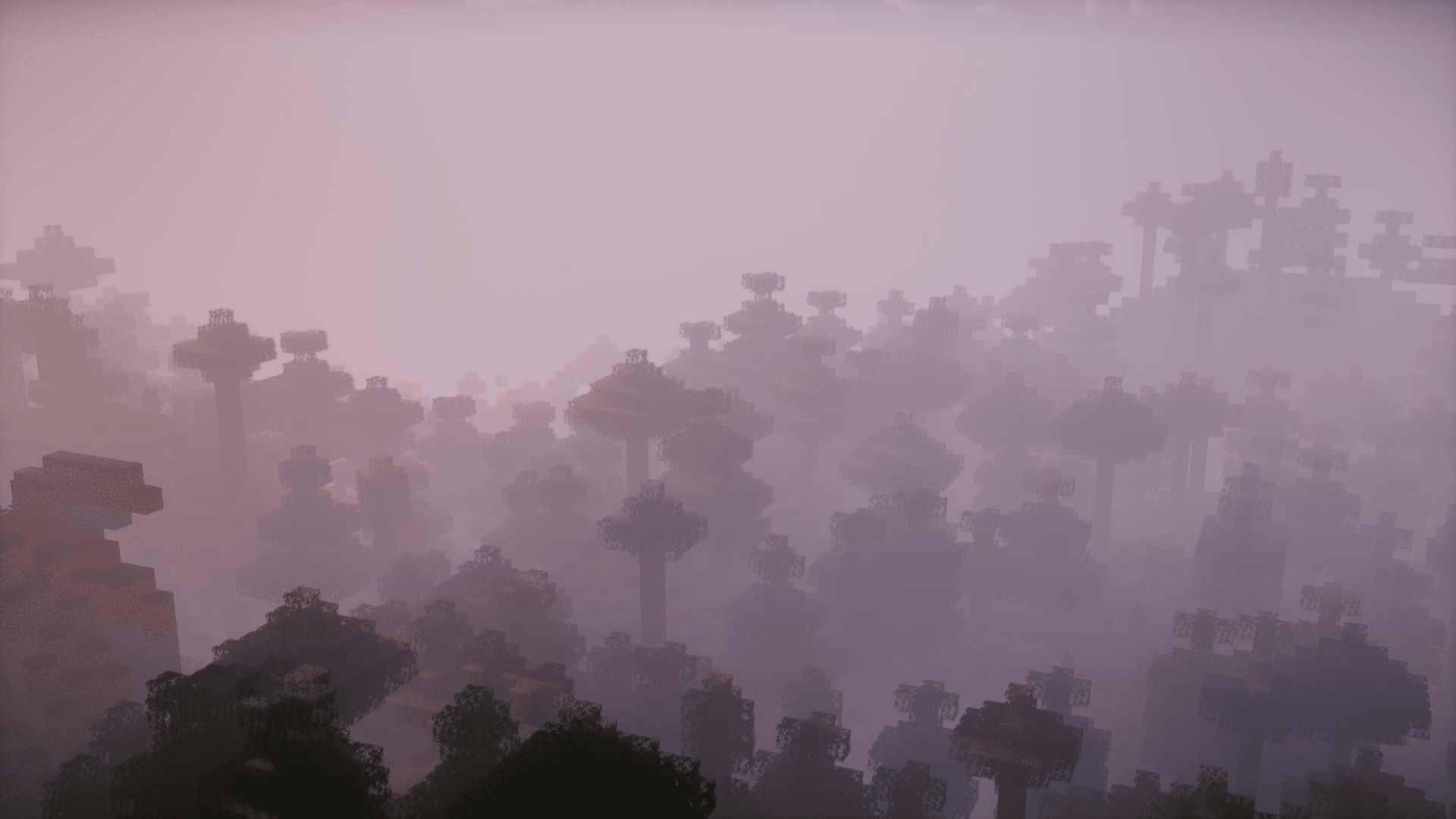
How to Install:
New to Minecraft? Follow our step-by-step guide to install Mods on your PC.View Guide
Requirements:





Screencopy Mod Download Links
For Minecraft 26.1.2, 26.1.1, 26.1
For Minecraft
1.21.11,
1.21.10,
1.21.9
All Versions Covered
1.21.11
1.21.10
1.21.9
1.21.8
1.21.7
1.21.6
1.21.5
1.21.4
1.21.1
1.21
All Versions Covered
1.21.11
1.21.10
1.21.9
1.21.8
1.21.7
1.21.6
1.21.5
1.21.4
1.21.1
1.21
For Minecraft 1.21.10, 1.21.9
For Minecraft
1.21.8,
1.21.7,
1.21.6
All Versions Covered
1.21.8
1.21.7
1.21.6
1.21.5
All Versions Covered
1.21.8
1.21.7
1.21.6
1.21.5
For Minecraft 1.21.5
For Minecraft 1.21.4, 1.21.3, 1.21.2
For Minecraft
1.20.6,
1.20.5,
1.20.4
All Versions Covered
1.20.6
1.20.5
1.20.4
1.20.3
1.20.2
1.20.1
1.20
1.19.4
1.19.3
1.19.2
1.19.2 –> 1.20.4
1.19.1
All Versions Covered
1.20.6
1.20.5
1.20.4
1.20.3
1.20.2
1.20.1
1.20
1.19.4
1.19.3
1.19.2
1.19.2 –> 1.20.4
1.19.1
For Minecraft
1.20.4,
1.20.3,
1.20.2
All Versions Covered
1.20.4
1.20.3
1.20.2
1.20.1
1.20
1.19.4
1.19.3
1.19.2
1.19.1
All Versions Covered
1.20.4
1.20.3
1.20.2
1.20.1
1.20
1.19.4
1.19.3
1.19.2
1.19.1
For Minecraft 1.19.2, 1.19
For Minecraft 1.19.2 –> 1.20.4
For Minecraft 1.18.2
For Minecraft 1.17.1
Click to rate this post!
[Total: 0 Average: 0]
You May Also Like


This post has no comments yet. Be the first — your comment will appear here.