


Lighty Mod (26.2, 1.20.1) – Light Overlay Mod with A Twist
 15,577
 0
0


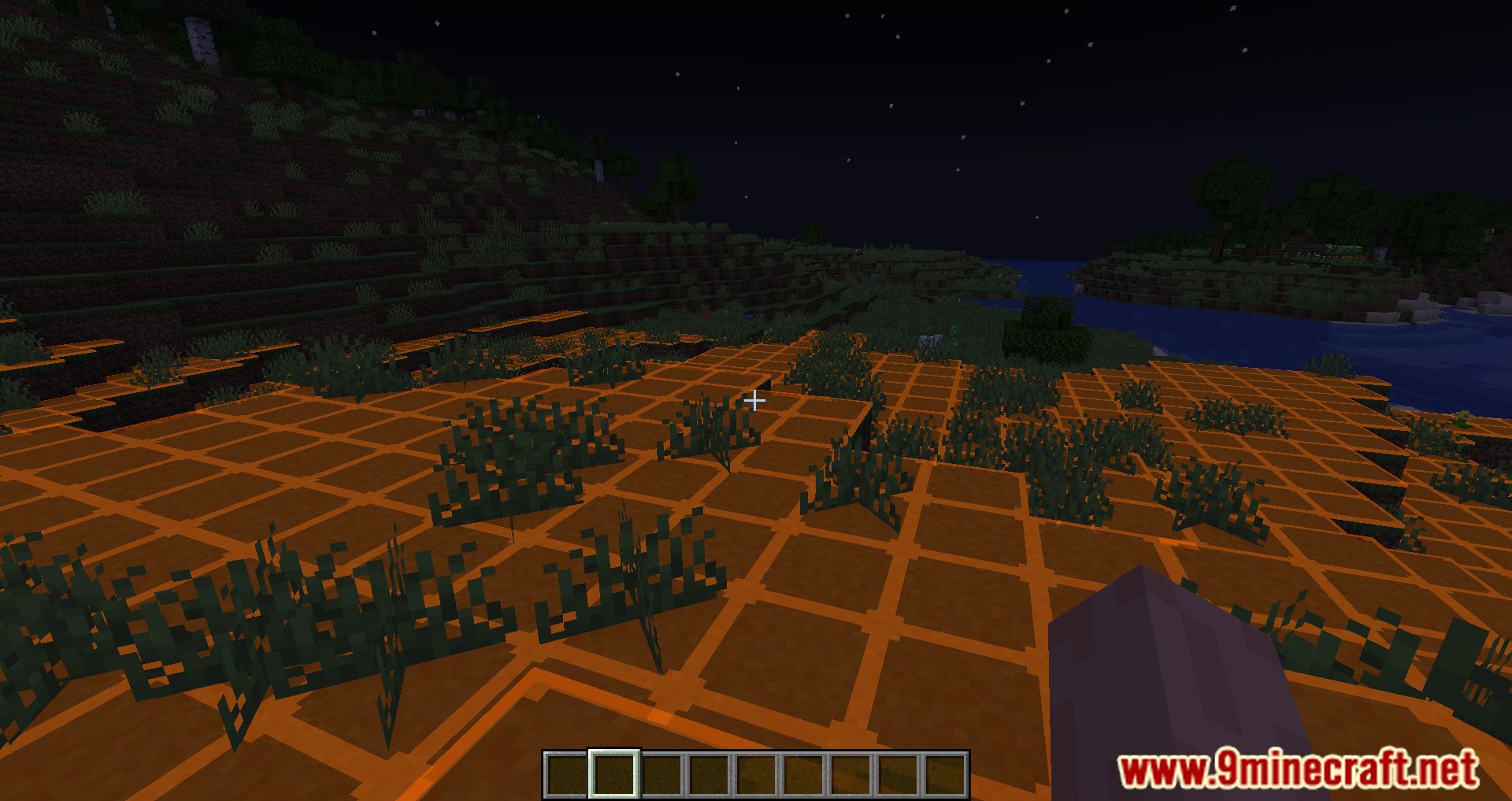
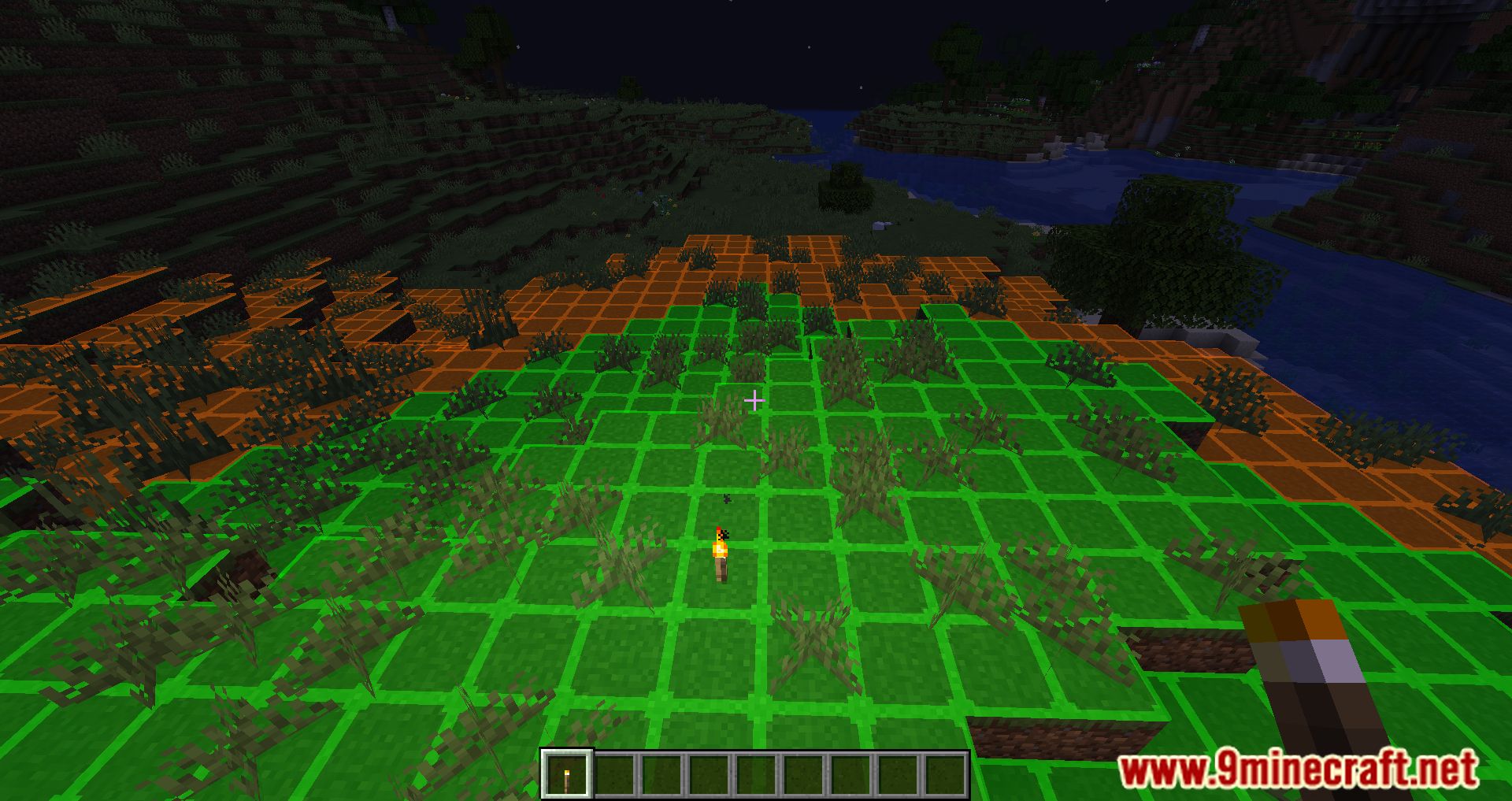
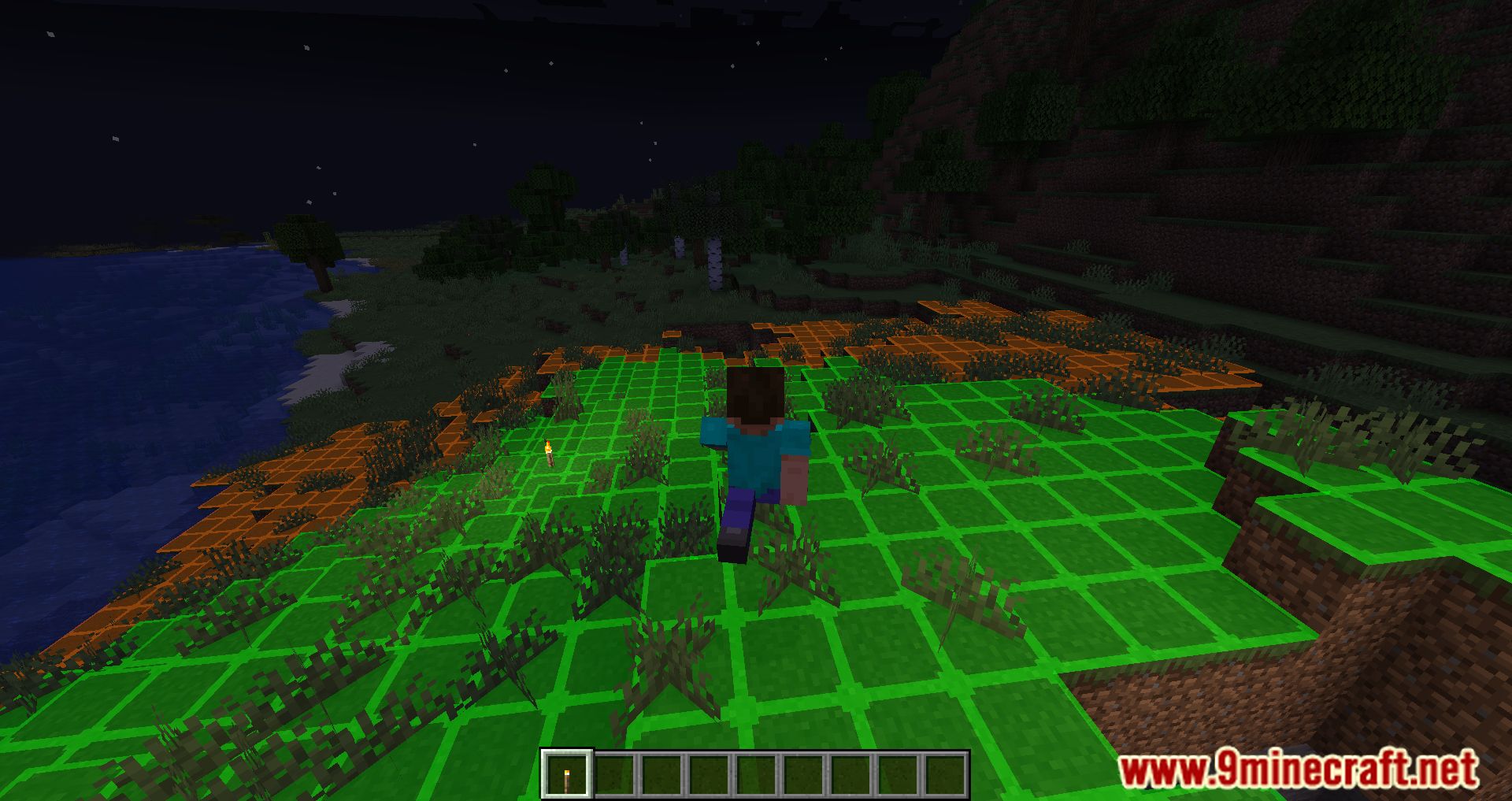
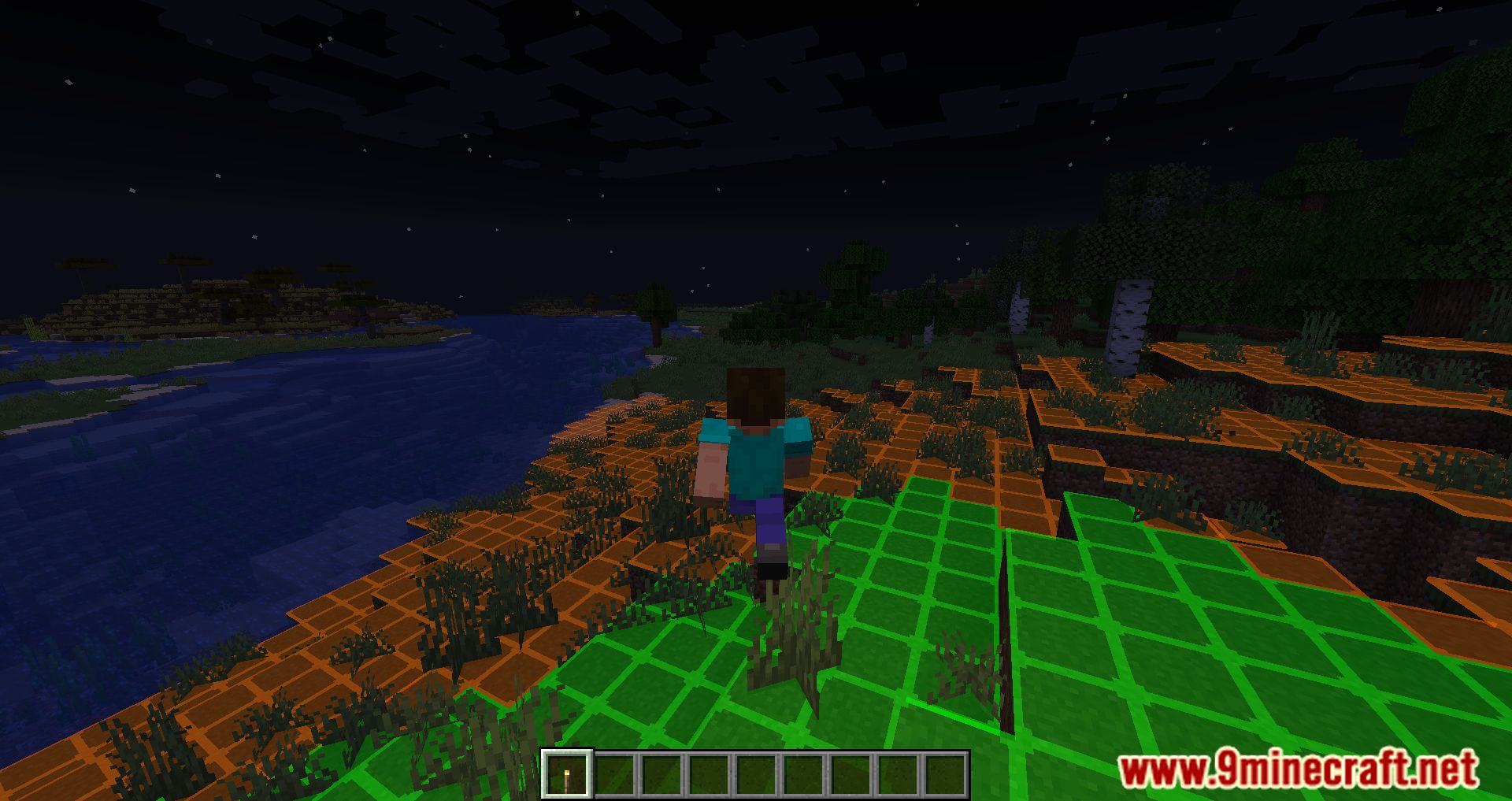
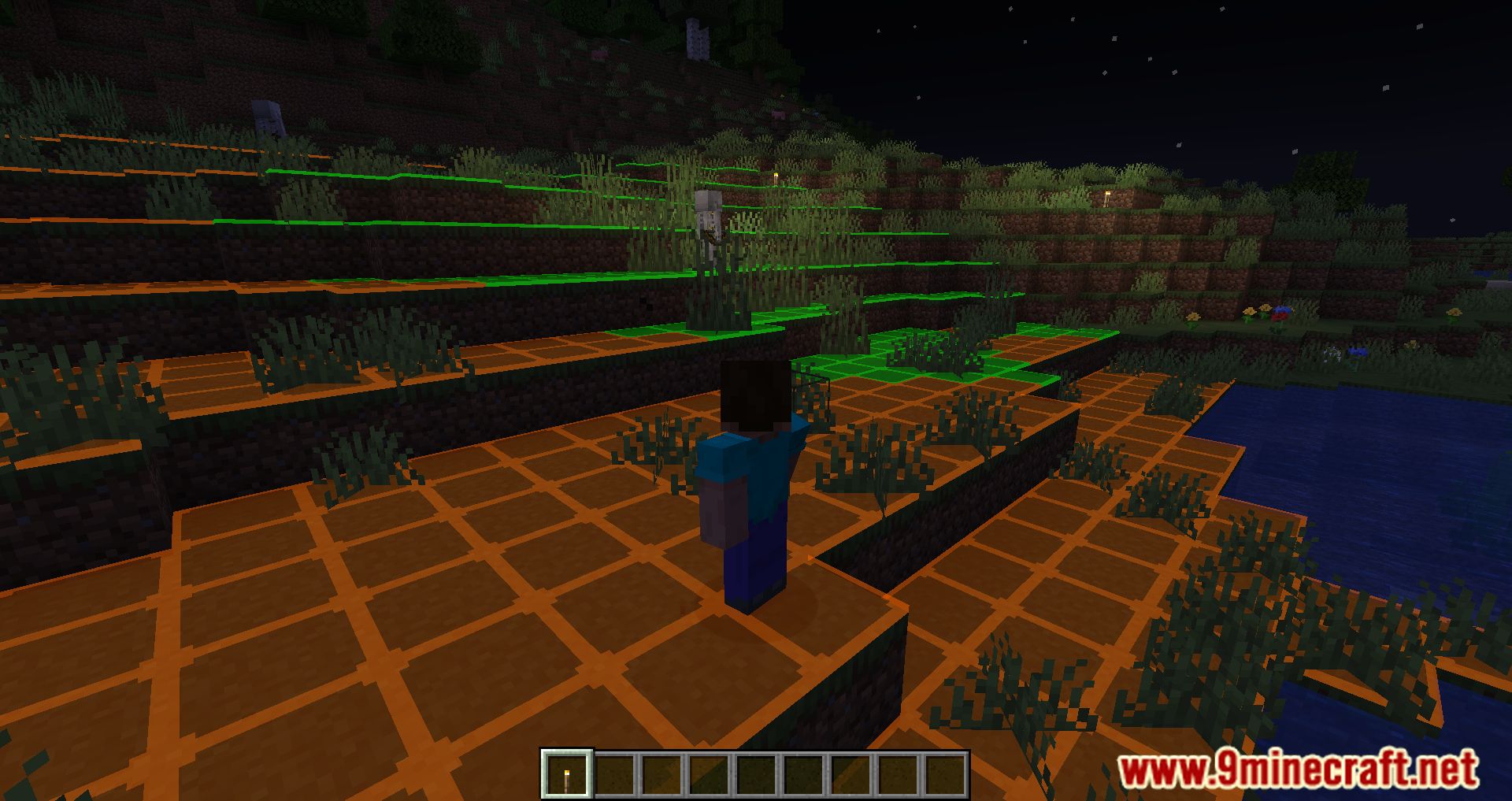
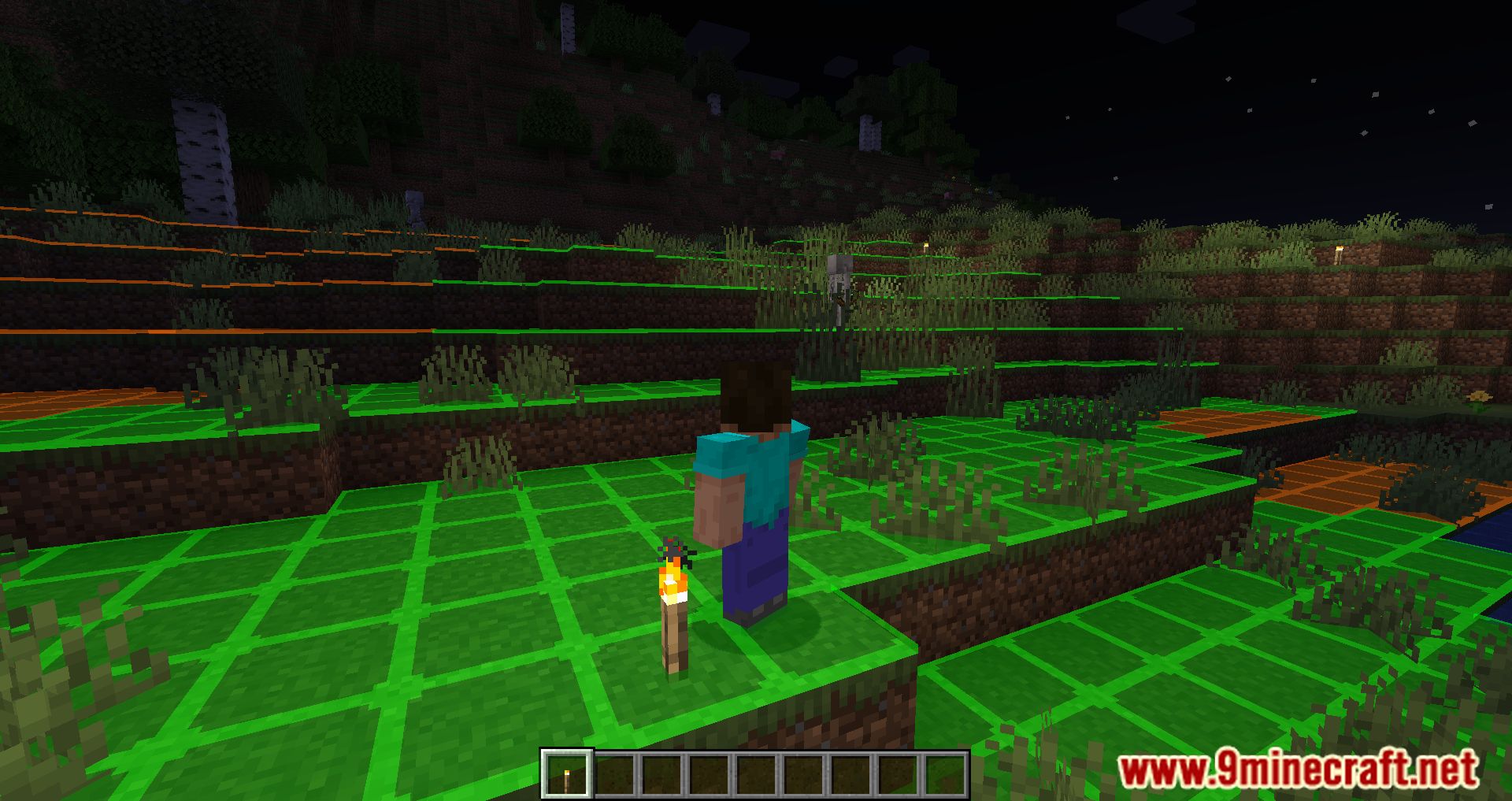
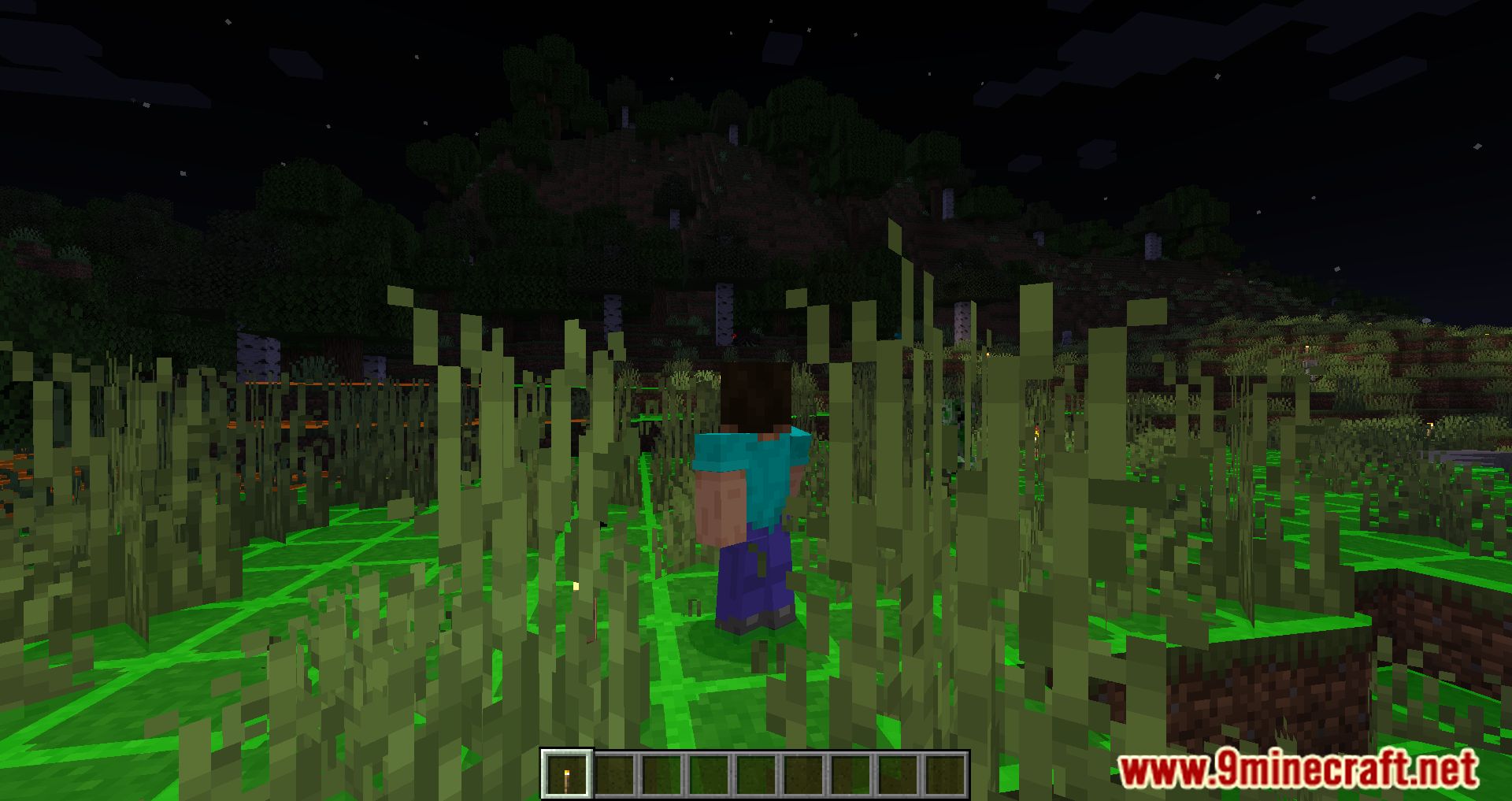
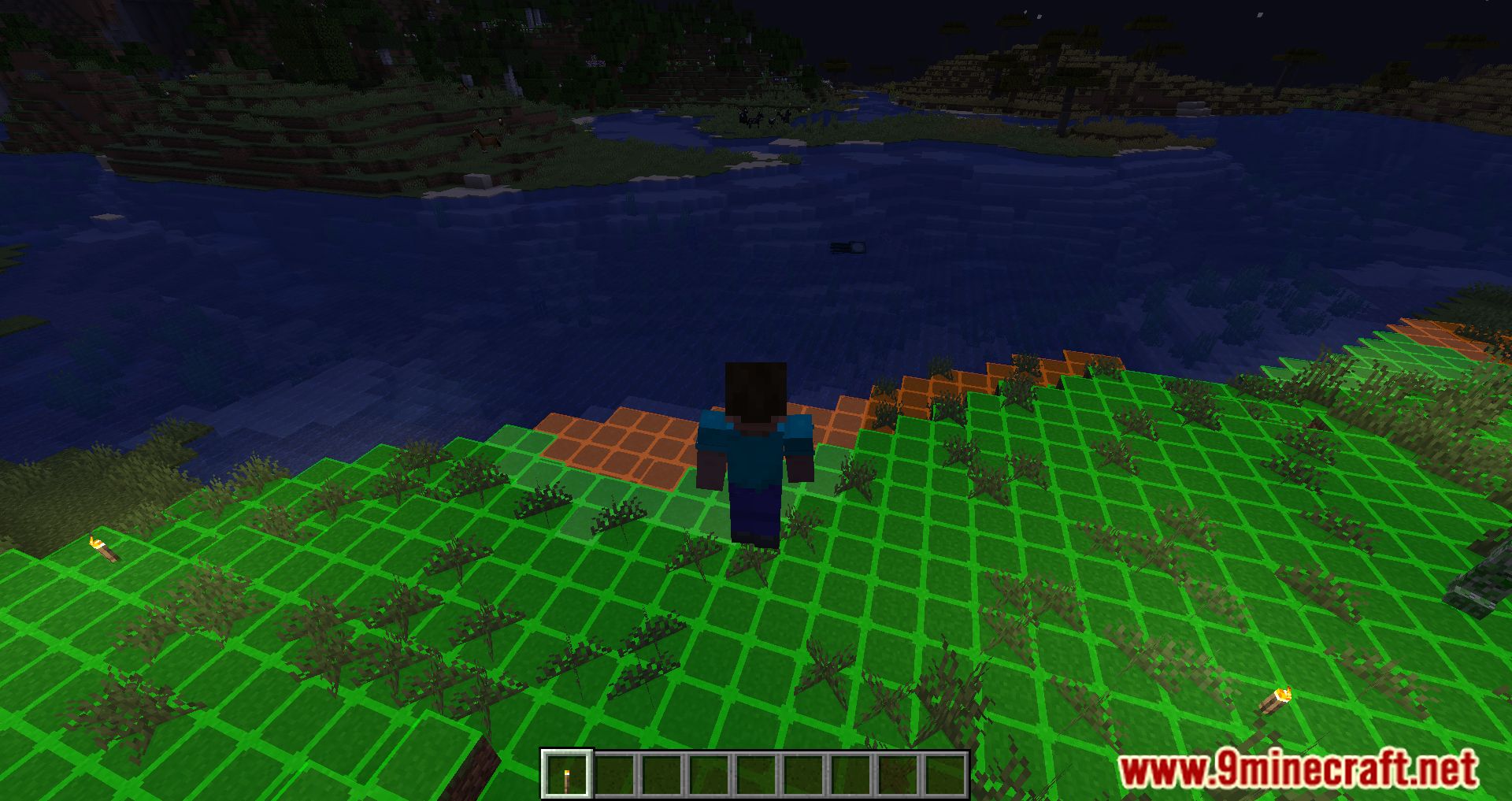
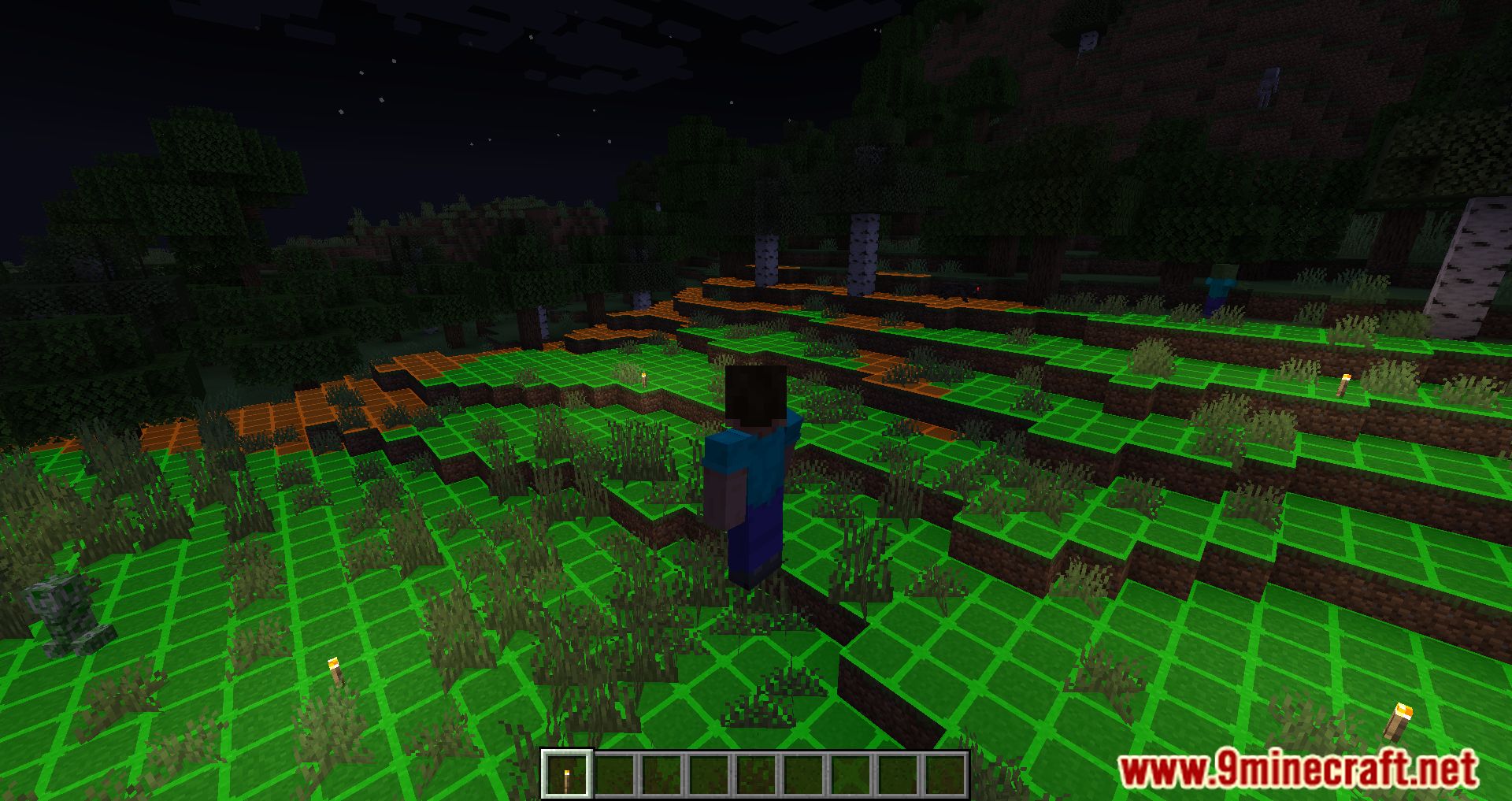
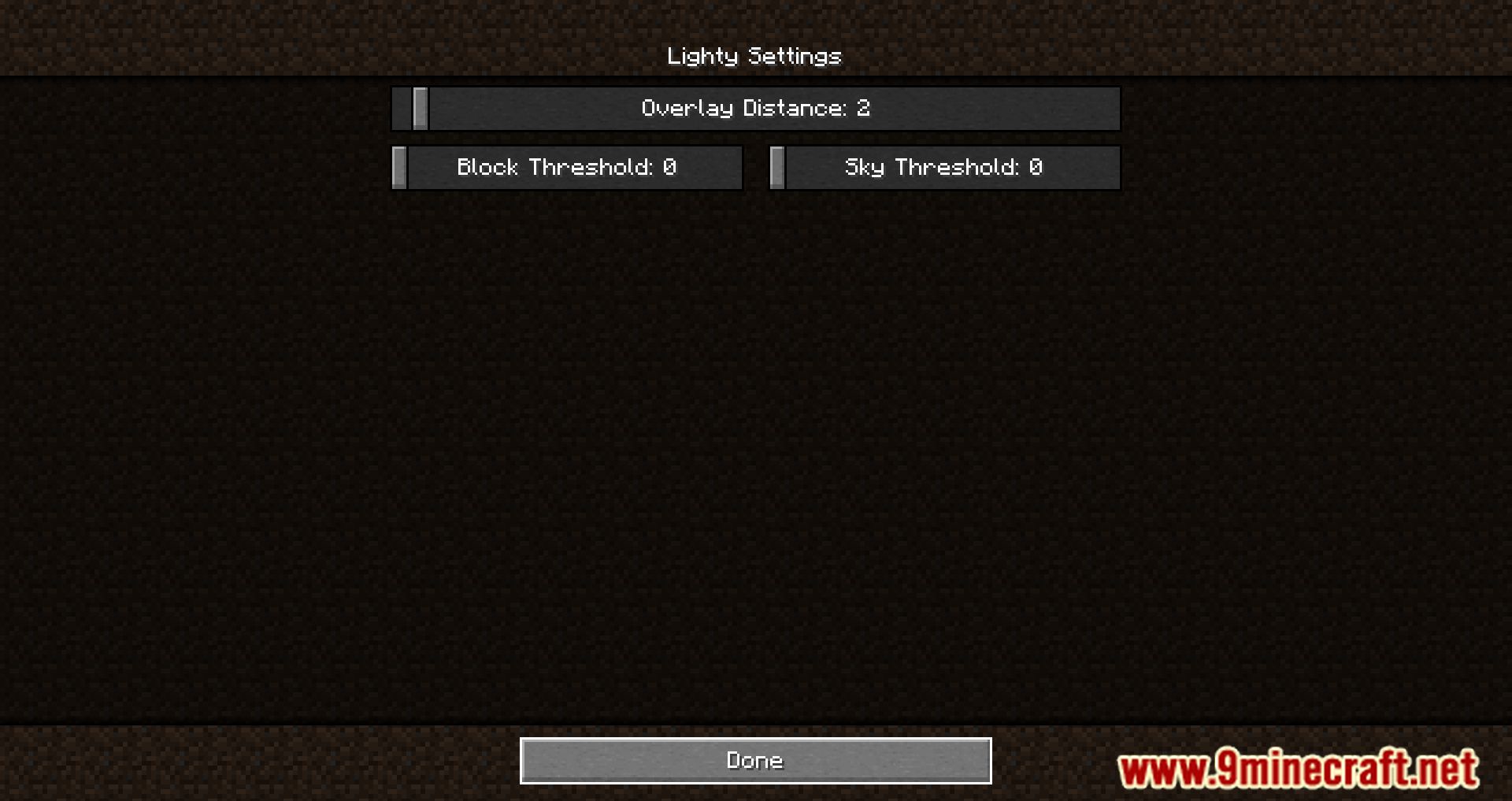
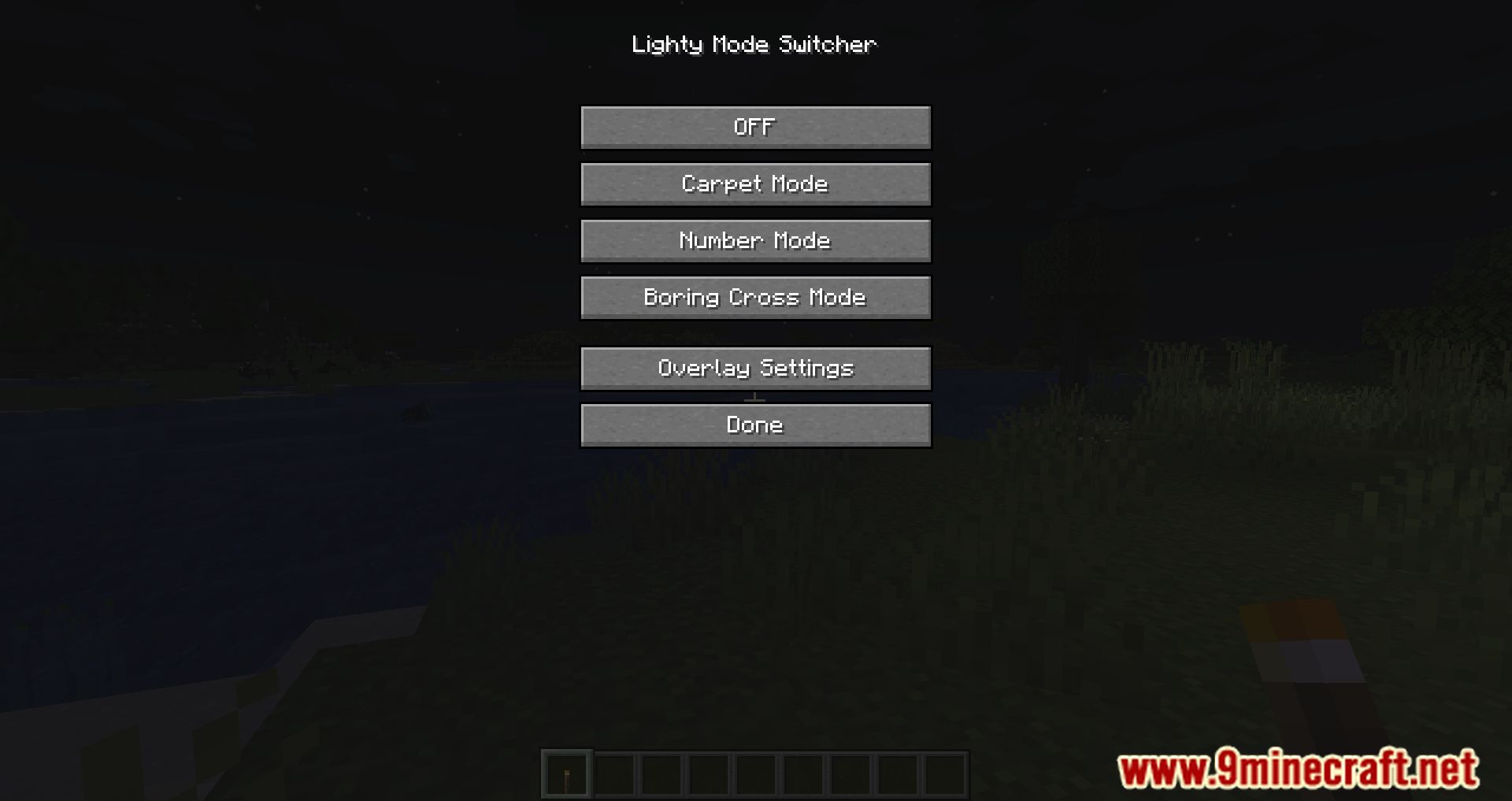
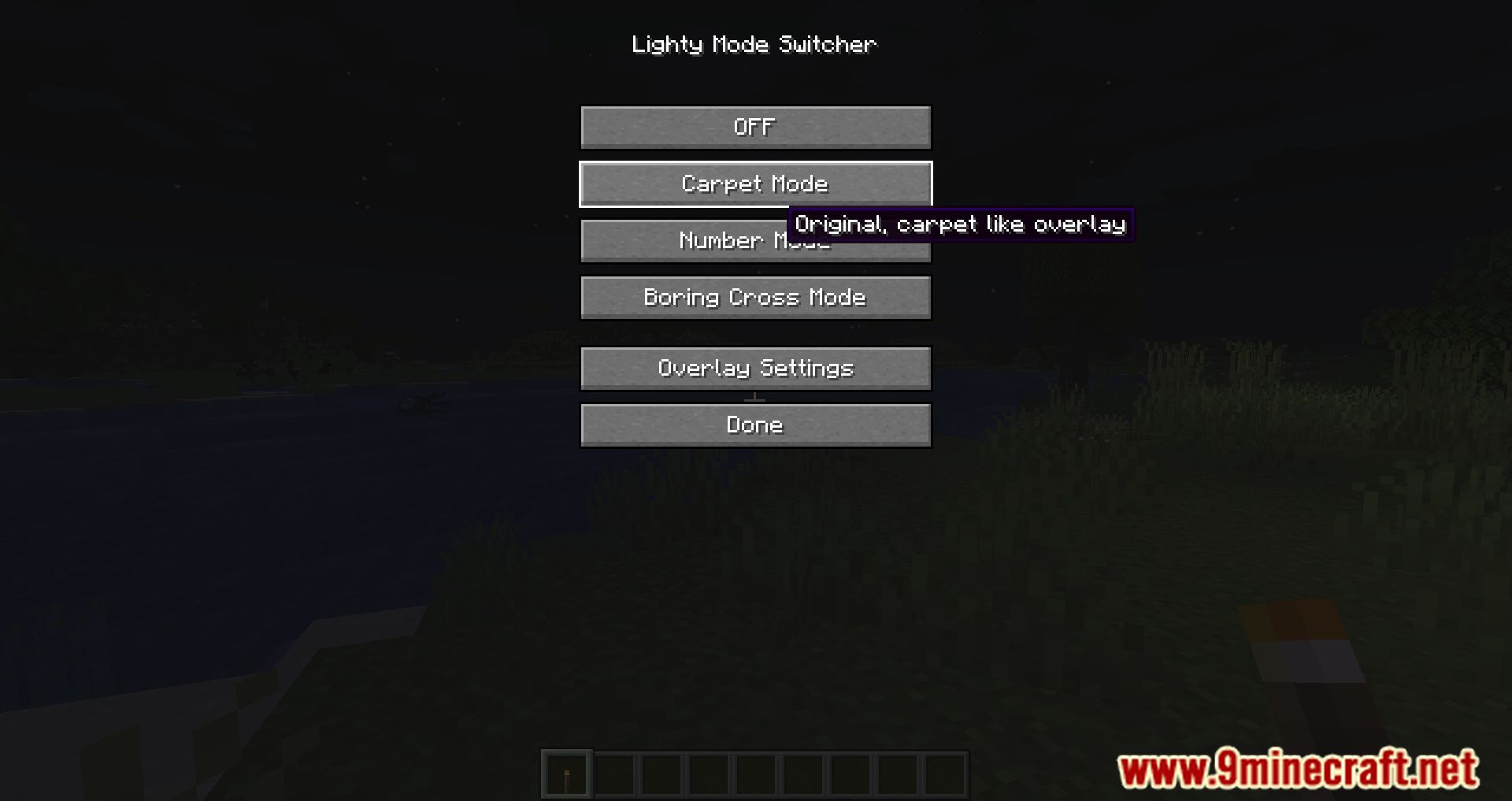
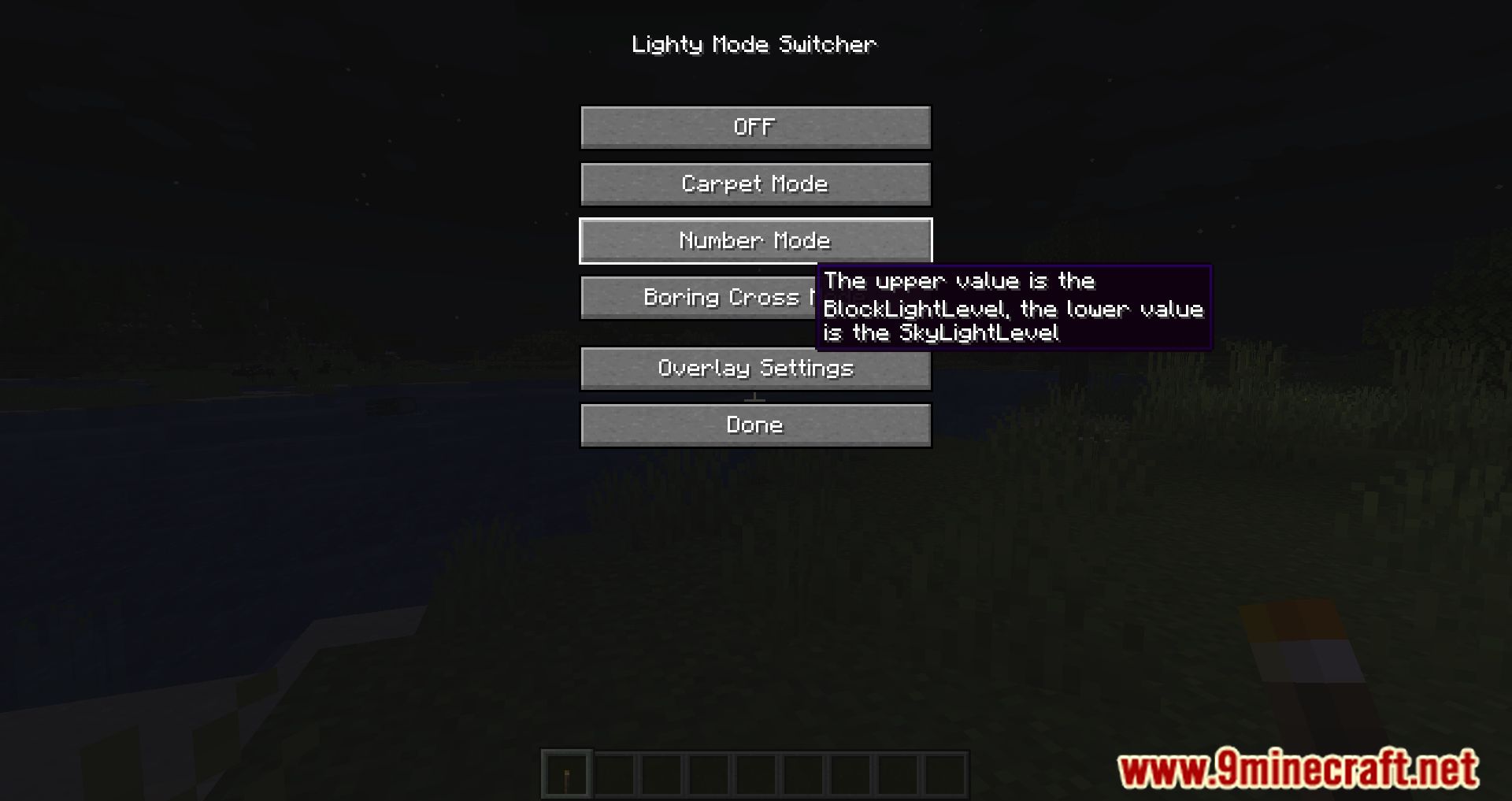
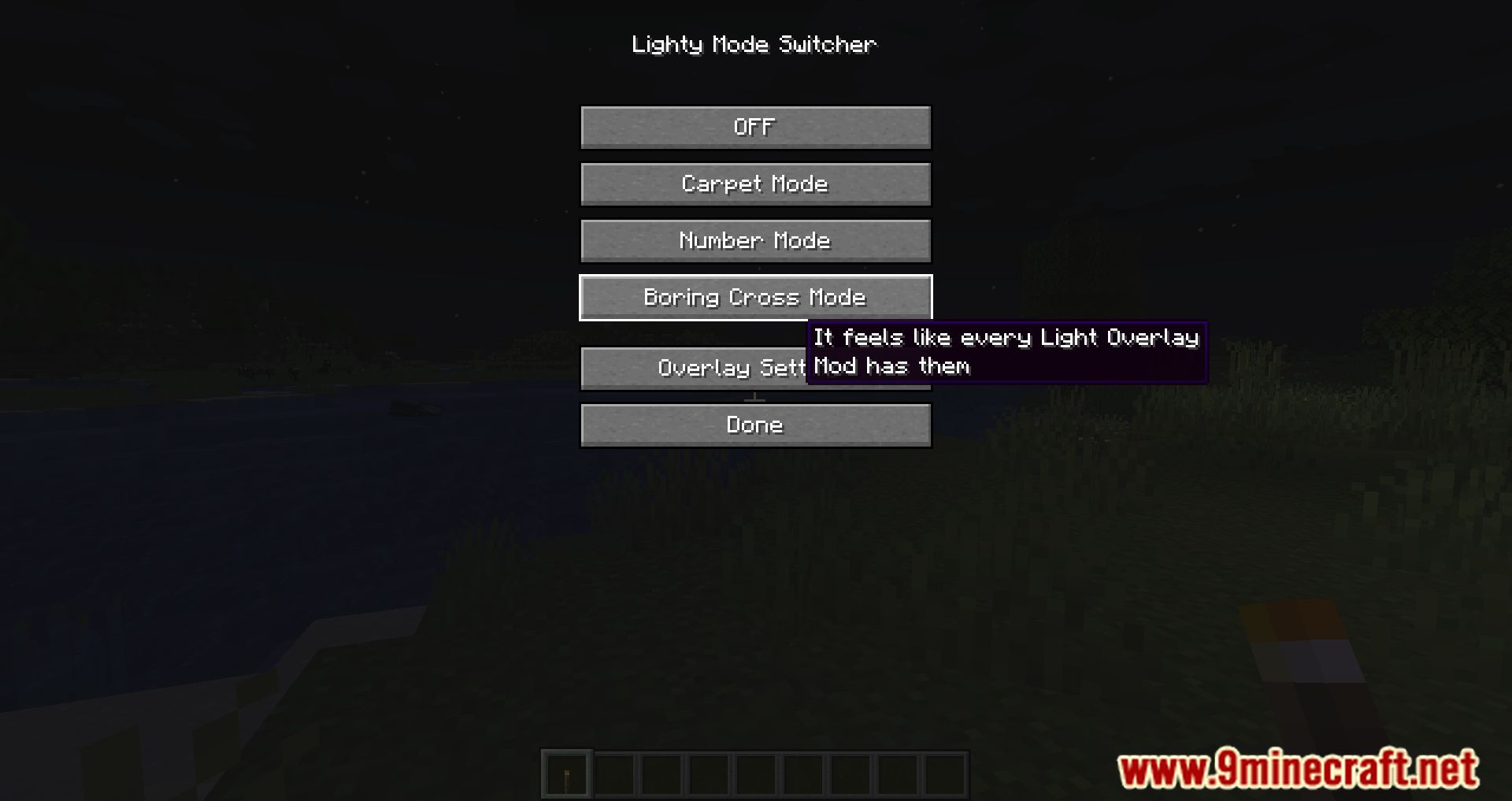
Lighty Mod offers a unique way to visualize block lighting: instead of standard crosses or numbers, it uses a transparent block that mimics a carpet. If desired, users can switch to the traditional mode displaying numbers or crosses. The mod has adjustable settings, allowing changes to brightness, display distance, and several other features. To activate the settings mode, press F7. You can also use F8 for quick toggling on and off.

Features:
Color-coded mob warnings:
- Green: Indicates complete safety-mobs cannot spawn under any circumstances.
- Orange: Less secure-mobs may appear in this zone at night when the sun sets. Players should be cautious, especially in the evening.
- Red: The most dangerous level-mobs can spawn at any time, day or night. Players are advised to avoid this area or be prepared for encounters.
Screenshots:
How to Install:
New to Minecraft? Follow our step-by-step guide to install Mods on your PC.View Guide
Requirements:
 Fabric Loader Required
 Fabric API Required
Quilt Loader Required
 NeoForge Required
 Minecraft Forge Required
Mod Menu (BTA Port) Required
HalpLibe Required

Lighty Mod Download Links
For Minecraft 26.2
For Minecraft 26.1.2, 26.1.1, 26.1
For Minecraft 1.21.11
For Minecraft 1.21.10, 1.21.9
For Minecraft 1.21.8, 1.21.7, 1.21.6
For Minecraft 1.21.5
For Minecraft 1.21.4
For Minecraft 1.21.3, 1.21.2
For Minecraft 1.21.1, 1.21
For Minecraft 1.20.6
For Minecraft 1.20.4
For Minecraft 1.20.2
For Minecraft 1.20.1
For Minecraft 1.19.4
For Minecraft 1.19.3
For Minecraft 1.19.2
For Minecraft 1.19.1
For Minecraft 1.18.2
Click to rate this post!
[Total: 0 Average: 0]
You May Also Like
















This post has no comments yet. Be the first — your comment will appear here.