
Trashed Mod (26.3, 1.20.1) – Clear Out Excess Loot Instantly

 0


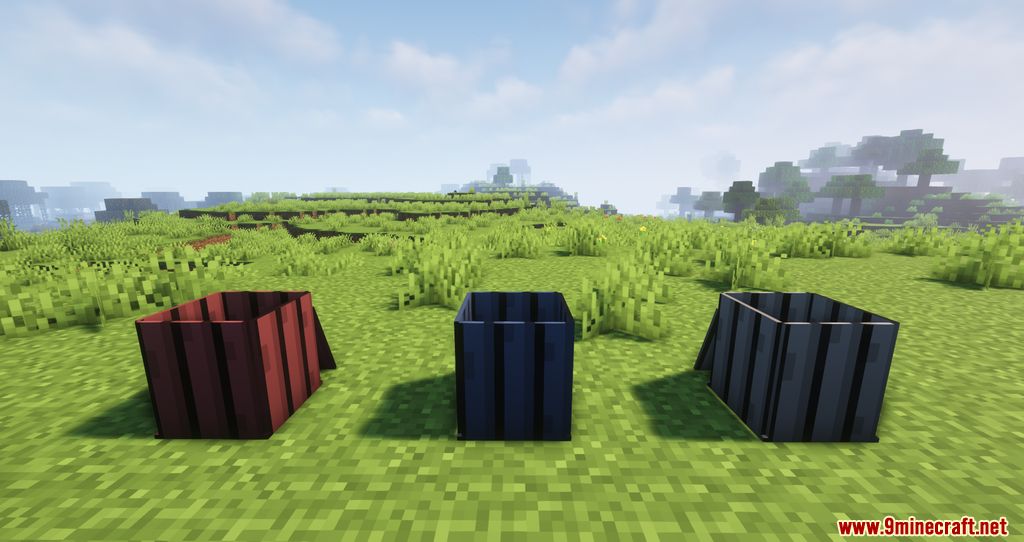
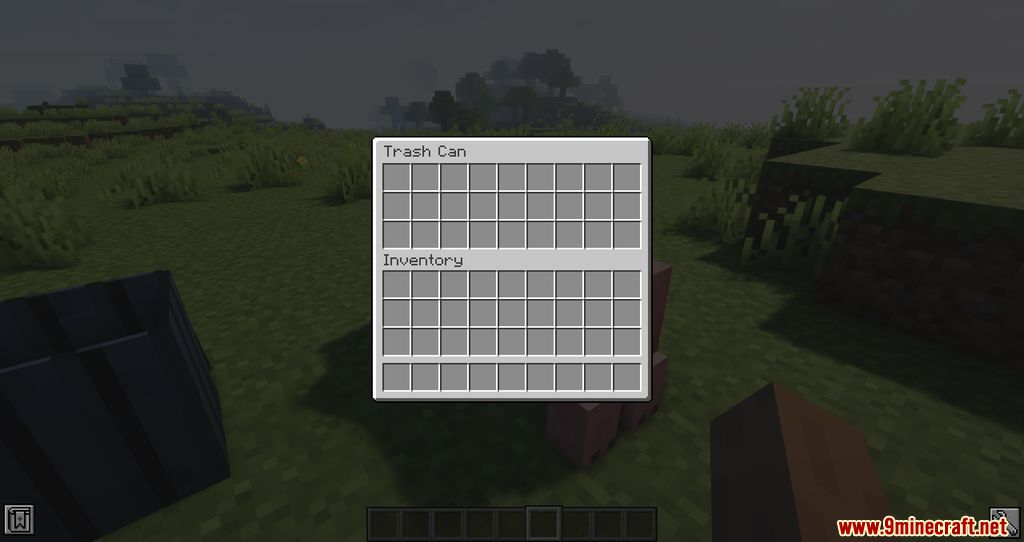
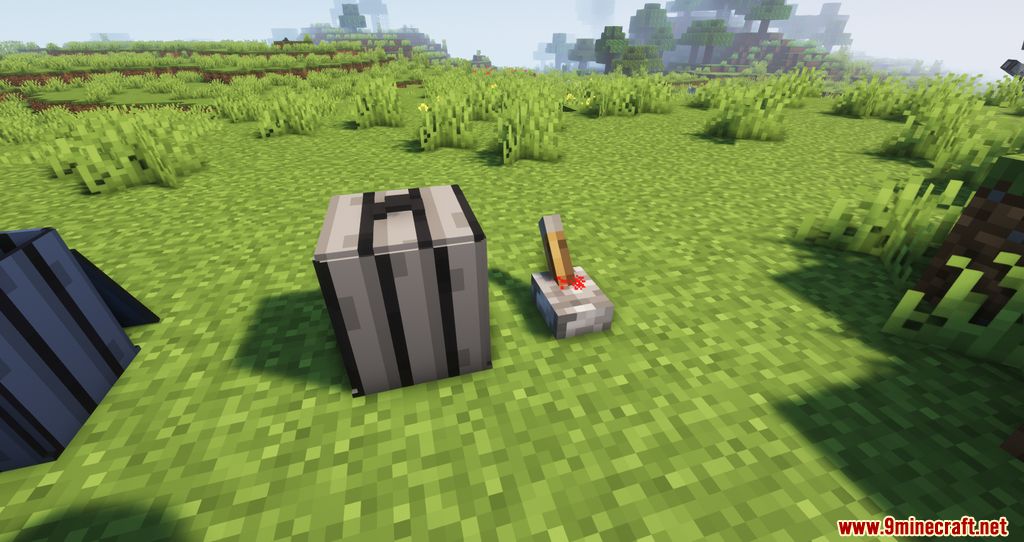
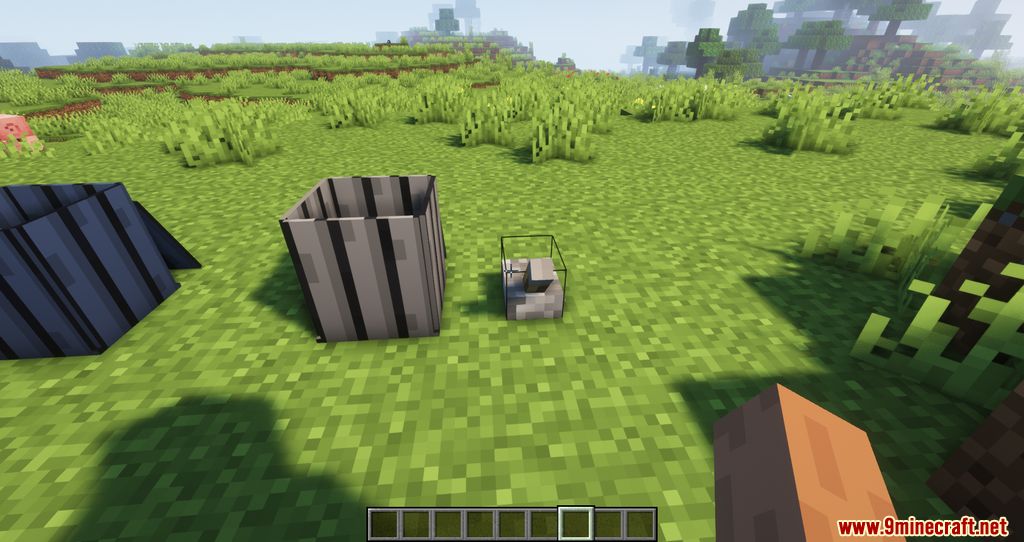
Trashed Mod adds useful trash cans to Minecraft to help players get rid of unwanted items, energy, and fluids. It gives you a clean and safe way to clear out extra resources without needing dangerous lava pits inside your base. The mod includes three different variants designed for specific deletion needs.

Features:
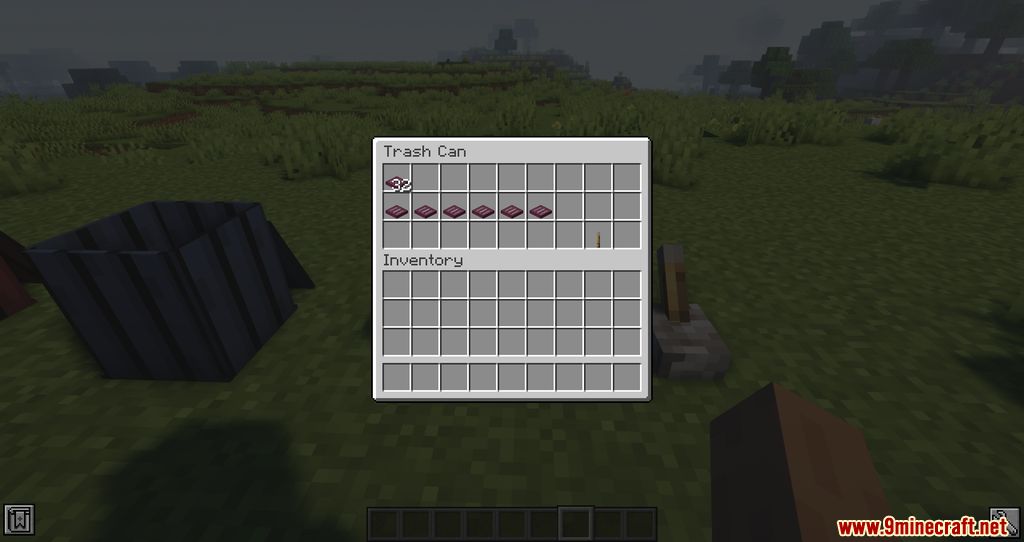
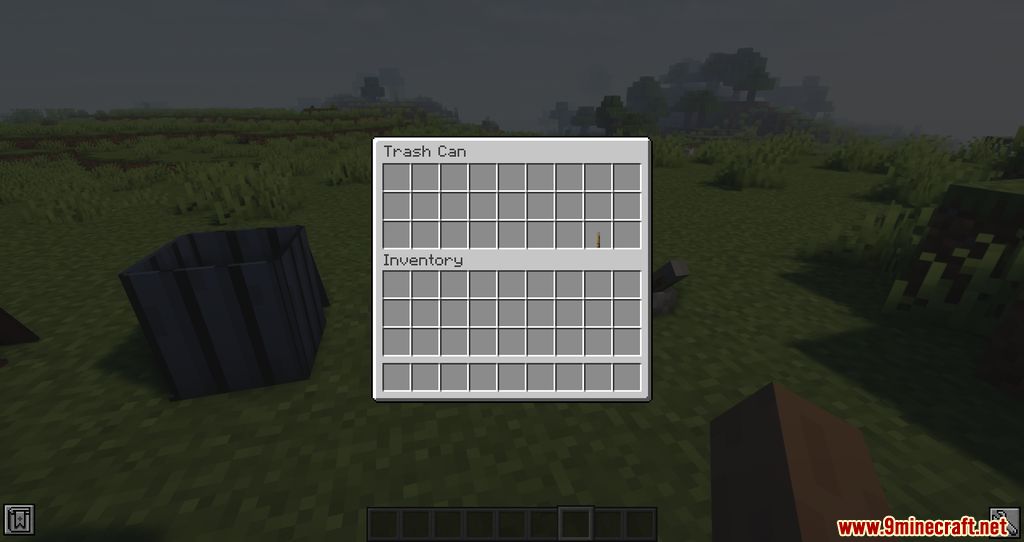
- Regular Trash Can: Voids any unwanted items you throw into it.
- Fluid Trash Can: Destroys excess liquids and fluids easily.
- Energy Trash Can: Disposes of unwanted power and energy networks.
- Deletes mobs and other entities when you construct the regular trash can two blocks tall.
How to Use:
- Craft one of the trash can variants using the required materials.
- Place the trash can block down inside your base or storage area.
- Open the trash can interface to drop in unwanted items, or pipe in fluids and energy directly depending on the variant you built.
Crafting Recipes:
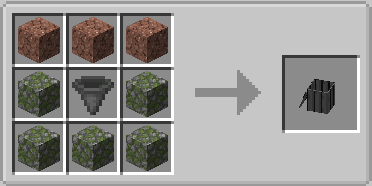
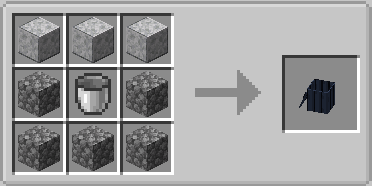
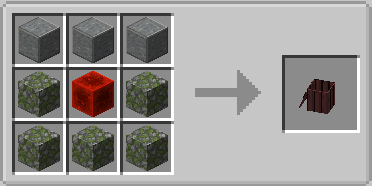
Screenshots:
How to Install:
New to Minecraft? Follow our step-by-step guide to install Mods on your PC.View Guide
Requirements:


Trashed Mod Download Links
For Minecraft 26.3
For Minecraft 26.2
For Minecraft 26.1.2, 26.1.1, 26.1
For Minecraft
1.21.11,
1.21.10,
1.21.9
All Versions Covered
1.21.11
1.21.10
1.21.9
1.21.8
1.21.7
1.21.6
1.21.5
1.21.4
1.21.1
1.21
All Versions Covered
1.21.11
1.21.10
1.21.9
1.21.8
1.21.7
1.21.6
1.21.5
1.21.4
1.21.1
1.21
For Minecraft 1.21.10, 1.21.9
For Minecraft 1.21.8, 1.21.7, 1.21.6
For Minecraft 1.21.5
For Minecraft 1.21.4
For Minecraft 1.20.6
For Minecraft 1.20.4
For Minecraft 1.20.2
For Minecraft 1.20.1, 1.20
For Minecraft 1.19.4
For Minecraft 1.19.3
For Minecraft 1.19.2
For Minecraft 1.18.1
For Minecraft 1.17.1
For Minecraft 1.16.5
For Minecraft 1.18
Click to rate this post!
[Total: 0 Average: 0]
QUICK MINECRAFT SURVEY · ONE TAP
Mods & Modpacks
Who do you usually play modded Minecraft with?
10 responses · See the full results →
You May Also Like
Picked for this page
 Litematica Mod (26.3, 1.20.1) – Build From a Holographic Blueprint
 Additional Enchanted Miner Mod (26.2, 1.20.1) – Advanced Machines
 Double Doors Mod (26.3, 1.20.1) – Doors will Now Open and Close Together
 Villager Names Mod (26.3, 1.20.1) – Villagers Now Have A Name
 Not Enough Crashes Mod (26.3, 1.20.1) – Preventing Game Shutdowns
 Third Person Mod (26.2, 1.20.1) – Dynamic Third Person Camera
 Just Enough Professions Mod (26.3, 1.20.1) – Workstation Details
 Held Item Info Mod (26.3, 1.20.1) – Live Enchantment Display
 Compact Storage Mod (26.2, 1.20.1) – Carry Everything You Find
 Fancy Block Particles Renewed Mod (26.1.2, 1.20.1) – 3D Digging Particles
 Chat Tools Mod (26.3, 1.20.1) – Advanced Tools and Customization Chat Options
 Hide Item Frame Mod (26.3, 1.20.1) – Equipped Item Frames Turn Invisible
Most viewed in Mods over the last 7 days
 Ala Industrial Mod (26.3) – Run Electric Power Grids and Automated Factories
 PleasureCraft Mod (26.3, 1.21.1) – Jenny Mod Remake for Fabric
 Jennycraft Mod (26.3, 1.20.1) – Virtual Girlfriend in Minecraft
 Fapcraft Mod (26.3, 1.12.2) – Comprehensive and Detailed Content
 Jenny Mod (Fapcraft) Official Complete Guide – How to use, Tutorial
 BangCraft Mod (1.20.1) – Jenny, Ellie and Elliot
 Fabric Loader (26.3, 1.20.1) – Fabric Installer for All Minecraft Versions
 The Shooting Star Demo Mod (26.3, 1.20.1) – Vaporize Terrain From Orbit
 Meteor Client Mod (26.3, 1.20.1) – Xray, HUD, Fly
 OptiFine HD (26.3, 1.20.1) – Run Faster, FPS Boost, Shaders Support
 Aristois Client Mod (1.21.4, 1.20.1) – World Class Minecraft Utility
 Prestige Client Mod (1.21.11, 1.21.4) – Powerful Ghost Features for Crystal & Sword PvP
More from Mods
 GroovyDuvet Mod (1.21.11, 1.20.1) – Run Groovy Scripted Addons Without Game
 Swing Through Grass 9minecraft Mod (26.3, 26.2) – Fight Mobs Without Breaking Tall Grass
 Improved Boss Bars 9minecraft Mod (26.3) – Unique Health Bars for Every Boss Fight
 Cozy’s Improved Wolves Mod (26.3, 1.20.1) – Bond with Loyal Dogs That Never Die
 Cuisine Craft Mod (1.21.11, 1.20.1) – Cook Restaurant Dishes with Fresh Farm
 XinexLib Mod (1.21.1) – Keep Your Ultreon Studios Mods Running
 Libvulpes – Fixed Mod (1.12.2) – Launch Rockets with Fewer Bugs
 Freelook Perspective Mod (26.3, 1.21.1) – Watch Your Back While Sprinting
 FAUNA Engine Mod (1.21.1, 1.20.1) – Powering Legendary Dragons
 Avali Nexus Mod (26.3) – Settle Frozen Frontiers with High-Tech Bird Tribes
 Orient’s Hotpot Chronicles Mod (1.20.1) – Boil Fresh Hotpot Meals Over Open Flames
 Far Lands Traveler Mod (26.1.2) – Survive the Long Trek to the Edge of the World

This post has no comments yet. Be the first — your comment will appear here.