
LS RenderPearl Shaders (26.3, 1.20.1) – Ray-Traced Hand Lighting
 5,627
 0

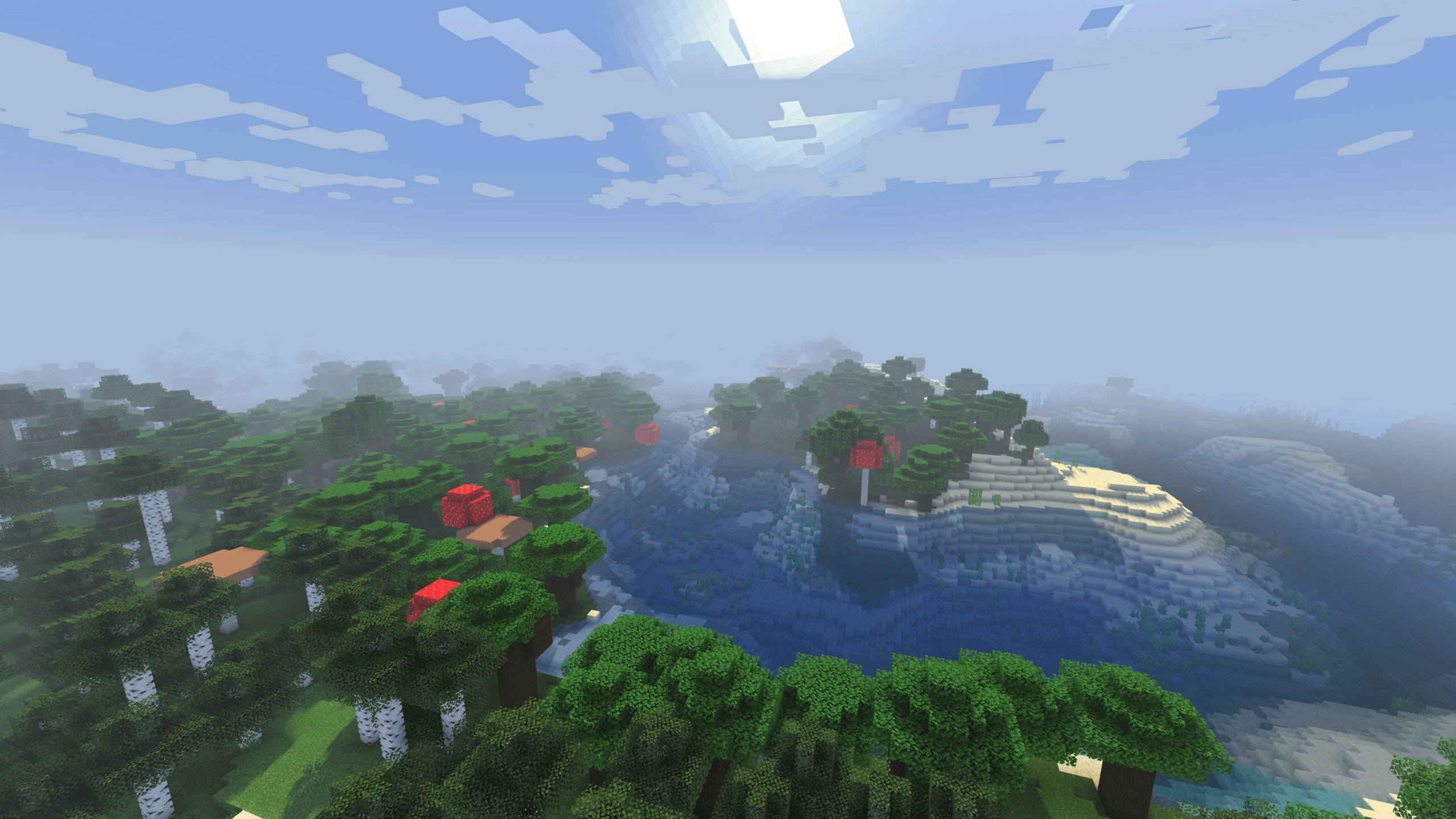
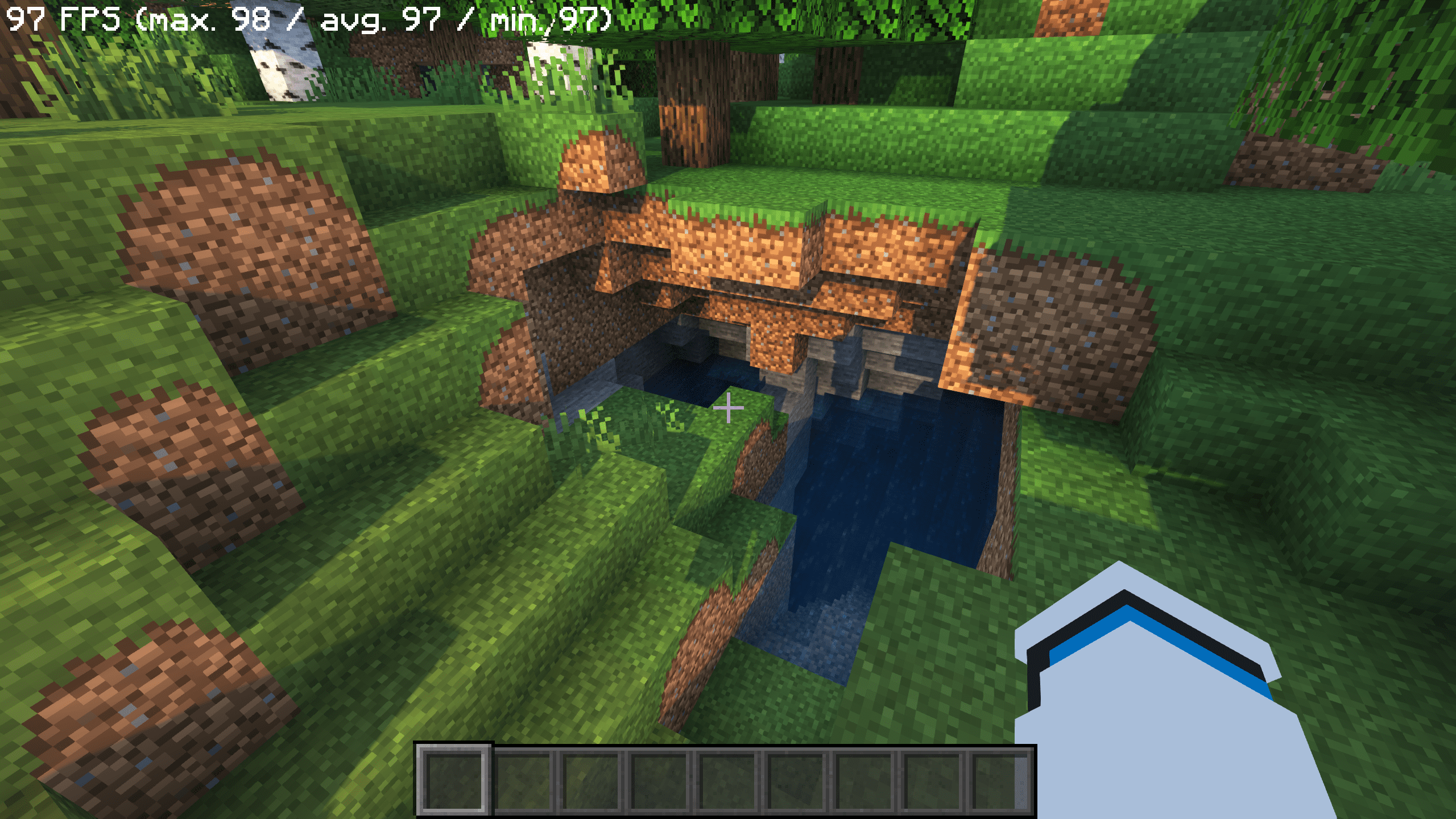
LS RenderPearl Shaders lights up Minecraft with modern, lightweight graphics built for Iris on modern hardware. This shader pack adds smooth colored shadows, volumetric light, colored block light with reflections, and ray-traced light for each hand. It also brings post-processing effects like SMAA anti-aliasing and adaptive sharpening, customizable water, LabPBR 1.3 material support, and built-in tools like a compass overlay and light level view. Because it focuses on high performance, the shader keeps frame rates smooth during PvP and normal survival play. It runs on Iris with graphics drivers that support GLSL 4.60.8 or newer, and its automatic material data works right away with most mods and resource packs.
Shader Trailer
Features:
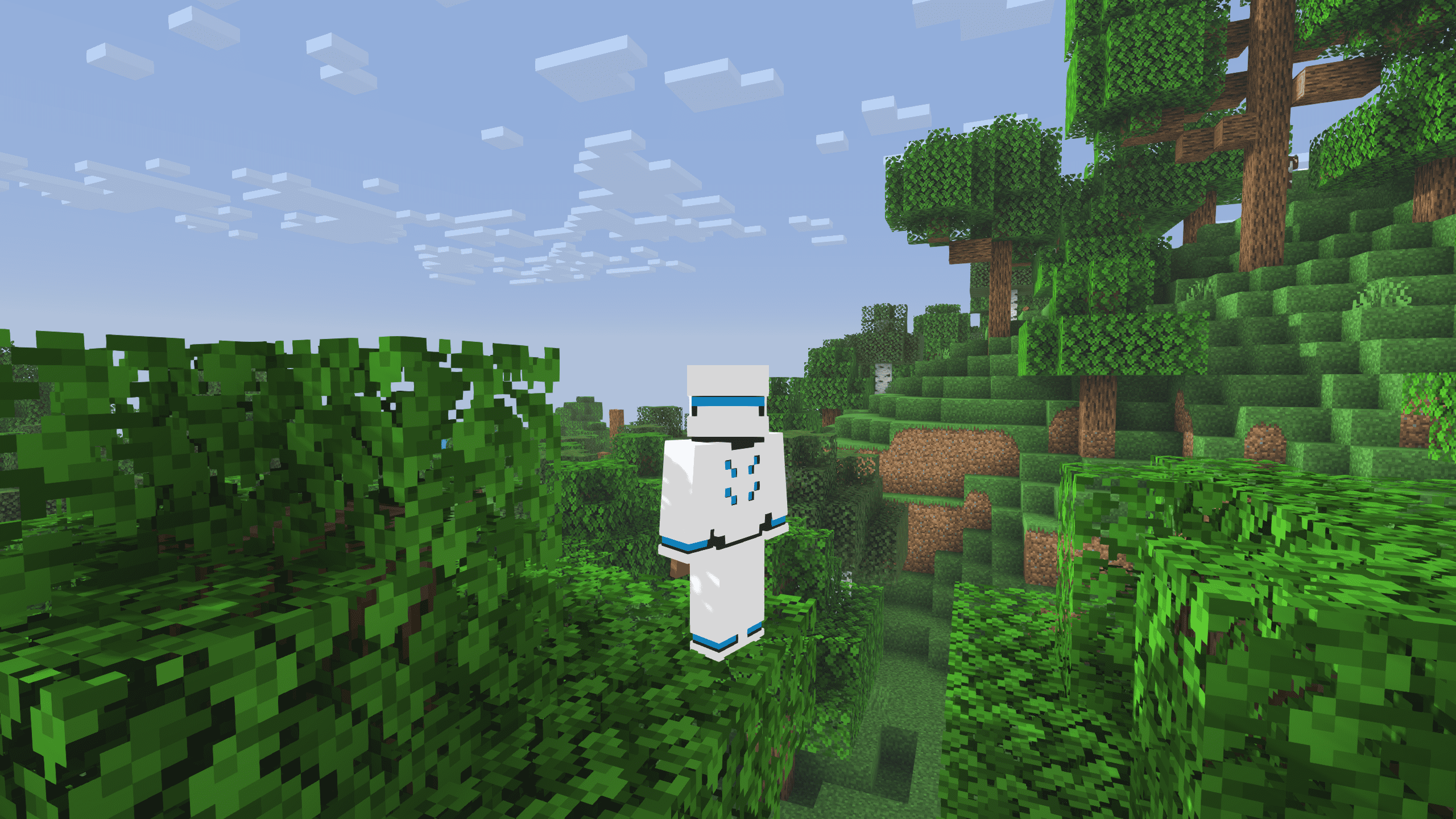
- Colored Real-Time Shadows and Volumetric Light: Adds smooth, colored real-time shadows and volumetric light using distorted shadow mapping.
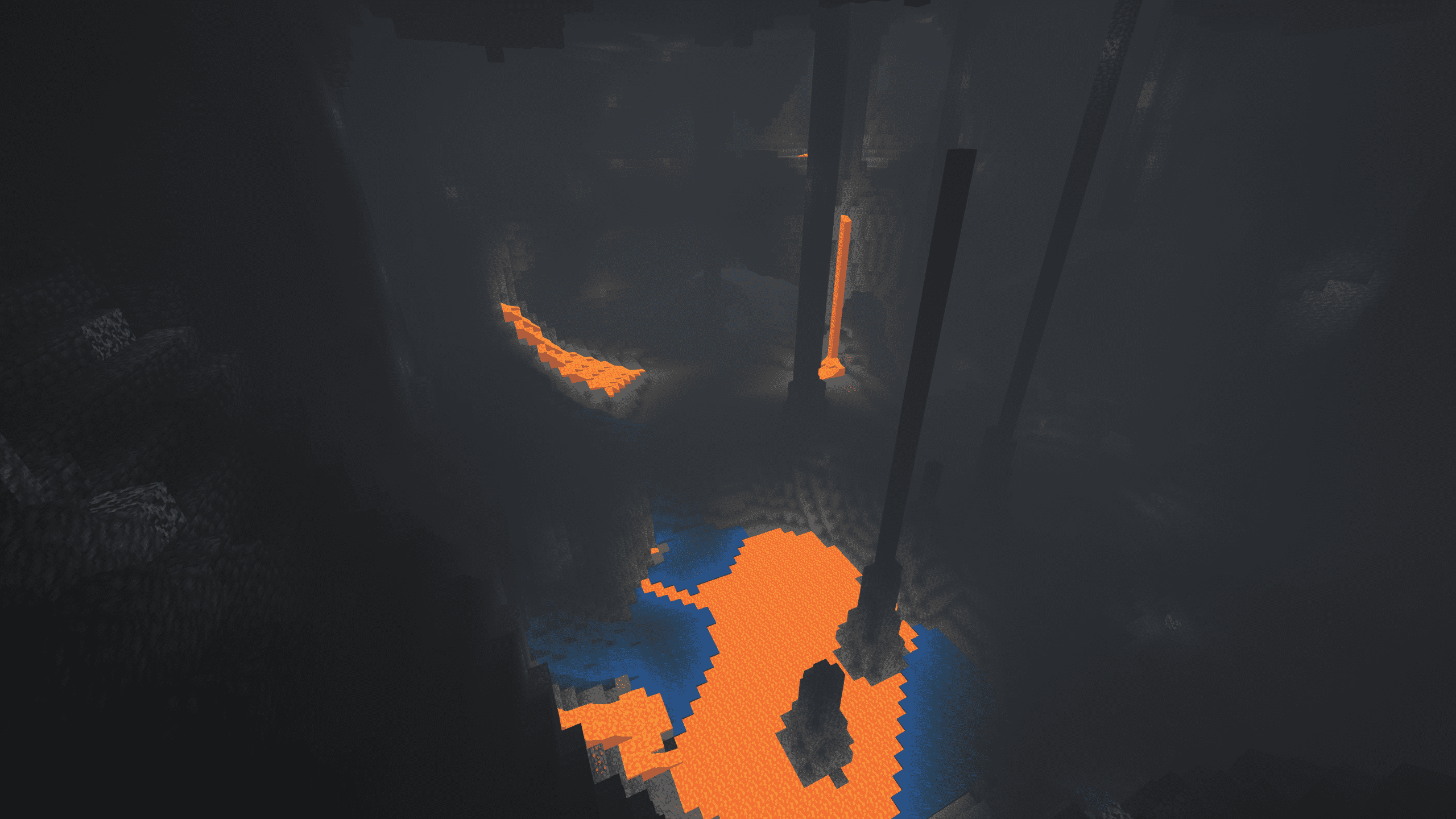
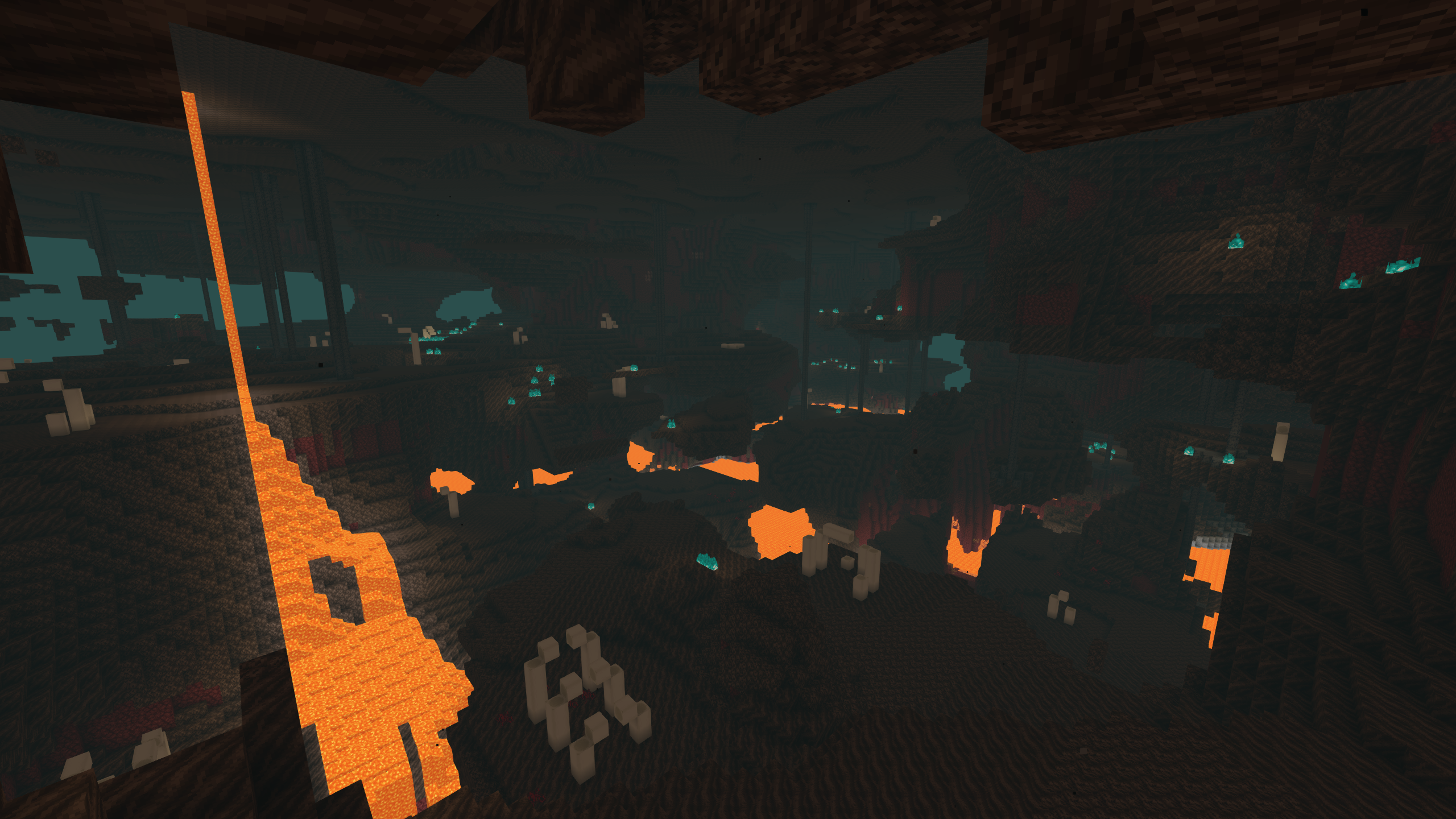
- Colored Block Light and Reflections: Creates colored block light and physically based reflections by combining a light list with vanilla lighting and each block’s average texture color.
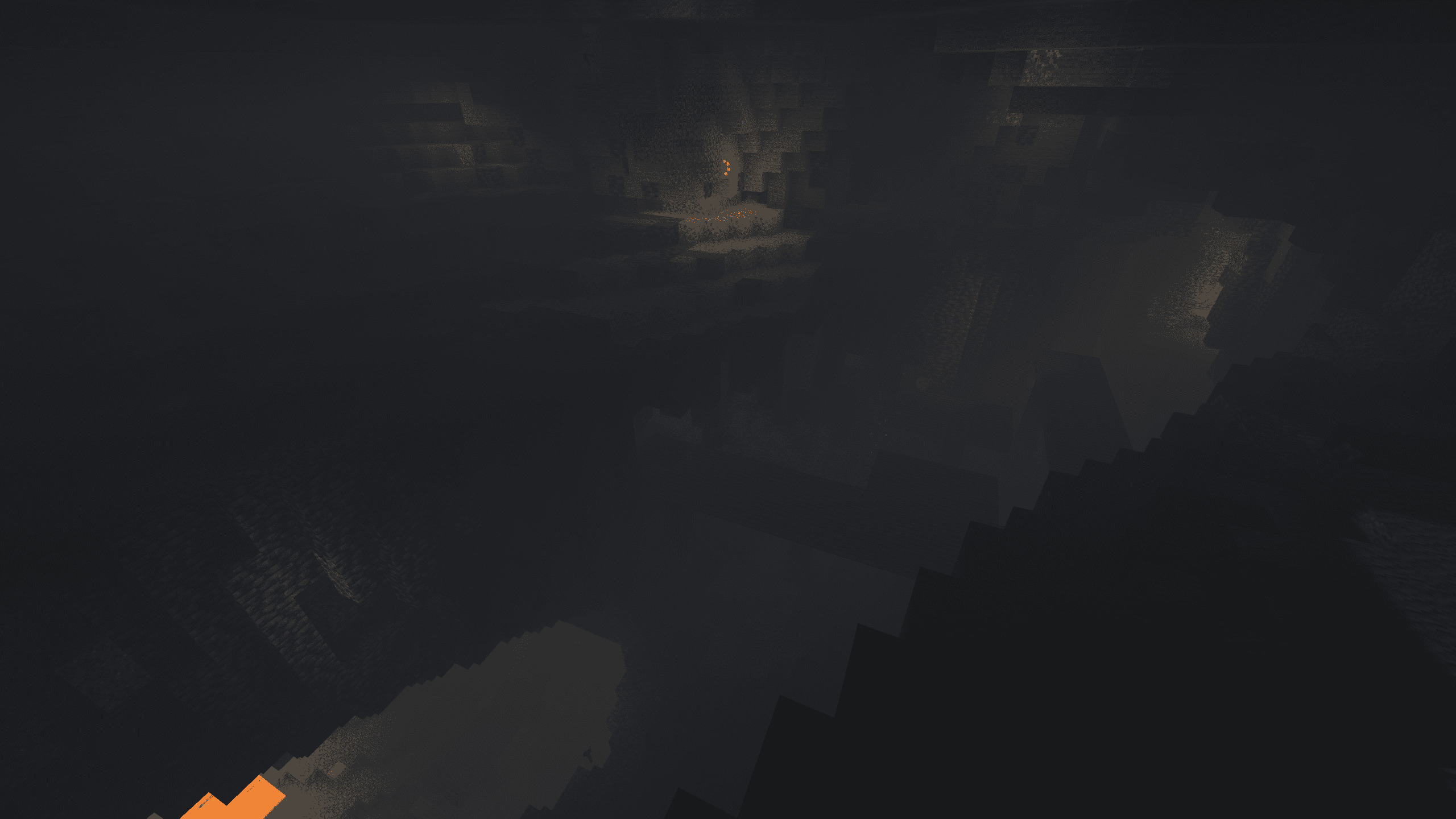
- Ray-Traced Hand Light: Casts ray-traced light separately from each hand so you can see clearly in dark areas.
- Optimized Post-Processing Effects: Includes compute-shader FidelityFX Contrast Adaptive Sharpening, SMAA 1x anti-aliasing from SMAA-MC, automatic exposure, and several tone mapping options.
- Lets you adjust water waves and water opacity to match your preferred look.
- Includes built-in tools such as light level visualization and a compass overlay.
- Generates most built-in PBR data automatically, including light colors, material normals, and roughness, so it works well with most mods and resource packs.
- Supports basic, experimental integration with Distant Horizons and Voxy on the latest Minecraft version.
- Offers experimental support for mods that change the Iris shader pipeline, like Chunks Fade In, though the shader may fail to compile with some setups.
- Uses modern Iris features (
BLOCK_EMISSION_ATTRIBUTE,COMPUTE_SHADERS,CUSTOM_IMAGES,ENTITY_TRANSLUCENT,PER_BUFFER_BLENDING,SEPARATE_HARDWARE_SAMPLERS, andSSBO) and graphics drivers supporting GLSL 4.60.8 or newer on non-macOS devices.
LabPBR 1.3 Material Support:
- Albedo: Reads per-texel data from resource packs, with no configurable nonstandard channels or automatic generation.
- Smoothness: Reads per-texel data from resource packs (including linear or perceptual roughness), supports configurable nonstandard channels, and includes automatic generation.
- F0 / Reflectance: Not read from resource packs; uses a constant automatic value.
- Normal: Reads per-texel data from resource packs and includes automatic generation, with no configurable nonstandard channels.
- Ambient Occlusion: Uses binary per-block data from resource pack models along with automatic generation.
- Emissiveness: Generated automatically; not read from resource packs.
- Subsurface Scattering: Uses a constant automatic effect on see-through surfaces only; not read from resource packs.
- Hardcoded Metal, Porosity, and Height: Not supported from resource packs or automatic generation.
Graphics Driver Support:
Only the latest stable driver versions are tested, while all other drivers are untested.
- Linux (Mesa RadeonSI): Perfect support.
- Linux (Nvidia): Very good support.
- Linux (Mesa Zink / RADV): Good support.
- Linux (Mesa Zink / Nvidia): Unstable support.
- Windows (AMD Adrenalin): Good support.
- Windows (Nvidia Game Ready): Very good support.
Configuration:
Default settings and built-in profiles work on all supported systems. You can adjust advanced options in the Compatibility Menu to get better speed or visuals, depending on your graphics drivers. Options marked with a red ⚠ may stop the shader from compiling on some setups—if that happens, just reset the option.
Light List Capacity: Controls how many lights fit in the light list, limited by your GPU’s Local Data Share memory per work group. Depending on your GPU, drivers, and the16/8-Bit Typessetting, you can raise it past profile limits, but only do this if lights start flickering because raising it lowers performance.16/8-Bit Types: Uses optional OpenGL/GLSL extensions for half-sized and quarter-sized data types to lower register, LDS, and VRAM usage. Performance varies by hardware and driver because switching data types has a cost, though smaller types can run faster.Trinary Min/Max: Runs three-way min and max math in a single call using the optionalAMD_shader_trinary_minmaxextension for better shader speed. Turning this on is recommended whenever supported.32×16-Bit Multiplication: Multiplies 32-bit numbers with 16-bit-range numbers using the optionalINTEL_shader_integer_functionsextension, which can run faster than regular 32-bit math. Turning this on is recommended whenever supported.Immutable Constants: Marks eligible shader variables as constant to allow better optimization. Although GLSL requires it, some graphics drivers still do not support it, so turn it on whenever possible.
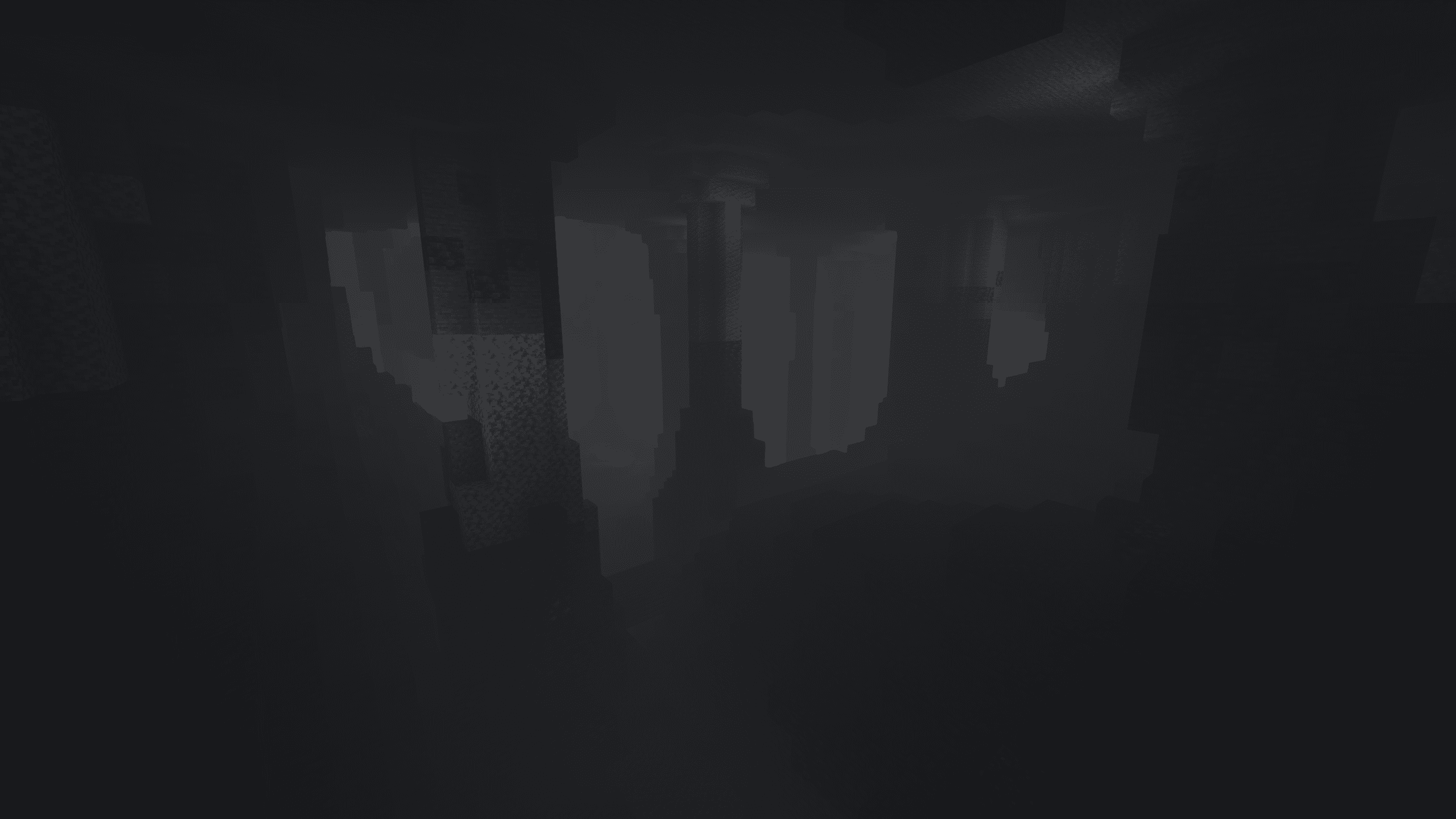
Screenshots:
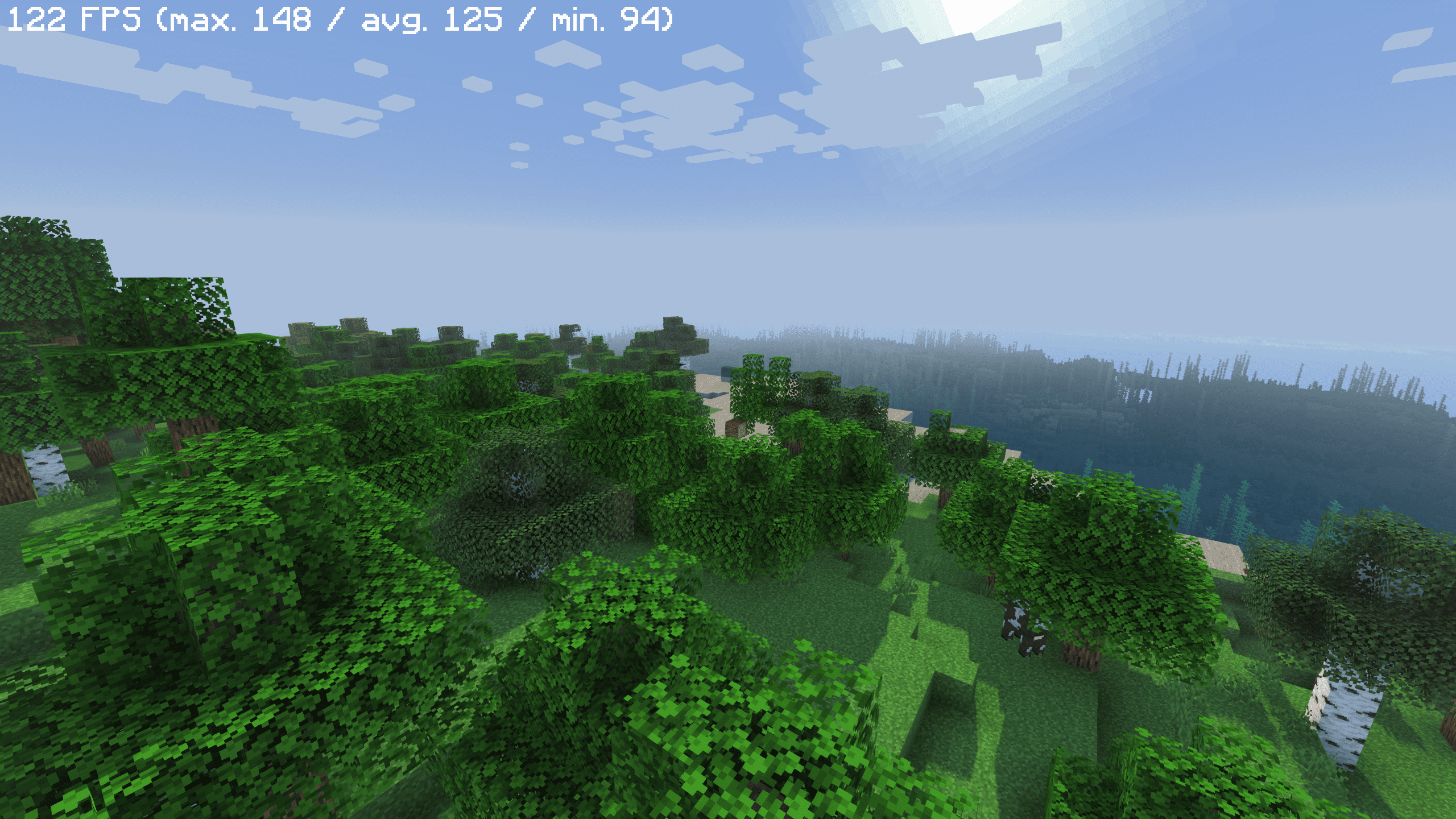
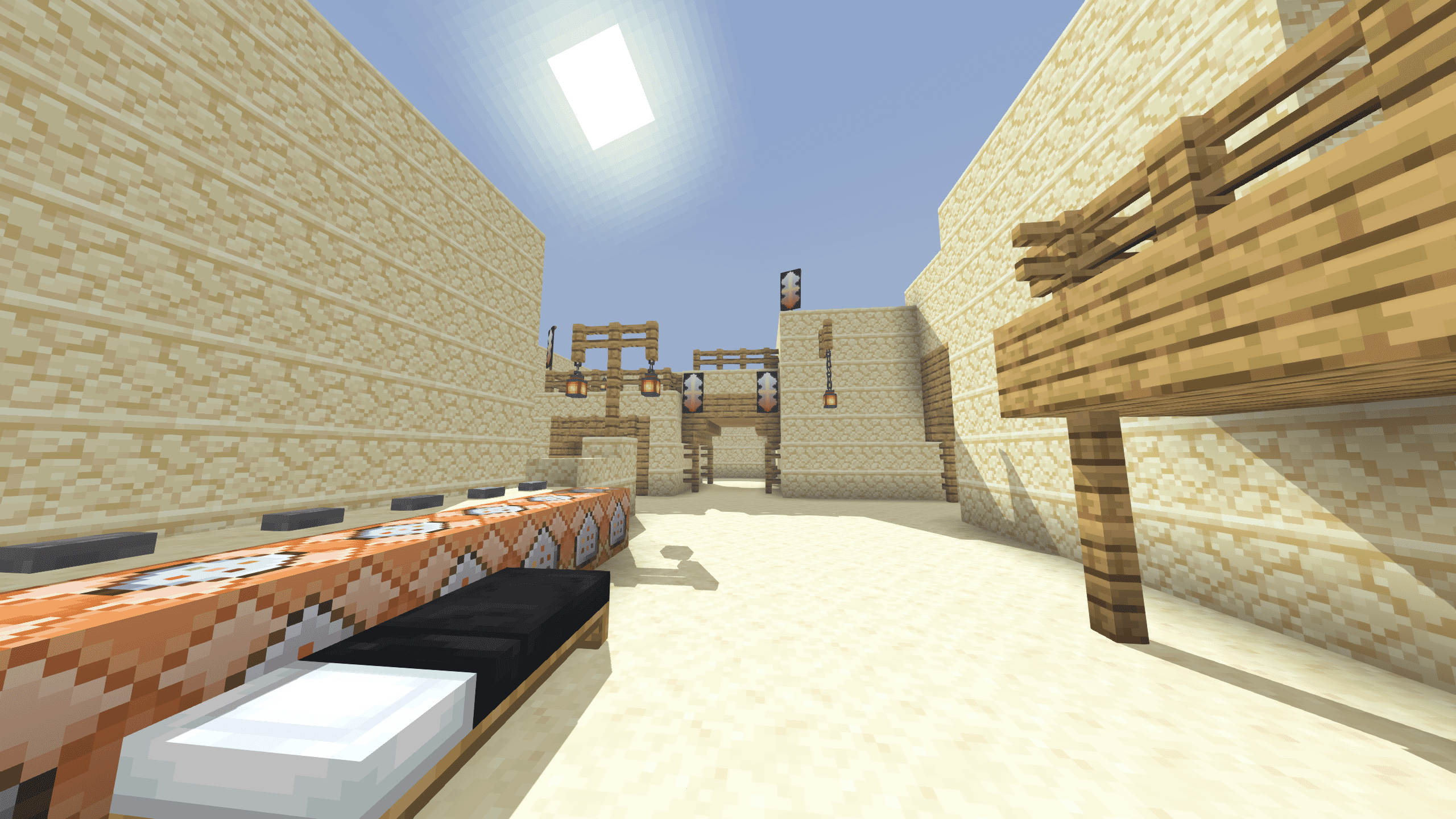
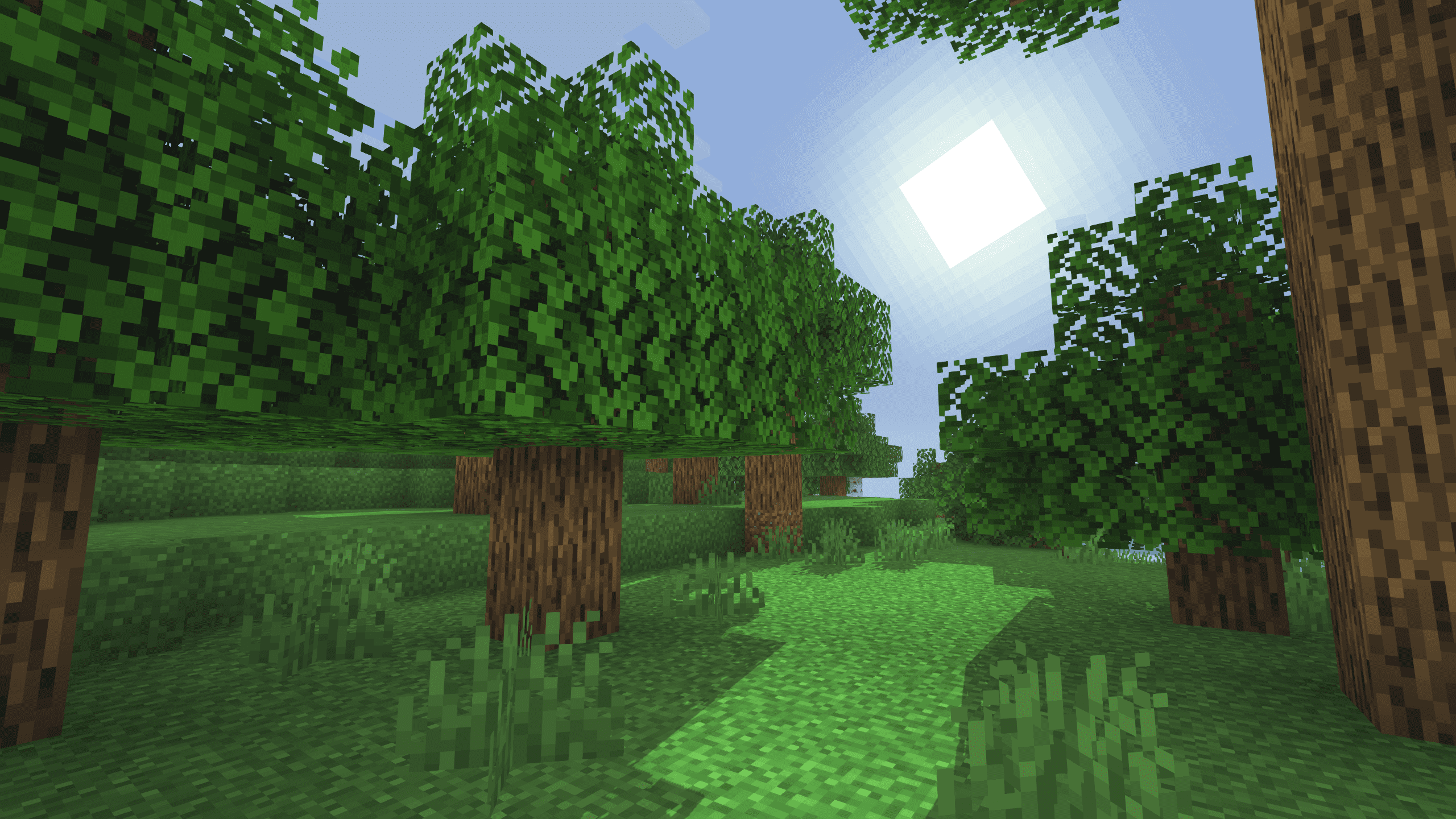
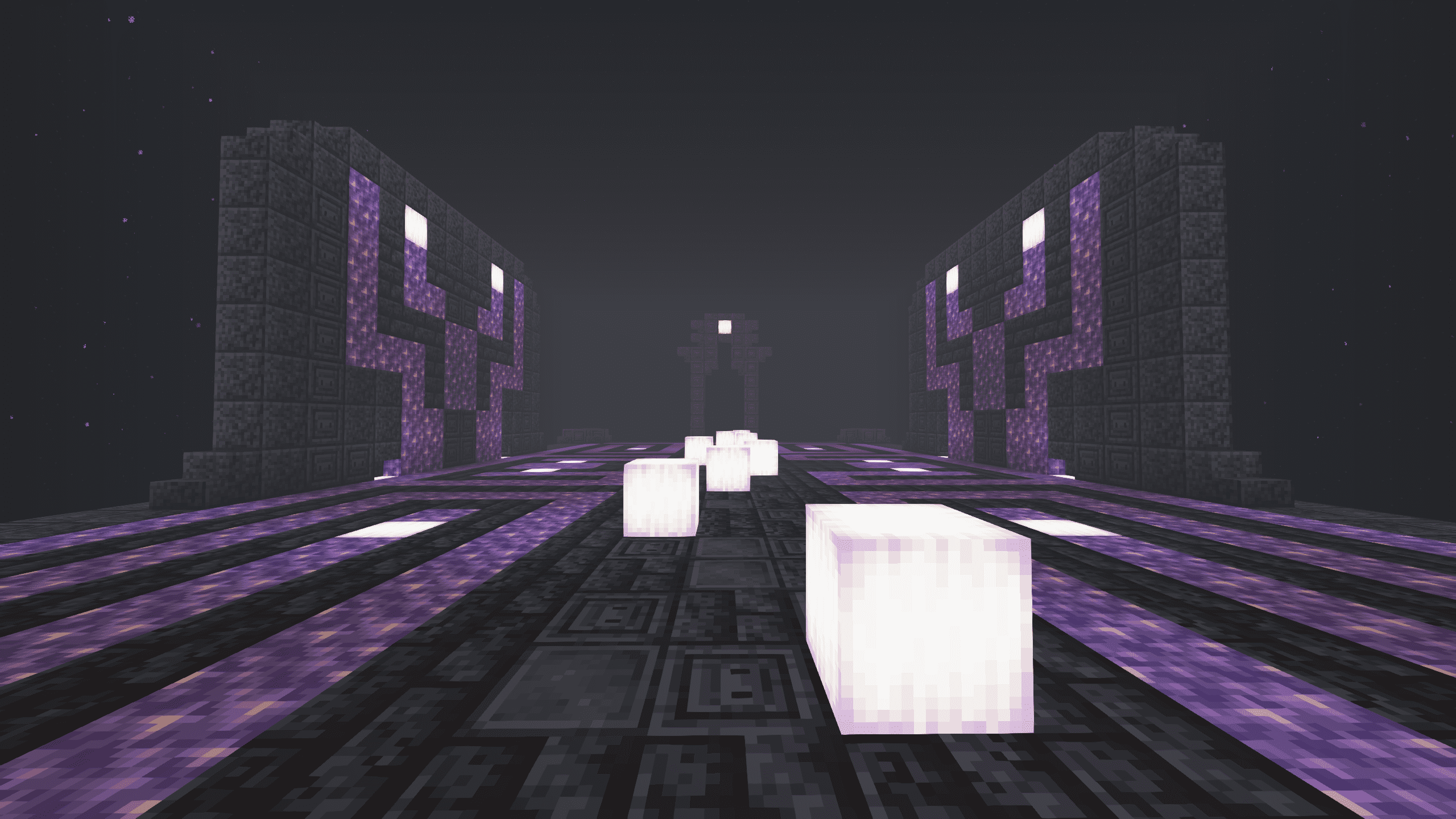
How to Install:
New to Minecraft? Follow our step-by-step guide to install Shaders on your PC.View Guide
Requirements:
 Iris Shaders Mod Required
 Sodium Mod Required
 Iris Oculus Shader Folder Mod Optional
 Voxy Mod Optional
 Distant Horizons Mod Optional
LS RenderPearl Shaders Download Links
You May Also Like
Picked for this page
 PureCraft Shaders (26.3, 1.20.1) – Upgrades Graphics For Weak Computers
 Aurora Veil Shaders (26.1.2, 1.20.1) – Animated Aurora Sky With Global Color
 Better Voxels Shaders (26.3, 1.20.1) – Path Tracing with Colored Lighting
 Author87668’s LIGHT Shaders (26.3, 1.20.1) – High FPS Painted Graphics
 The Shader (26.3, 1.20.1) – Realistic Bounced Lighting and Shadows
 Luminara Rebuilt Shaders (26.3, 1.20.1) – Realistic Lighting and Soft Shadows
 BSR Shaders (26.3, 1.20.1) – Vibrant Colors on Complementary Reimagined Base
 Vivid Amber Glow Shaders (26.3, 1.20.1) – Warm Lighting with Soft Shadows
 Coffee Shaders (26.3, 1.20.1) – Smooth Shadows and Warm Bloom
 Unbound Sovereign 202 Shaders (26.3, 1.20.1) – Fantasy Modpack Color Grading
 Fabulous VHS Shaders (26.3, 1.20.1) – Classic Scanlines with Low GPU Cost
 Retroview Shaders (26.3, 1.20.1) – Lightweight Retro Lighting and Colors
Most viewed in Shaders over the last 7 days
 OptiFine HD (26.3, 1.20.1) – Run Faster, FPS Boost, Shaders Support
 IterationRP Shaders (26.3, 1.20.1) – Most Realistic Shaders of All Time
 Derivative Shaders (26.3, 1.20.1) – Best Ultra Realistic
 IterationT Shaders (26.3, 1.20.1) – The Best Realistic Graphics in 2025
 Emanrux Shaders (26.3, 1.20.1) – Adds Realistic Skies And Reflections
 Eclipse Shaders (26.3, 1.20.1) – Advanced Sky And Environmental Effects
 SEUS PTGI Shaders (26.3, 1.20.1) – Path Tracing, Ray Traced Shaders
 SEUS Renewed Shaders (26.3, 1.20.1) – Best Minecraft Shaders
 Shadow Only Shaders (26.3, 1.20.1) – Dynamic Shadows Shaderpack
 Rethinking Voxels Shaders (26.3, 1.20.1) – Coloured Lights, Sharp Shadows
 Continuum Shaders (26.3, 1.20.1) – Realistic Textures, Ultra Graphics
 Photon Shaders (26.3, 1.20.1) – Dynamic Clouds and Weather
More from Shaders
 Hazelle Shaders (26.3, 1.20.1) – Colored Lighting and Retro Bloom
 MoonLight Shaders (26.3, 1.20.1) – Fantasy Lighting with Low GPU Cost
 Super FPS Shaders (26.3, 1.20.1) – Maximum Frame Rates on Low-End PCs
 Toonlamentry Shaders (26.3, 1.20.1) – Cel Shading with Crisp Outlines
 Dreadfog Shaders (26.3, 1.20.1) – Custom Evelite Shading and Lighting
 Halloween Shaders (26.3, 1.20.1) – Creepy Ambient Lighting and Shadows
 Evelite the Nostalgia Shaders (26.3, 1.20.1) – Retro Fantasy Color Grading
 Aetherial Shaders (26.3, 1.20.1) – Custom Solar Rendering and Volumetric Fog
 7amada Panini Projection Lite Shaders (26.3, 1.20.1) – Fixes Wide FOV Distortion
 Lavi_bloomz Shaders (26.3, 1.20.1) – Soft Bloom and Colored Lighting
 Aurelia Realistic Shaders (26.3, 1.20.1) – Cinematic Lighting and Soft Shadows
 RustingShader (26.3, 1.20.1) – End Gravitational Lensing and Water Reflections

This post has no comments yet. Be the first — your comment will appear here.