
Sounds Be Gone Mod (26.3, 1.20.1) – Mute Annoying Noises Easily

 0


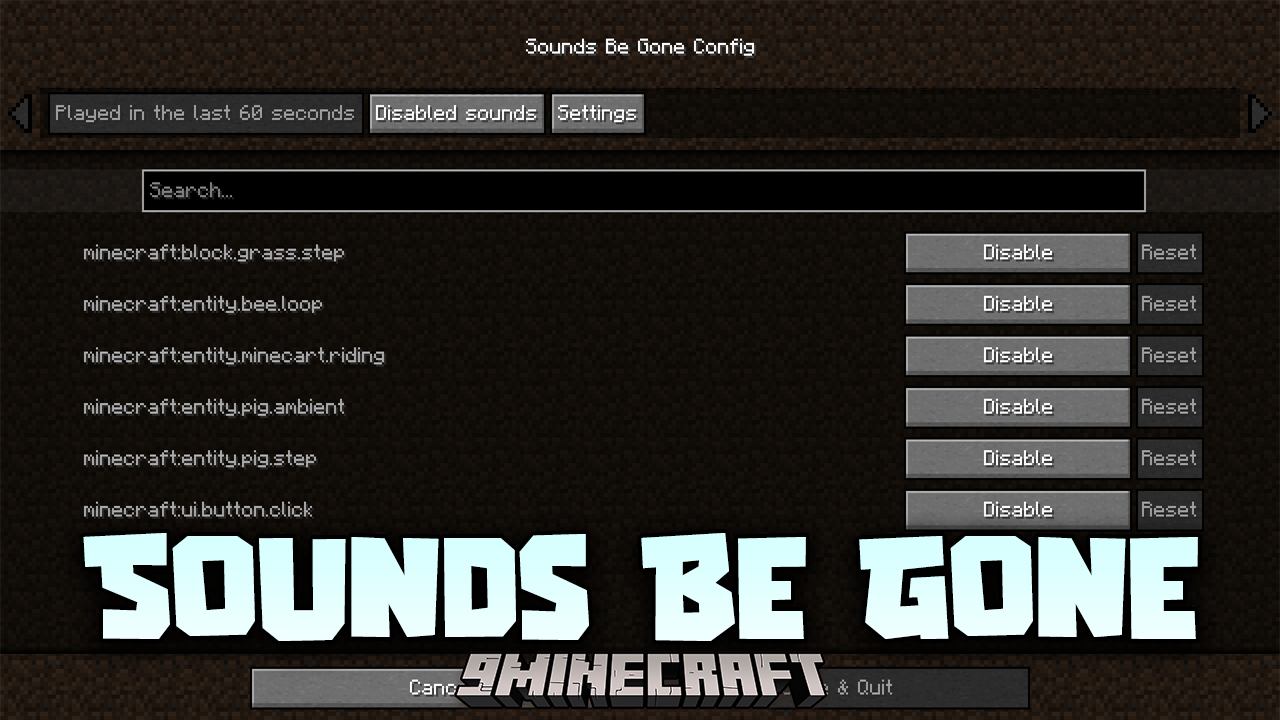
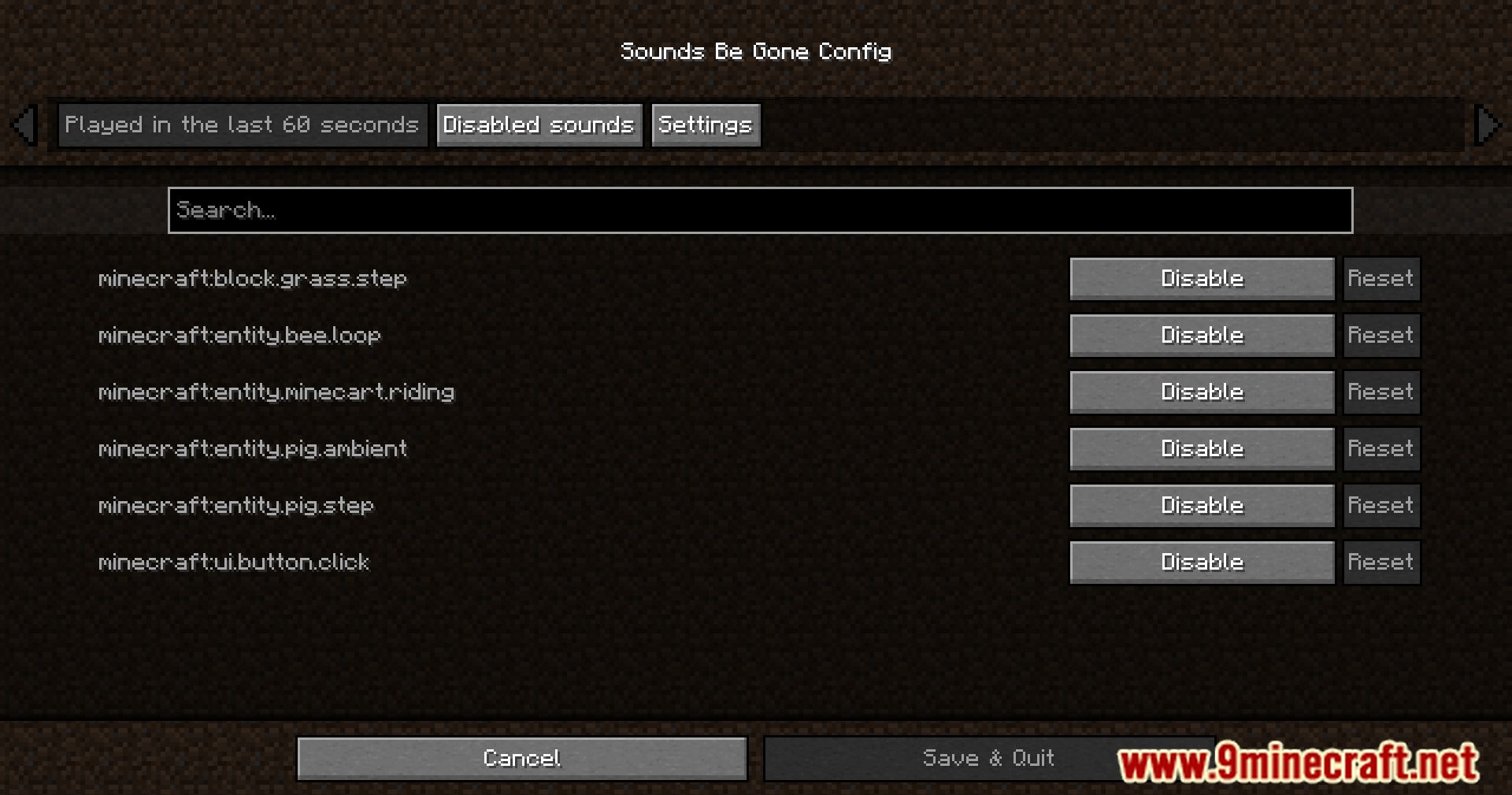
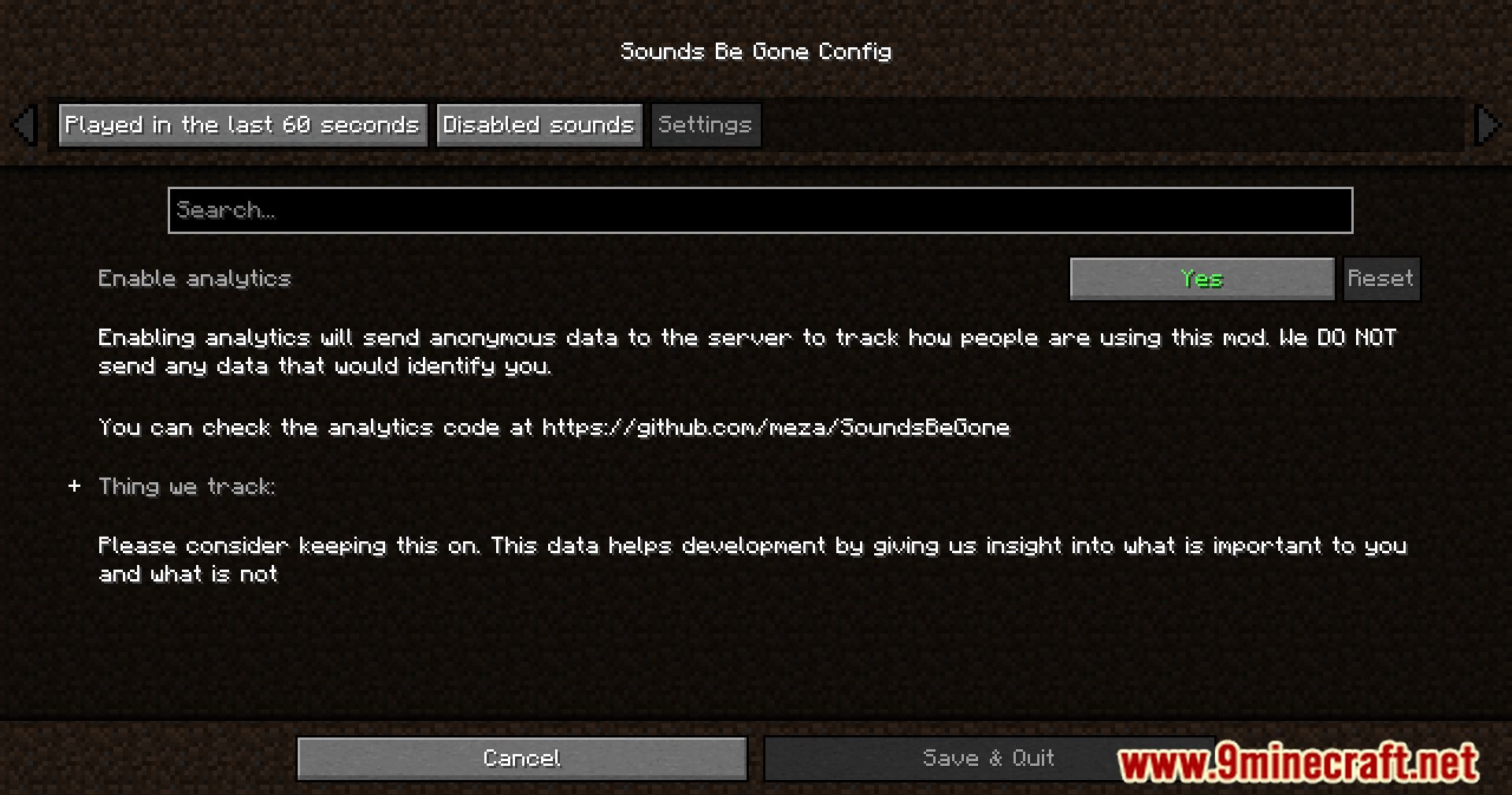
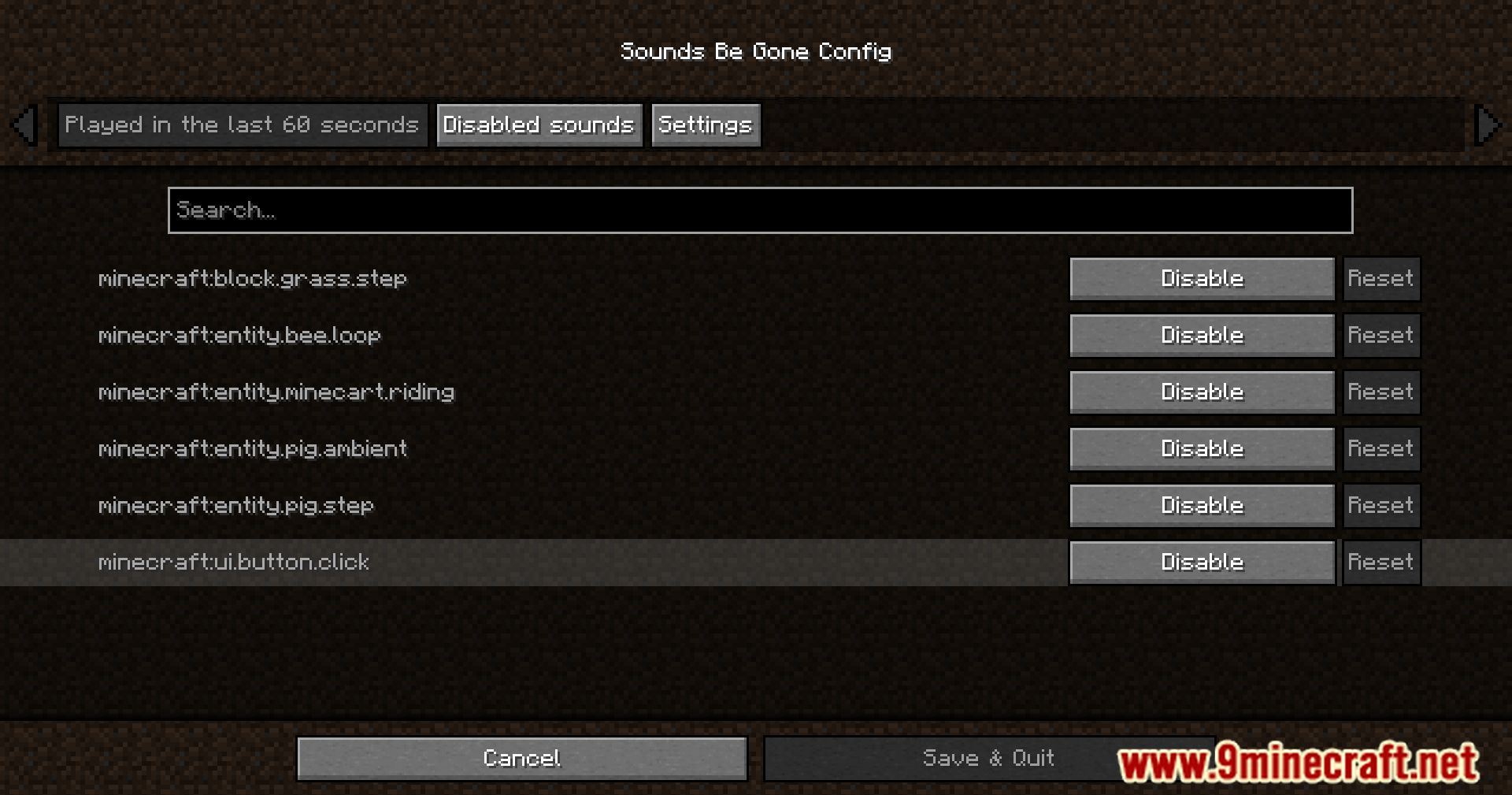
Sounds Be Gone Mod lets you disable any vanilla or modded sound in the game that you do not like. It records sounds heard over the past minute of gameplay so you can permanently mute them. This tool is designed for players who want complete control over their in-game audio experience.
Features:
- Sound Customization: Disable specific annoying or distracting sounds from the game.
- Infrequent Sounds: Mark sounds as infrequent so they only play a set percentage of the time instead of being completely muted.
- Burst Suppression: Counts recent attempts for repeated sounds and suppresses spammy audio more aggressively.
- Records all sounds heard during the past minute of gameplay to help you find and target the exact noise you want to block.
- Works entirely on the client side without needing server-side installation.
How to Use:
- For Minecraft 1.20 and above, press the B key when you hear a sound you want to remove and disable it from the menu.
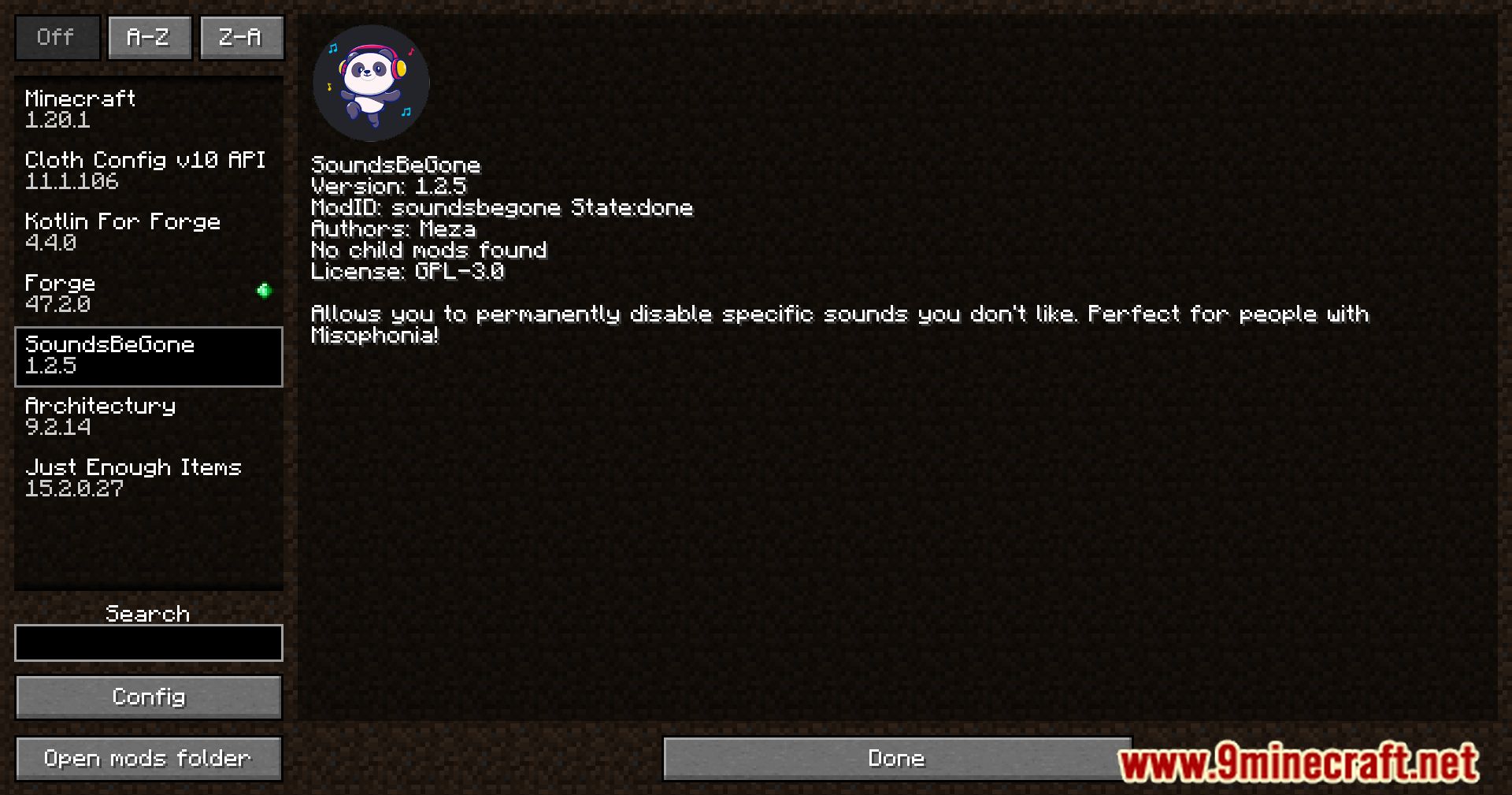
- For Minecraft 1.19 and below, press ESC, click on MODS, select Sounds Be Gone, click the settings icon in the top right corner, and disable your chosen sounds.
- Change frequency settings for repeating sounds by navigating to the Infrequent sounds category in the config screen.
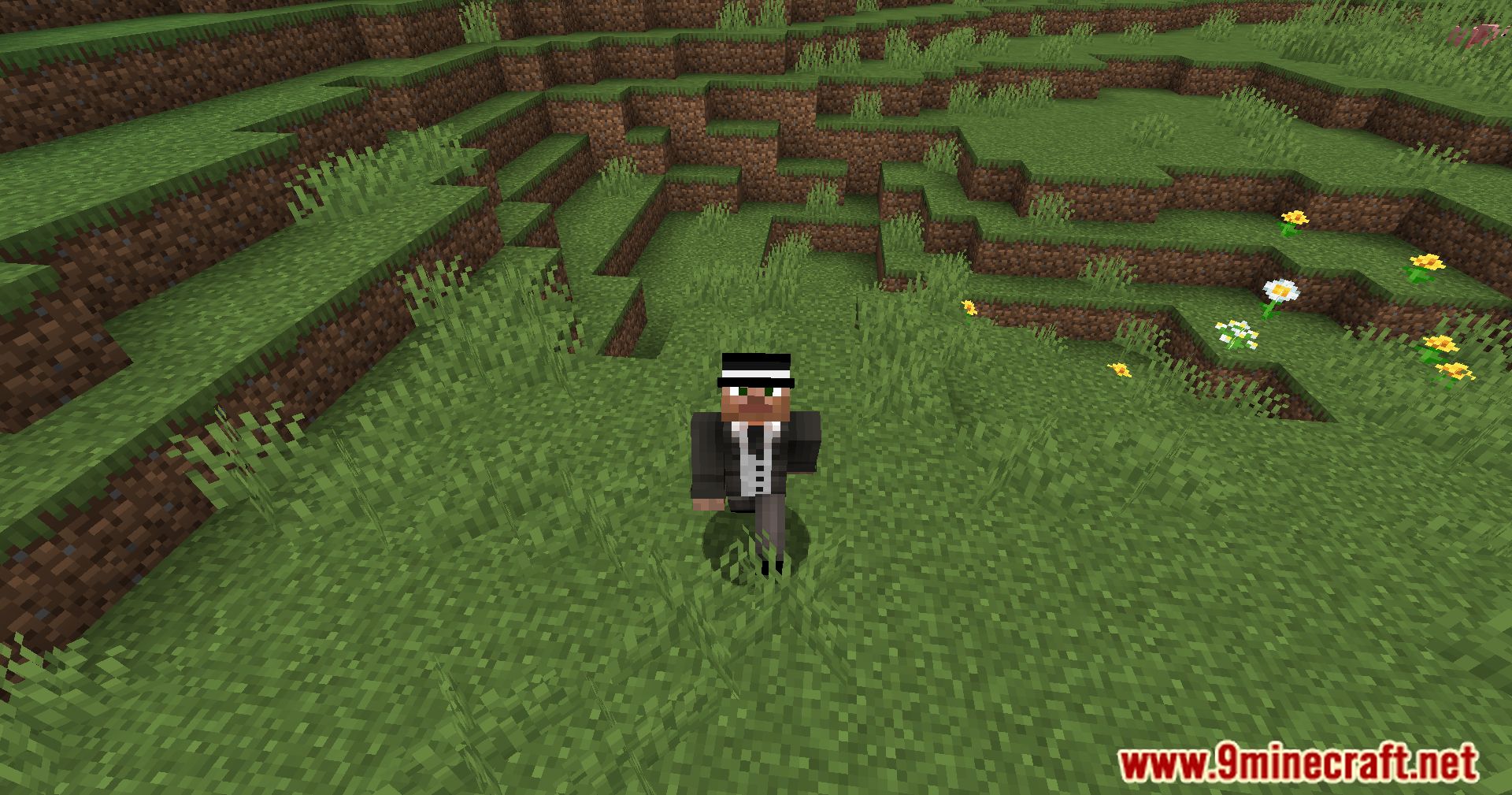
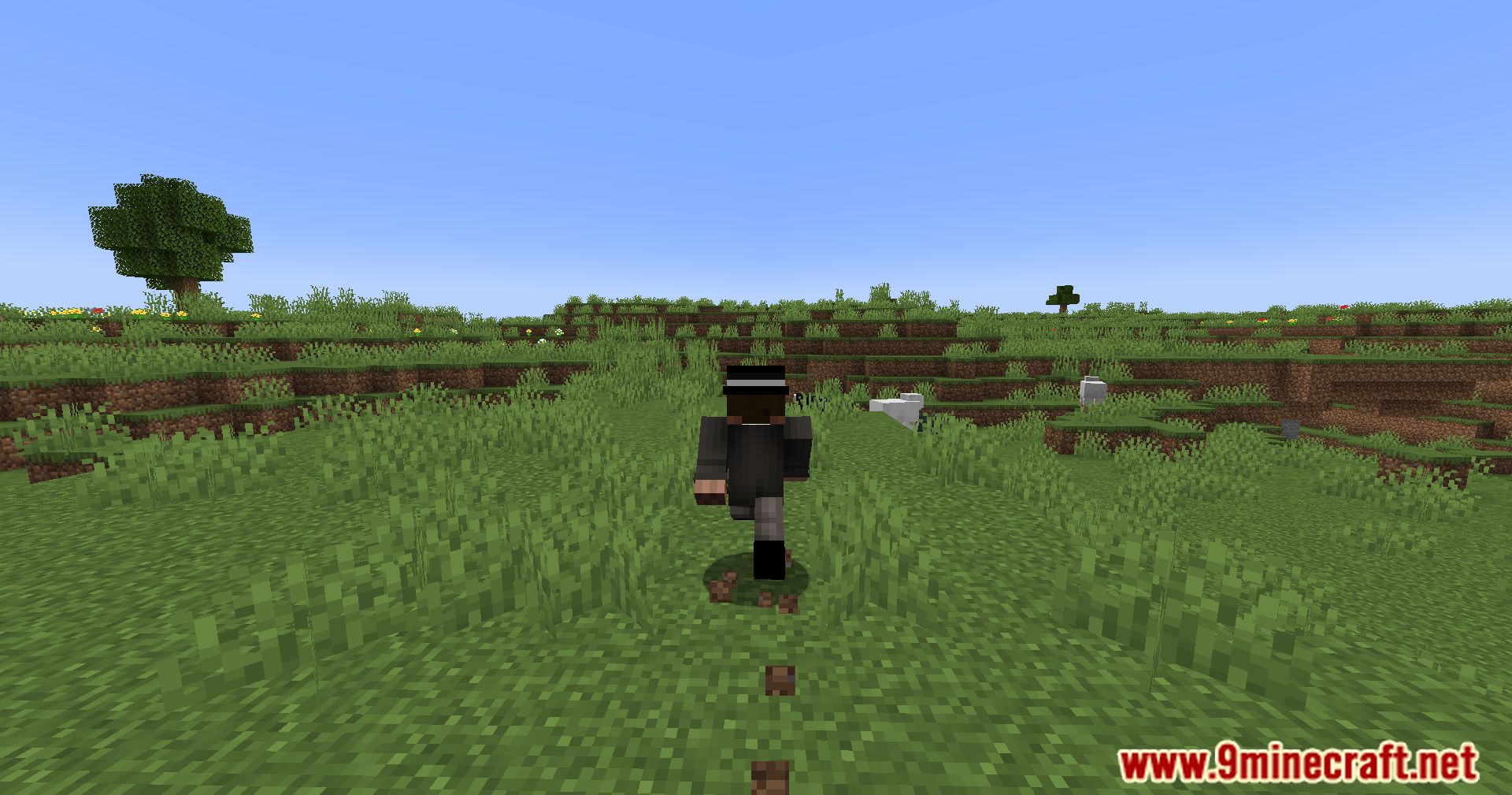
Screenshots:

How to Install:
New to Minecraft? Follow our step-by-step guide to install Mods on your PC.View Guide
Requirements:




Sounds Be Gone Mod Download Links
For Minecraft 26.3
For Minecraft 26.2
For Minecraft 26.1.2, 26.1.1, 26.1
For Minecraft 1.21.11
For Minecraft 1.21.10, 1.21.9
For Minecraft 1.21.8, 1.21.7, 1.21.6
For Minecraft 1.21.5
For Minecraft 1.21.4
For Minecraft
1.21.3,
1.21.2,
1.21.1
All Versions Covered
1.21.3
1.21.2
1.21.1
1.21
All Versions Covered
1.21.3
1.21.2
1.21.1
1.21
For Minecraft 1.21.1, 1.21
For Minecraft 1.20.4
For Minecraft 1.20.2
For Minecraft 1.20.1, 1.20
For Minecraft 1.20
For Minecraft 1.19.4
For Minecraft 1.19.2
Click to rate this post!
[Total: 0 Average: 0]
You May Also Like
Picked for this page
 Simple Voice Chat Mod (26.3, 1.20.1) – Hear Players Around You
 Nameless Trinkets Mod (26.1.2, 1.20.1) – More Powerful Trinkets
 Reap Mod (26.3, 1.20.1) – Auto Tree Mining, Auto Farming
 Better Tridents Mod (26.3, 1.20.1) – Destroy Everything
 Fancy Menu Mod (26.3, 1.20.1) – Create Your Own Main Menu
 Food TXF Mod (26.3, 1.20.1) – Extra Food Items!
 Death Swap Mod (26.3, 1.20.1) – Randomly Swaps Players
 Ice Prevents Crop Growth Mod (26.3, 1.20.1) – Crop Growth Control
 Spawn Animations Compats Mod (26.3, 1.20.1) – Support Spawn Animations
 MacOS Input Fixes Mod (26.3, 1.20.1) – Fixes Keybinds Not Being Detected on MacOS
 Weird Commands Mod (26.1.2, 1.20.1) – Adds New Commands
 Simple Registry Aliases Mod (26.3, 1.21.11) – Define Registry Entry Aliases
Most viewed in Mods over the last 7 days
 Ala Industrial Mod (26.3) – Run Electric Power Grids and Automated Factories
 PleasureCraft Mod (26.3, 1.21.1) – Jenny Mod Remake for Fabric
 Jennycraft Mod (26.3, 1.20.1) – Virtual Girlfriend in Minecraft
 Fapcraft Mod (26.3, 1.12.2) – Comprehensive and Detailed Content
 Jenny Mod (Fapcraft) Official Complete Guide – How to use, Tutorial
 BangCraft Mod (1.20.1) – Jenny, Ellie and Elliot
 Fabric Loader (26.3, 1.20.1) – Fabric Installer for All Minecraft Versions
 The Shooting Star Demo Mod (26.3, 1.20.1) – Vaporize Terrain From Orbit
 Meteor Client Mod (26.3, 1.20.1) – Xray, HUD, Fly
 OptiFine HD (26.3, 1.20.1) – Run Faster, FPS Boost, Shaders Support
 Aristois Client Mod (1.21.4, 1.20.1) – World Class Minecraft Utility
 Prestige Client Mod (1.21.11, 1.21.4) – Powerful Ghost Features for Crystal & Sword PvP
More from Mods
 MTR Navigation Mod (1.21.1) – Plan Railway Trips and Never Miss a Train Stop
 TheHouse Mod (1.21.11) – Host Casino Tables and Track Every Bet in Real Time
 CinematicInteractions Mod (1.21.1) – Watch Your Hands Work at Every Crafting Table
 Earth Platform Mod (1.21.1) – Travel Across Real Continents in a True Scale World
 Taunahi Mod (26.1.2) – Automate Daily Farming and Slayers in Hypixel Skyblock
 HORROR Fake Join Leave Messages Mod (1.20.1) – Trigger Creepy Chat Scares
 Bons Voyage Mod (1.20.1) – Teleport Across Biomes Through Hidden Waystones
 Orbital Railgun UPDATED Mod (26.3) – Flatten Giant Landscapes From Space
 Automobility Autoradio Mod (26.3, 26.1.2) – Trade Custom Mixtapes with Friends
 Towers of the Wild 9minecraft Mod (26.3, 26.2) – Climb Tall Towers for Loot
 Ender Storage 9minecraft Mod (26.3, 26.2) – Send Loot Back Home From Any Dimension
 Snad 9minecraft Mod (26.3, 26.2) – Build Faster Sugar Cane and Nether Wart Farms

This post has no comments yet. Be the first — your comment will appear here.