


Make Your Own Shaders (26.2, 1.20.1) – Interactive Shader Coding Tutorial Pack
 0
0
 0
0

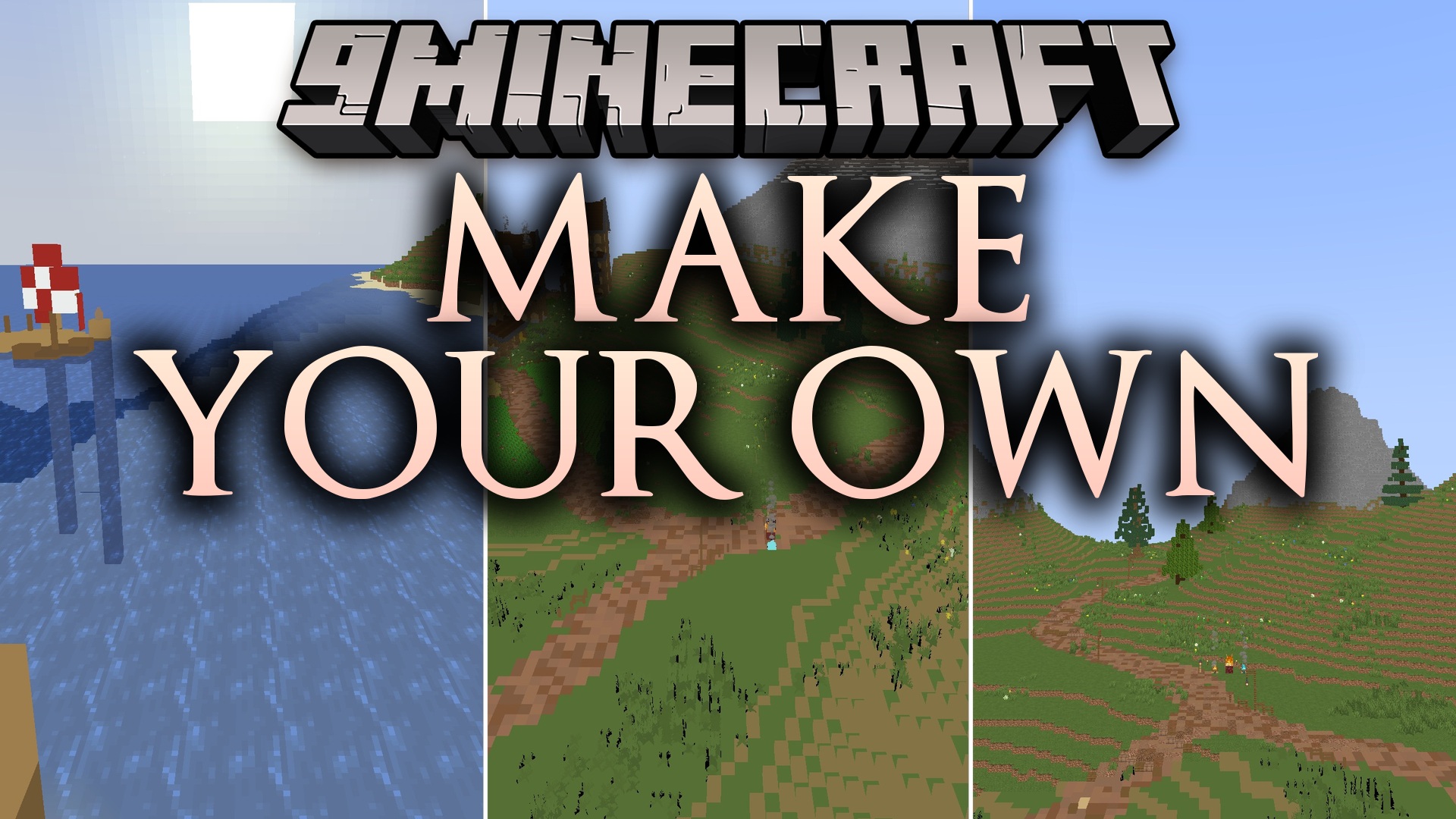
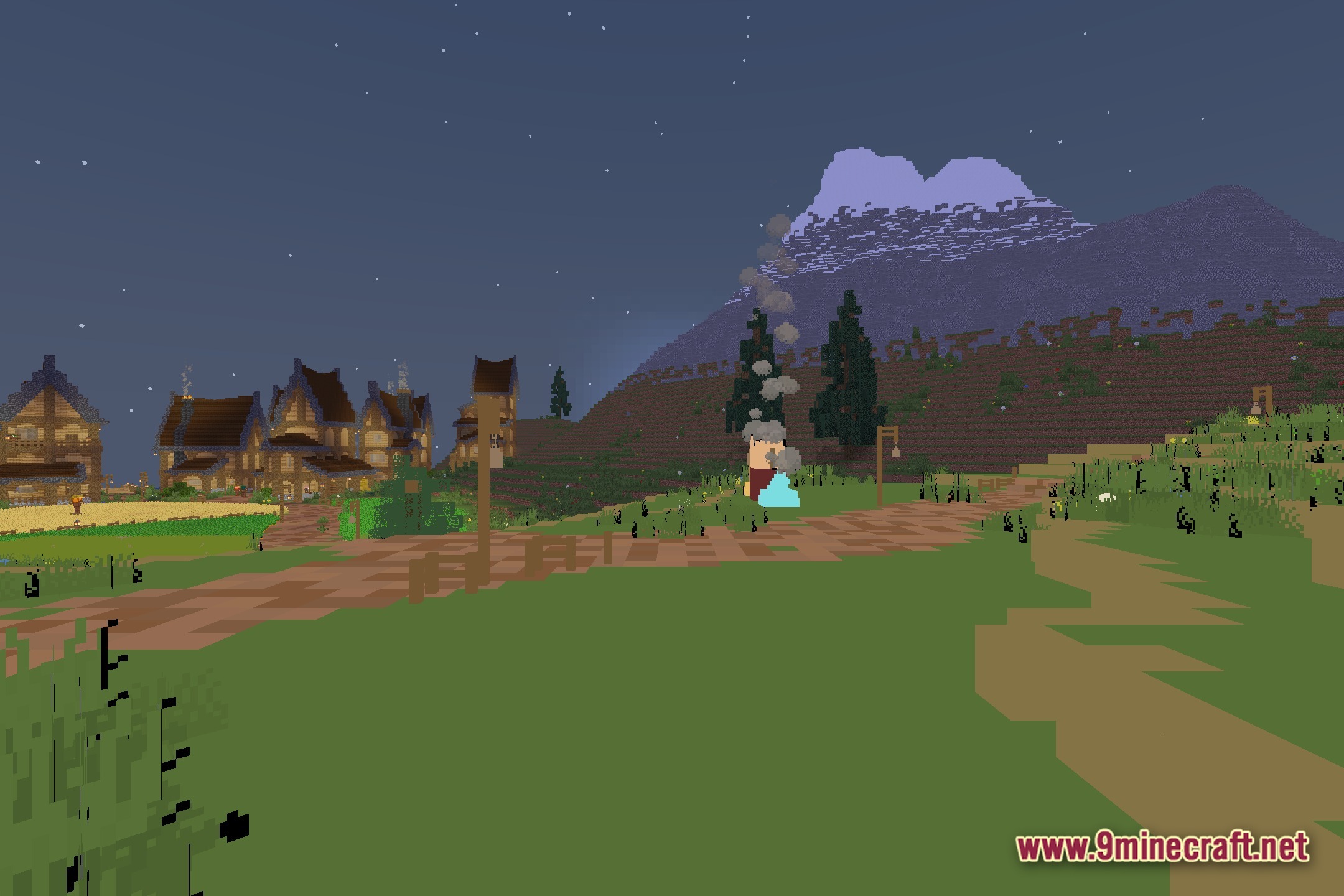
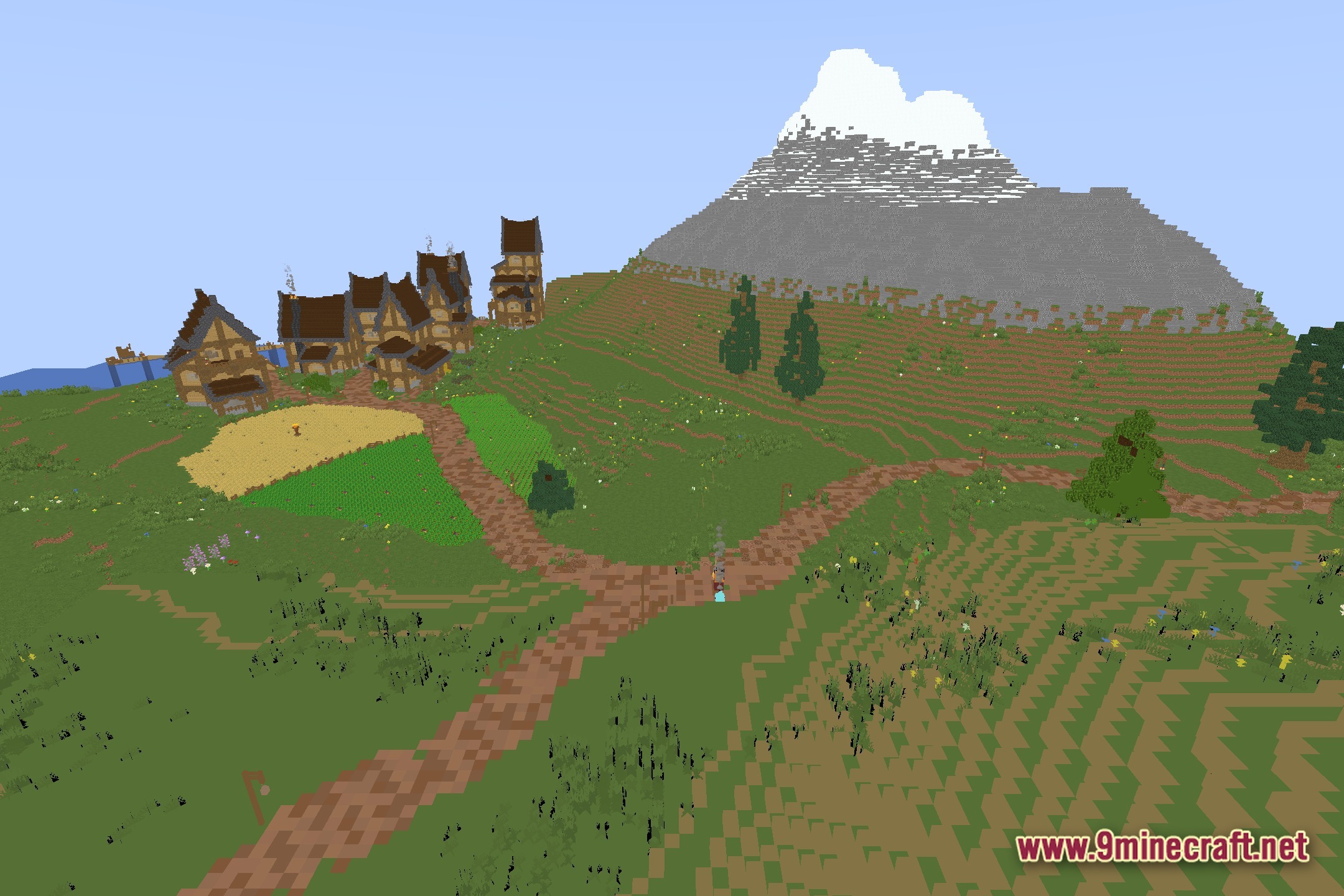
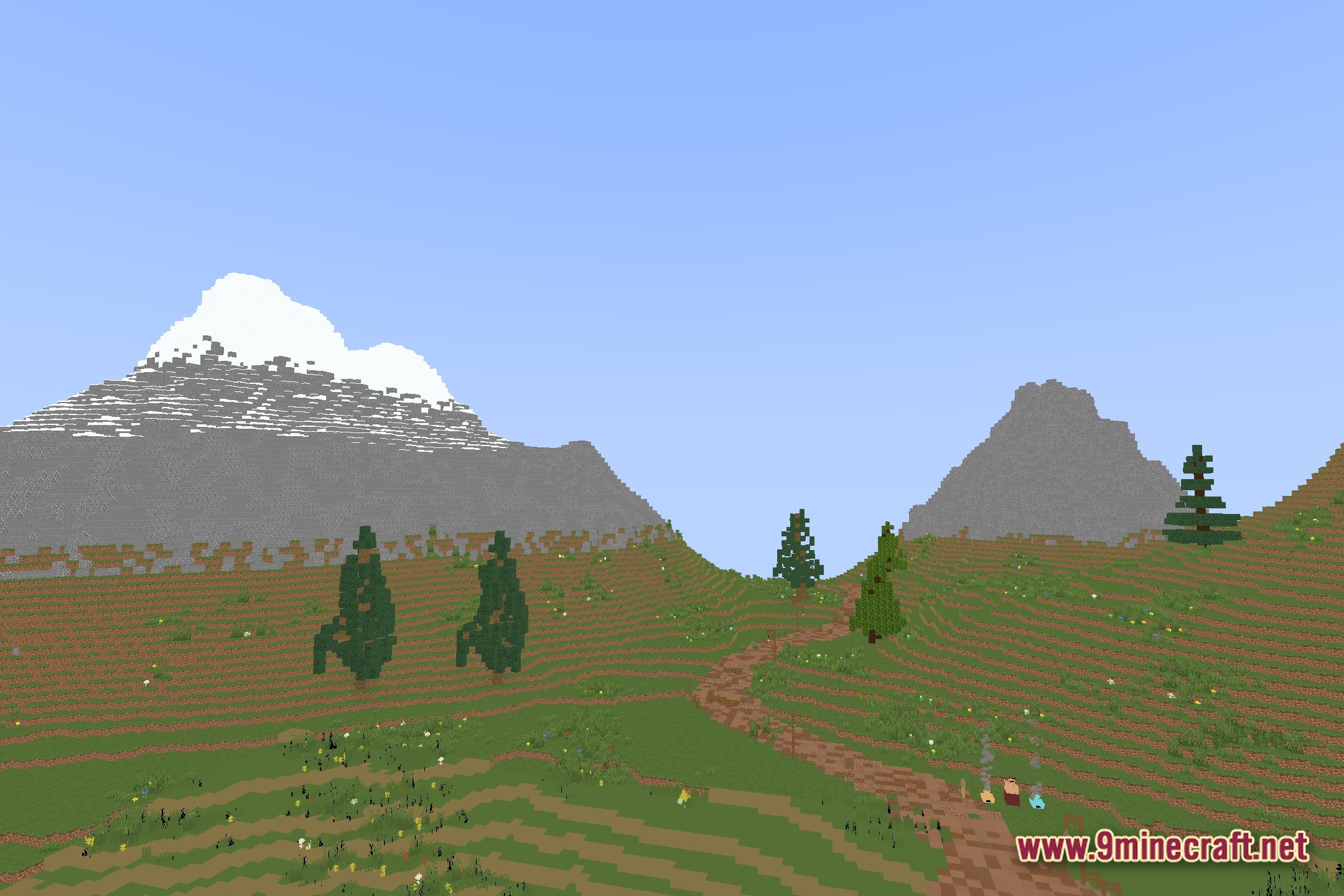
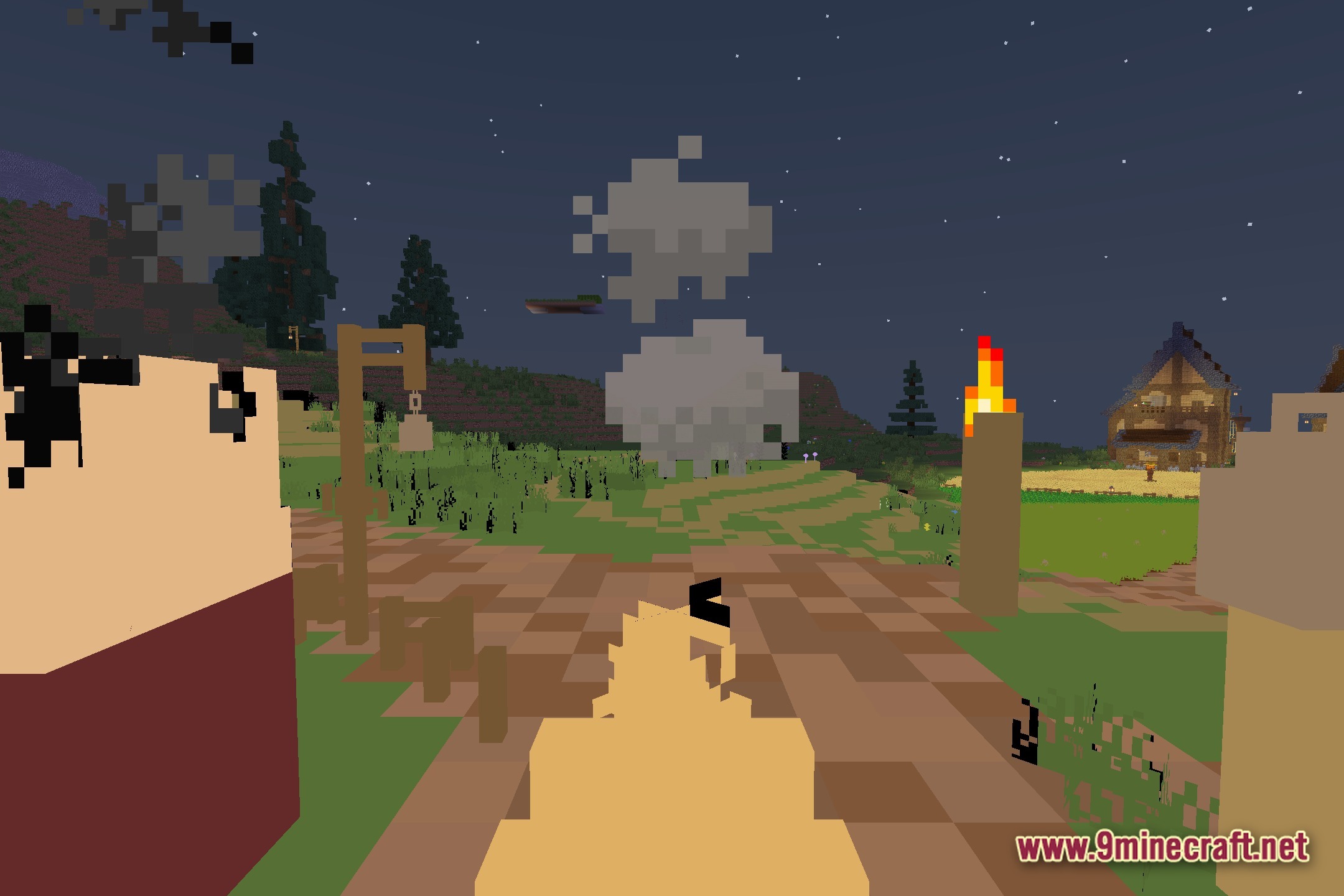
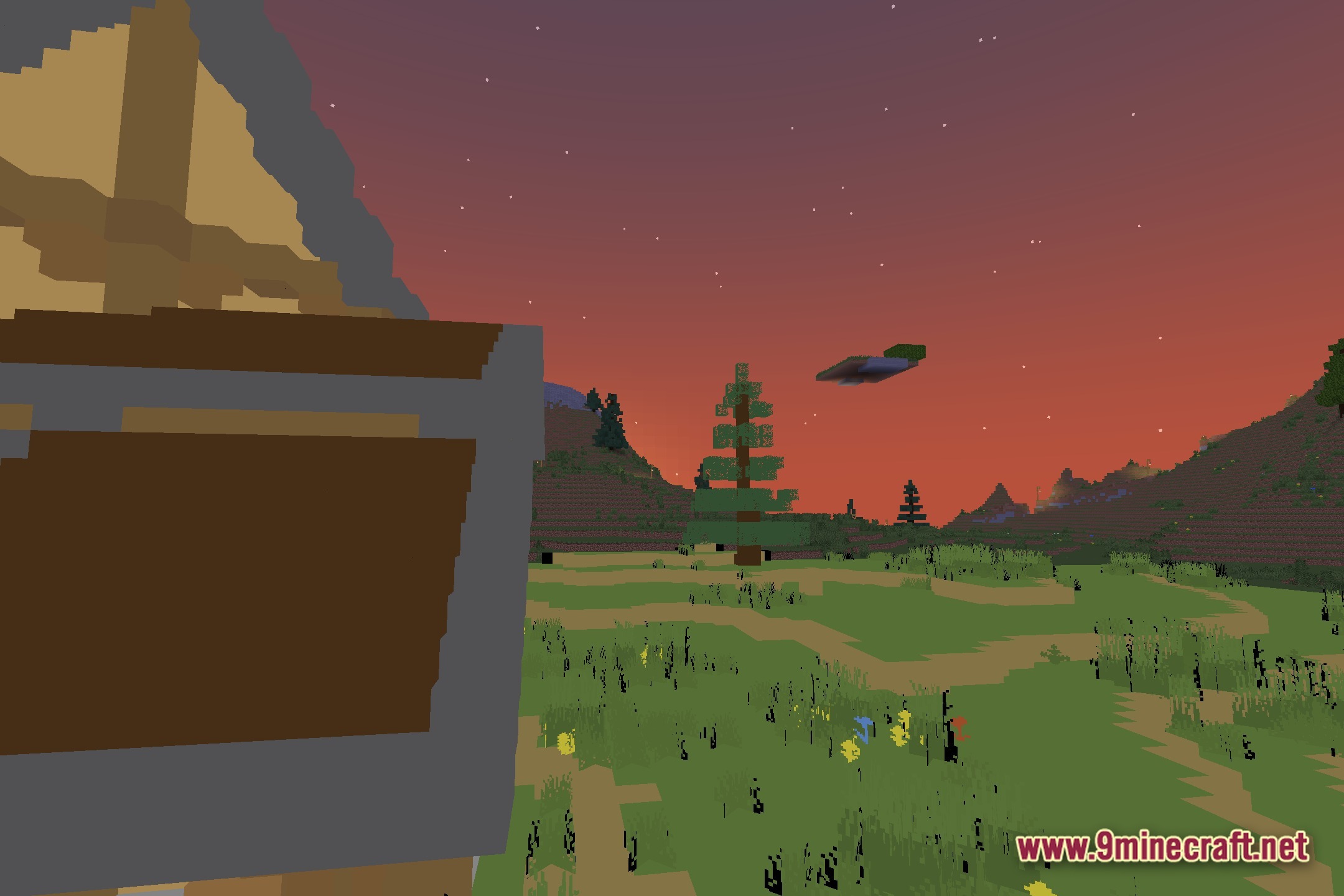
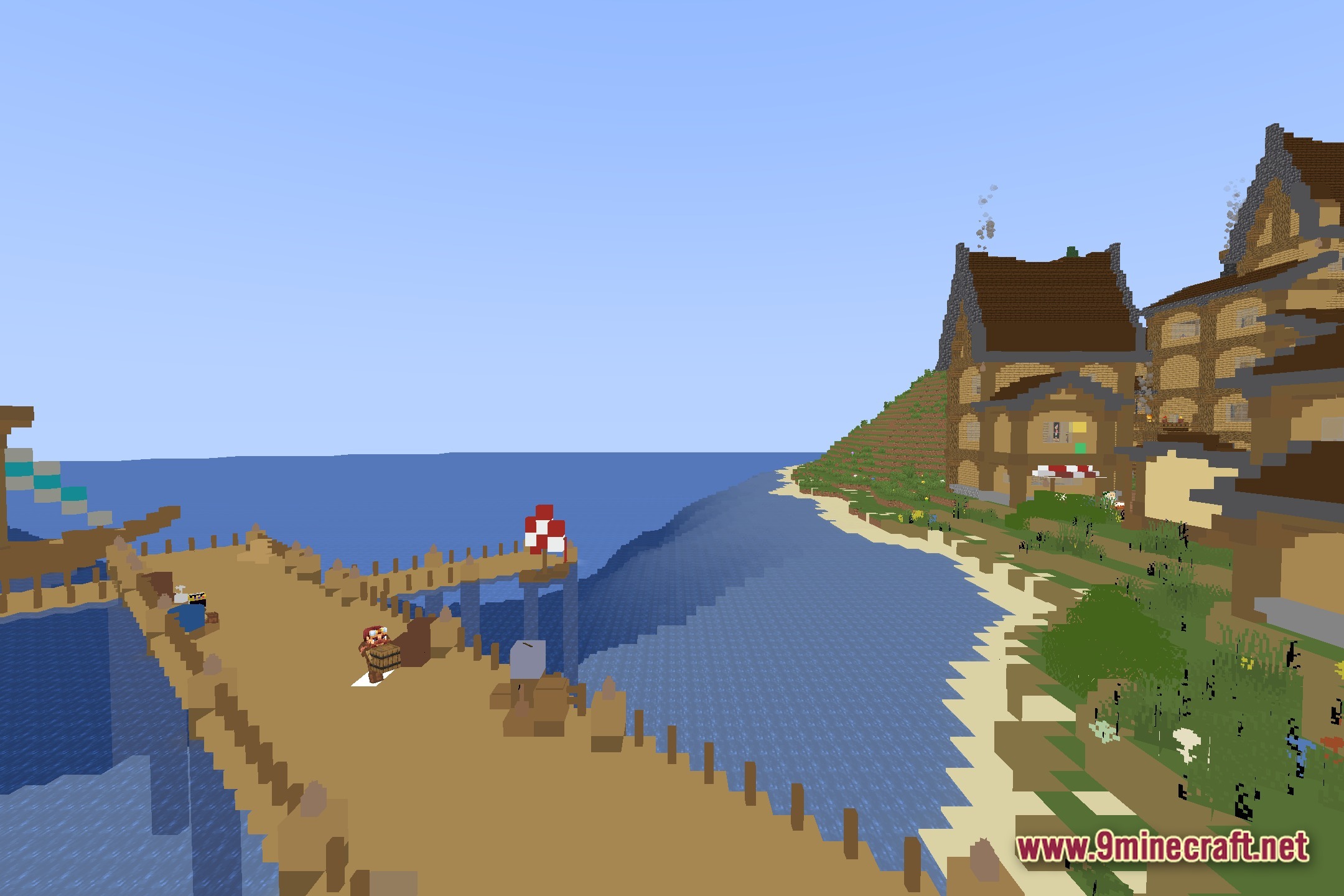
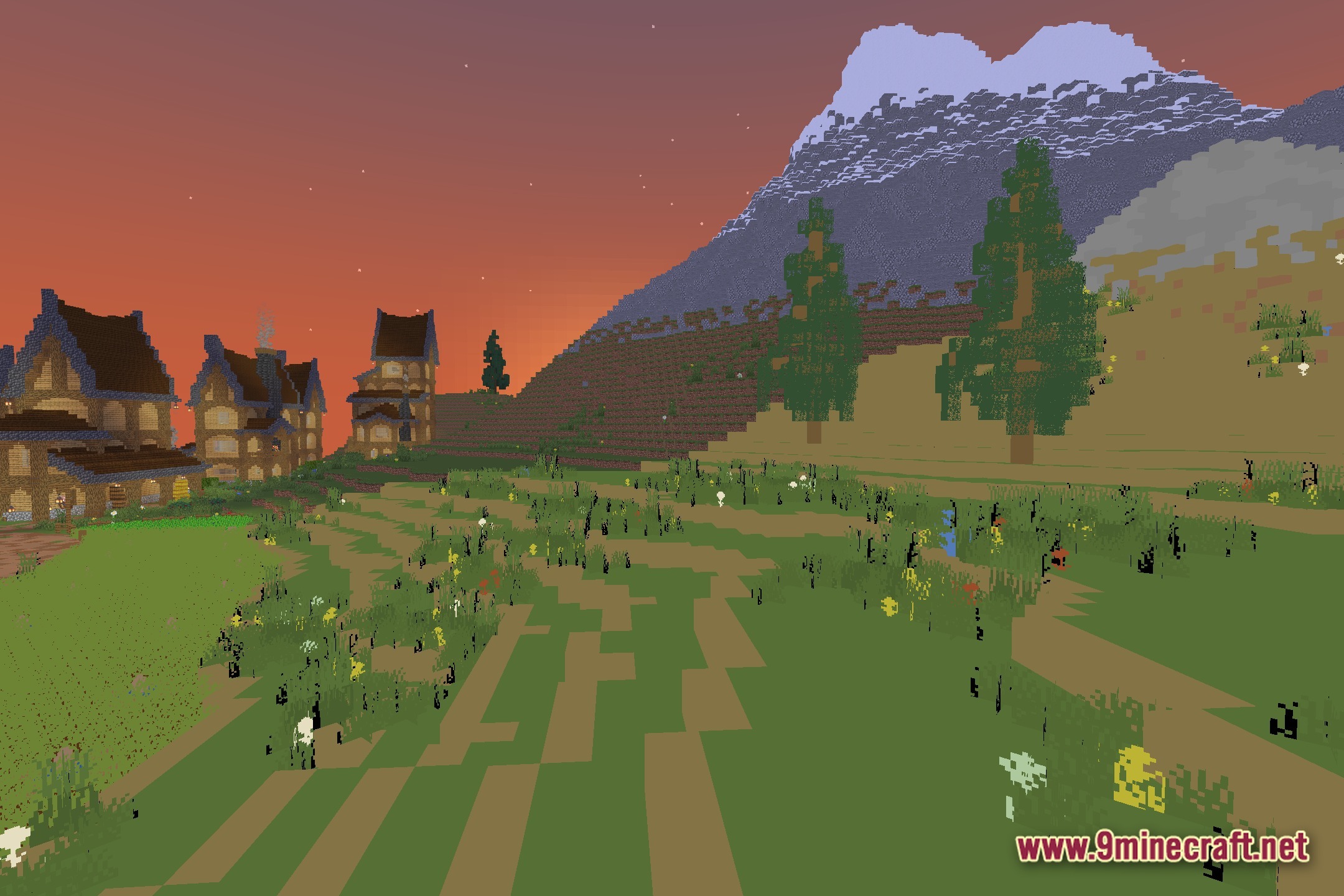
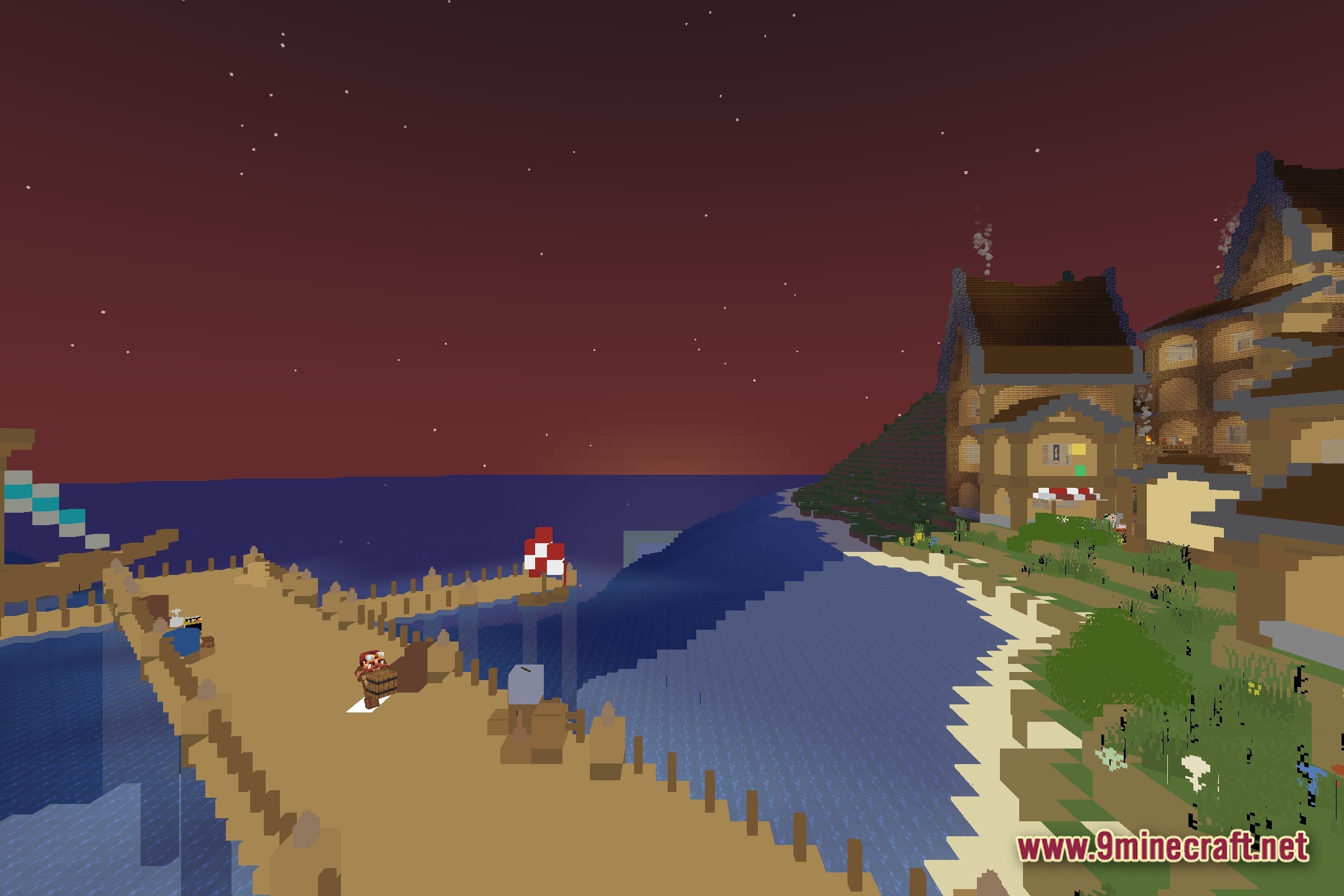
Make Your Own teaches you how to build a custom shader pack from scratch. It acts as a helpful tutorial series for players who want to learn shader coding. The files focus on a lightweight, vanilla-like style that runs well on older computers. You get to follow along with video guides for every single file to see how the code changes the game. This hands-on method helps beginners understand how lighting and shadows work in Minecraft.
Features:
- Interactive Learning: Follows a step-by-step video series to teach you how to write shader code.
- Runs on low-end computers without dropping your frame rate.
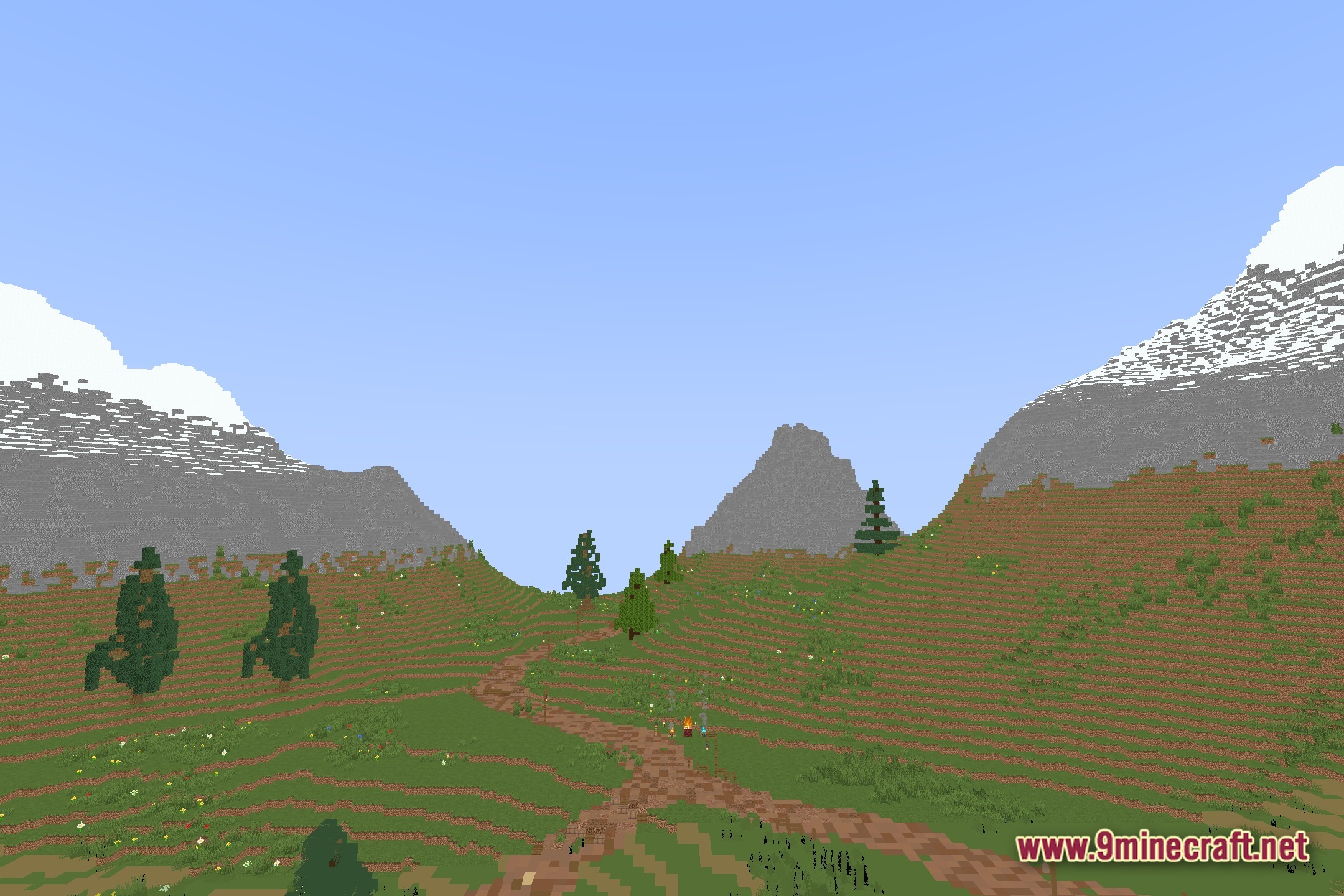
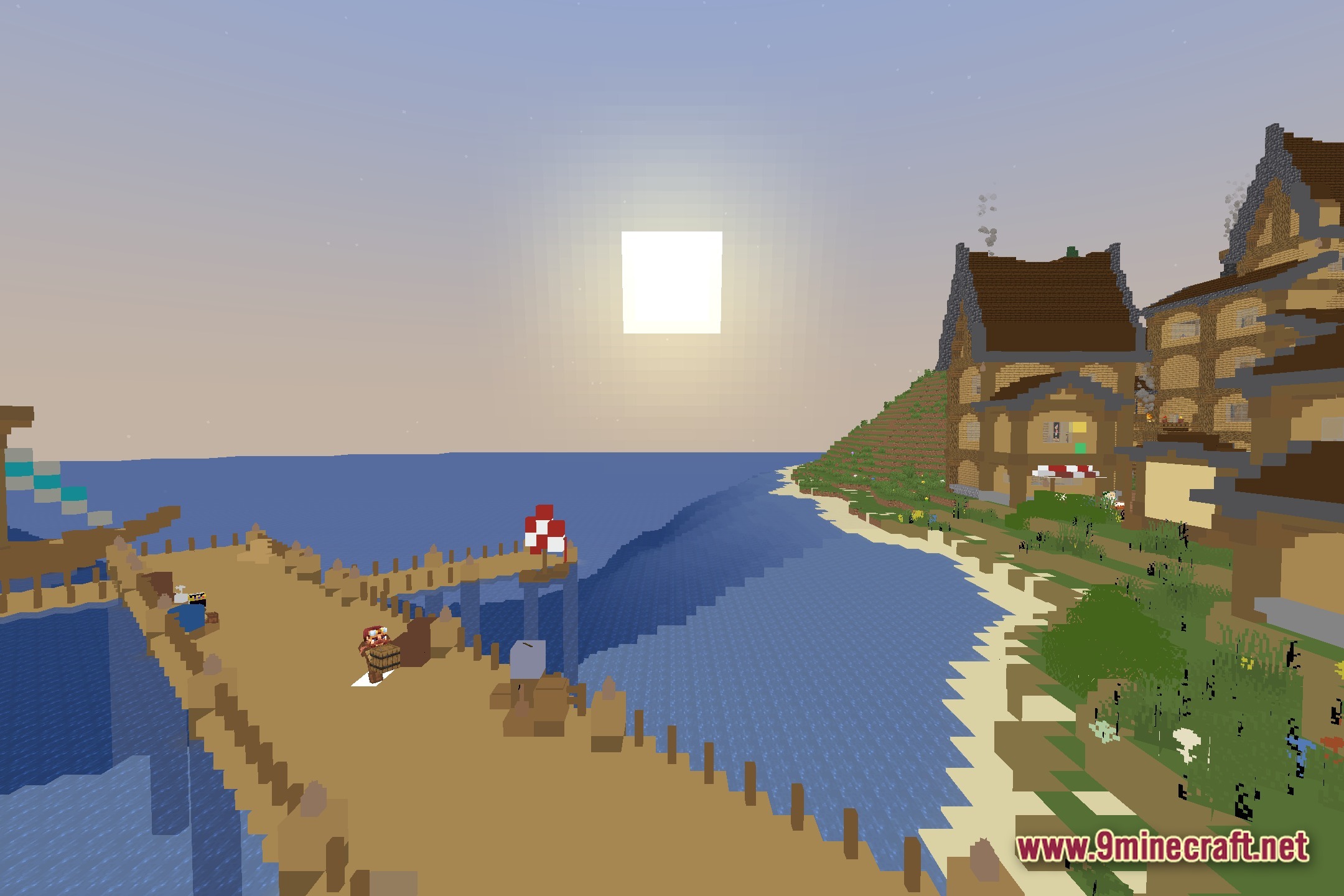
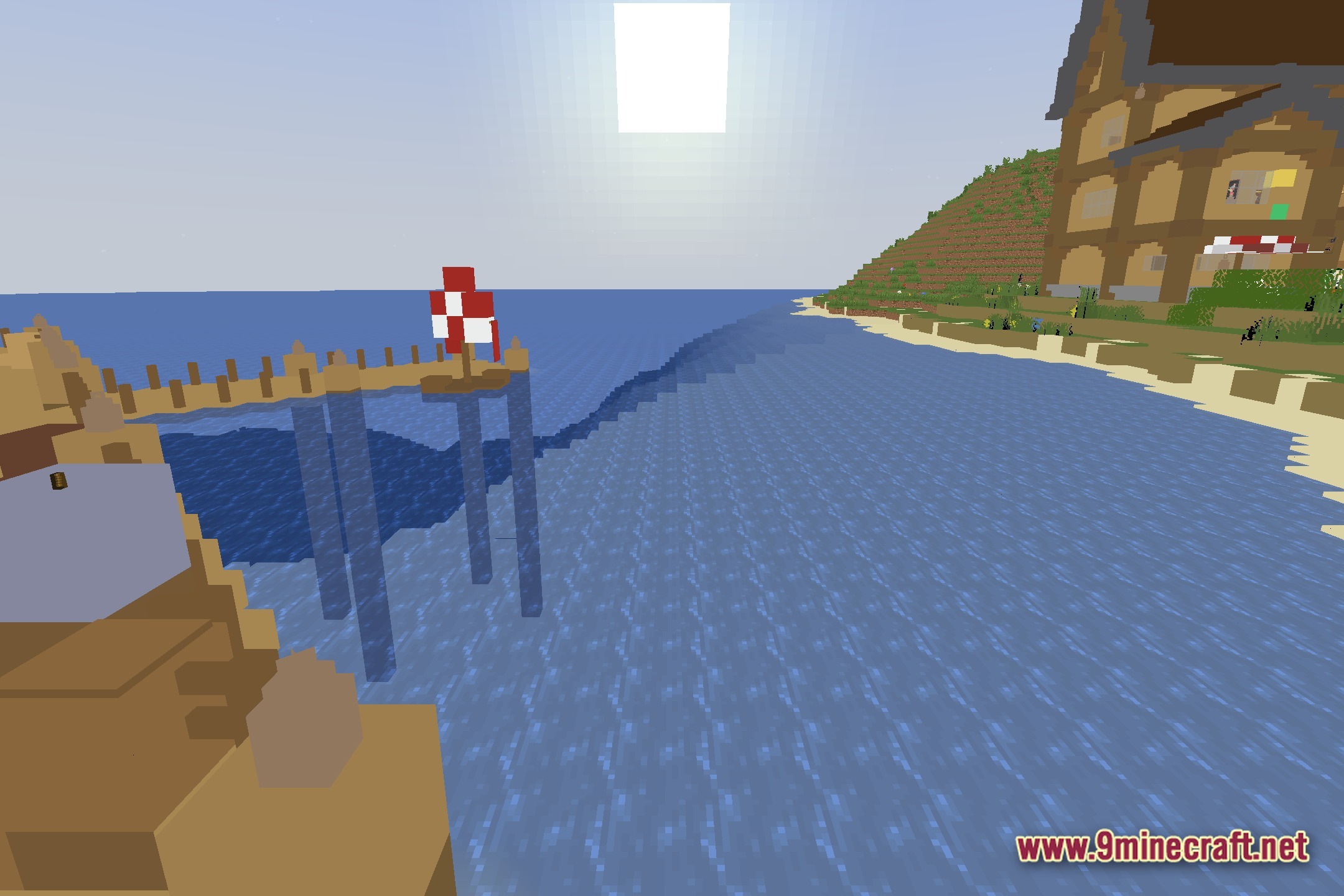
- Adds simple shadows and lighting tweaks while keeping the basic Minecraft look.
- Explains the purpose of each file inside the folder so you know exactly what to edit.
- Gives you the skills to tweak other shader packs or build brand new ones.
Screenshots:

How to Install:
New to Minecraft? Follow our step-by-step guide to install Shaders on your PC.View Guide
Make Your Own Shaders Download Links
Click to rate this post!
[Total: 0 Average: 0]
You May Also Like

This post has no comments yet. Be the first — your comment will appear here.