
RocketShaders (26.3, 1.20.1) – Cartoon Lighting with Clean PBR Shading
 39
 0

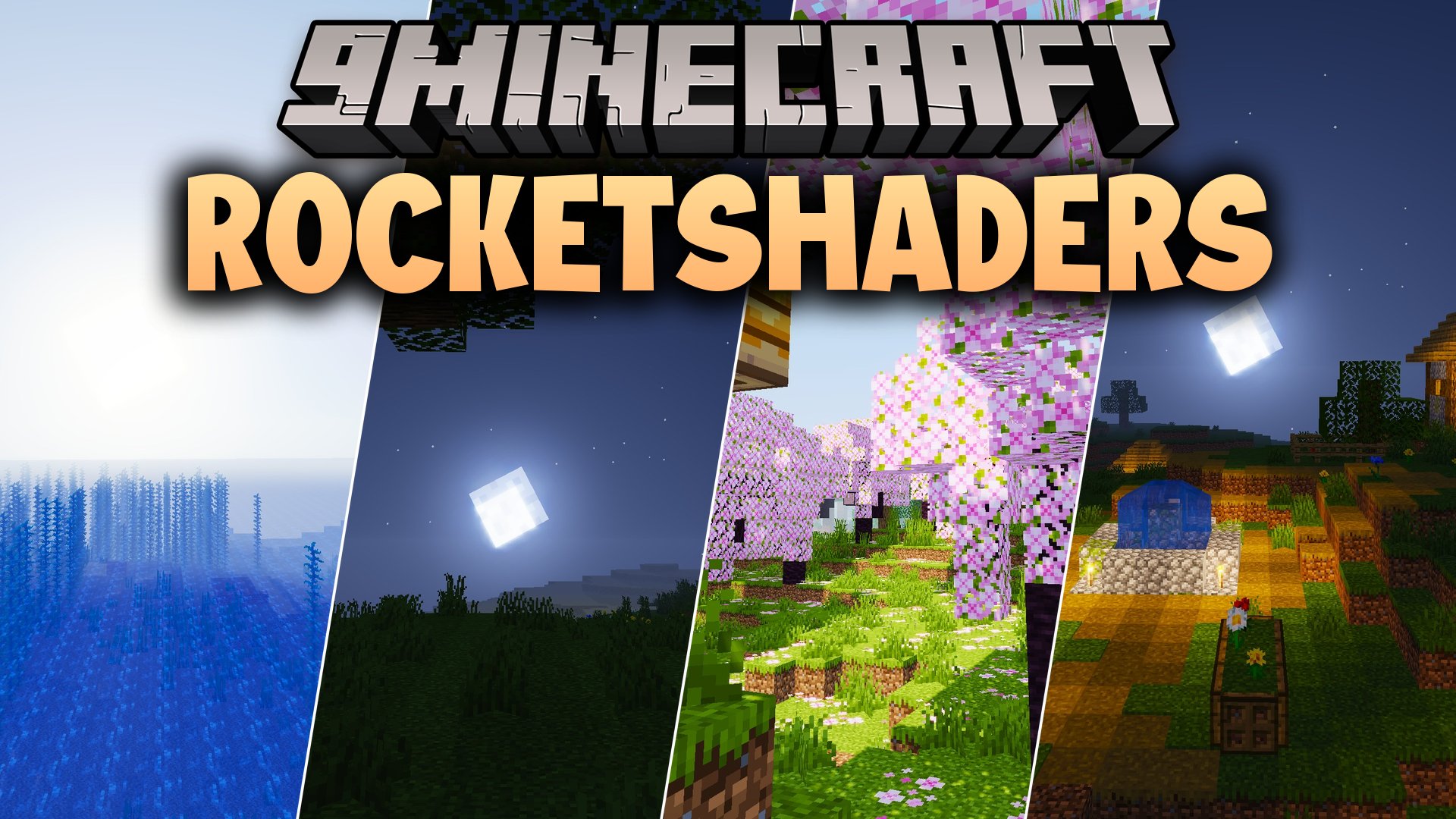
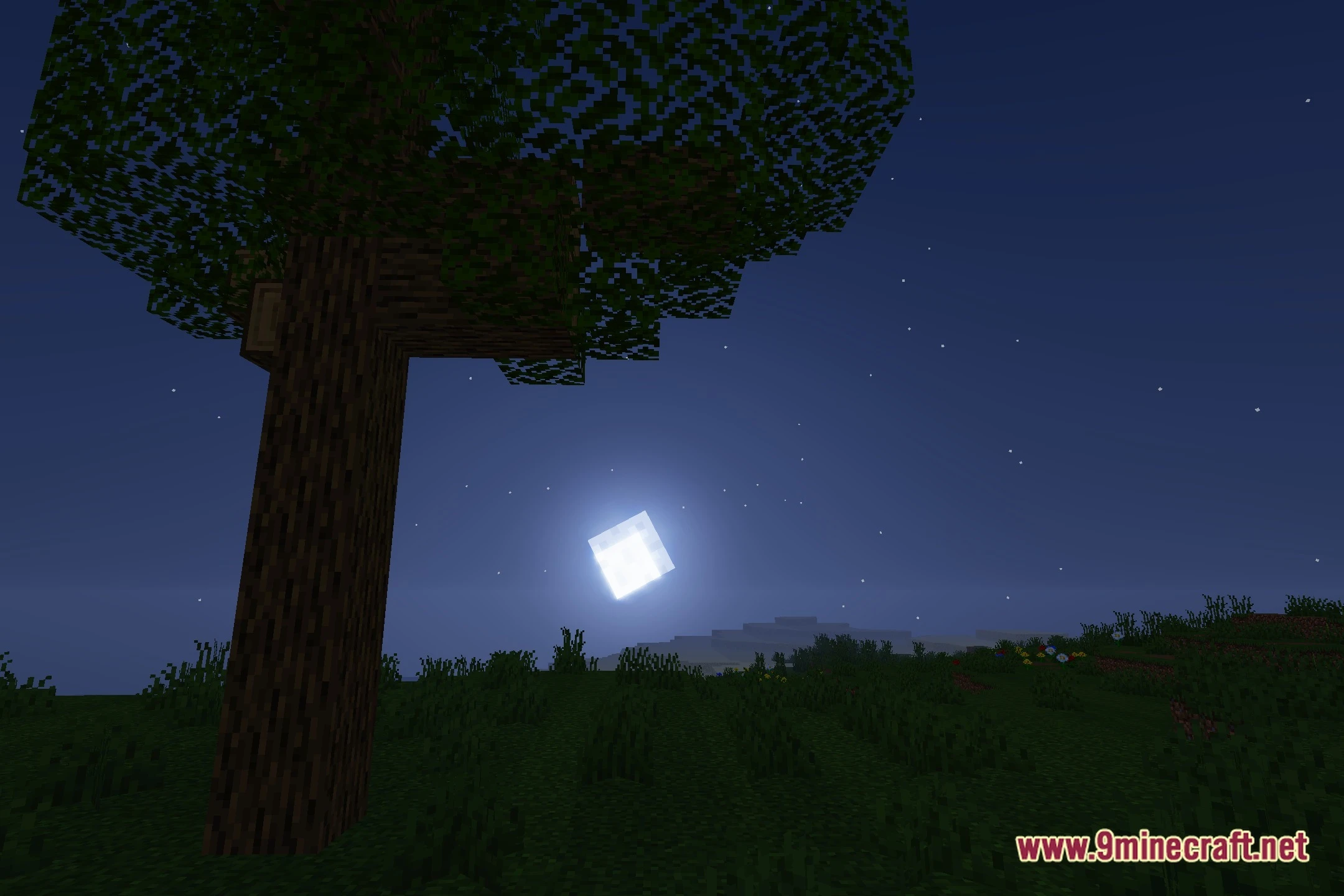
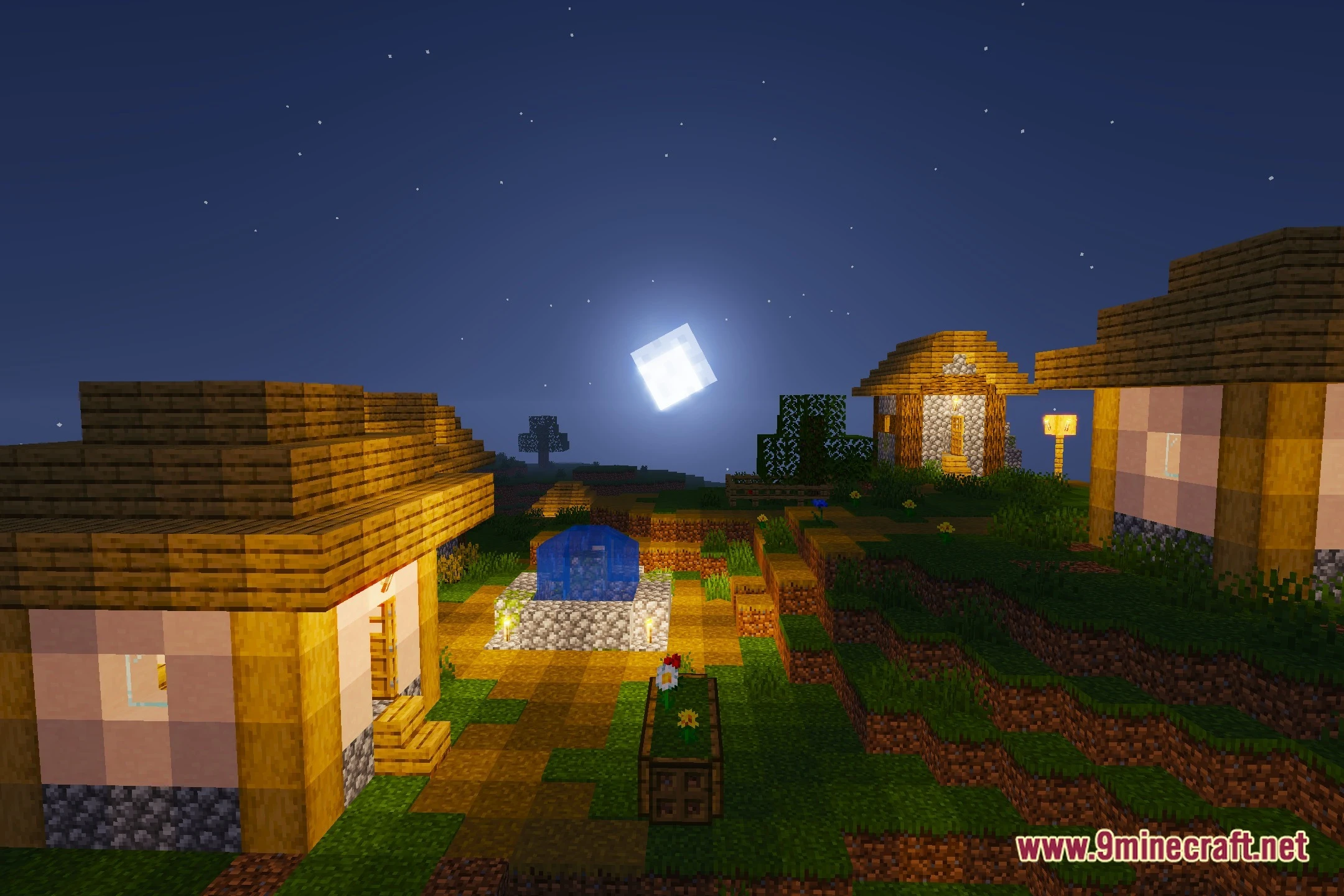
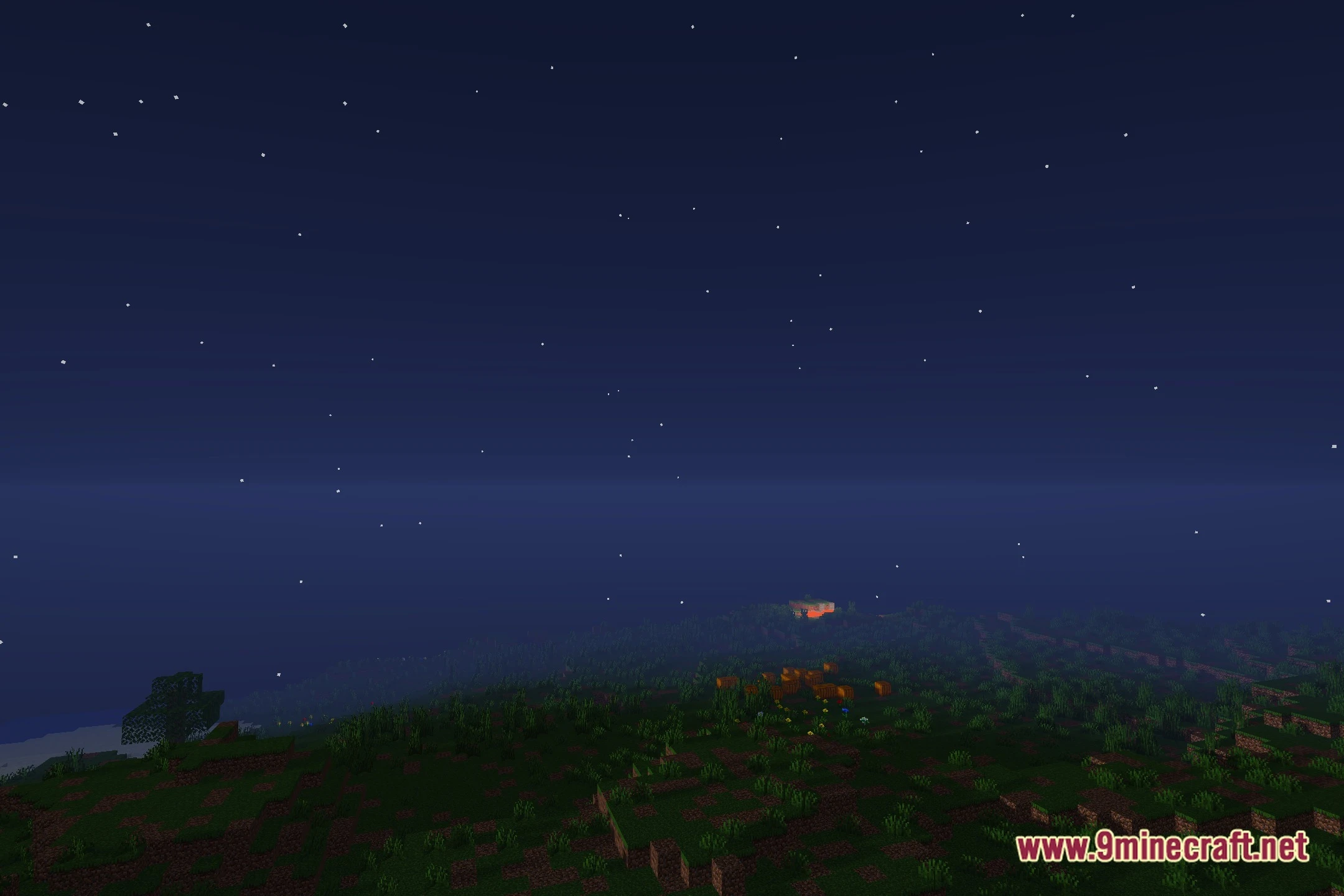
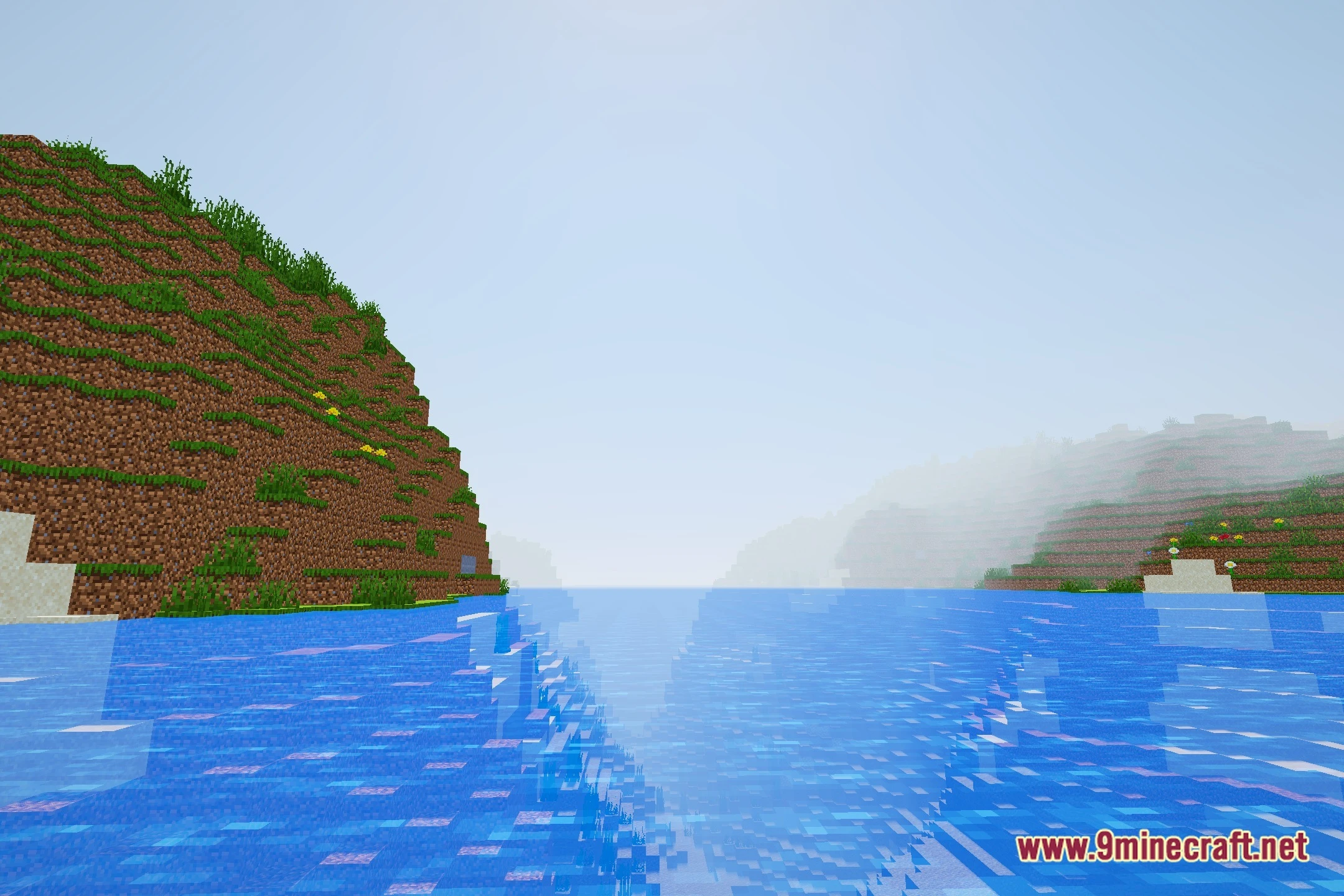
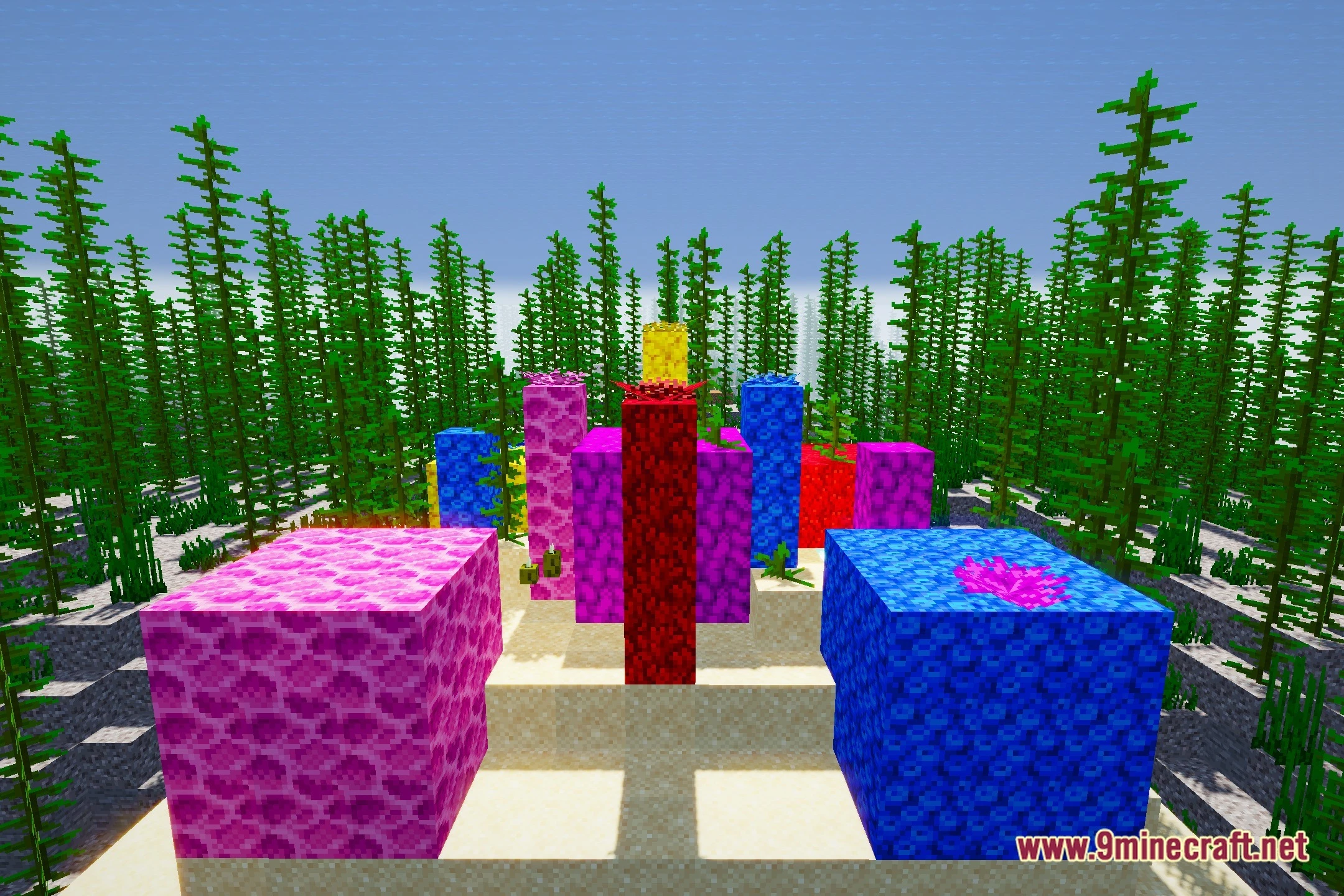
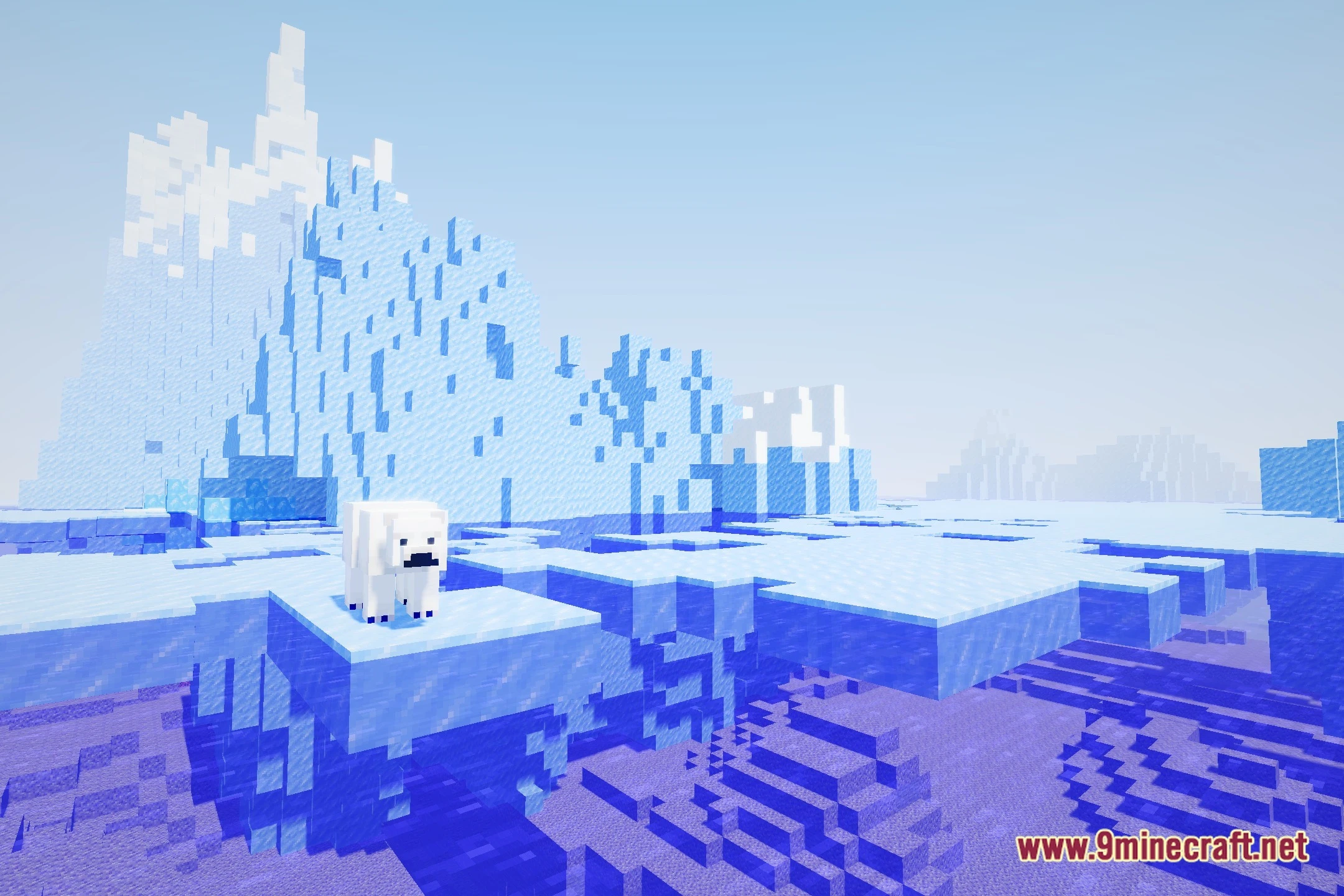
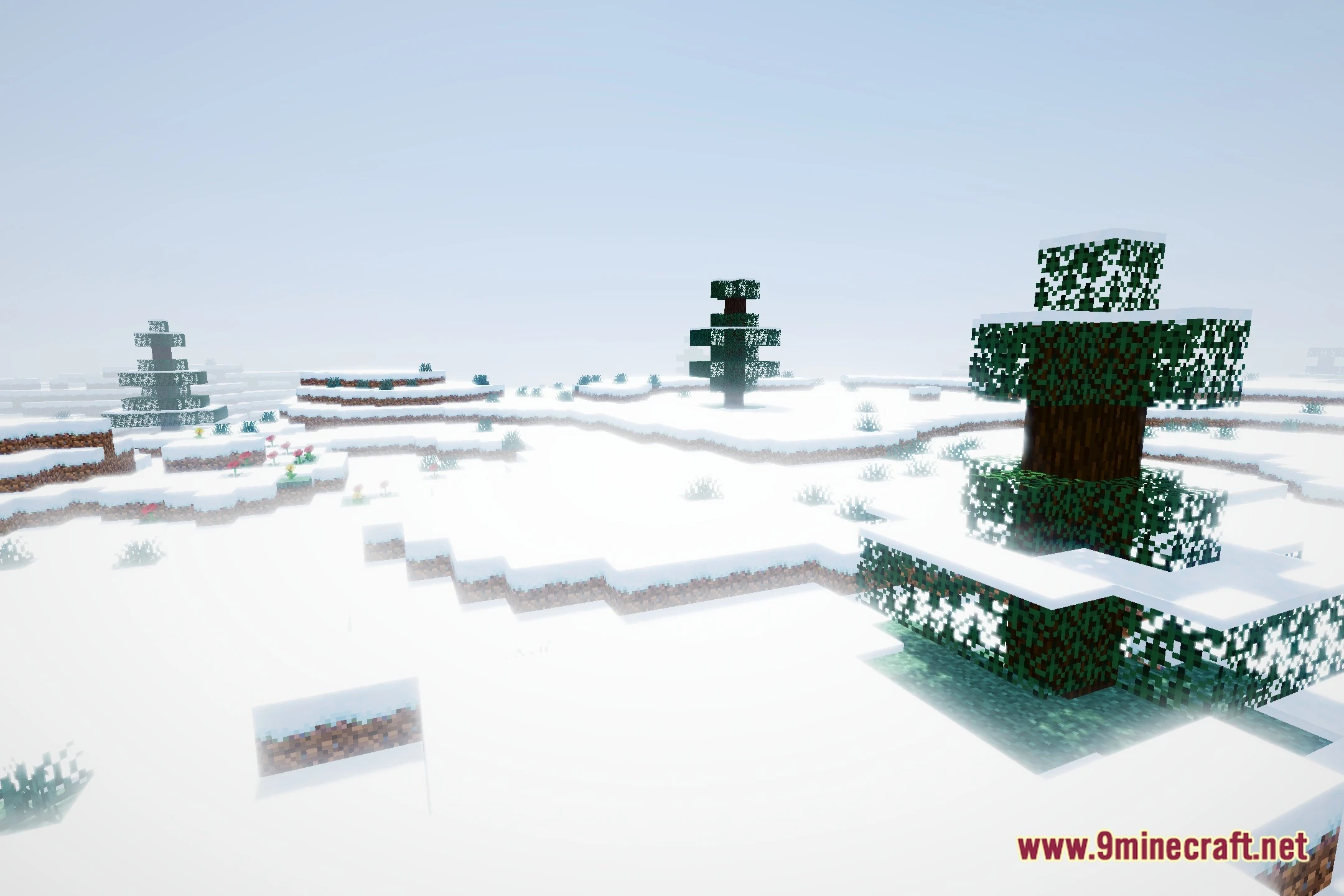
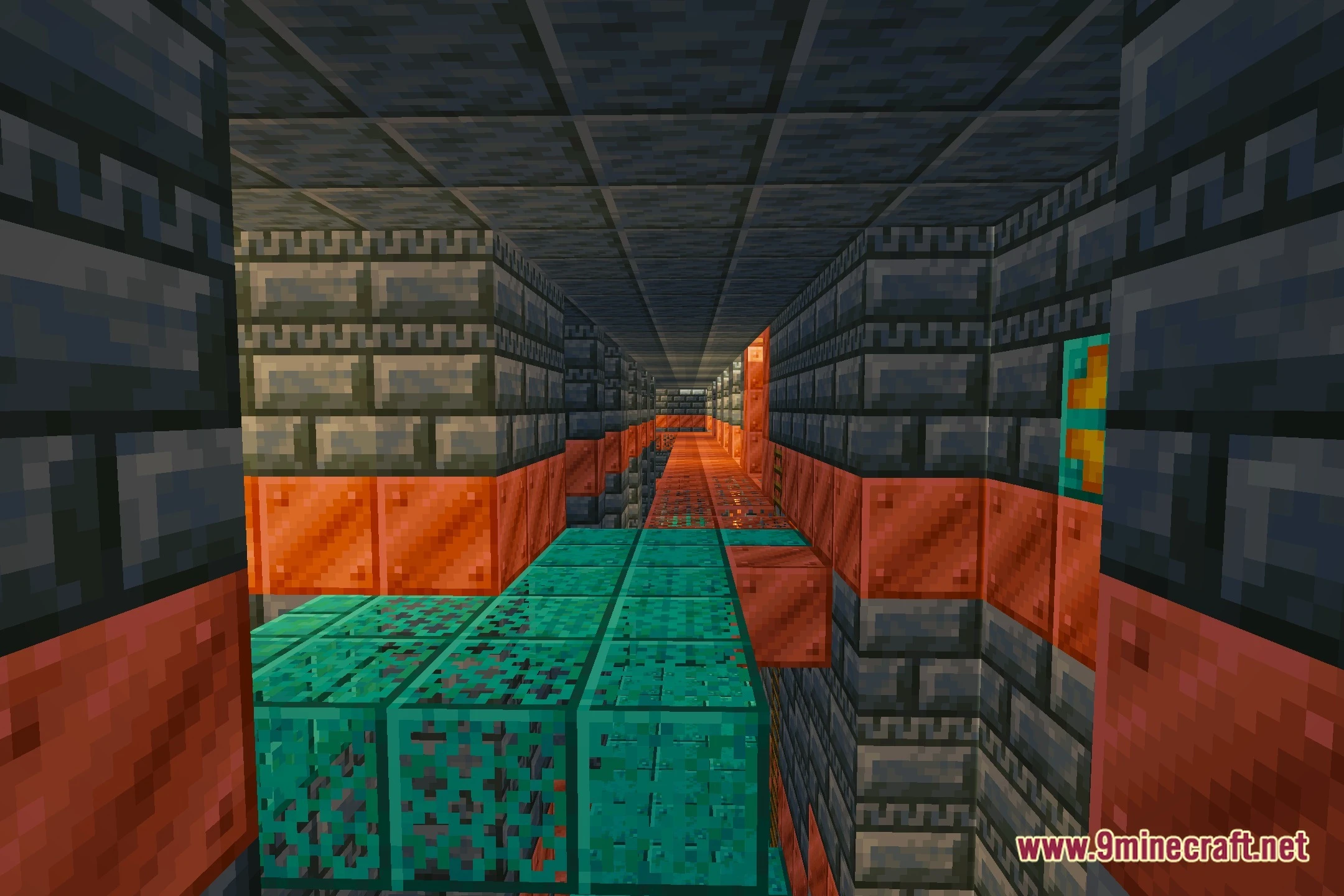
RocketShaders transforms lighting across your world to recreate the vibrant look of Rocket League. The shader pack pairs bright cartoon tones with clean semi-realistic shadows. Sunlight glows with soft bloom effects while blocks interact cleanly through PBR materials. It balances visual flair and medium performance so your game runs smoothly during everyday play.
Features:
- Rocket League Lighting: Brings arcade-style bright colors and distinct lighting directly to your blocks.
- PBR Surface Shading: Adds clear reflections and surface depth when you use bump maps.
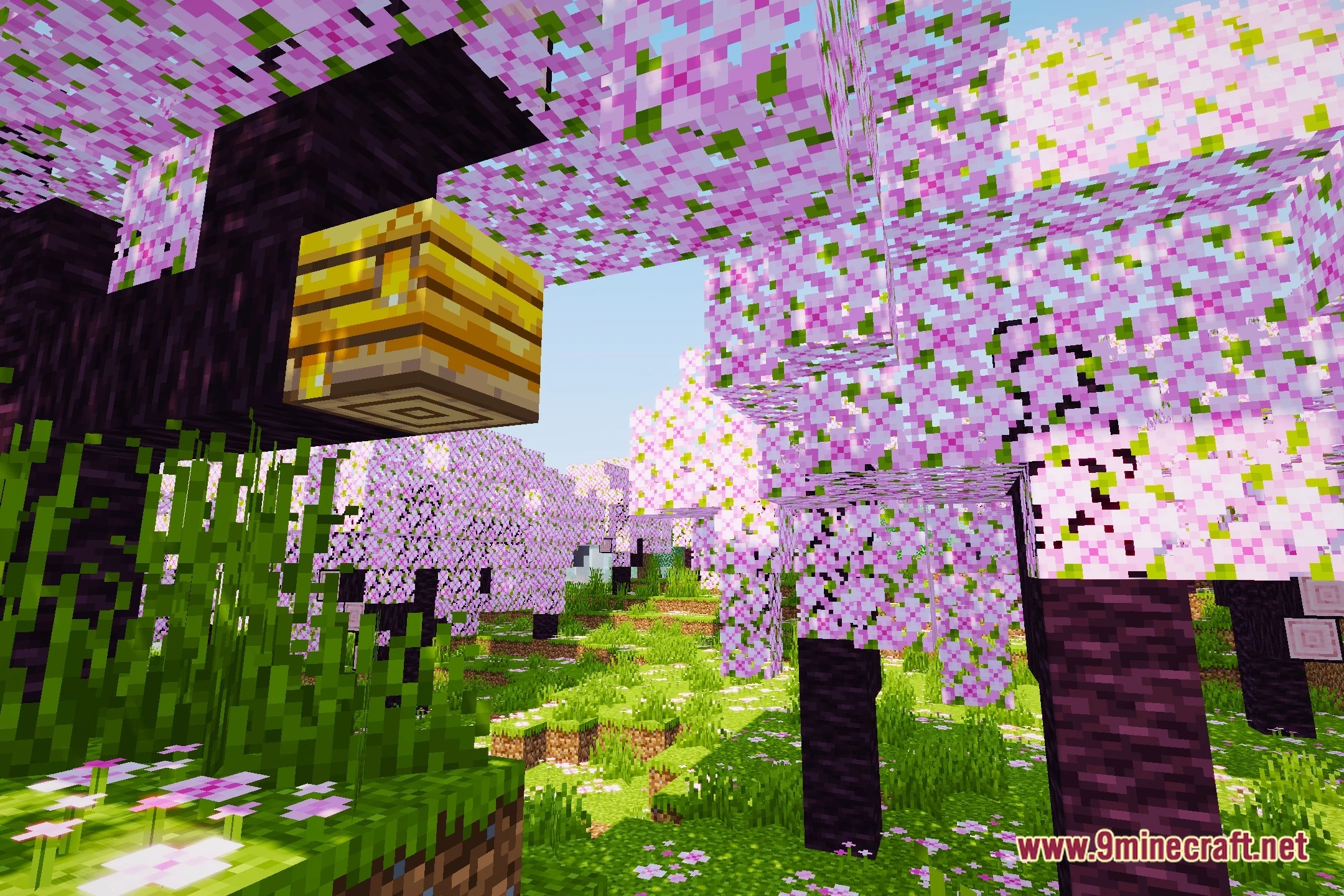
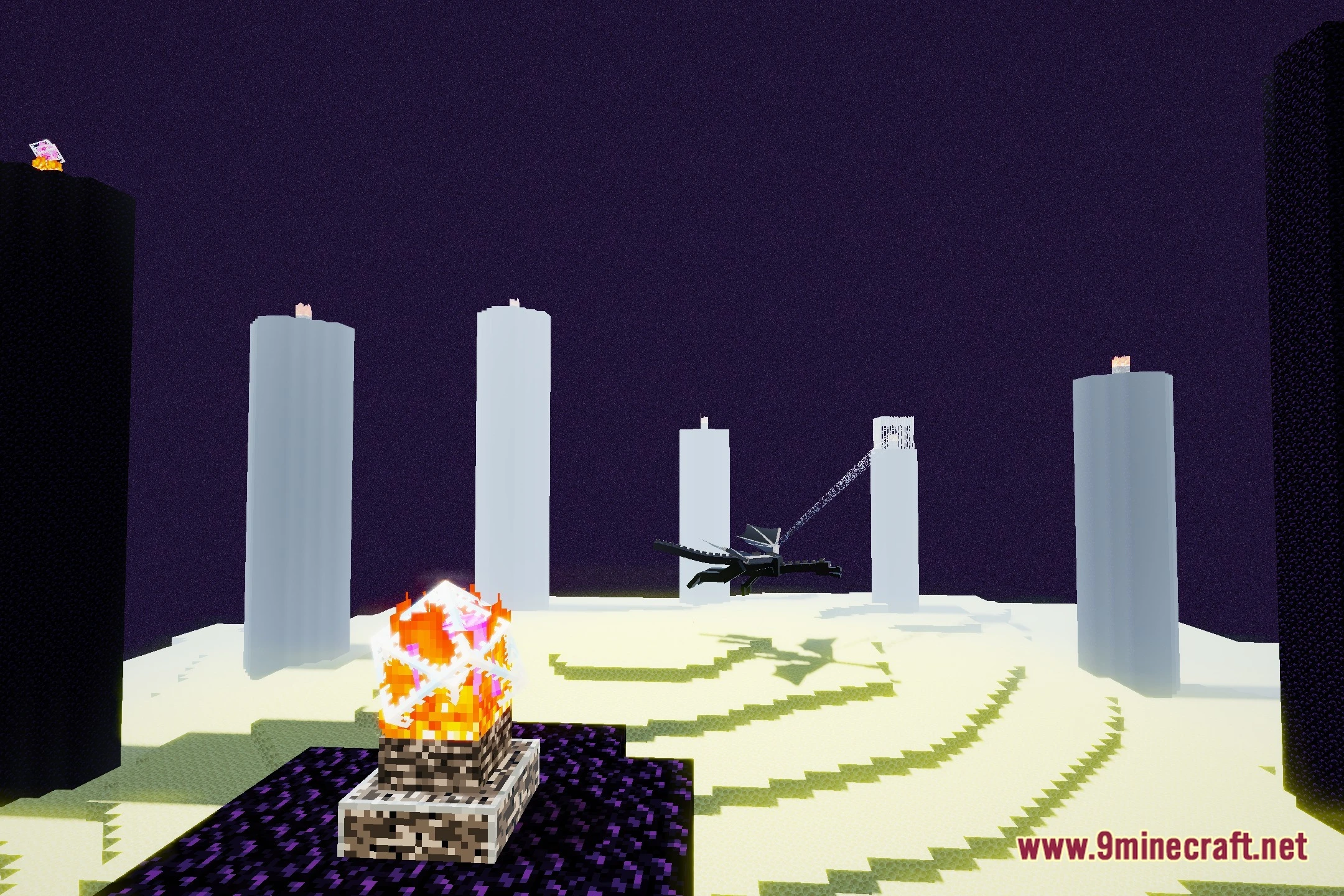
- Semi-Realistic Shadows: Casts clean shadows that ground buildings and mobs in the game world.
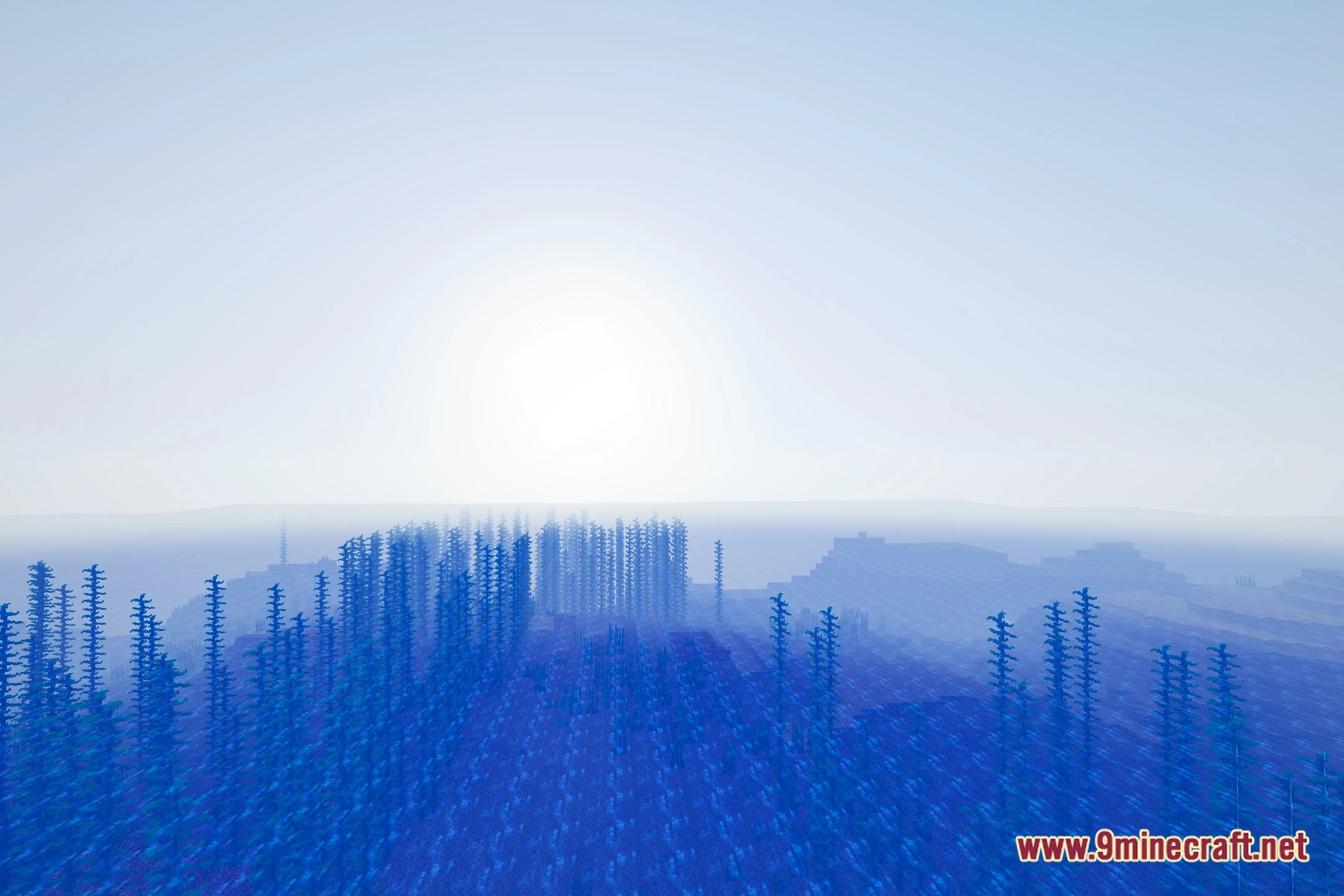
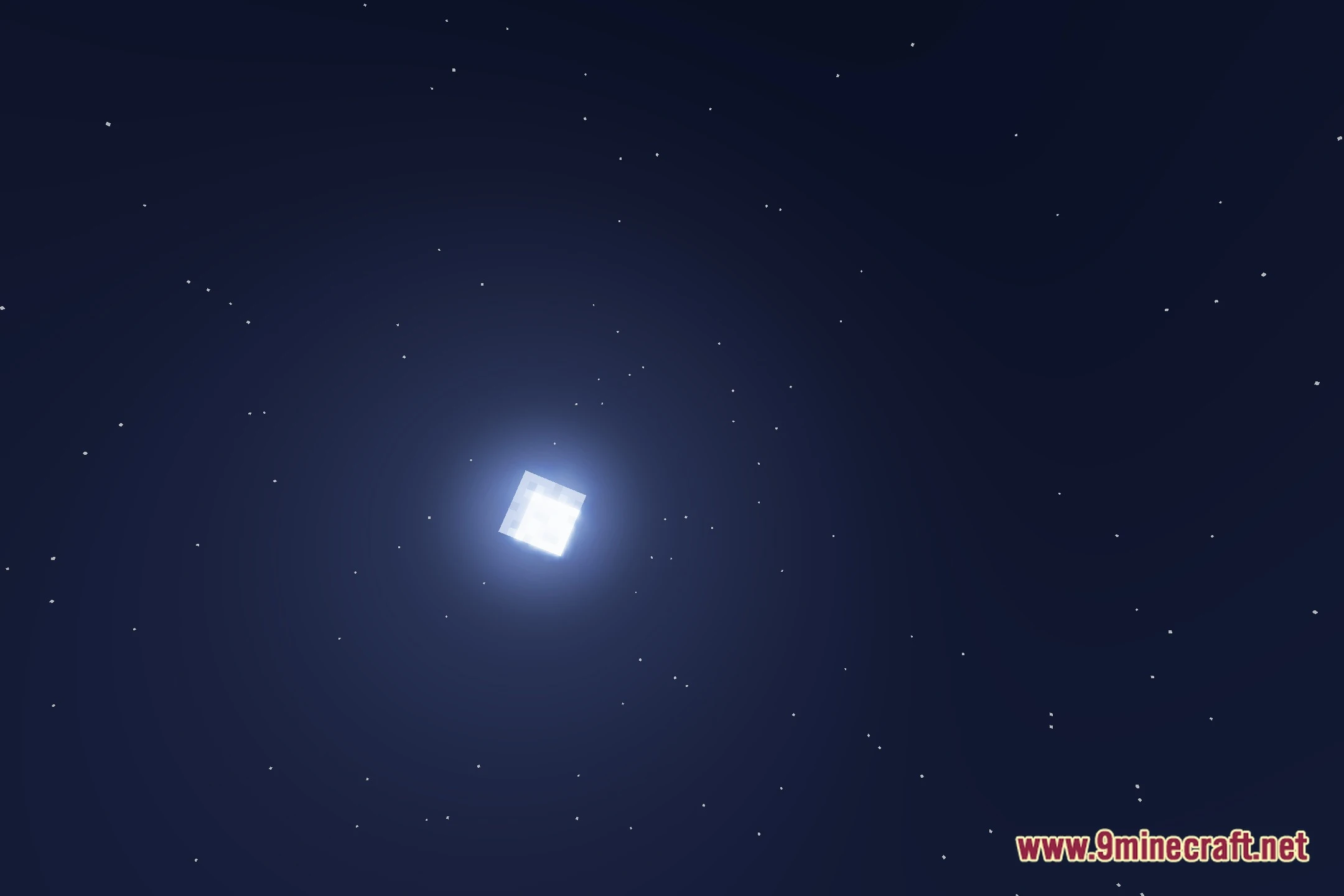
- Soft Bloom Glow: Adds gentle glowing halos around torches and sunny outdoor areas.
- Renders moving foliage to make trees and grass react to the breeze.
- Runs well on mid-range setups without heavy hardware demands.
- Blends cartoon color tones with semi-realistic light passes.
Screenshots:
How to Install:
New to Minecraft? Follow our step-by-step guide to install Shaders on your PC.View Guide
RocketShaders Download Links
Click to rate this post!
[Total: 0 Average: 0]
QUICK MINECRAFT SURVEY · ONE TAP
Shaders & Resource Packs
How often do you tweak the internal settings of a shader pack?
1 responses · See the full results →
You May Also Like
Picked for this page
 Sildur’s Vibrant Shaders (26.3, 1.20.1) – Vibrant Colors on Any Hardware
 Fantasy Unbound Shaders (26.3, 1.20.1) – Heavy Bloom and Colored Lighting
 Lux V1 Shaders (26.3, 1.20.1) – Fantasy Cartoon Style with PBR Textures
 BVS Best Vanilla Shaders (26.3, 1.20.1) – Colored Lighting and Soft Shadows
 Pyvtron VX Shaders (26.3, 1.20.1) – Detailed Shadows and PBR Lighting
 Cinematix Shaders (26.3, 1.20.1) – Vibrant Lighting and Soft Bloom
 Vivid Pixel Rays Shaders (26.3, 1.20.1) – Retro Pixel Shadows and Sunbeams
 Justwaves Shaders (26.3, 1.20.1) – Realistic Ocean Waves and Shorelines
 Catsune Shaders (26.3, 1.20.1) – Stylized Lighting with Crisp Reflections
 Veridian Shaders (26.3, 1.20.1) – Colored Lighting and Soft Reflections
 United Shaders (26.3, 1.20.1) – Anime Style Visuals with Colored Lighting
 VoxelVibrance Shader (26.3, 1.20.1) – Noise-Based PBR and Pixelated Shadows
Most viewed in Shaders over the last 7 days
 OptiFine HD (26.3, 1.20.1) – Run Faster, FPS Boost, Shaders Support
 IterationRP Shaders (26.3, 1.20.1) – Most Realistic Shaders of All Time
 Derivative Shaders (26.3, 1.20.1) – Best Ultra Realistic
 IterationT Shaders (26.3, 1.20.1) – The Best Realistic Graphics in 2025
 Emanrux Shaders (26.3, 1.20.1) – Adds Realistic Skies And Reflections
 Eclipse Shaders (26.3, 1.20.1) – Advanced Sky And Environmental Effects
 SEUS PTGI Shaders (26.3, 1.20.1) – Path Tracing, Ray Traced Shaders
 SEUS Renewed Shaders (26.3, 1.20.1) – Best Minecraft Shaders
 Shadow Only Shaders (26.3, 1.20.1) – Dynamic Shadows Shaderpack
 Rethinking Voxels Shaders (26.3, 1.20.1) – Coloured Lights, Sharp Shadows
 Continuum Shaders (26.3, 1.20.1) – Realistic Textures, Ultra Graphics
 Photon Shaders (26.3, 1.20.1) – Dynamic Clouds and Weather
More from Shaders
 Cursed_kingdoms Shaders (26.3, 1.20.1) – Piercing God Rays and Deep Shadows
 Cookie313’s Shaders (26.3, 1.20.1) – Realistic Lighting for Low-End PCs
 Psychosynthesis Shaders (26.3, 1.20.1) – Fantasy Color Grading and Lighting
 Lively Cinematic Shaders (26.3, 1.20.1) – Path Tracing and Colored Lighting
 Sonnet Shaders (26.3, 1.20.1) – Subtle AI Lighting for Vanilla Visuals
 Clovers Light Shaders (26.3, 1.20.1) – Vanilla Lighting with Minimal FPS Loss
 NeuroLight Shaders (26.3, 1.20.1) – Realistic Lighting with Soft Shadows
 Not So Mcsm Shaders (26.3, 1.20.1) – Stylized Story Mode Block Lighting
 ReVespera VXPT Shaders (26.3, 1.20.1) – Realistic Voxel Path Traced Lighting
 EyeComfort Shaders (26.3, 1.20.1) – Warm Lighting and Tone Sliders
 LumaVale Shaders (26.3, 1.20.1) – Fantasy Lighting and PBR Materials
 Noobie Shaders (26.3, 1.20.1) – Pastel Color Presets for Low-End PCs

This post has no comments yet. Be the first — your comment will appear here.