


Mod Menu Mod (26.1.2, 1.20.1) – Tweak Mod Settings In-Game
 115,826
 0
0
 April 10, 2026
 Prospector
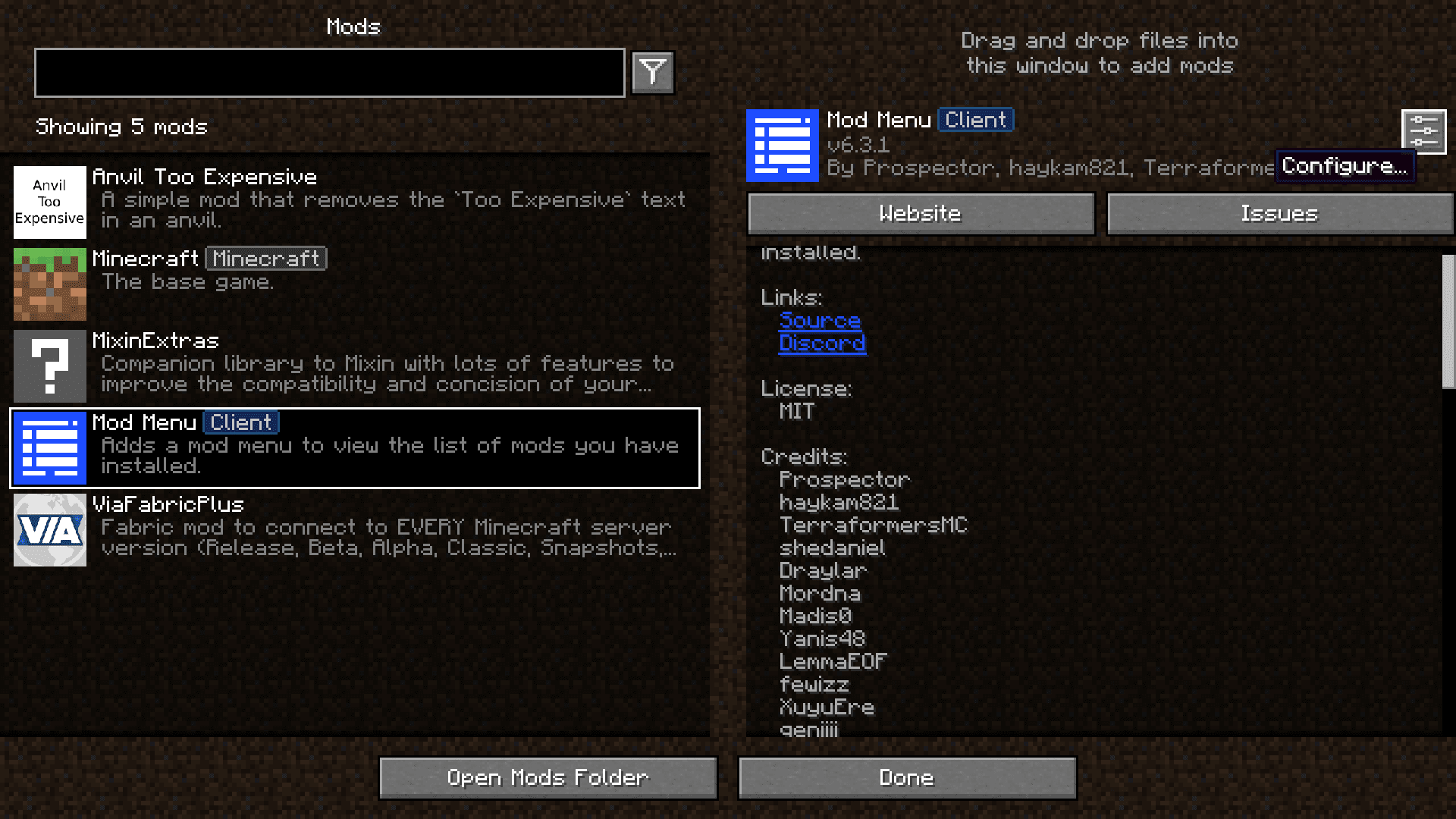
Mod Menu Mod adds a simple button to your main menu screen that lets you see a list of all your installed mods. You can easily view details for each mod and open their config screens with just a click, all without leaving the game. Before this, you had to go into your computer’s folders to manage your mods. Now, everything is right there on the title screen.
Features:
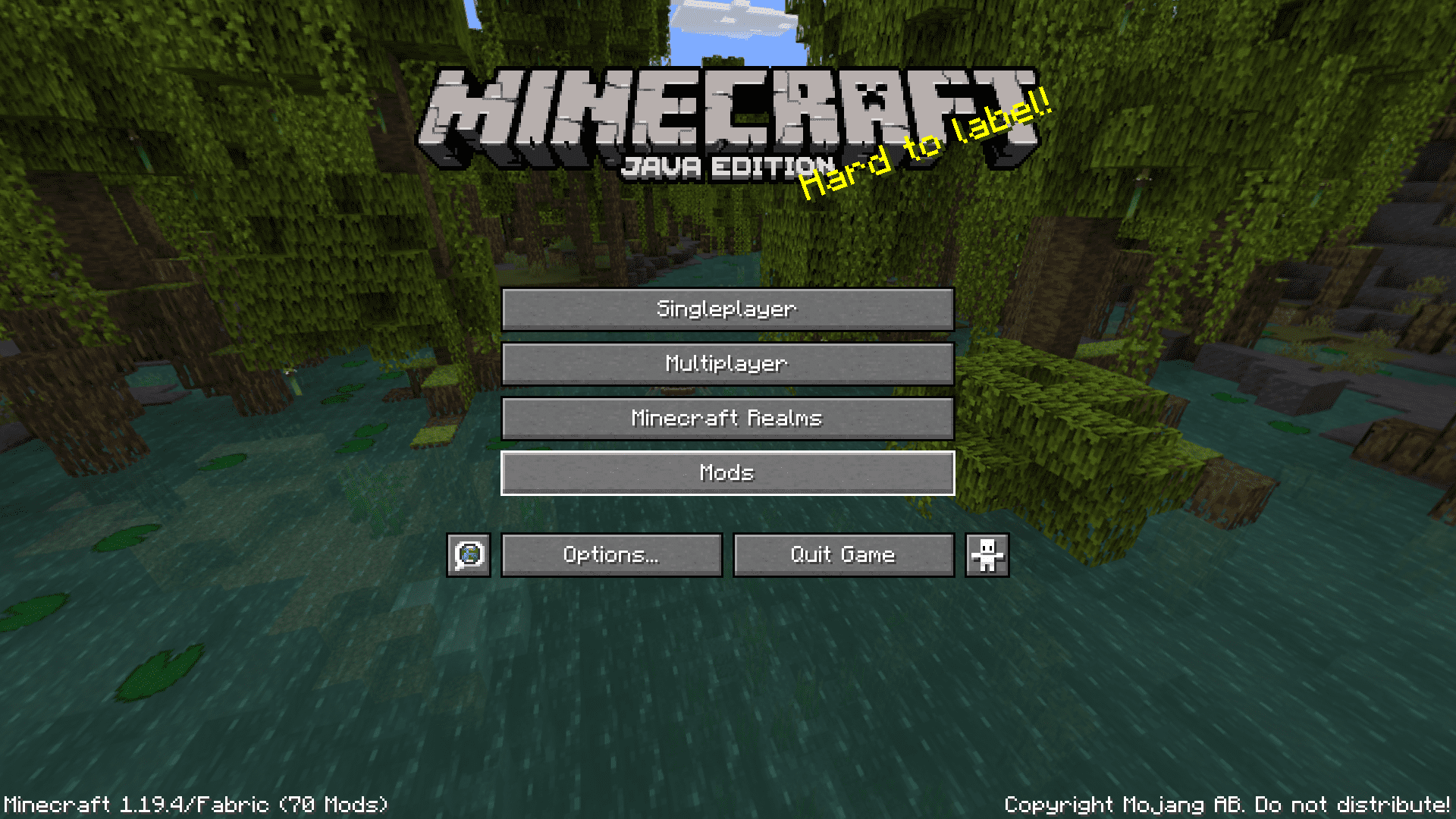
- Adds a new “Mods” button to the game’s main menu.
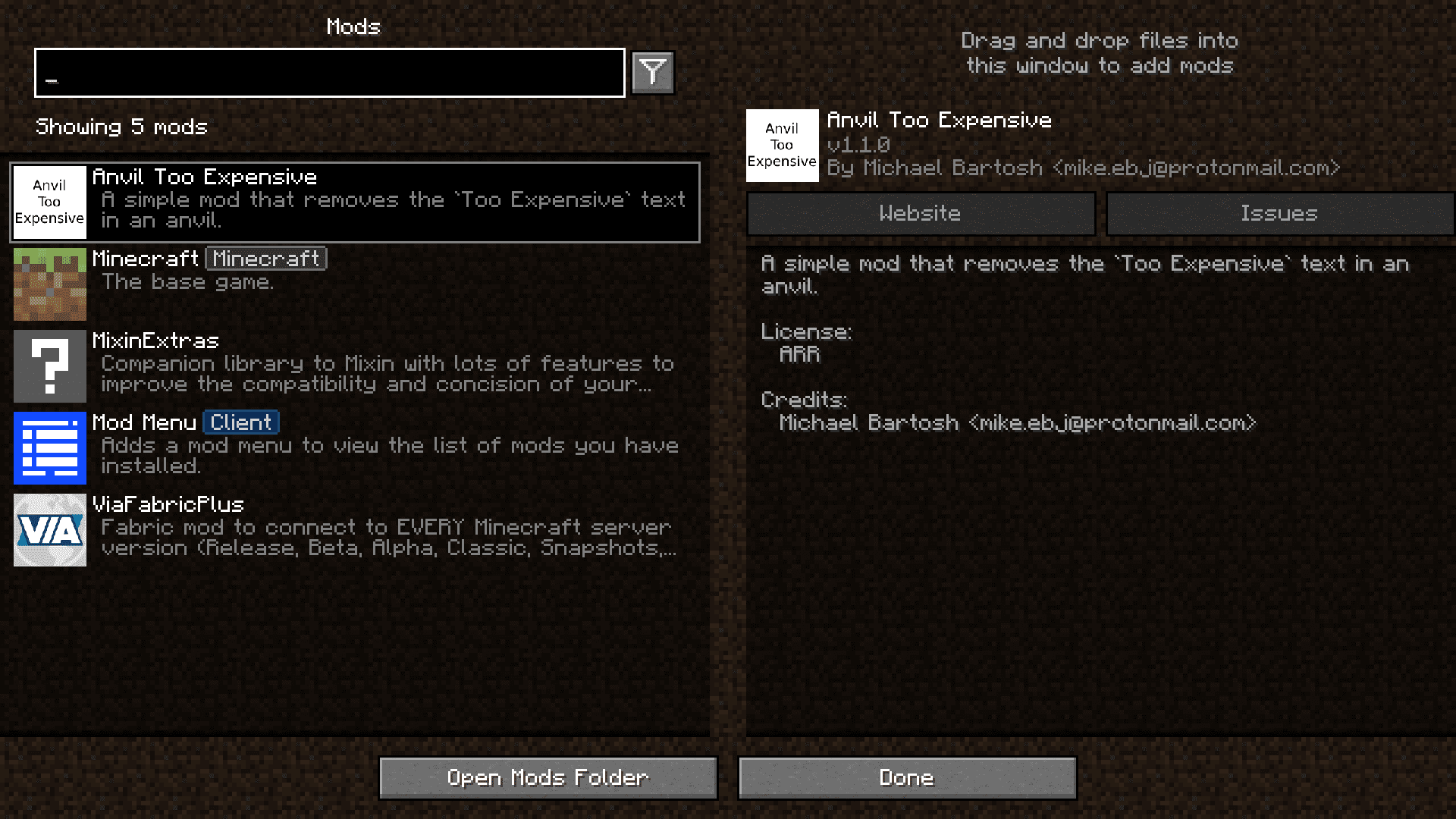
- Displays a clean, scrollable list of all installed mods.
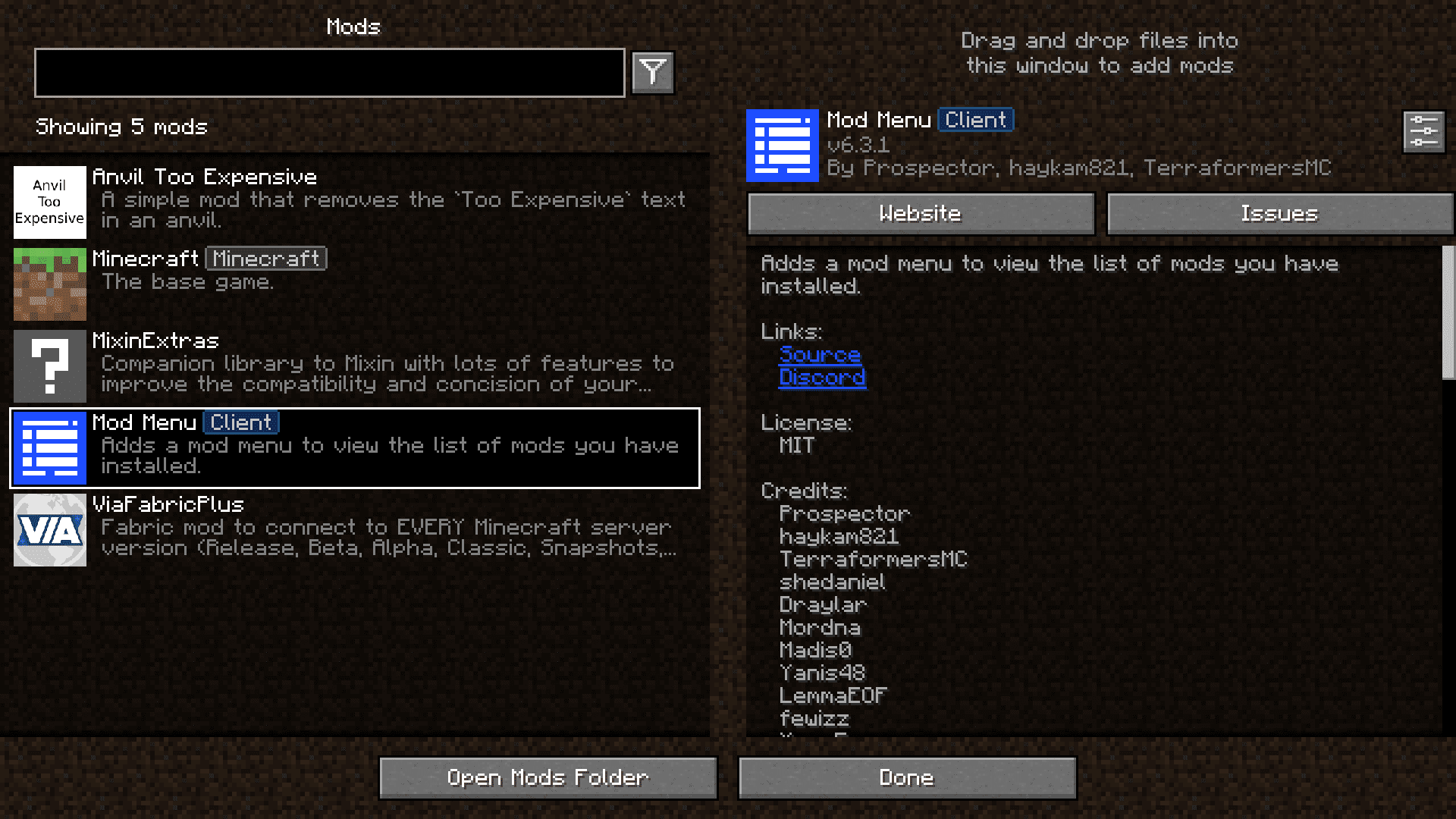
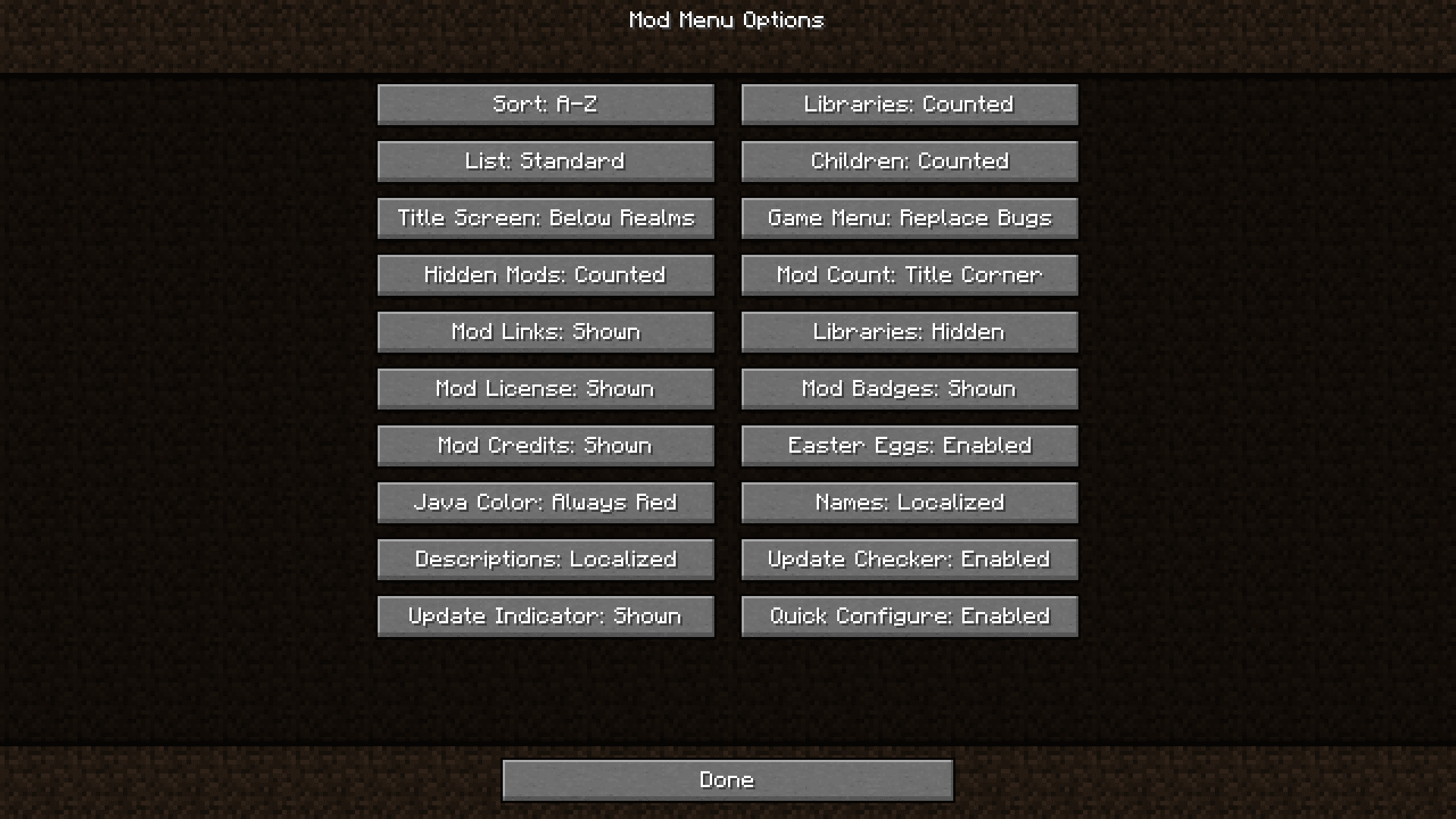
- Lets you open a mod’s configuration screen directly from the menu if the mod supports it.
- Includes a search bar to quickly find a specific mod in your list.
- Filters out library mods by default, so you only see the main content mods.
- Checks for updates for your mods and tells you when a new version is available.
- Shows extra details for each mod, like its description, author, and helpful links.
Screenshots:
How to Install:
New to Minecraft? Follow our step-by-step guide to install Mods on your PC.View Guide
Requirements:


Mod Menu Mod Download Links
For Minecraft 26.1.2, 26.1.1, 26.1
For Minecraft 1.21.11
For Minecraft 1.21.10
For Minecraft 1.21.9
For Minecraft 1.21.8, 1.21.7, 1.21.6
For Minecraft 1.21.5
For Minecraft 1.21.4
For Minecraft 1.21.3, 1.21.2
For Minecraft 1.21.1, 1.21
For Minecraft 1.20.6
For Minecraft 1.20.4, 1.20.3
For Minecraft 1.20.2
For Minecraft 1.20.1, 1.20
For Minecraft 1.19.4
For Minecraft 1.19.2
For Minecraft 1.18.2
For Minecraft 1.17.1
For Minecraft 1.16.5
For Minecraft 1.15.2
For Minecraft 1.14.4
Click to rate this post!
[Total: 28 Average: 3.5]
You May Also Like















This post has no comments yet. Be the first — your comment will appear here.