


Difficulty Lock Mod (26.2, 1.20.1) – Set Default Difficulty

 0
0  5 days ago
Difficulty Lock Mod gives you full control over world difficulty settings. Perfect for modpacks, servers, or players who want a consistent challenge.
Features:
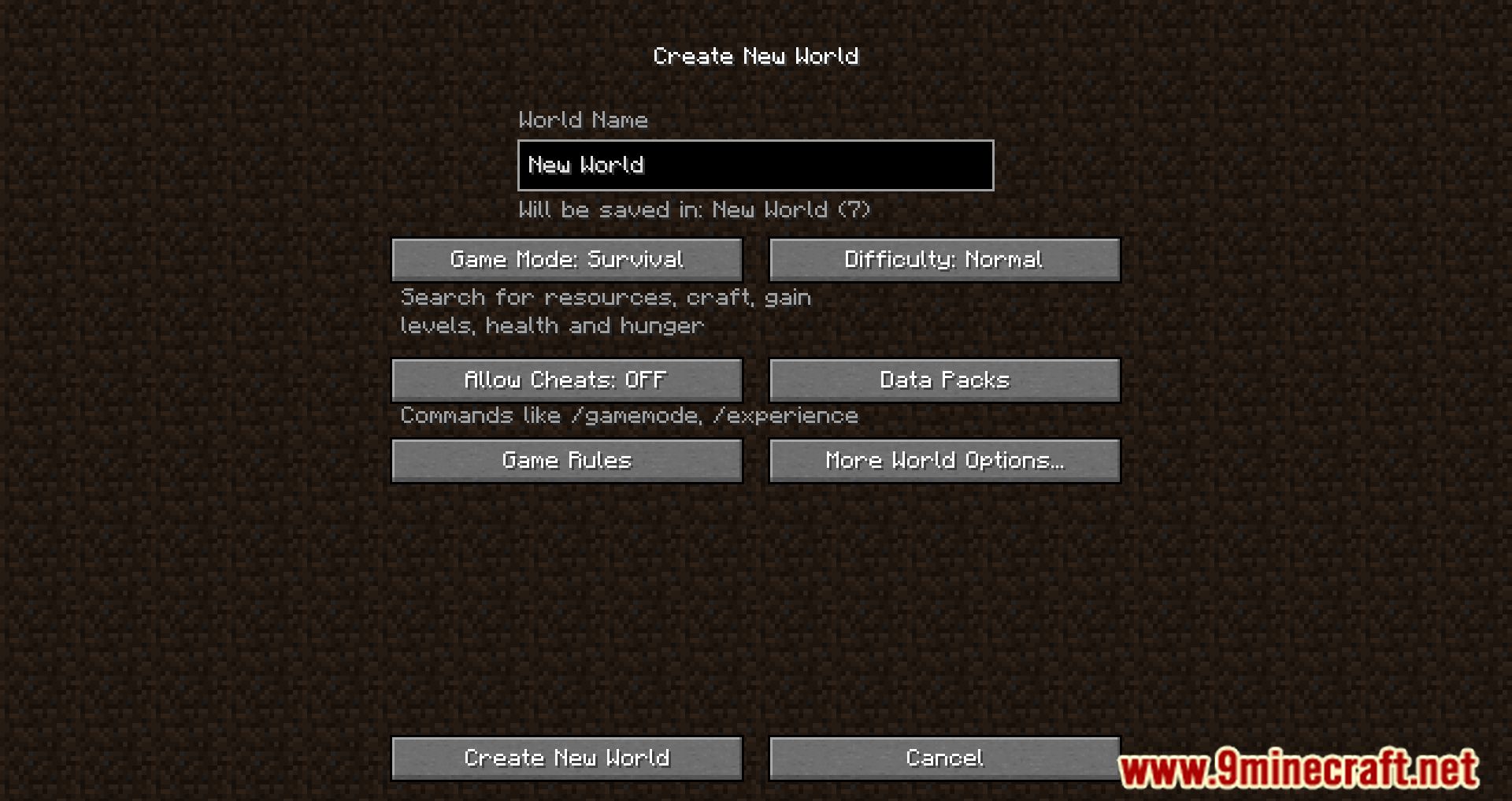
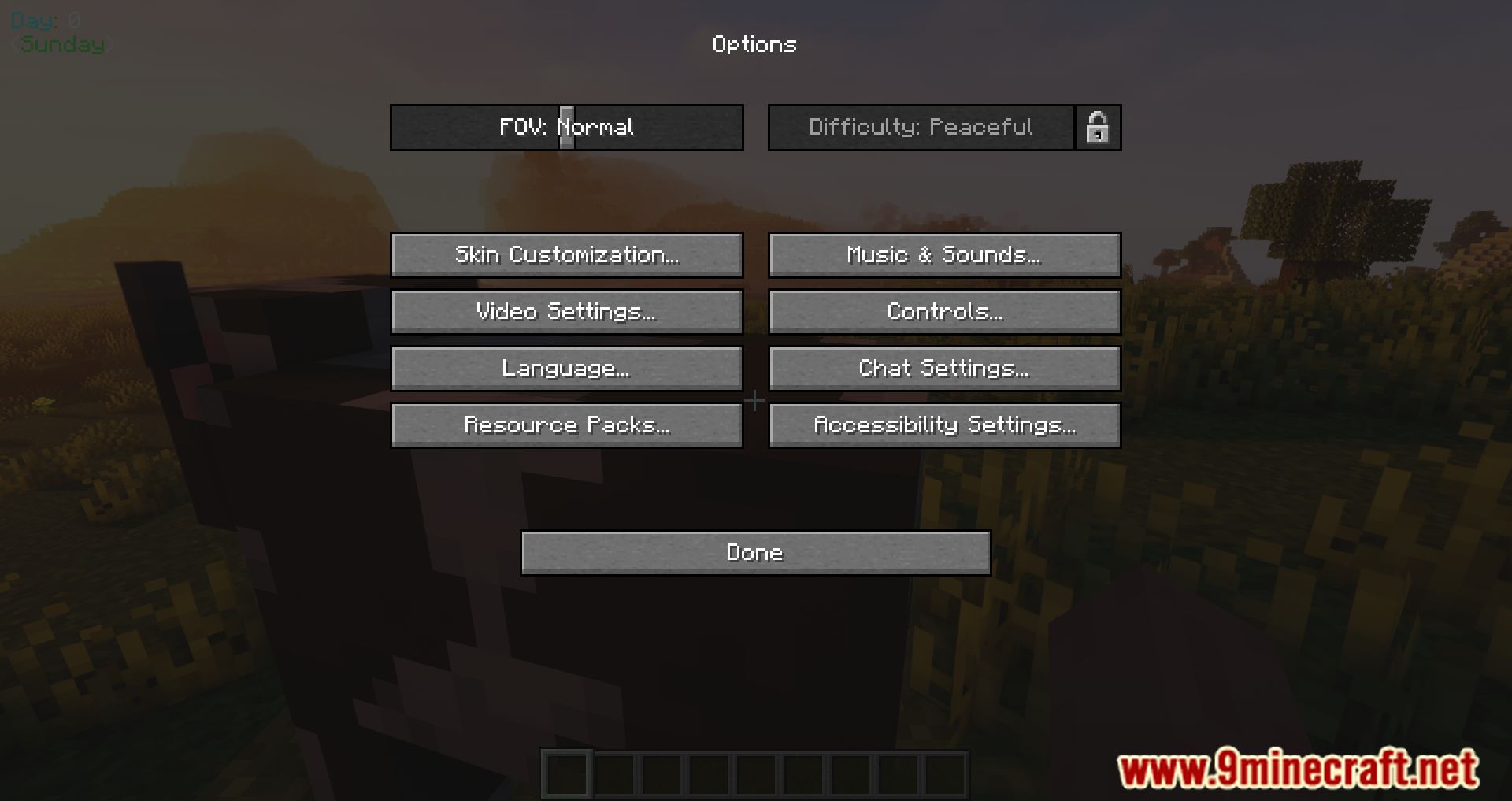
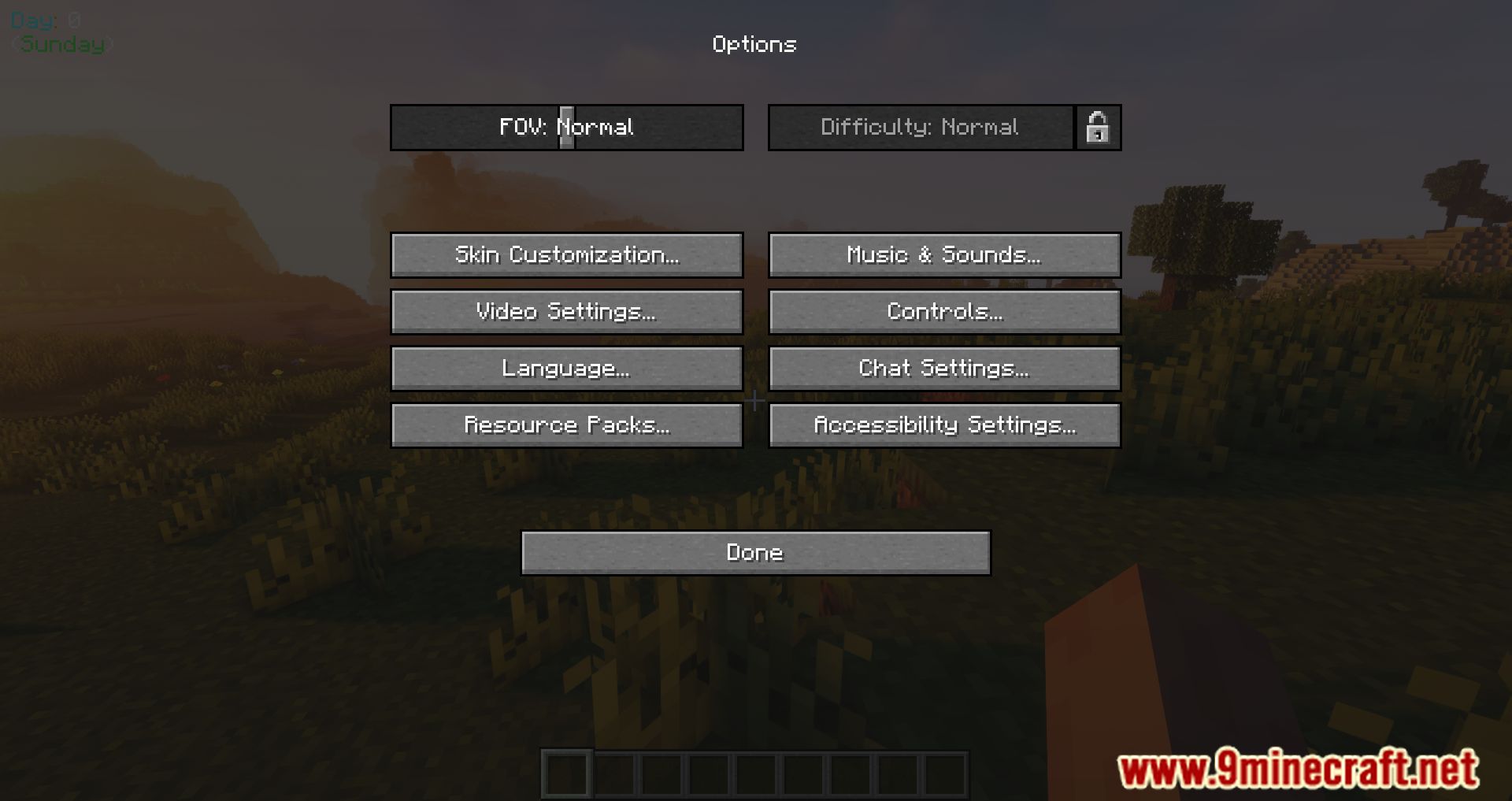
- Automatically applies a chosen difficulty (Peaceful, Easy, Normal, or Hard) to all new worlds.
- Prevents players from changing the difficulty after world creation.
- Optionally sets worlds to Hardcore, overriding other difficulty settings.
- Blocks access to cheats and Creative mode during world setup.
- Configuration Options:
shouldLockDifficulty: Locks difficulty so it can’t be changed later.forceHardcoreMode: Enables Hardcore mode regardless of other settings.forcePeaceful, forceEasy, forceNormal, forceHard: Prioritized settings to choose the default difficulty.disableCreativeModeSelection: Removes Creative mode from the world creation screen.forceCheatsDisabled: Prevents enabling cheats during setup.
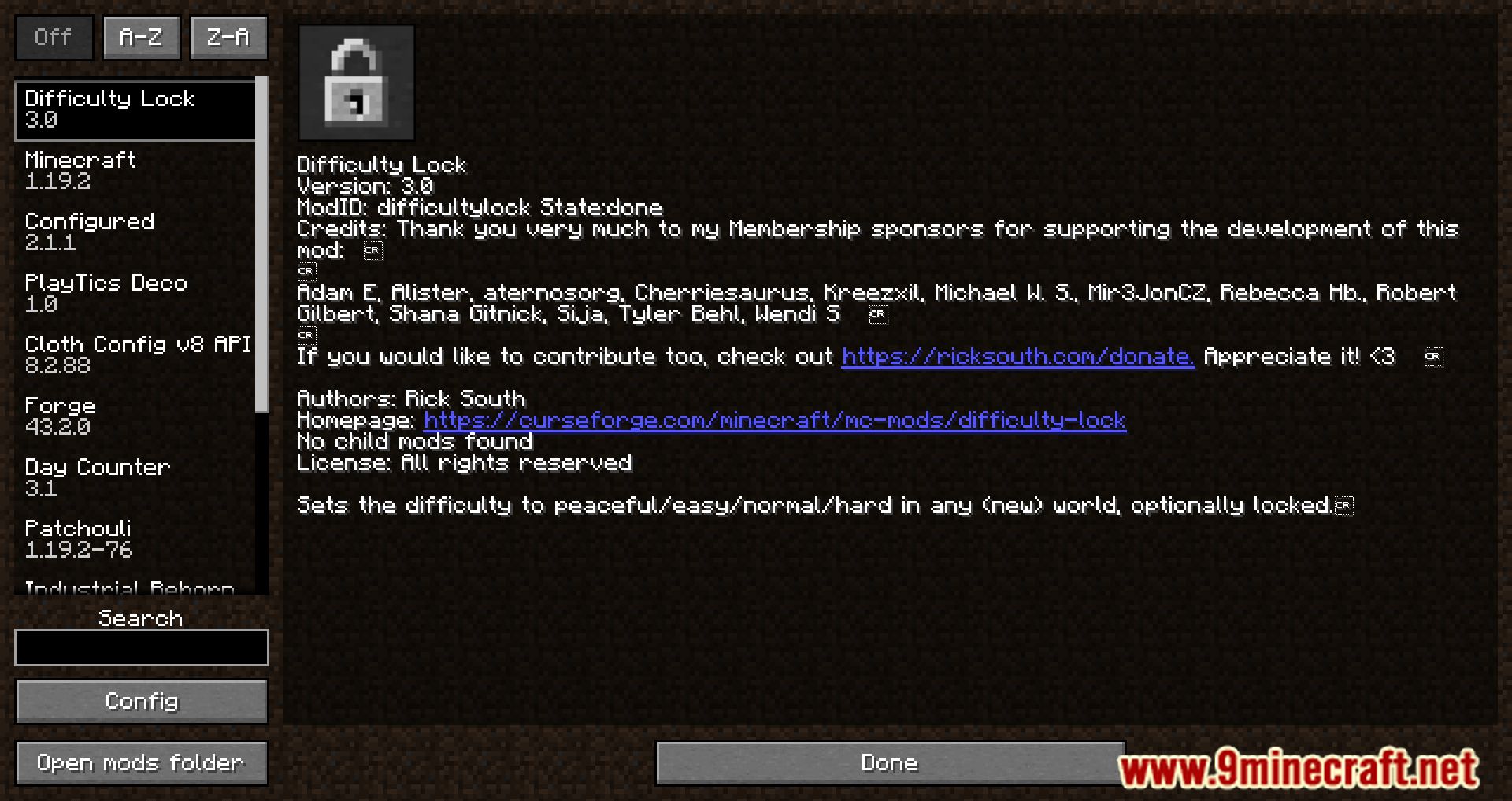
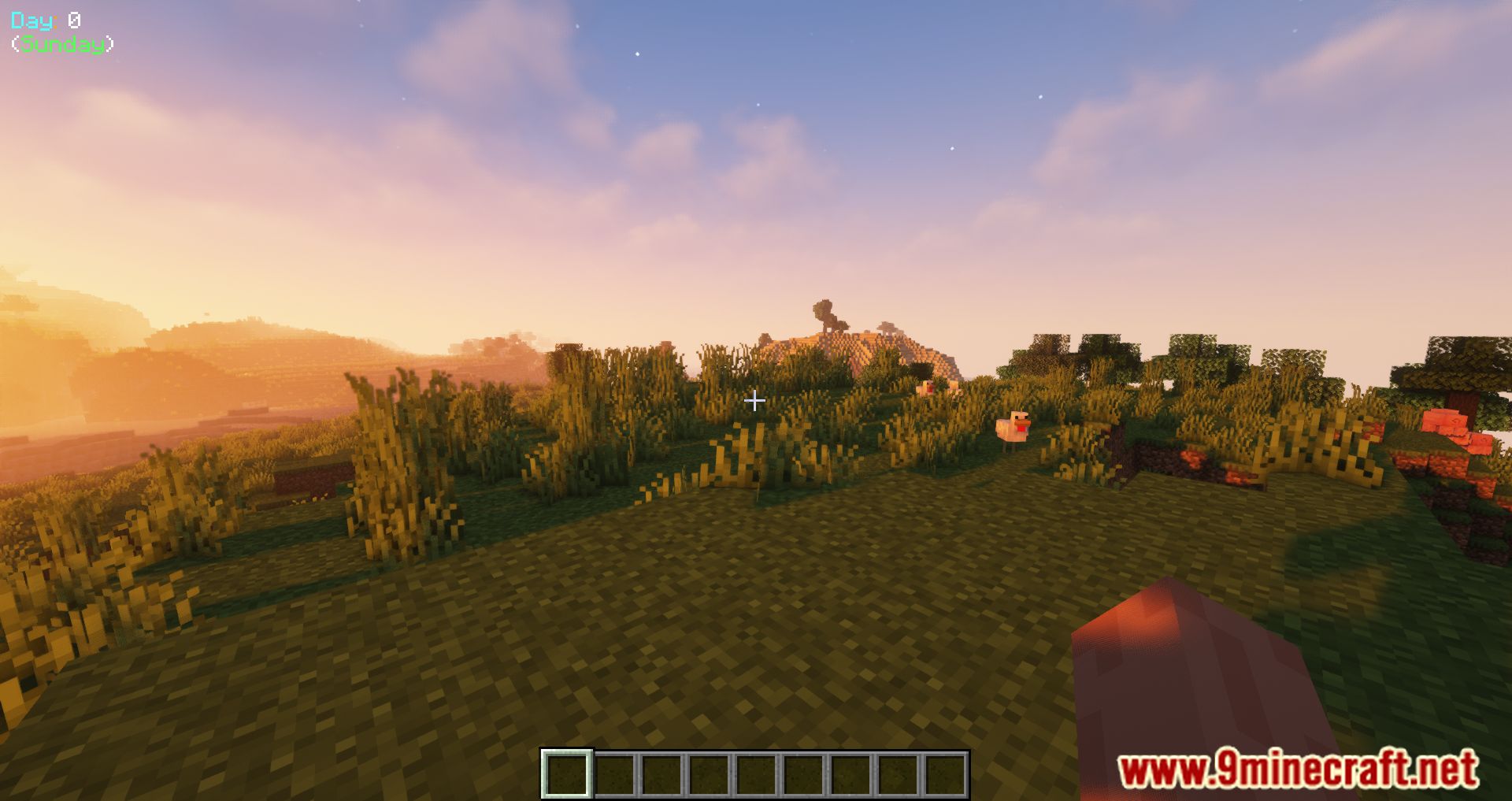
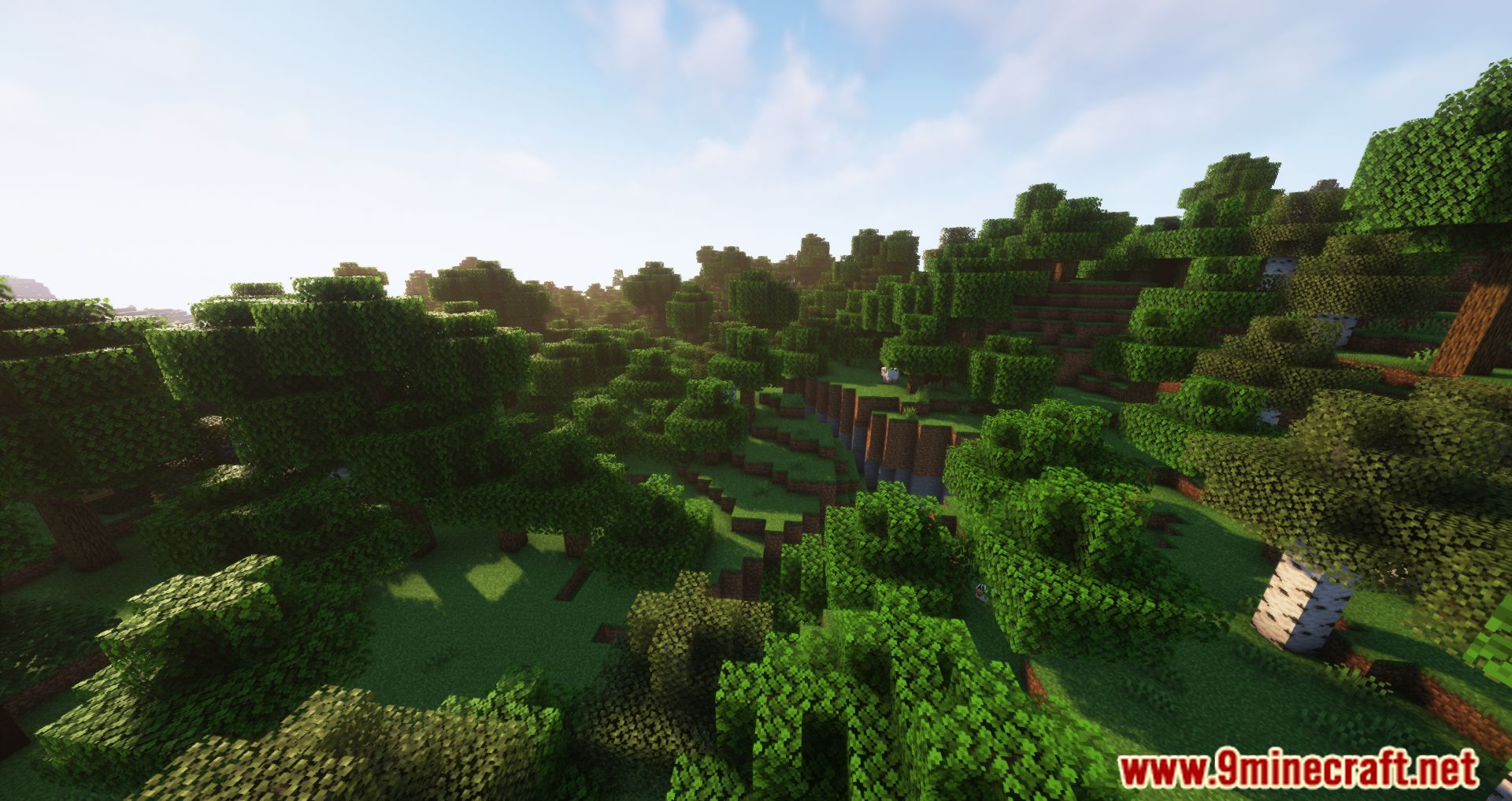
Screenshots:
How to Install:
New to Minecraft? Follow our step-by-step guide to install Mods on your PC.View Guide
Requirements:




Difficulty Lock Mod Download Links
For Minecraft 26.2
For Minecraft 26.1.2, 26.1.1, 26.1
For Minecraft
1.21.11,
1.21.10,
1.21.9
All Versions Covered
1.21.11
1.21.10
1.21.9
1.21.8
1.21.7
1.21.6
1.21.5
1.21.4
1.21.1
1.21
All Versions Covered
1.21.11
1.21.10
1.21.9
1.21.8
1.21.7
1.21.6
1.21.5
1.21.4
1.21.1
1.21
For Minecraft 1.21.10, 1.21.9
For Minecraft 1.21.9
For Minecraft 1.21.8, 1.21.7, 1.21.6
For Minecraft 1.21.6
For Minecraft 1.21.5
For Minecraft 1.21.4
For Minecraft 1.21.3
For Minecraft 1.21.1, 1.21
For Minecraft 1.20.6
For Minecraft 1.20.4
For Minecraft 1.20.2
For Minecraft 1.20.1, 1.20
For Minecraft 1.20
For Minecraft 1.19.4
For Minecraft 1.19.3
For Minecraft 1.19.2
For Minecraft 1.19.1
For Minecraft 1.19
For Minecraft 1.18.2
For Minecraft 1.18.1
For Minecraft 1.17.1
For Minecraft 1.16.5
For Minecraft 1.15.2
For Minecraft 1.14.4
For Minecraft 1.12.2
Click to rate this post!
[Total: 0 Average: 0]
You May Also Like






This post has no comments yet. Be the first — your comment will appear here.