
Entity Culling Mod (26.3, 1.20.1) – Stop Lag From Hidden Mobs

 0


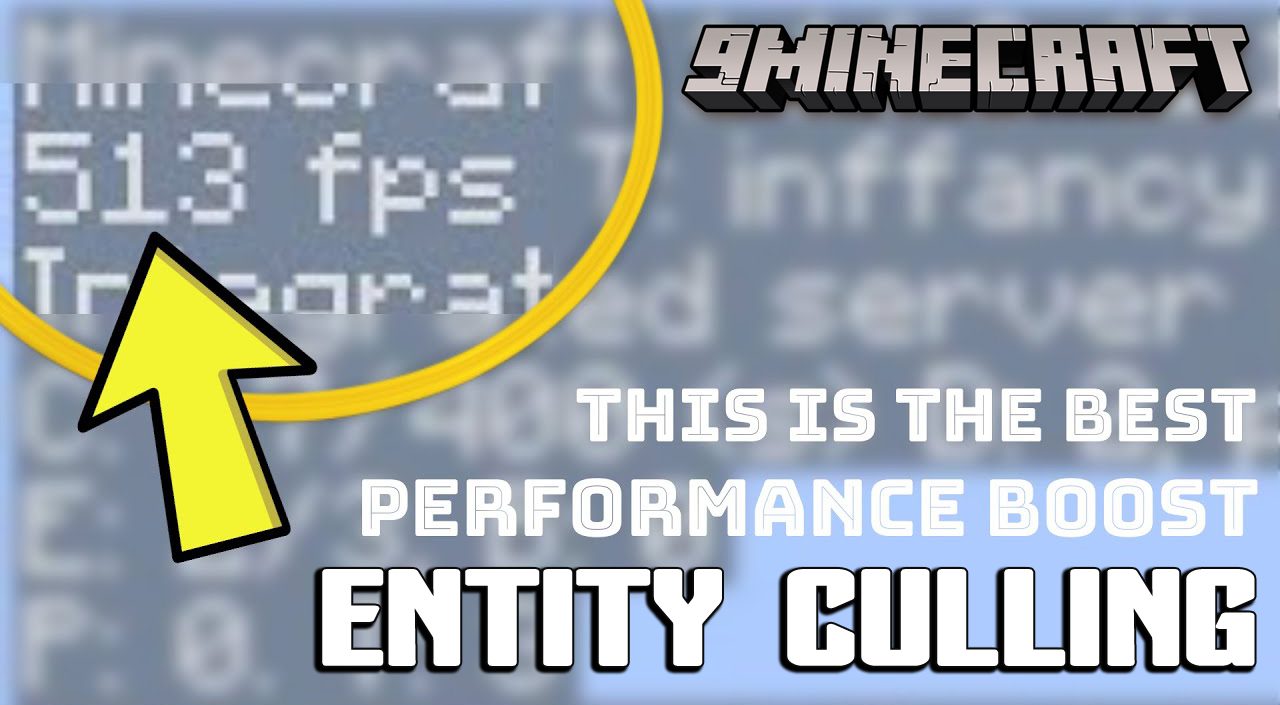
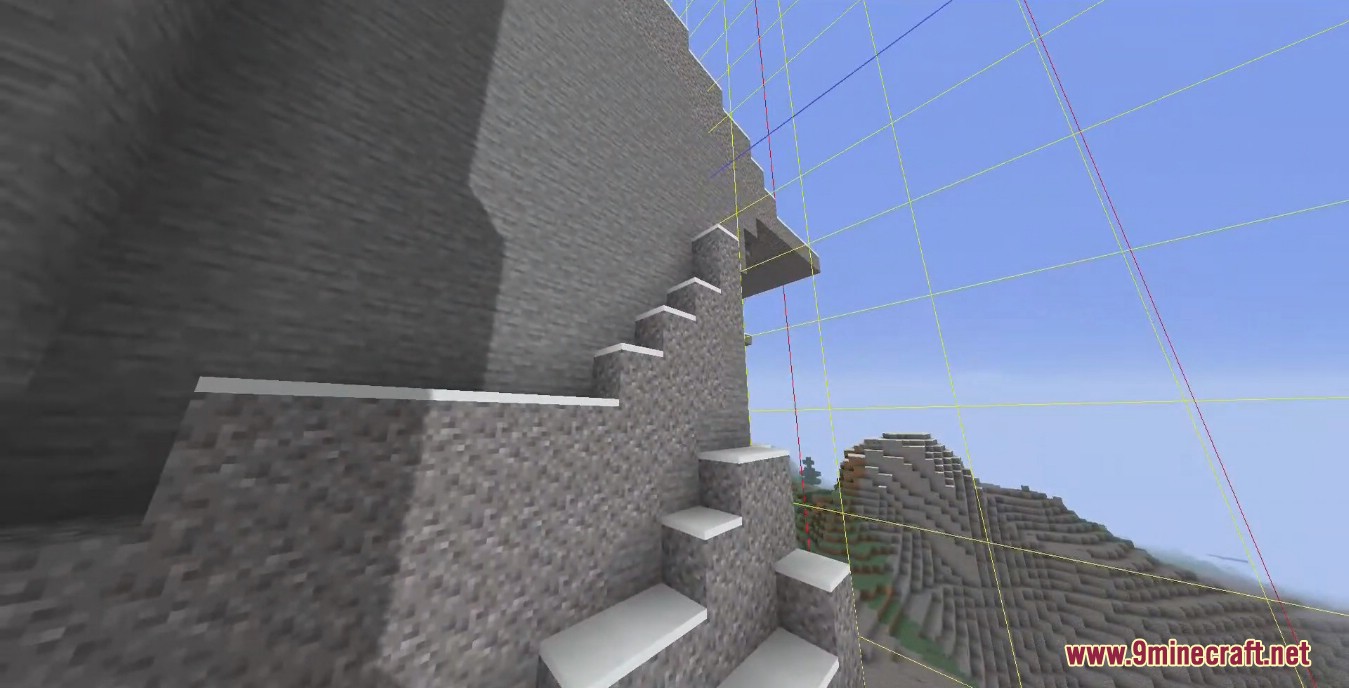
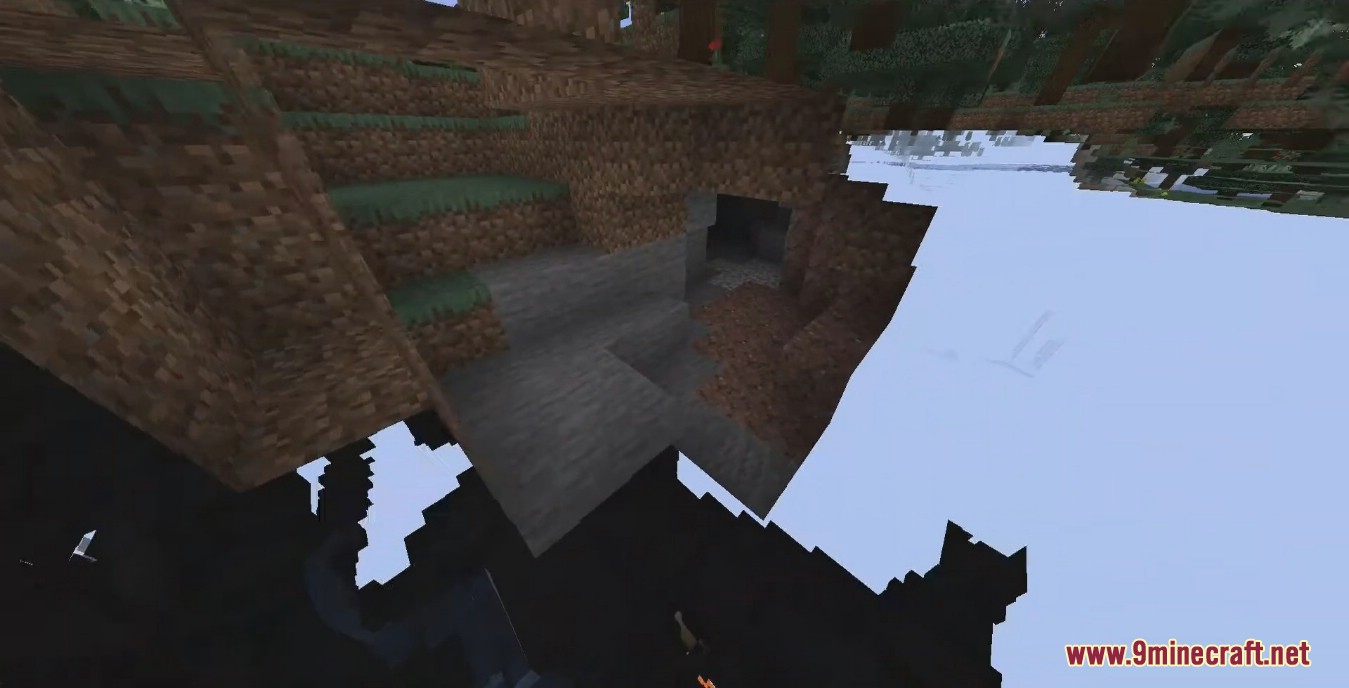
Entity Culling Mod improves your frame rate by hiding mobs and block objects behind walls and ceilings. Vanilla Minecraft skips drawing things behind you, yet it still renders everything blocked from view in front of you. This mod uses spare CPU cores to check your line of sight in real time and skips rendering anything out of sight. It checks visibility within 64 blocks in each direction around you, forming a 128x128x128 cube. By cutting out hidden visual work on the client side, it boosts FPS without changing mob behavior or farms.
Features:
- Async Path-Tracing: Uses spare CPU threads alongside the main game thread to check line-of-sight visibility in real time without slowing down the game.
- Client Tick Optimization: Reduces client-side processing for hidden mobs and block objects while keeping server simulation, mob spawning, and farms untouched.
- Custom Config Screen: Lets you toggle every feature on or off and add specific mobs or blocks (such as beacons, Create pulleys, or Botania blocks) to a whitelist so they never get hidden.
- Provides an option to treat leaves as solid blocks when playing with fast graphics or custom leaves to boost FPS in forests.
- Runs strictly on the client side, so servers do not need it installed.
- Works alongside Sodium by checking direct line of sight inside loaded chunks rather than only checking visible chunks.
- Allows binding a debug key in the controls menu to toggle the mod on and off during gameplay.
How to Use:
- Open the Minecraft controls menu and bind a debug key if you want to toggle the mod on and off while playing to test your FPS.
- Open the mod config screen to turn features on or off, or enable solid-leaf culling when using fast graphics in forests.
- Add any flickering modded animations or tall blocks (like beacons) to the config whitelist if they get hidden behind walls when they should stay visible.
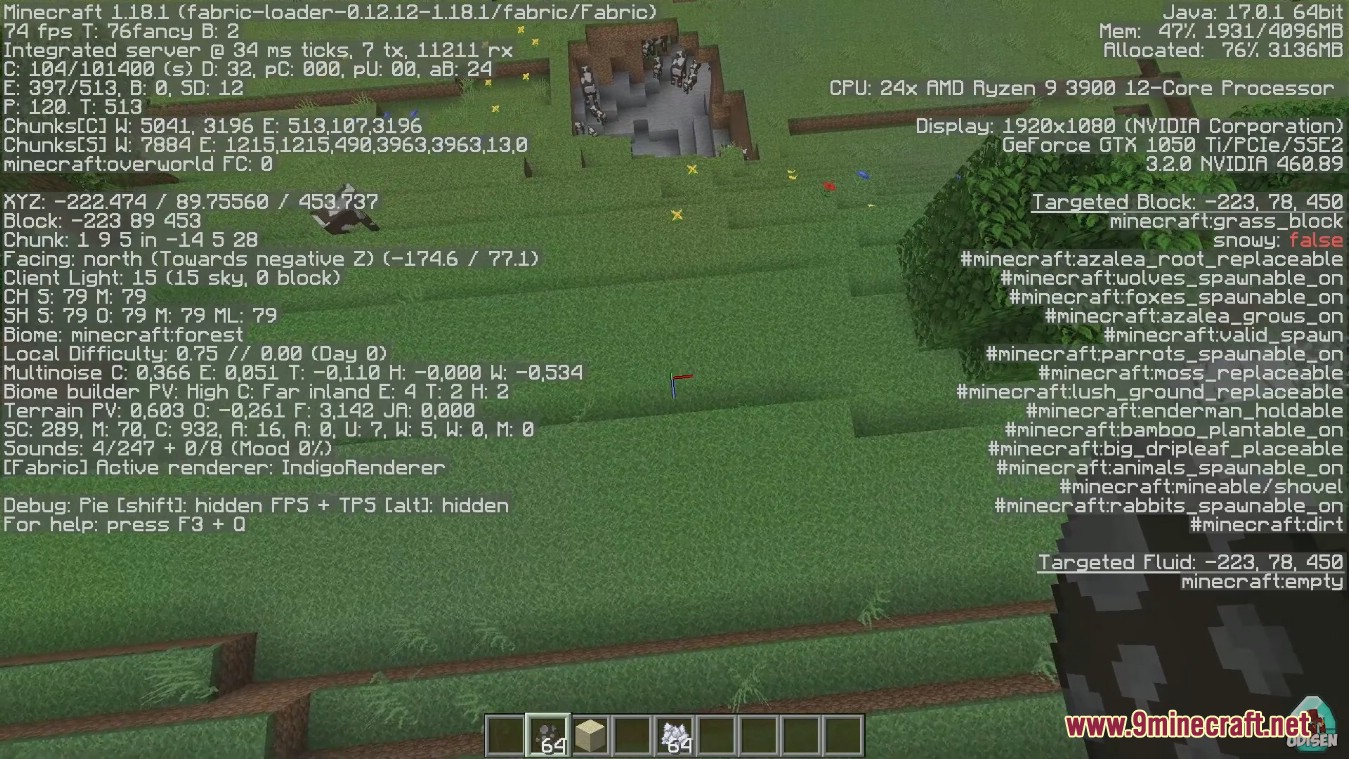
- Press F3 + F6 in newer Minecraft versions if you want to view internal render counts on the debug screen.
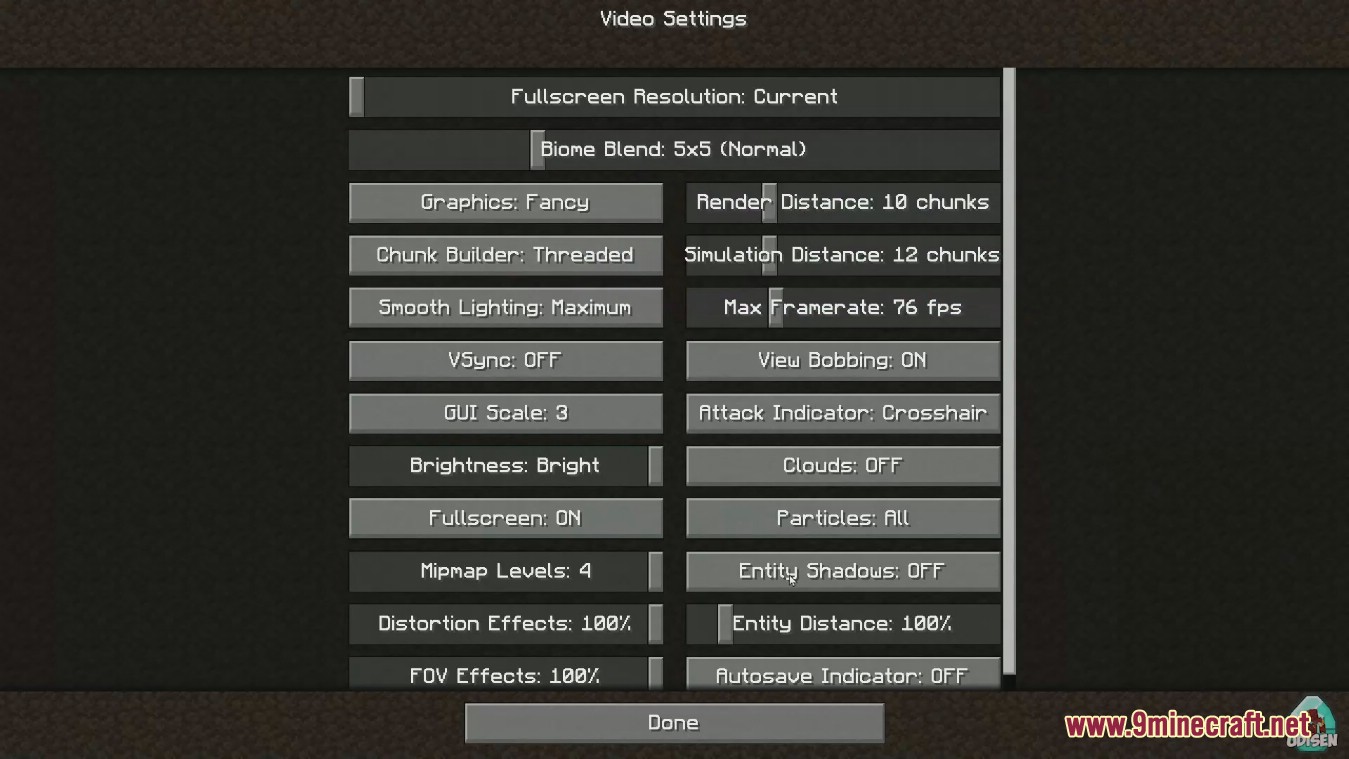
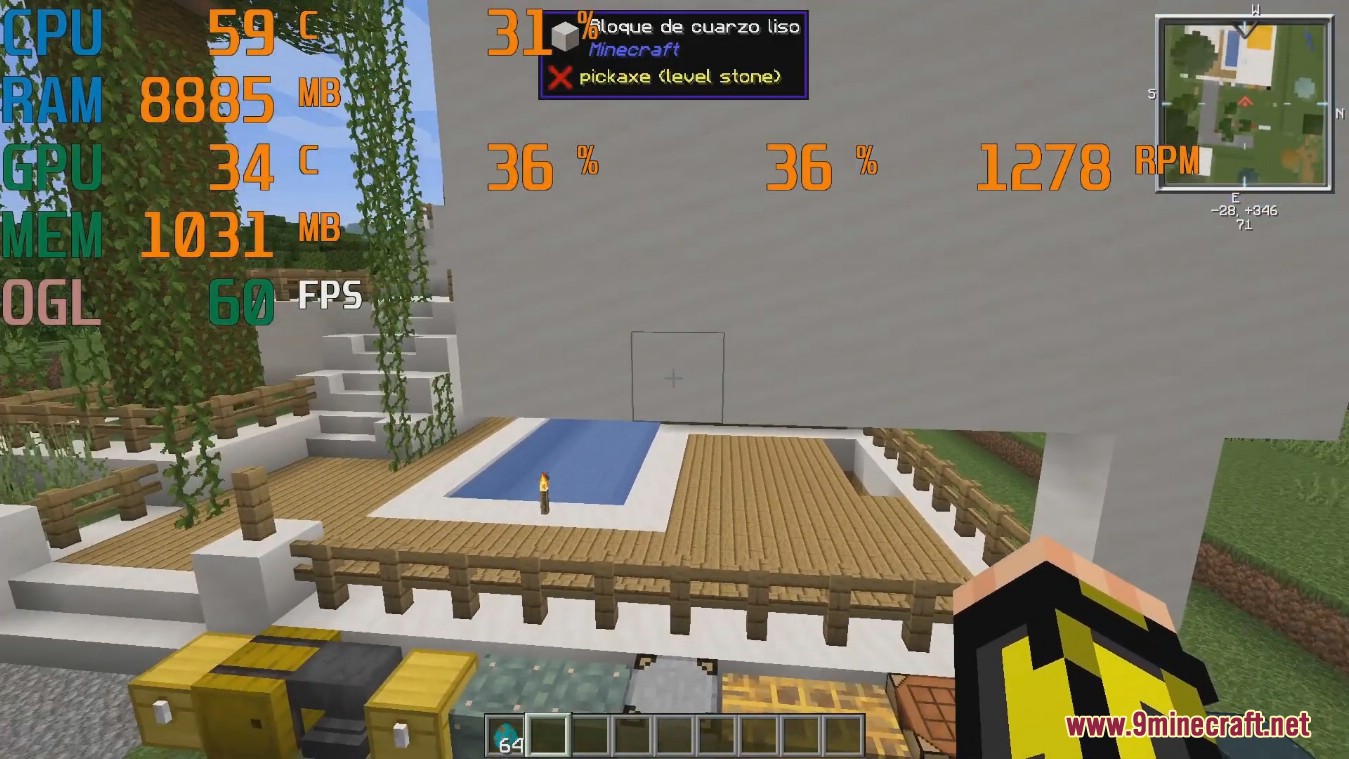
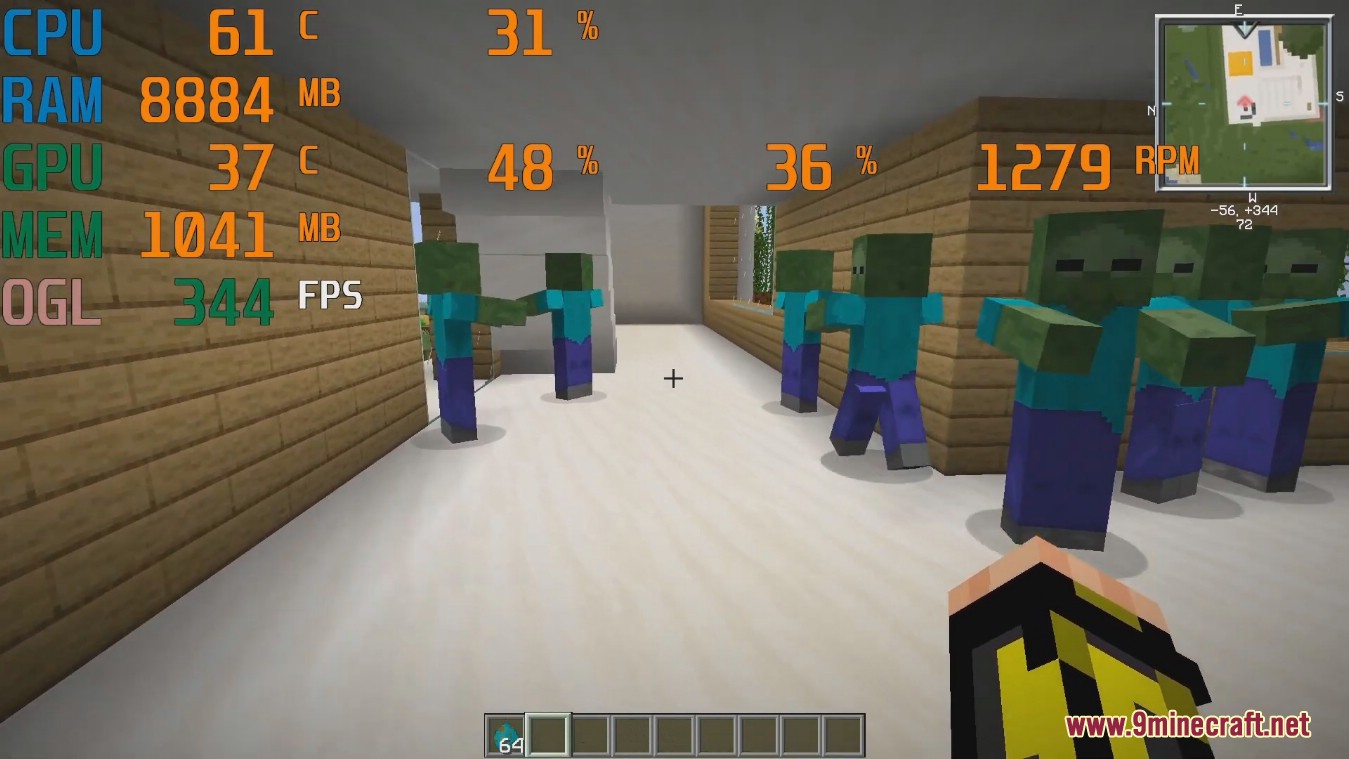
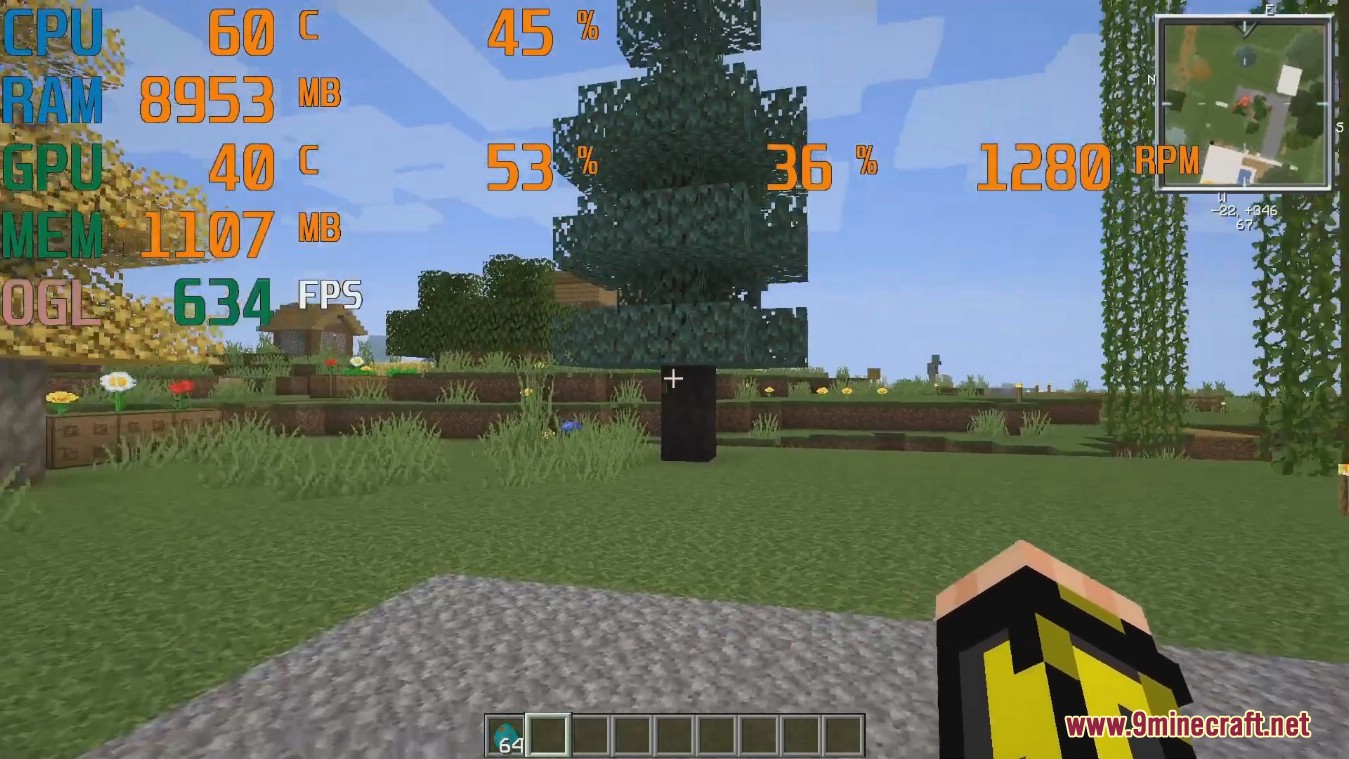
Screenshots:

How to Install:
New to Minecraft? Follow our step-by-step guide to install Mods on your PC.View Guide



Entity Culling Mod Download Links
For Minecraft 26.3
For Minecraft 26.2
For Minecraft 26.1.2, 26.1.1, 26.1
For Minecraft 1.21.11
For Minecraft 1.21.10, 1.21.9
For Minecraft 1.21.8, 1.21.7, 1.21.6
For Minecraft 1.21.5
For Minecraft 1.21.4
For Minecraft 1.21.3, 1.21.2
For Minecraft 1.21.1, 1.21
For Minecraft 1.20.6
For Minecraft 1.20.5
For Minecraft 1.20.4
For Minecraft 1.20.2
For Minecraft 1.20.1
For Minecraft 1.19.4
For Minecraft 1.19.3
For Minecraft 1.19.2, 1.19.1, 1.19
For Minecraft 1.18.2, 1.18.1
For Minecraft 1.17.1
For Minecraft
1.16.5,
1.16.4,
1.16.3
All Versions Covered
1.16.5
1.16.4
1.16.3
1.16.2
1.16.1
1.16
All Versions Covered
1.16.5
1.16.4
1.16.3
1.16.2
1.16.1
1.16
For Minecraft 1.12.2
For Minecraft 1.8.9
For Minecraft 1.7.10
Click to rate this post!
[Total: 9 Average: 4.1]
You May Also Like
Picked for this page
 Tree Harvester Mod (26.3, 1.20.1) – Auto-Planting Tree Chopper
 Better Animations Collection 2 Mod (26.3, 1.20.1) – Change In-Game Models
 Mounted Pearl Mod (1.21.1, 1.20.1) – Stay Mounted When You Use Ender Pearls
 Player Tracking Compass Mod (26.3, 1.20.1) – Player Targeting
 Modular Golems Mod (26.1.2, 1.20.1) – Tinker Style Modularized Metal Golems
 Universal Graves Mod (26.3, 1.20.1) – Death Chests for Deceased Players
 GPU Tape Mod (26.2, 1.20.1) – Boosts Game Rendering Performance
 Infinity Water Bucket Mod (26.3, 1.20.1) – Infinite Water Source
 Korean Chat Patch Mod (1.21.11, 1.20.1) – Korean Chat Mode in Minecraft
 First Join Message Mod (26.3, 1.20.1) – Custom Welcome Messages
 Survival Debug Stick Mod (26.2, 1.20.1) – Adds A Crafting Recipe For The Debug Stick
 WorldEdit Hang Fix Mod (26.1.2, 1.20.1) – Prevents Server Freeze on Shutdown
Most viewed in Mods over the last 7 days
 Ala Industrial Mod (26.3) – Run Electric Power Grids and Automated Factories
 PleasureCraft Mod (26.3, 1.21.1) – Jenny Mod Remake for Fabric
 Jennycraft Mod (26.3, 1.20.1) – Virtual Girlfriend in Minecraft
 Fapcraft Mod (26.3, 1.12.2) – Comprehensive and Detailed Content
 Jenny Mod (Fapcraft) Official Complete Guide – How to use, Tutorial
 BangCraft Mod (1.20.1) – Jenny, Ellie and Elliot
 Fabric Loader (26.3, 1.20.1) – Fabric Installer for All Minecraft Versions
 The Shooting Star Demo Mod (26.3, 1.20.1) – Vaporize Terrain From Orbit
 Meteor Client Mod (26.3, 1.20.1) – Xray, HUD, Fly
 OptiFine HD (26.3, 1.20.1) – Run Faster, FPS Boost, Shaders Support
 Aristois Client Mod (1.21.4, 1.20.1) – World Class Minecraft Utility
 Prestige Client Mod (1.21.11, 1.21.4) – Powerful Ghost Features for Crystal & Sword PvP
More from Mods
 GTNH’s Forgelin Mod (1.7.10) – Play Kotlin-Powered Mods on Minecraft 1.7.10
 Nodeflow Mod (26.1.2, 1.21.1) – Wire Custom Redstone Logic on Visual Graph
 Winter Client Mod (1.21.11) – Survive Ruthless PvP on Anarchy Servers
 LARP Client Mod (1.21.11) – Dominate Crystal PvP on Anarchy Servers
 Berlin Client Mod (1.21.11) – Hunt Stashes and Win Crystal Fights
 Kaleidoscope Cookery Refabricated Mod (26.3, 1.20.1) – Cook Hearty Meals
 Minecraft MusicBox Mod (1.21.12) – Play Your Favorite Songs While Mining and Building
 MTR Navigation Mod (1.21.1) – Plan Railway Trips and Never Miss a Train Stop
 TheHouse Mod (1.21.11) – Host Casino Tables and Track Every Bet in Real Time
 CinematicInteractions Mod (1.21.1) – Watch Your Hands Work at Every Crafting Table
 Earth Platform Mod (1.21.1) – Travel Across Real Continents in a True Scale World
 Taunahi Mod (26.1.2) – Automate Daily Farming and Slayers in Hypixel Skyblock

This post has no comments yet. Be the first — your comment will appear here.