


More Overlays Mod (1.14.4, 1.12.2) – Prevent Unwanted Spawns
 654
654
 0
0
 November 15, 2019
🌐 Good news — we've translated this article into other languages!
Or pick the one you like:
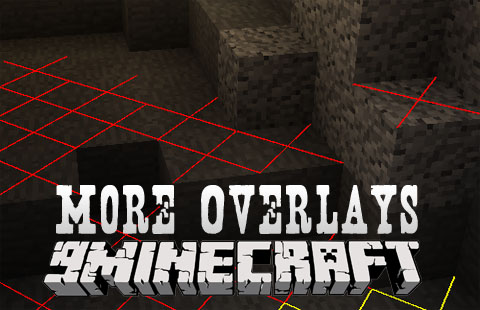
More Overlays Mod adds several helpful on-screen guides to your game, bringing back popular features from Not Enough Items. You can see chunk boundaries, check for mob spawn locations, and search for items in your inventory. This is a client-side mod, meaning it only needs to be installed on your end to work.
Features:
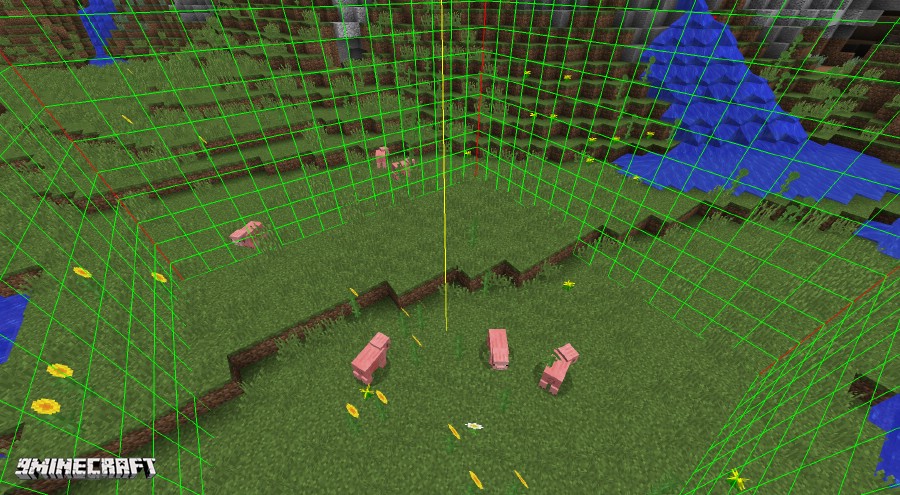
- Shows the exact boundaries of chunks with visual lines. It displays red lines in the corners, a yellow line in the middle, and can also show a green grid on the chunk’s edges.
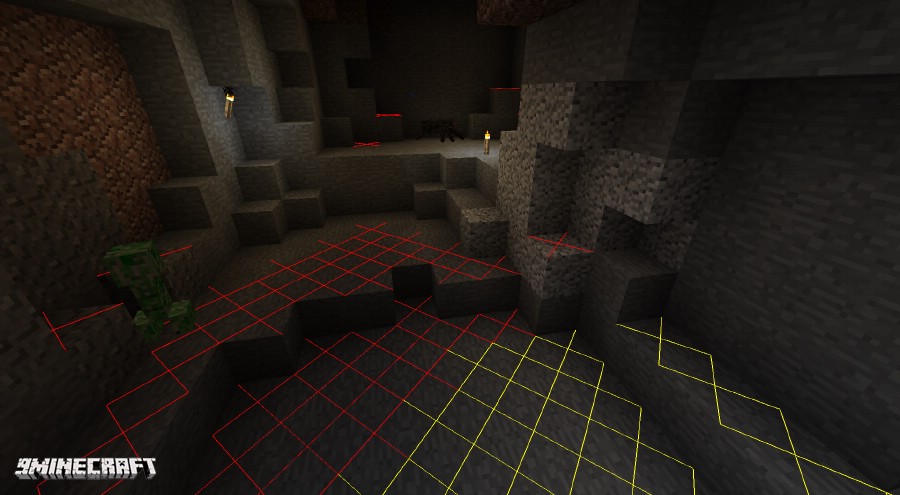
- Displays where mobs can spawn within a 16-block range. A yellow X appears on blocks where monsters can spawn at night, and a red X appears where they can spawn at any time.
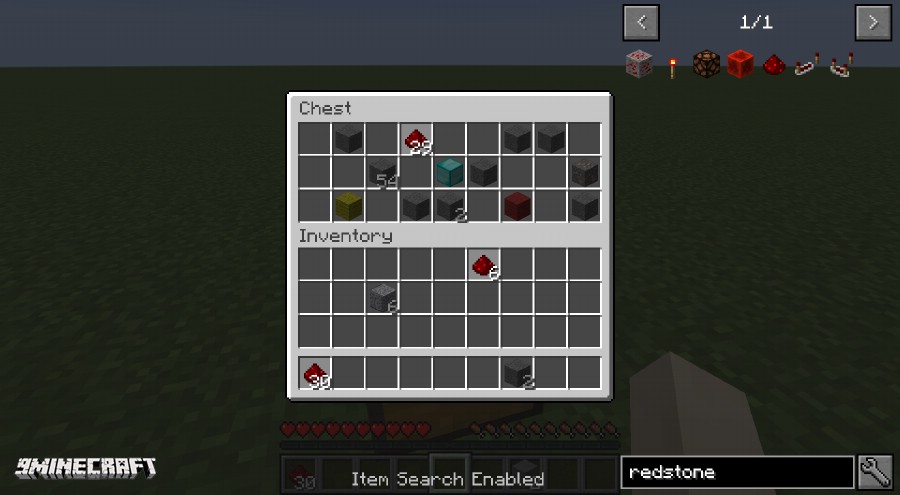
- Lets you search for items in your inventory. When you search in JEI, all items that don’t match your search will be blacked out, making it easy to find what you need. This feature requires Just Enough Items (JEI).
How to Use:
- Press F7 to see where hostile mobs can spawn around you.
- Press F9 to show or hide the lines that mark chunk borders.
- To use the item search, open an inventory and double-click the JEI search bar. This will dim any items that don’t match what you typed.
Keybinds & Configuration:
You can use the default keys to turn the overlays on and off:
- F9: Toggles the Chunk Boundaries overlay.
- F7: Toggles the Light Level / Mob Spawns overlay.
You can also change the settings in the game’s mod configuration menu.
Screenshots:
Chunk Boundaries
Mob Spawn
Item Search
How to Install:
New to Minecraft? Follow our step-by-step guide to install Mods on your PC.View Guide
More Overlays Mod Download Links
For Minecraft 1.8.9
For Minecraft 1.9.0
For Minecraft 1.10.2
For Minecraft 1.11
For Minecraft 1.11.2
For Minecraft 1.12.1, 1.12
For Minecraft 1.14.4
For Minecraft 1.12.2
Click to rate this post!
[Total: 0 Average: 0]
You May Also Like




This post has no comments yet. Be the first — your comment will appear here.