
House Schematic (1.21.x) – Old Medieval And Asian Style Home

 0


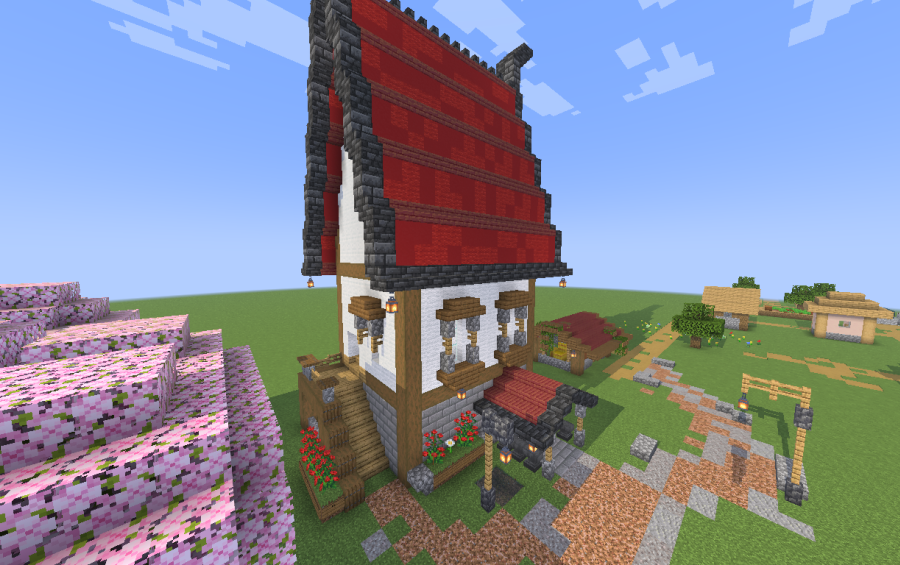
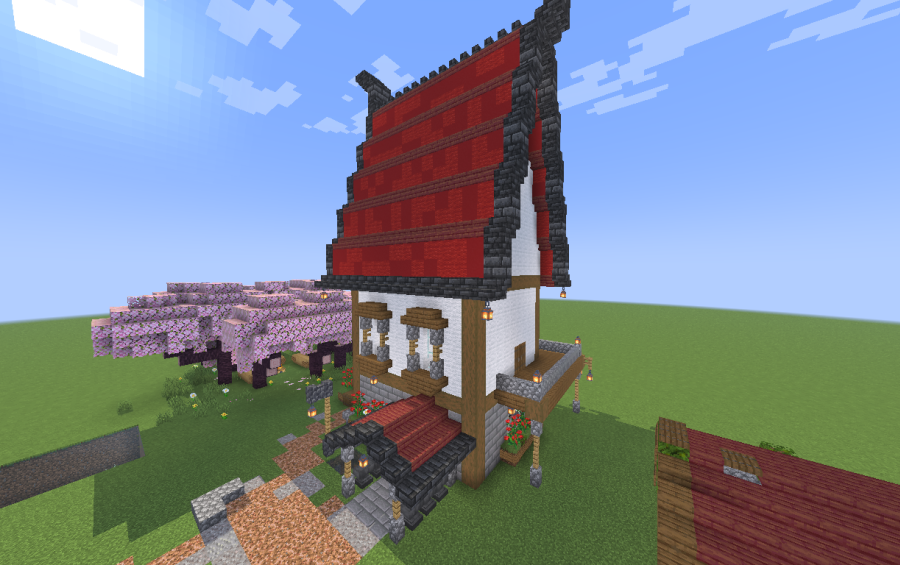
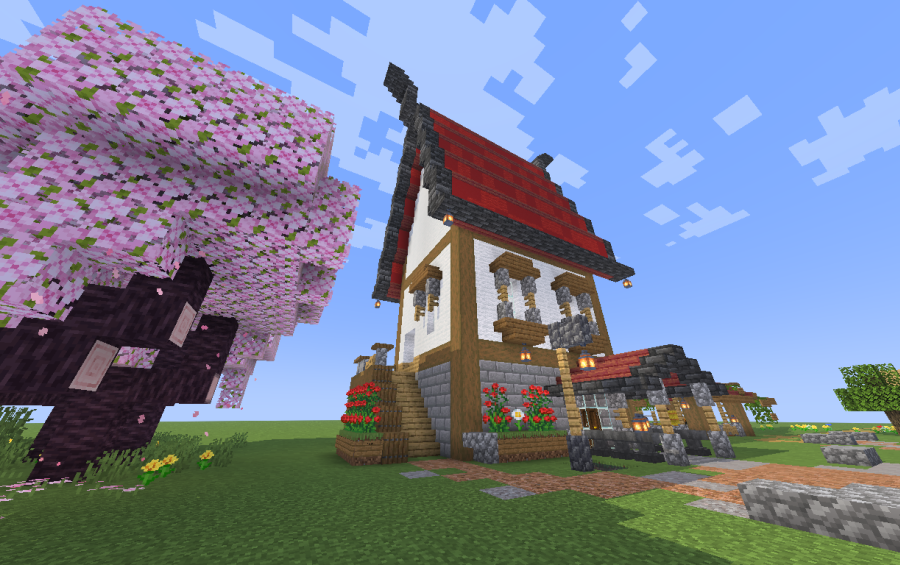
House Schematic adds an old medieval house design to your Minecraft world. This medium build also uses an Asian theme and fits into Houses And Shops categories. It measures 26 by 35 by 28 blocks and uses 3,335 blocks in total. The build uses only vanilla blocks, so you do not need any mods to place it.
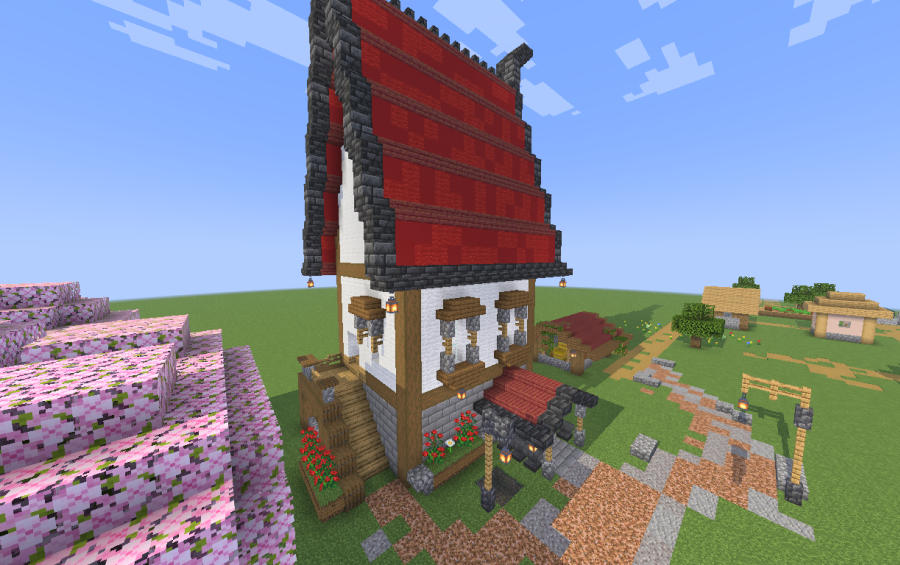
3D Preview & Editor:
How to place this schematic
.litematic This is a Litematica schematic. You place it with the Litematica mod, which shows the build as a ghost overlay you fill in.
| 1 | Install Litematica (plus MaLiLib) for your Minecraft version. |
| 2 | Put the .litematic file in .minecraft/schematics. |
| 3 | In game press M → Load Schematics, pick the file, then Load. |
| 4 | Position the ghost preview, then build it by hand — or turn on Easy Place to place blocks straight from your hotbar. |
Features:
- Old Medieval Design: Brings a classic medieval house look combined with an Asian theme.
- Medium Footprint: Measures 26x35x28 blocks, making it easy to fit into towns or survival bases.
- Uses 3,335 vanilla blocks with no extra mods needed.
- Comes as a LITEMATIC file for easy pasting and building.
Schematic Specs:
 Minecraft1.21.x
 Dimensions26×35×28
 Total Blocks3,335
 Top Blocks Used
Grass Block 494White Wool 433Red Wool 293Oak Planks 287Red Concrete 269
Screenshots:
House Schematic Download Links
For Minecraft 1.21.x
Click to rate this post!
[Total: 0 Average: 0]
You May Also Like
Picked for this page
 Pokémon Temple Arena Japanese Litematica Schematic (1.21.x) – Large Asian Fortress With Fighting Rin
 Compact Automatic Potion Brewer System Schematic (1.21.x) – Efficient Single Unit Potion Brewing Sys
 Four Masted Barque Schematic (1.21.x) – Large Sailing Ship Build With Four Masts
 The Damocles Schematic (1.21.x) – Giant Futuristic Space Station Build
 Mini Freddy Pizzeria Schematic (1.21.x) – A Small FNAF Restaurant Build For Your World
 Medieval Bank Schematic (1.21.x) – Grand Medieval Bank for Roleplay Worlds
 Creaking Statue Minecraft Build Schematic (1.21.x) – Spooky Statue for Horror and Fantasy Worlds
 Red Tractor Schematic (1.21.x) – Detailed Farming Vehicle for Modern Cities
 Mossinator V2 Schematic (1.21.x) – High-Output 48-Module Moss And Bone Meal Farm
 Blacksmith Tower Schematic (1.20.x) – Tall Vanilla Building Blueprint For Villages
 Applebees Schematic (1.19.x) – Small Modern Kitchen Building Structure
 Small House 11 Schematic (1.20.x) – Tall And Compact Vanilla Home Build
Most viewed in Schematics over the last 7 days
 Gold Farm Schematic (1.21.x) – Automatic Nether Roof Gold Farm
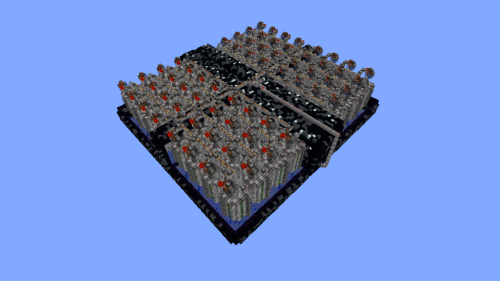 64 Module Cobblestone Farm Schematic (1.21.x) – Massive Automated Stone Gathering Build
 Kelp Farm 2.0 Schematic (1.21.x) – Efficient Automatic Kelp Farming System For Survival
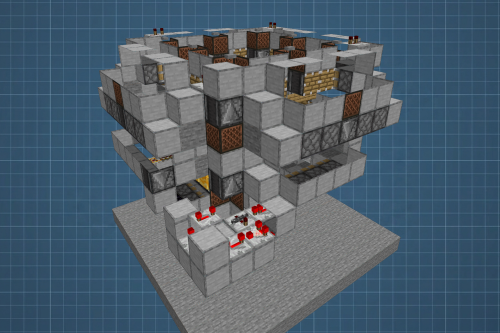 Fastest Bonemeal Farm Donut Smp Schematic (1.21.x) – Fast Redstone Bonemeal Farm Build
 Bamboo Farm Schematic (1.21.x) – Small Automated Redstone Bamboo Farm
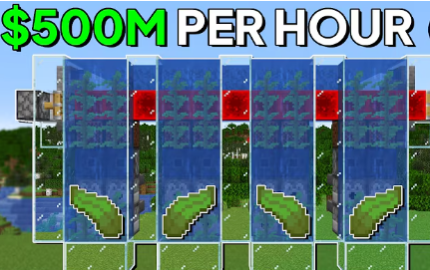 The Fastest Kelp Farm 500m per Hour Schematic (1.21.x) – Fast 4-Tick Vanilla Redstone Kelp Farm
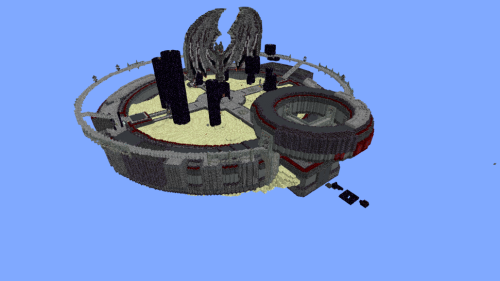 Minutes End Base Before Spoke Null End Video Schematic (1.21.x) – Giant Unstable SMP End Base Schema
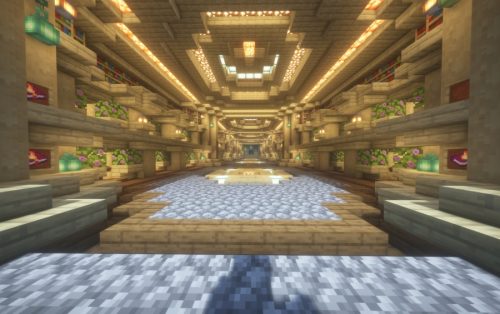 Villager Trading Hall Schematic (1.21.x) – Modern Shop Build For 48 Villagers
 Unstable SMP S Bomer Schematic (1.21.x) – Large Bomber Machine Build For Worlds
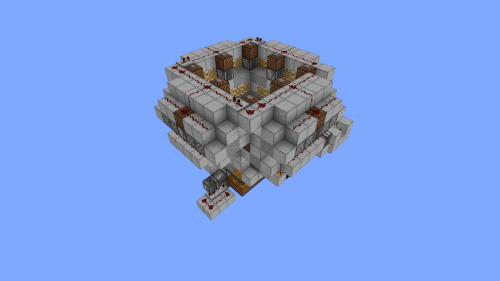 4k Bonemeal Farm Made by Basicredstone Schematic (1.21.x) – Compact Redstone Bonemeal Farm Build
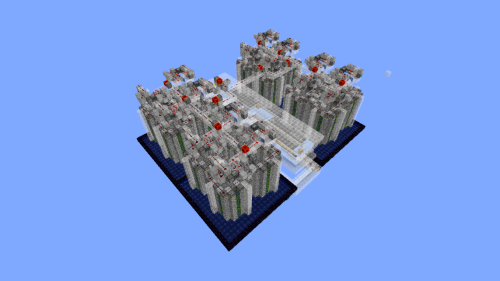 Cobble Farm 50m per Hour Donut SMP Schematic – High Yield Cobblestone Generator Build
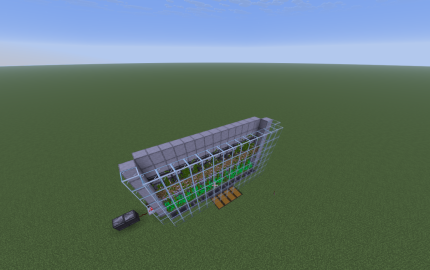 Easy Bamboo Farm No Lever Schematic (1.21.x) – Self-Running Bamboo Farm With Observers
More from Schematics
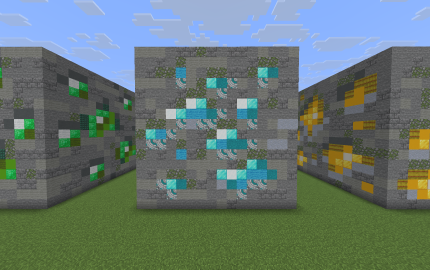 Giant Diamond Ore Schematic (1.21.x) – Oversized Diamond Ore Block Build For Survival
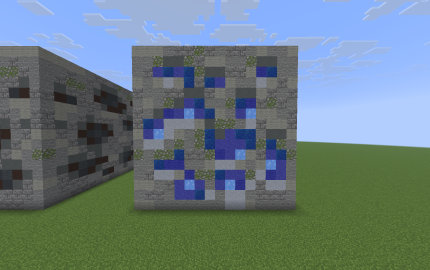 Giant Lapis Ore Schematic (1.21.x) – Oversized Lapis Ore Build for Survival Worlds
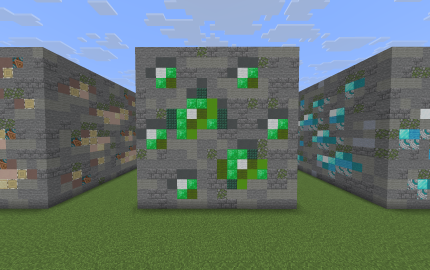 Giant Emerald Ore Schematic (1.21.x) – Oversized Survival Friendly Emerald Ore Block Build
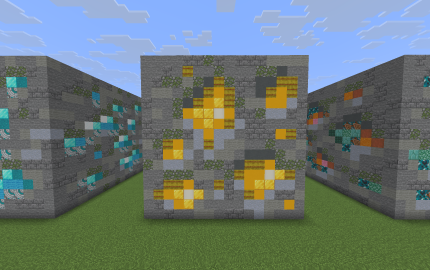 Giant Gold Ore Schematic (1.21.x) – Oversized Vanilla Survival Gold Ore Block Build
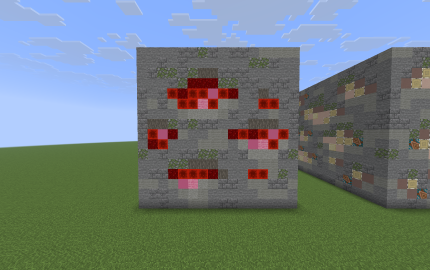 Giant Redstone Ore Schematic (1.21.x) – Build a Massive 16x16x16 Redstone Ore Block in Survival
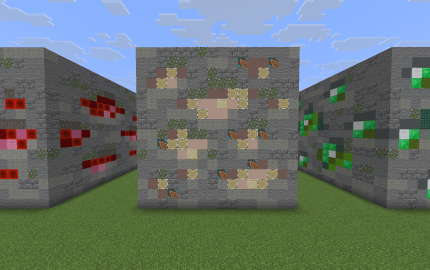 Giant Iron Ore Schematic (1.21.x) – Oversized Iron Ore Block For Survival Worlds
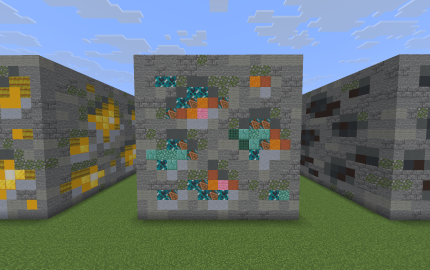 Giant Copper Ore Schematic (1.21.x) – Oversized Vanilla Copper Ore Block Build
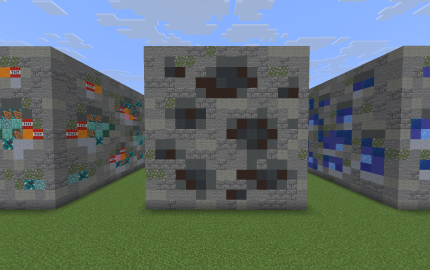 Giant Coal Ore Schematic (1.21.x) – Giant 16x16x16 Survival-Friendly Coal Ore Block Build
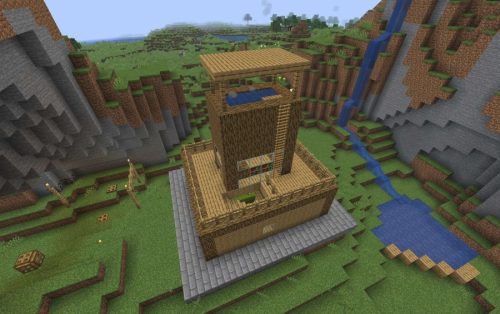 House with a Terrace Jacuzzi Schematic (1.21.x) – Small Japanese Onsen Style Home Build
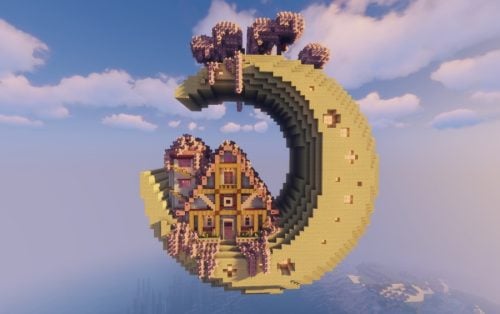 Moon Themed Fantasy House Interior by US Schematic (1.21.x) – Cozy Moon-Shaped Fantasy House with Fu
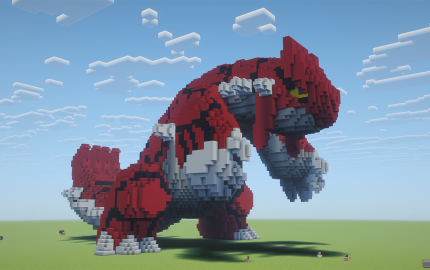 Groudon Schematic (1.21.x) – Big Vanilla Groudon Build For Minecraft
 Kyogre Schematic (1.21.x) – Giant Kyogre Build for Your World

This post has no comments yet. Be the first — your comment will appear here.