
Scythes Vanilla Model – Brings Sharp Harvesting Weapons Across Every Tier

 0
0 

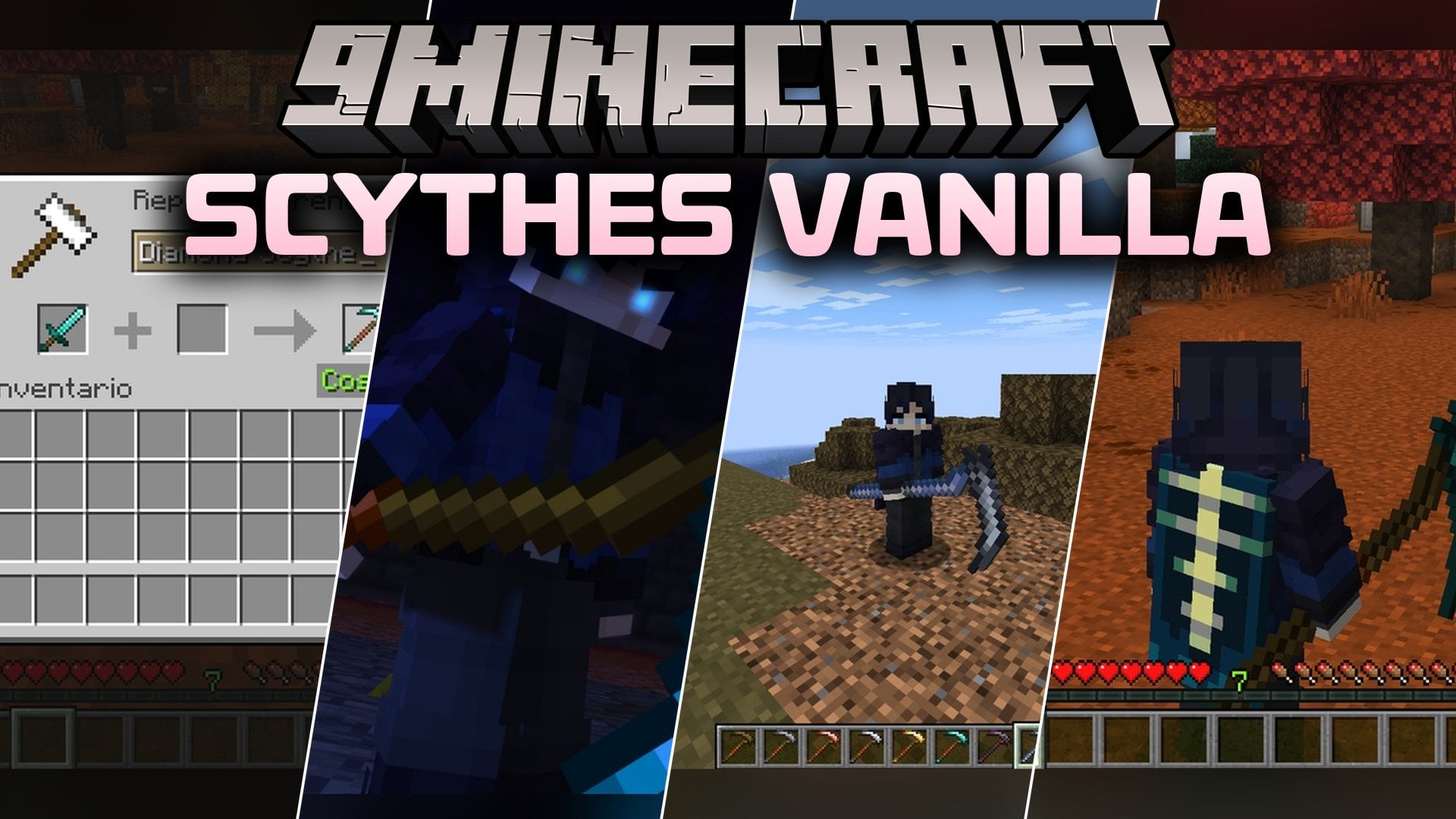
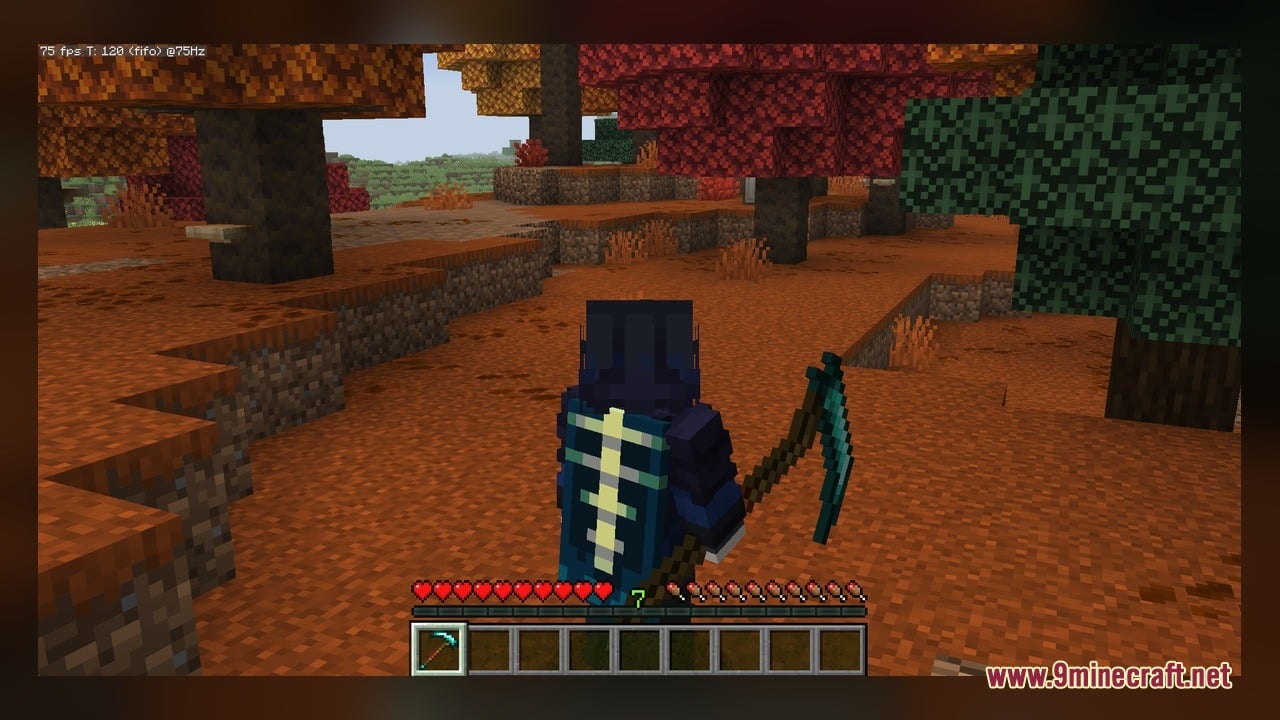
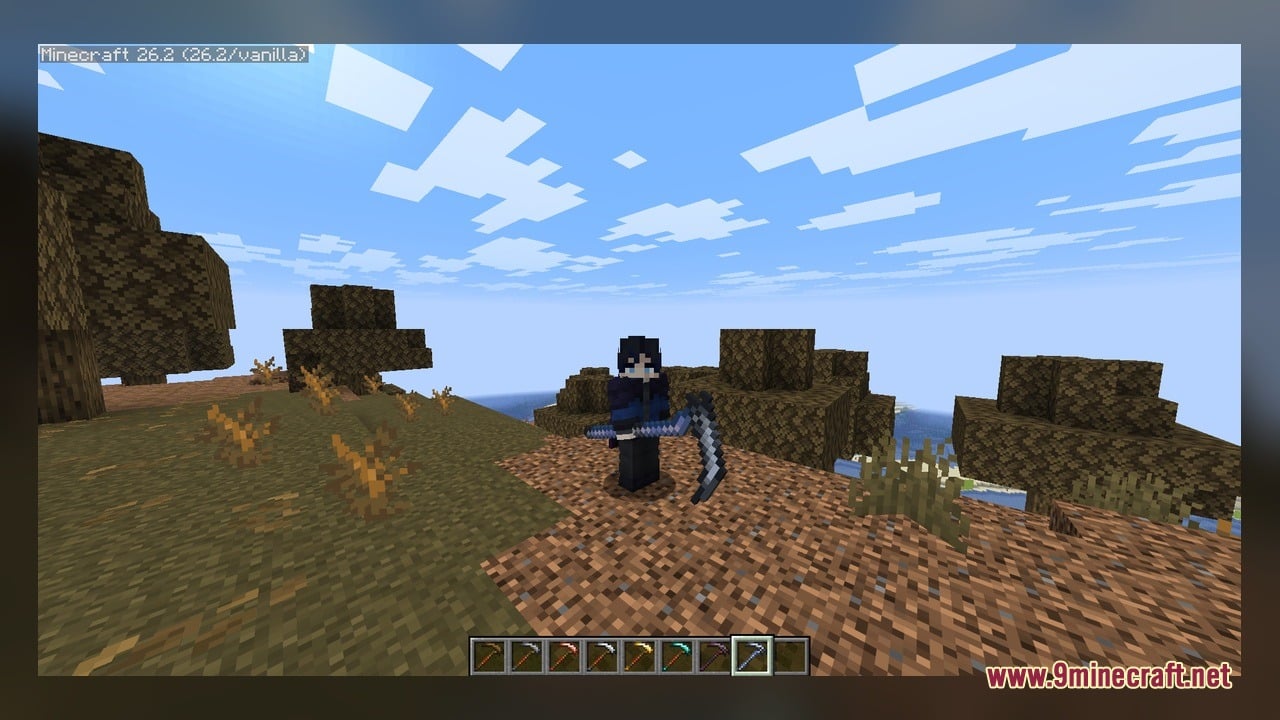
Scythes Vanilla Model brings sharp harvesting weapons and farming tools directly to your world. This pack adds nine custom three-dimensional shapes that fit right into default gameplay without breaking the classic look. You can hold these tools in your hand while exploring, farming crops, or fighting off nighttime monsters.
Features:
- Full Material Progression: Covers every core tier from wooden and stone tools up to diamond and netherite.
- Special Weapon Variants: Includes unique designs like the copper scythe and the lukah scythe.
- Handheld Display Models: Shows complete 3D geometry whenever your character holds the tool.
- Adds clean custom textures built to match vanilla block and item palettes.
- Works using custom item texture features without replacing your favorite default tools completely.
How to Use:
- Place the pack zip file inside your resourcepacks folder and turn it on in the game settings menu with a CIT tool installed.
- Craft or take a basic hoe or sword in survival mode, or grab one directly from the creative inventory.
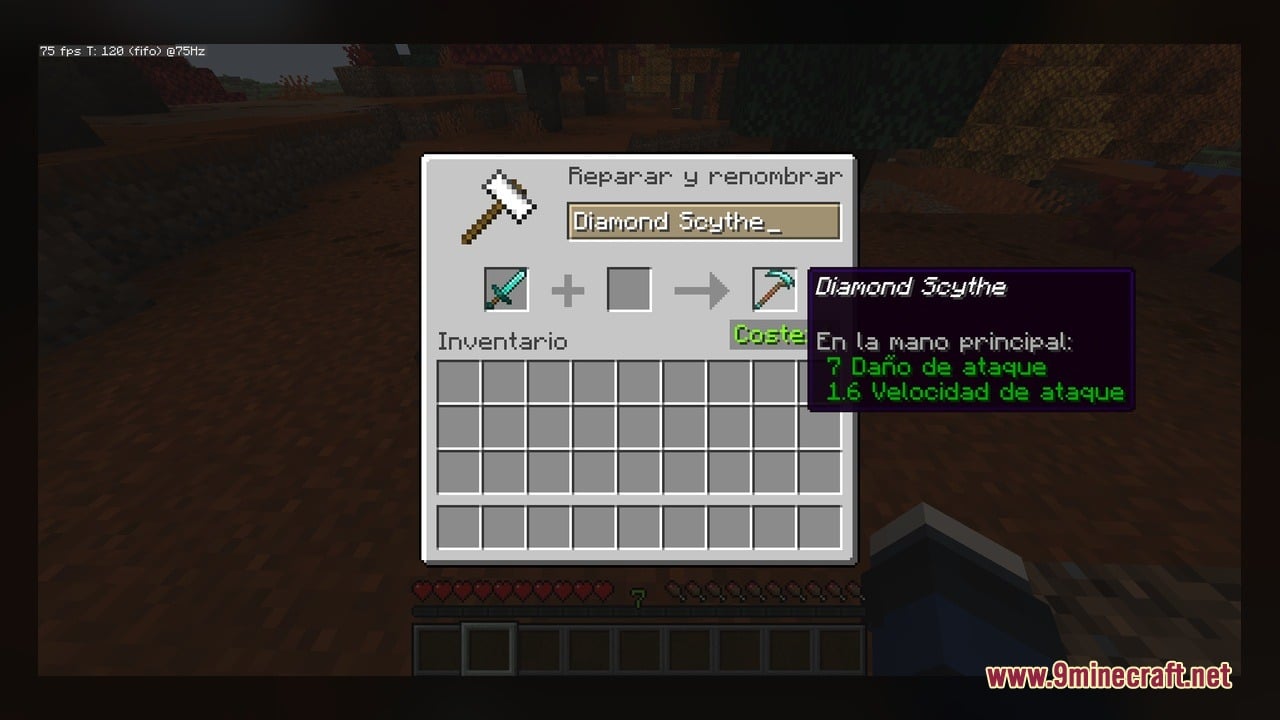
- Place an anvil on the ground and put your tool inside the left slot.
- Rename your item to match a tier such as wooden scythe, stone scythe, iron scythe, or golden scythe.
- Type diamond scythe, netherite scythe, copper scythe, or lukah scythe into the anvil text box to test high-level variants.
- Hold the renamed item in your main hand to view the custom 3D model resting in your grip while you walk or swing.
Screenshots:

Scythes Vanilla Model Download Links
Click to rate this post!
[Total: 0 Average: 0]
You May Also Like
Picked for this page
 Arty Reindeer Jenny Mod Model
 My Totem Doll Model – Transforms Totems Into Custom Mini Player Dolls
 Old Horse Model – Restores Classic Retro Horse Models and Animations
 CMG PP Model – Transforms Create Machinery Into Tactical Military Equipment
 Overly Realistic Base Resources Model – Brings Custom 3D Block Overlays
 WU_SHUANGCB’s Zombie Skin Model – Transforms Zombies with Heavy Viral Weapons
 Improved Create 32x Model – Brings Detailed 3D Machinery to Factories
 Vanilla Recrafted Model – Brings Crisp 3D Shapes and Smooth Animations
 CompPvP Essentials Model – Adds Sharp Animated 3D Utility Blocks
 Backport Everything Model – Brings Modern 3D Visuals to Older Worlds
 Vanilla PVP Essentials Model – Brings Clean 3D Overlays for Combat
 Simplistic 3D Doors Model – Adds Clean Depth to Vanilla Entryways
Most viewed in Models over the last 7 days
 Jenny Mod Skin Pack Mega Collection – 310+ Characters
 The Most Complete Collection of Jenny Mod Resources – Models, Animations, Structures,…
 Albedo Rework Jenny Mod Model
 Power Model – Custom Girl for PleasureCraft Mod
 100+ Custom Animations For Jenny Mod
 Ram Model – Custom Girl for PleasureCraft Mod
 Steve (Jenny & Zoey) Pack Jenny Mod Model
 Galath Rework Model – Custom Girl for PleasureCraft Mod
 Albedo Jenny Mod Model
 Fern Jenny Mod Model
 750 Models Addon for Yes Steve Model Mod
 Alex Model – Custom Girl for PleasureCraft Mod
More from Models
 Perth Model – Adds Realistic Australian Rail Cars to Custom Transit Lines
 Programmer Tweaks Model – Transforms Classic Blocks with Animated 3D Details
 Guide Pack Litematica Model – Brings Exact Rotations to Blueprint Holograms
 Default Pvp Model – Adds Crisp 3D Depth to Competitive Battle Arenas
 Blocky 3D Replacements Model – Adds Chunky Volume to Vanilla Blocks
 Demon Hunter Boss Model – Unleashes Epic Two-Phase Battle
 NhatJS’s Furniture RP Textures Model – Adds Stylish 3D Modern Doors
 Resource Fixes & Tweaks Model – Transforms Glitched Blocks Into Clean Shapes
 Modern Minecraft Textures Back-ported Model – Brings Updated Block Shapes
 Create Legacy Copper Post Production Model – Brings Vintage Copper Machinery
 BB22200 Model – Adds Classic French Electric Locomotives to Rail Networks
 Spider Queen Boss Model – Unleashes Terrifying Boss Encounter

This post has no comments yet. Be the first — your comment will appear here.