


Name Tag Upgrade Mod (26.2, 1.21.11) – Rename Mobs Anywhere Without Anvils or XP

 0
0 

🌐 Good news — we've translated this article into other languages!
Or pick the one you like:
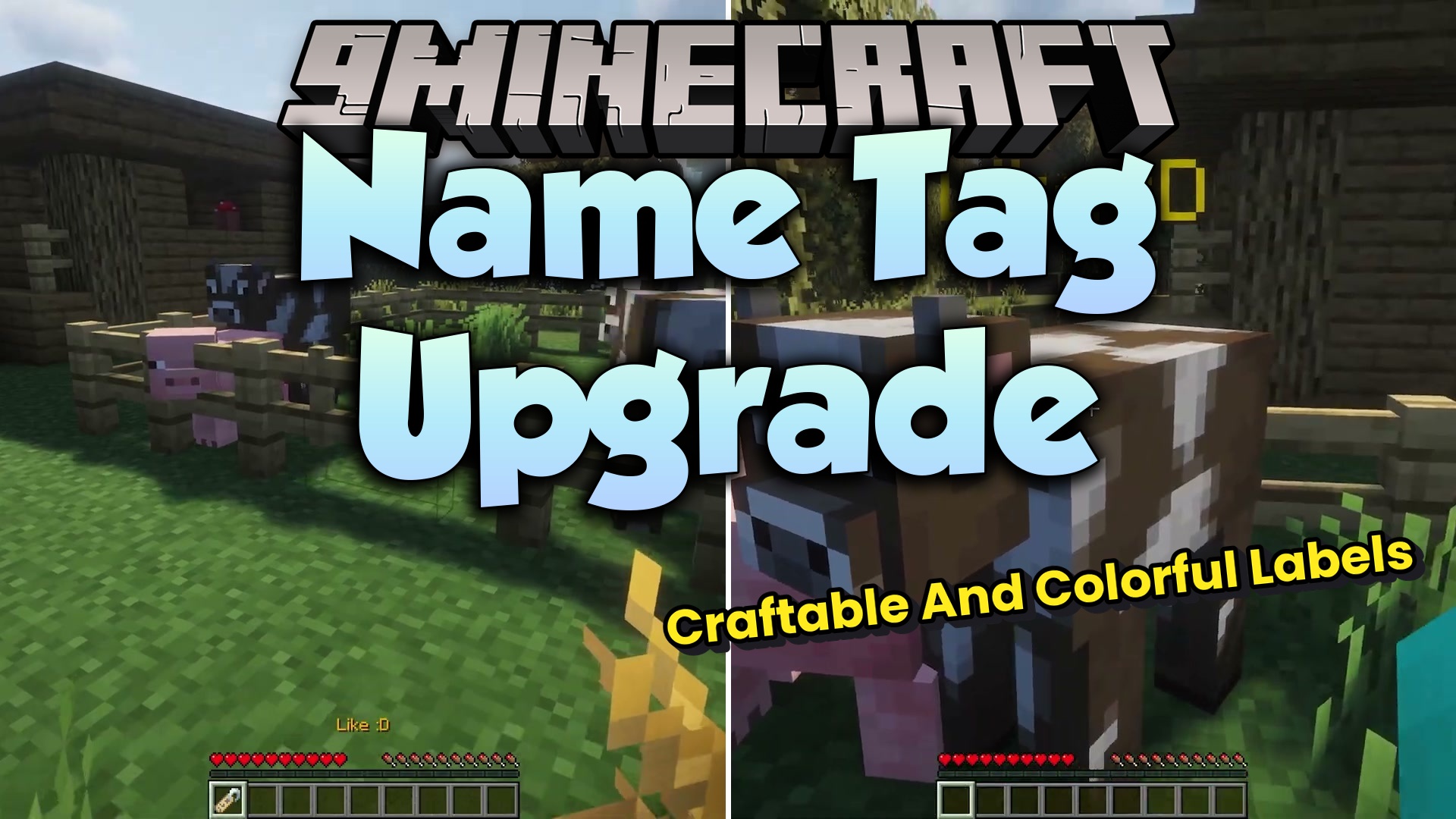
Name Tag Upgrade Mod overhauls how you name mobs in the game. It removes the need for anvils and experience points just to rename a simple tag. You can now change names on the go right from your hotbar. The mod also changes how named mobs drop their tags, saving your items when things go wrong. It makes keeping track of your pets and farm animals much easier.
Features:
- Instant Editing: Opens a special screen when you use a name tag so you can type a new name anywhere.
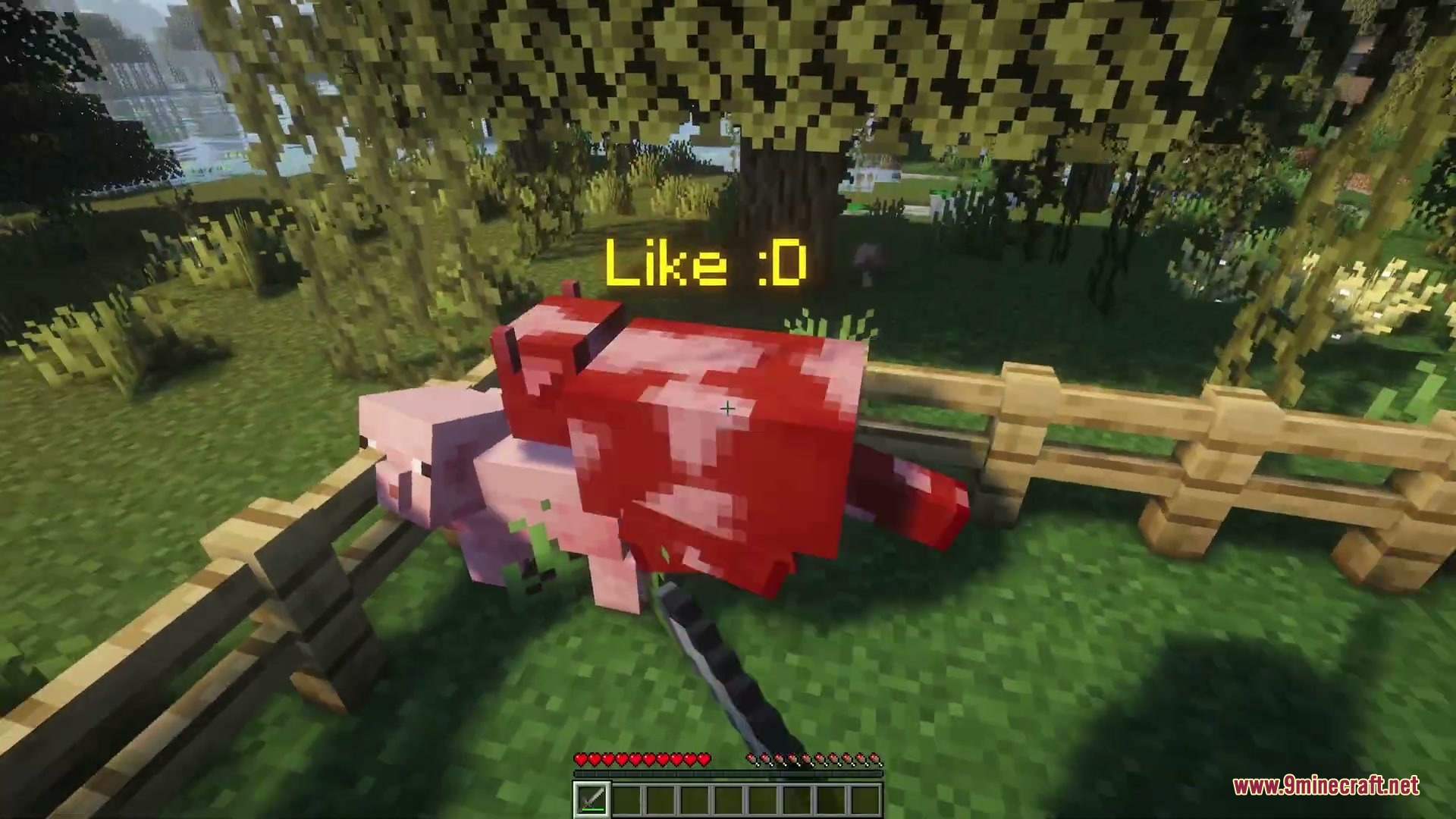
- Text Styling: Lets you apply formatting codes to make the text colorful, bold, or italic.
- Stops the game from eating your item if you try to apply the exact same name to a mob.
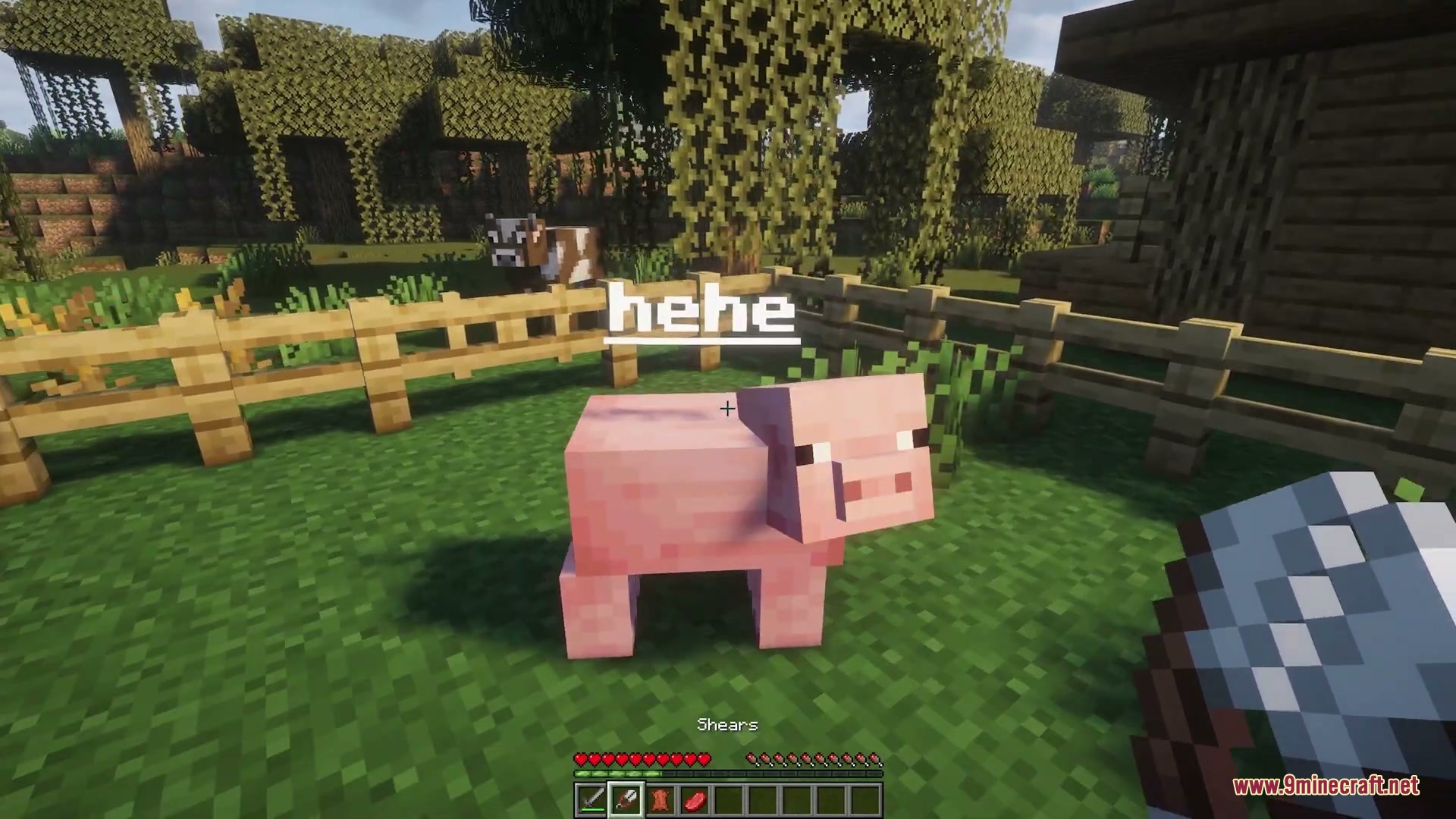
- You can use shears on a named mob to strip its custom name and get the tag back.
- Named mobs drop their specific name tag when they die so you do not lose custom names.
- Renaming a mob that already has a custom name gives you the old tag back instead of destroying it.
- Plays a friendly sound effect when you successfully apply a name to a mob.
How to Use:
- Hold a name tag in your hand and use it to open the renaming screen.
- Type your desired name and add formatting codes if you want colors.
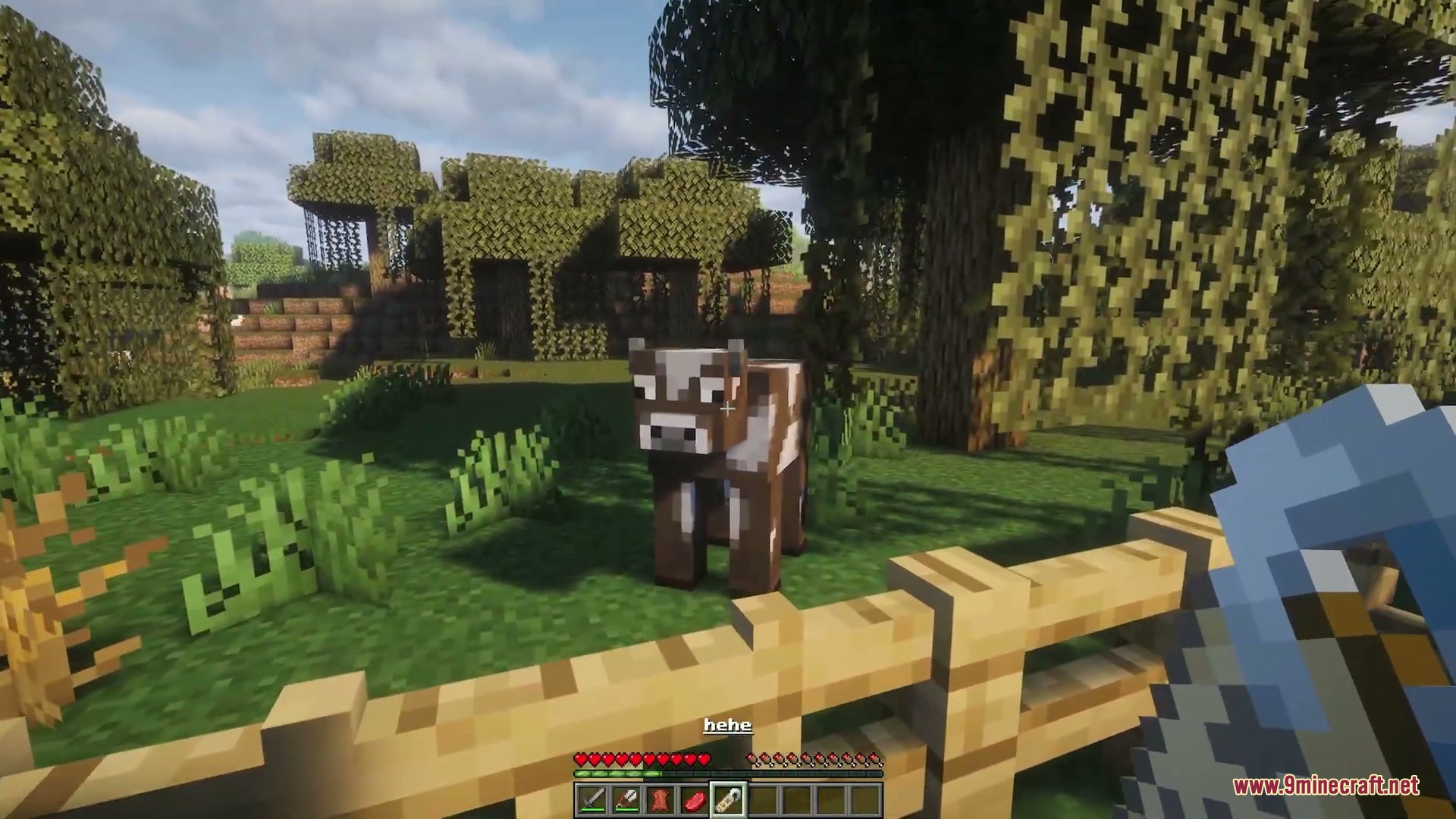
- Use the named tag on a mob to apply the new name.
- If you want the tag back later, use Shears on the named mob.
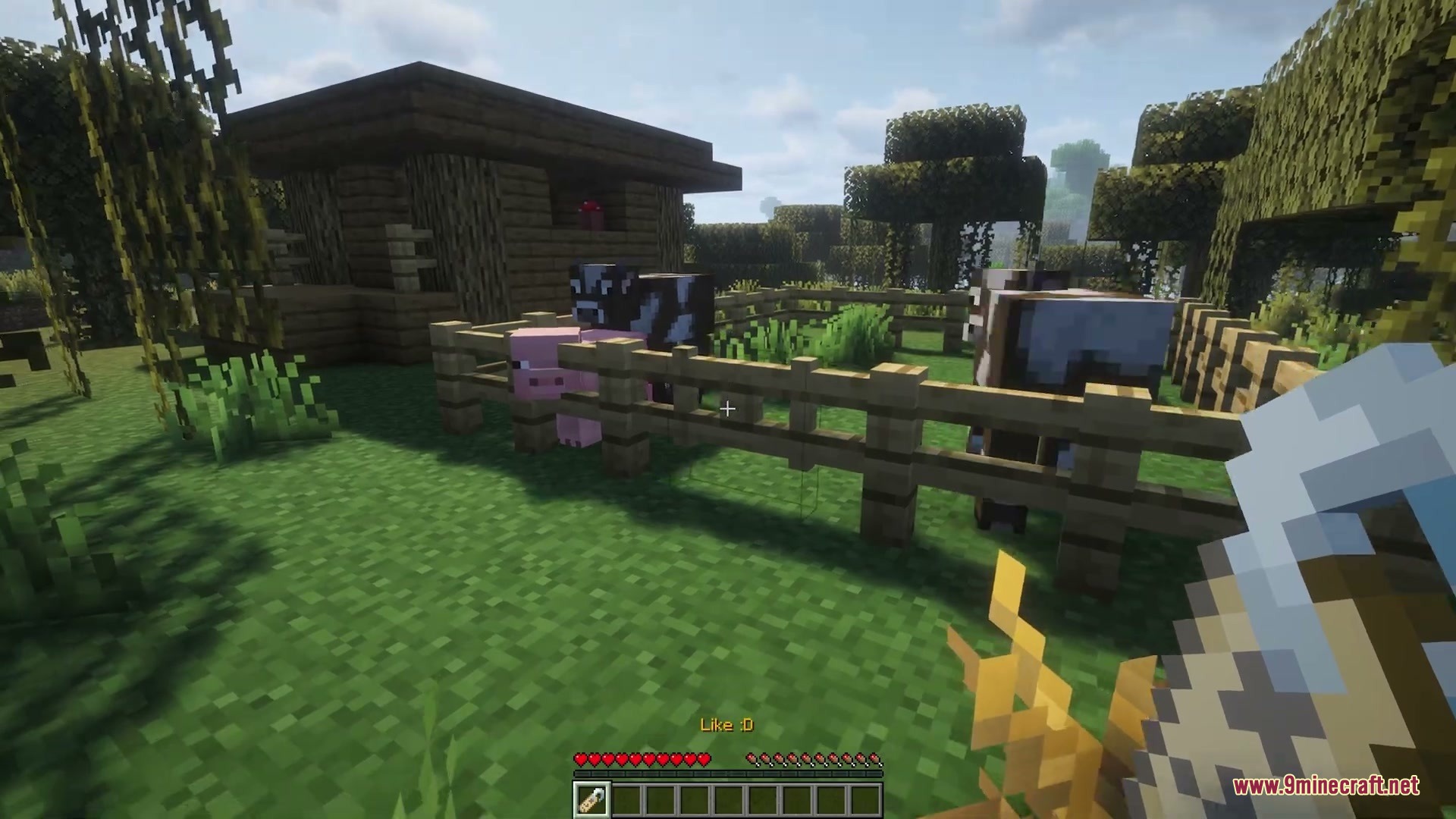
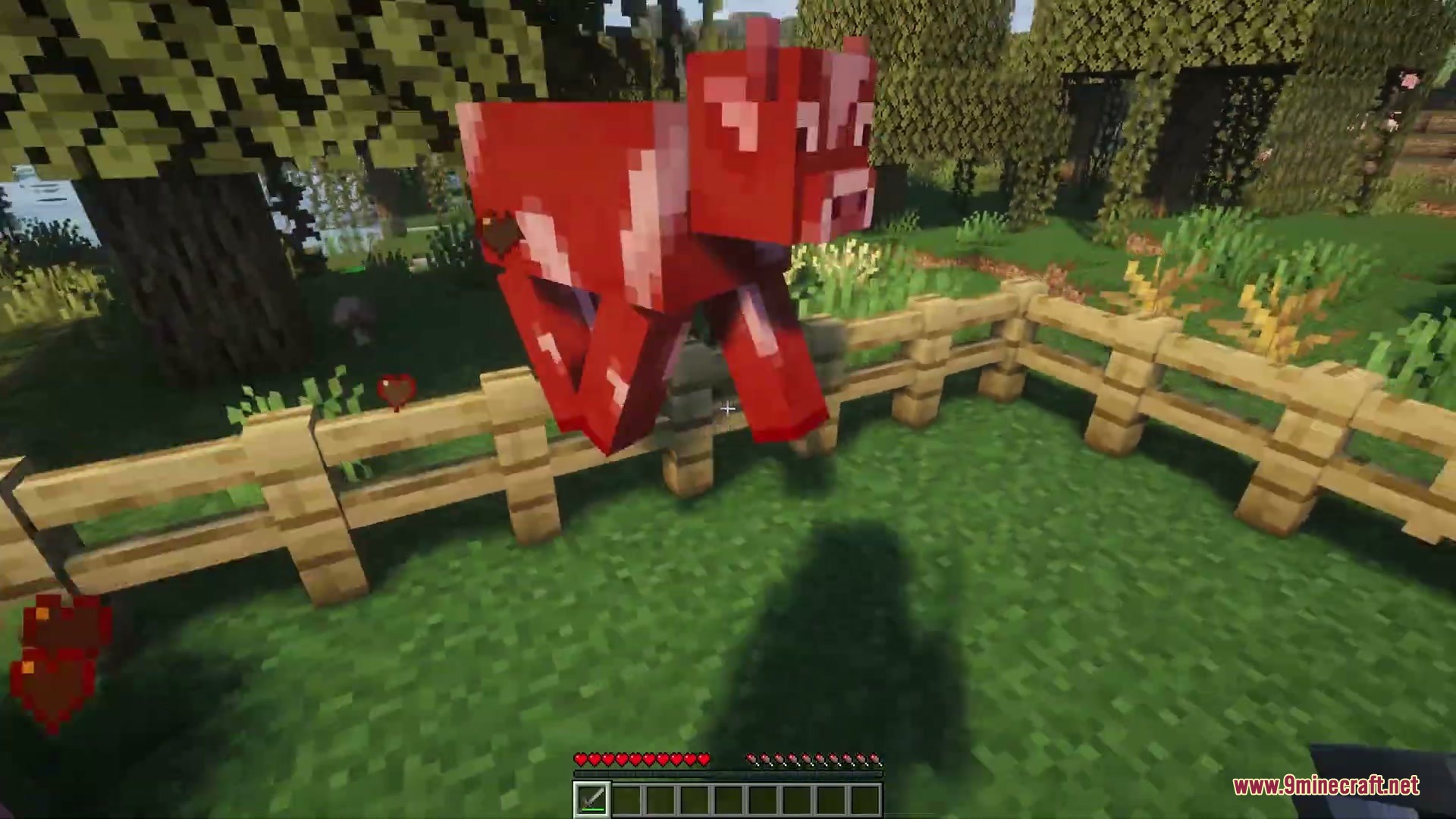
Screenshots:

How to Install:
New to Minecraft? Follow our step-by-step guide to install Mods on your PC.View Guide
Requirements:





Name Tag Upgrade Mod Download Links
For Minecraft 26.2
For Minecraft 26.1.2, 26.1.1, 26.1
For Minecraft 1.21.11
Click to rate this post!
[Total: 0 Average: 0]
You May Also Like












This post has no comments yet. Be the first — your comment will appear here.