
New Default Model – Adds Thousands of 3D Block Models with Animated Fire
 1
1
 0
0


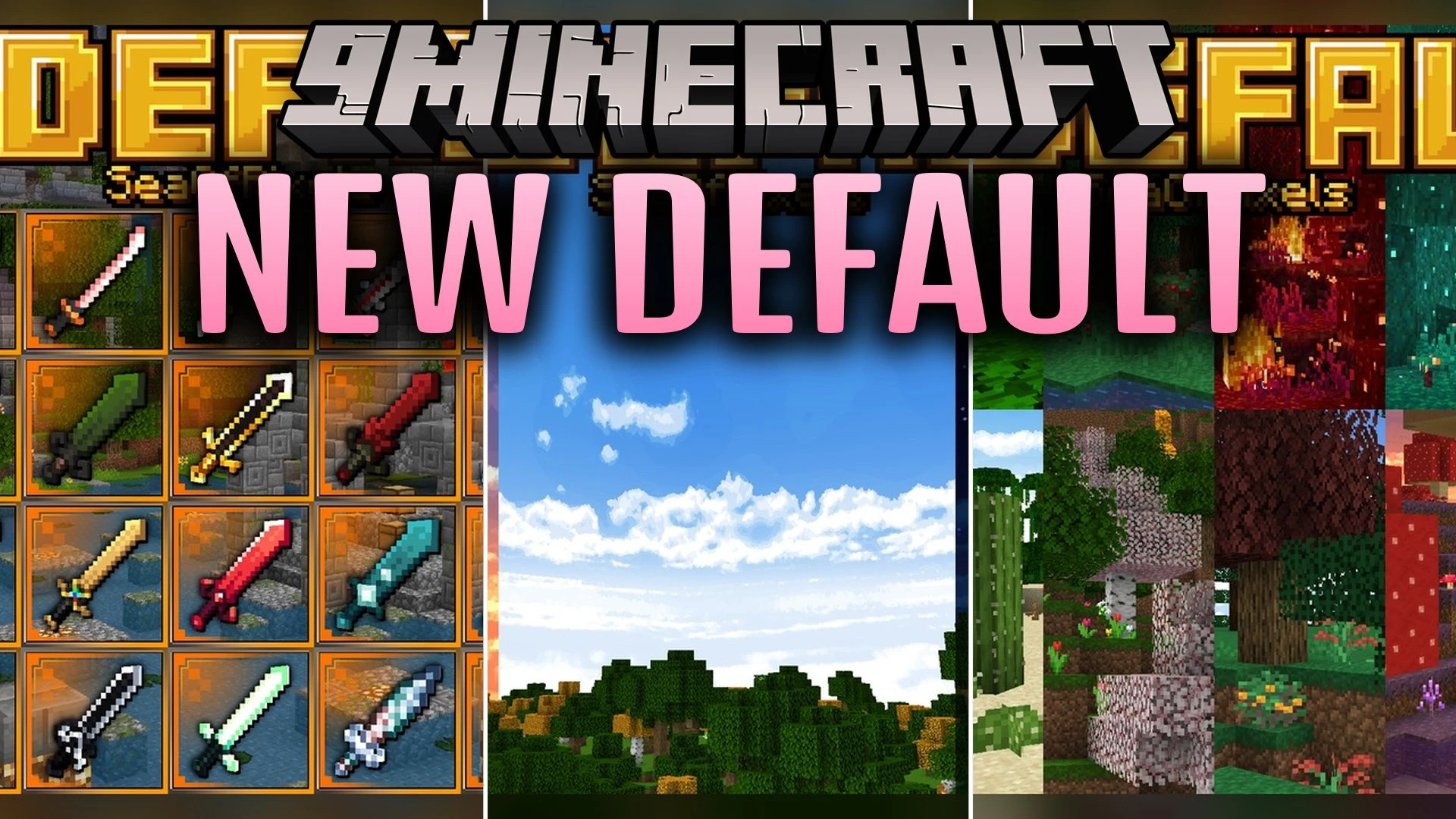
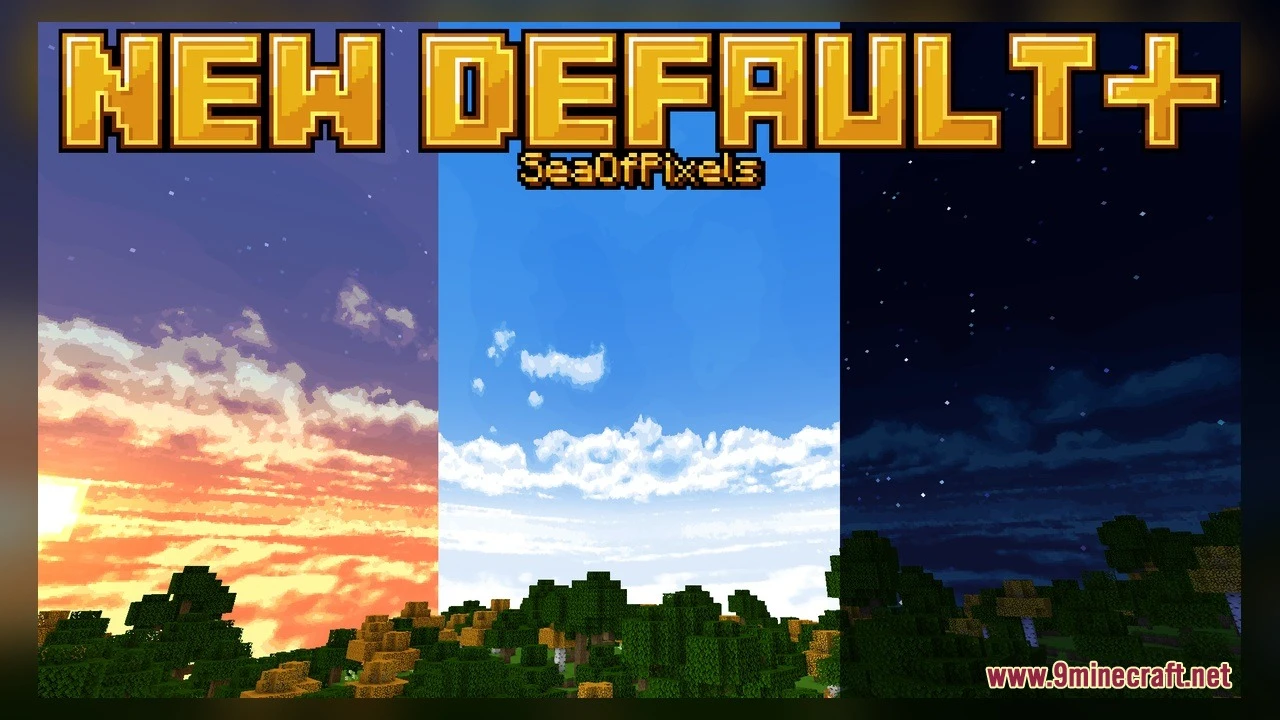
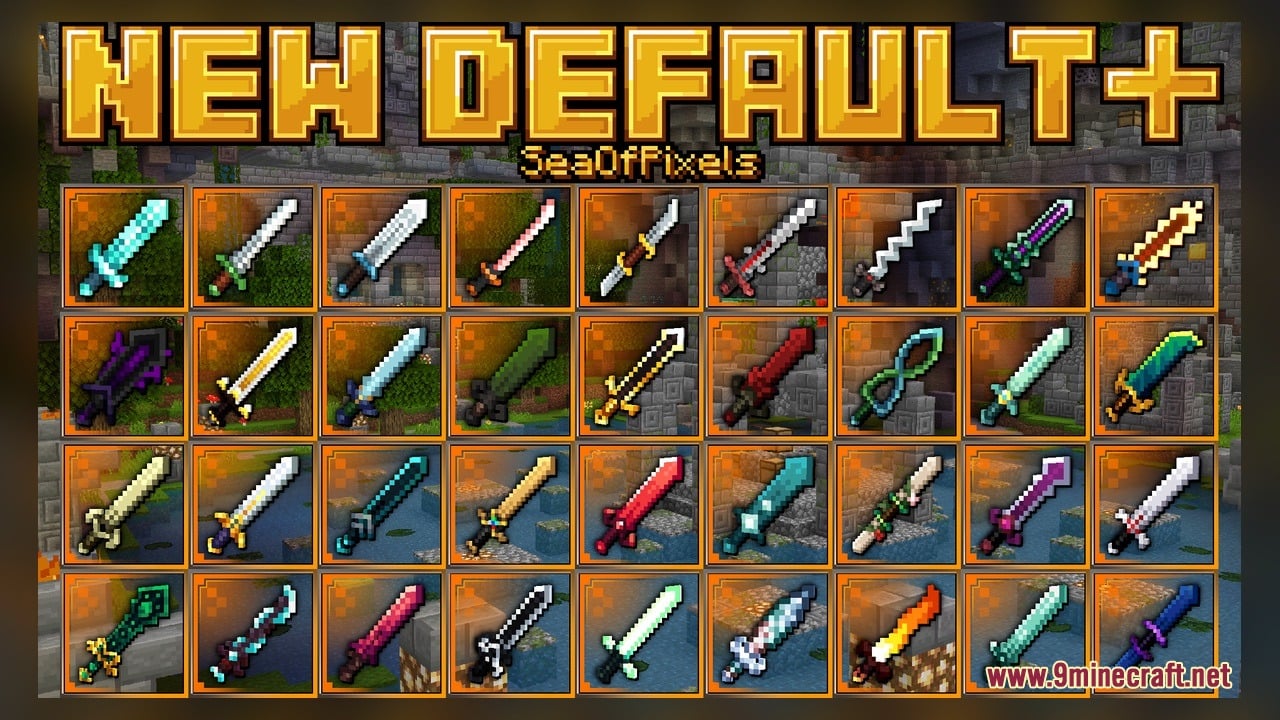
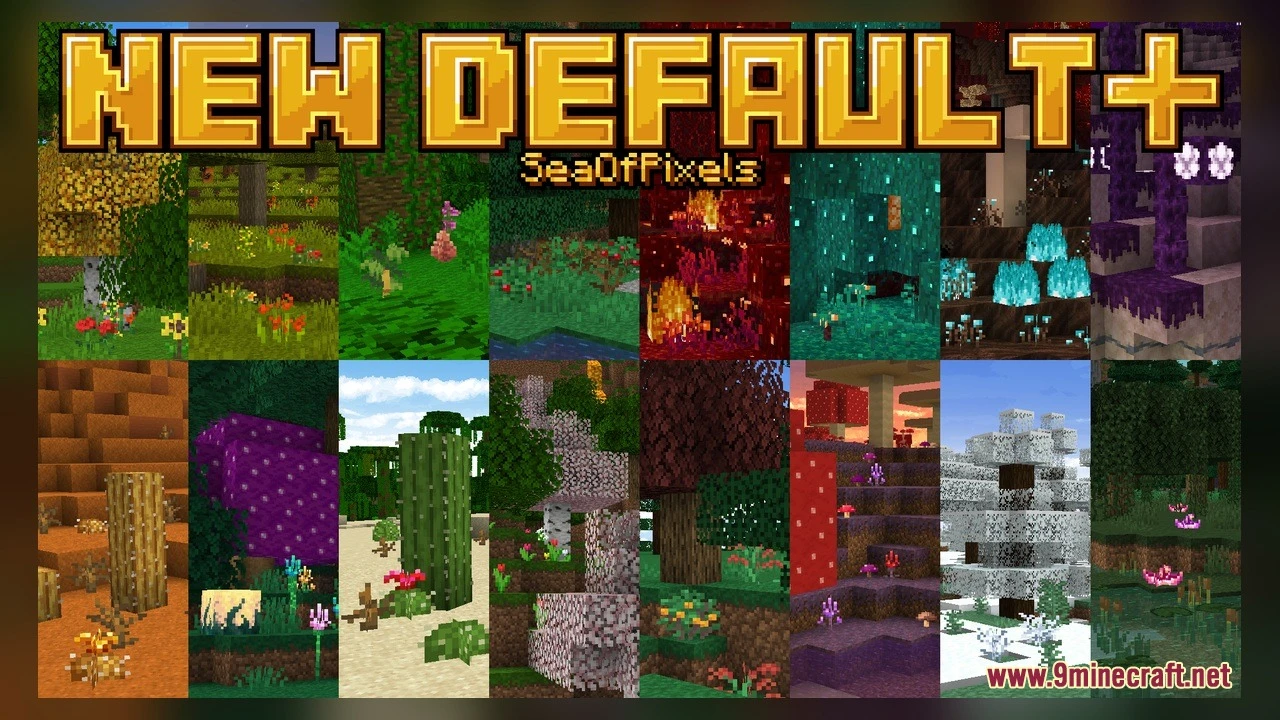
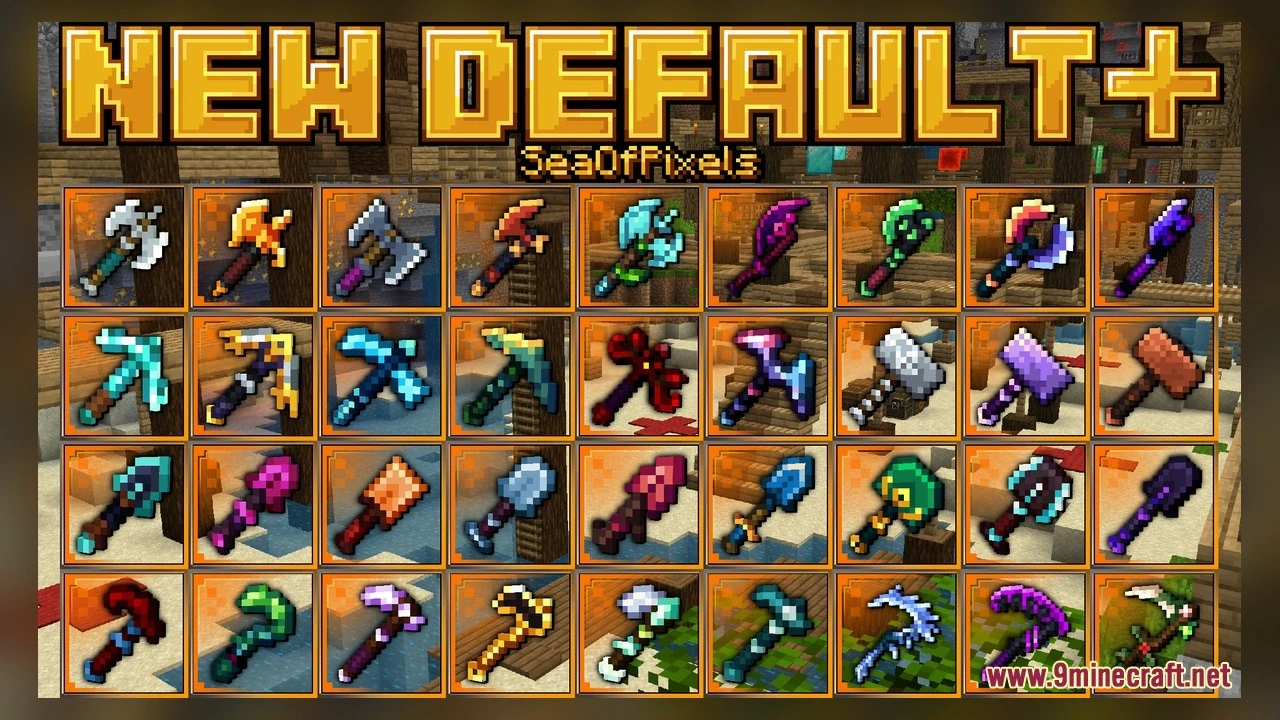
New Default Model adds thousands of new looks to vanilla blocks using OptiFine. It brings 1,386 custom 3D models and 26,857 texture files while keeping the classic Minecraft style. The pack also includes animated textures, so some blocks move and change as you play.
Features:
- 1,386 Custom 3D Models: Vanilla blocks get new shapes instead of flat, boxy looks.
- 26,857 Texture Files: The pack covers a huge number of blocks with fresh detail.
- Animated Textures: Parts of the world move, like fire flickering on the ground and walls.
- Keeps the vanilla style, so everything still looks like normal Minecraft.
- Uses OptiFine to load the new models in the game.
Block Models:
- Acacia and crimson trapdoors have separate models for the bottom, open, and top positions.
- Fire has its own models for the floor, the sides, and the upward flames, plus alternate versions.
- Glow lichen comes in many model variants, so it looks different from spot to spot.
- The beacon, dirt path, and end portal frame (empty and filled) get new models too.
How to Use:
- Put the pack file in your
resourcepacksfolder, then turn it on in Options > Resource Packs. Make sure OptiFine is installed. - Craft an acacia trapdoor and place it at the bottom of a block, then at the top. Click it to open it and watch the model change.
- Travel to the Nether and find a crimson forest. Craft a crimson trapdoor from crimson planks and try the bottom, open, and top positions.
- Light a fire with flint and steel on the ground and next to a wall. Look at the moving flames on the floor, the sides, and the upward fire.
- Find glow lichen in caves and look at several patches. Many of them use different model variants.
- Use a shovel on a grass block to make a dirt path. Then build a beacon, and put an eye of ender in an end portal frame to see the filled model.
Requirements:
- A Minecraft version that works with animated textures.
- OptiFine installed.
Screenshots:
New Default Model Download Links
Click to rate this post!
[Total: 0 Average: 0]
You May Also Like
Picked for this page
 Arty Reindeer Jenny Mod Model
 Old Horse Model – Restores Classic Retro Horse Models and Animations
 NhatJS’s Furniture RP Textures Model – Adds Stylish 3D Modern Doors
 Vanilla Recrafted Model – Brings Crisp 3D Shapes and Smooth Animations
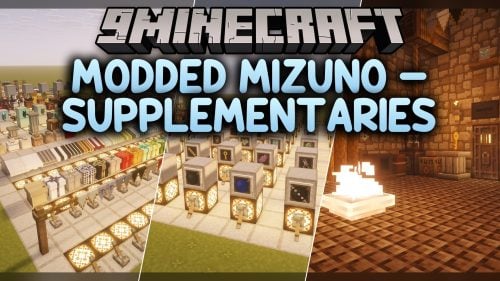 Modded Mizuno – Adds Charming Rustic 3D Animations to Utility Blocks
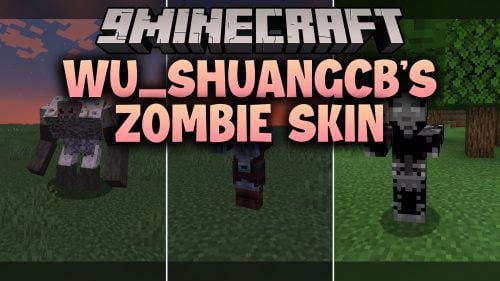 WU_SHUANGCB’s Zombie Skin Model – Transforms Zombies with Heavy Viral Weapons
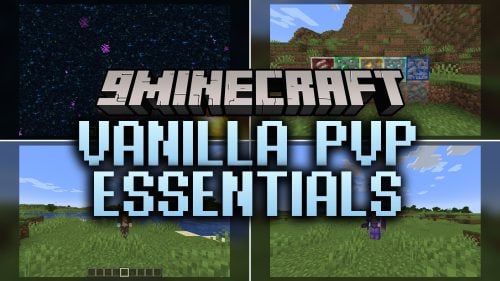 Vanilla PVP Essentials Model – Brings Clean 3D Overlays for Combat
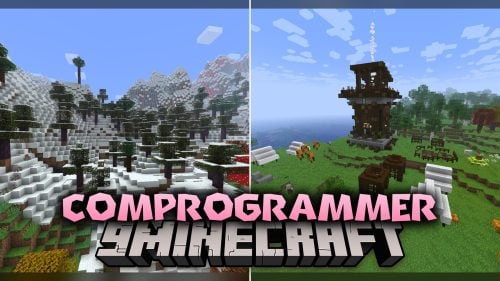 Comprogrammer Model – Transforms Modded Worlds with Retro Blocky Models
 Simplistic 3D Doors Model – Adds Clean Depth to Vanilla Entryways
 Crimson Curse Infection Model – Transforms Blocks Into Living Nether Terrors
 Ultimate Redstone Model – Brings Animated 3D Parts to Redstone Machines
 S.O.M Model – Adds 118 Custom 3D Models for Leaves, Redstone and Nether Plants
Most viewed in Models over the last 7 days
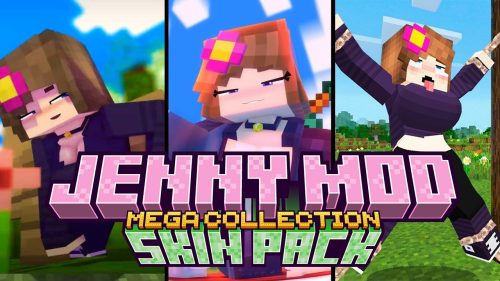 Jenny Mod Skin Pack Mega Collection – 310+ Characters
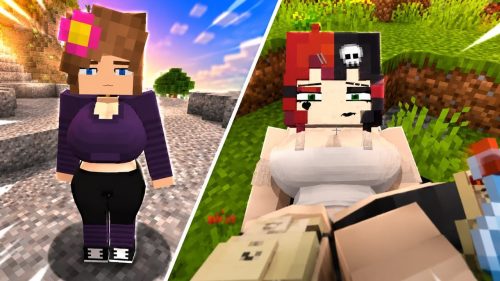 The Most Complete Collection of Jenny Mod Resources – Models, Animations, Structures,…
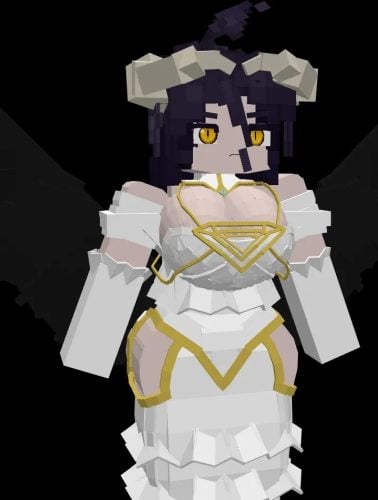 Albedo Rework Jenny Mod Model
 Power Model – Custom Girl for PleasureCraft Mod
 Ram Model – Custom Girl for PleasureCraft Mod
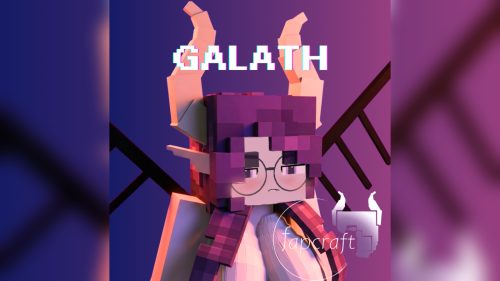 Galath Rework Model – Custom Girl for PleasureCraft Mod
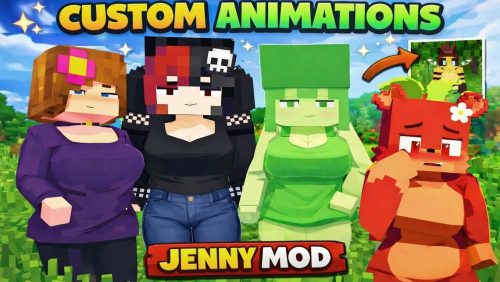 100+ Custom Animations For Jenny Mod
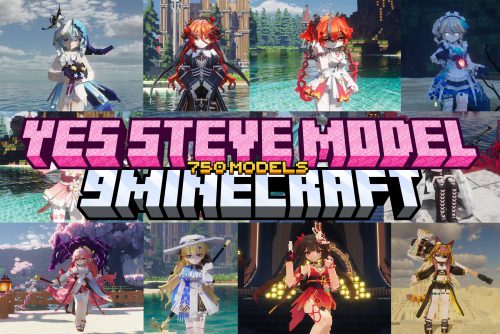 750 Models Addon for Yes Steve Model Mod
 Femboy Ellie Rework Jenny Mod Model
 Steve (Jenny & Zoey) Pack Jenny Mod Model
 Ellie Rework Jenny Mod Model
 Ellen Model – Custom Girl for PleasureCraft Mod
More from Models
 Lil Creepers Model – Spawns Adorable Explosive Variants
 Dedsafio Tools 3 Model – Equips Custom Event Gear for Survival Battles
 Just 3D Model – Brings Layered Physical Depth to Familiar Minecraft Blocks
 Creaky Doors Model – Adds Realistic 3D Hinges to Wooden Doors
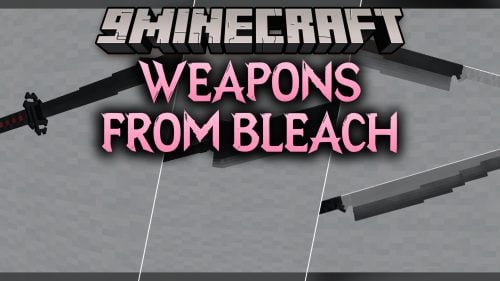 Weapons From Bleach Model – Brings Iconic Anime Swords to Combat
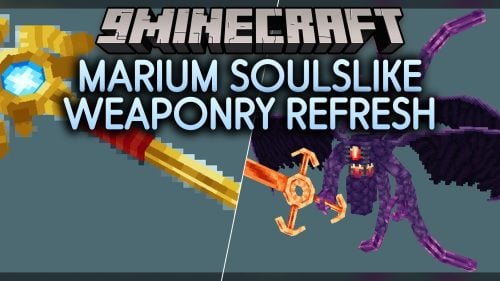 Marium Soulslike Weaponry Refresh Model – Equips Animated Dark Fantasy Weapons
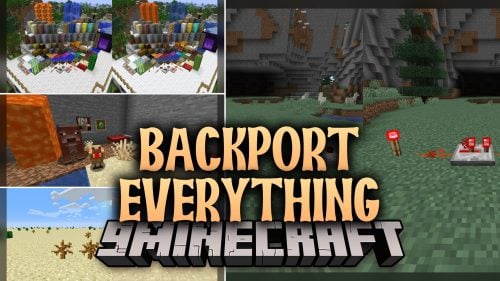 Backport Everything Model – Brings Modern 3D Visuals to Older Worlds
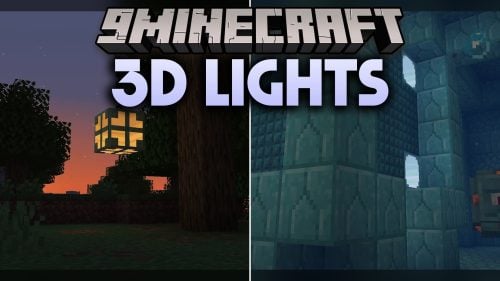 3D Lights Model – Transforms Glowing Light Sources with Animated Block Shapes
 French Coral Car Model – Brings French Passenger Carriages to Rail Networks
 Hex Casting 3D Model – Adds Animated Visual Depth to Arcane Blocks
 ItzRayyyyy Model – Brings Clean Combat Visuals to Intense PvP Matches
 MTR Low Effort Retextured Trains Model – Brings Fresh Subway Train Liveries

This post has no comments yet. Be the first — your comment will appear here.