


Dashboard Mod (1.20.1, 1.19.4) – Beheer je wereld zonder commands
 116
116
 0
0


🌐 Je leest dit artikel in het Nederlands. Wil je wisselen?
📖 Lees in het Engels (origineel)Of kies degene die je wilt:
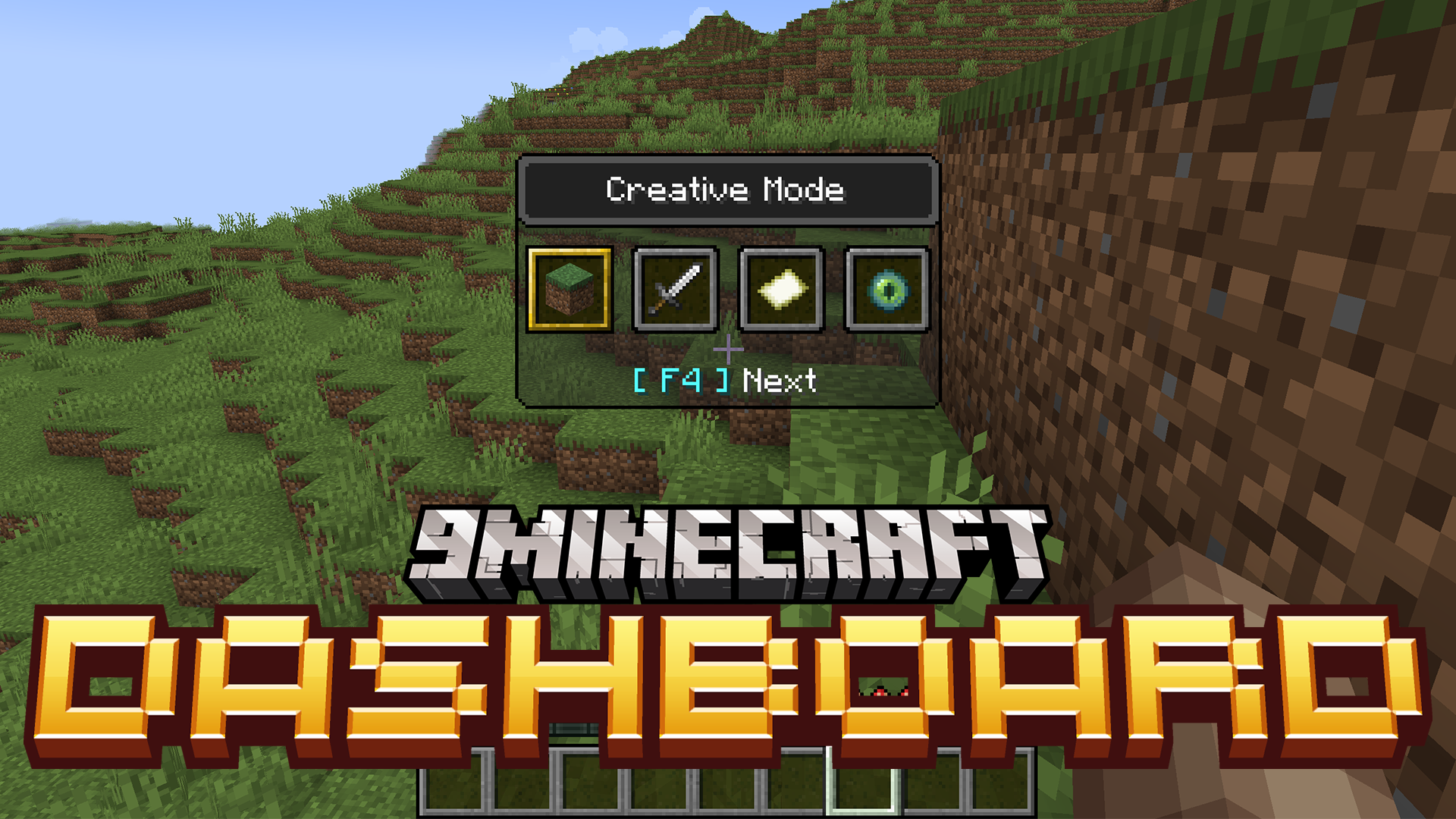
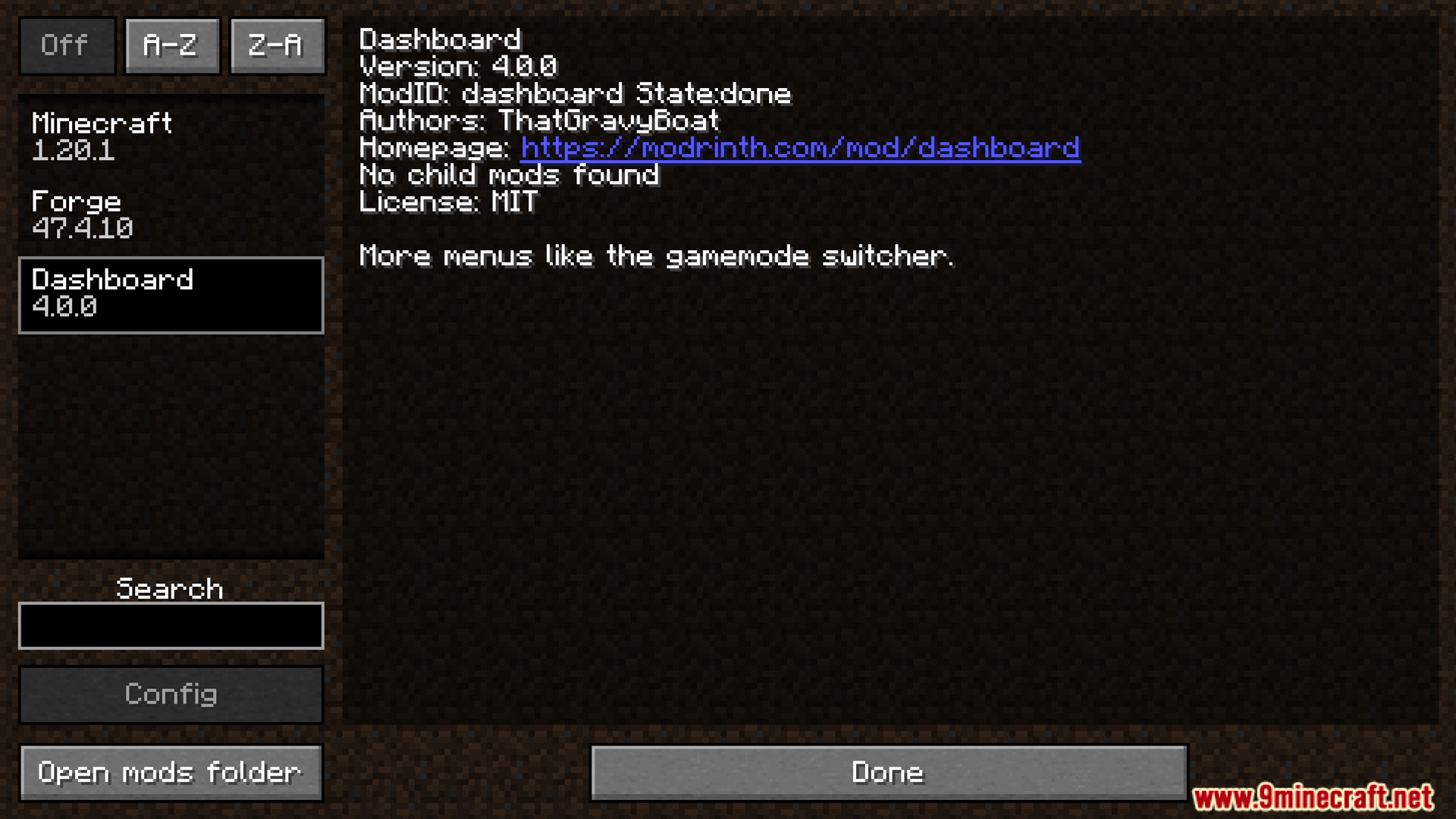
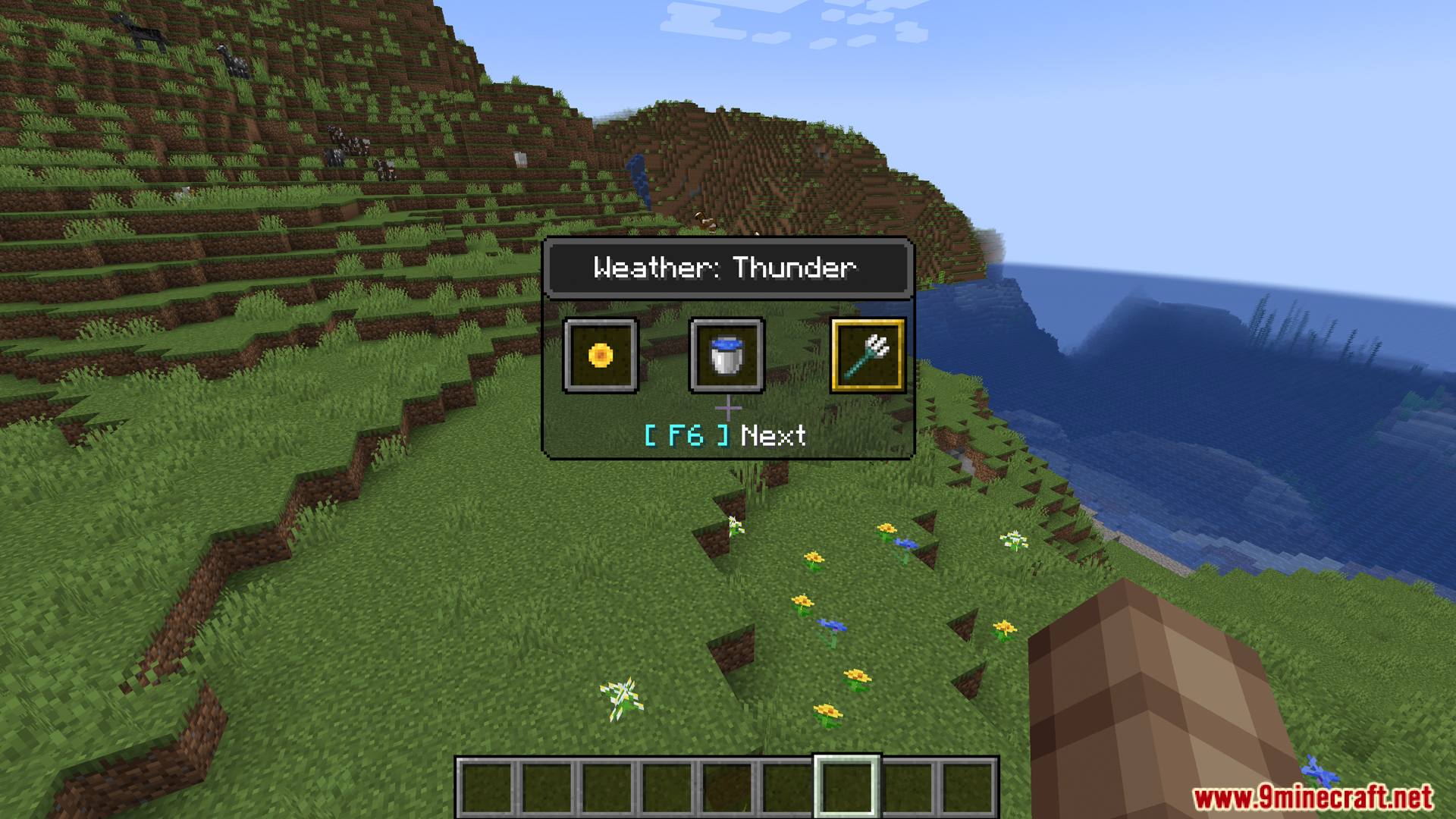
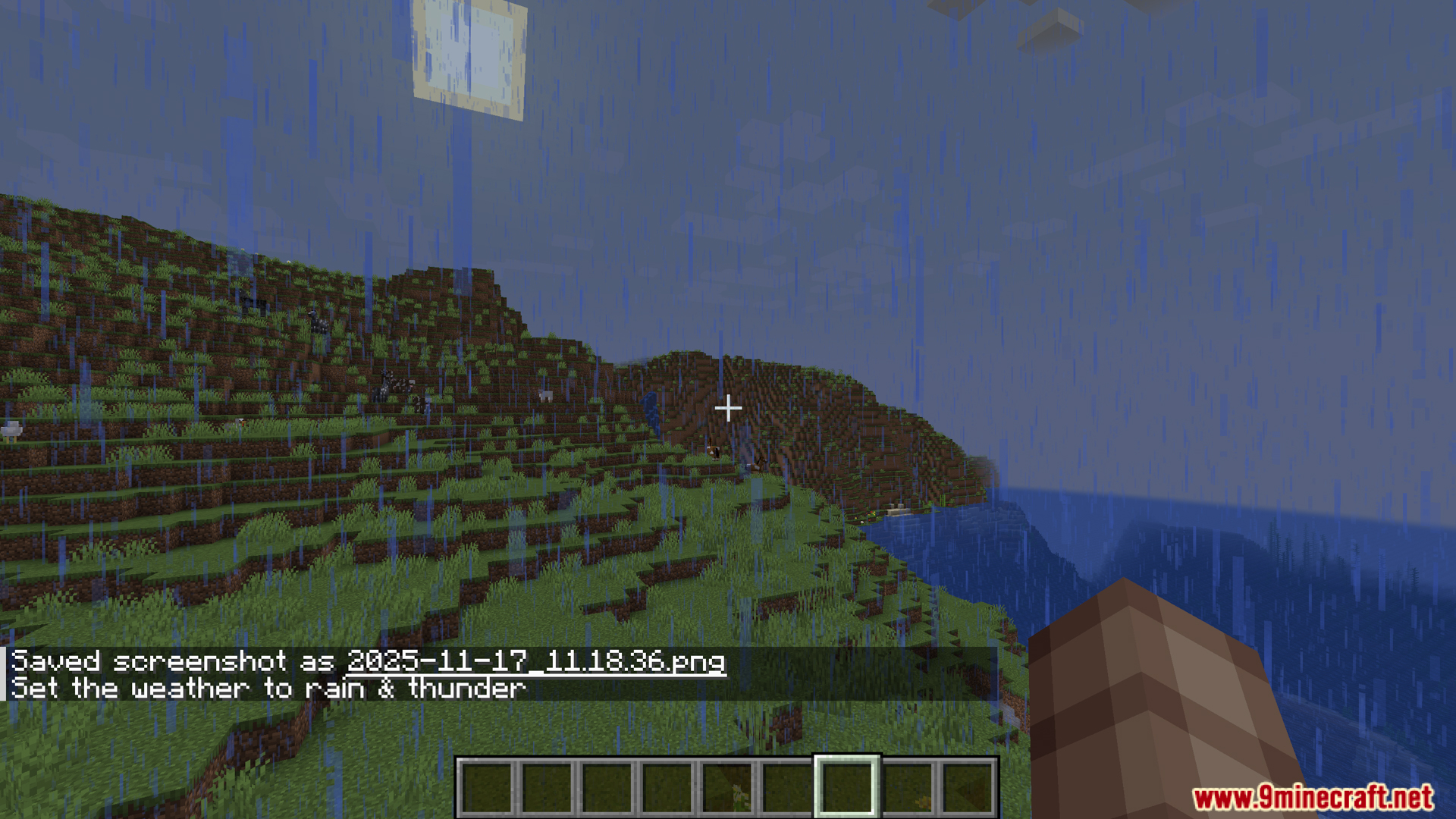
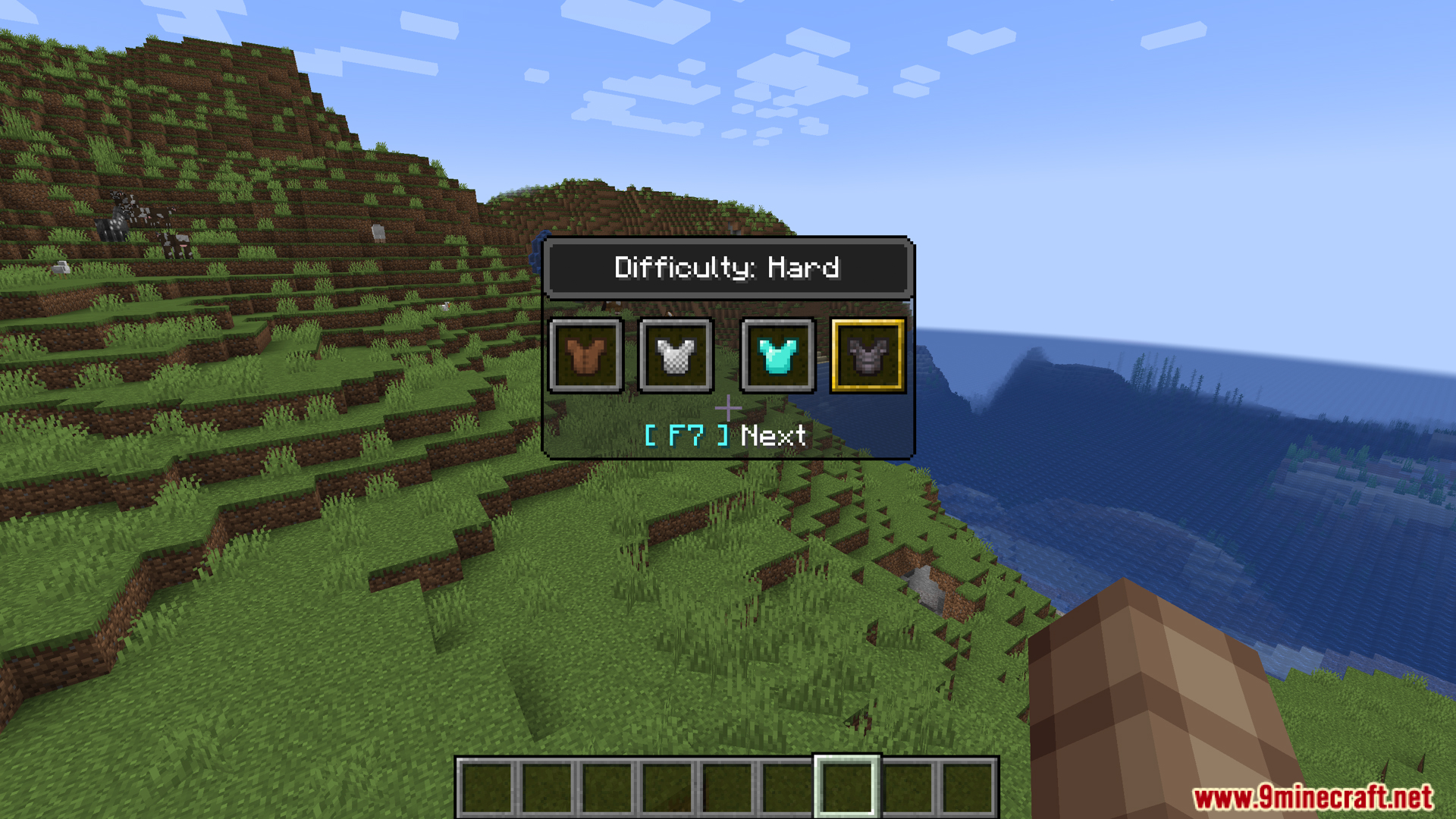
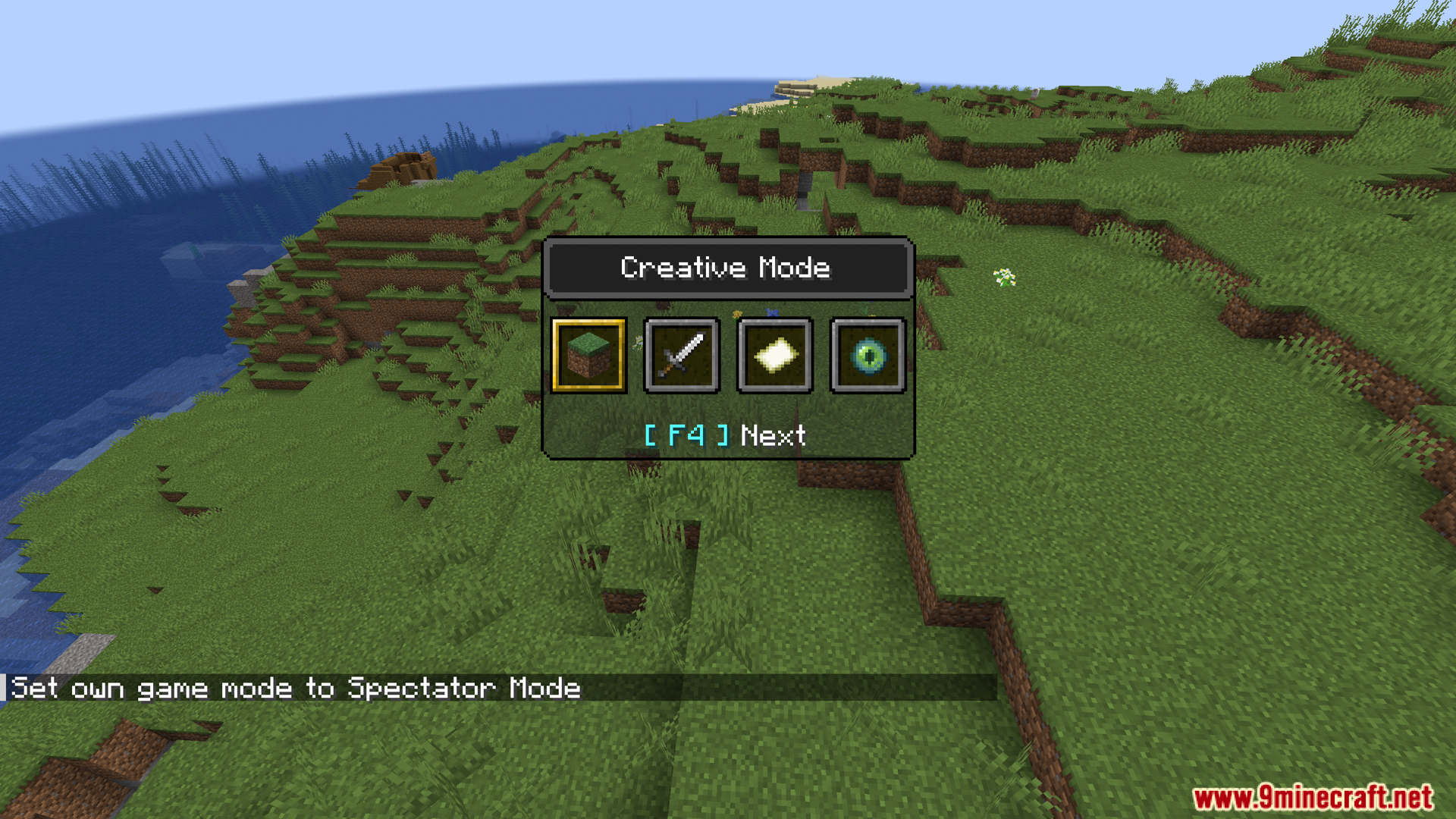
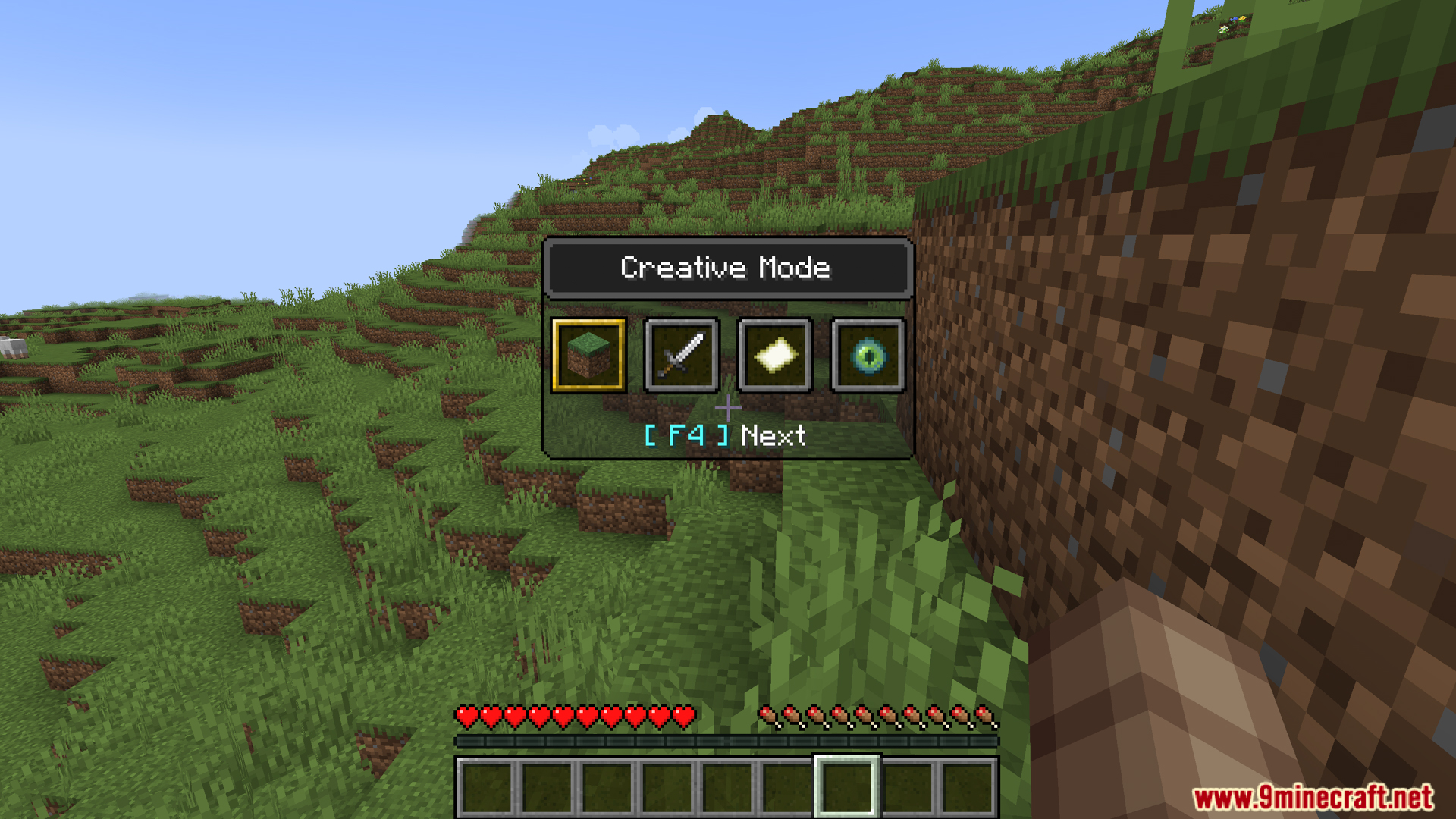
Dashboard Mod voegt nieuwe snelmenu’s toe om het weer, de tijd en de moeilijkheidsgraad te beheren. Het werkt precies zoals de normale gamemode-switcher van de game. Dit betekent dat je deze instellingen direct kunt aanpassen zonder dat je commands hoeft te typen.
Features:
- Voegt nieuwe snelmenu’s toe voor weer, tijd en moeilijkheidsgraad.
- Deze menu’s verschijnen op je scherm, net als de vanilla gamemode switcher (F3 + F4).
- Druk op F3 + F5 om het weermenu te openen. Je kunt eenvoudig schakelen tussen heldere lucht, regen en onweer.
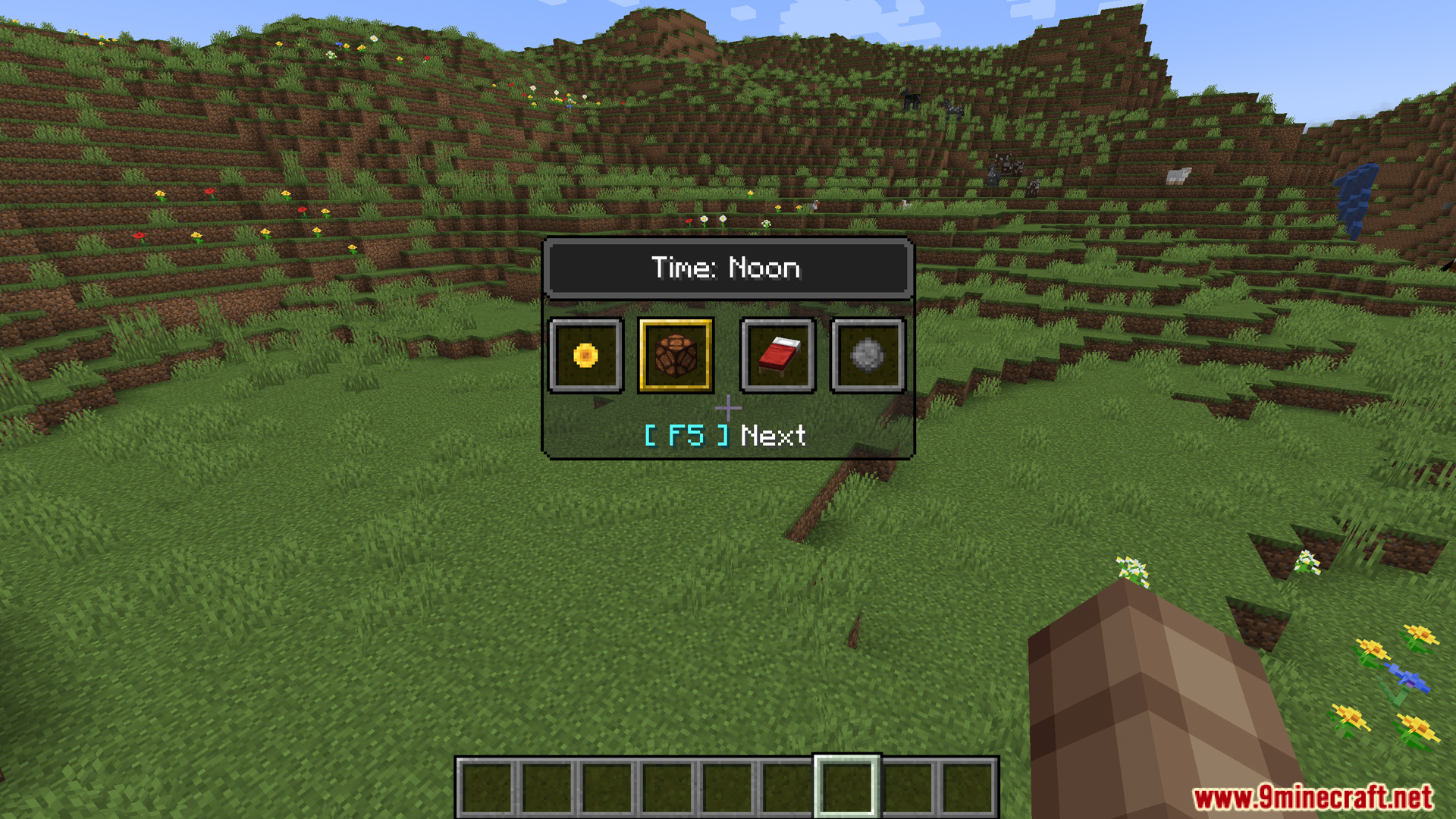
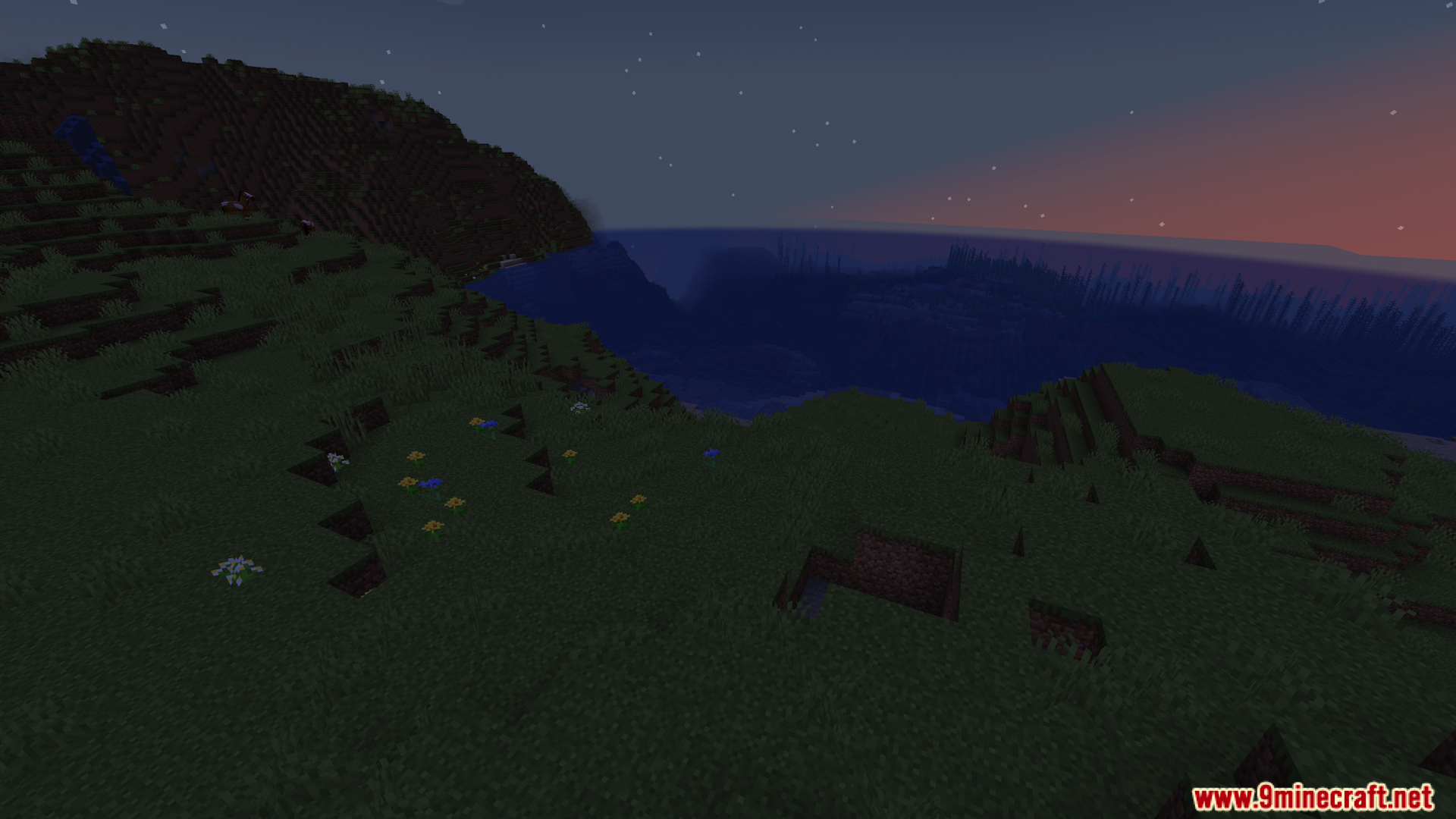
- Gebruik F3 + F6 om de tijd van de dag te beheren. Kies uit opties zoals dag, middag, nacht of middernacht.
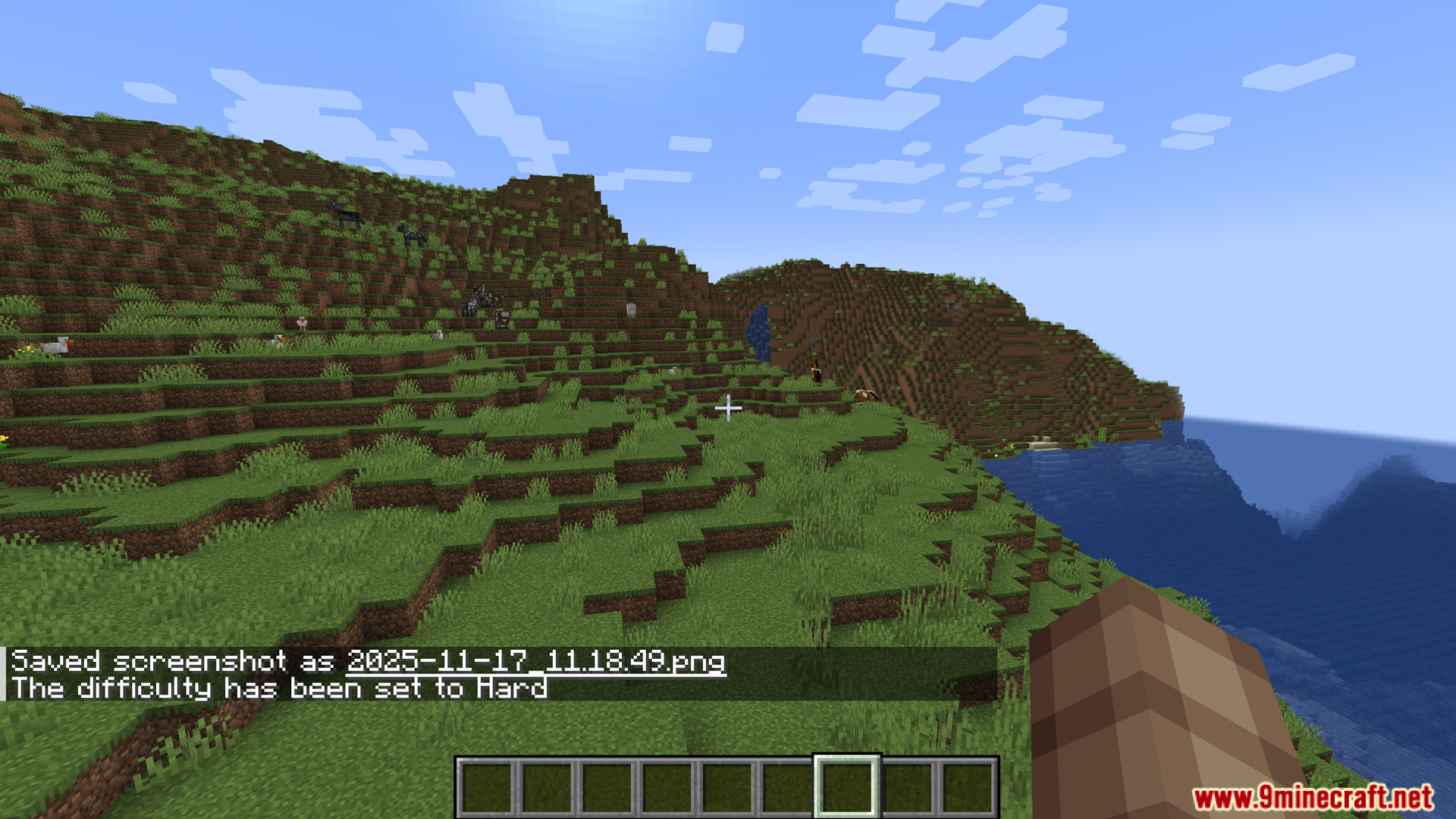
- Verander de moeilijkheidsgraad op elk moment door op F3 + F7 te drukken. Dit opent een menu met de opties Peaceful, Easy, Normal en Hard.
Hoe te gebruiken:
- Druk op F3 + F5 om het Weermenu te openen.
- Druk op F3 + F6 om het Tijdmenu te openen.
- Druk op F3 + F7 om het Moeilijkheidsgraadmenu te openen.
Screenshots:
Hoe te installeren:
Nieuw bij Minecraft? Volg onze stapsgewijze gids om Mods op je pc te installeren.Bekijk gids
Dashboard Mod Download Links
Voor Minecraft 1.20.1, 1.20
Forge/Fabric/NeoForge versie: Download van Server 1 – Download van Server 2
Voor Minecraft 1.19.4
Forge versie: Download van Server 1 – Download van Server 2
Fabric versie: Download van Server 1 – Download van Server 2
Klik om dit bericht te beoordelen!
[Total: 0 Average: 0]
Misschien vind je dit ook leuk








Dit bericht heeft nog geen reacties. Wees de eerste — je reactie verschijnt hier.