


Thin Client Mod (1.21.11) – Domineer Anarchy Servers en Raid Verborgen Bases
 78
78
 0
0

🌐 Je leest dit artikel in het Nederlands. Wil je wisselen?
📖 Lees in het Engels (origineel)Of kies degene die je wilt:
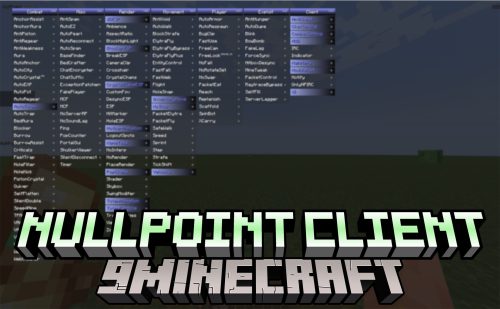
Thin Client Mod geeft je een enorm voordeel op anarchy- en economy-servers. Deze client bundelt tientallen handige tools in een gebruiksvriendelijk menu dat je direct op je scherm kunt bedienen. De focus ligt zwaar op het vinden van bases, automatische combat-acties en speciale functies voor economy-servers zoals DonutSMP. Je krijgt alles, van automatische totems en crystal placement tot geavanceerde chunk finders die verborgen player bases opsporen.
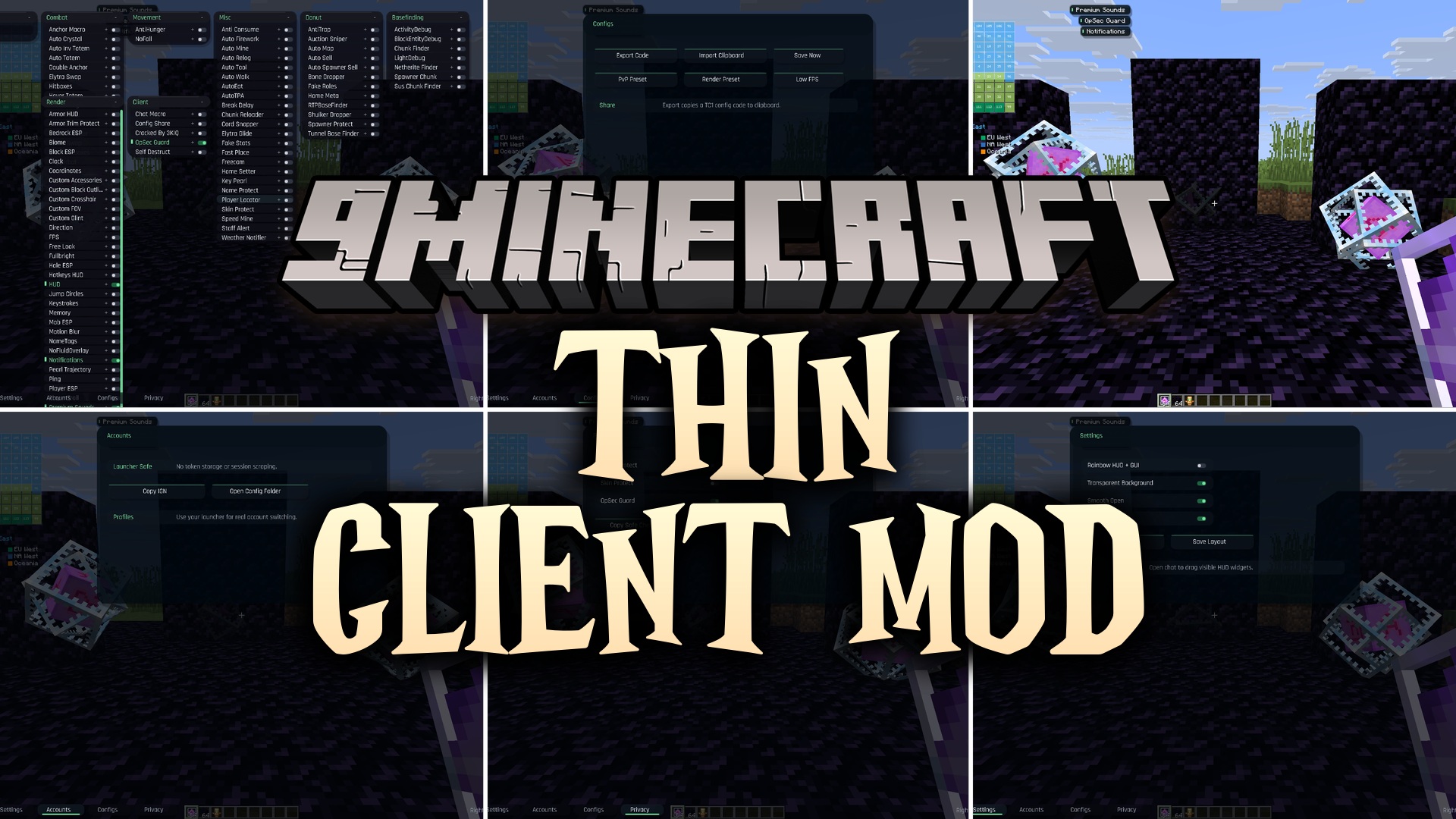
Features:
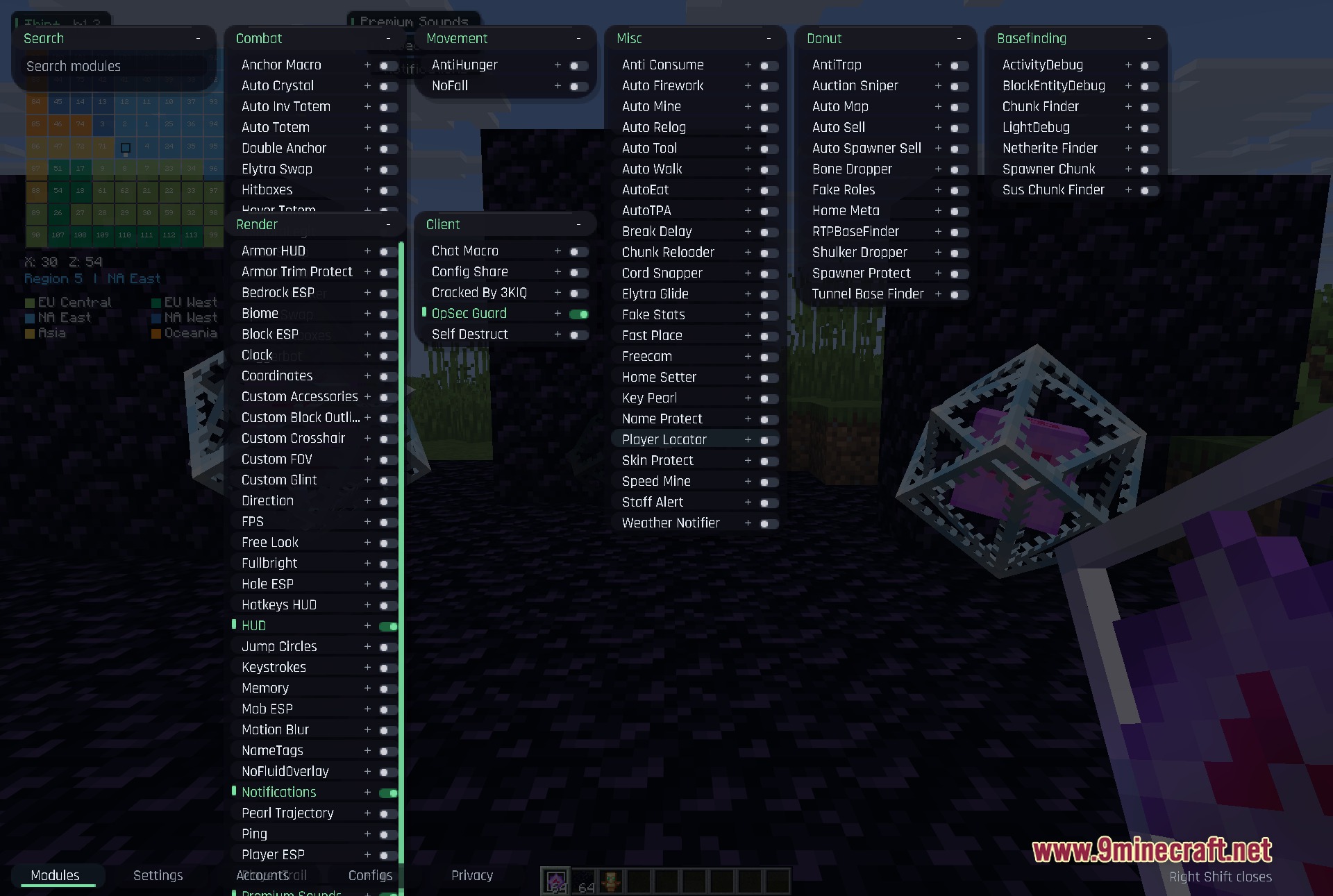
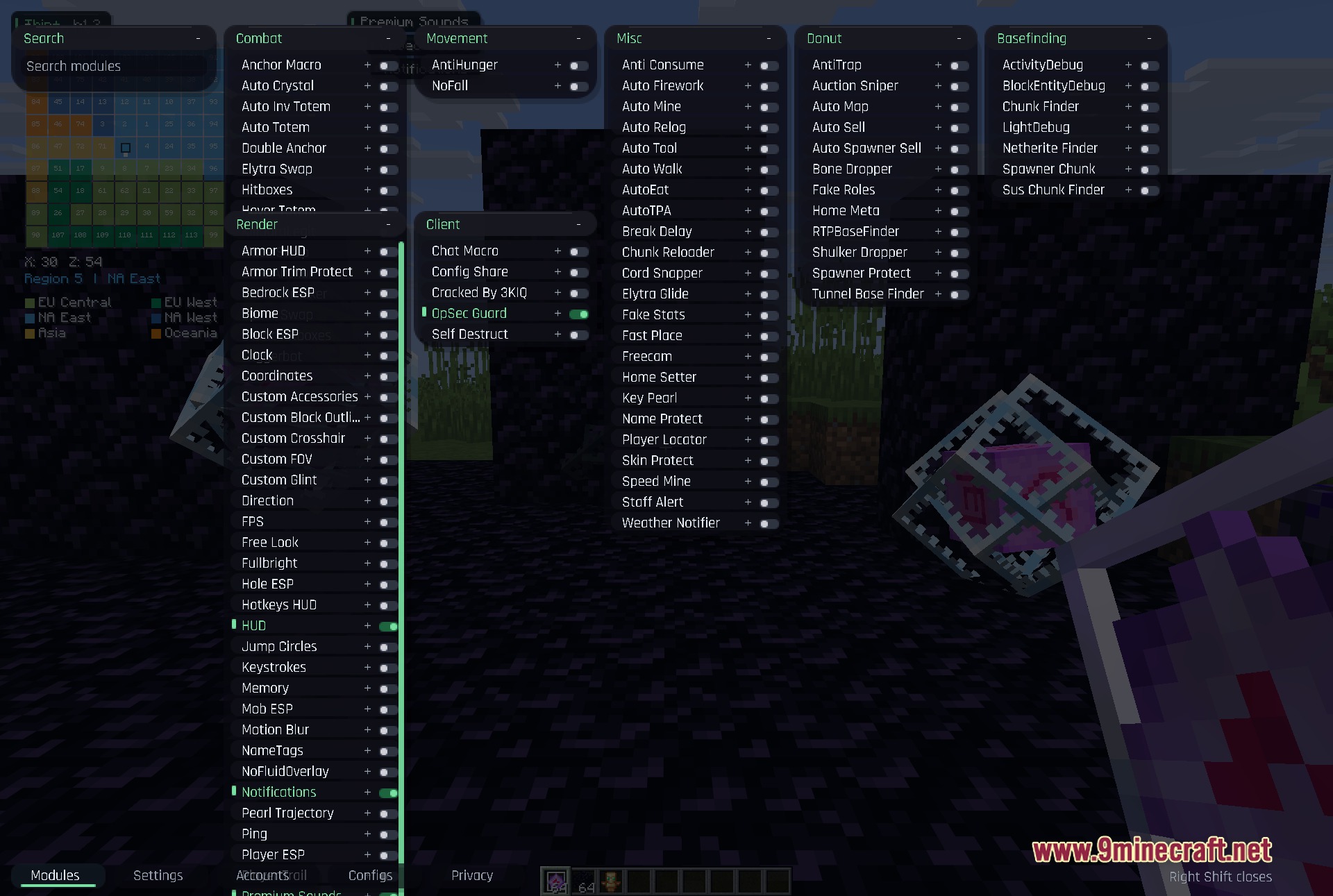
- Modulaire Interface: Elke categorie opent in zijn eigen versleepbare venster, zodat je meerdere instellingen tegelijk kunt bekijken.
- Smart Base Finding: Trackt verdachte chunks, block entities en lichtveranderingen om je te helpen verborgen bases te vinden.
- Economy Tools: Scant veilingen en verkoopt automatisch items om sneller geld te verdienen op economy-servers.
- Highlight spelers, mobs en specifieke blokken door muren met aanpasbare ESP-instellingen.
- Maakt verbinding met je Discord via een webhook om automatische meldingen te sturen.
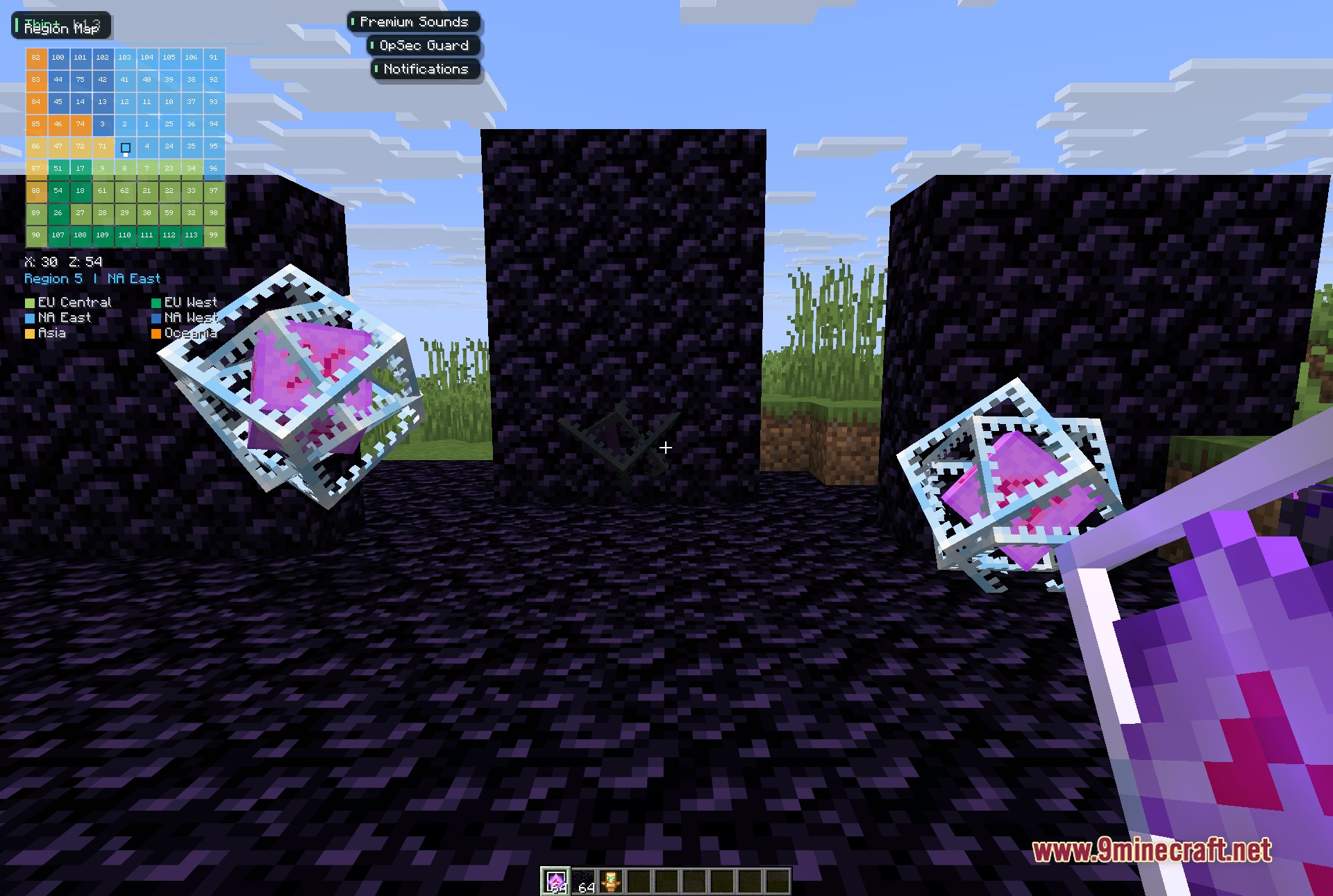
- Toont een regiokaart op je scherm om je locatie in verschillende servergebieden bij te houden.
- Toont het huidige nummer en de artiest waar je naar luistert direct op je gamescherm.
Combat & Movement:
- Plaatst automatisch end crystals en swapt naar je elytra tijdens gevechten.
- Houdt je in leven met auto totem en hover totem tools.
- Zorgt dat je geen fall damage krijgt of te snel hunger verliest.
DonutSMP Features:
- Sniped automatisch goedkope items van het auction house.
- Vindt RTP-bases en verborgen tunnels onder de grond.
- Dropt botten en shulker boxes snel om inventarisruimte te besparen.
Visuals & Render:
- Voegt een custom klok, coördinatenweergave en armor HUD toe aan je scherm.
- Verlicht de hele wereld zodat je nooit meer fakkels nodig hebt.
- Verandert je crosshair, field of view en block outlines naar jouw stijl.
Hoe te gebruiken:
- Druk op de Right Shift toets op je toetsenbord om het hoofdmenu te openen.
- Klik en sleep elk categorievenster om het over je scherm te verplaatsen.
- Typ in het zoekvak om snel een specifieke tool te vinden.
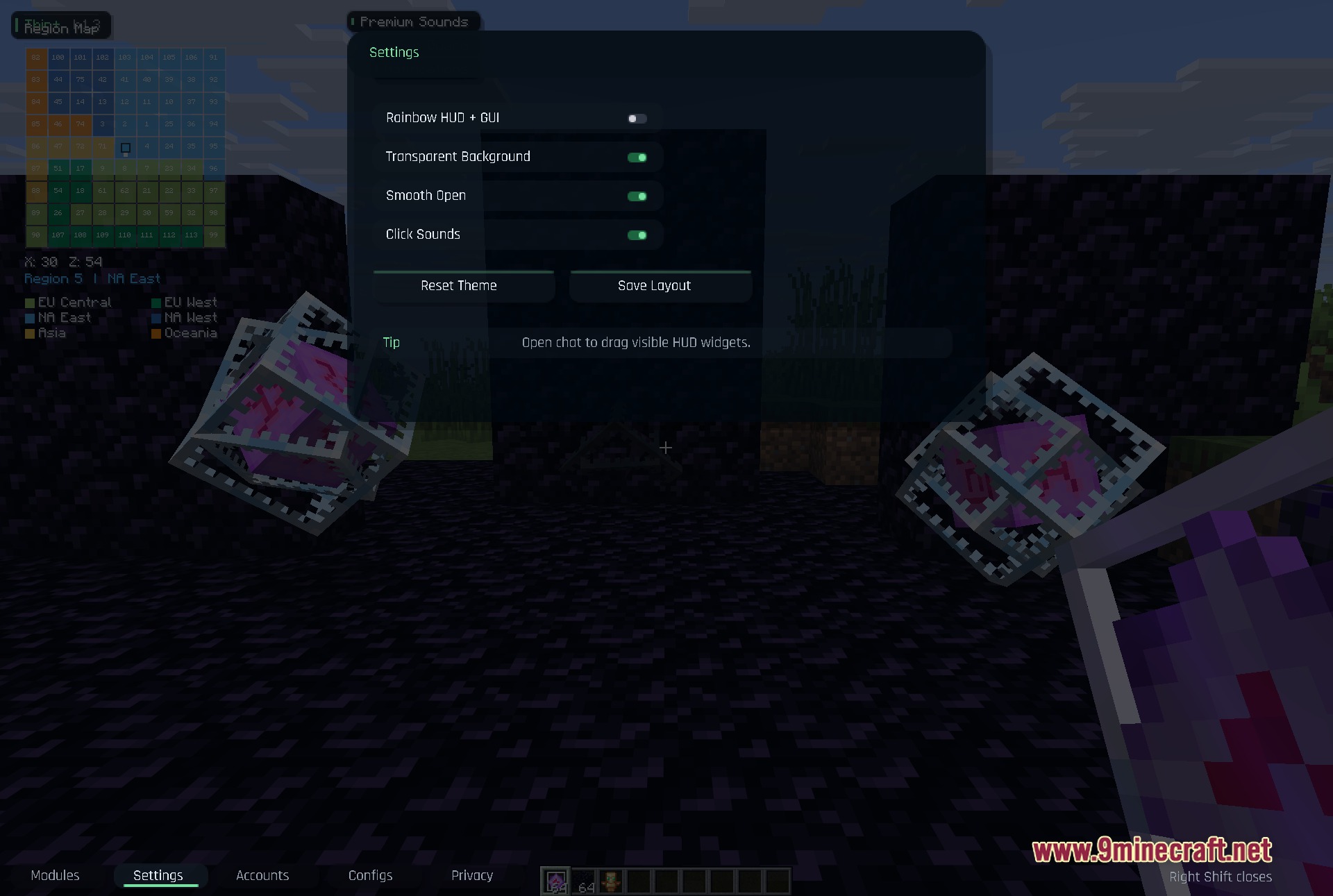
- Open je game chat om de HUD-widgets te ontgrendelen, zodat je ze naar nieuwe plekken op je scherm kunt slepen.
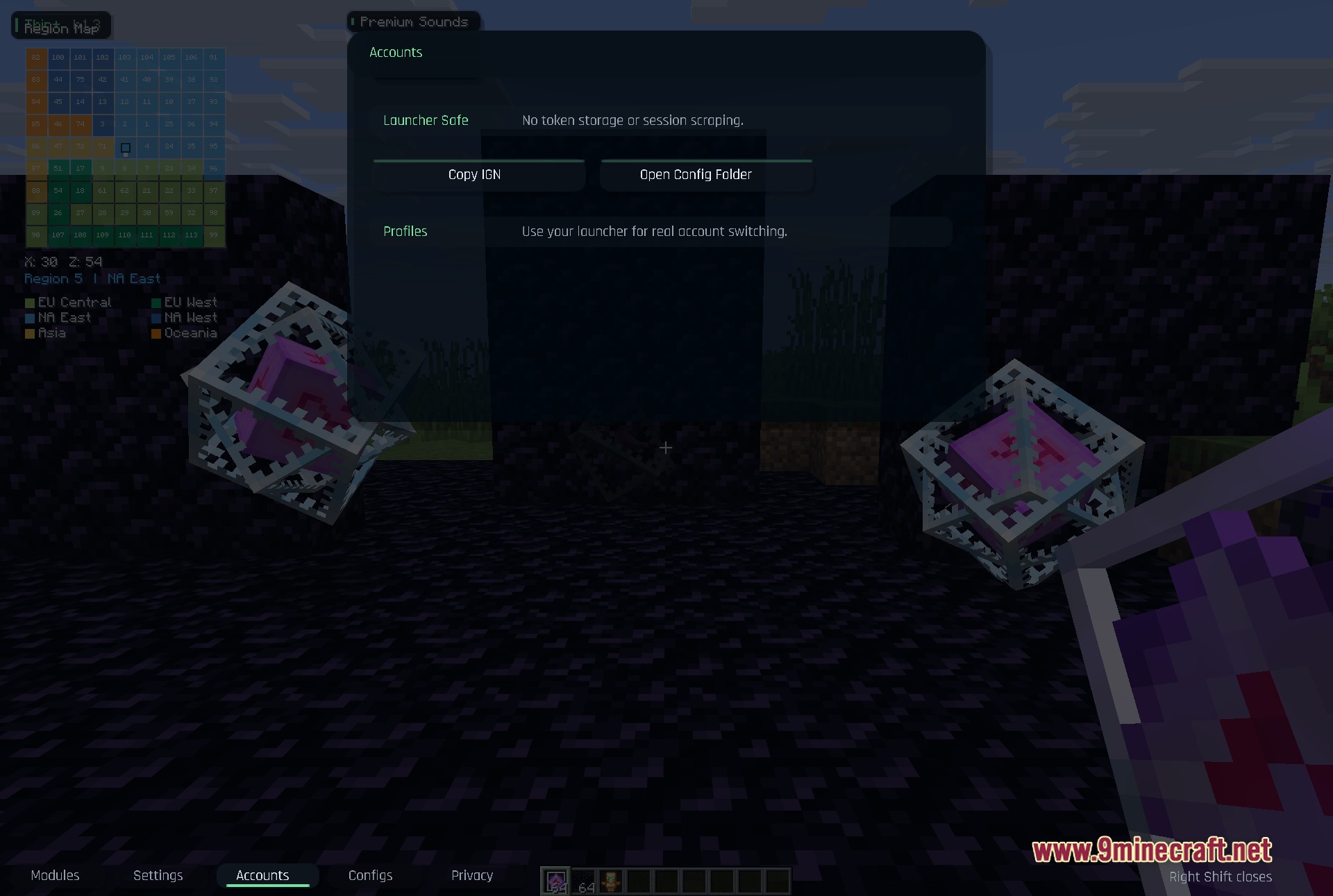
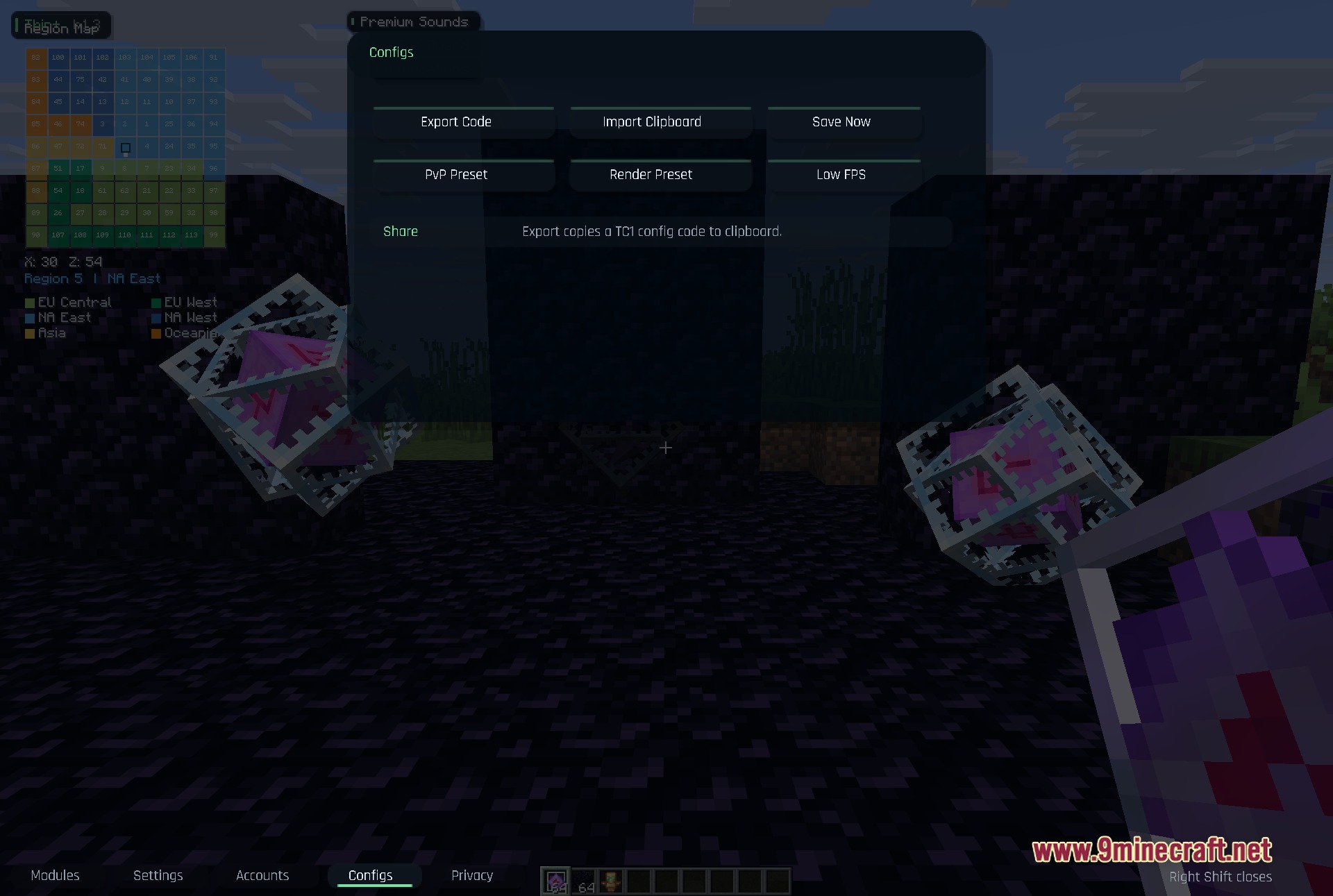
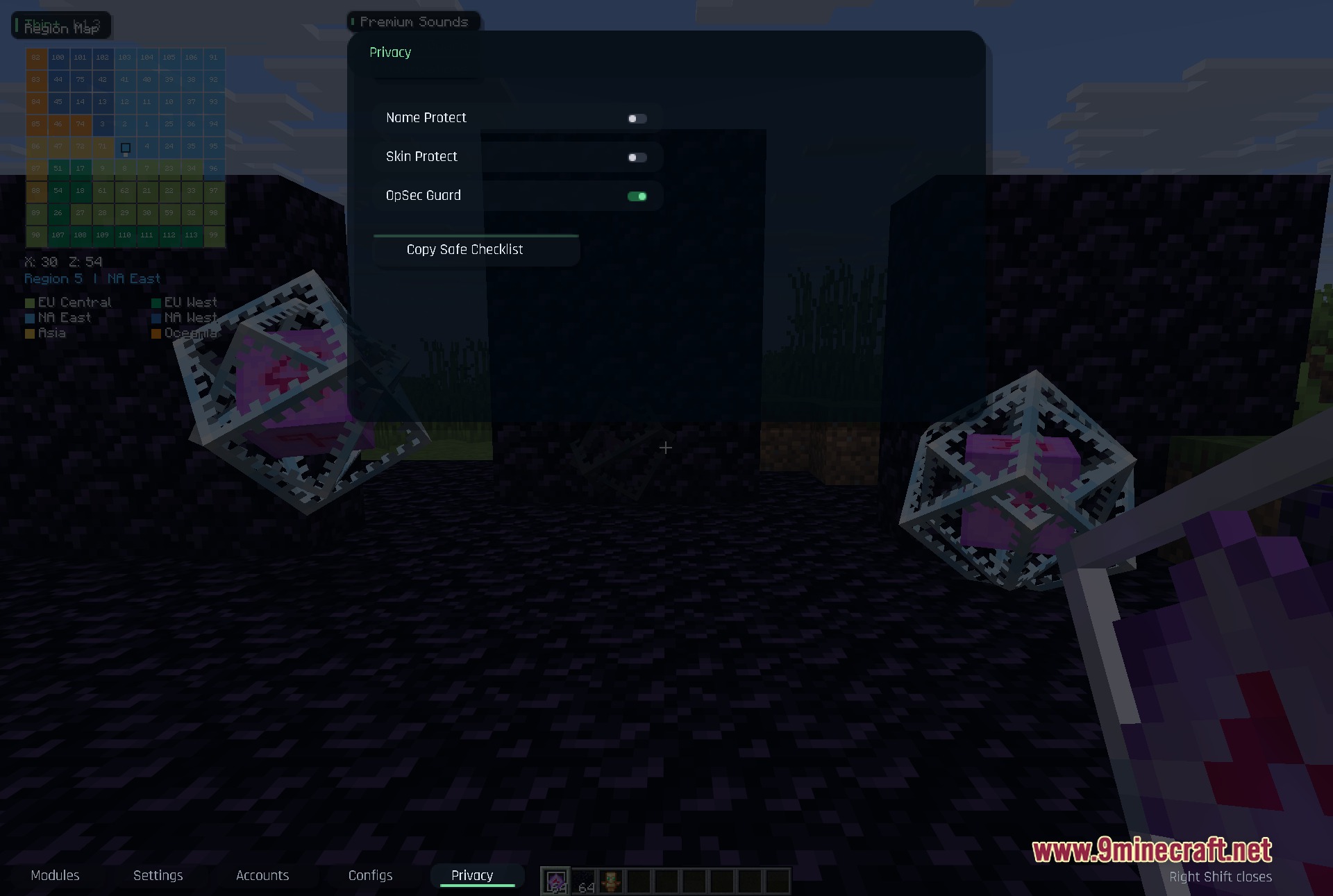
- Klik op de onderste tabbladen om te wisselen tussen je modules, instellingen, accounts en privacy-opties.
Screenshots:
Hoe te installeren:
Nieuw bij Minecraft? Volg onze stapsgewijze gids om Mods op je pc te installeren.Bekijk gids
Vereisten:


Thin Client Mod Download Links
Voor Minecraft 1.21.11
Klik om dit bericht te beoordelen!
[Total: 0 Average: 0]
Misschien vind je dit ook leuk



Dit bericht heeft nog geen reacties. Wees de eerste — je reactie verschijnt hier.