
EyeComfort Shaders (26.3, 1.20.1) – Warm Lighting and Tone Sliders
 0
0
 0
0

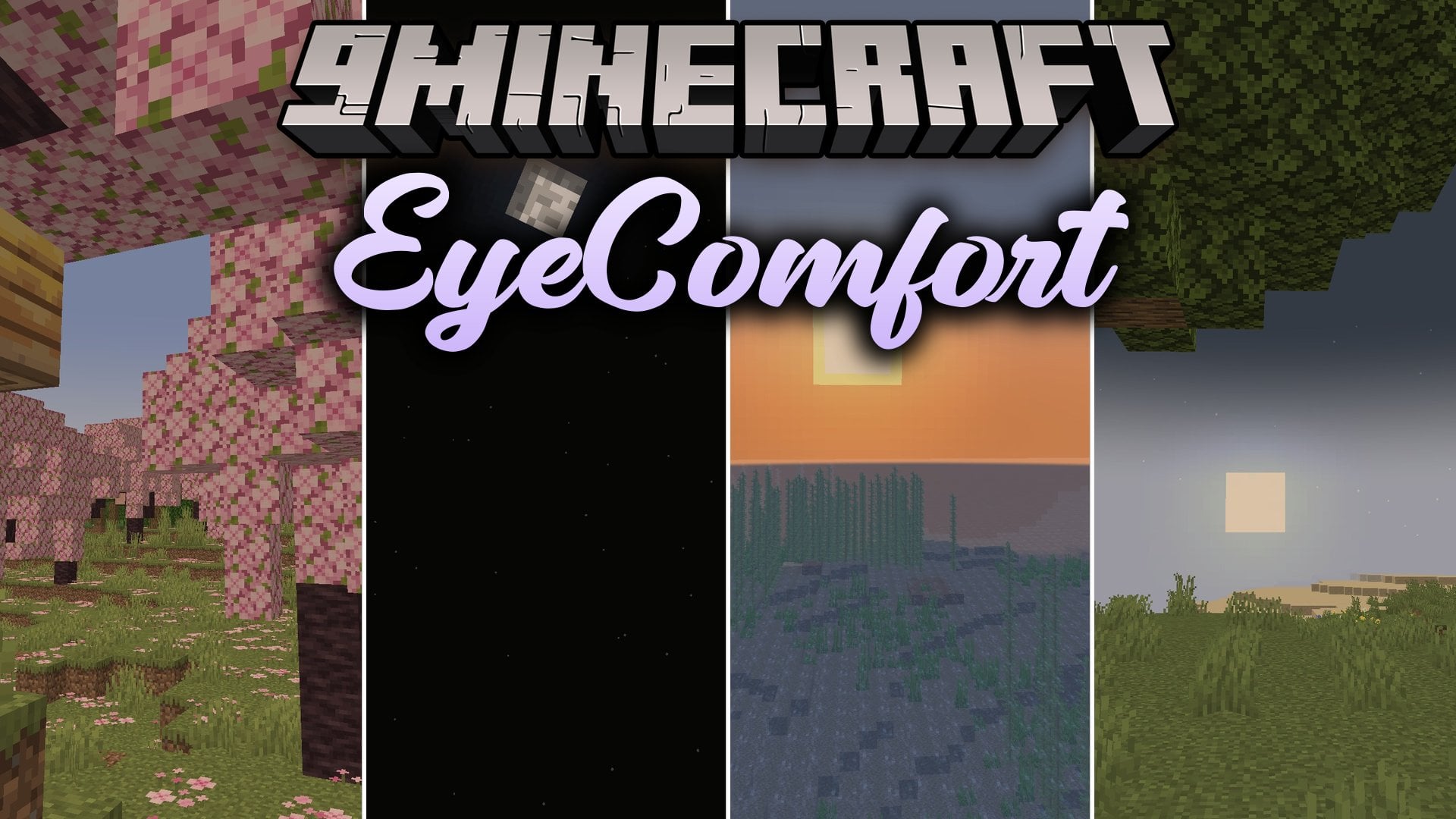
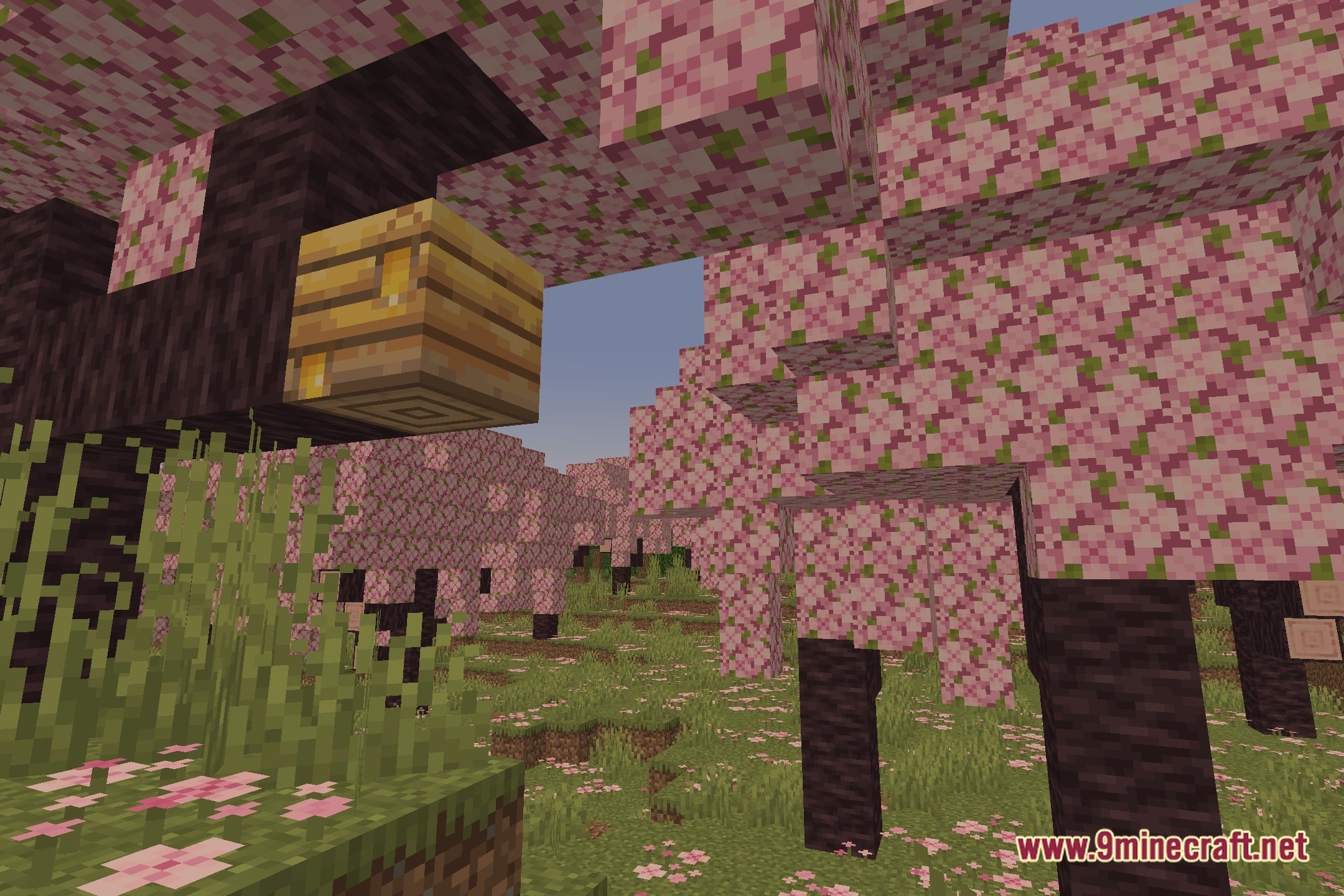
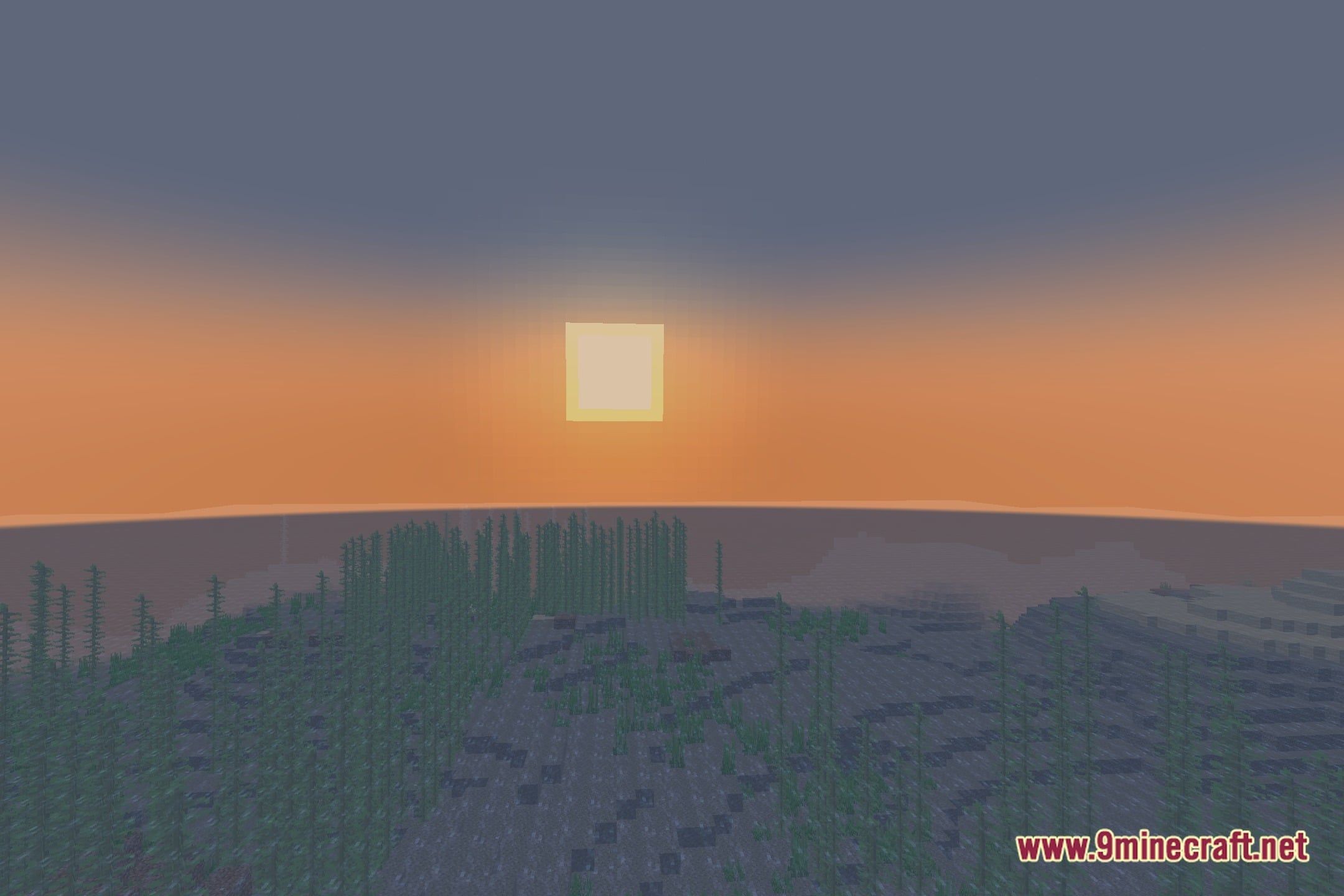
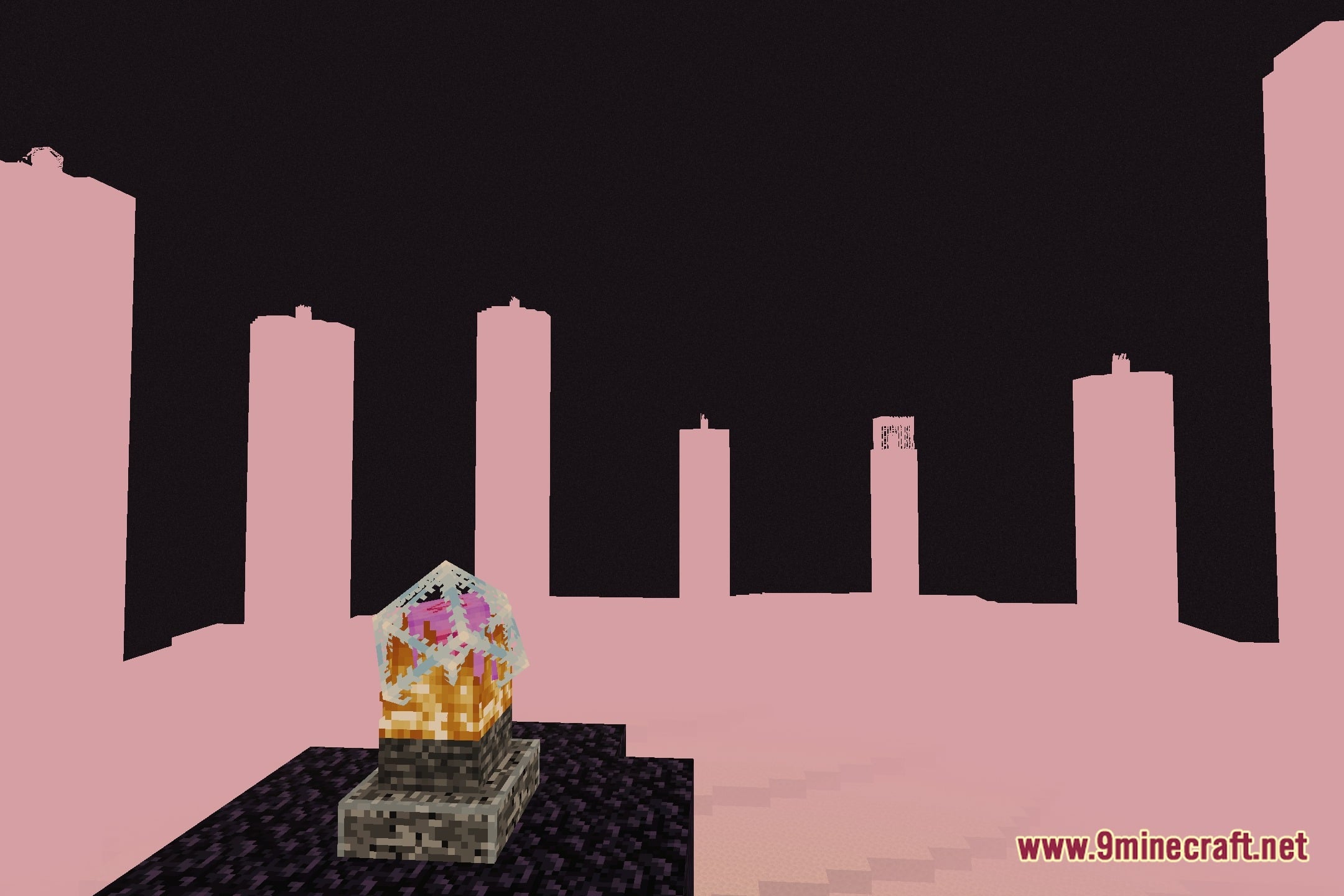
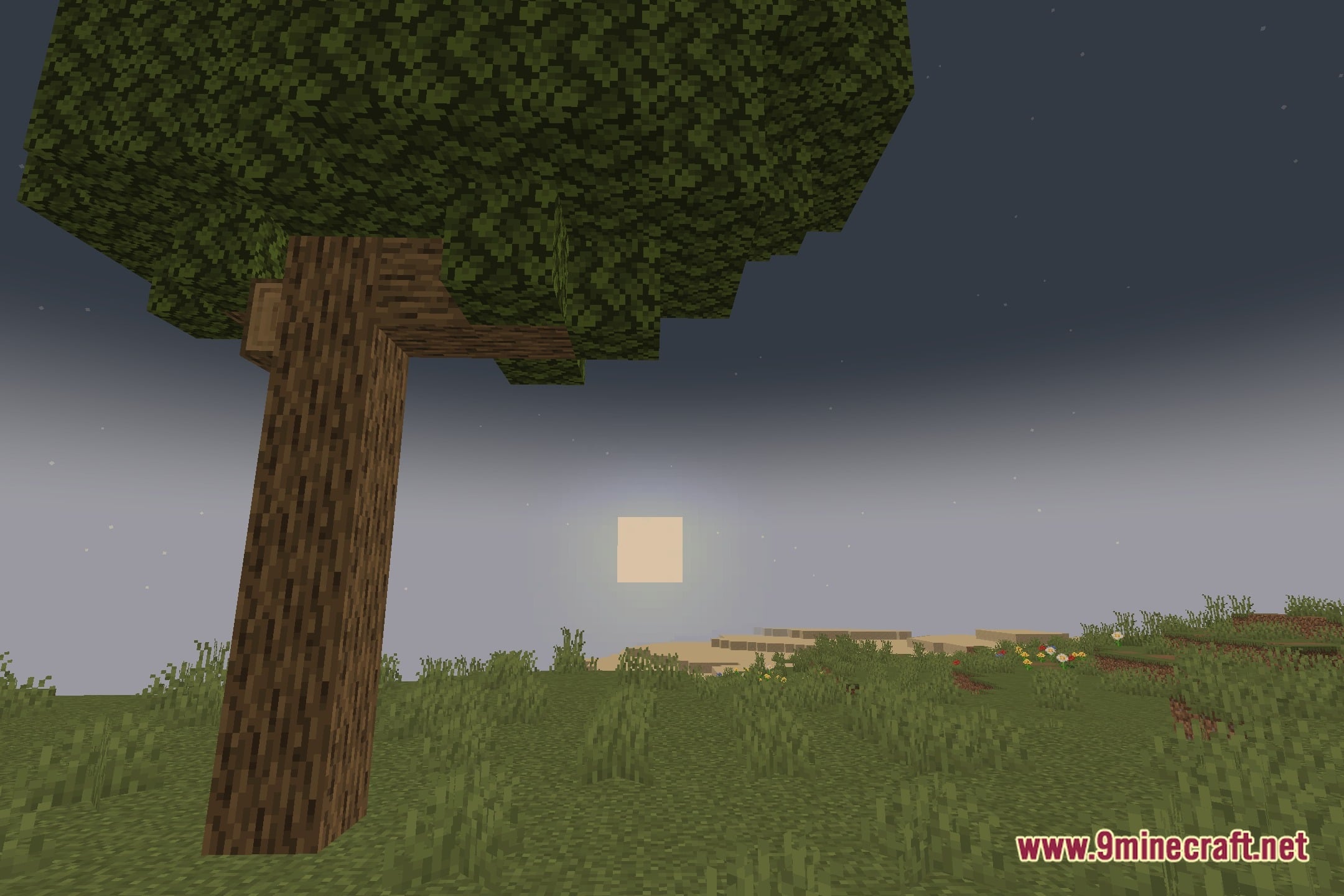
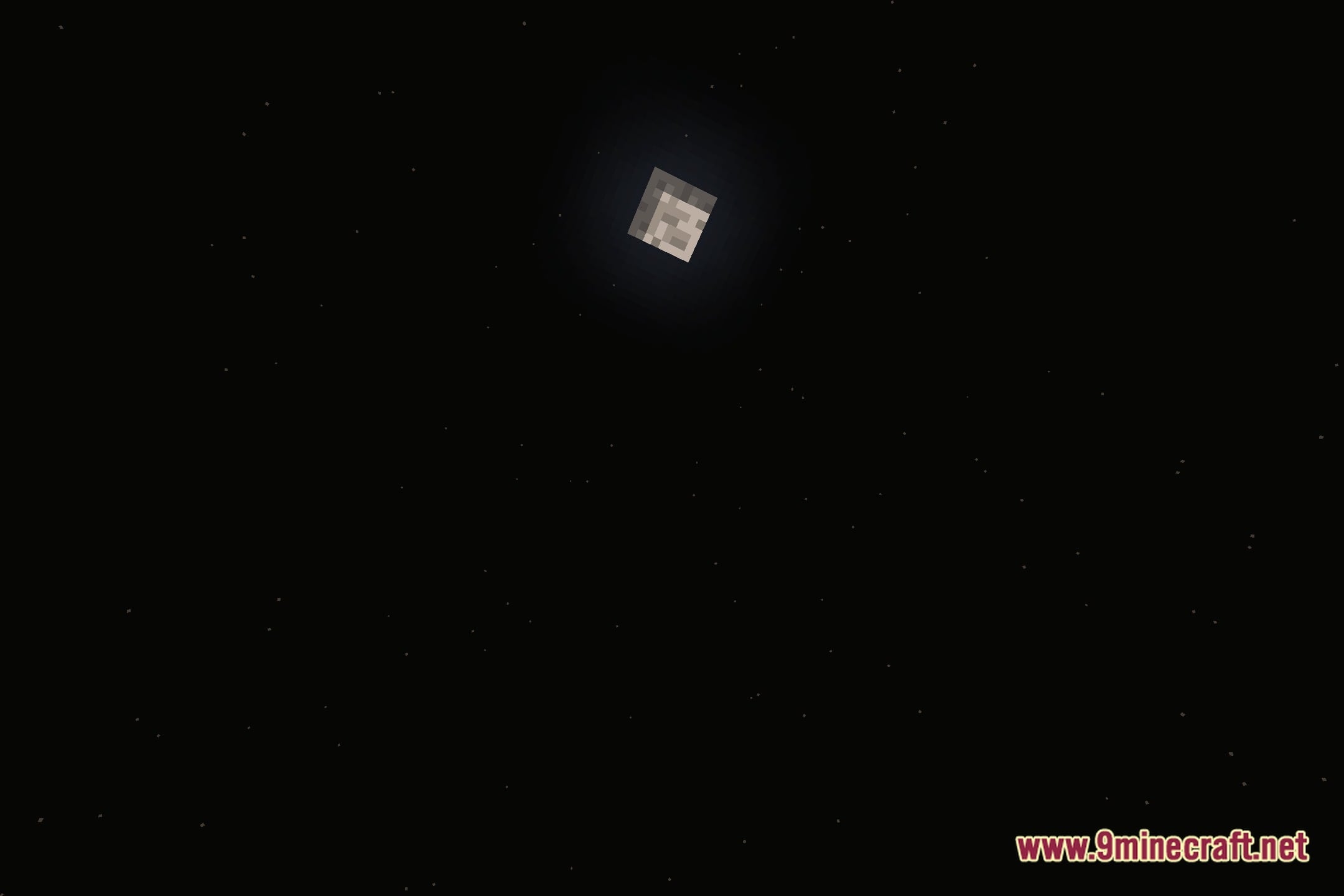
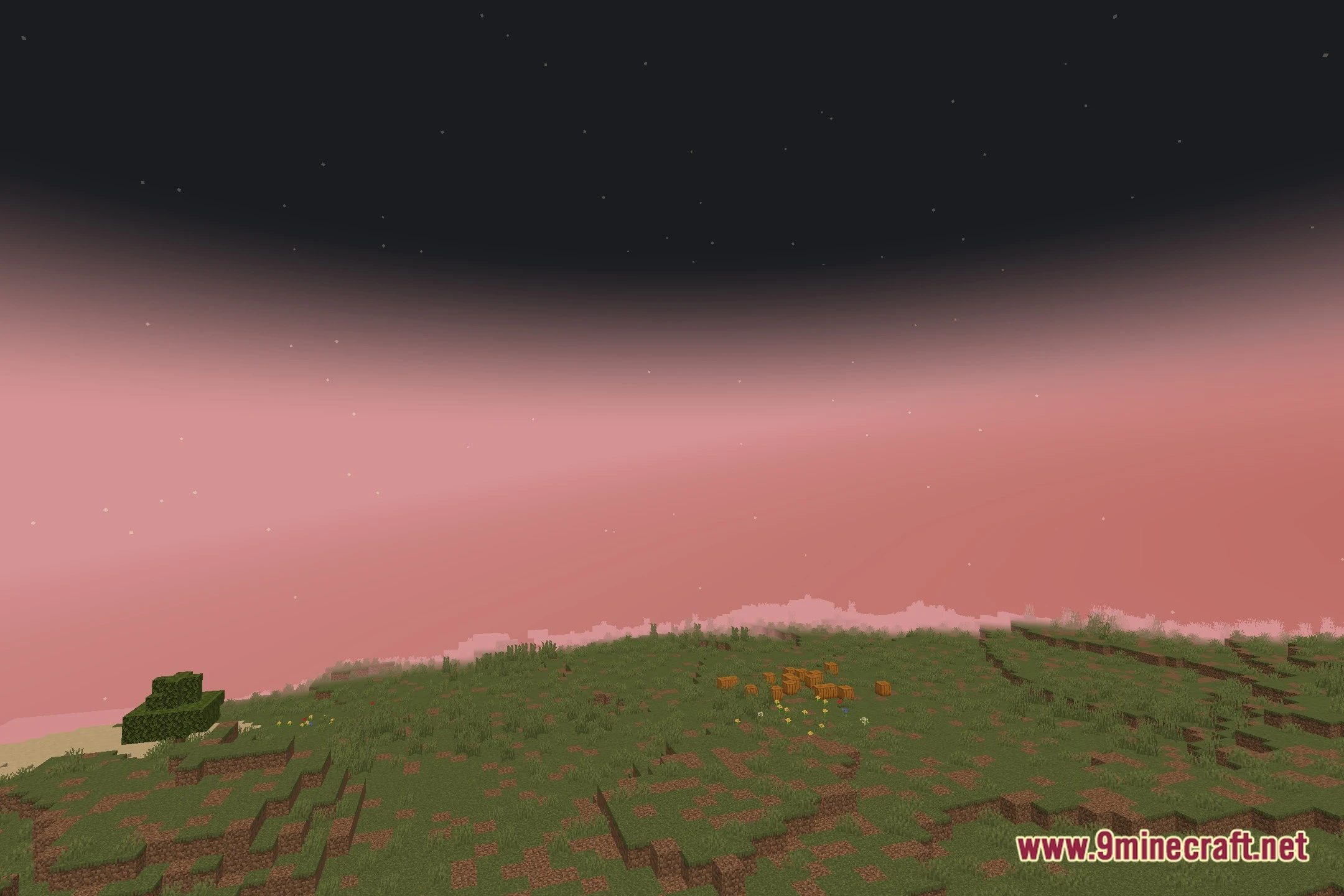
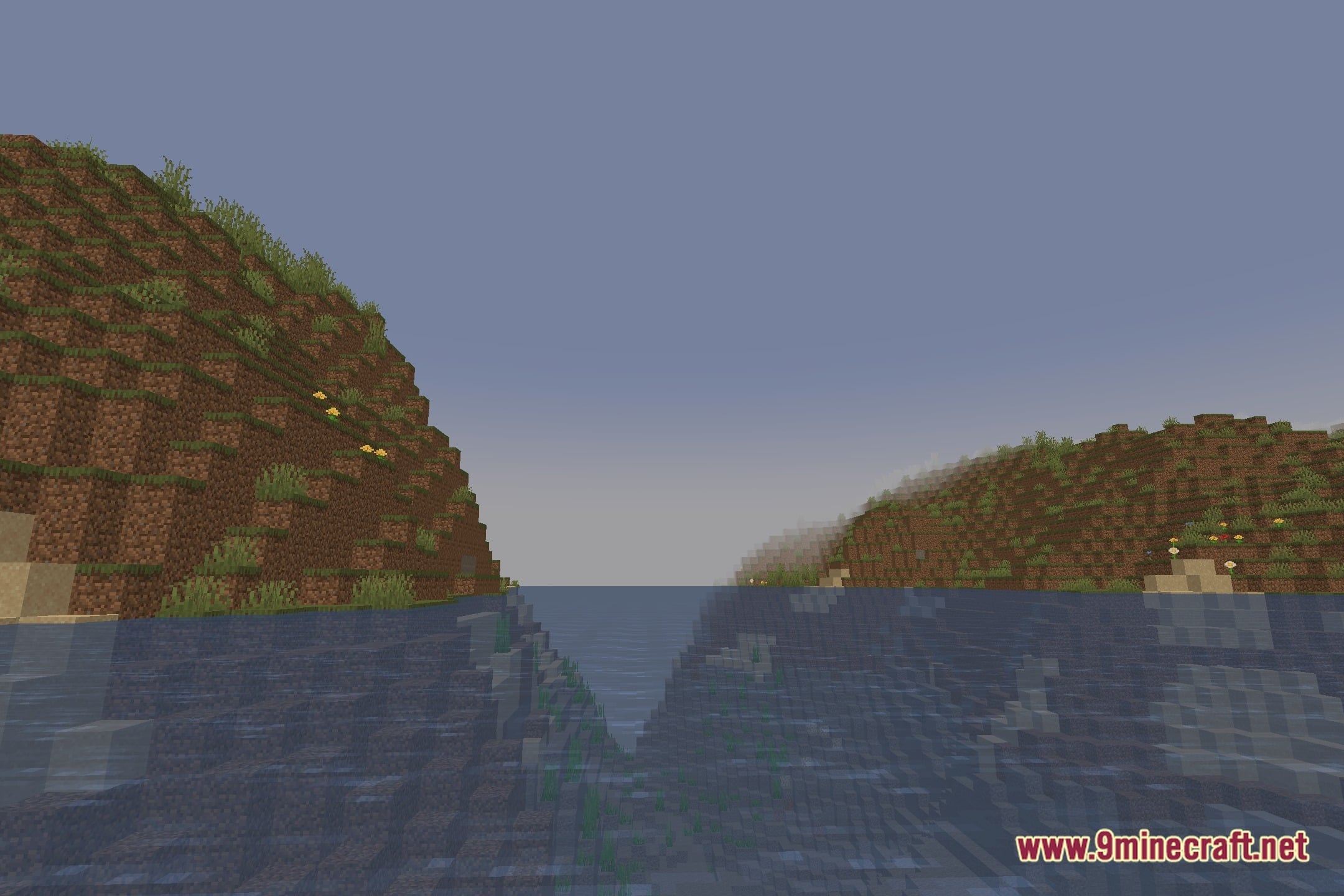
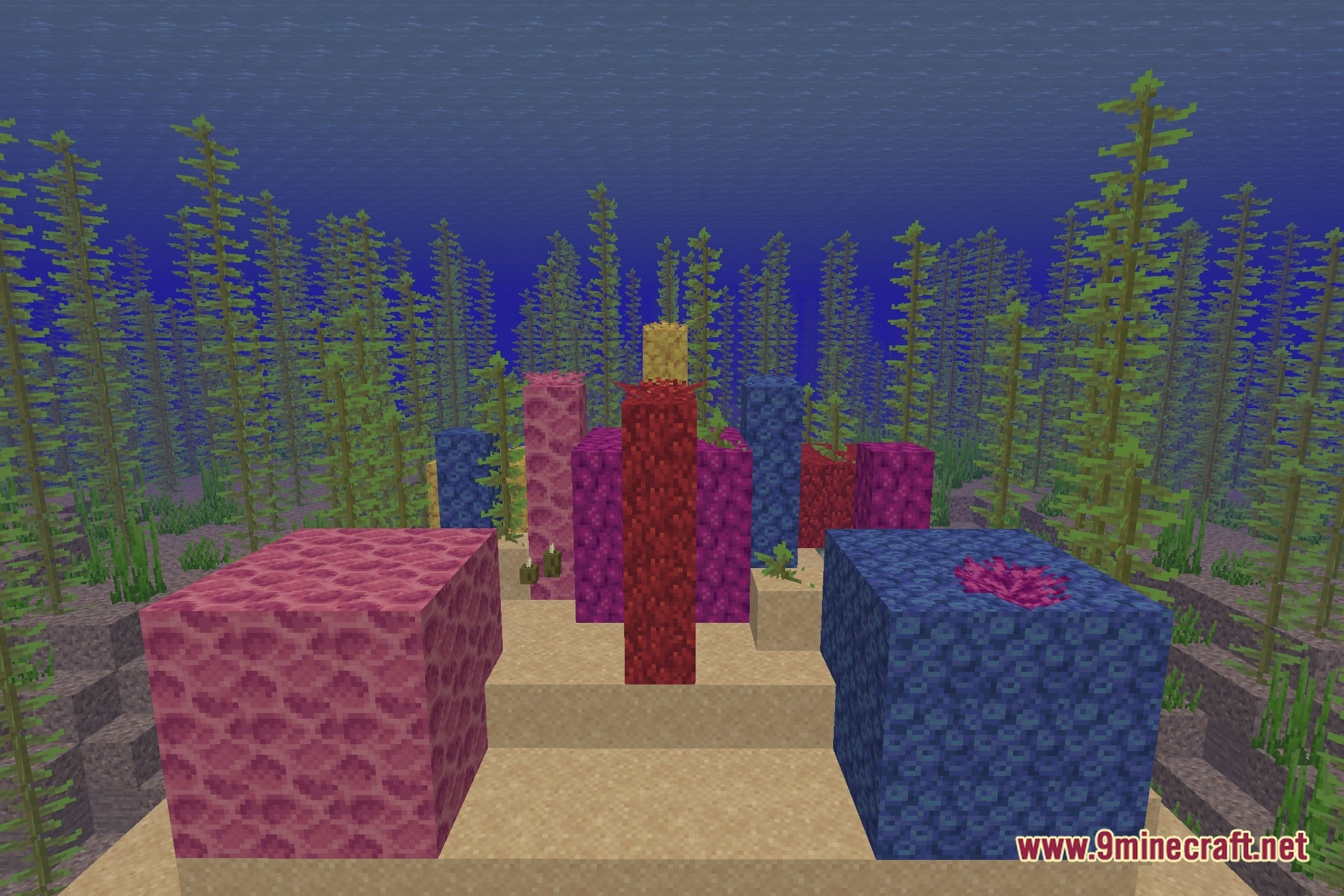
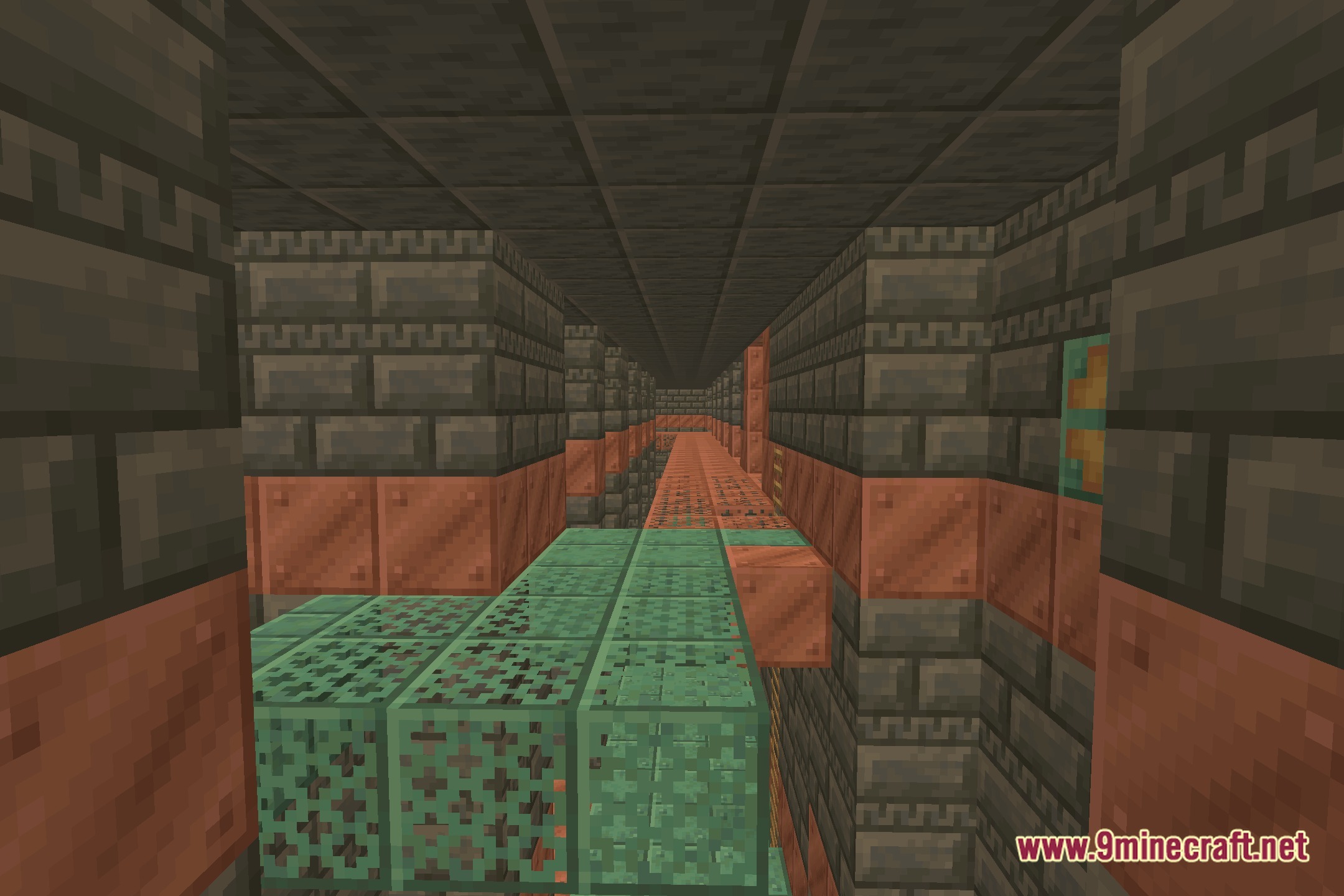
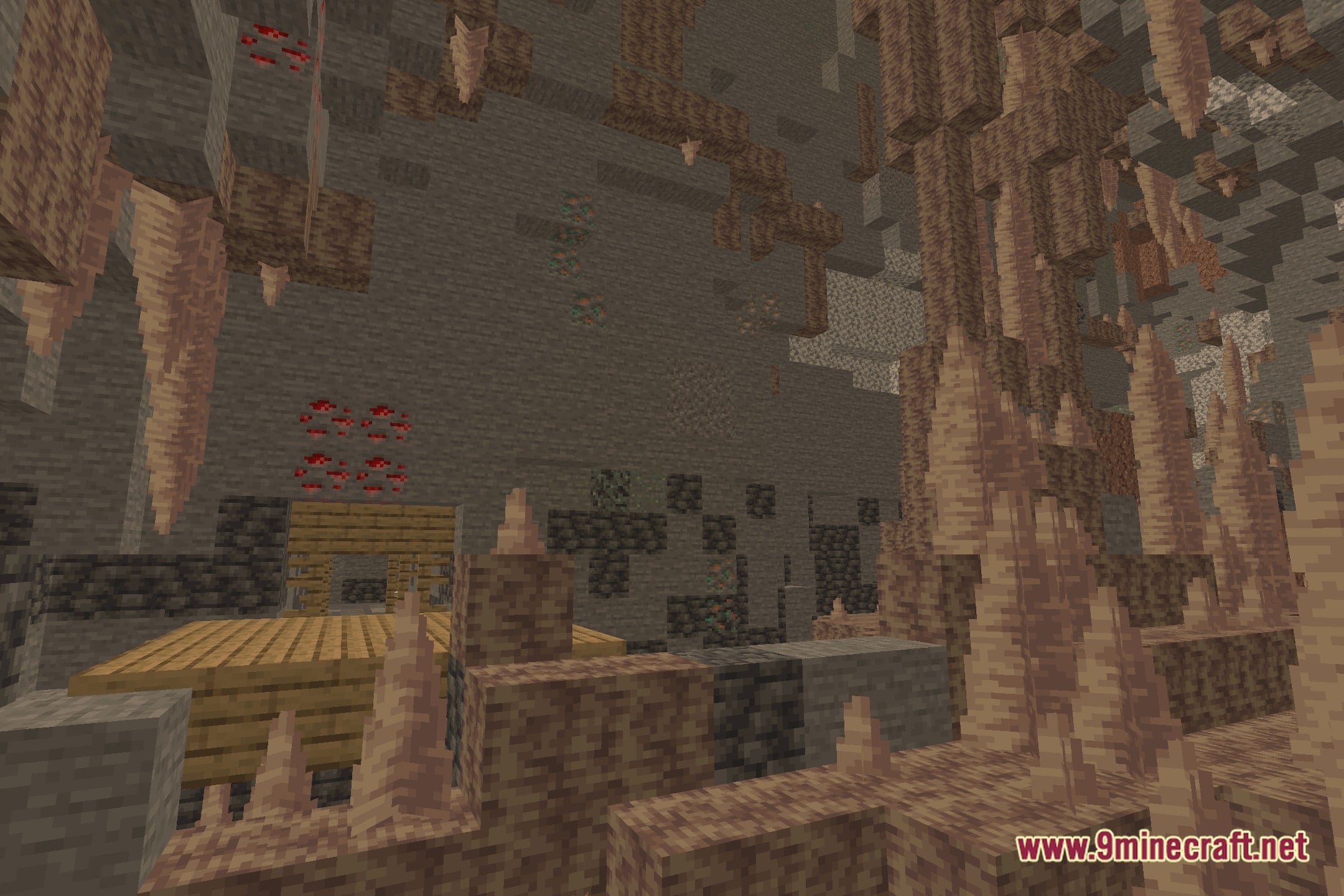
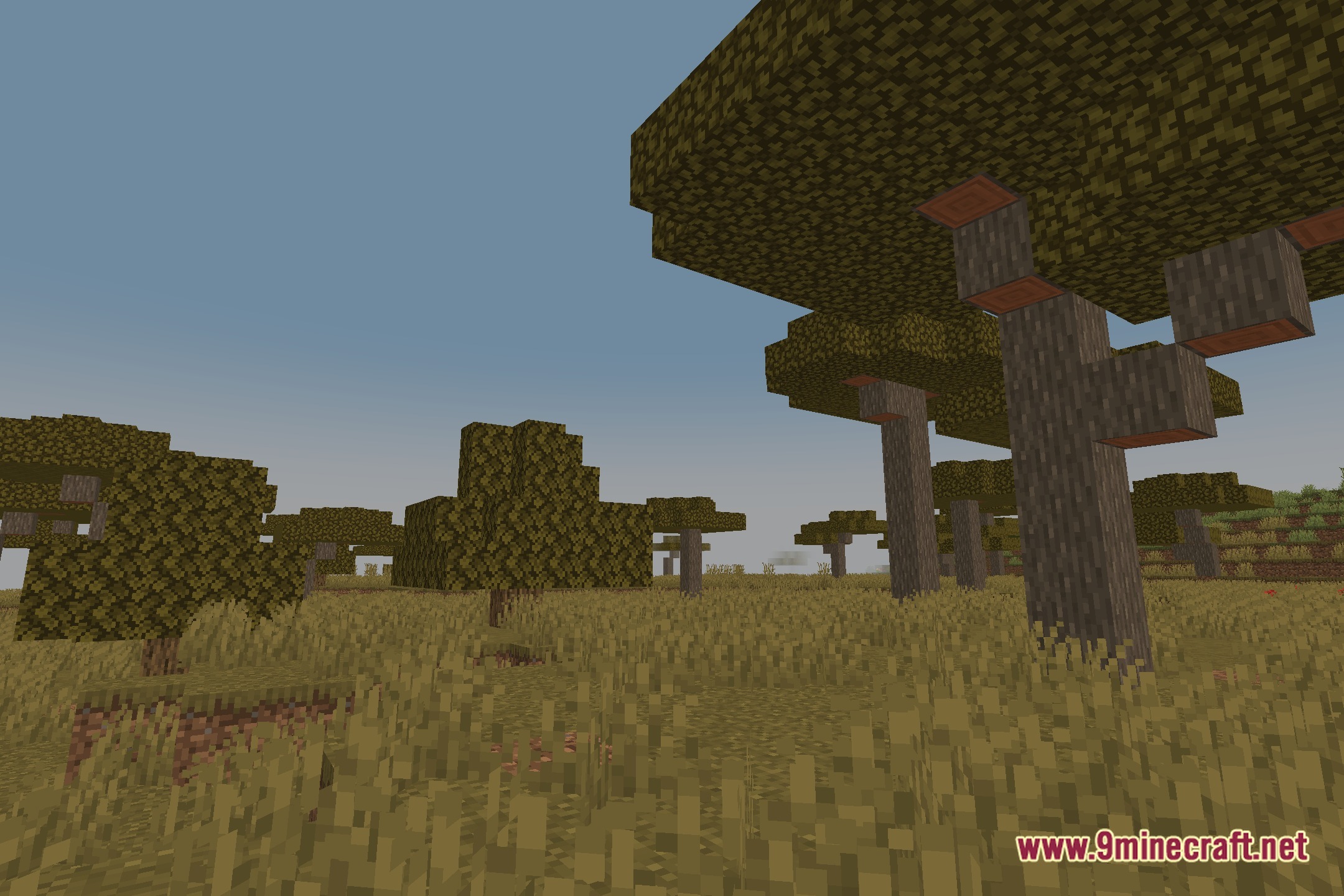
EyeComfort Shaders transforms lighting across the world to give blocks and skies a warmer, gentle look. This shader pack focuses on visual comfort by softening harsh screen tones during everyday gameplay. Players can fine-tune different image values directly in the settings menu to match personal tastes. It runs cleanly on the Iris shader loader without changing standard block models.
Features:
- Warm Visual Style: Softens bright screens with a gentle, warm tone during gameplay.
- Color Temperature Control: Lets you adjust warm and cool screen tones to match your taste.
- Tone Sliders: Provides custom sliders for contrast, black levels, white levels, and highlights.
- Saturation Settings: Adjusts overall color strength from faded visuals to rich colors.
- Built-In Presets: Includes four ready-to-use visual presets for quick adjustments.
- Multi-Language Menus: Offers in-game configuration menus in both English and Spanish.
- Runs on the Iris shader loader for straightforward setup.
Screenshots:
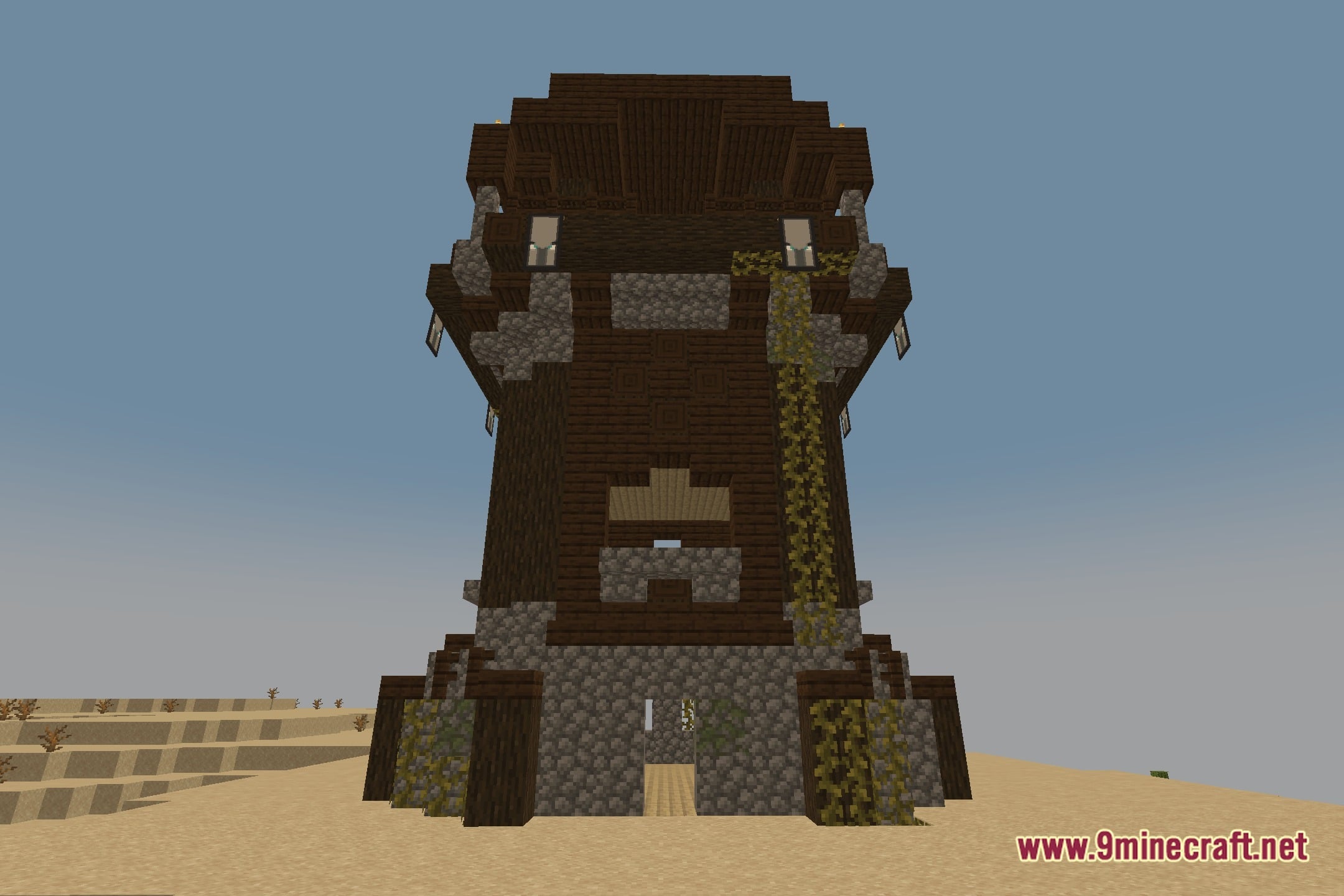
How to Install:
New to Minecraft? Follow our step-by-step guide to install Shaders on your PC.View Guide
EyeComfort Shaders Download Links
Click to rate this post!
[Total: 0 Average: 0]
You May Also Like
Picked for this page
 Bloop Official Shaders (26.3, 1.20.1) – Lagless Lighting for Old GPUs
 Vivid Horizon Shaders (26.3, 1.20.1) – Lagless Vanilla Style Fantasy Lighting
 BVSF Shaders (26.3, 1.20.1) – Custom Colored Lighting for Low-End PCs
 Misty Nostalgic Glow Shaders (26.3, 1.20.1) – Lightweight Fog and Reflections
 Velocity Glide Shaders (26.3, 1.20.1) – Motion Blur and Soft Bloom
 Crystal Tide Clarity Shaders (26.3, 1.20.1) – Clear Water Waves and Reflections
 Flux Prism Elite Shaders (26.3, 1.20.1) – Soft Shadows and Water Reflections
 Hazy Industrial Glow Shaders (26.3, 1.20.1) – Gritty Industrial Bloom Presets
 Silva Pro Shaders (26.3, 1.20.1) – Soft Shadows with Fast Framerates
 Coffee Shaders (26.3, 1.20.1) – Smooth Shadows and Warm Bloom
 UC Shaders (26.3, 1.20.1) – Clean Lighting and Soft Shadows
 Serene Zen Lighting Shaders (26.3, 1.20.1) – Colored Lighting for Low-End PCs
Most viewed in Shaders over the last 7 days
 IterationT Shaders (26.3, 1.20.1) – The Best Realistic Graphics in 2025
 IterationRP Shaders (26.3, 1.20.1) – Most Realistic Shaders of All Time
 OptiFine HD (26.3, 1.20.1) – Run Faster, FPS Boost, Shaders Support
 Derivative Shaders (26.3, 1.20.1) – Best Ultra Realistic
 Eclipse Shaders (26.3, 1.20.1) – Advanced Sky And Environmental Effects
 SEUS PTGI Shaders (26.3, 1.20.1) – Path Tracing, Ray Traced Shaders
 Photon Shaders (26.3, 1.20.1) – Dynamic Clouds and Weather
 Rethinking Voxels Shaders (26.3, 1.20.1) – Coloured Lights, Sharp Shadows
 Continuum Shaders (26.3, 1.20.1) – Realistic Textures, Ultra Graphics
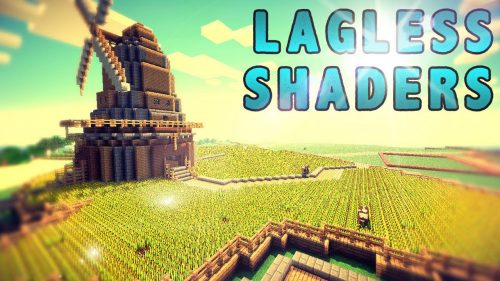 Lagless Shaders (26.3, 1.20.1) – Realistic Water, Grass
 TAA Voxy Port Shaders (26.3, 1.20.1) – Smooth Temporal Anti-Aliasing for Voxy
 KUDA Shaders (26.3, 1.20.1) – Clean Visuals for All PCs
More from Shaders
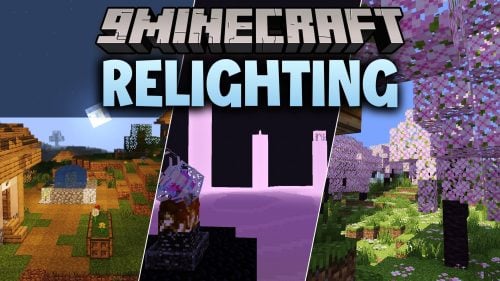 ReLighting Shaders (26.3, 1.20.1) – Path Tracing with Soft Shadows
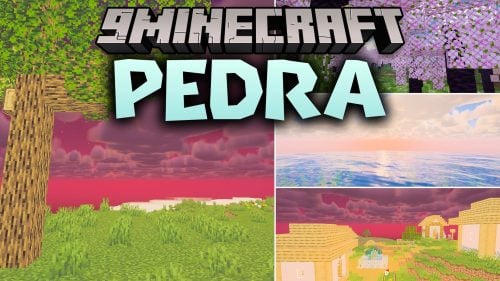 Pedra Shaders (26.3, 1.20.1) – Soft Shadows and Volumetric Clouds
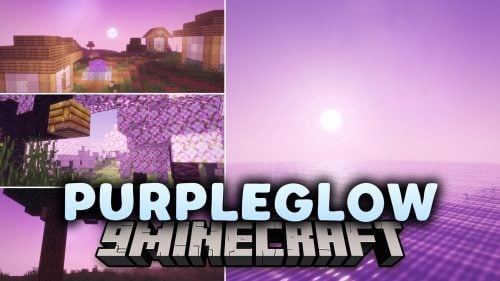 Purpleglow Shaders (26.3, 1.20.1) – Galaxy Sky and Lilac Lighting
 AuroraShader (26.3, 1.20.1) – Modern Real-Time GLSL Lighting on Iris
 Hyperion Shaders (26.3, 1.20.1) – Soft Shadows and Smooth Water Reflections
 Mystique UltraFast Shaders (26.3, 1.20.1) – Fast Shadows and Water Reflections
 Crownlight Shaders (26.3, 1.20.1) – Glowing Ores and Custom Storms
 Barapag Shaders (26.3, 1.20.1) – Warm Lighting and Soft Shadows
 Lumix Shaders (26.3, 1.20.1) – Custom GLSL Lighting and Visual Clarity
 NovaShine Shaders (26.3, 1.20.1) – Soft Shadows and Balanced Lighting
 VANAKAMSMPs Pack Shaders (26.3, 1.20.1) – Realistic Waves and Volumetric Clouds
 Giovanna’s Shaders (26.3, 1.20.1) – Soft Shadows and Volumetric Clouds

This post has no comments yet. Be the first — your comment will appear here.