
Os’ Colorful Grasses Resource Pack (26.3, 1.20.1) – Cozy Fluffy Wild Pastures

 0


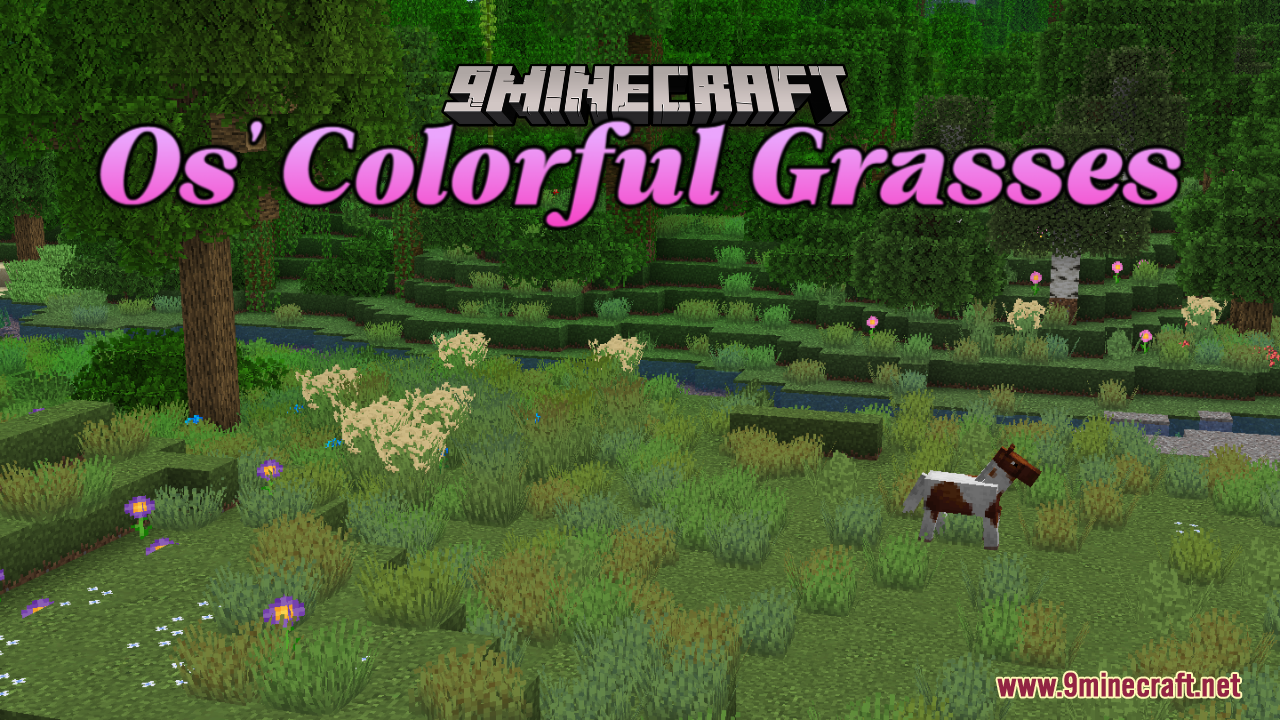
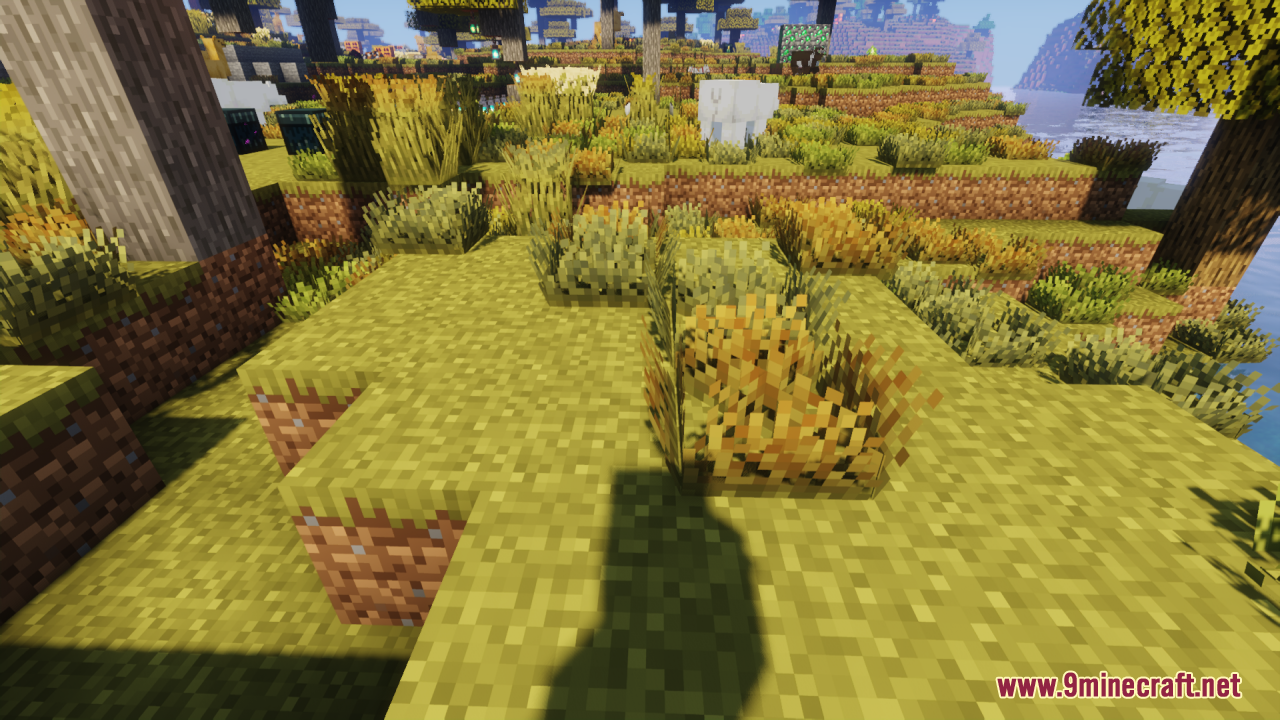
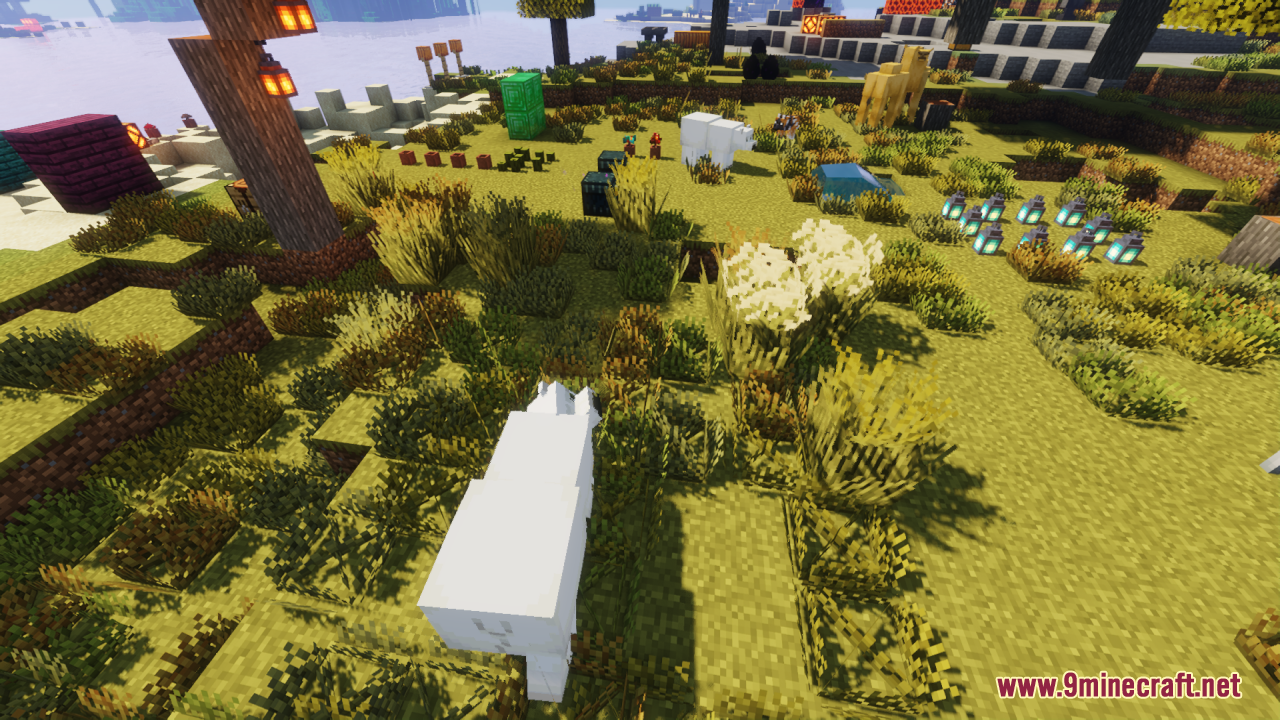
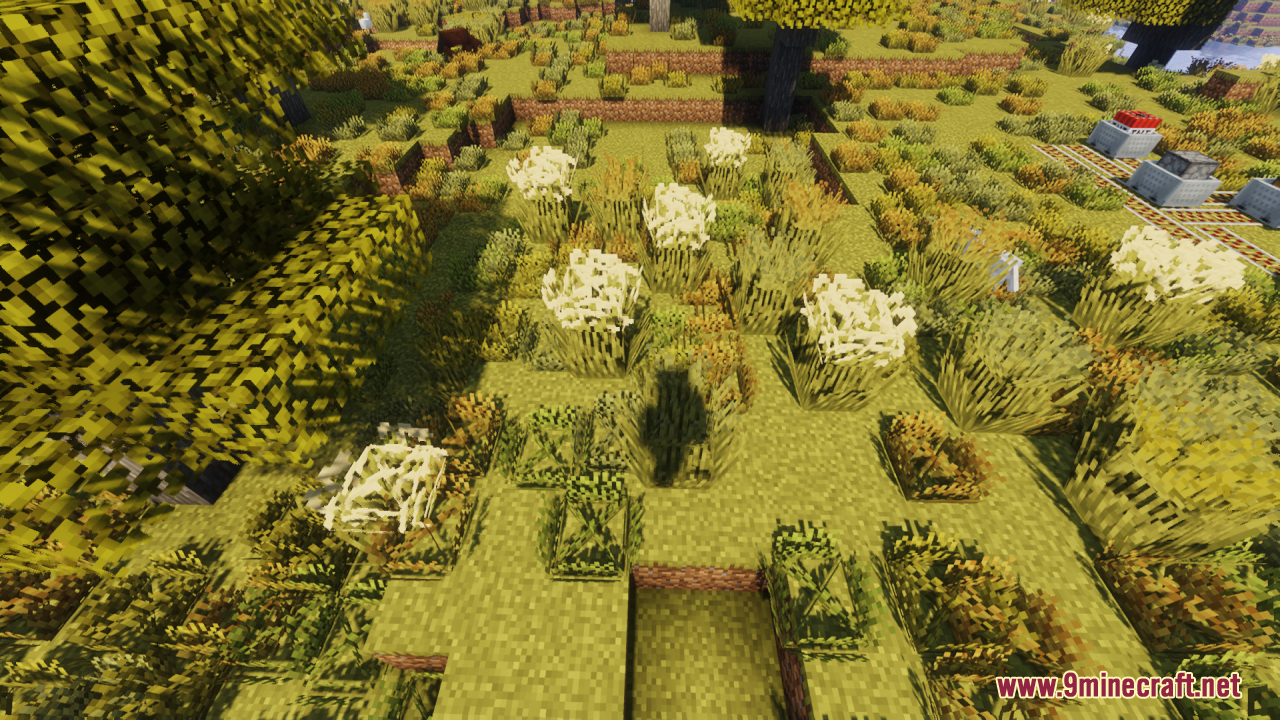
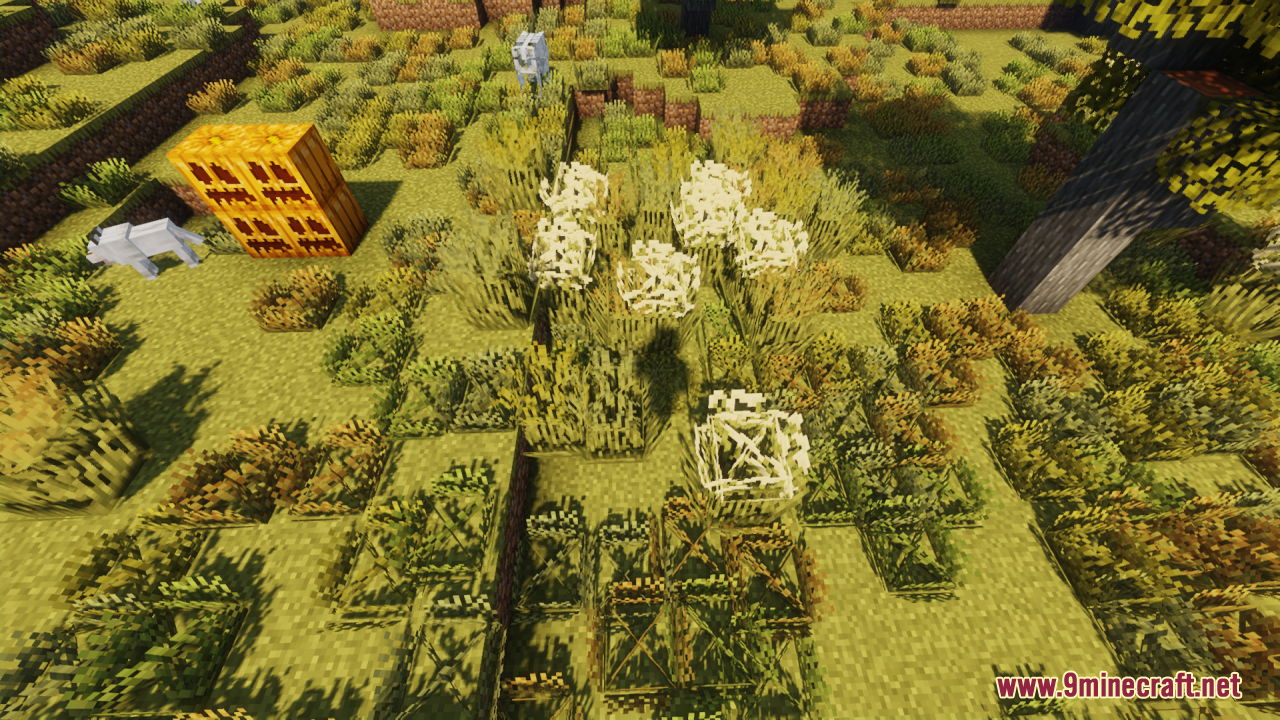
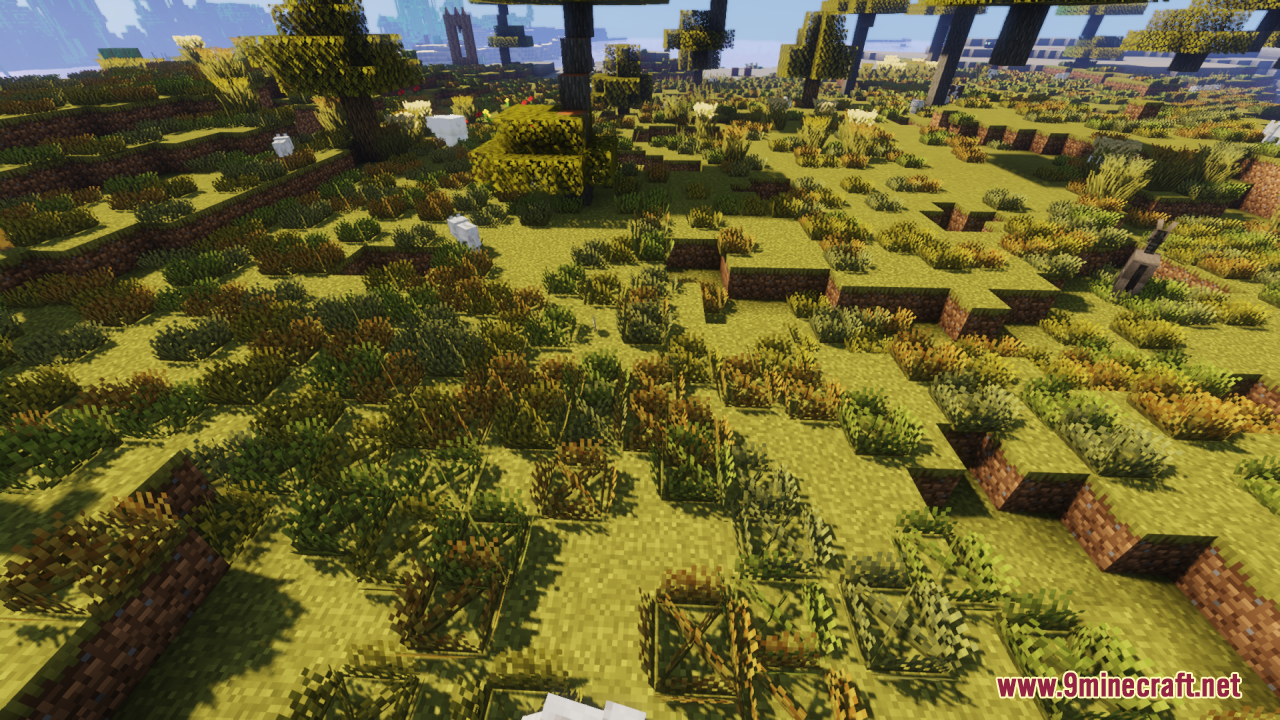
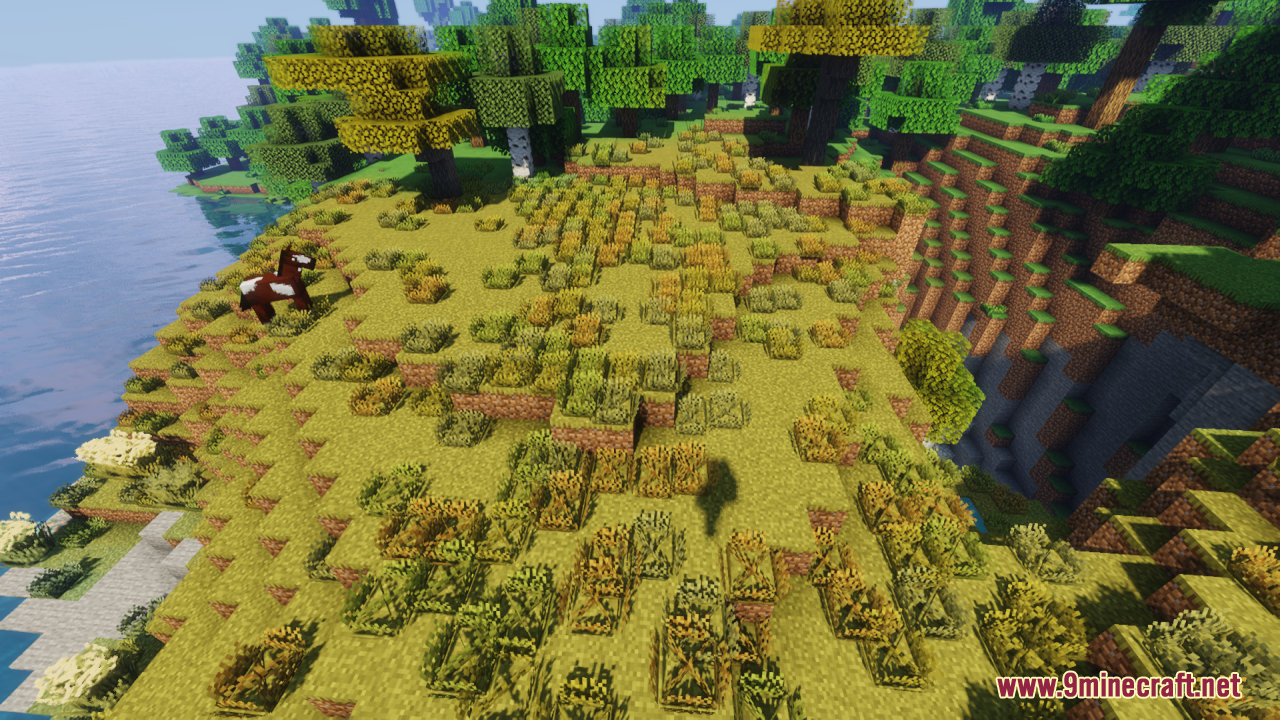
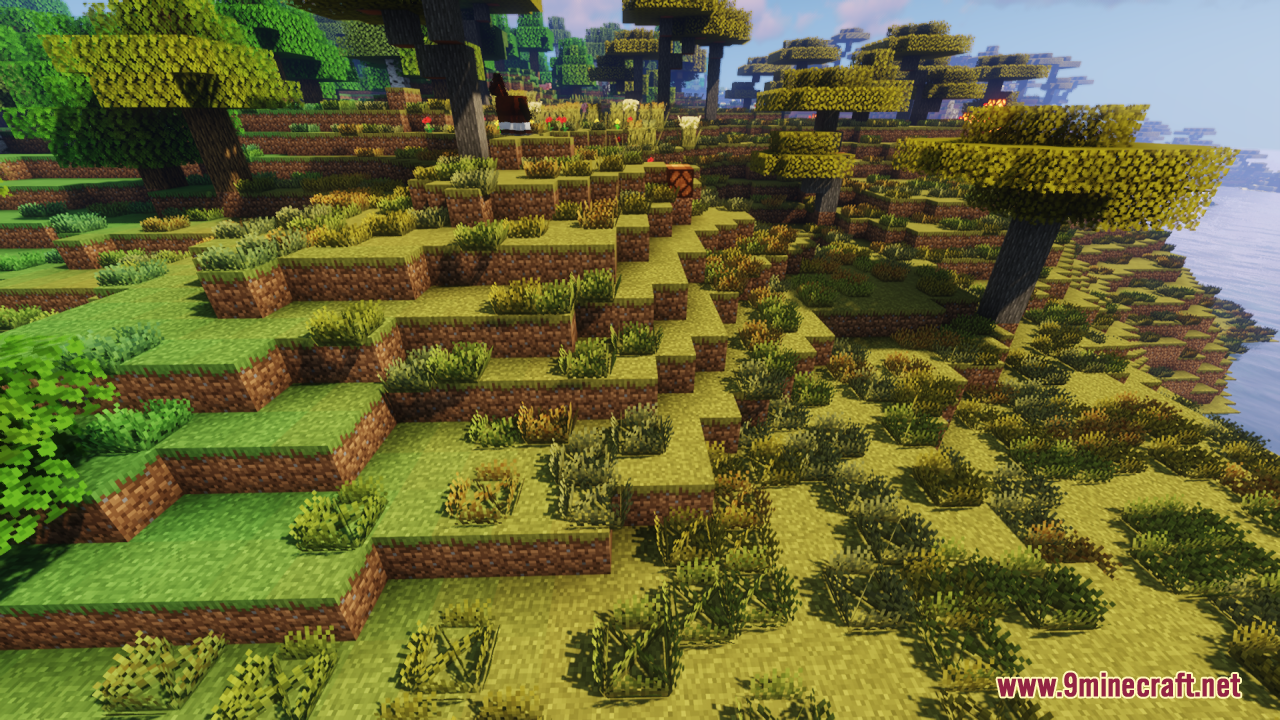
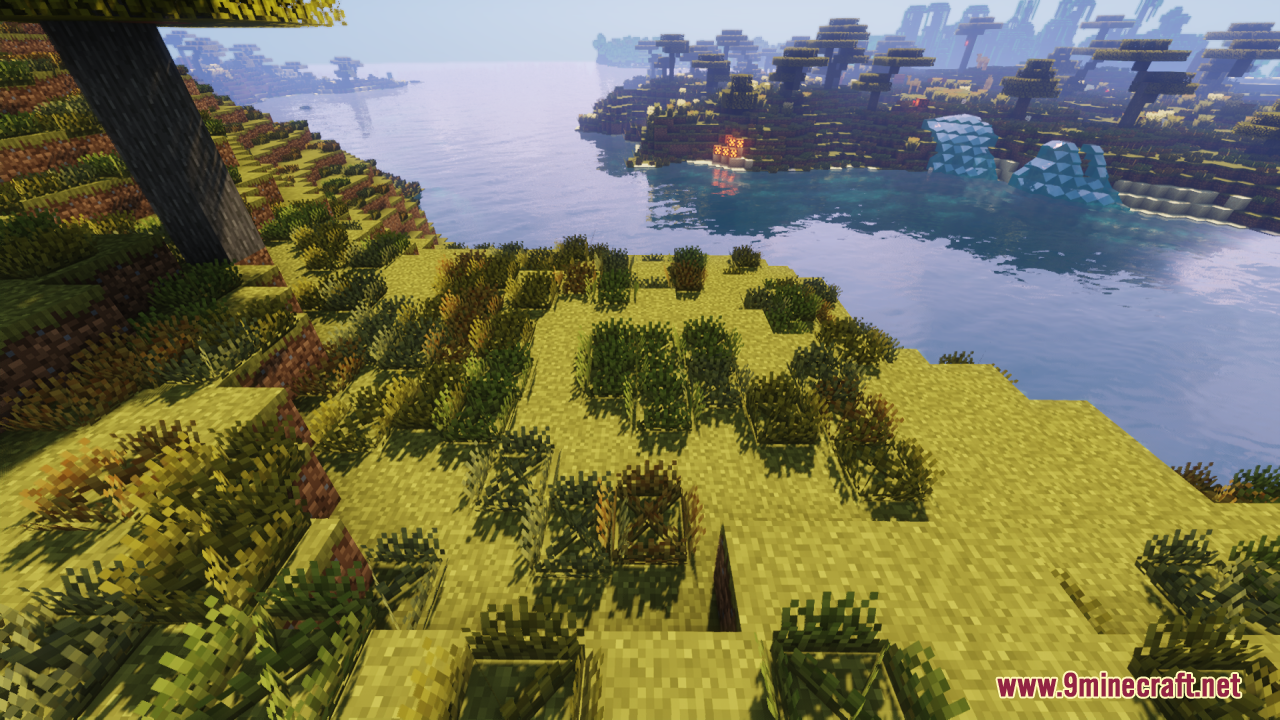
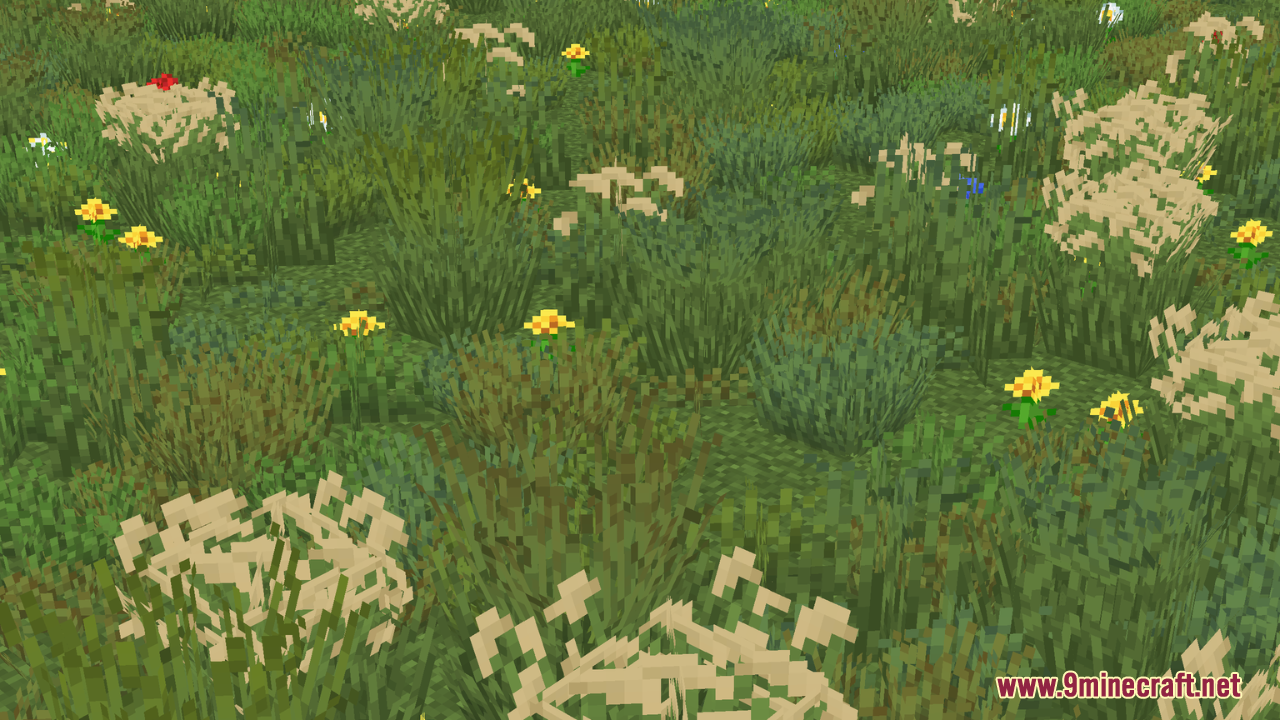
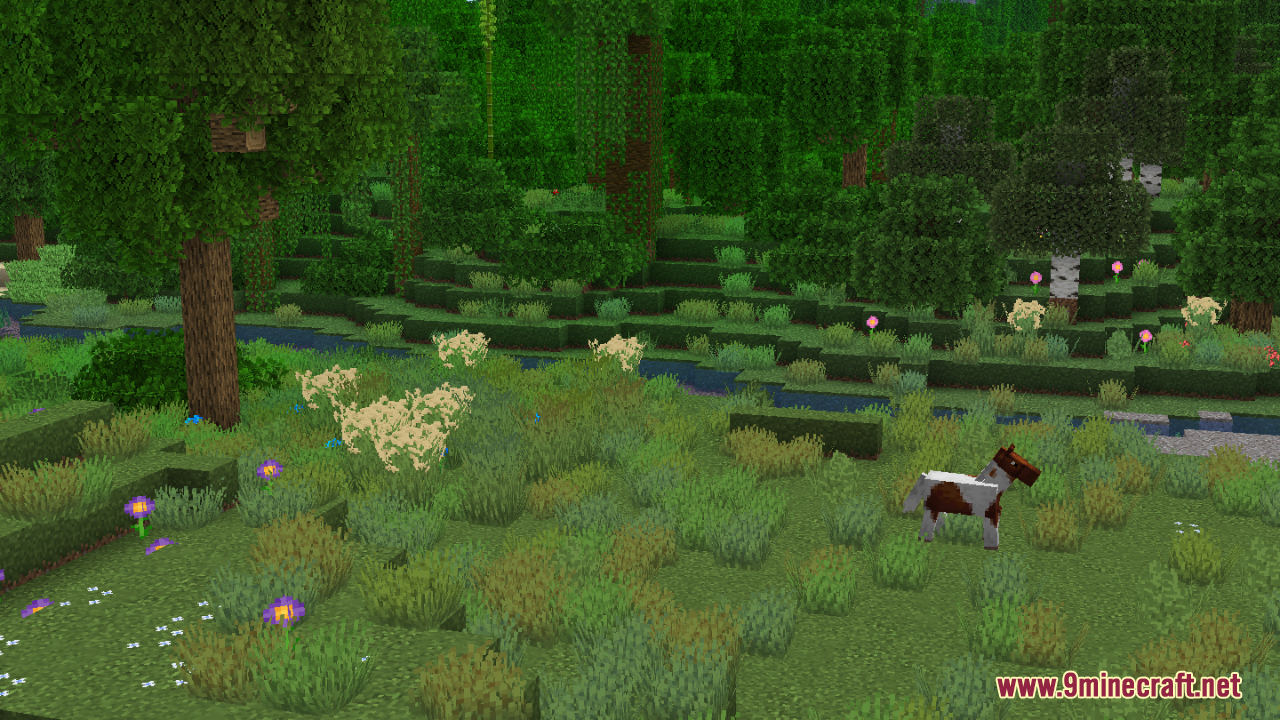
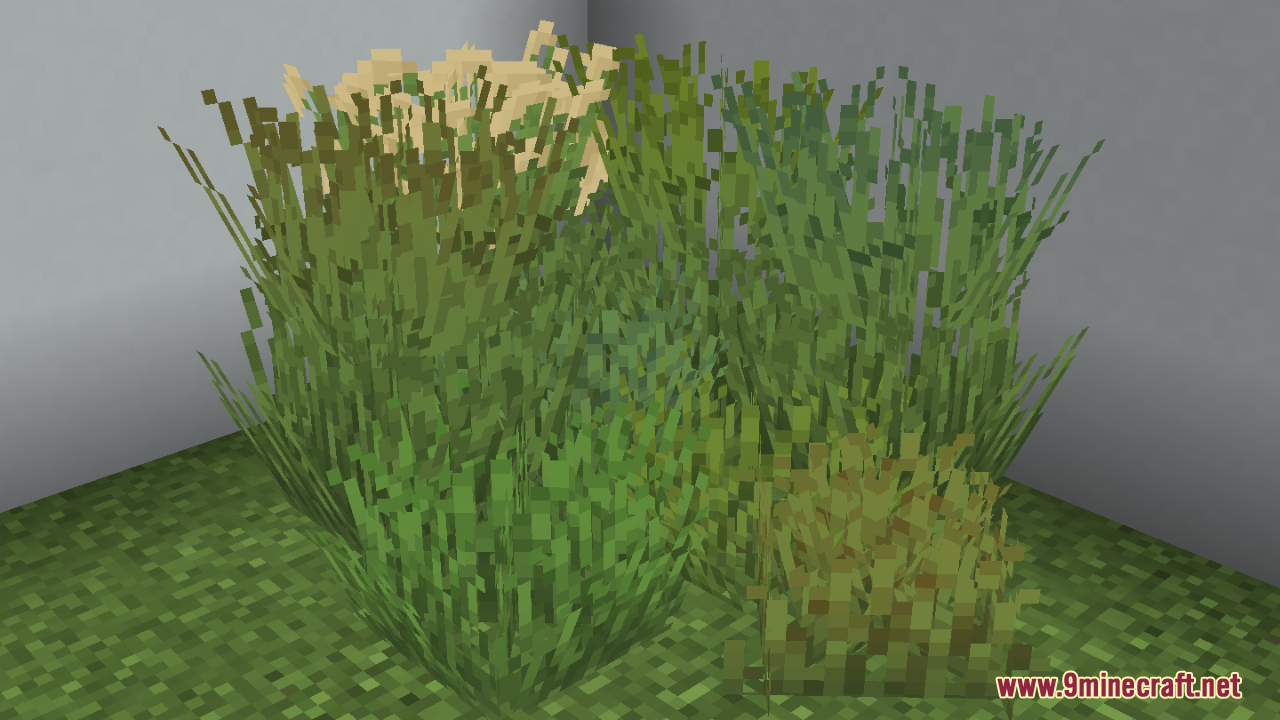
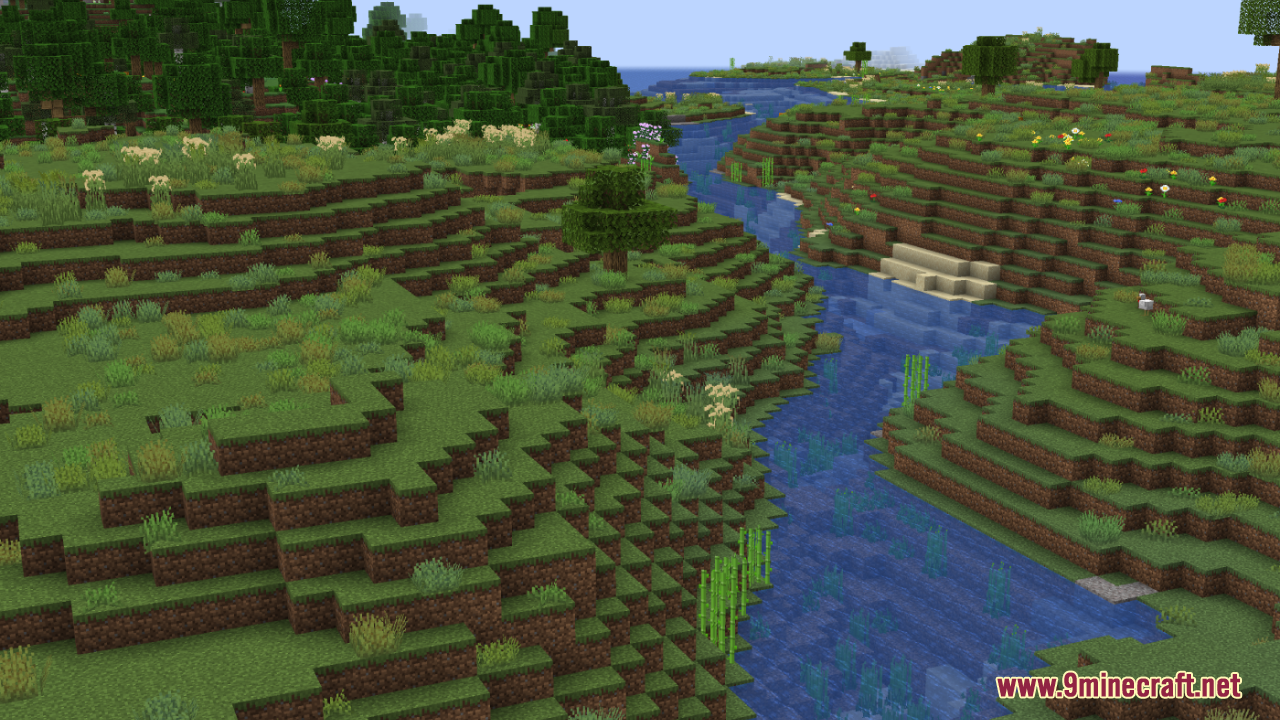
Os’ Colorful Grasses Resource Pack refreshes outdoor landscapes in Minecraft with colorful grass tips and fluffier textures. This pack also adds pampas grass to give grassy areas a lively, natural look. You can pick from four versions: the original full style, a short version, the default X models, or a mixed option that balances visuals and performance. It pairs well with plant-centering mods like Centered Plants, and a quick graphics setting fixes gray blocks if you play with the Distant Horizons mod.
Features:
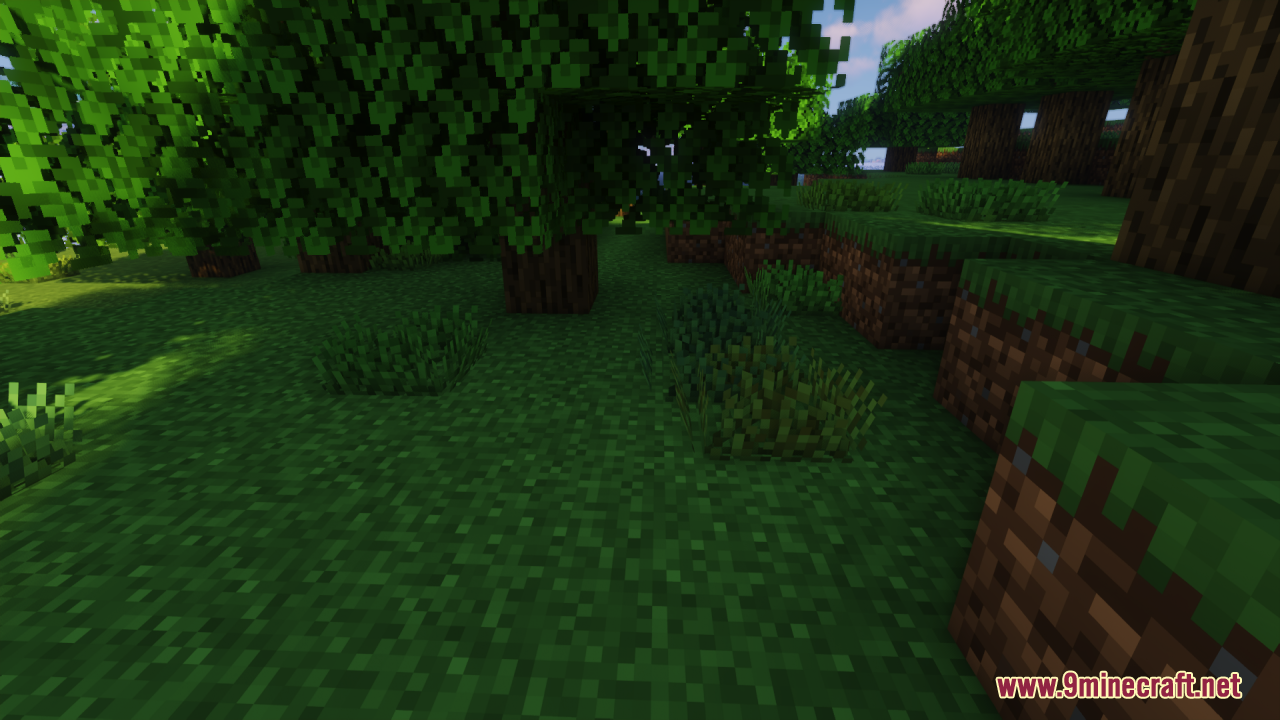
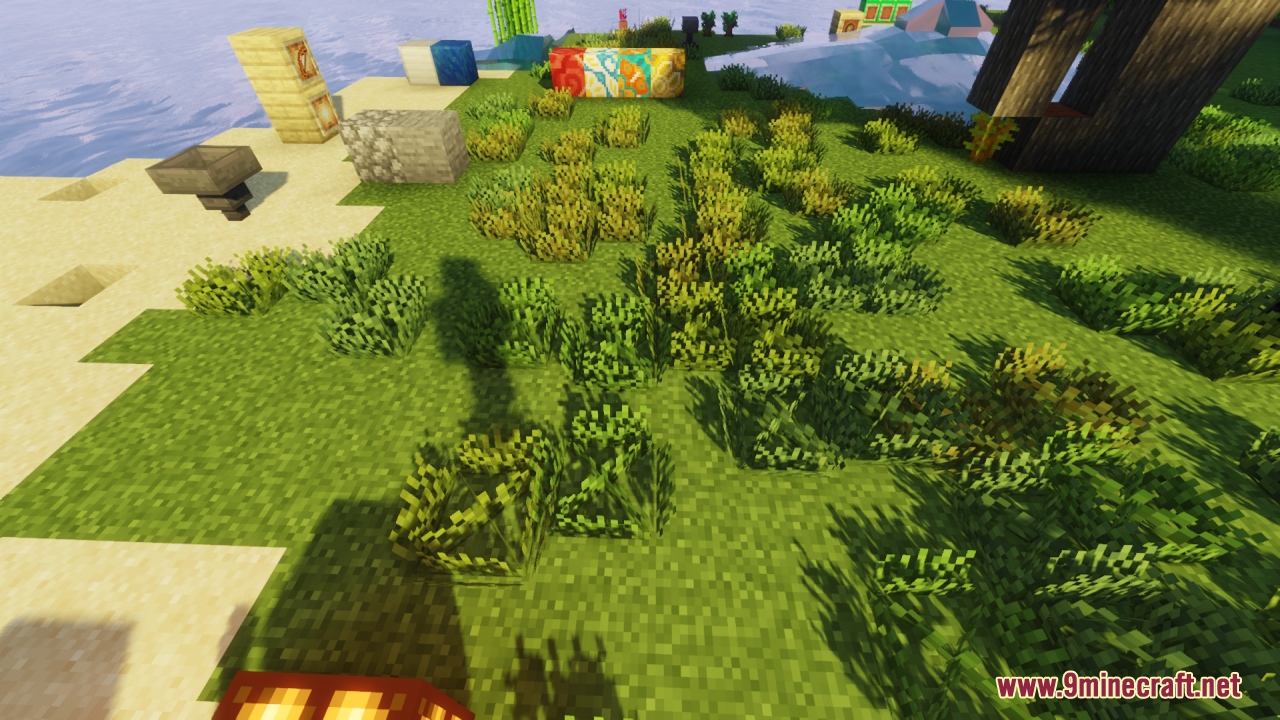
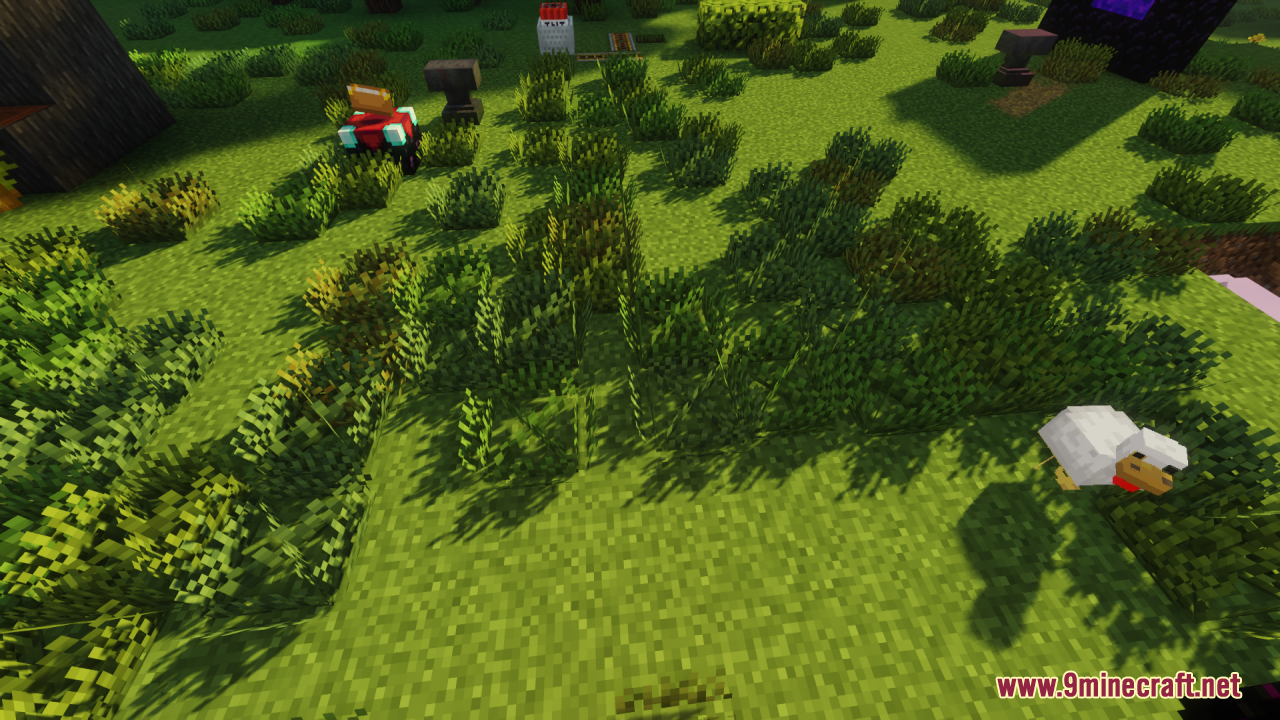
- Colorful Grass Tips: Adds color variations to the tips of grass and gives fields a fluffier look across your world.
- Pampas Grass: Introduces pampas grass to bring extra natural variety to outdoor scenes.
- Pairs well with a mod that centers plants, such as Centered Plants.
- Works alongside the Distant Horizons mod without gray block problems when you adjust its render quality settings.
- Uses custom file names instead of vanilla names, so keeping those file names lets you use this pack as a template for your own textures.
Available Versions:
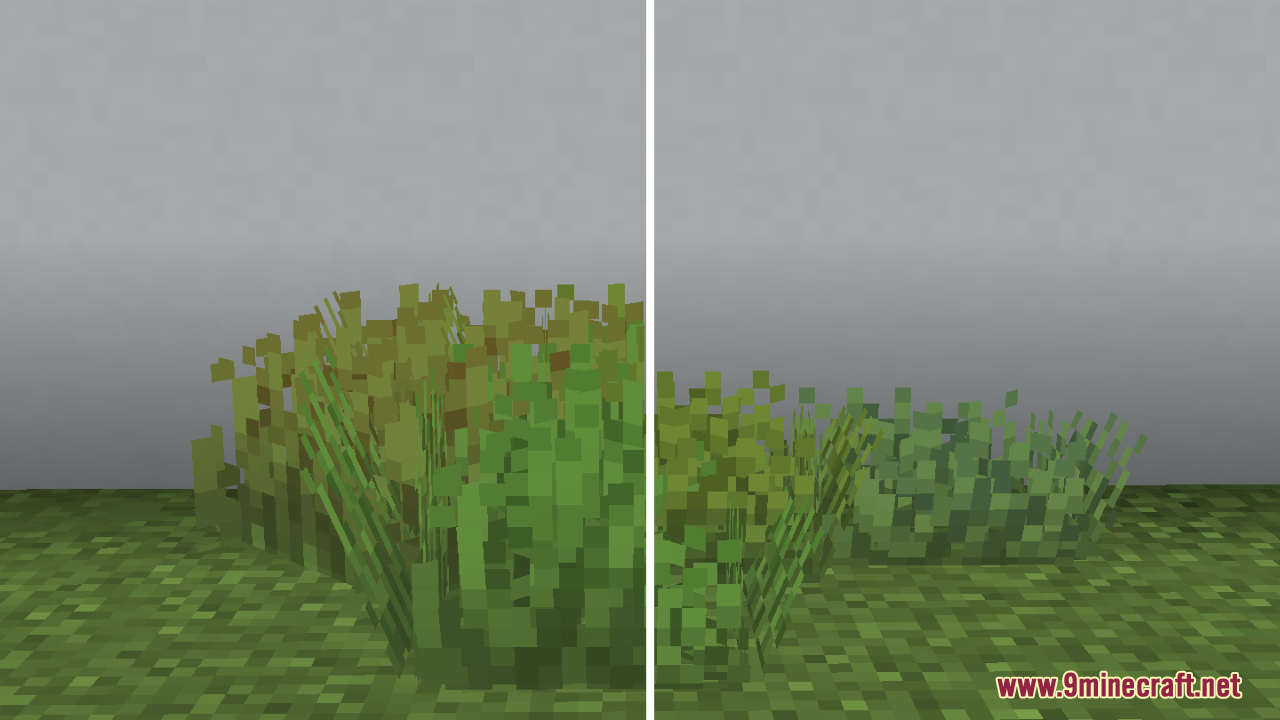
- Original Version: Uses the full-length, tall style for fluffier grass.
- Short Version: Uses a shorter grass height.
- Default X Models Version: Keeps the default X-shaped grass models.
- Mixed Version: Combines all three styles together to give a balance of visuals and performance.
How to Use:
Fixing Gray Blocks with Distant Horizons:
- If gray blocks show up while you play with the Distant Horizons mod, open DH options.
- Go to Advanced options and open Graphics.
- Select Render Quality and choose Tint With Avoided Blocks.
- Set Blocks To ignore to Non-Colliding to stop gray blocks from appearing.
Screenshots:
How to Install:
New to Minecraft? Follow our step-by-step guide to install Resource Packs on your PC.View Guide
Requirements:

Os’ Colorful Grasses Resource Pack Download Links
For Minecraft
26.3.x
All Versions Covered
26.3
26.2
26.1.2
26.1.1
26.1
1.21.11
1.21.10
1.21.9
1.21.8
1.21.7
1.21.6
1.21.5
1.21.4
1.21.3
1.21.2
1.21.1
1.21
All Versions Covered
26.3
26.2
26.1.2
26.1.1
26.1
1.21.11
1.21.10
1.21.9
1.21.8
1.21.7
1.21.6
1.21.5
1.21.4
1.21.3
1.21.2
1.21.1
1.21
For Minecraft
26.1.x
All Versions Covered
26.1.2
26.1.1
26.1
1.21.11
1.21.10
1.21.9
1.21.8
1.21.7
1.21.6
1.21.5
1.21.4
1.21.3
1.21.2
1.21.1
1.21
All Versions Covered
26.1.2
26.1.1
26.1
1.21.11
1.21.10
1.21.9
1.21.8
1.21.7
1.21.6
1.21.5
1.21.4
1.21.3
1.21.2
1.21.1
1.21
For Minecraft
1.21.x
All Versions Covered
1.21.11
1.21.10
1.21.9
1.21.8
1.21.7
1.21.6
1.21.5
1.21.4
1.21.1
1.21
All Versions Covered
1.21.11
1.21.10
1.21.9
1.21.8
1.21.7
1.21.6
1.21.5
1.21.4
1.21.1
1.21
For Minecraft
1.20.x
All Versions Covered
1.20.1
1.20
All Versions Covered
1.20.1
1.20
Click to rate this post!
[Total: 3 Average: 3.7]
You May Also Like
Picked for this page
 New Glowing Ores Resource Pack (26.3, 1.20.1) – Texture Pack
 Motschen’s Better Leaves Resource Pack (26.3, 1.20.1) – Texture Pack
 Blue Netherite Resource Pack (26.3, 1.20.1) – Texture Pack
 Default Dark Mode Resource Pack (26.3, 1.20.1) – Texture Pack
 Even Better Enchants Resource Pack (26.2, 1.20.1) – Texture Pack
 Simple Hotbar Resource Pack (26.3, 1.20.1) – Texture Pack
 Visual Armor Trims Resource Pack (26.3, 1.20.1) – Texture Pack
 Stellar 3D Resource Pack (26.1.2, 1.20.1) – Texture Pack
 Programmer Art Continuation Project Resource Pack (26.3, 1.20.1) – Texture Pack
 Overgrown Moss Carpet Resource Pack (26.3, 1.20.1) – Texture Pack
 Variants Cakes Resource Pack (26.3, 1.20.1) – Texture Pack
 Cubic Stars Resource Pack (26.1.2, 1.20.1) – Texture Pack
Most viewed in Resource Packs over the last 7 days
 Jenny Mod Skins Resource Pack (1.12.2) – Uzaki, Klee, Mita, and More
 Jenny Mod Skin Pack Mega Collection – 310+ Characters
 Jennycraft Resource Pack (1.20.1) – Skins for Jennycraft Mod
 Dewier’s 20k Resource Pack (1.8.9) – Texture Pack
 750 Models Addon for Yes Steve Model Mod
 Animation Collection for Jenny Mod – 60+ Animations, Updated Regularly
 Vanilla+ 3D Crystal Resource Pack (1.21.1, 1.20.1) – Texture Pack
 Mandala’s GUI Dark Mode 9minecraft Resource Pack (26.3) – Eye-Soothing Dark Mode Menus
 Bare Bones 9minecraft Resource Pack (26.3) – Official Cinematic Trailer Look
 Mizuno’s Craft 9minecraft Resource Pack (26.3) – A Cozy Handpainted Storybook World
 Patrix Resource Pack (26.3, 1.20.1) – The Peak of Photorealism
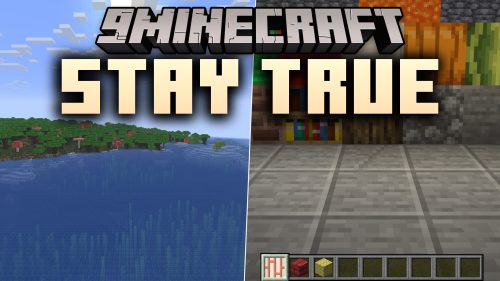 Stay True 9minecraft Resource Pack (26.3) – Crisper Vanilla Without the Noise
More from Resource Packs
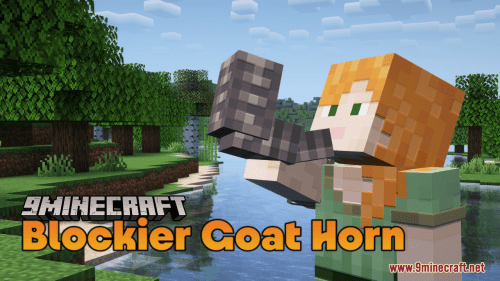 Blockier Goat Horn Resource Pack (26.3, 1.20.1) – Texture Pack
 Banner Pattern Clarity Resource Pack (26.3, 1.20.1) – Texture Pack
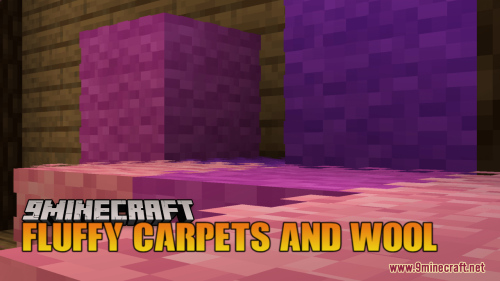 Fluffy Carpets Resource Pack (26.3, 1.20.1) – Ultra Cozy Plush
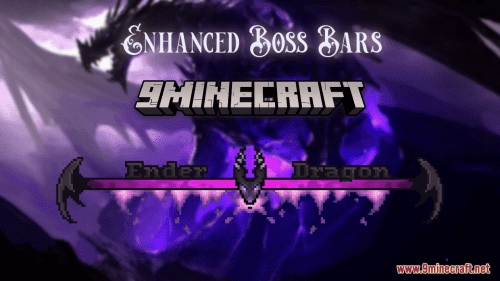 Enhanced Boss Bars Resource Pack (26.3, 1.20.1) – Texture Pack
 BnC Coaster Compat Resource Pack (1.20.1) – Cozy Rustic Dining for Modded Meals
 Better Crops 9minecraft Resource Pack (26.3) – Lush Bushy Farmlands in Vanilla Style
 3D Crops 9minecraft Resource Pack (26.3) – Lush Layered Fields for Cozy Farming
 Improved Boss Bars 9minecraft Resource Pack (26.3) – Stylized Fantasy Boss Health Bars
 Fancy GUI Overhaul 9minecraft Resource Pack (26.3) – Sleek Dark Menus and Warm Wood
 Bloom and Serenity UI 9minecraft Resource Pack (26.3) – Hand-Painted Menus
 Cubic Leaves 9minecraft Resource Pack (26.3) – Bushy 3D Foliage for Vanilla Trees
 Classic 3D 9minecraft Resource Pack (26.3) – Vanilla Blocks with Real Depth

This post has no comments yet. Be the first — your comment will appear here.