


Panoptic Mod (26.1.2, 1.20.1) – Inspect Any Block and Locate Rare Structures

 0
0 

🌐 Good news — we've translated this article into other languages!
Or pick the one you like:
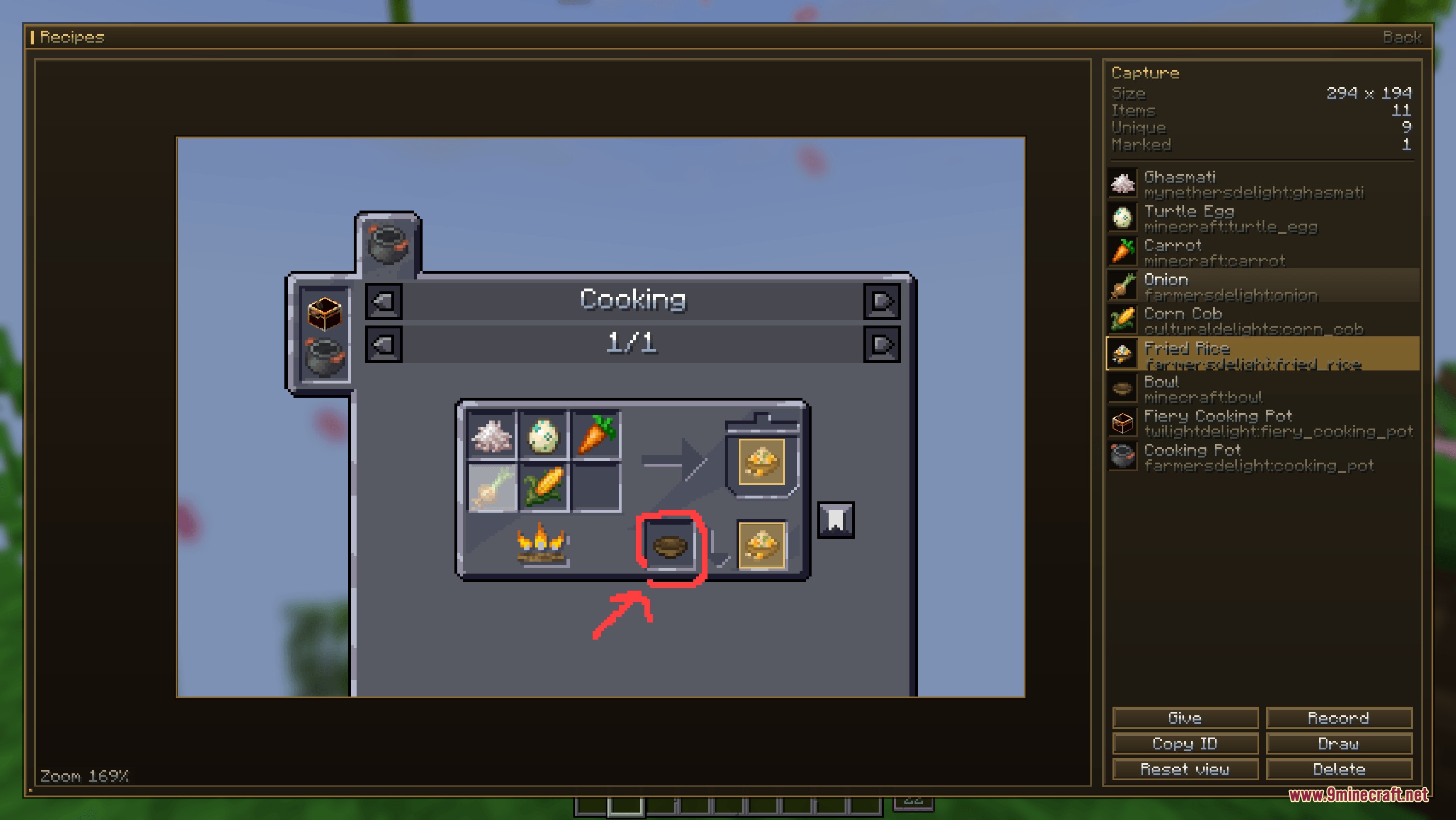
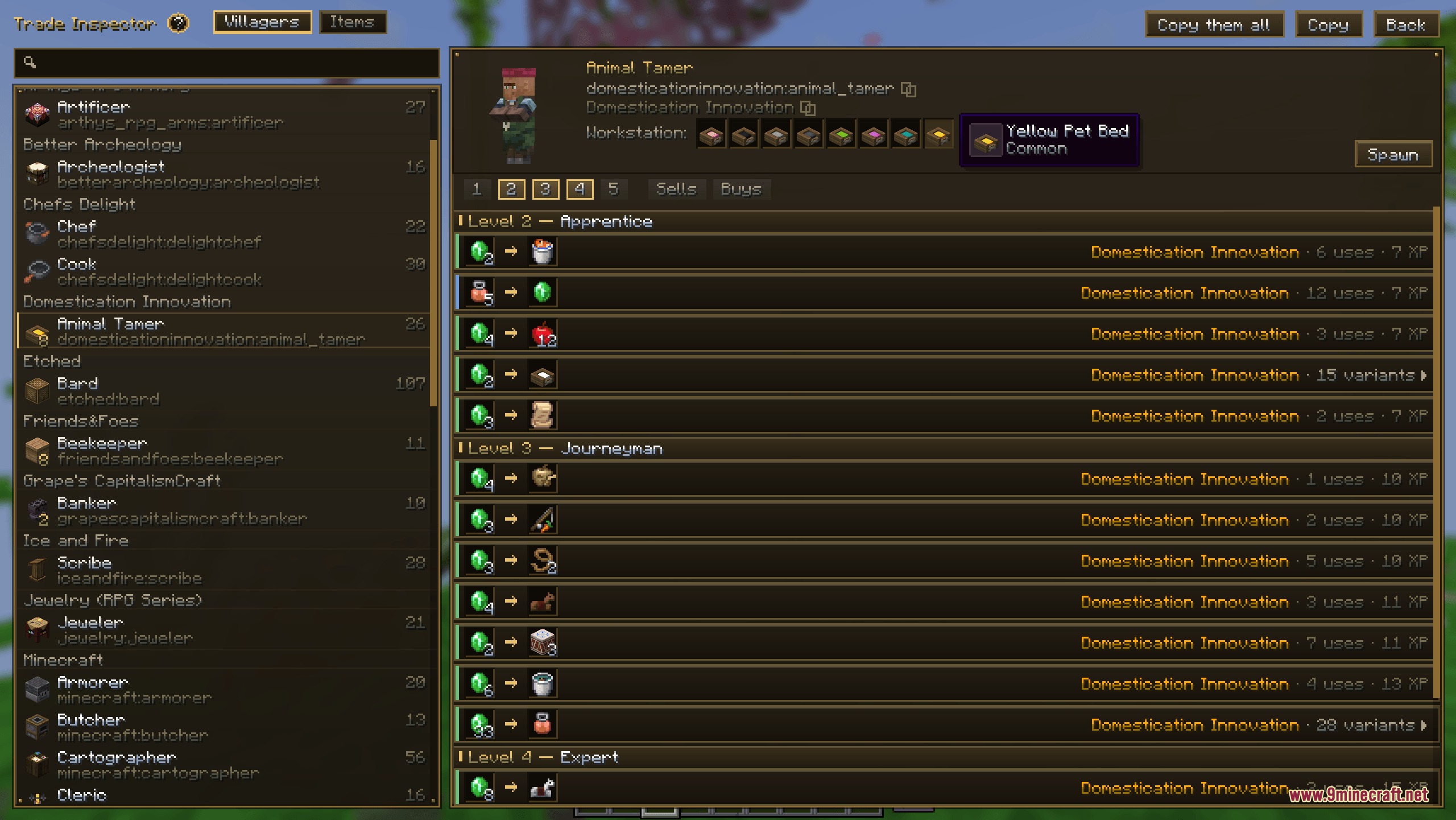
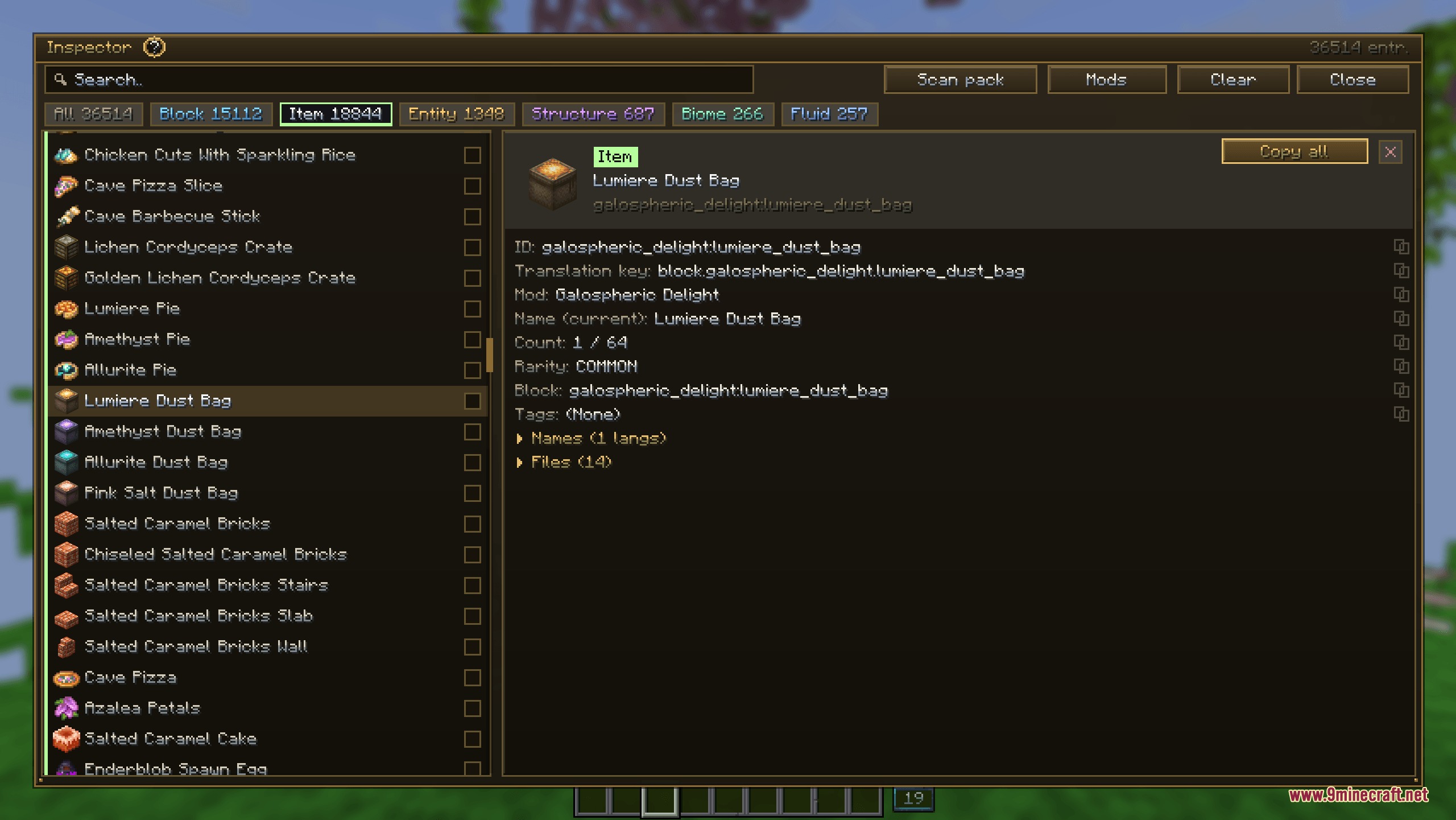
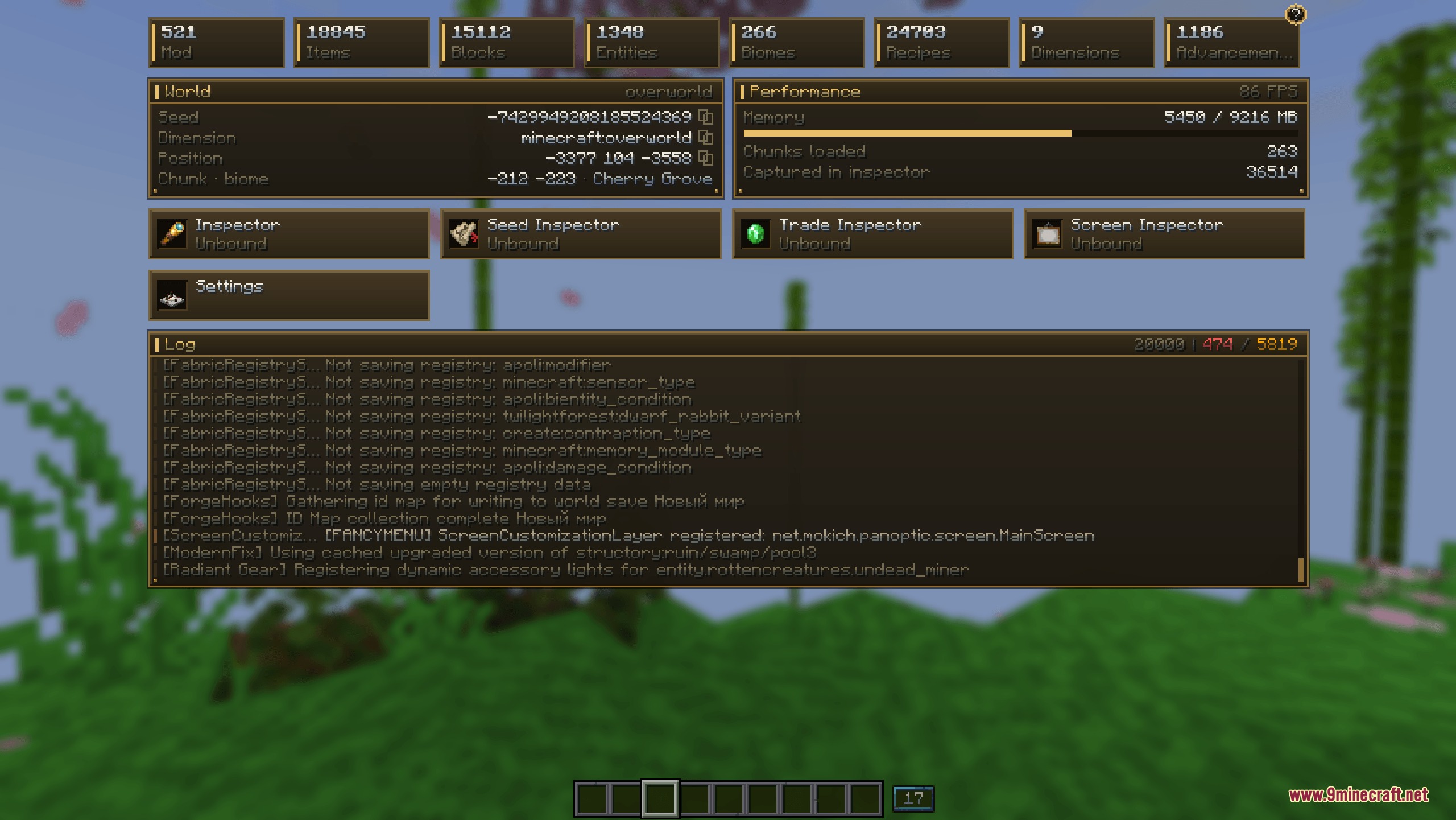
Panoptic Mod brings a full set of tools to look inside your game. This mod lets you check performance, read game logs, and find details about blocks and items without leaving your world. You can view world maps, locate rare structures, and even teleport straight to them. It works entirely on your side, making it great for players who want to understand how their game runs.

Features:
- Object Inspector: Lets you search and view detailed information for any block, item, or mob in the game.
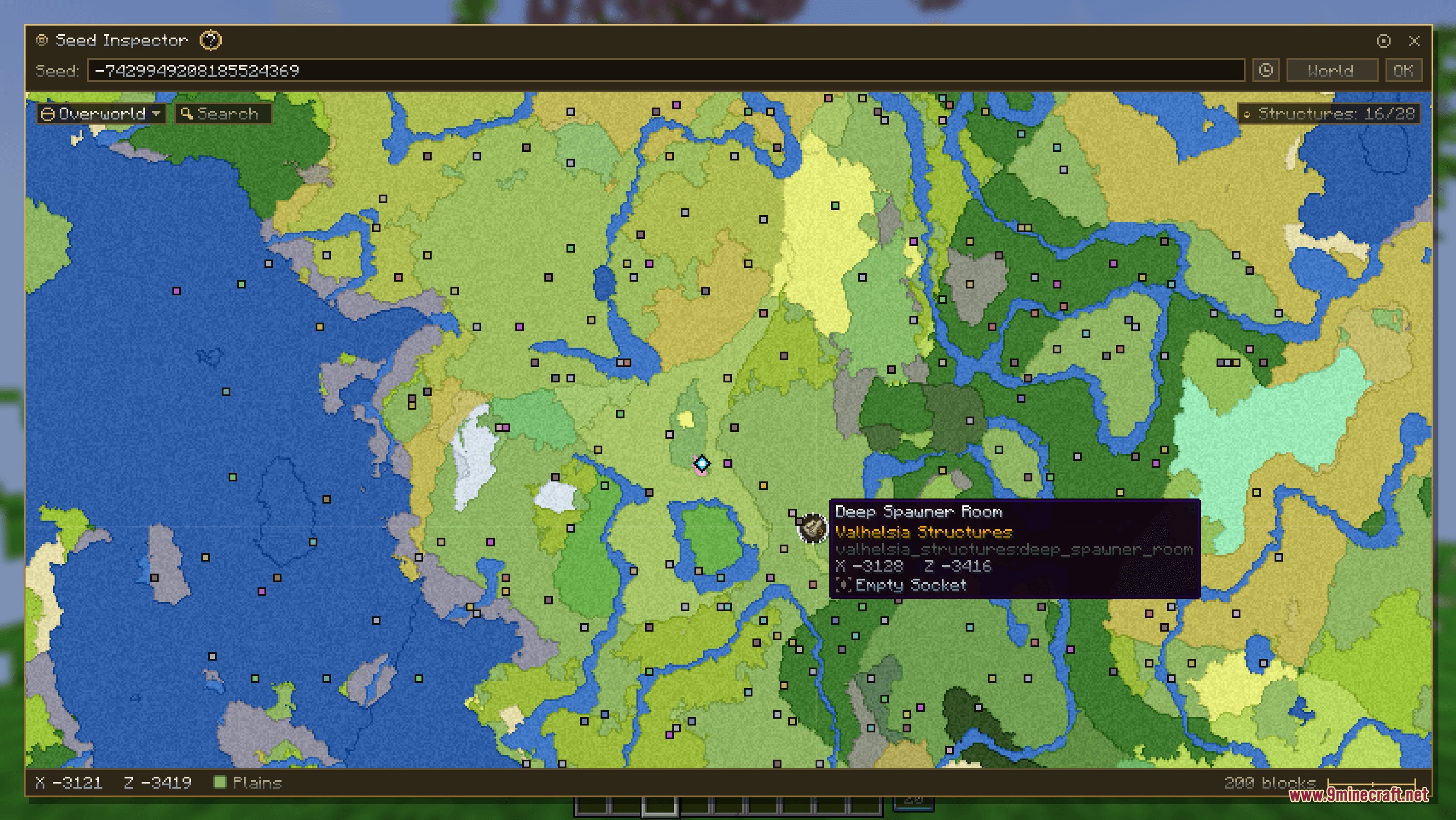
- Seed Map: Generates a full map of your world so you can spot biomes and structures easily.
- Live Log Viewer: Shows your game logs in real-time right on your screen, letting you copy text if you spot errors.
- Allows you to teleport directly to any structure or coordinate with just one click.
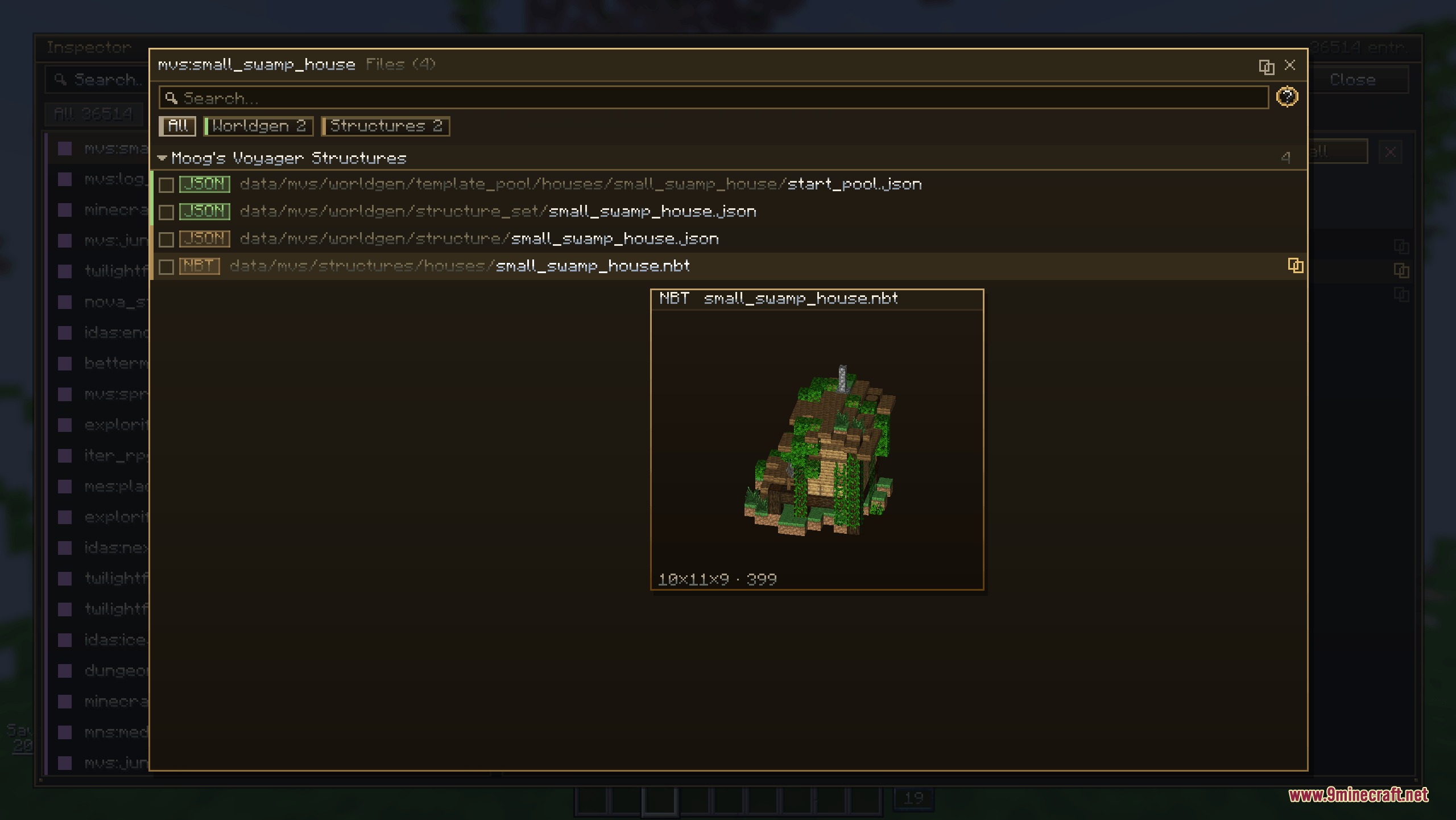
- Includes a built-in file manager so you can listen to game sounds and preview 3D models while playing.
- Saves all your favorite seeds and map history for quick access later.
- Filters structures and biomes so you can find exactly what a specific mod adds to your world.
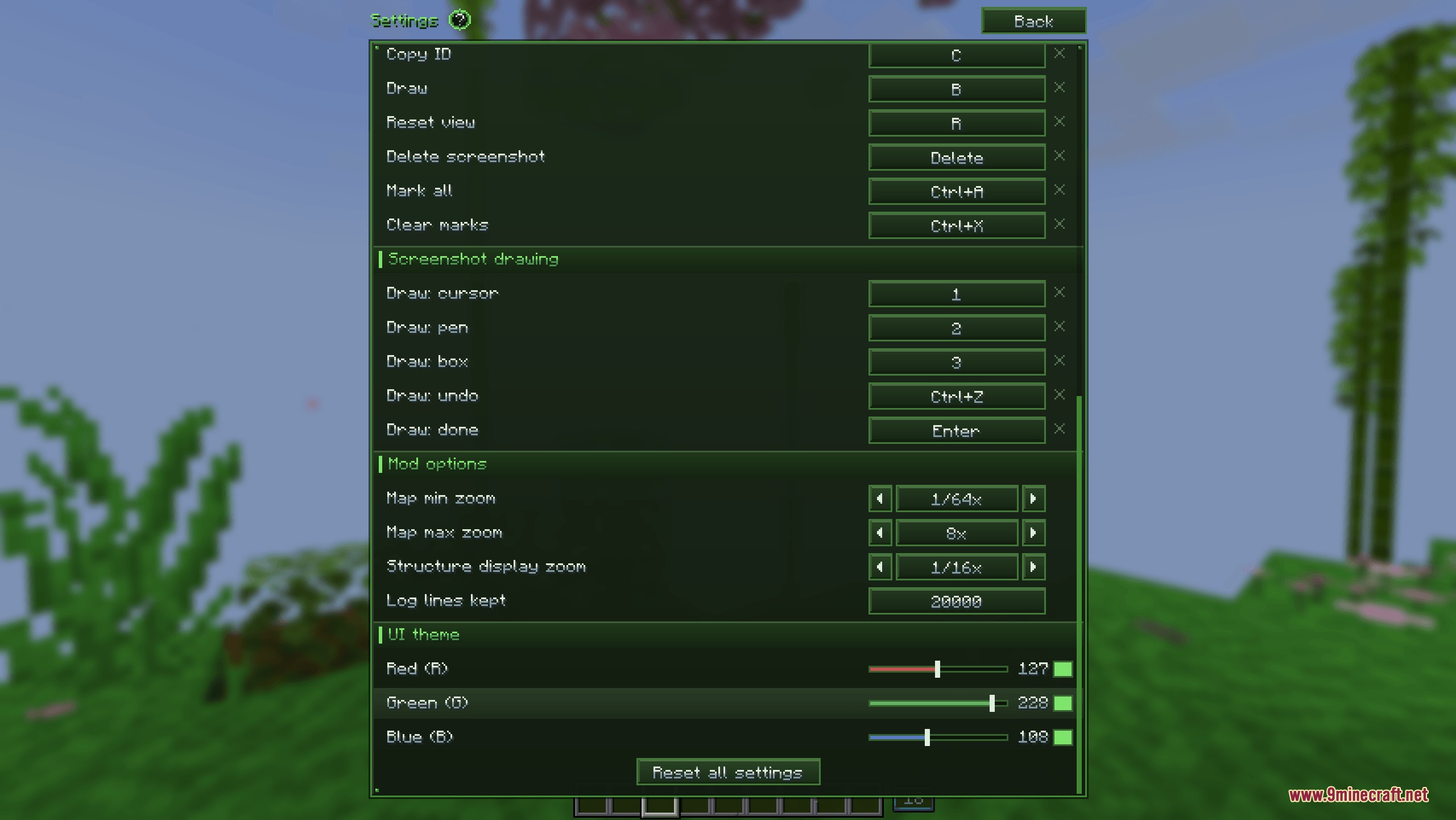
- Keeps all its settings inside its own menu instead of the standard game controls.
How to Use:
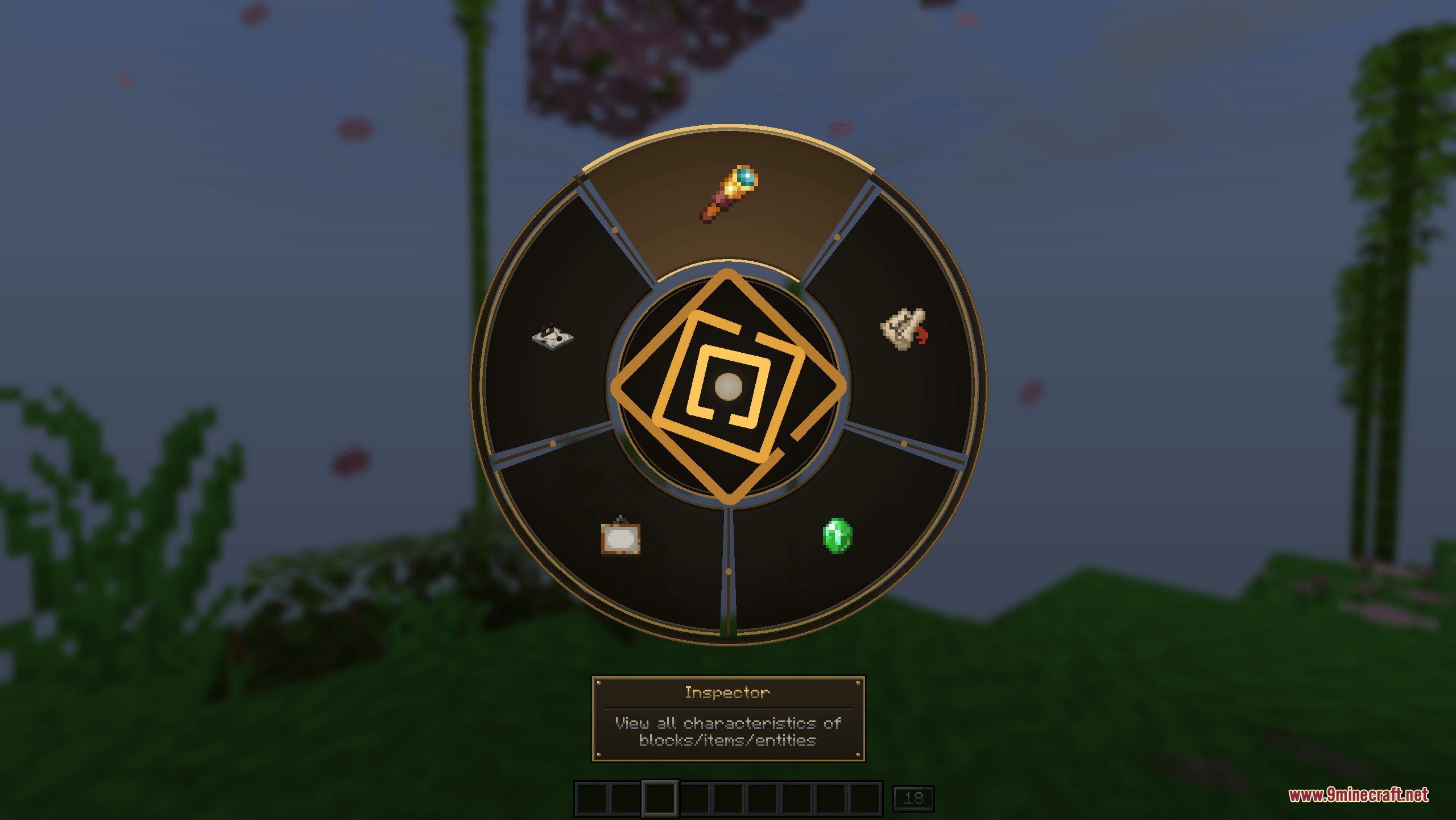
- Press the tilde key (~) to open the quick radial menu while playing.
- Click on the different inspector tools to view maps, objects, or game logs.
- Open the internal menu to change your keybinds and visual themes.
Screenshots:
How to Install:
New to Minecraft? Follow our step-by-step guide to install Mods on your PC.View Guide




Panoptic Mod Download Links
For Minecraft 26.1.2, 26.1.1, 26.1
For Minecraft 1.21.1, 1.21
For Minecraft 1.20.1, 1.20
Click to rate this post!
[Total: 0 Average: 0]
You May Also Like



















This post has no comments yet. Be the first — your comment will appear here.